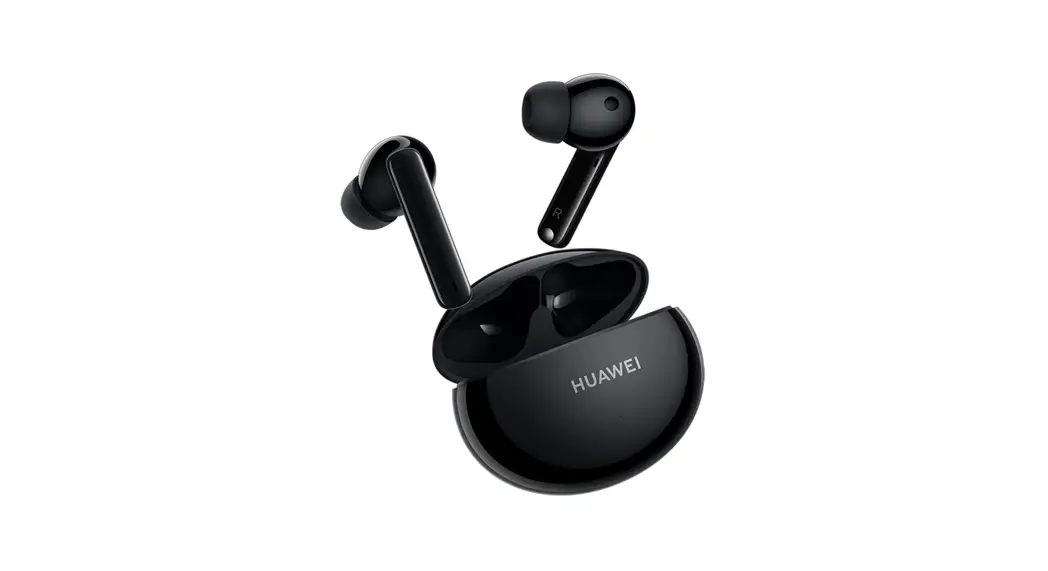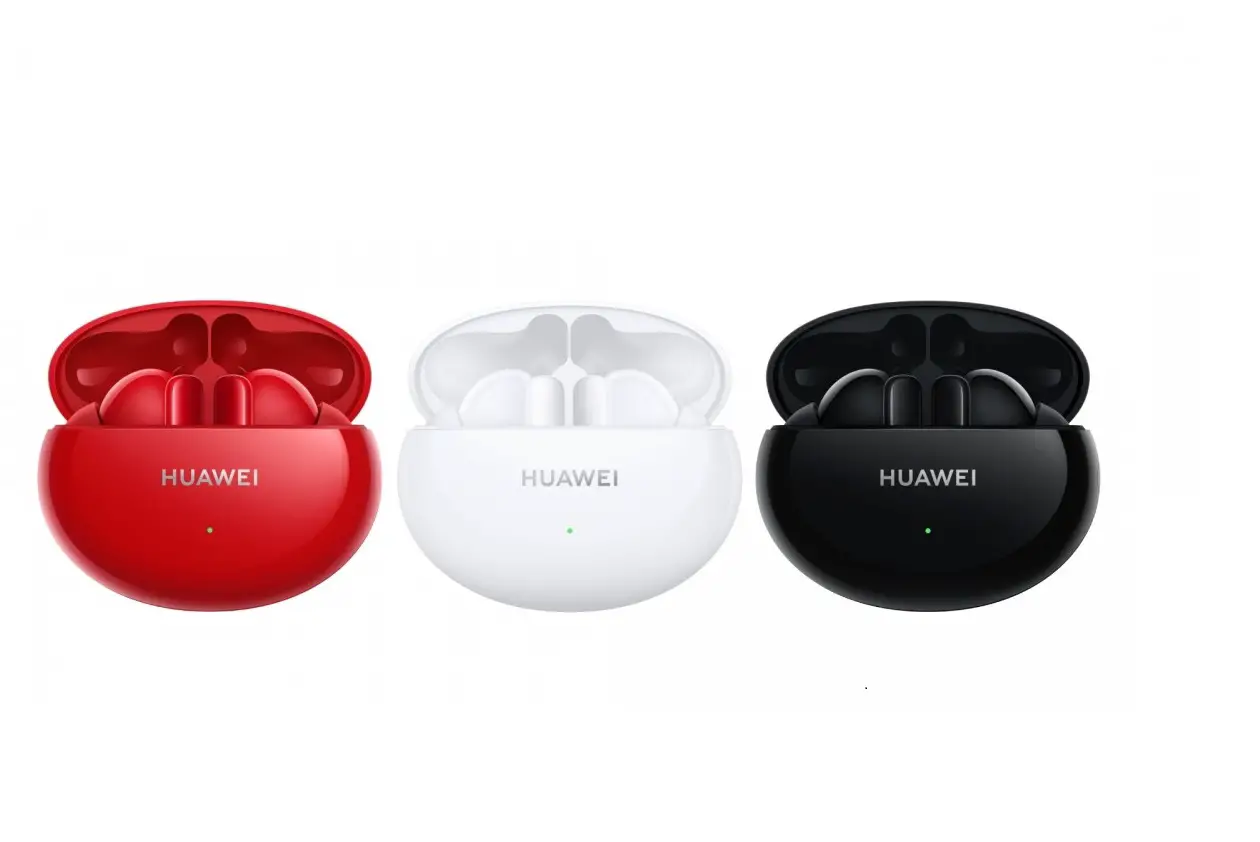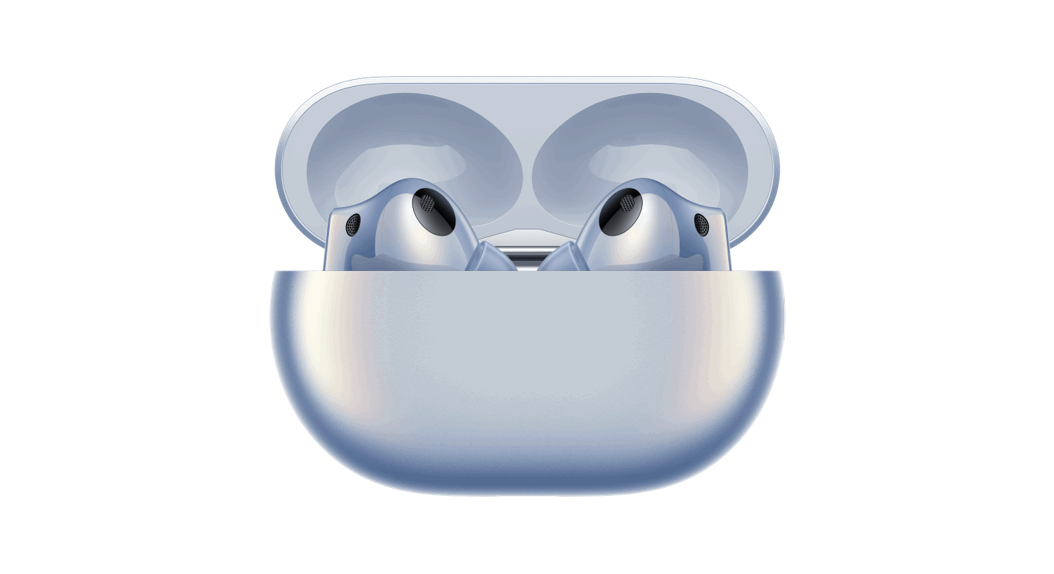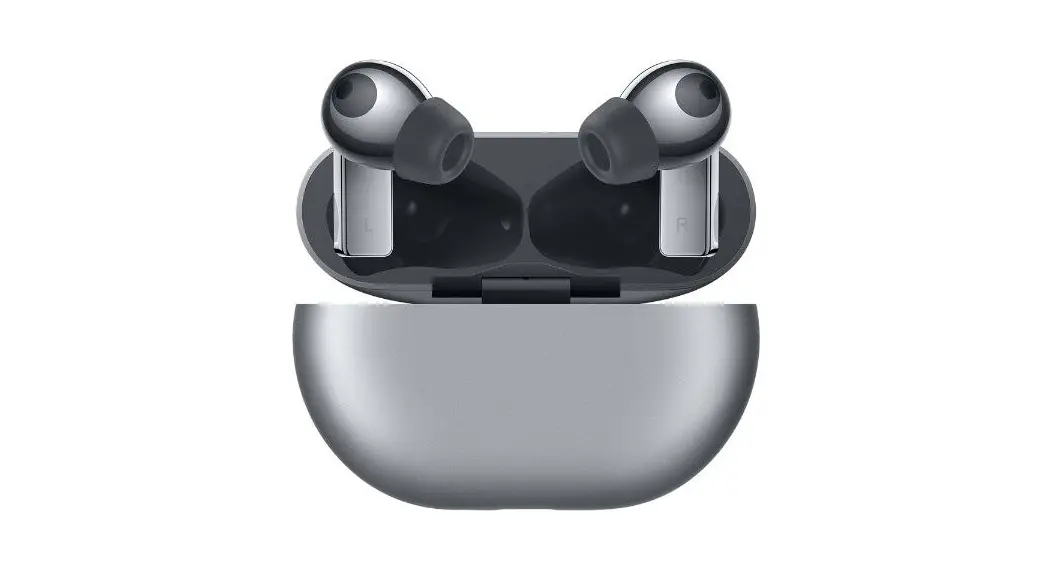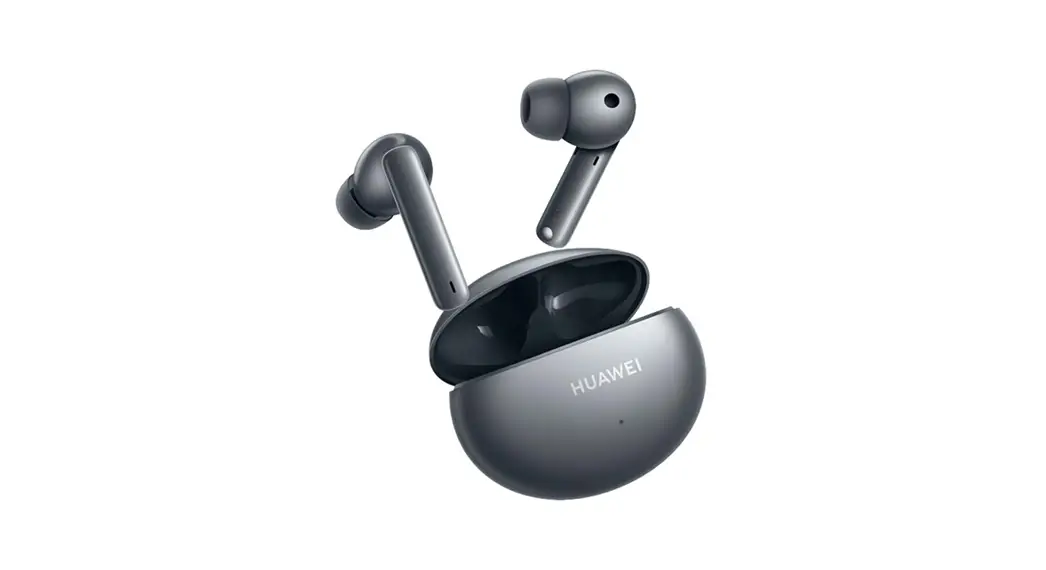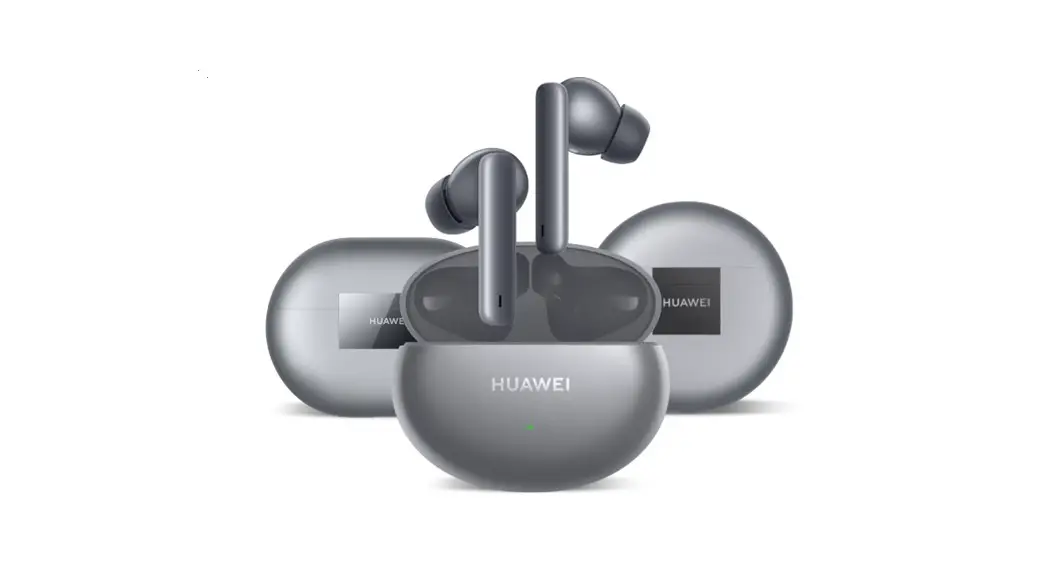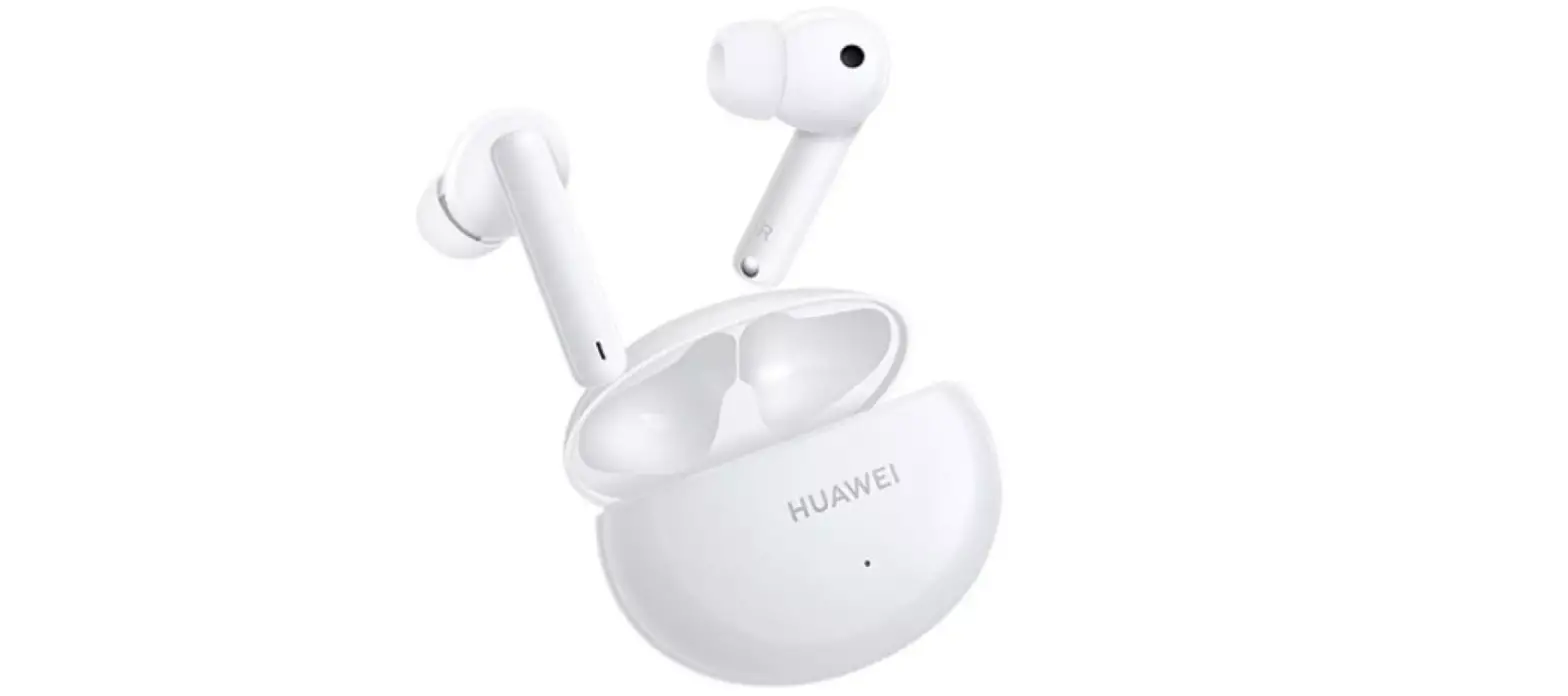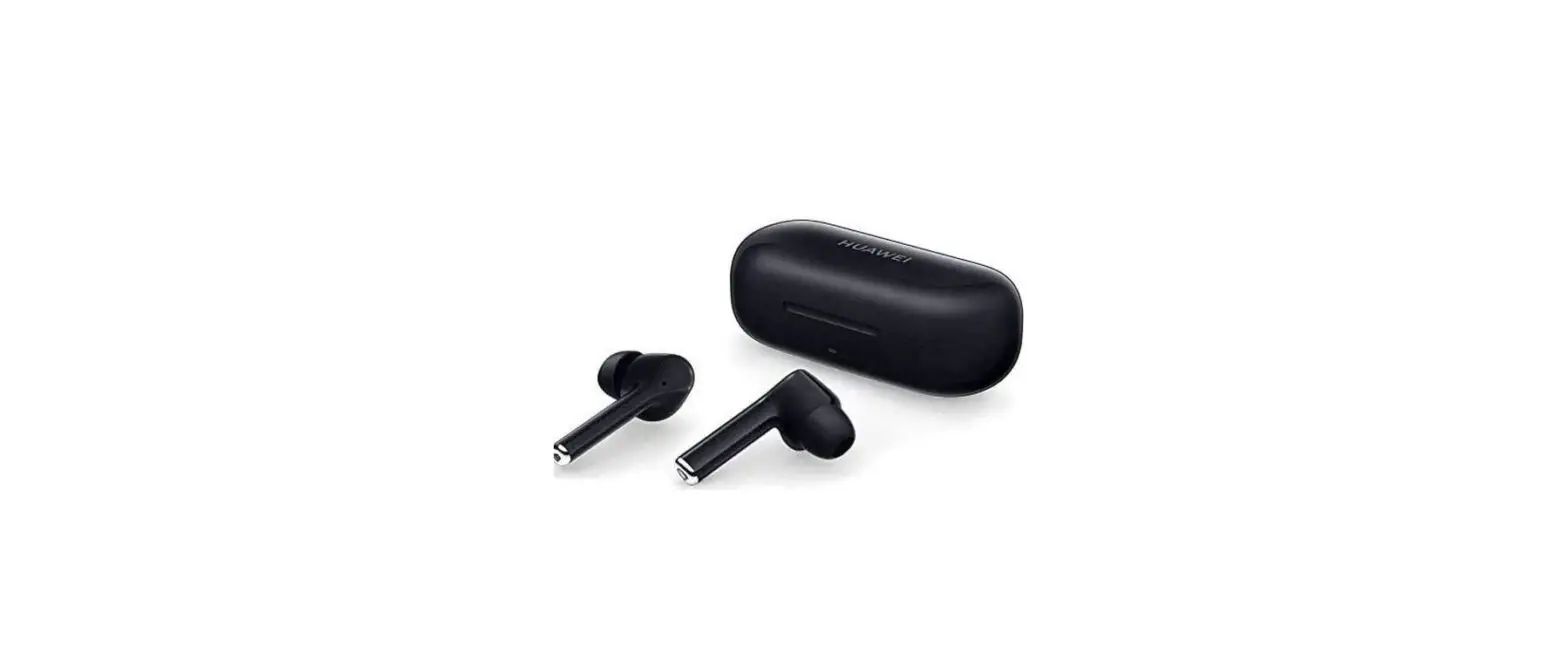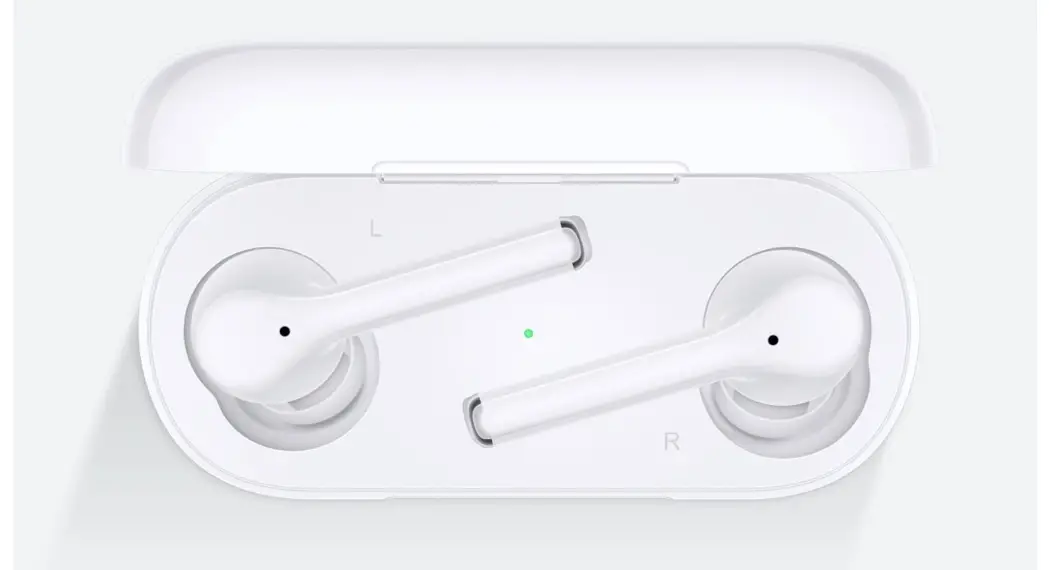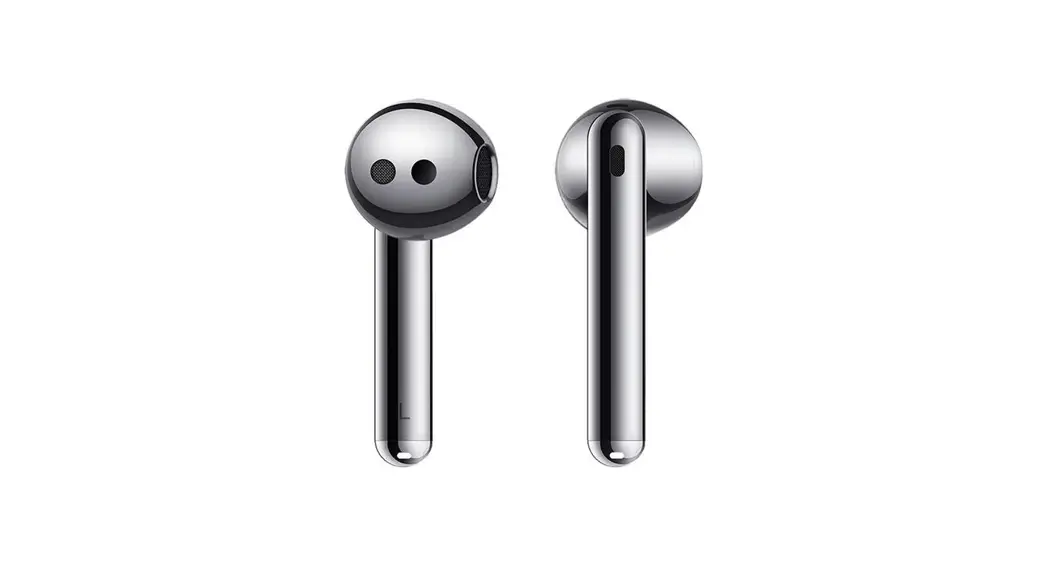

HUAWEI FreeBuds 4
Quick Start Guide
Earphone model: T0004
Charging case model: T0004L
 Pairing
 Pairing
Pairing mode: Open the case. Press and hold the button for 2s until the indicator flashes white. The earphones will automatically enter pairing mode when powered on for the first time.
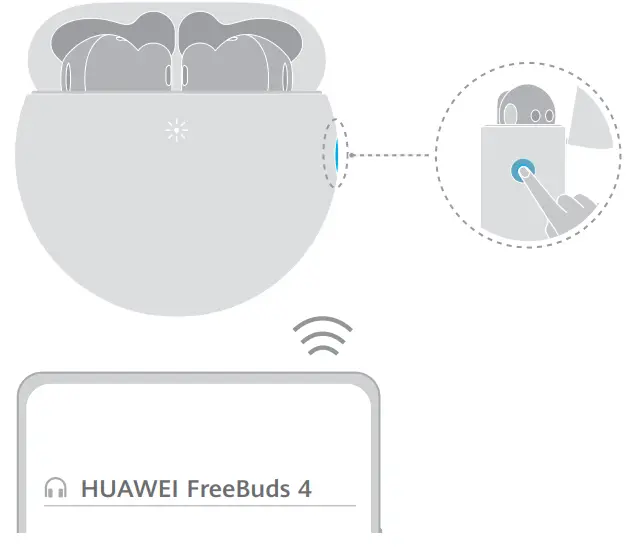
 Factory reset
Open the case. Press and hold the button for 10s until the indicator flashes red. The earphones will enter Pairing mode again.
 Shortcut controls
 Shortcut controls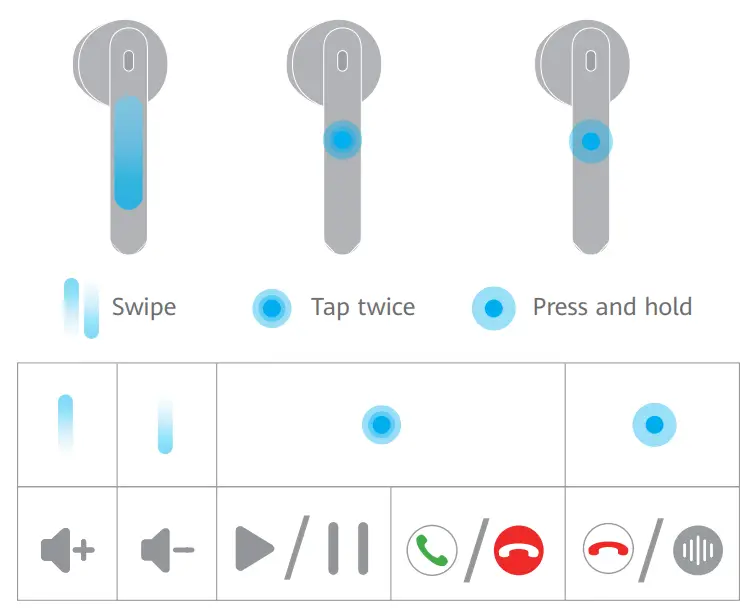
Adjust volume: Swipe up or down.
Play/Pause music: Tap twice.
Answer a call/End a call: Tap twice. Reject an incoming call: Press and hold.
Enable/Disable noise canceling: Press and hold.
 Download and install the app
 Download and install the app
Scan the QR code to download and install the HUAWEI AI Life app to try more features and customize your earphone settings.

https://smarthome.hicloud.com/d/?p=ZA09
 Charging the earphones
 Charging the earphones
Place the earphones in the charging case and close the case. They will start charging automatically.
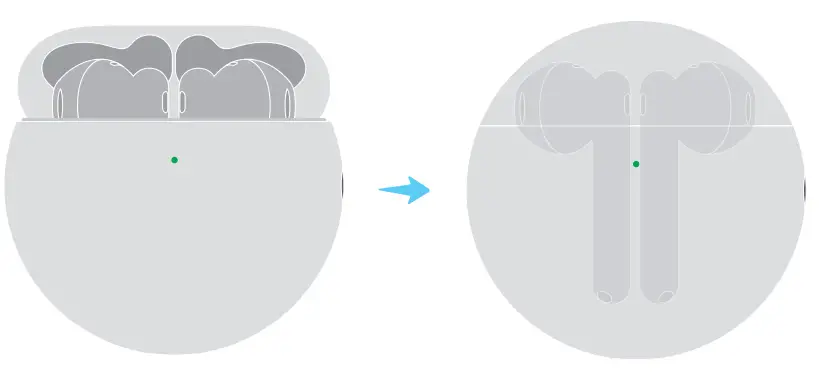
 Charging the charging case
 Charging the charging case
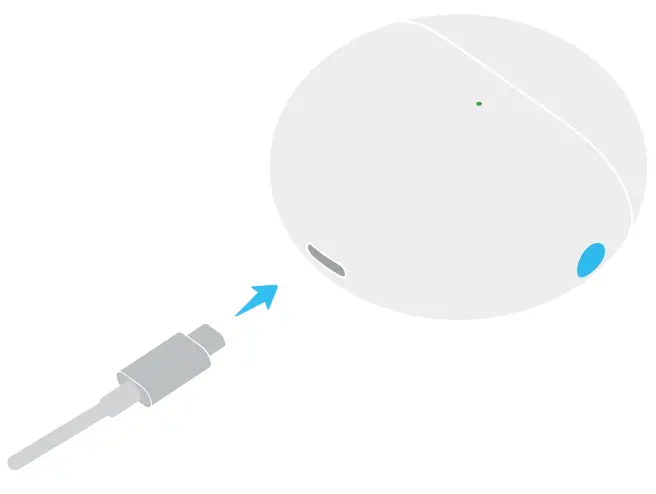
Use a USB-C cable to charge the charging case.