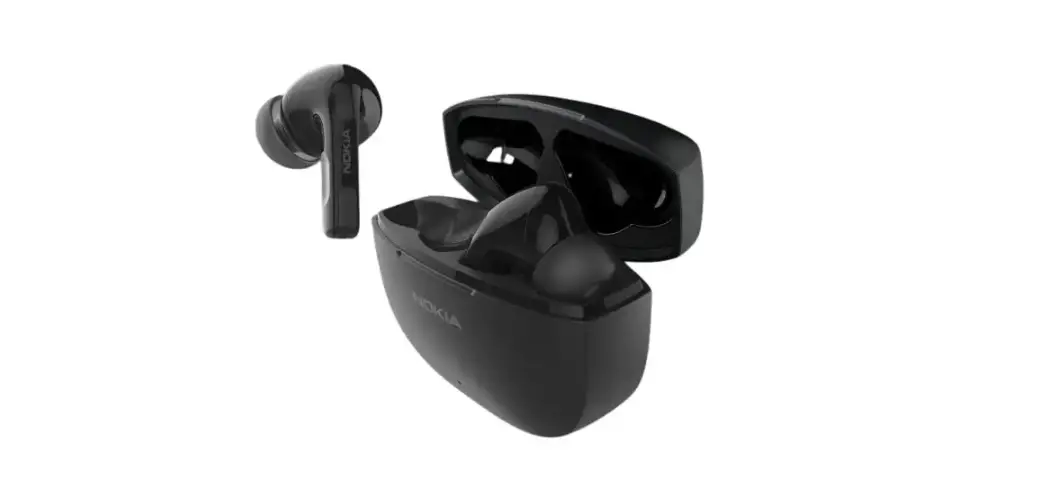

Nokia Sb-222 Solo Bud 2 Pro True Wireless Bluetooth Earbuds User Guide

Nokia Sb-222 Solo Bud 2 Pro True Wireless Bluetooth Earbuds User Guide

NOKIA-logo

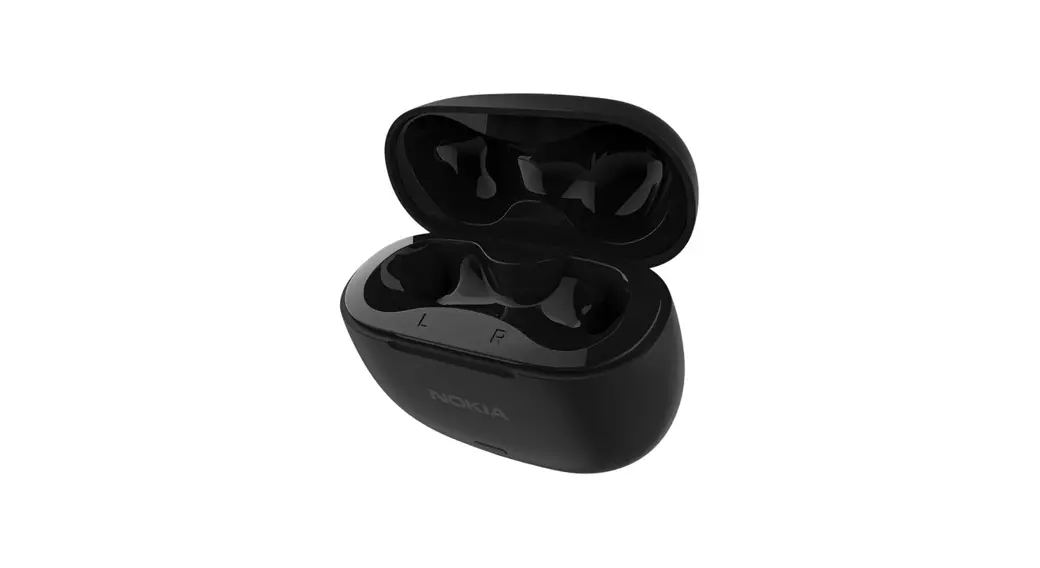
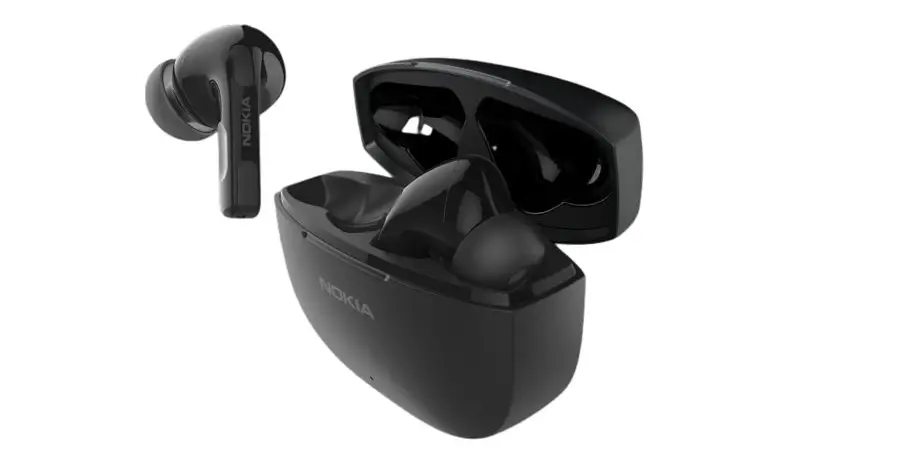
NOKIA SB-222 Solo Bud 2 Pro True Wireless Bluetooth Earbuds
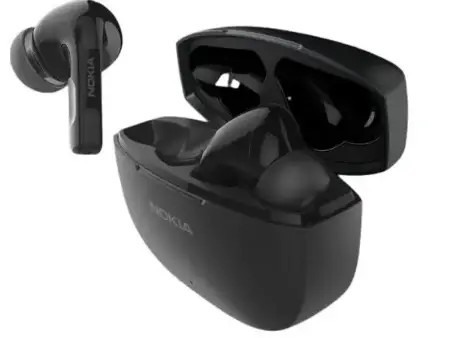
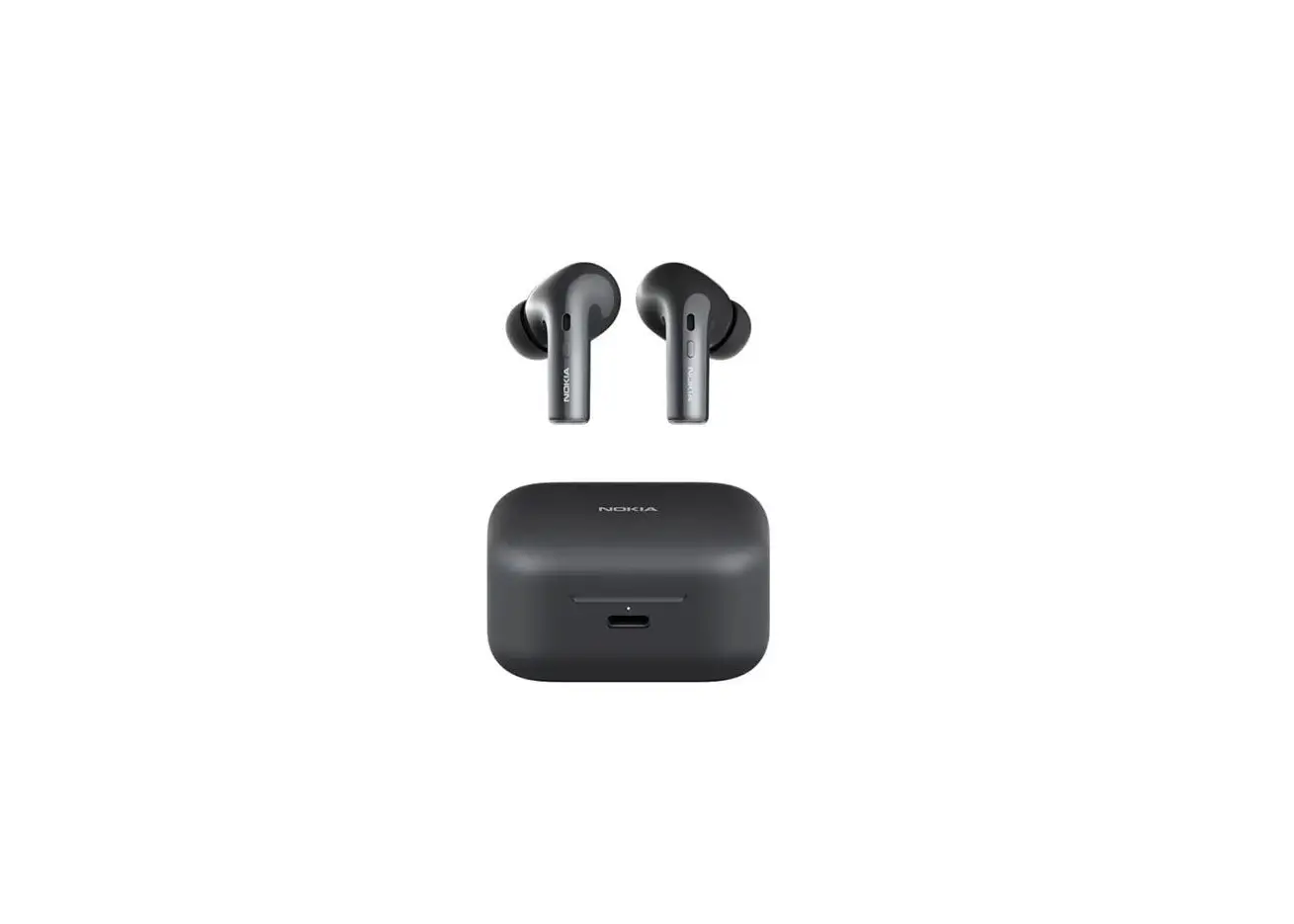
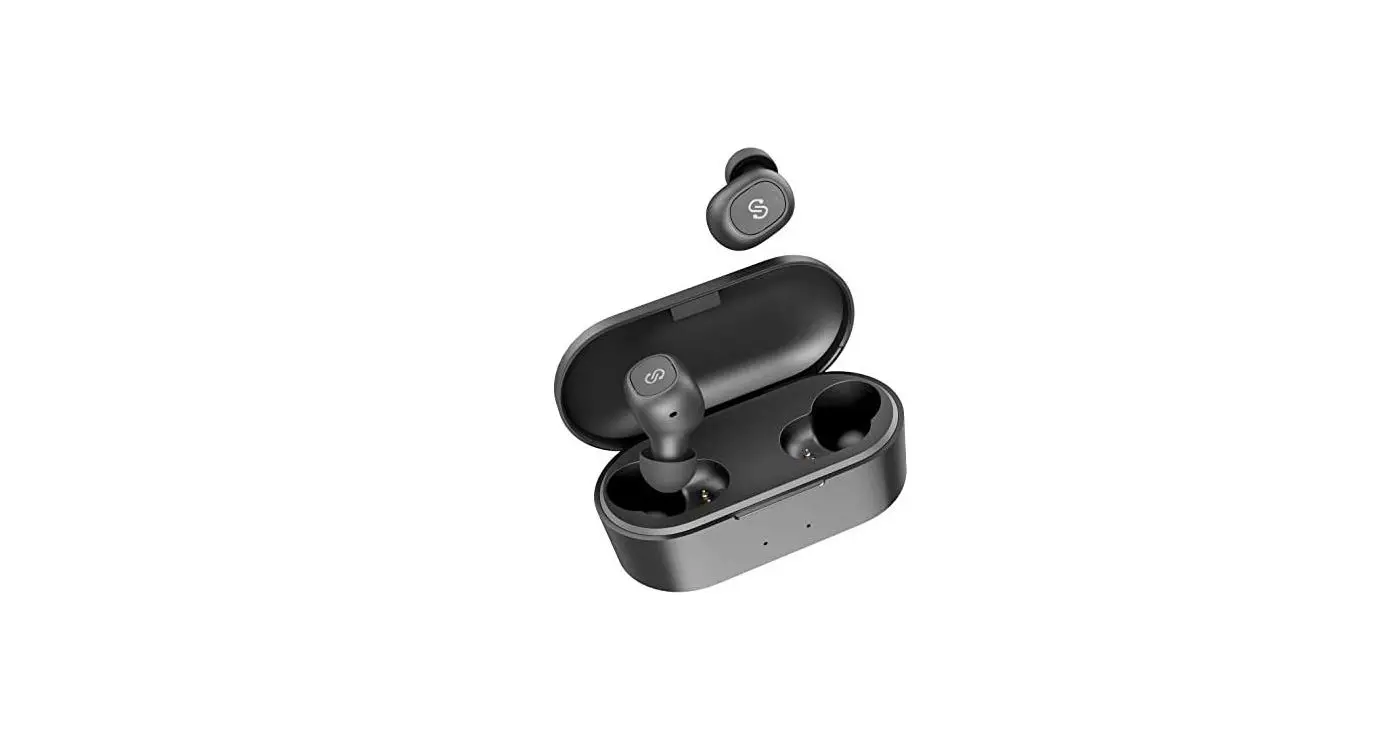
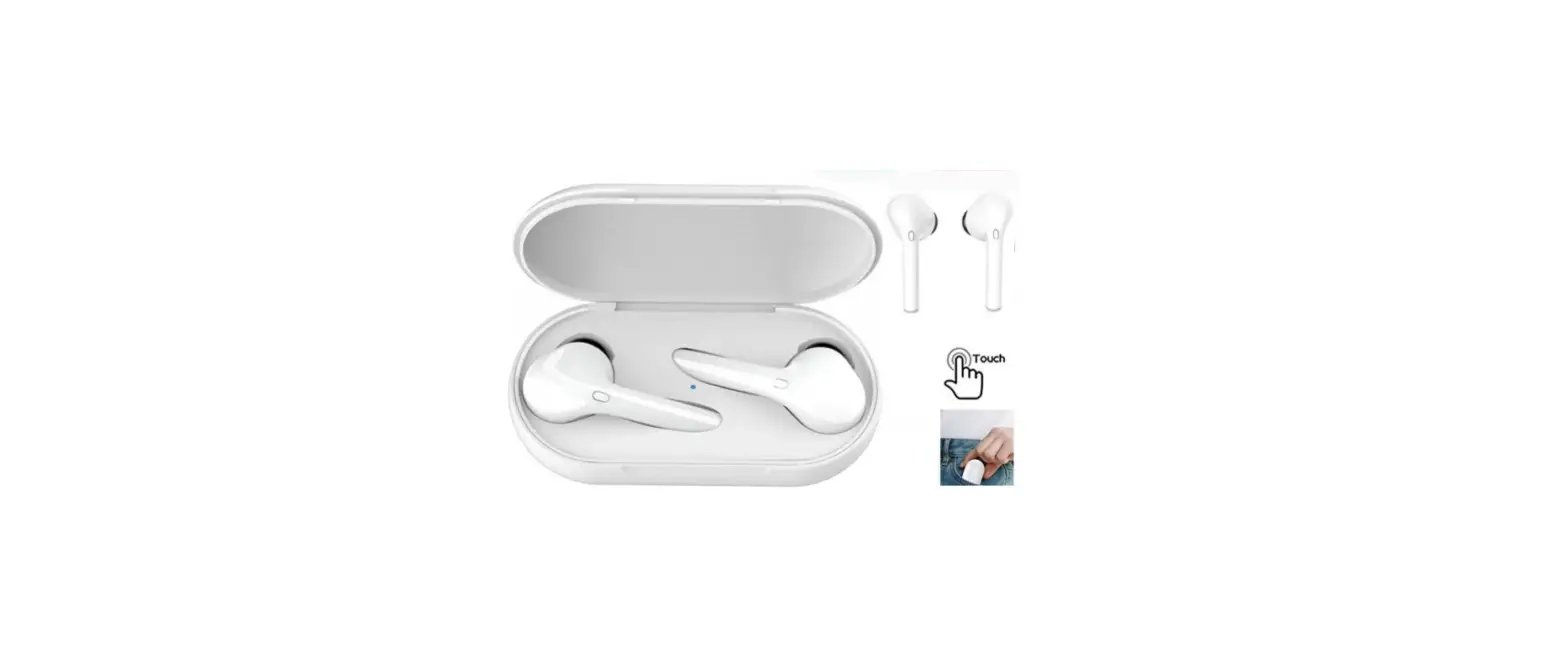
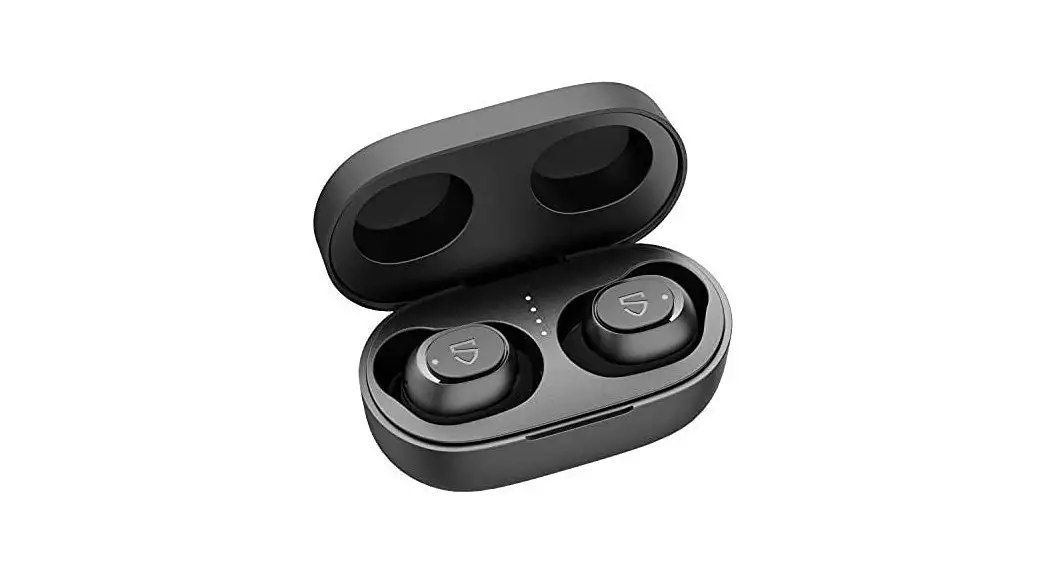
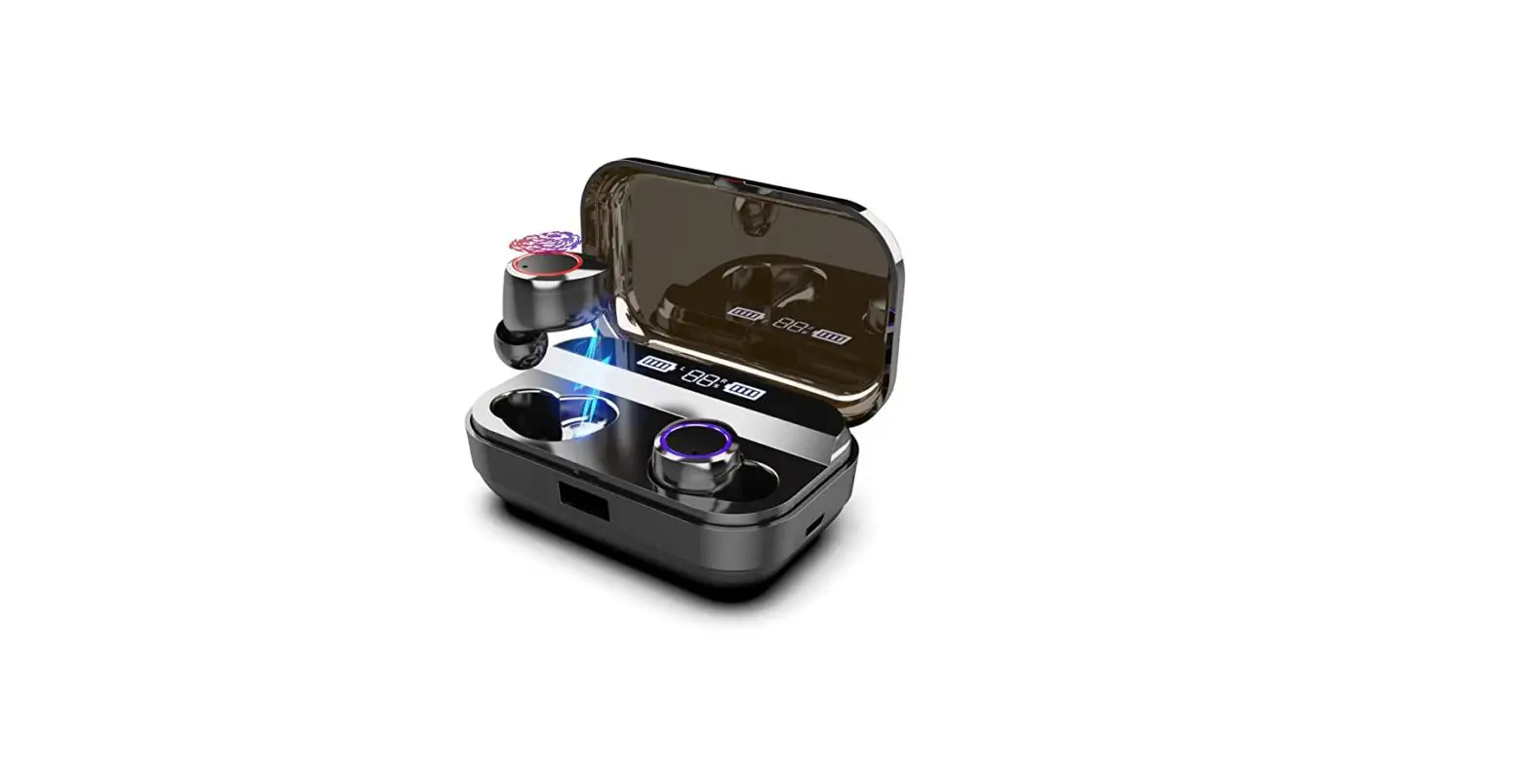
NOKIA-SB-222-Solo-Bud-2-Pro-True-Wireless-Bluetooth-Earbuds-Product-image

Quick Start Guide for SB-222 Multi-Language

Updated on 0804:

  • Controls: updated “Volume”, “Tracking” graphics
  • Reset : removed “both” earbud

Quick Start Guide

Get started
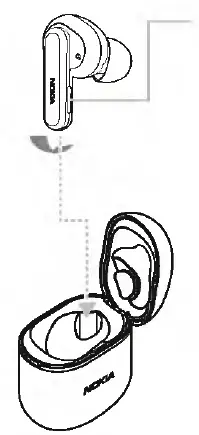
NOKIA-SB-222-Solo-Bud-2-Pro-True-Wireless-Bluetooth-Earbuds-01

Multifunction button (MFB)

NOKIA-SB-222-Solo-Bud-2-Pro-True-Wireless-Bluetooth-Earbuds-02

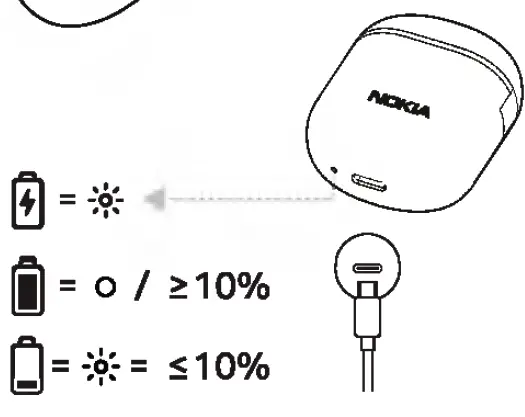
Take off the film on the earbud and fully charge the earbud before the first use.
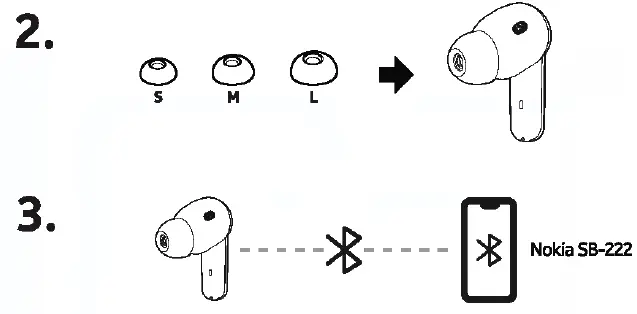
NOKIA-SB-222-Solo-Bud-2-Pro-True-Wireless-Bluetooth-Earbuds-03

Pair and connect with Bluetooth’
LED light of the earbud will flash blue and red alternately

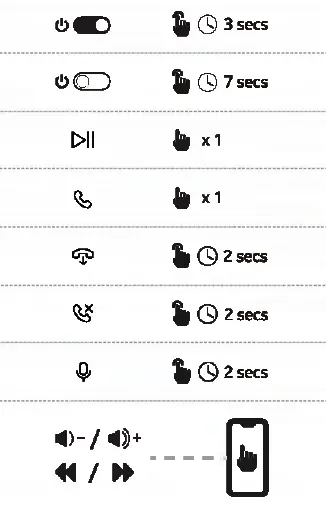
Touch control
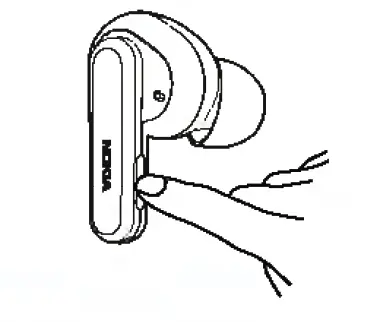
NOKIA-SB-222-Solo-Bud-2-Pro-True-Wireless-Bluetooth-Earbuds-04

NOKIA-SB-222-Solo-Bud-2-Pro-True-Wireless-Bluetooth-Earbuds-05

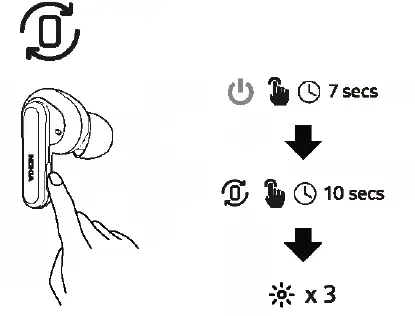
Reset to the original settings

NOKIA-SB-222-Solo-Bud-2-Pro-True-Wireless-Bluetooth-Earbuds-06

  1. Press and hold touch control for 7 seconds to tum off the earbud.
  2. Press and hold earbud for 10 seconds
  3. The earbud LED light will flash purple 3 times when earbud are resented.

AccessoriesNOKIA-SB-222-Solo-Bud-2-Pro-True-Wireless-Bluetooth-Earbuds-07

To find more useful information, visit Nokia phones support page.

https://www.nokia.com/phones/en_int/support/user-guides
Documents / Resouces

Download manual
Here you can download full pdf version of manual, it may contain additional safety instructions, warranty information, FCC rules, etc.


Related Manuals