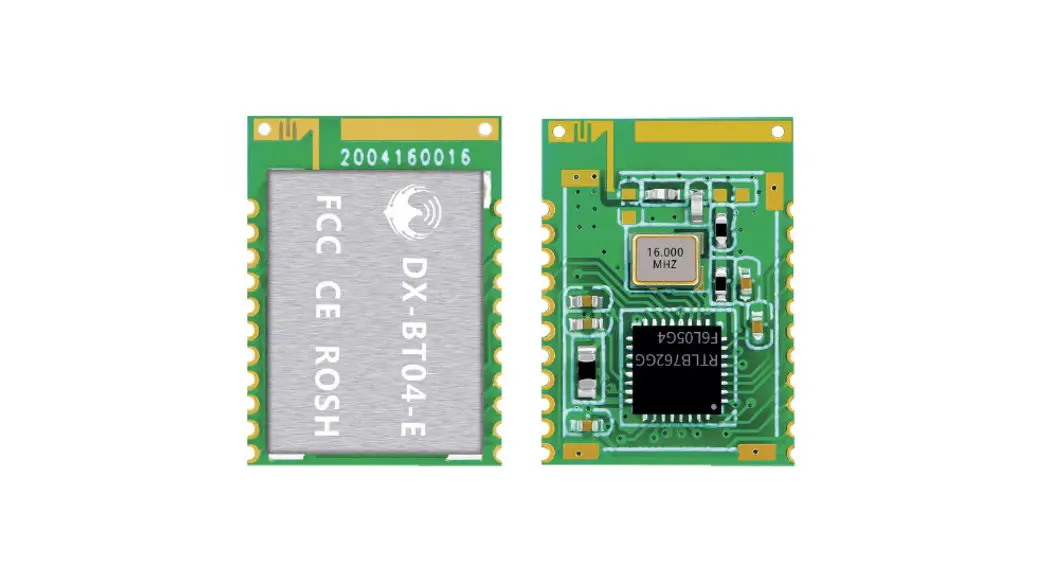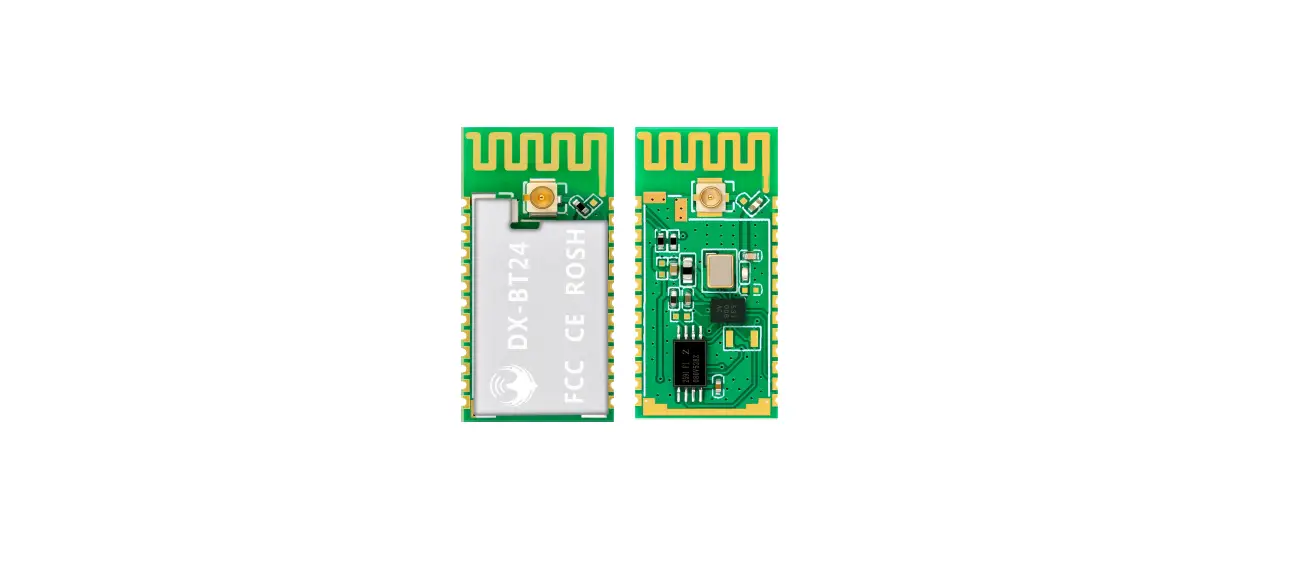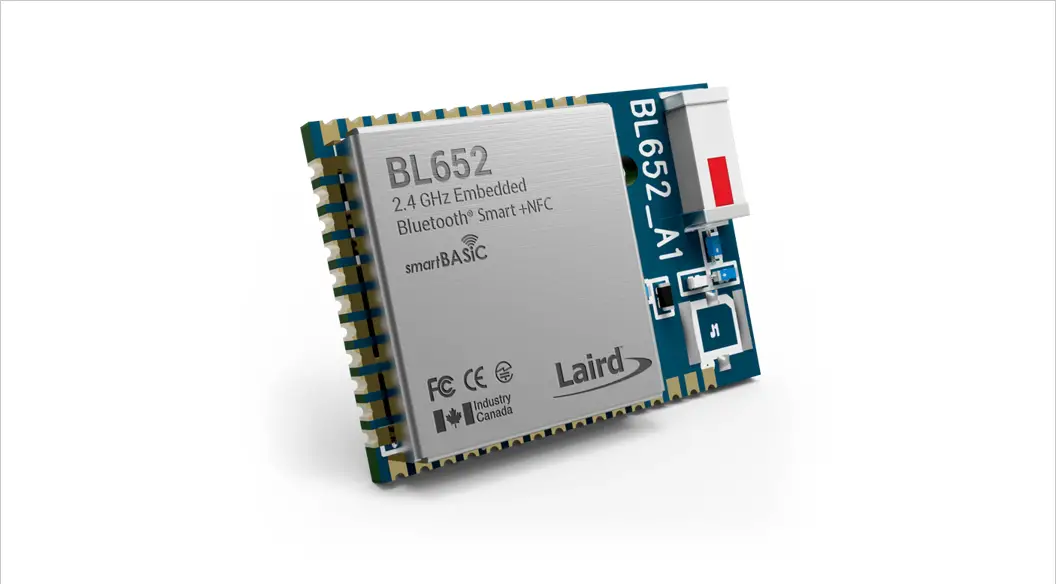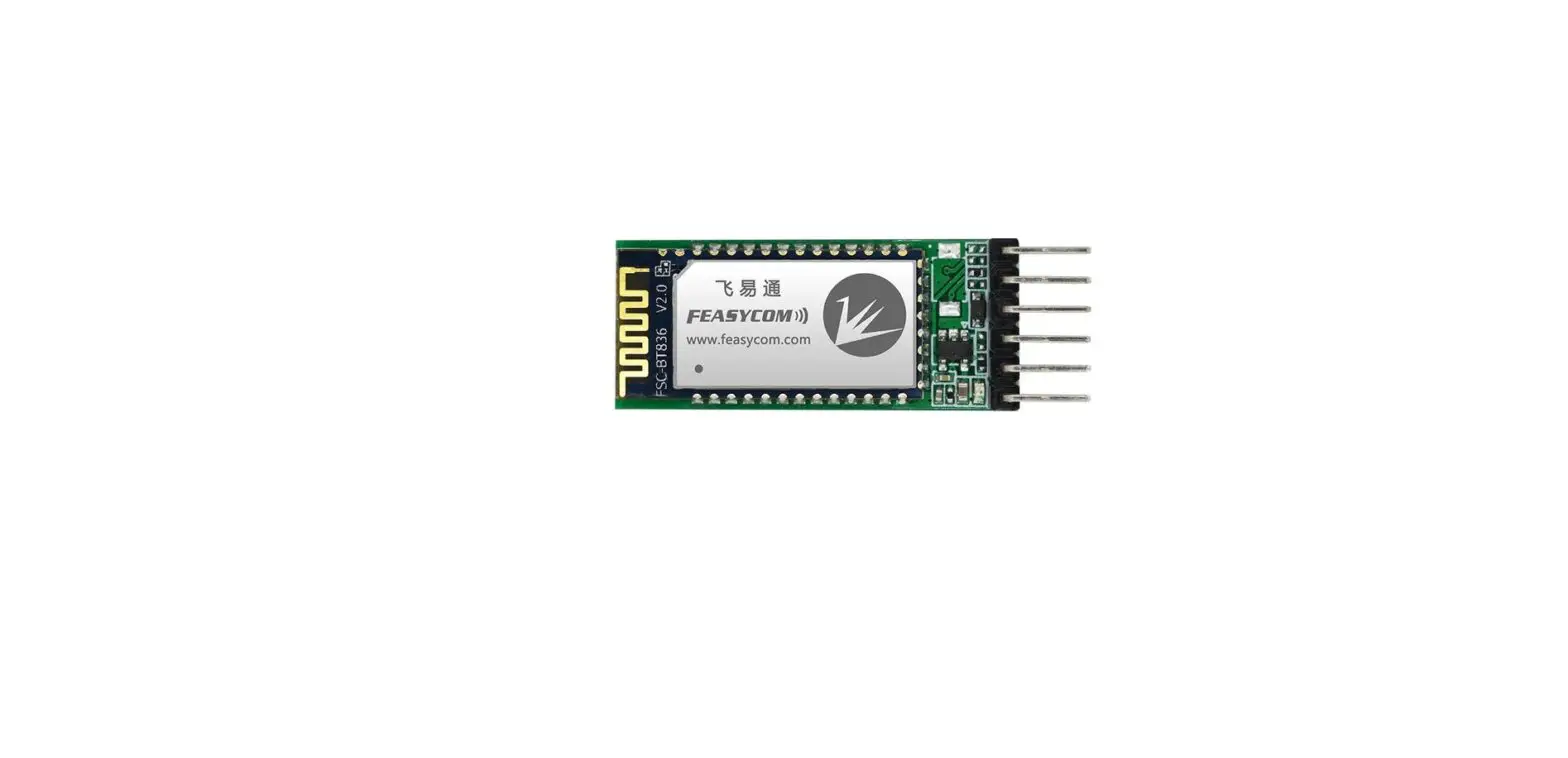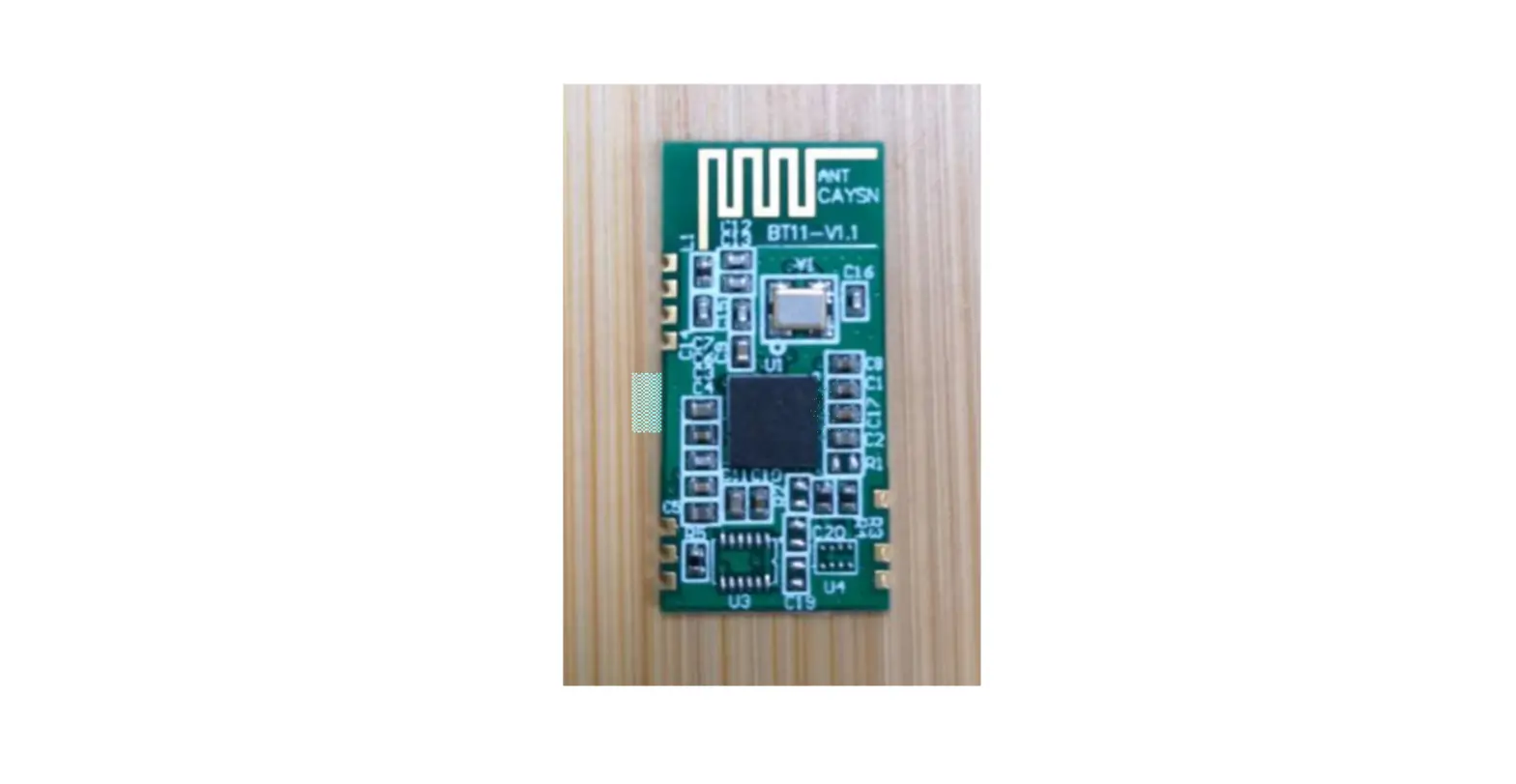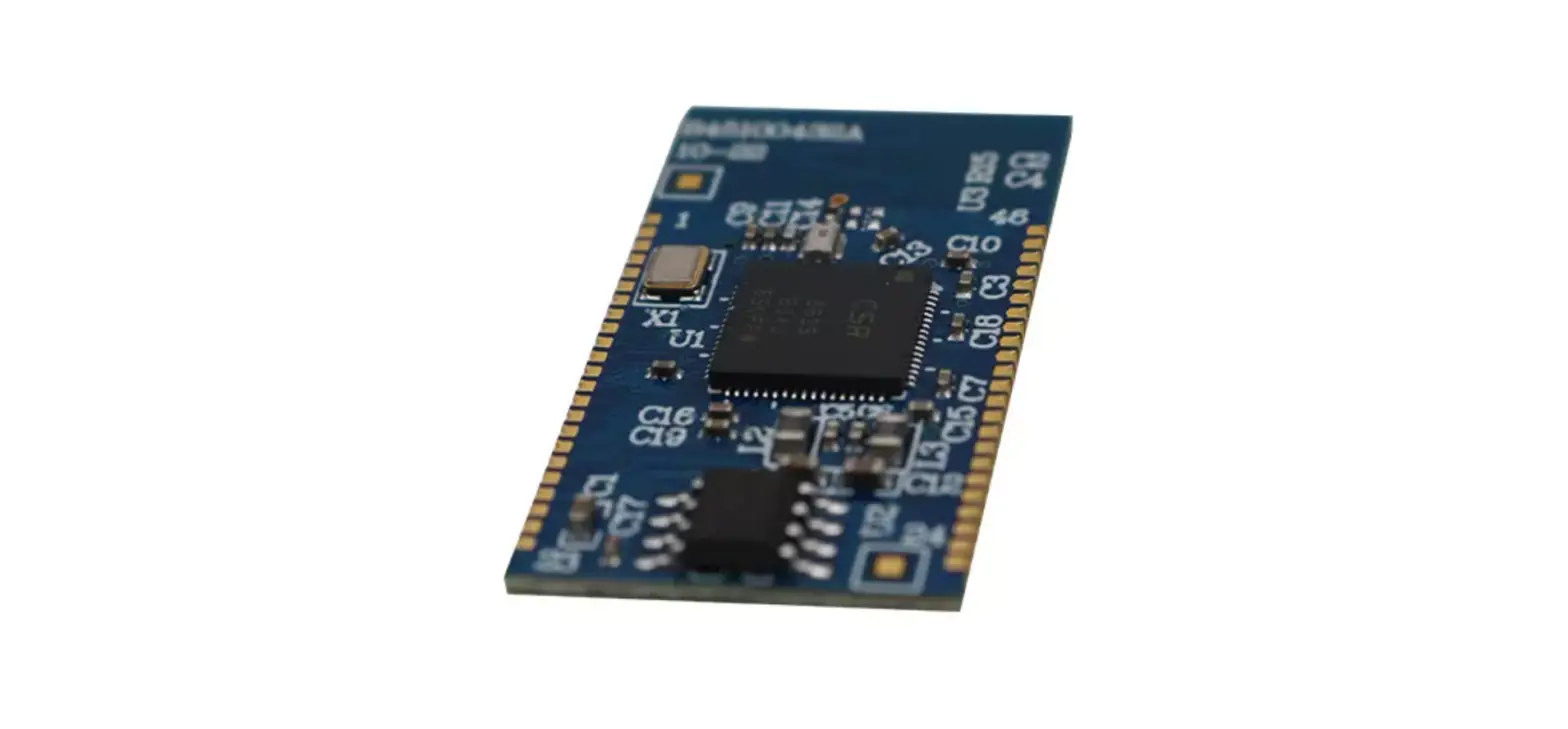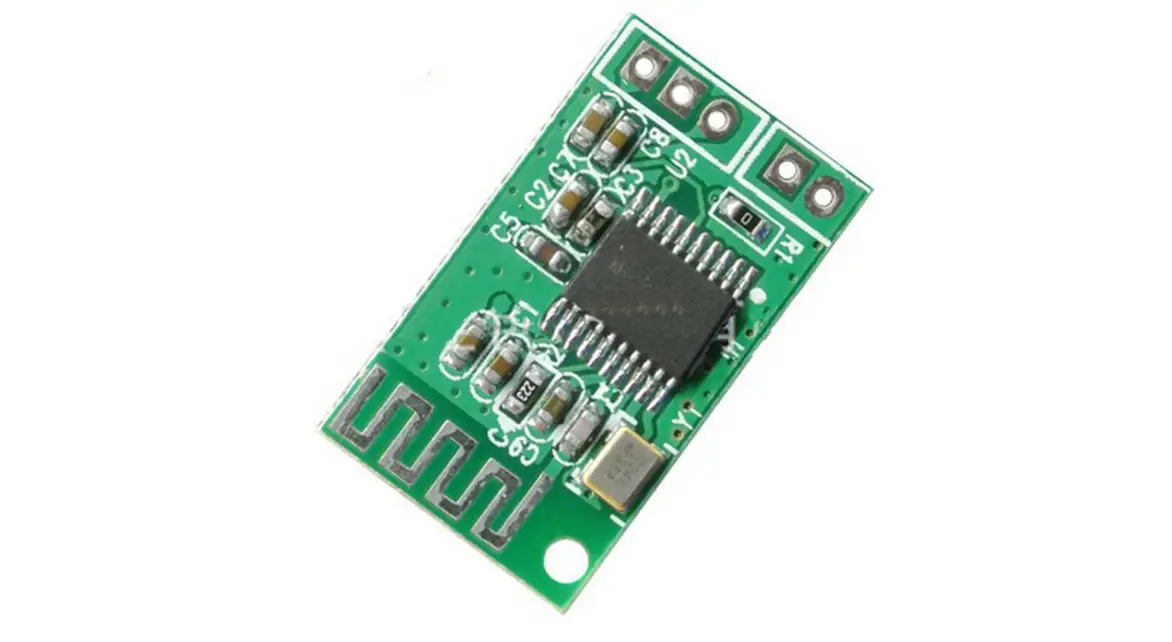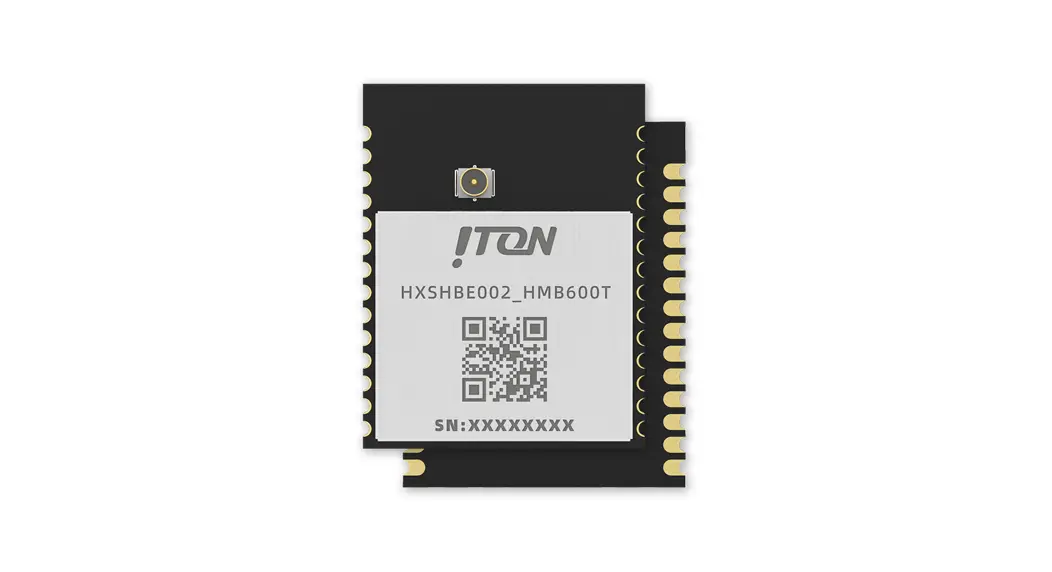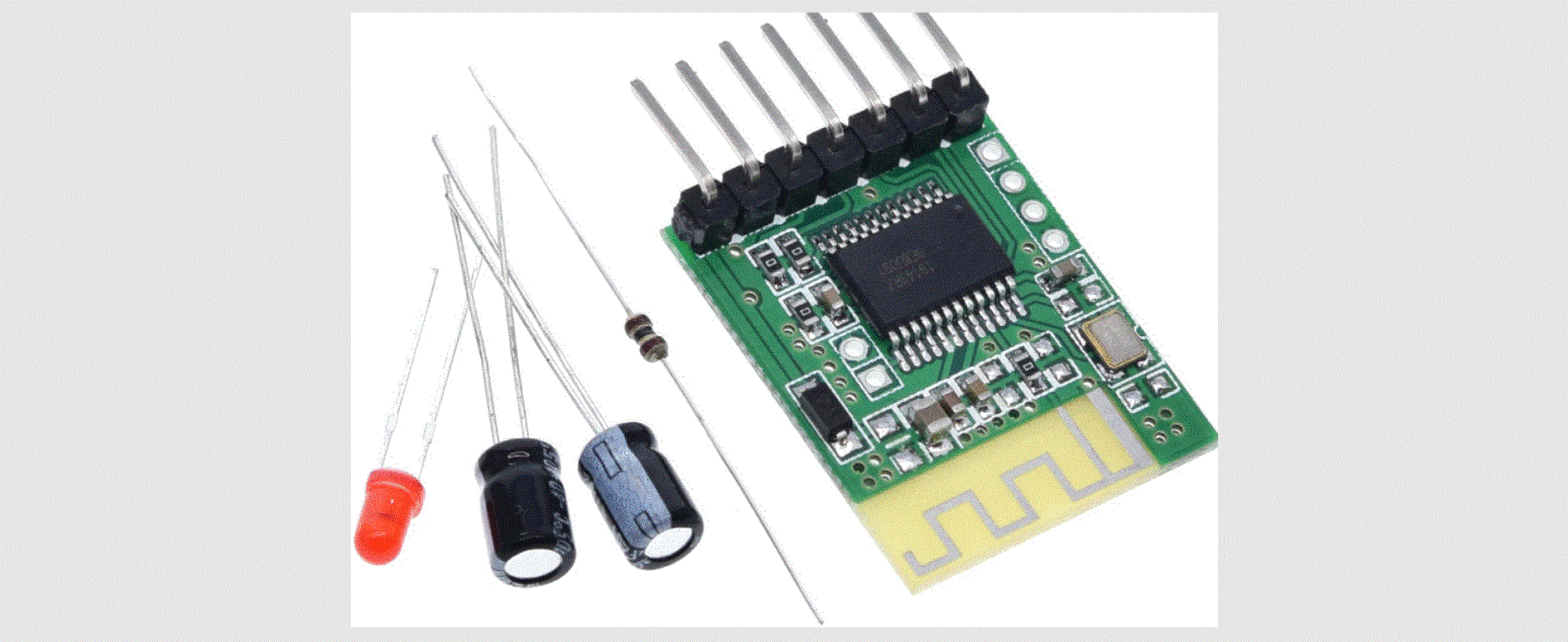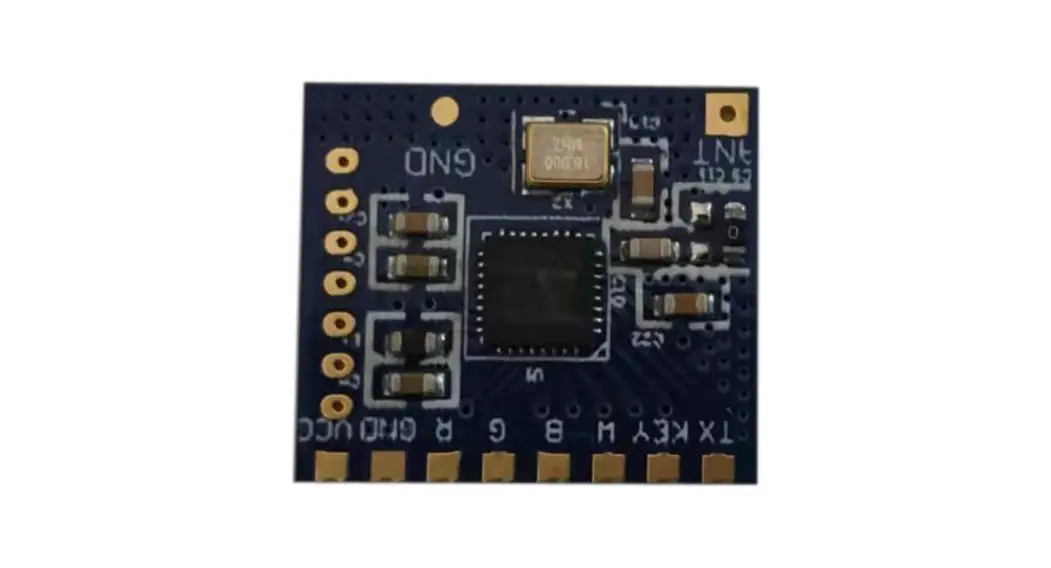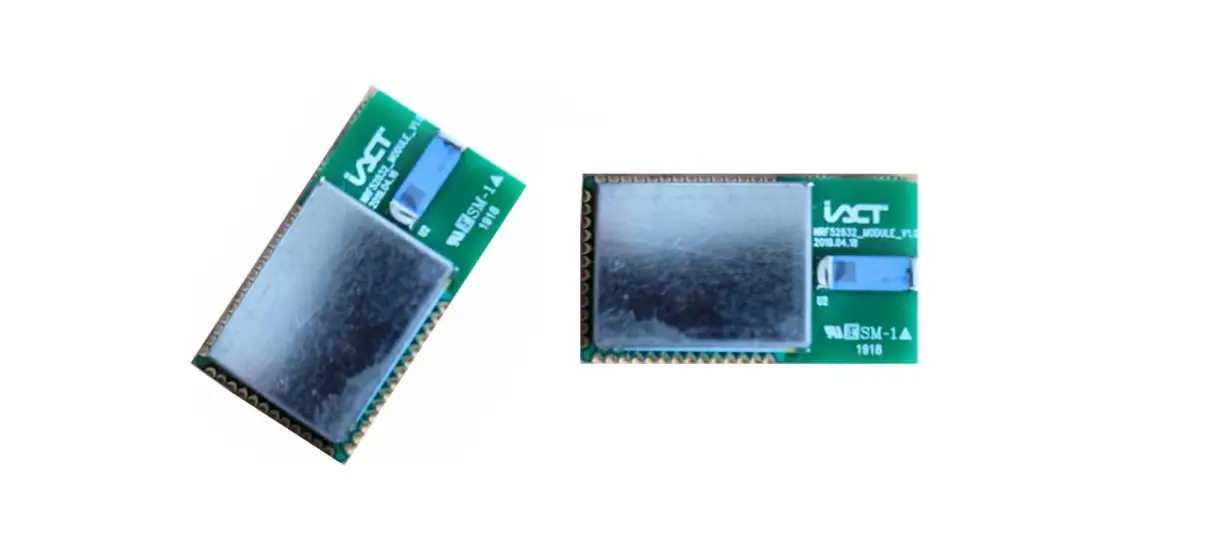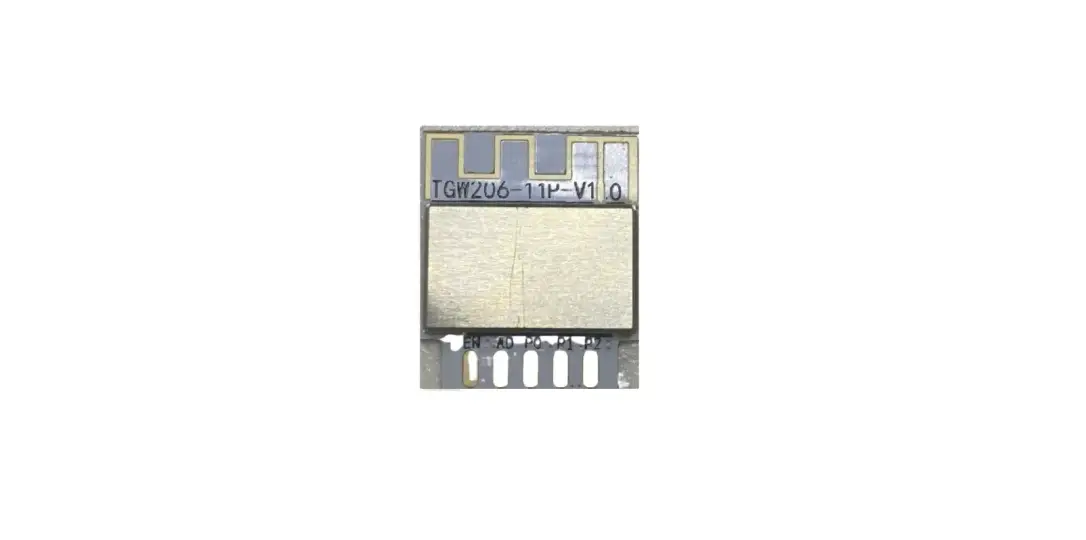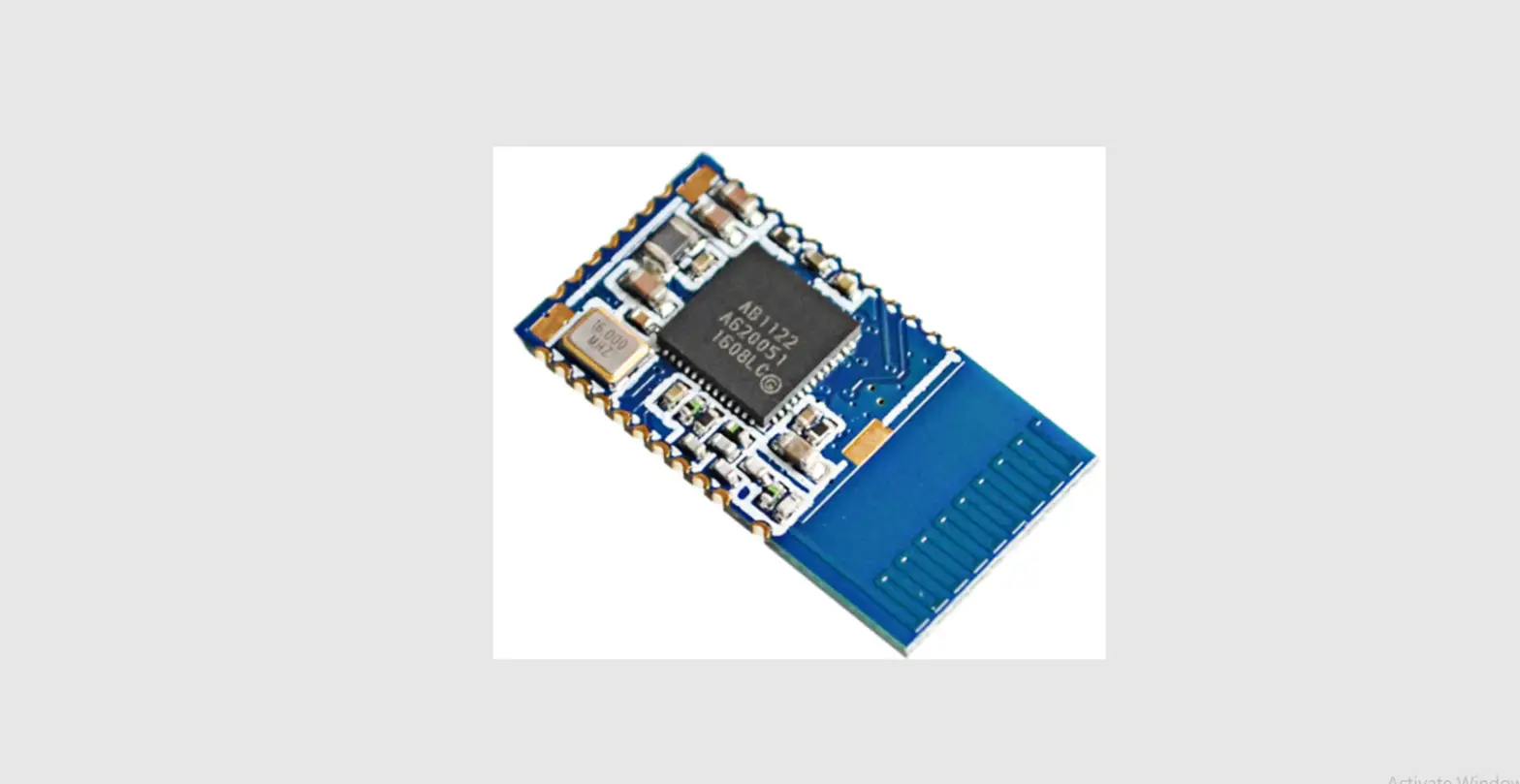

ACELEX DX-BT12 4.0 Bluetooth Module
Feature
- Bluetooth protocol: Bluetooth Specification V4.0 BLE, transceivers haven’t byte restrictions
- Working frequency:2.4GHz ISM band
- Modulation: GFSK(Gaussian Frequency Shift Keying) Sensitivity:≤-84dBm at 0.1% BER
- Security features: Authentication and encryption
- Support service:Central & Peripheral UUID FFE0,FFE1,FFE2 Power consumption:
- Low-power mode: standby current 1-3mA, Iphone is 3mA, Android is 8mA when transmission.
- Normal working mode: standby 8mA, transmission 8mA.
- Power supply:+3.3VDC 50mA
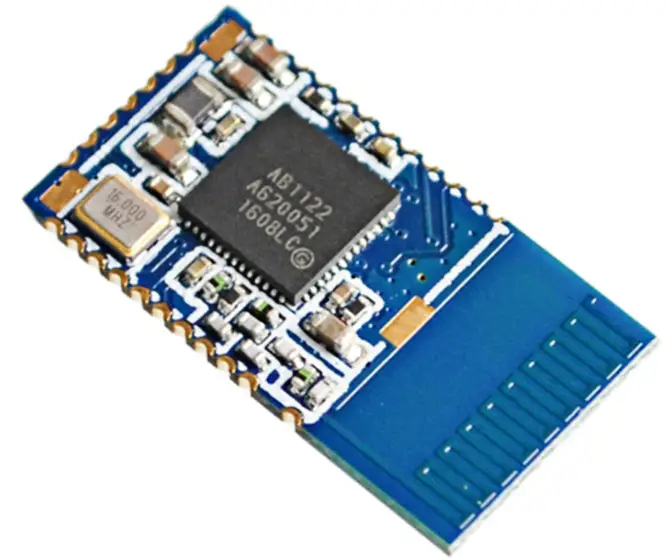
- Size:22mm x 12mm x 2mm
- Bluetooth certification:BQB, FCC, ROHS, REACH
- Transmission distance:10-12m
Physical Feature
| Operating Frequency Band | 2.4GHz ISM band |
| Bluetooth Specification | 2.0+BLE4.0 |
| Output Power Class | Class 2 |
| Operating Voltage | 3.3V |
| Host Interface | UART |
| Dimension | 22mm (L) x 12 (W) mm x 2mm (H) |
Operating Voltage
| project | Min. | Typ. | Max. | Unit |
| IO Supply voltage (VDDIO) | 1.7 | 3.6 | V | |
| Battery Input(BAT_P) (LI_MODE_N = 0) | 2.7 | 3.0 | 4.2 | V |
| Battery Input(BAT_P) (LI_MODE_N = 1) | 2 | 3.6 | V | |
| Charger supply voltage(VCHG) | 4.5 | 5 | 6.5 | V |
Transparent transmission parameters
UART parameter
| Baud rate | 9600~3000000 (Defaults 9600) |
| Data bit | 8 |
| Stop bit | 1 |
| Check Digit | none |
| Hardware flow control | Optional |
| the maximum bytes in a single package | 280 bytes |
Data throughput
SPP data throughput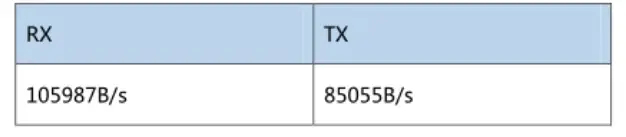
BLE data throughput
| UART->DX-BT12->IPhone 5 | UART->DX-BT12->Android | ||
| Baud rate | 3000000 | Baud rate | 3000000 |
| Connection interval (ms) | 18.75 | Connection interval (ms) | 18.75 |
| Sending interval(ms) | 20 | Sending time-consuming(ms) | 50 |
| Sending interval(ms) | continuous sending | Sending interval(ms) | continuous sending |
| Throughput (bytes/sec) | 4291 | Throughput (bytes/sec) | 4274 |
| UART->DX-BT12->IPhone 5 | UART->DX-BT12->Android | ||
| Baud rate | 3000000 | Baud rate | 3000000 |
| Connection interval (ms) | 18.75 | Connection interval (ms) | 18.75 |
| Characteristic writing way | Write without
Response | Characteristic writing way | Write without
Response |
| App data size (bytes) | 53260 | Sending file size (bytes) | 50000 |
| Sending interval(ms) | 20 | Sending time-consuming(s) | 50 |
| Throughput (bytes/sec) | 4635 | Throughput (bytes/sec) | 1916 |
For reference only
Application circuit
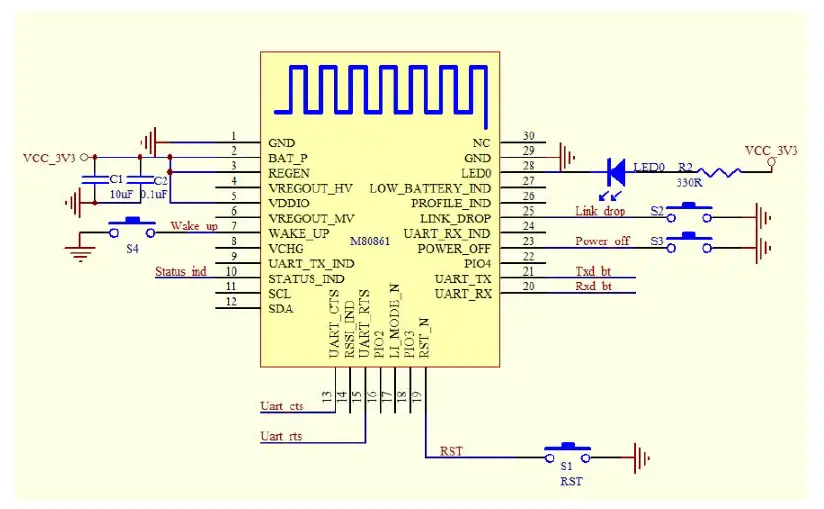
Pin Function
| PIN | IO | Name | Type | Description |
| 1 | P | GND | Ground | |
| 2 | P | BAT_P | Module power input PIN (2.7V ~ 4.2V), the default is 3.3V. Note: when off After the Module is powered off, the IO that the MCU is not connected to must be driven low. | |
| 3 | I | REGEN | Module Power-on test pin, need to pull up to VBAT (Note: must be pulled high, otherwise the module can not start) | |
| 4 | P | VREGOUT_HV | 3.3V LDO output PIN, the maximum output current of this power is 300mA | |
| 5 | P | VDDIO | Module IO port power supply (1.7 ~ 3.6V, the customer can according to the IO voltage The size of their own configuration within the scope of the voltage size, the default is 3.3V) | |
| 6 | P | VREGOUT_MV | Internal 1.8V LDO output pin, the maximum output current of this power supply is 200mA |
| 7 | I | WAKE_UP | Module wake-up pin: 1. When Module enters hibernation, the PIN will detect a rising edge change Module is awakened and Module enters pairing after waking up (power-on default is high). 2. When the module is enabled Sniff mode (serial command set), MCU to Module must pull low when sending data to wake module up and then delay ≥ 2ms and then send data. |
| 8 | P | NC | NC |
| 9 | O | NC | NC |
| 10 | O | STATUS_IND | Bluetooth connection status: High level – fail connect Low level – connect successfully |
| 11 | N/A | NC | NC |
| 12 | N/A | NC | NC |
| 13 | I | UART_CTS | UART flow control, the flow control function is enabled by default. When the module detects this PIN is high, it indicates that the MCU processes. However, the Module will stop transmitting data to the MCU. The Module will wait for the PIN to be low before restarting the data transmission. |
| 14 | O | NC | NC |
| 15 | O | UART_RTS | UART flow control, flow control enabled by default, when the Module data processing comes however, This IO output to inform the MCU high; low level can receive MCU normally The data. |
| 16 | I | NC | NC |
| 17 | I | NC | NC |
| 18 | I/O | PIO3 | GPIO |
| 19 | I | RST_N | Module reset pin: active low |
| 20 | I | UART_RX | Module data transmission port |
| 21 | O | UART_TX | Module data transmission port |
| 22 | I/O | PIO4 | GPIO |
| 23 | I | POWER_OFF | Module shutdown pin, pull-up input The module shuts down when it detects a low level of 50ms or longer Power off the module boot, only need to WAKE_UP pin low to boot |
| 24 | I | GPIO20 | GPIO |
| 25 | I | LINK_DROP | Module disconnect pin: The module is disconnected when the module detects a low pulse of more than 50ms while the PIN is connected The current connection, enter the pairing (this PIN power-on default is high) |
| 26 | O | NC | NC |
| 27 | O | NC | NC |
| 28 | O | LED0 | Bluetooth work indicator (not connected status: uniform slow flashing 800ms-on, 800ms-off; connection status: Always), this pin is an open drain output. |
| 29 | P | GND | Ground |
| 30 | NC | NC | NC |
Size: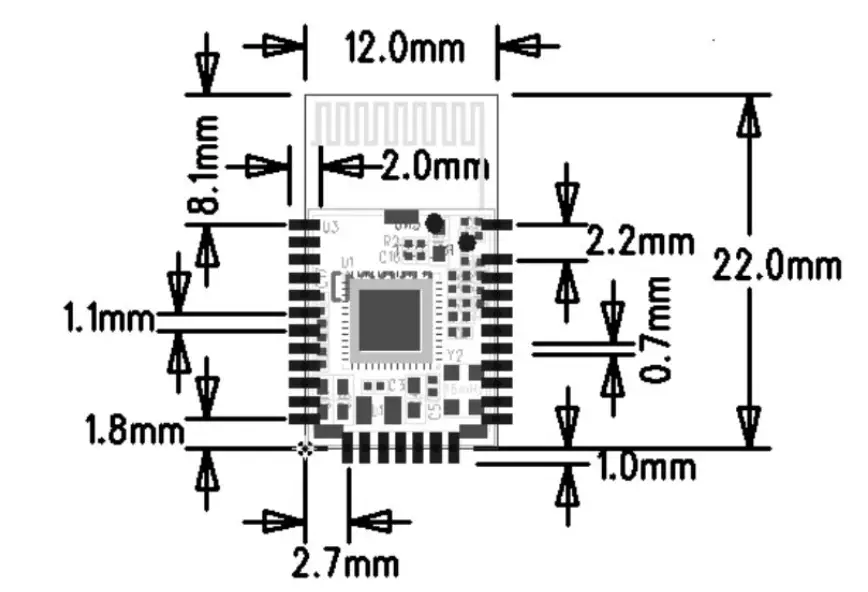
AT Instruction set
Users can communicate via a serial port and a Bluetooth chip. The serial port uses Tx, Rx, two signal lines, baud rate supports 9600, 19200, 38400, 57600, 115200bps. The default baud rate of the serial port is 9600bps. The DX-BT12 dual mode Bluetooth serial module instruction is the Command instruction set. (P.S. if send AT instruction, must use ENTER key or \r\n; 16 hexadecimal regards ODOA as ending. It doesn’t need < > when input commend.
The AT instruction can only take effect in the unconnected state of the module. Once the Bluetooth module is connected to the device, the Bluetooth module enters the data transmission mode.)
Instruction detailed description
(AT Instruction must use a capital letters, return key, and index character as ending:\r\n)
- Get the software version number:
Instruction Response Parameter AT+VERSION +VERSION=<Param> <Param>:Software version number - Setting / querying SPP 2.0 device name:(Effect after Reboot)
Instruction Response Parameter AT+SPPNAME<Param> OK <Param>:Bluetooth device Default name:“BT12” Max length:18 bytes AT+SPPNAME +NAME=<Param>
For example:
- Send setting:
- Send query:
- Setting / querying BLE 4.0 device name
Instruction Response Parameter AT+LENAME<Param> OK <Param>:Bluetooth device Default name:“BT12” Max length:18 bytes AT+LENAME +NAME=<Param> - Get SPP 2.0 Bluetooth address:
Instruction Response Parameter AT+SPPMAC
+ SPPMAC =<Param>
Param:Bluetoothaddress - Get BLE 4.0 Bluetooth address: 6.Set / query – serial baud rate:
Instruction Response Parameter AT+LEMAC
=+LEMAC
=<Param>
Param:Bluetoothaddress - Set / query – serial baud rate:
Instruction Response Parameter AT+BAUD<Param> OK <Param>:baud rate(bits/s) AT+BAUD +BAUD=<Param> The values (decimal): 1——1200
2——2400 AT+BAU D 3——4800 4——9600 5——19200 6——38400 7——57600 8——115200 Default:4 For example:Set the serial port baud rate to 38400
- Send setting:
- Send query:
- Reset software
Instruction Response Parameter AT+RESET OK NA - Power off software
Instruction Response Parameter AT+PWROFF OK NA - Set whether to enter the low power consumption (this command can not be saved when no power):
Instruction Response Parameter AT+PWRM<Param> +PWRM=<Param> Param:(0、1) OK 1-Enter low power consumption 0-work normally Defaults: 0
AT+PWRM +PWRM=<Param> - Query \ set BLE broadcast time:
Instruction Response Parameter AT+ADVI<Param> +ADVI=<Param> Param:(ms) OK The unit is 1ms Default: 165ms AT+ADVI +ADVI=<Param> - Set GPIO port:
Instruction Response Parameter AT+GPIO<Param> + GPIO =<Param> Param:(1R1、1R0、2R1、 2R0、3R1、3R0)
OK Corresponding IO port: GPIO3: 1R1 high 1R0 low
GPIO4: 2R1 high 2R0 low
GPIO20: 3R1 high
3R0 low
AT+GPIO +GPIO=<Param>
For example:(Set GPIO4 output port as high level)
- Send command:
AT+GPIO2R1\r\n Return:OK\r\n ——SGPIO4 output is high——Settingsuccessfully