
BLIM-CB01
User’s Manual
VERSION:1.0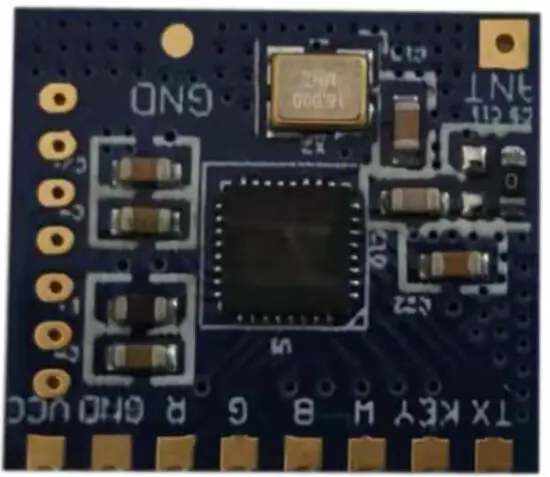
Brief Introduction
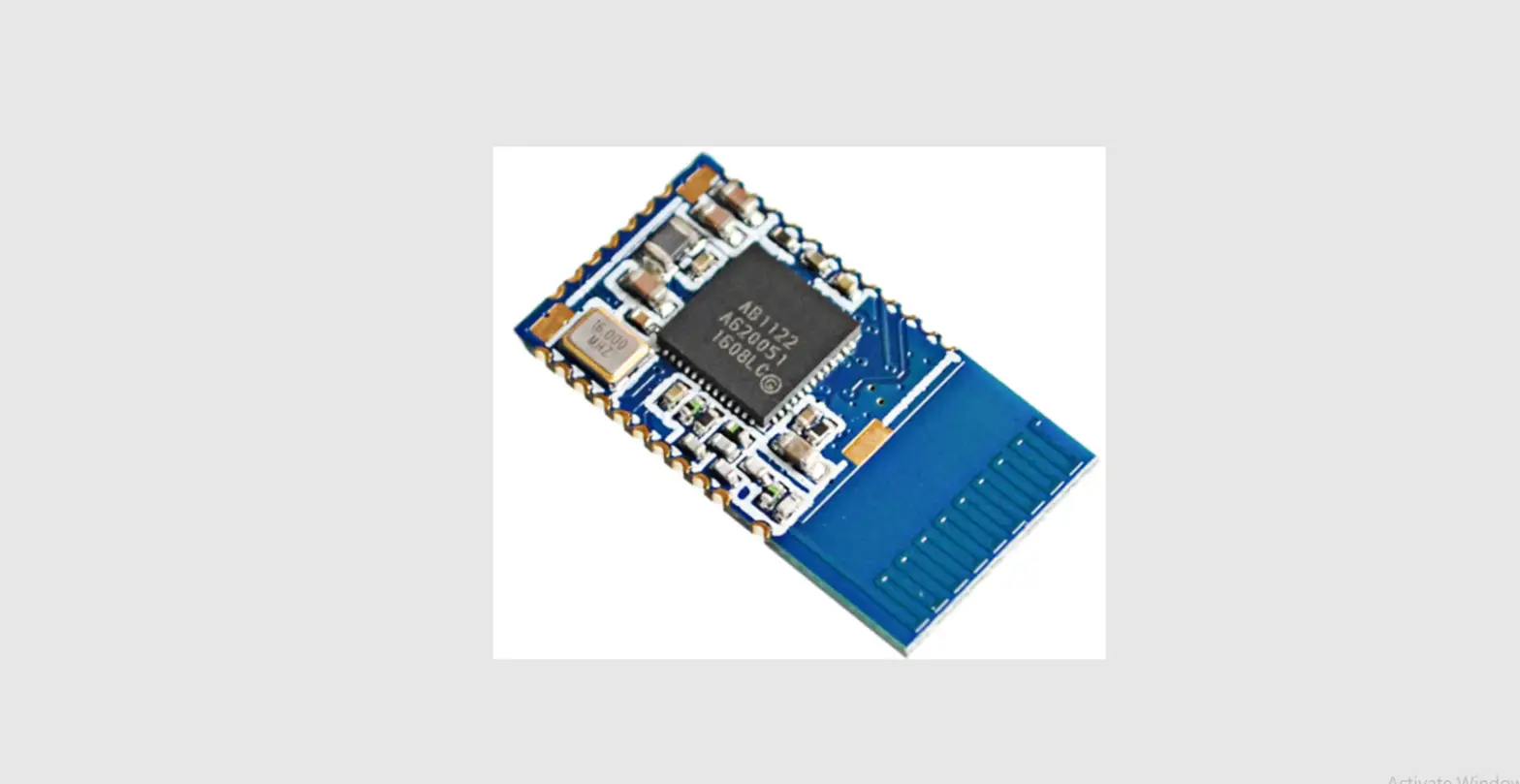
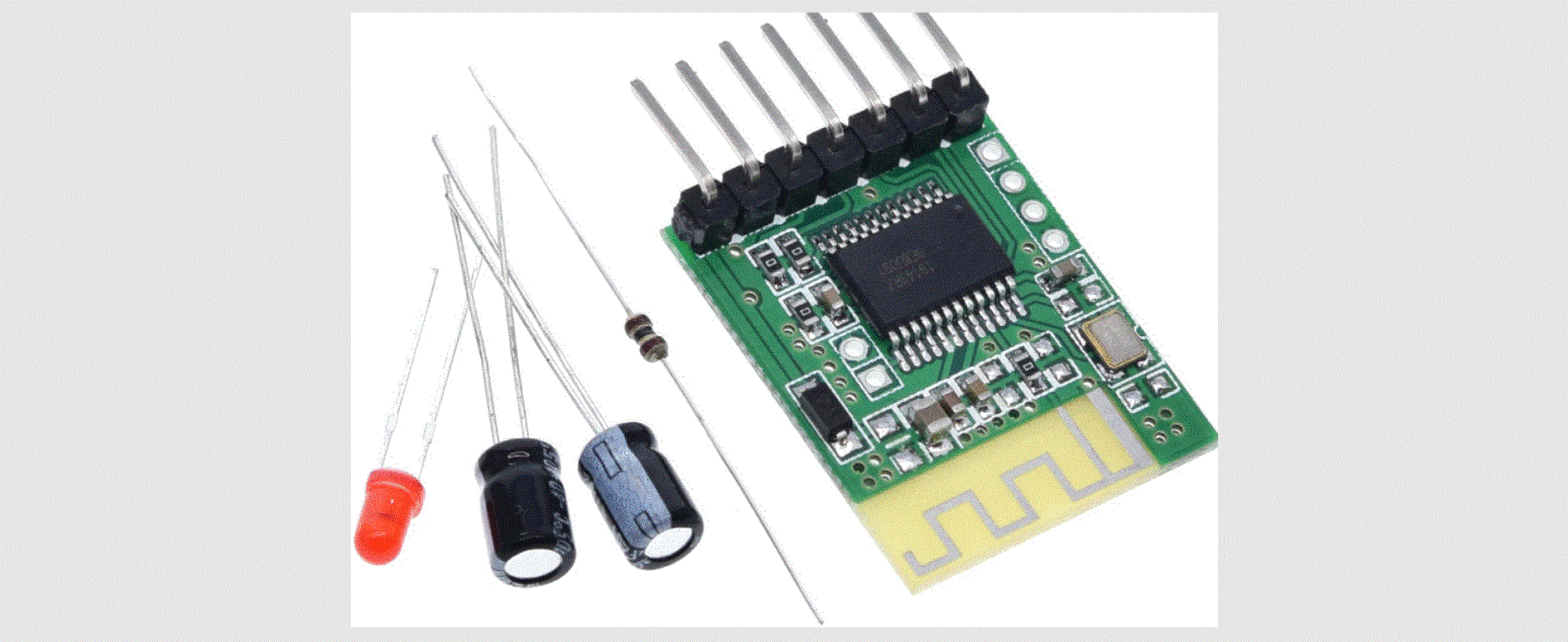
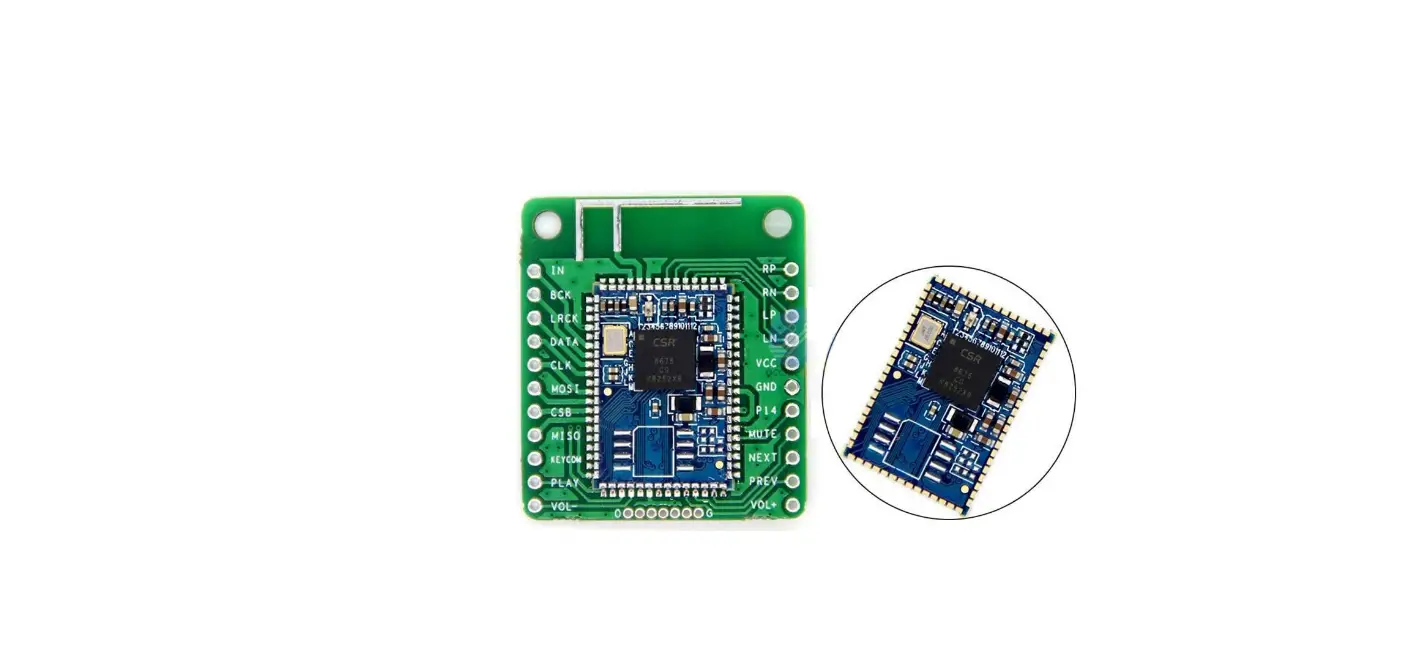
BLEDIM-CB01 is based on Bluetooth 4.2 standard, the working frequency is 2.4GHZ, and the modulation mode is GFSK. It’s a led lighting control module for RGB lighting as well as CHASE lighting. It receives commands from APP and output PWM to the gate of the MOSFET in order to drive the RGB LEDs, It can also output a command to MCU to drive the CHASE leads.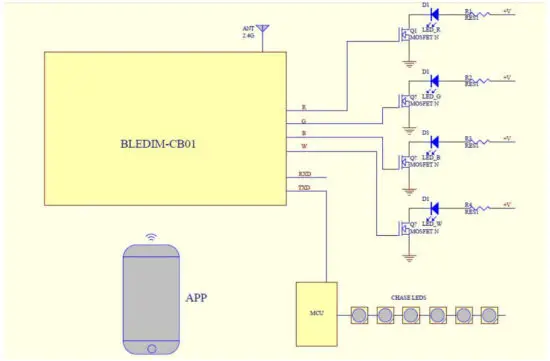
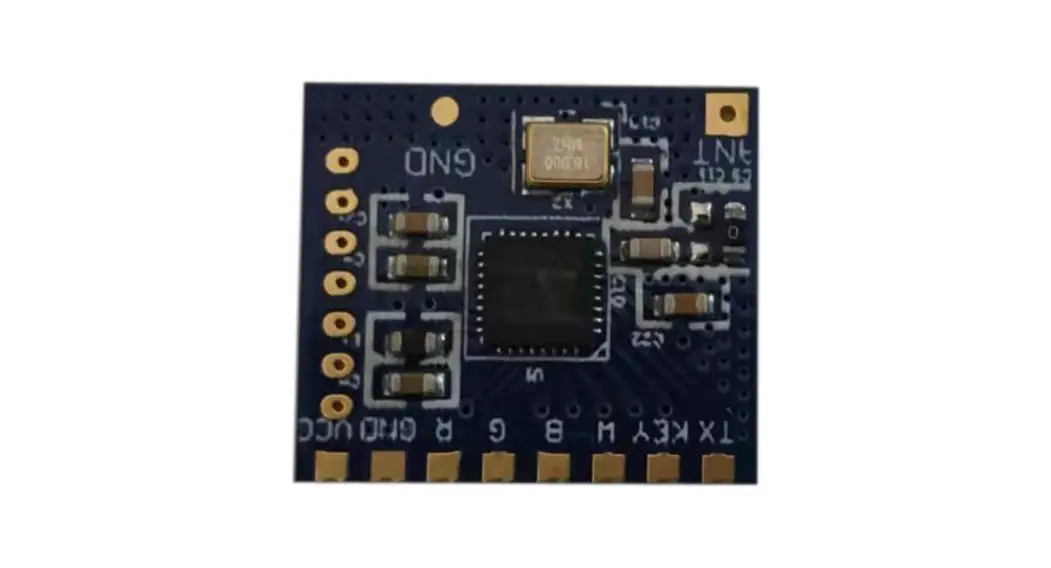
Module Pin definition
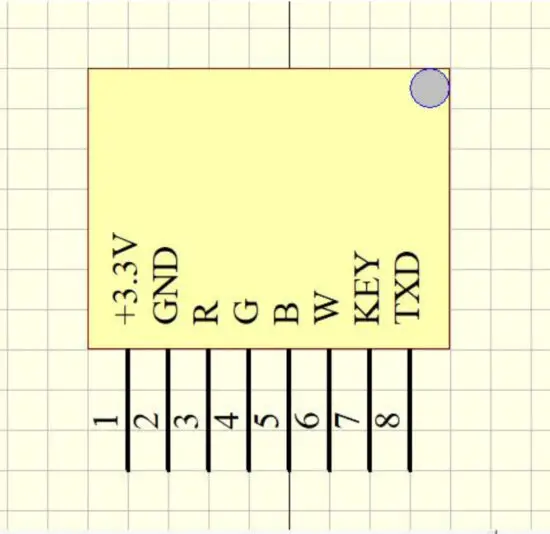
+3.3V: VCC
GND: GND
R: Output PWM for RED
G: Output PWM for GREEN
B: Output PWM for BLUE
R: Output PWM for WHITE
KEY: Optional input of key or IR
TXD: Output to MCU
Module Parameters
| MODEL | BLIM-CB01 |
| Frequency Bank | 2.4G |
| Transmitting Power | 4db Max |
| Receiving Sensitivity | -97dbm |
| Working Voltage | DC3.3V |
| Working Current | 10mA Max |
| Working Temperature | -40° C- 80°C |
| Antenna | P C B antenna |
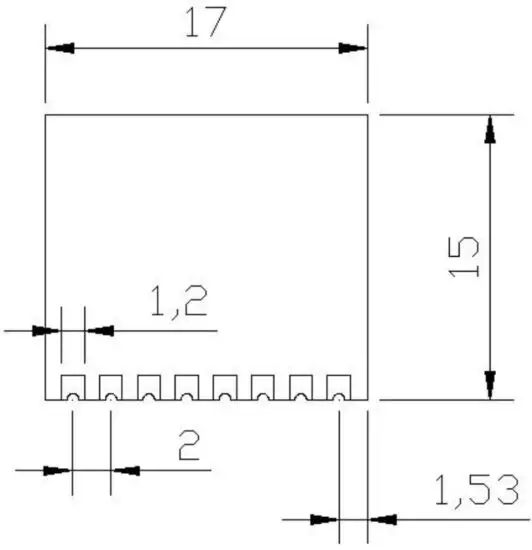
| Modul Size | 17mm*15mm |
| Bluetooth Version | BLE4.2 |
APP UUID List
| Service UUID | FFF0 |
| Characteristic UUID | FFF1 |
Dimensional drawing
FCC Requirement
(1)
Any changes or modifications not expressly approved by the party responsible for compliance could void the user’s authority to operate the equipment. This device complies with Part 15 of the FCC Rules. Operation is subject to the following two conditions:
- this device may not cause harmful interference, and
- this device must accept any interference received, including interference that may cause undesired operation.
(2)
Note: This equipment has been tested and found to comply with the limits for a Class B digital device, pursuant to Part 15 of the FCC Rules. These limits are designed to provide reasonable protection against harmful interference in a residential installation. This equipment generates, uses, and can radiate radio frequency energy, and if not installed and used in accordance with the instructions, may cause harmful interference to radio communications. However, there is no guarantee that interference will not occur in a particular installation. If this equipment does cause harmful interference to radio or television reception, which can be determined by turning the equipment off and on, the user is encouraged to try to correct the interference by one or more of the following measures:
- Reorient or relocate the receiving antenna.
- Increase the separation between the equipment and receiver.
- Connect the equipment into an outlet on a circuit different from that to which the receiver is connected.
- Consult the dealer or an experienced radio/TV technician for help.