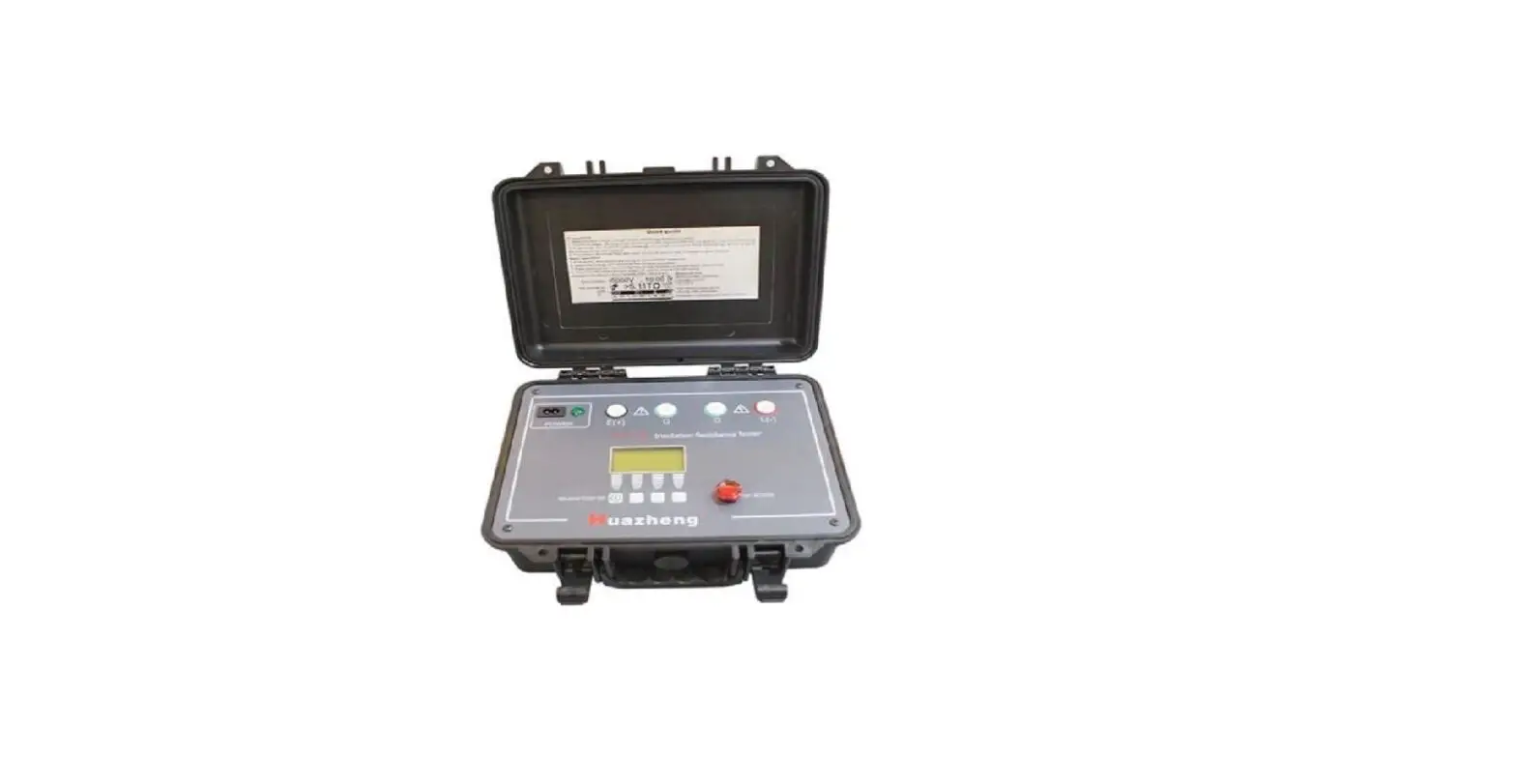
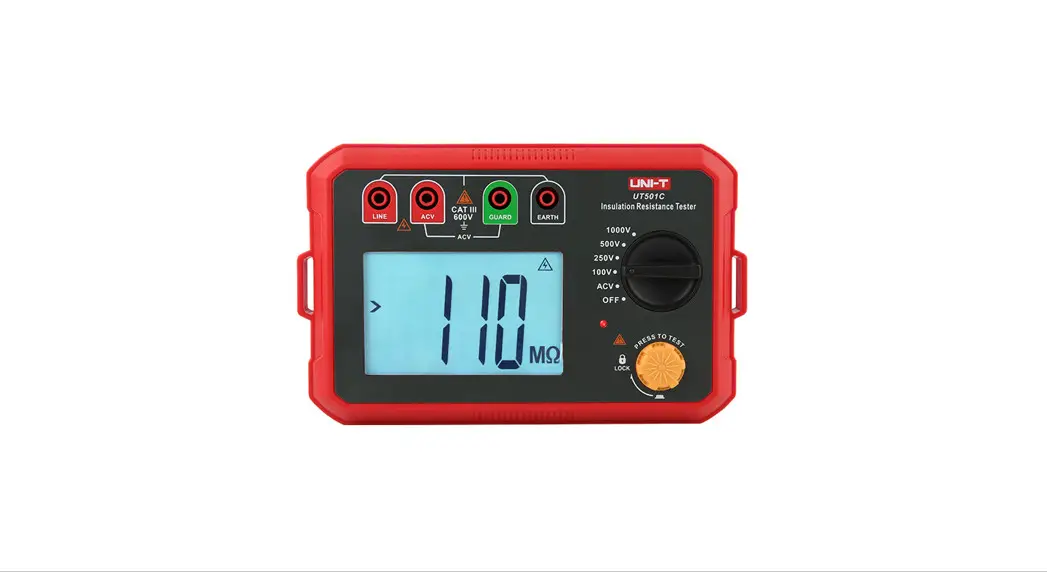
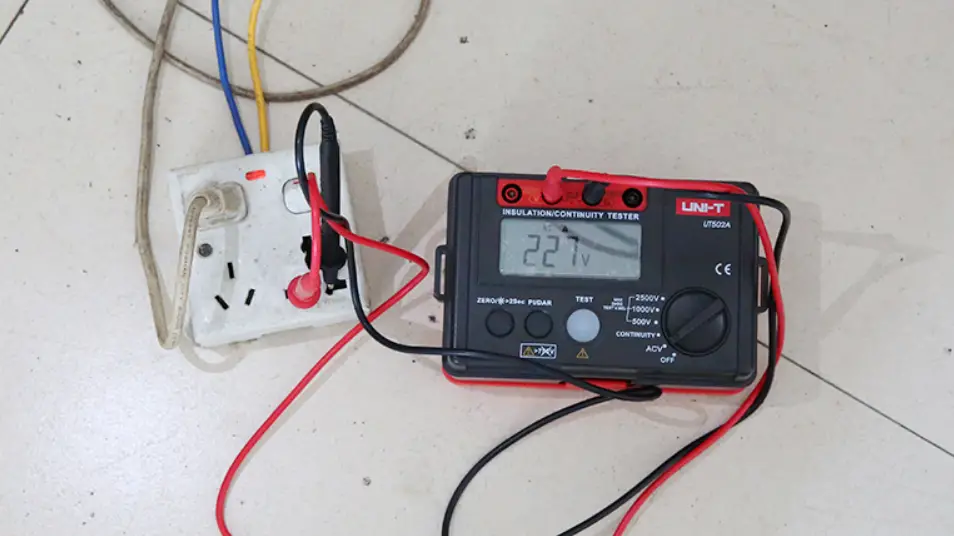
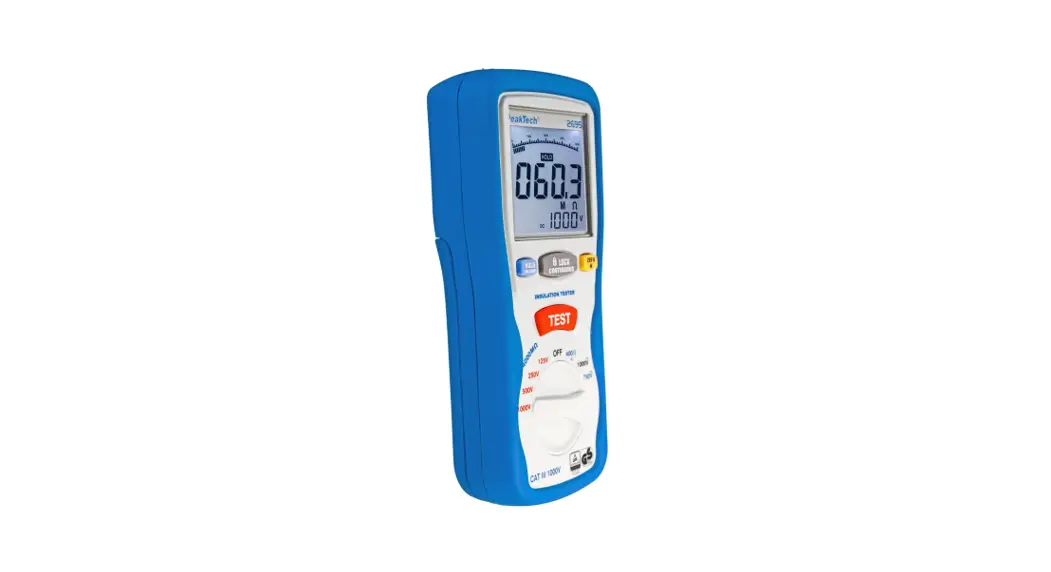
ST2683 Series Insulation Resistance Meter
Product Information:
| Model | ST2683A | ST2683B |
|---|---|---|
| Test Voltage Range | 1-1000V | 1-500V |
| Insulation Resistance Test Range | 100K-10T | 100K-5T |
| Display | 24-bits, 4.3-inch and 4-wire touch LCD screen | |
| LCD Resolution | 480*272 | |
| Features |
| |
Product Usage Instructions:
To use the ST2683 Series Insulation Resistance Meter, follow
these steps:
- Connect the device to a power source using the provided power
cable. - Turn on the device by pressing the power button.
- Set the desired test voltage range. For ST2683A, select a range
between 1V and 1000V. For ST2683B, select a range between 1V and
500V. - Prepare the item to be tested and ensure it is properly
connected to the meter. - Press the “Start Test” button on the LCD screen to begin the
insulation resistance test. - Wait for the test to complete and observe the insulation
resistance and leakage current values displayed on the screen. - If required, use the zero clearing function to reset the
readings to zero. - If testing capacitive components, use the contact detection
function to ensure accurate results. - For fast testing, select the “Fast Test” mode which completes
the test in 30ms. - For advanced testing, use the programmable sequence test mode
to customize the test parameters. - Utilize the 4-bin comparison function to categorize test
results as PASS or FAIL. - Store up to 20 setup files in the internal memory or on a
U-disk for future use. - Upgrade the firmware of the device by inserting a disk with the
latest firmware version. - Select the desired language (Chinese or English) for the
operation interface. - Connect the device to a computer or handler interface using
RS232C or USB Device interface for remote control. - Use the footswitch trigger function for convenient hands-free
operation.
Tel: 886. 909 602 109 Email: [email protected] www.salukitec.com
ST2683 Series Insulation Resistance Meter
Features
Test voltage range: 1-1000V(ST2683A) 1-500V(ST2683B)
Insulation resistance test range: 100K-10T Insulation resistance, leakage current dual display 24-bits, 4.3-inch and 4-wire touch LCD screen LCD resolution: 480*272 Zero clearing function Contact detection function for capacitive components Fast test: 30ms Programmable sequence test mode 6 ranges, manual or auto range mode 4-bin comparison function: 3 bins for PASS, 1 bin for FAIL 20 setup files can be stored in the internal memory,
support U-disk Measurement data can be stored on U-disk Automatically upgrade firmware by a disk Selectable Chinese and English operation interfaces Handler interface realizes on-line operation Achieve remote control by RS232C and USB Device interface Footswitch trigger function
Specifications
RS232 USB HOST USB DEVICE HANDLER
standard standard
standard
standard
ST2683A/B
Rack mountmm215(W)×88(H)×335(D) Dimension mm235(W)×105(H)×360(D) Weight:3.6kg
Application
Ultra-High Value Resistors Insulation resistance and leakage current of capacitors Various dielectric insulating materials, equipment, wires and cables Insulation testing from safety regulations
Model Resistance test Test range Test accuracy Current test
Test range
Test accuracy Test voltage Range Accuracy Current limit ON/OFF Charge time Measurement delay Measurement speed Comparator function Range mode Memory
ST2683A
ST2683B
100k-10T
I>10nA: ±2% I10nA: ±5%
100k-5T
Range 1: 100uA – 1mA, internal input impedance 10k Range 2: 10uA – 100uA, internal input impedance 10k Range 3: 1uA – 10uA, internal input impedance 10k Range 4: 100nA – 1uA, internal input impedance 10k Range 5: 10nA – 100nA, internal input impedance 1M Range 6: 1nA – 10nA, internal input impedance 1M
2%±3pA
1V-1000V
1V-500V
Voltage10V: 1%±1V Voltage<10V: 10%±0.1V
10mA
Manually turn on or off it on front panel, or controlled by built-in timer, or by remote control
0-999s programmable
0-999s programmable
Fast: single measurement time30ms Slow: single measurement time60ms
4 bins: 3 bins for PASS, 1 bin for FAIL
Auto, Hold
Internal memory and external USB disk
Standard Accessories
ST26004B 2-terminal test clip leads
1
 Saluki | Signal Analyzer | Signal Generator | Network Analyzer | SSPA | Calibration Kit | Electronic Design - SALUKI