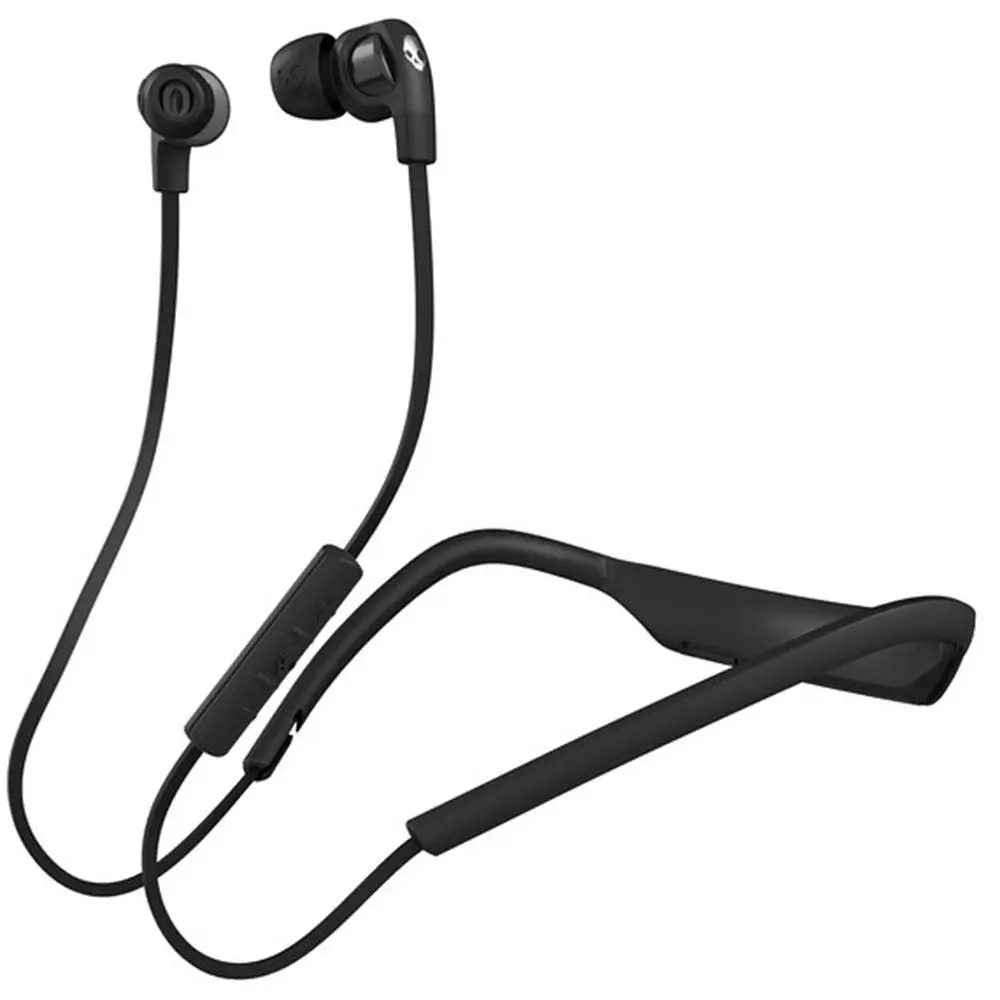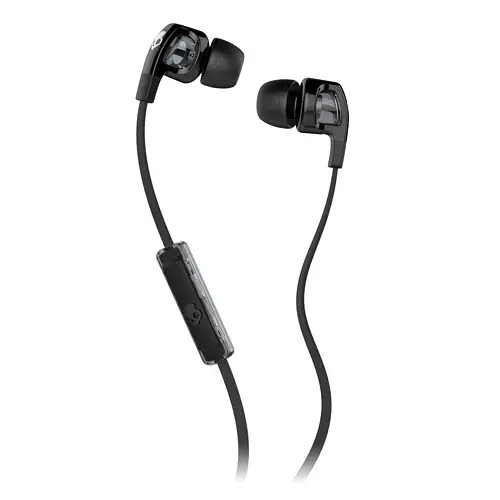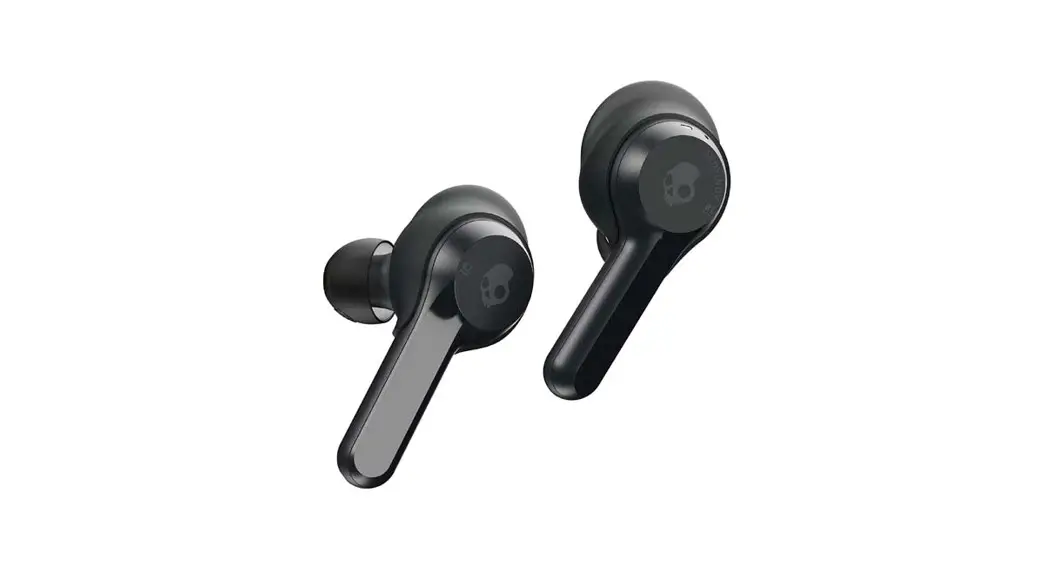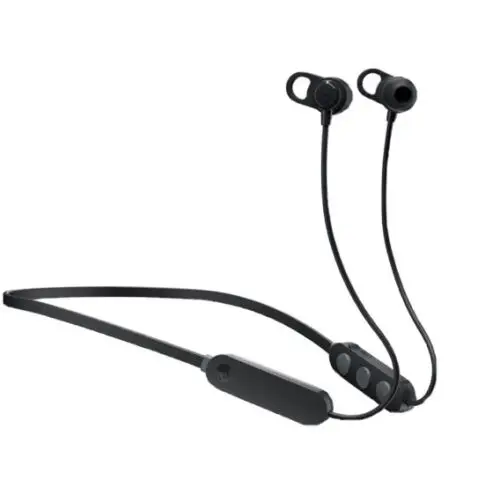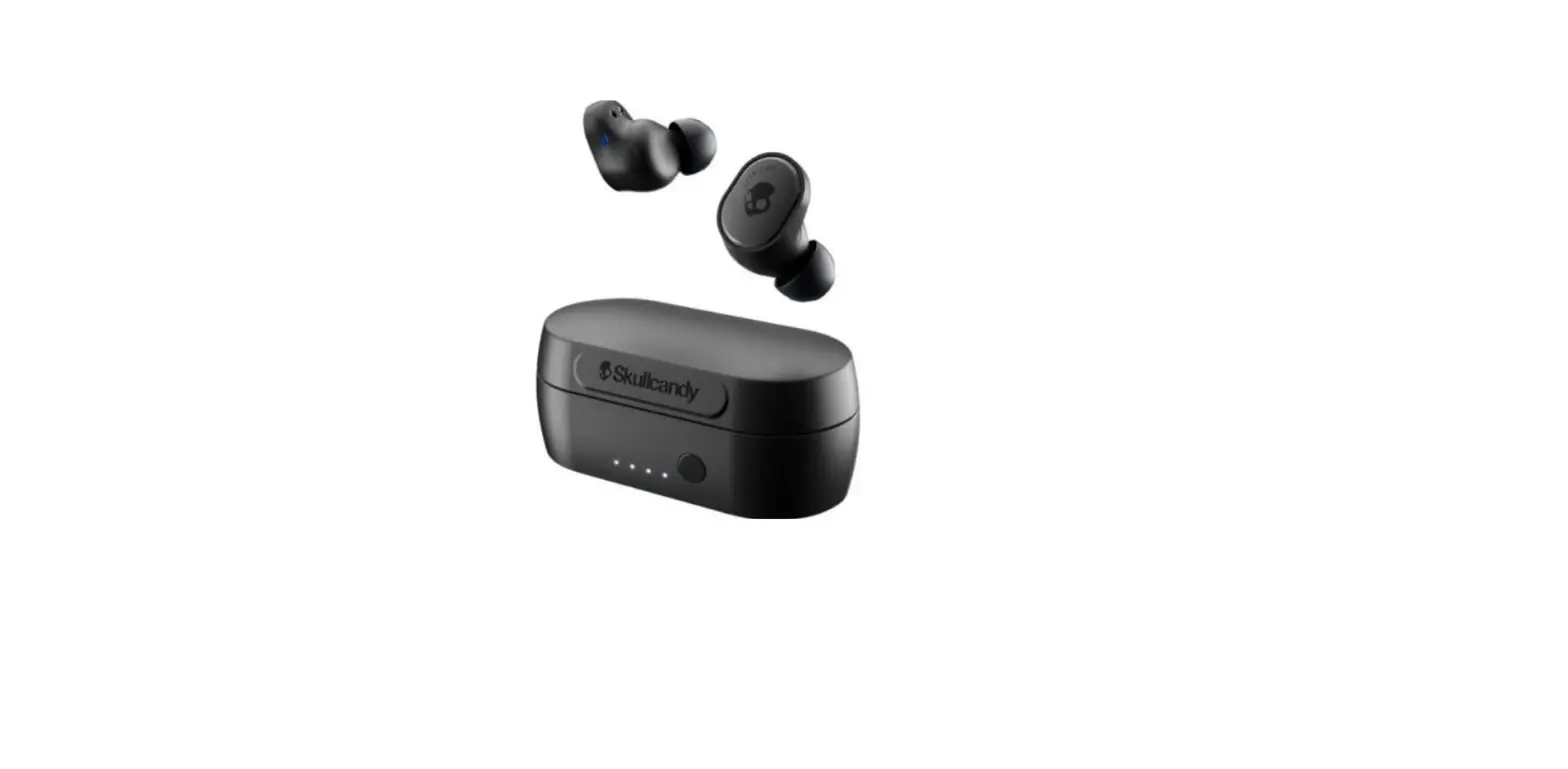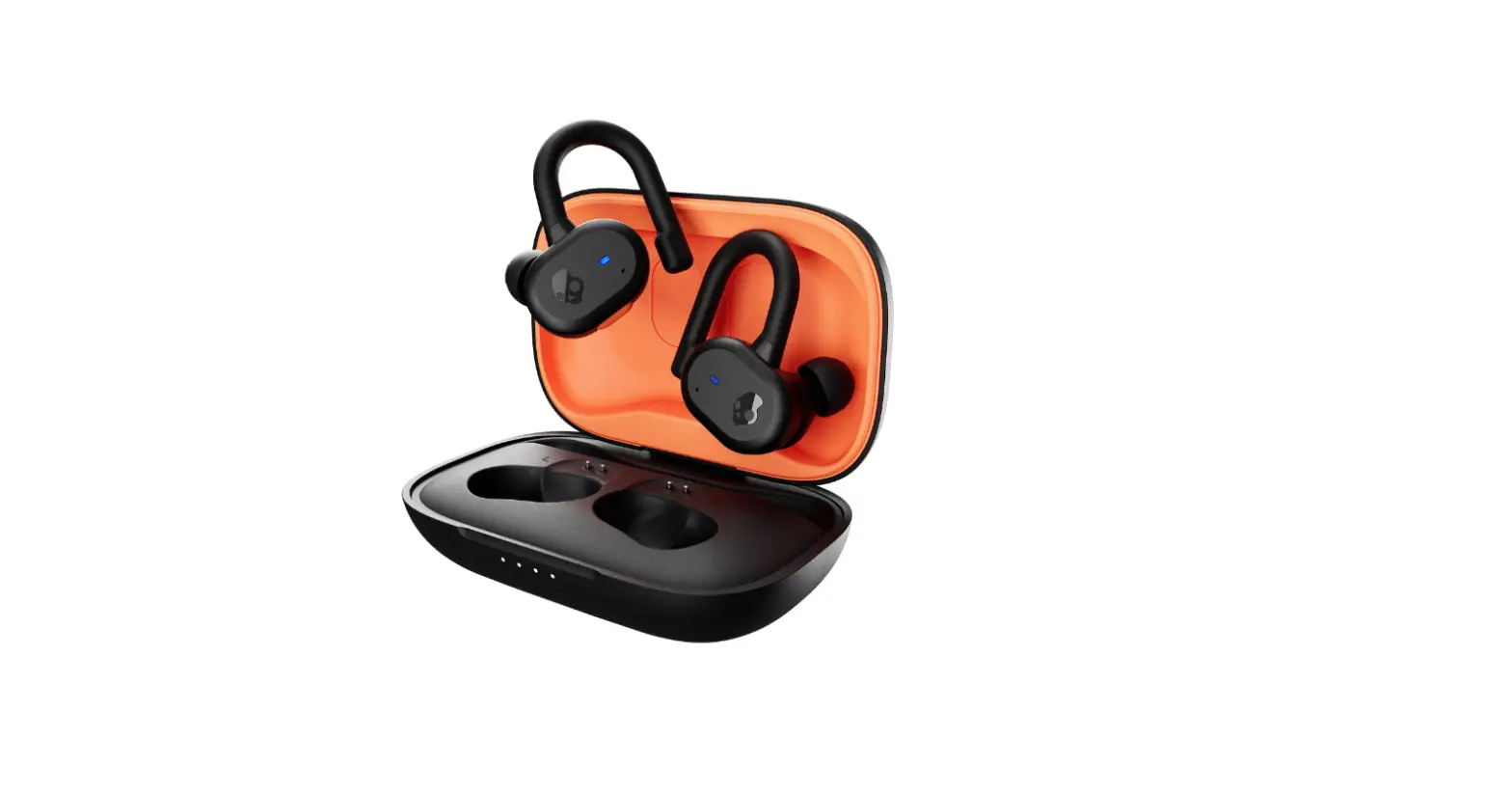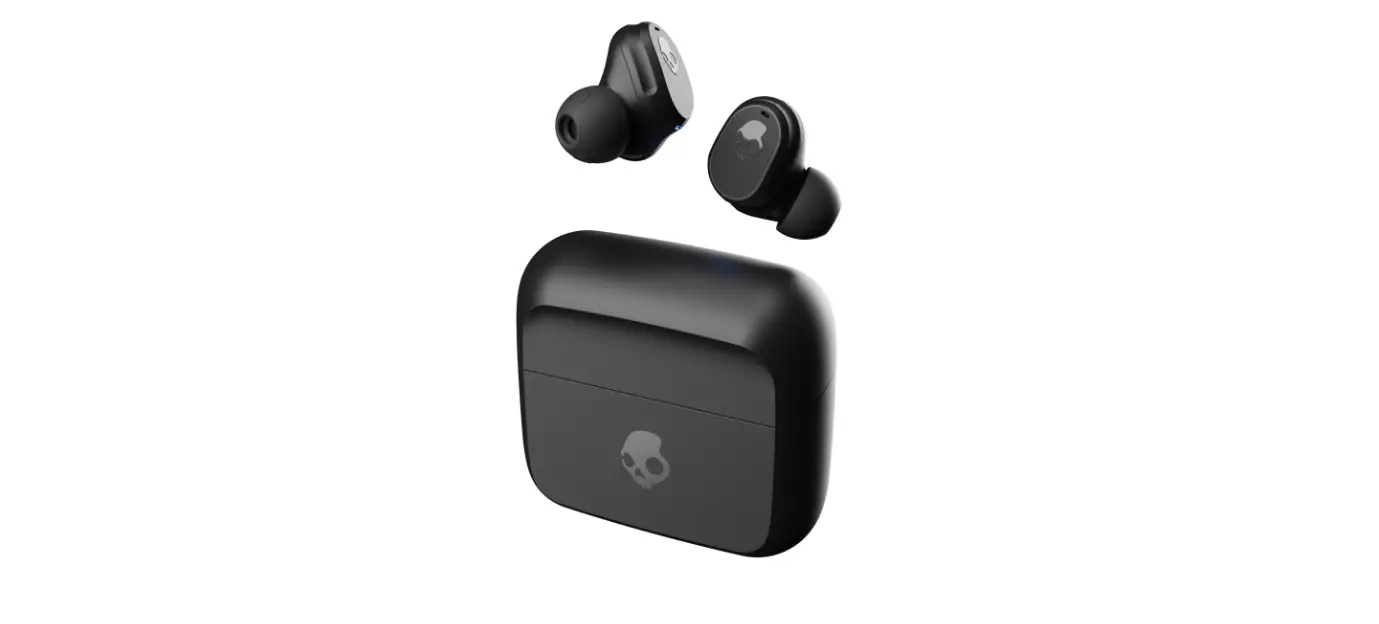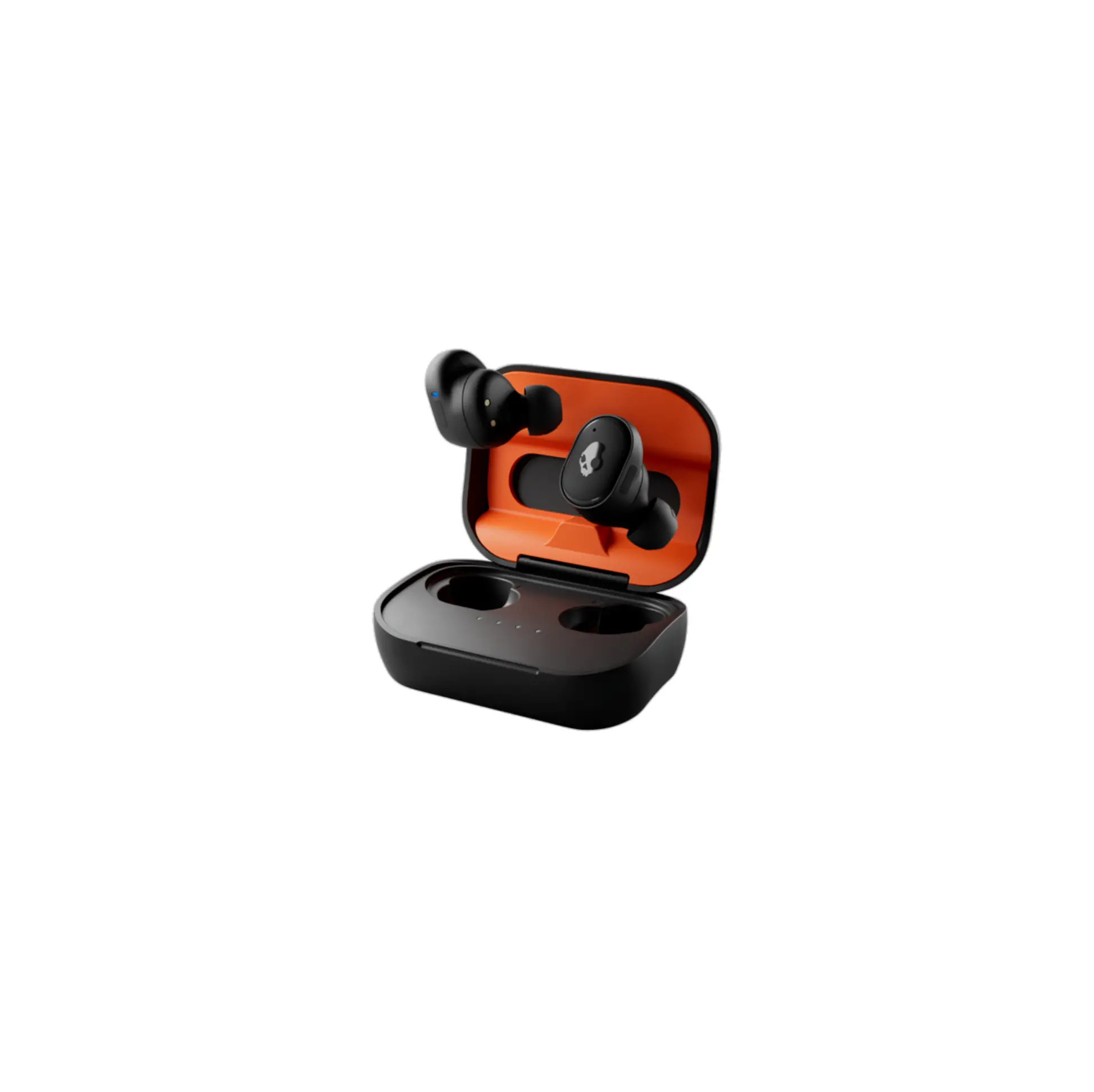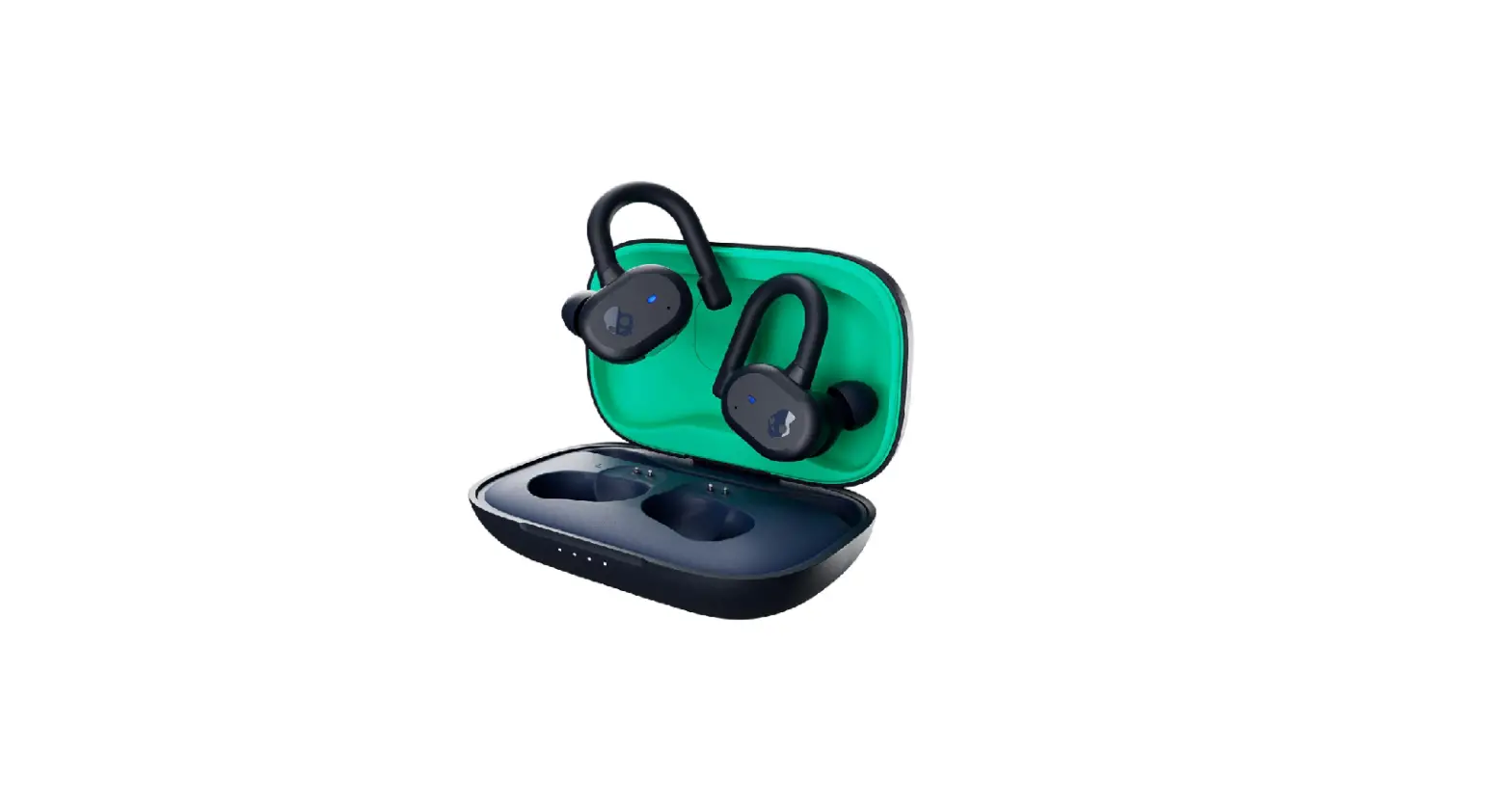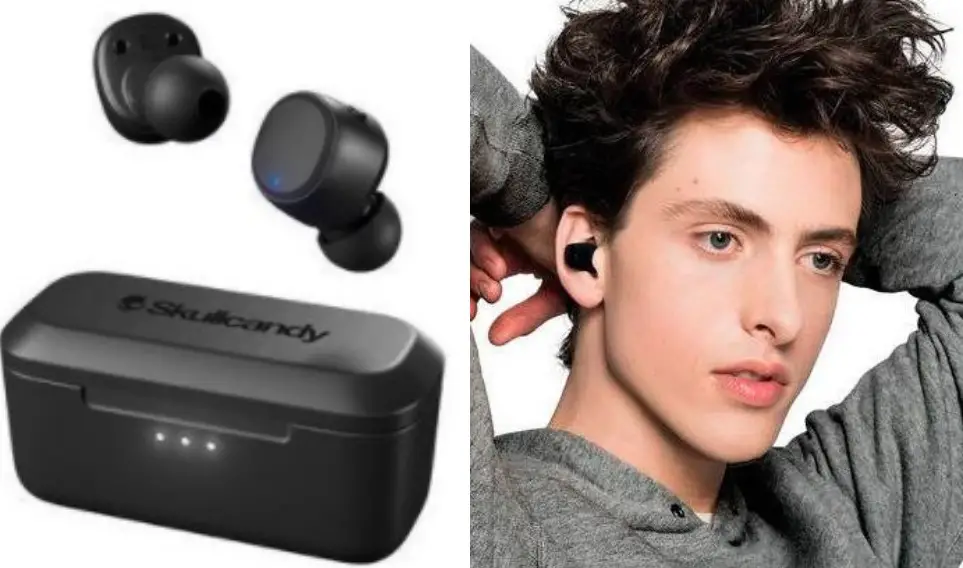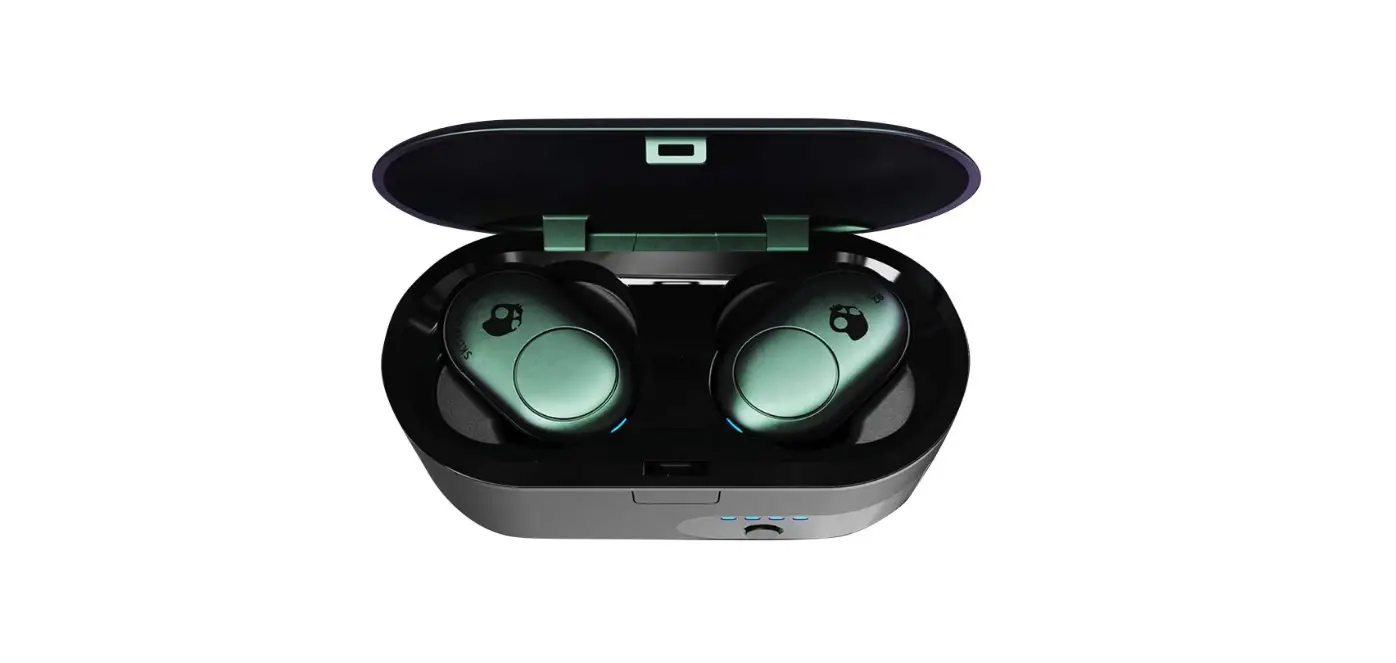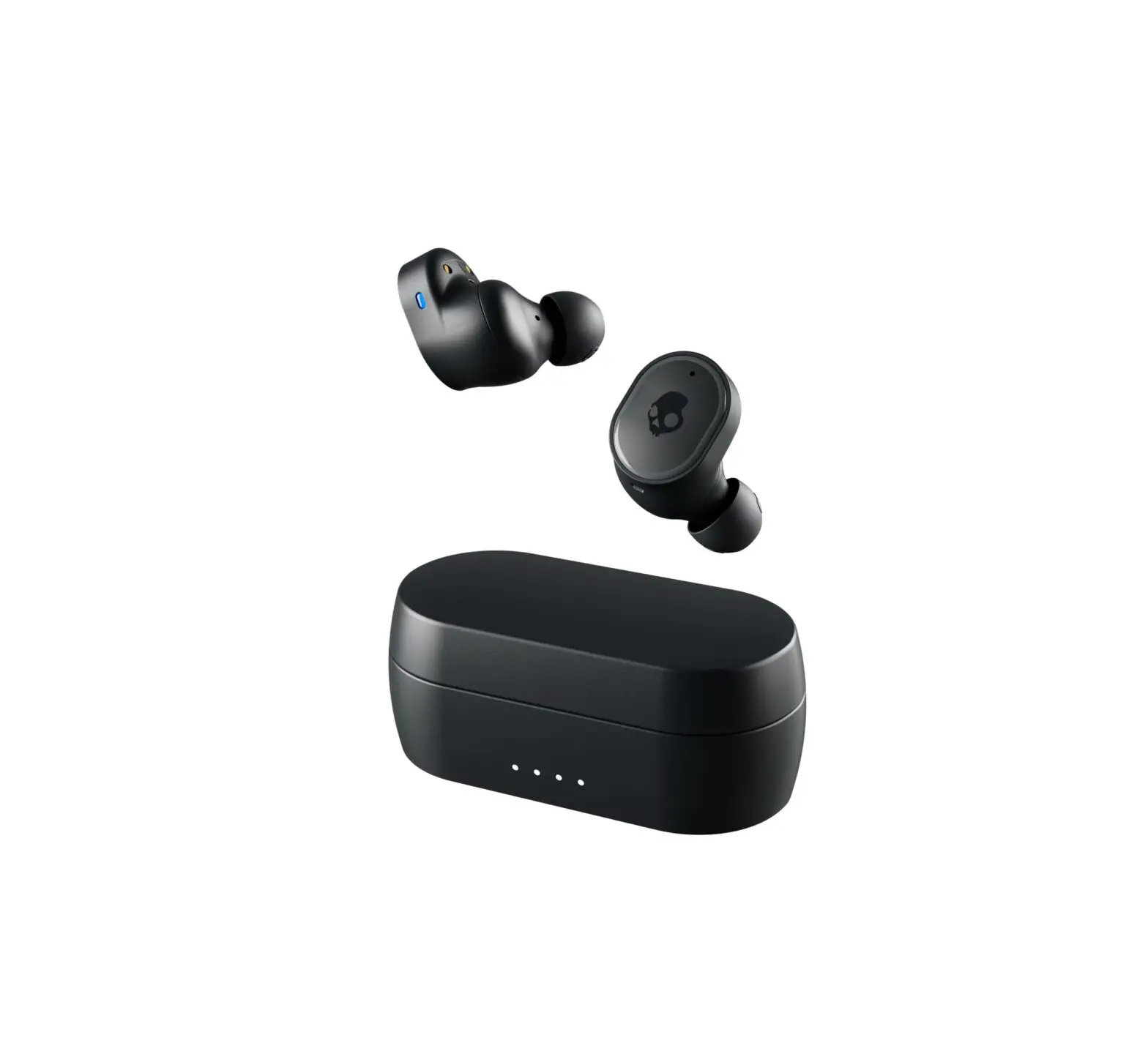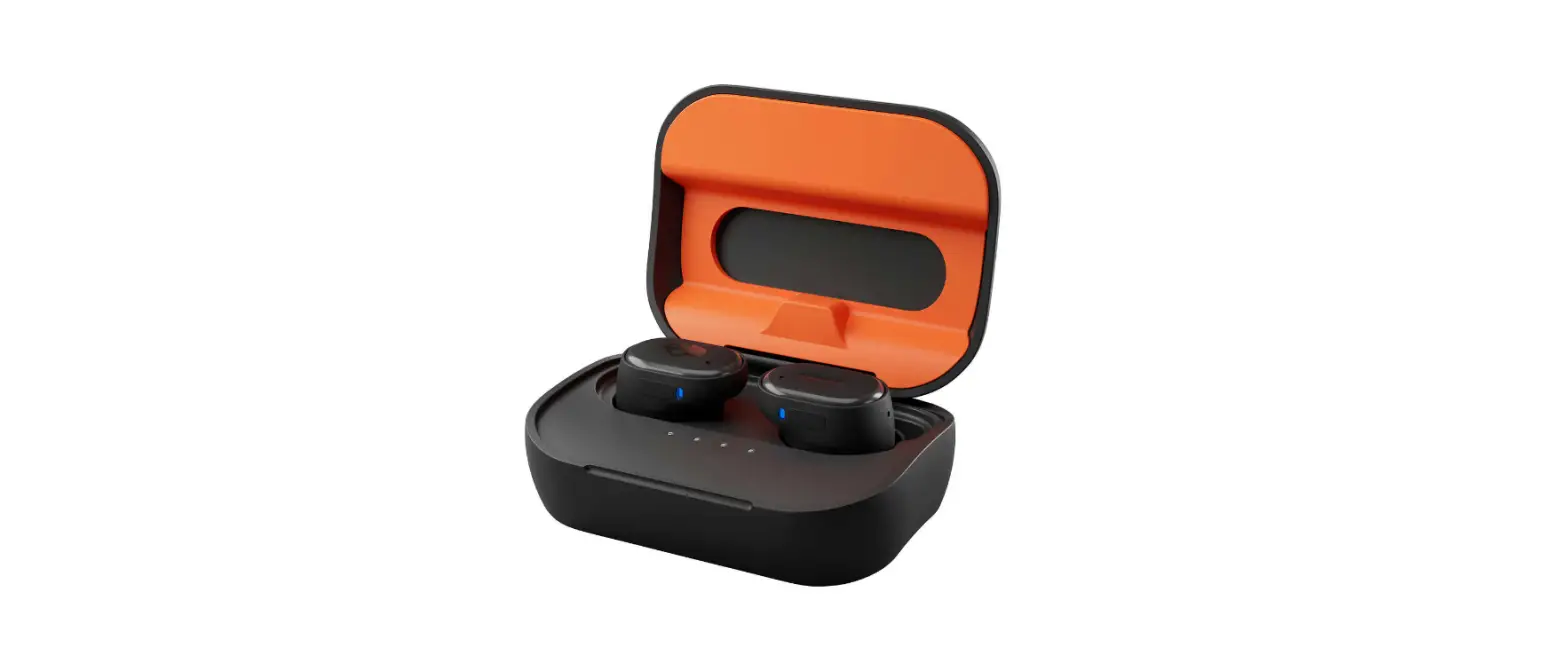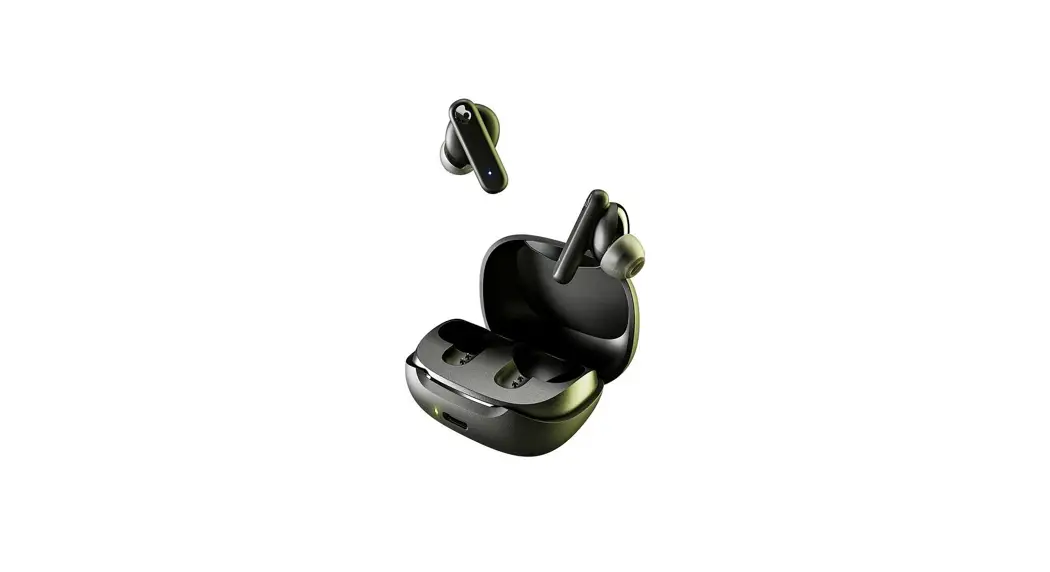
 Smokin’ Buds Bluetooth Earbuds with Microphone
User Guide
Smokin’ Buds Bluetooth Earbuds with Microphone

Scan to get started.
Warranty information at: skullcandy.com/warranty
Auto Power – On/Off
*Auto On – Remove buds from Case
*Auto Off – Place buds into Case
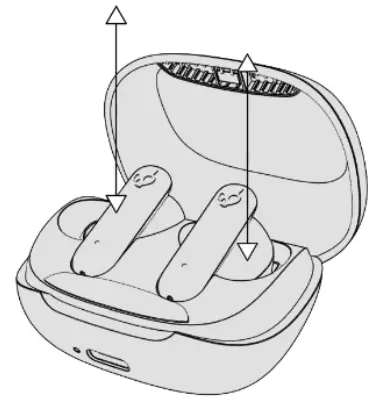 Power – On/Off
Power – On
*Off Mode
Either bud
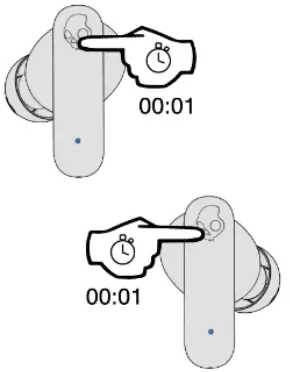 Power – On
Power – Off
*On Mode
Both earbuds
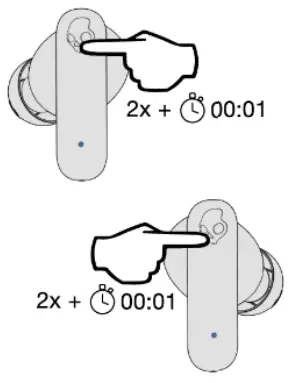 Power – Off
Pairrg Mode
*On Mode
Either bud
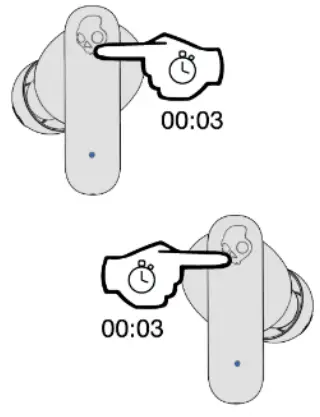 Pairrg Mode
Pair New Device
Voice Prompt – “Ready to Pair”
Available Device – “Smokin’ Buds”
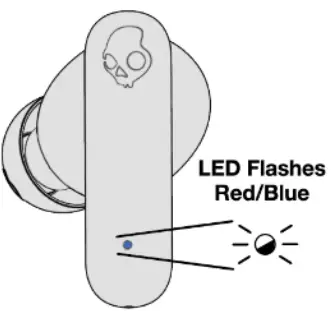 Pair New Device
Play/Pause Answer/End
*While On
Either bud
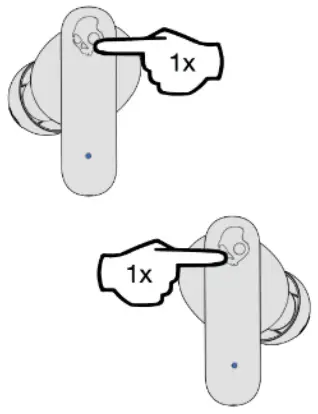 Play/Pause-Answer/End
Volume Up
Either Earbud
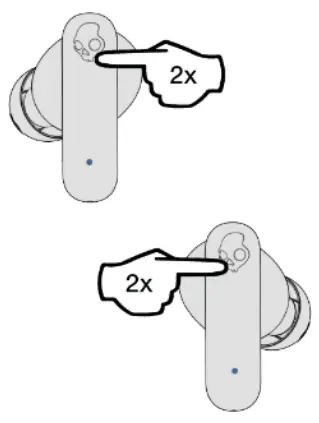 Volume Up
Volume Down
Either Earbud
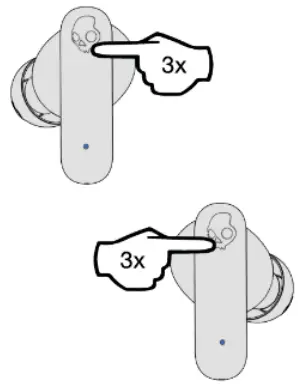 Volume Down
EQ Mode Change
Either Earbud
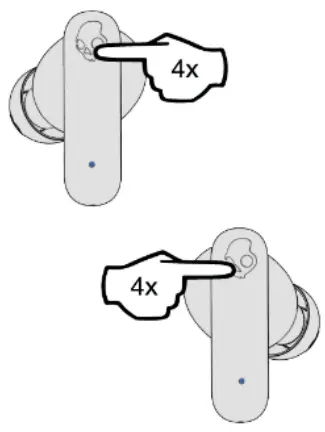 Change Equalizer Modes
Charge Earbuds
Earbud LED’s turn RED to indicate charging.
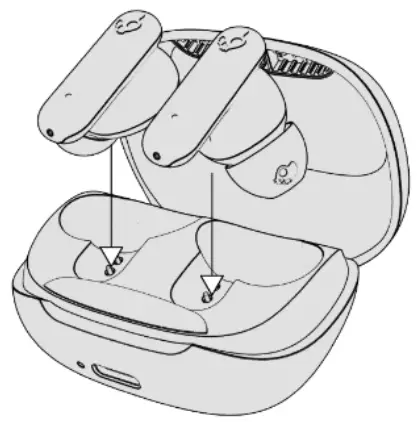 Charge Earbuds
Charge the Case
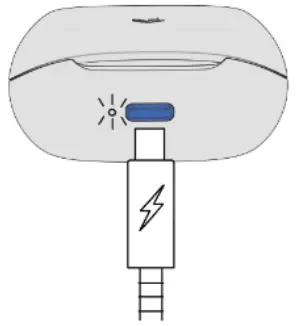 Charge Case
Re-Sync Earbuds
Both Earbuds
*While On
*Bluetooth Disconnected
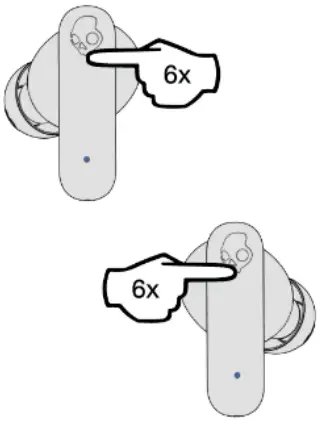 Re-sync earbuds
Reset Paired Device List
Both earbuds
*While ON
*Bluetooth Disconnected
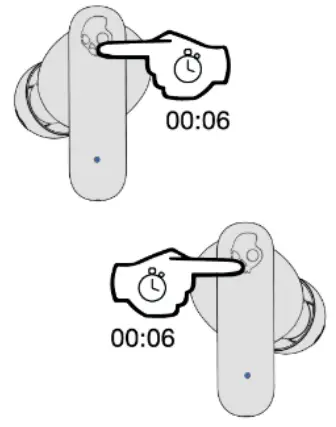 Reset Device
Questions Visit: www.skullcandy.com
Maximum operating temperature 45°C.
Speaker Driver: 6mm.
Impedance: 16 Ohms, THD <3%@50KHz-10KHz.
Voltage Regulation: 3.7v,
Bluetooth®: 5.2,
Frequency Band: 2.402GHz – 2.480GHz,
Maximum Power: 2dBm,
Weight: 40.59g., and other merits are registered trademarks d Skullcandy. Inc. All rights reserved.