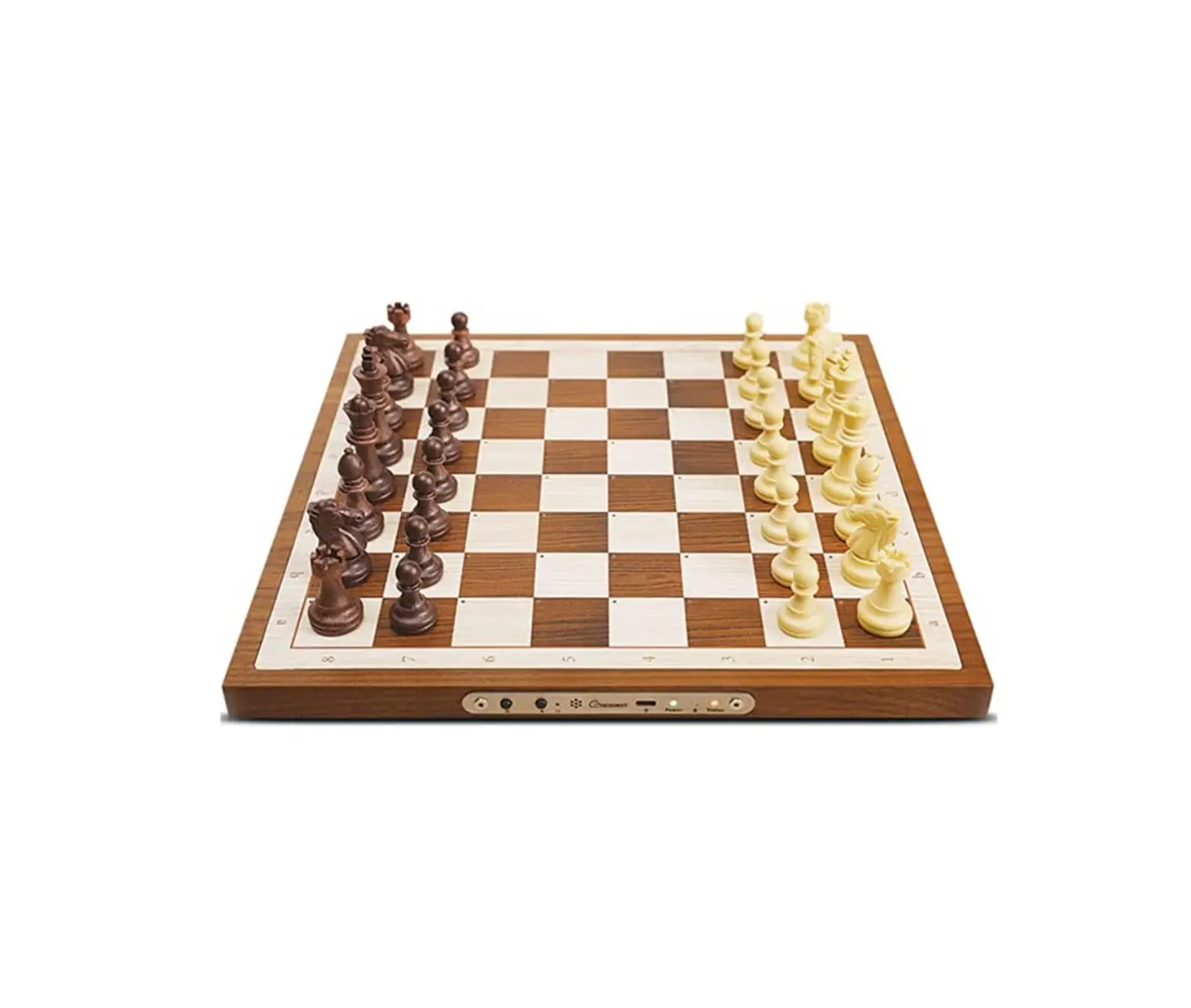
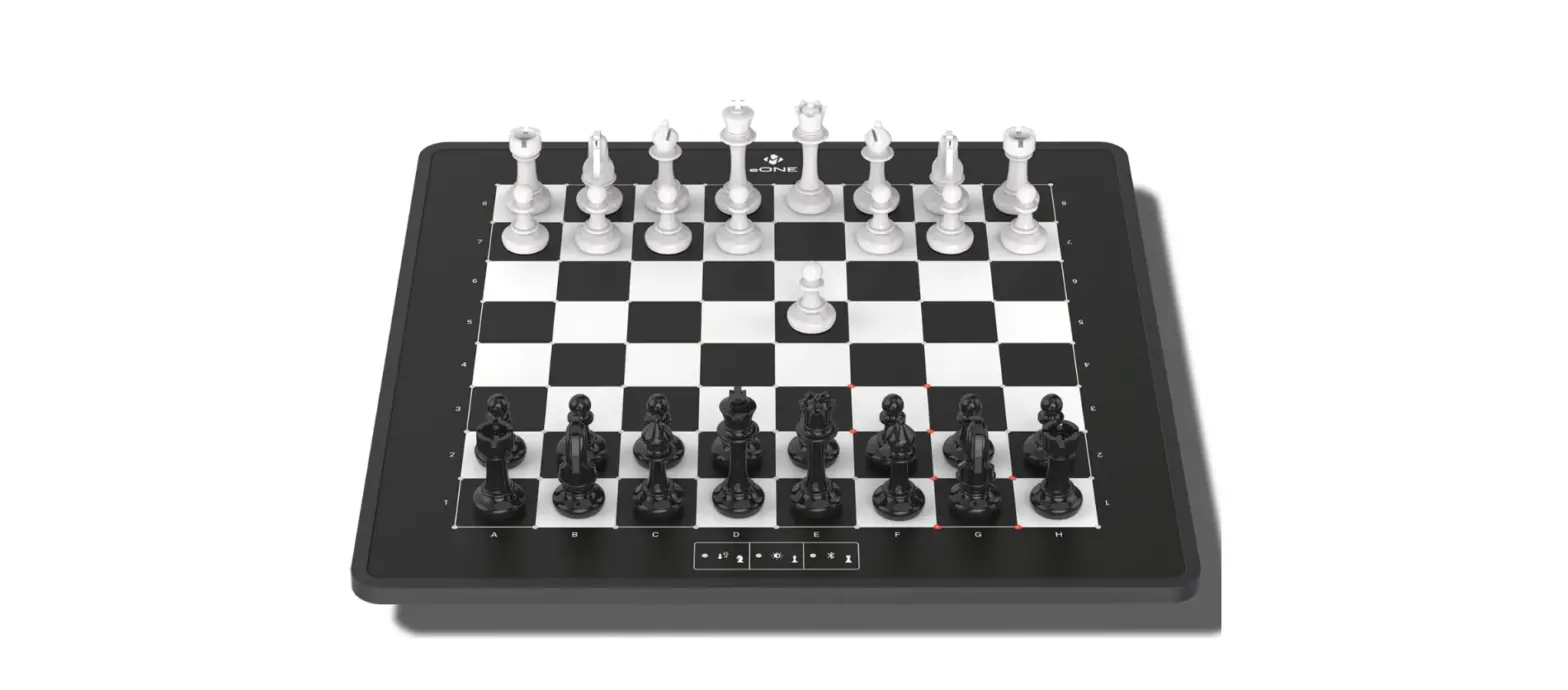
Let’s Get Started
FCC Warning Statement
Changes or modifications not expressly approved by the party responsible for compliance could void the user’s authority to operate the equipment. This equipment has been tested and found to comply with the limits for a Class B digital device, pursuant to Part 15 of the FCC Rules. These limits are designed to provide reasonable protection against harmful interference in a residential installation. This equipment generates uses and can radiate radio frequency energy and, if not installed and used in accordance with the instructions, may cause harmful interference to radio communications. However, there is no guarantee that interference will not occur in a particular installation. If this equipment does cause harmful interference to radio or television reception, which can be determined by turning the equipment off and on, the user is encouraged to try to correct the interference by one or more of the following measures:
‐‐ Reorient or relocate the receiving antenna.
‐‐ Increase the separation between the equipment and receiver.
‐‐ Connect the equipment into an outlet on a circuit different from that to which the receiver is connected.
‐‐ Consult the dealer or an experienced radio/TV technician for help.
FCC Radiation Exposure Statement
The antennas used for this transmitter must be installed to provide a separation distance of at least 20 cm from all persons and must not be co‐located for operating in conjunction with any other antenna or transmitter.

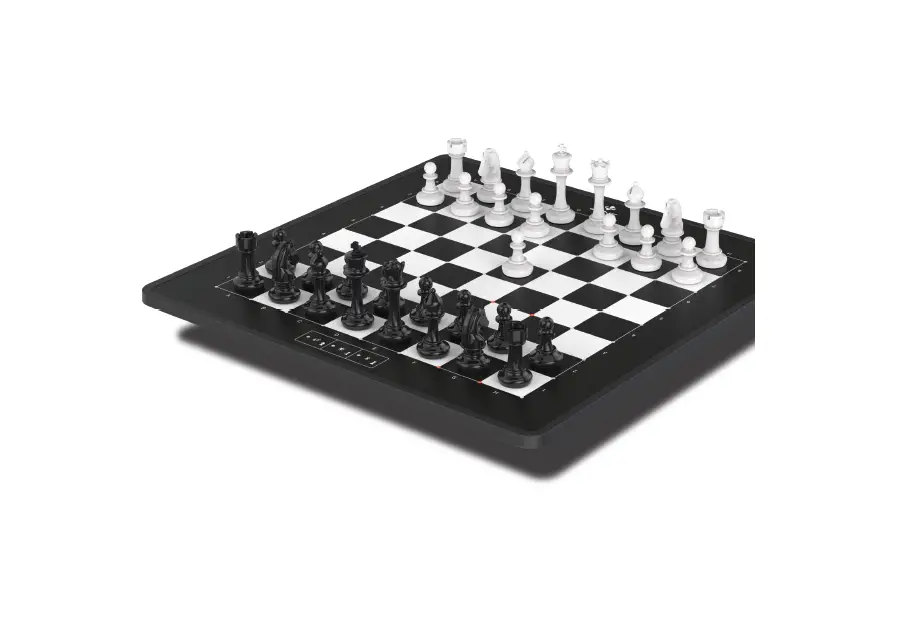
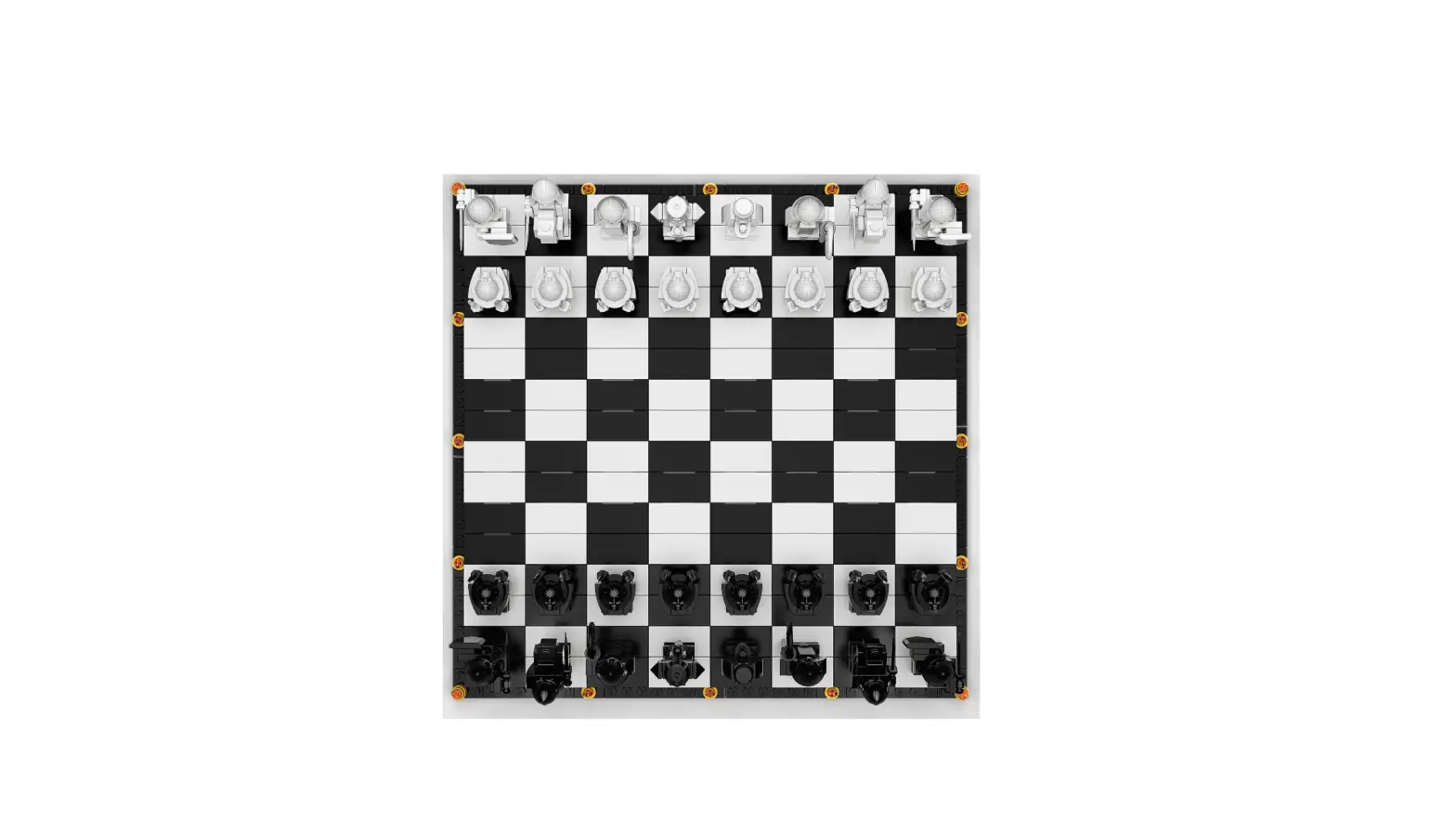
 SQUARE OFF
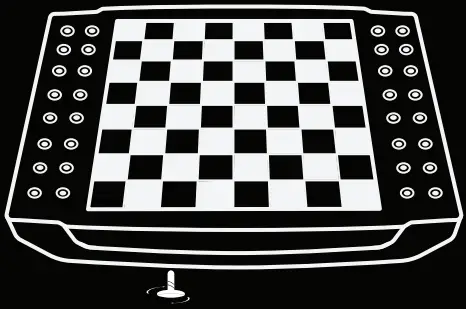
1. Unscrew the shipping lock situated at the bottom of the board before switching it on


2. Download the Square off App
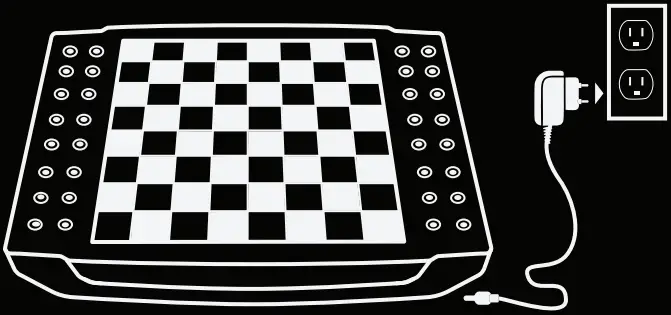
3. Connect the board to the charger
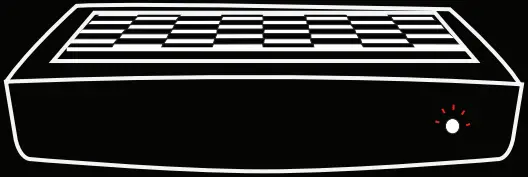
4. Press the power button to switch on
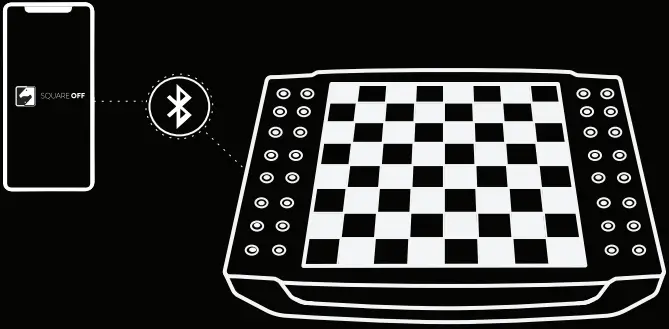
5. Open the app and connect via bluetooth. Wait for a beep to establish connection
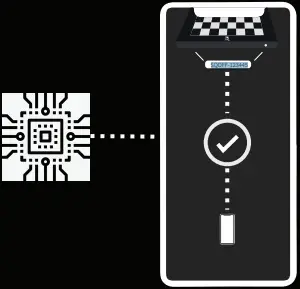
6. Update the firmware to its latest version
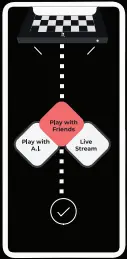
7. After successfully completing the initialization setup, select mode from the app
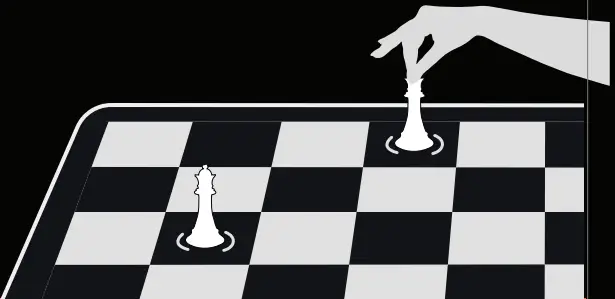
8. To register your move, place the piece in the center of the desired square. The LEDs will flash, confirming the move.
CAUTION : Danger of explosion if battery is incorrectly replaced.
Replace only with the same or equivalent type.