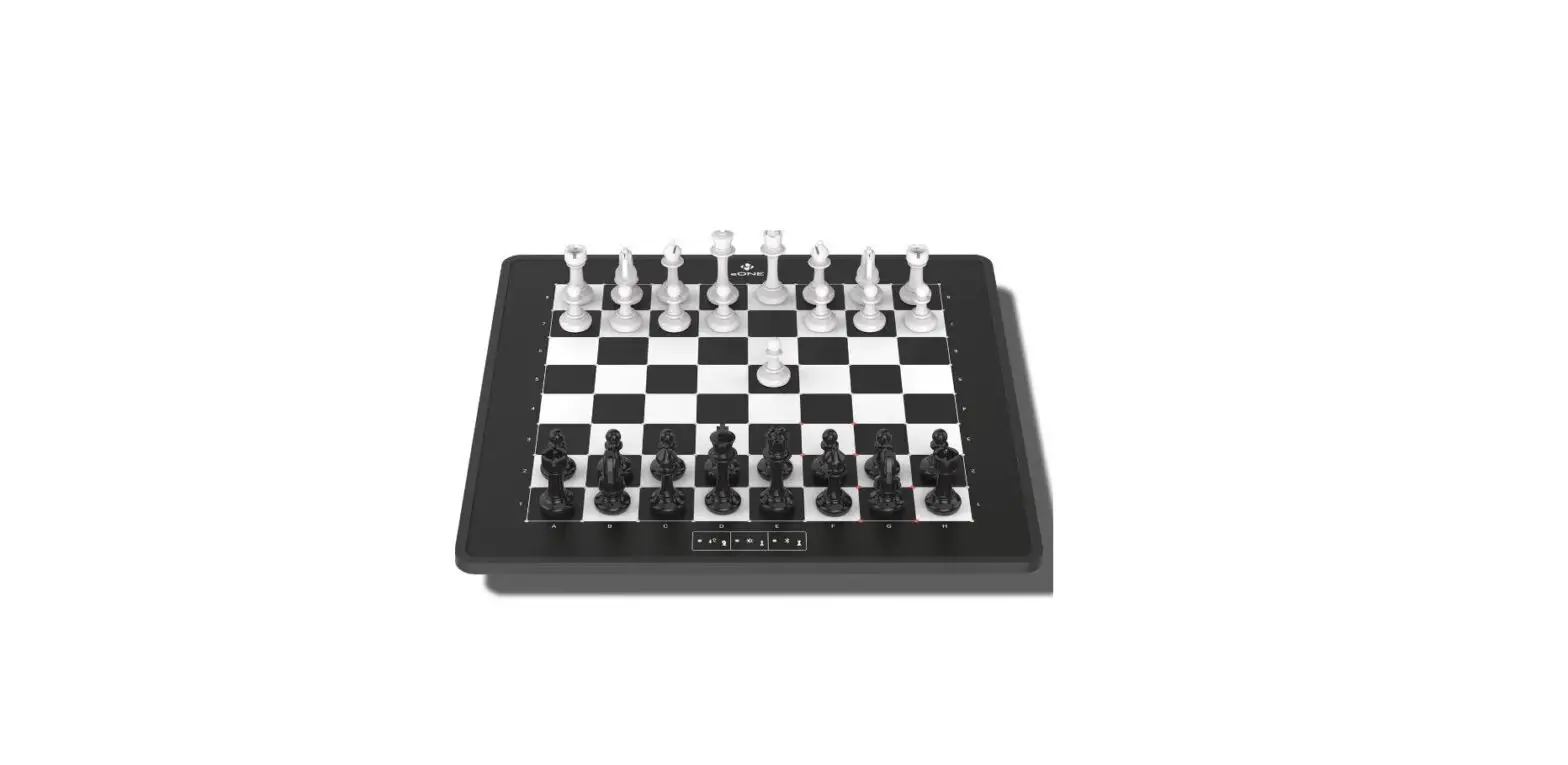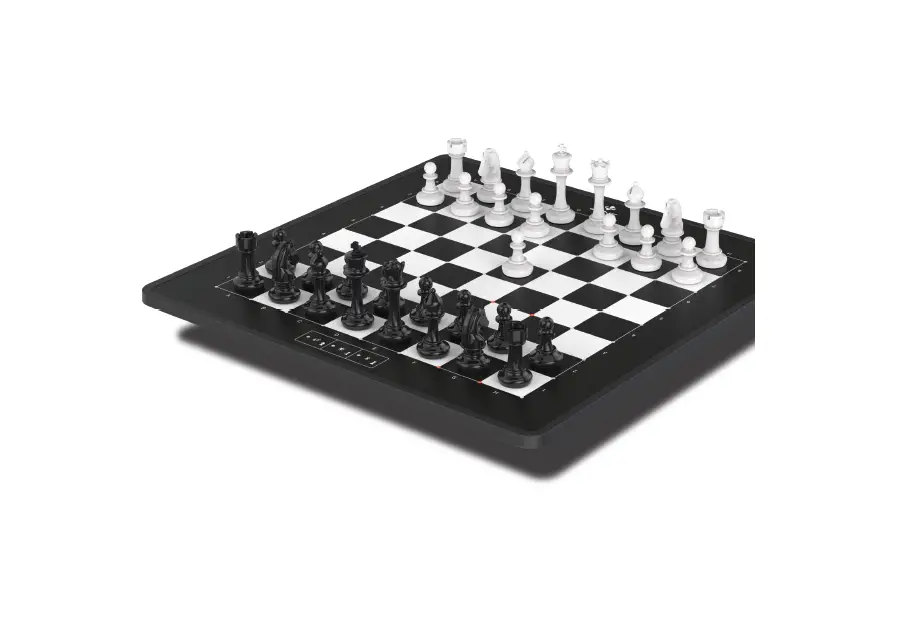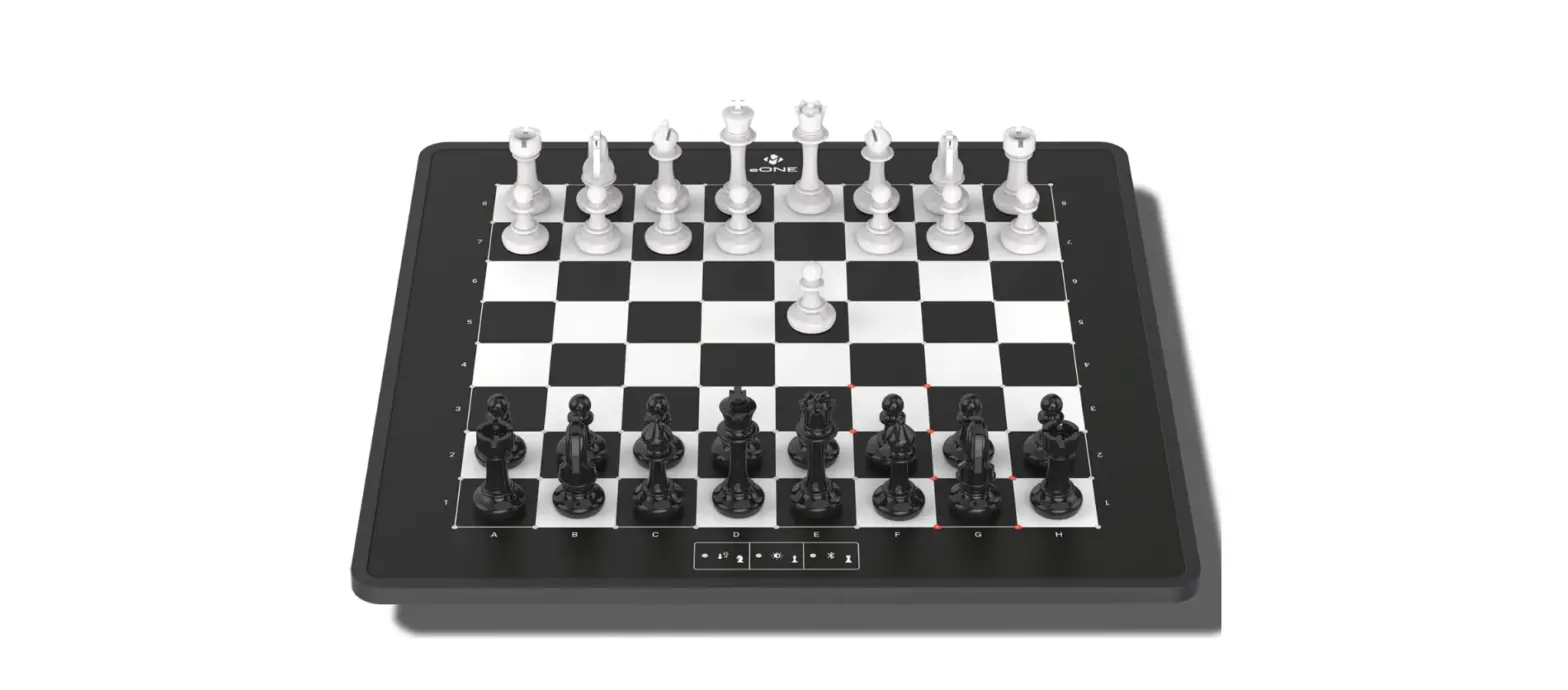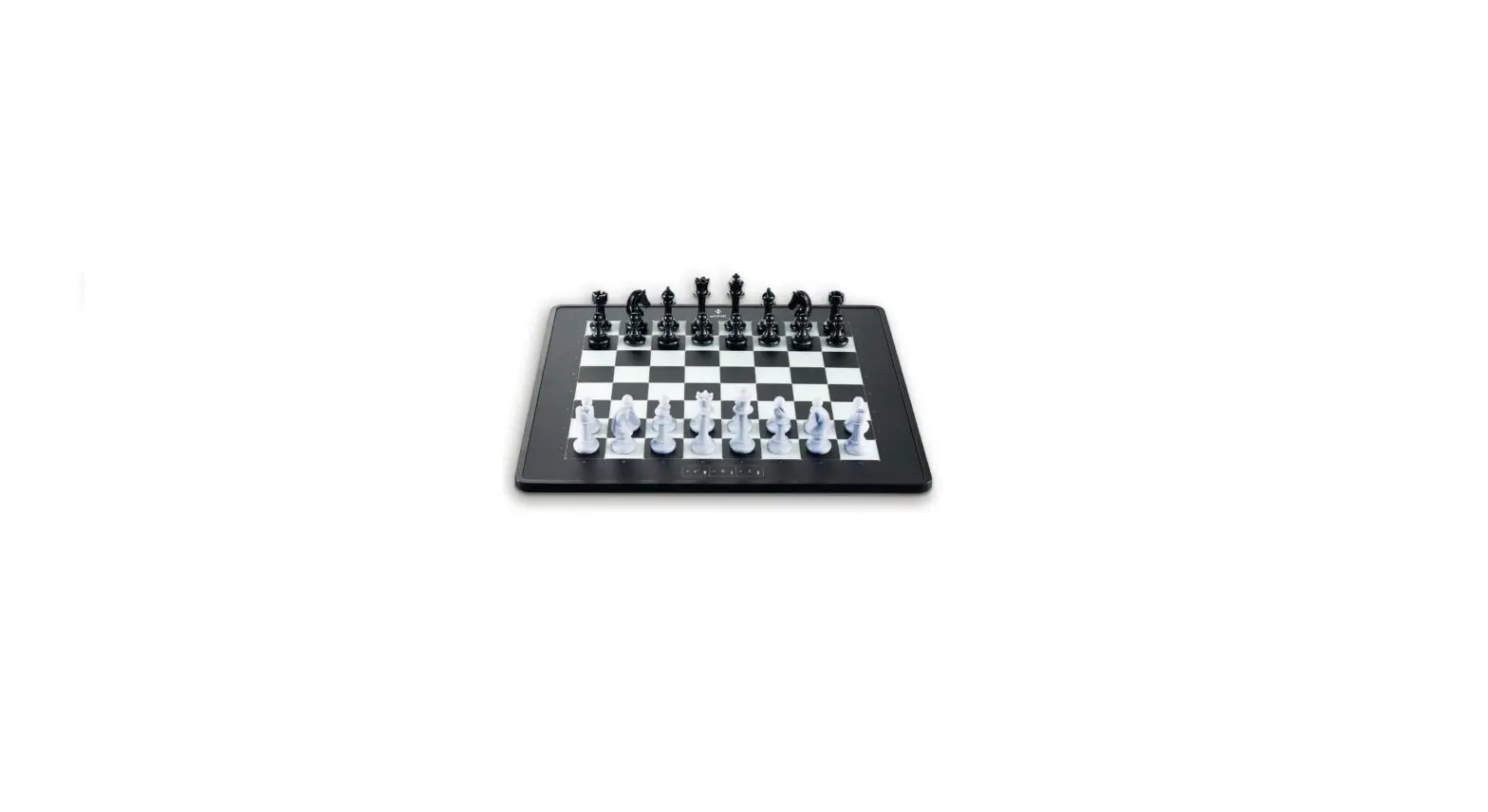
HESSNUT Board Electronic Chess Set
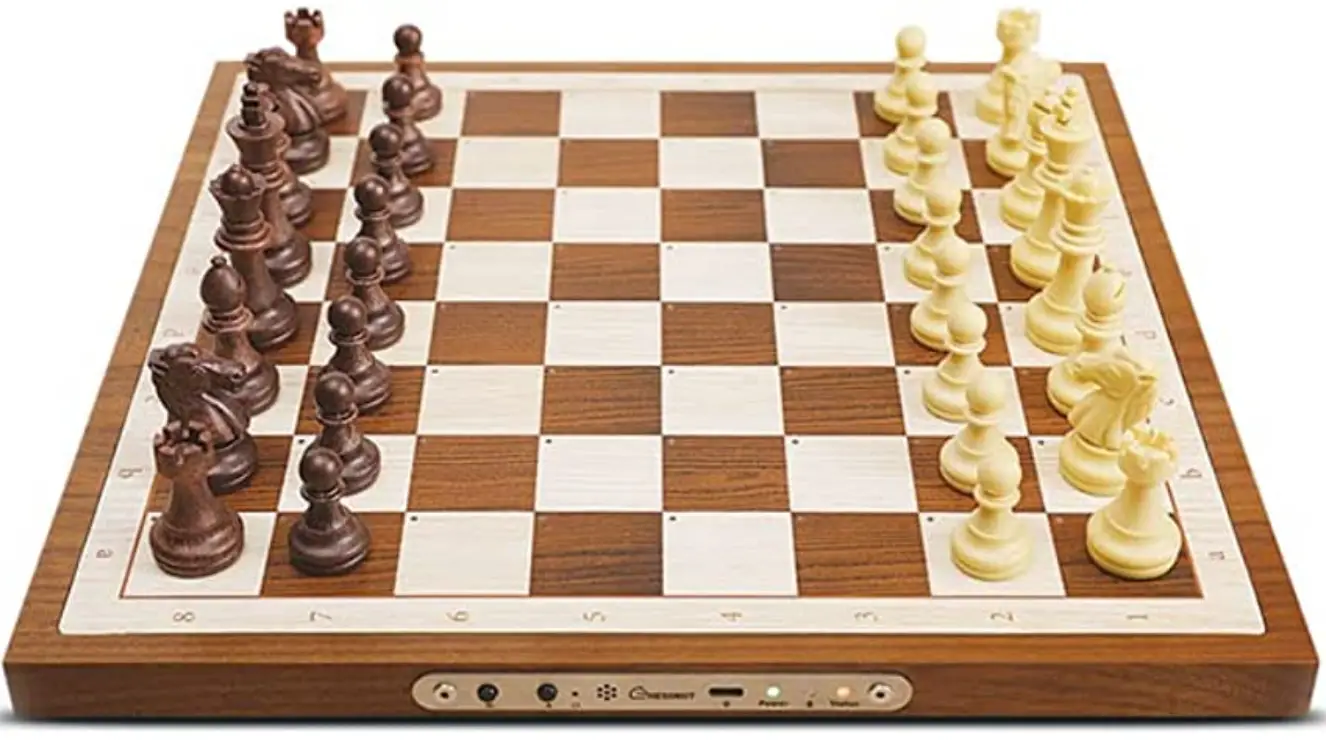
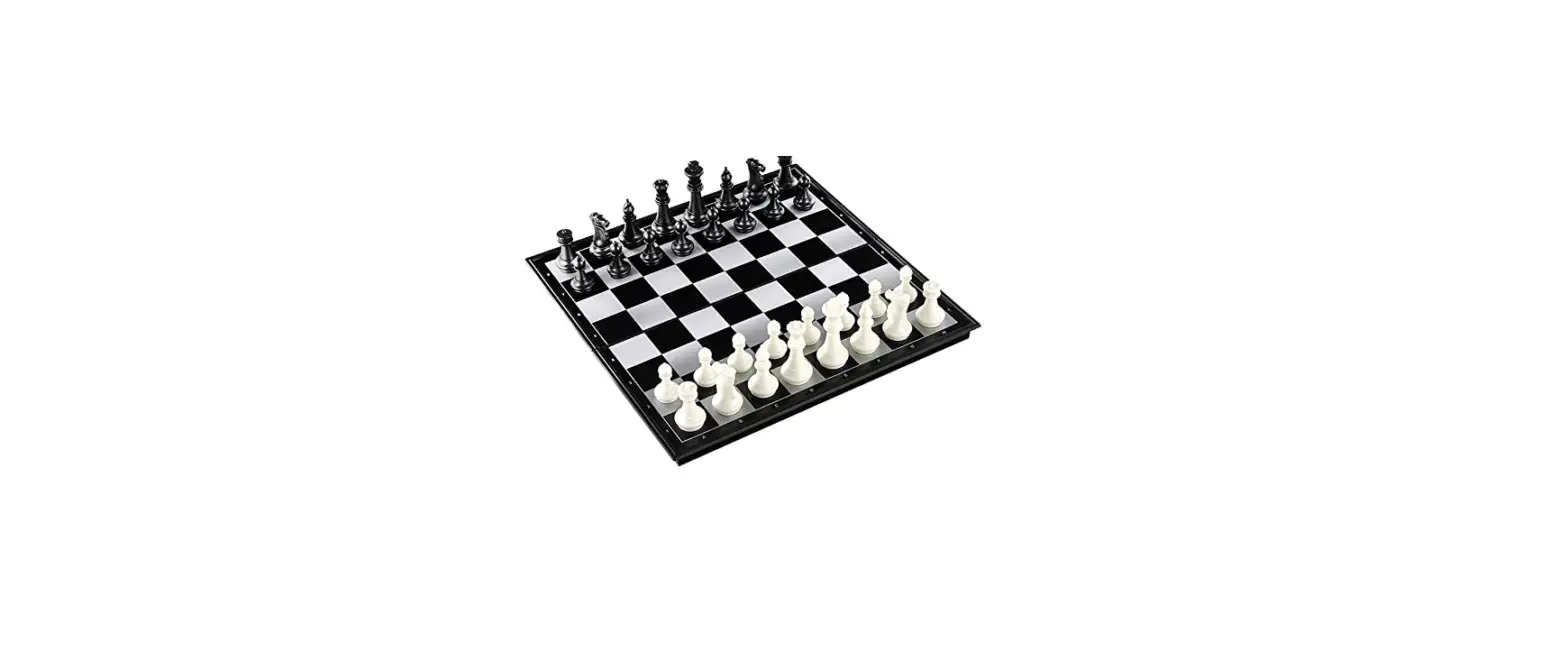
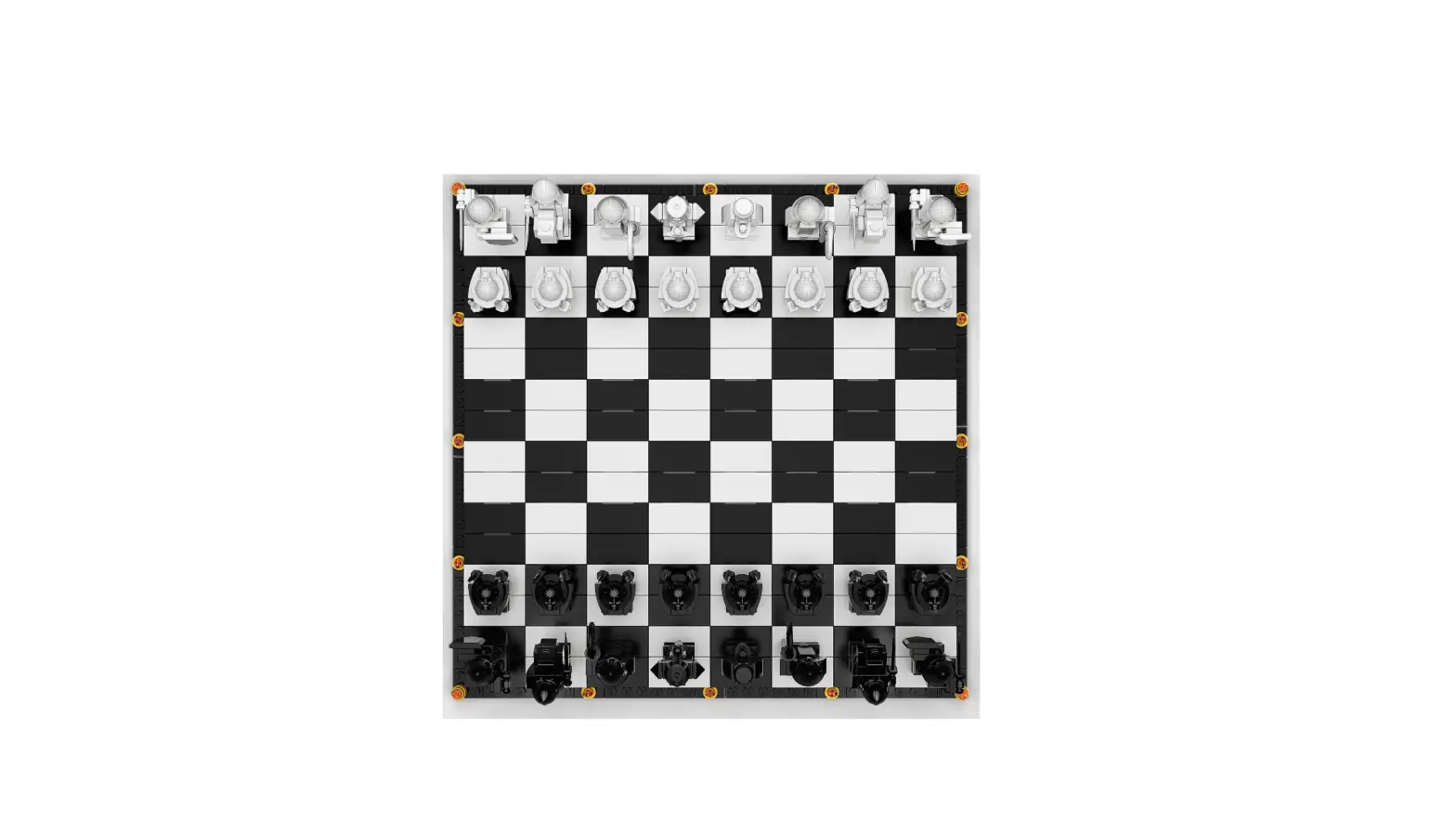
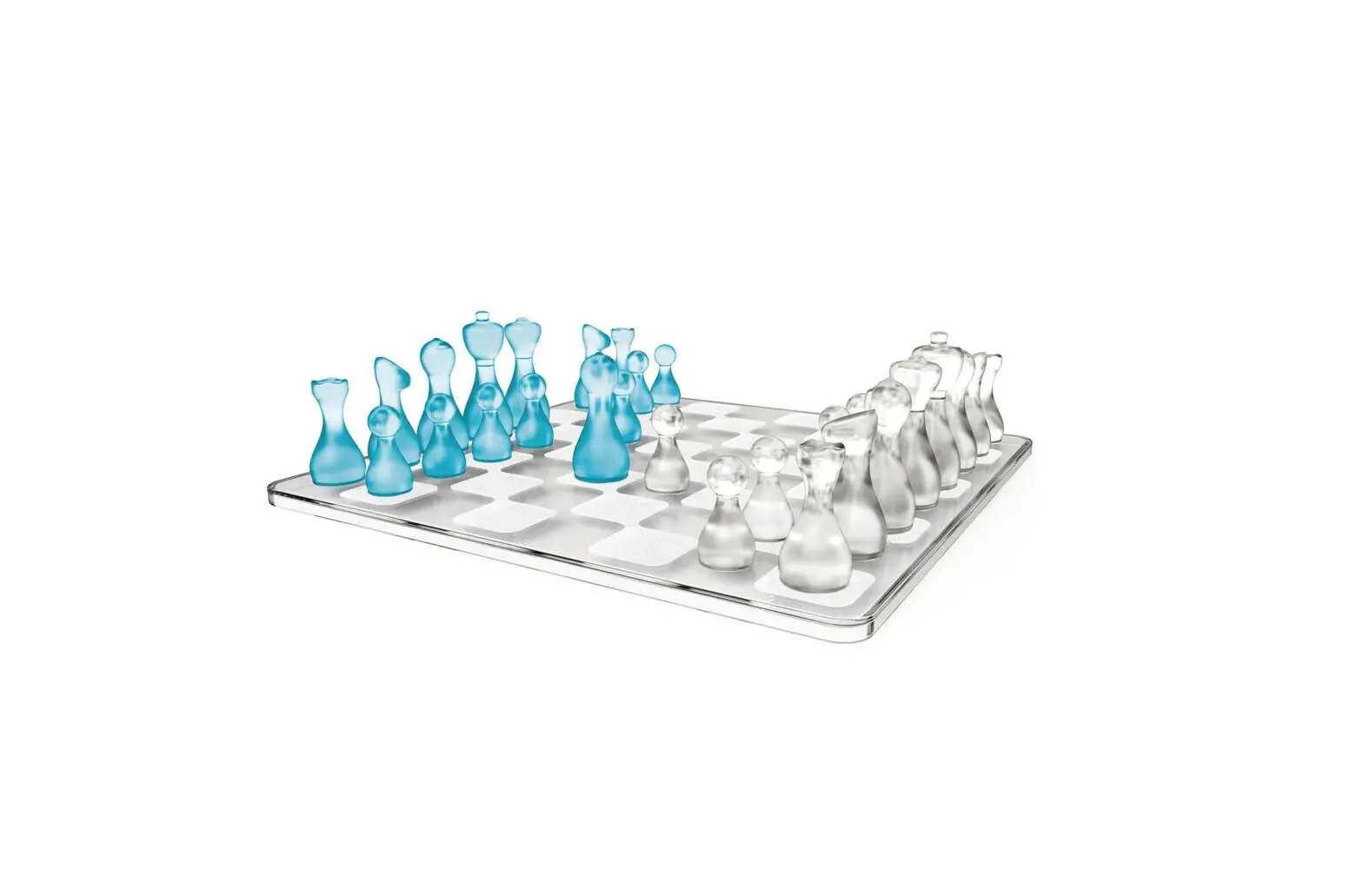
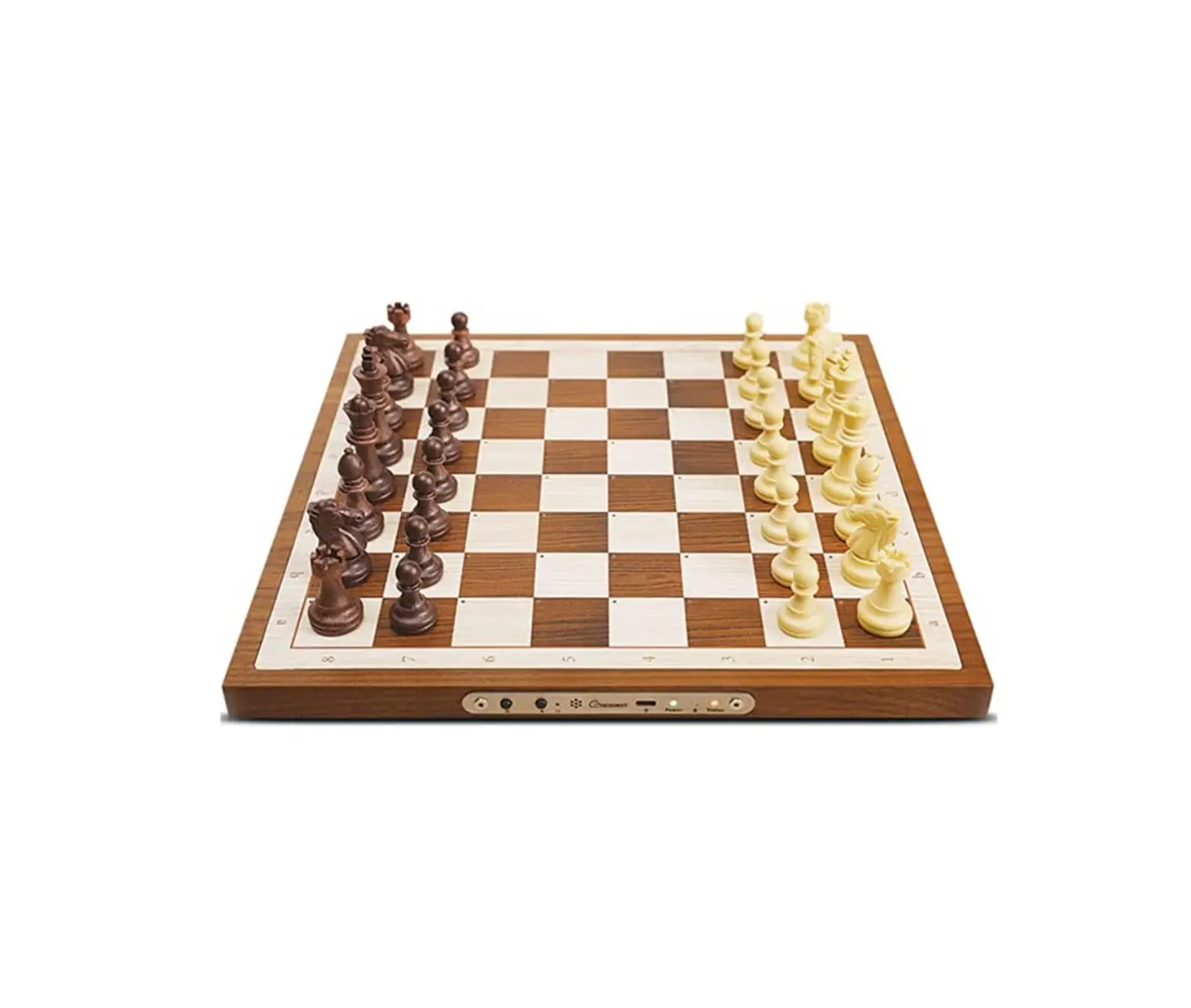
Warmly welcome to Chessnut Electronic Chess Set. The Chessnut Electronic Chess Set provides highly reliable piece recognition sensor that every single piece could be identified by type and color on each square.
➊ On/Off
a. Long press to turn on/off the chess board
b. Short press to enable Bluetooth
➋ NewGame
Game Status & LED ➐ & 
a. To start an OTB game, put the pieces on the board, then press , the Status LED will turn on, which means the chess board is ready to record a new game
b. While the game is over, long press for 3s, the game will be saved into the internal storage and the Status LED will turn off
➌ Reset
➍ Buzzer
The buzzer will sound when:
a. Starting a new game
b. Bluetooth connected or disconnected
c. The king is being attacked
➎ USB
➏ PowerLED
 Charging
 Green: Chessboard is fully charged
 Flashing Green: Power on and charging
 Red: Power off and charging
 Not Charging
Green: Chessboard power on Flashing Red: The power is less than 10%
➐ Status LED Yellow: Refer “Game Status LED & “➋
 Flashing Yellow: the interal storage is full, users can upload the saved game to PC in order to release memory
➑ Bluetooth LED Blue: Bluetooth connected to a device
 Flashing Blue: Bluetooth waiting to be connected(Bluetooth will automatically switch off if there is no connection for 60 seconds. Users can short press the power button to re-enable it)
Get the APPs
Chessnut develops multi-platform (incl. Windows, Mac OS, Android and iOS) apps for users to play with the Chessnut board. And also there are many excellent third-party apps work well with it. You can check the app list and get the download links on our website: https://www.chessnutech.com/pages/apps

Scan QR code to download apps
Connect the board to your devices
iOS and Android can be connected via Bluetooth, and Mac OS also support wireless connection.
There are many different Bluetooth chips on Windows PC, some do not support BLE connection, and some cause an unstable connection. Please use a USB cable on PC
if you found you cannot successfully connect to your PC by Bluetooth.
Q Why can’t I connect the board to my phone?
A Please remember:
- Enable GPS on your phone, the BLE connection relies on GPS* Allow location permission to the app
- You don’t need to pair it in your Bluetooth settings as the usual Bluetooth devices.
Just go to our apps and click the Bluetooth icon in the upper right corner, it will automatically search and connect to the device - Ensure the blue LED on the board is flashing. If not, short press the power button to enable it
* Chessnut will NEVER get or save your location data for any other use
Tutorial videos
We have made some tutorial videos to show you the different uses of the Chessnut board.
And we will continue to make more for you.
You can find them on https://www.chessnutech.com/pages/tutorial
and our YouTube channel: https://www.youtube.com/c/Chessnutech
|
|
Scan QR code to watch tutorial videos | Scan QR code to visit our |

Contact us
Please feel free to contact me by sending an email to: [email protected] if you have any problems with your use. Usually we will reply to your email within 24 hours.
Please check if it’s in your spam box if you don’t receive a reply. Besides, please visit our Facebook page: https://www.facebook.com/chessnut.technology for news of Chessnut, and our Facebook group: https://www.facebook.com/groups/chessnutbackers, where many users share their experience on it.
 |  |
Scan QR code to visit our facebook page | Scan QR code to visit our facebook group |
FCC Information and Copyright
This equipment has been tested and found to comply with the limits for a Class B digital device, pursuant to part 15 of the FCC Rules.
These limits are designed to provide reasonable protection against harmful interference in a residential installation. This equipment generates, uses and can radiate radio frequency energy and, if not installed and used in accordance with the instructions, may cause harmful interference to radio communications. However, there is no guarantee that interference will not occur in a particular installation. If this equipment does cause harmful interference to radio or television reception, which can be determined by turning the equipment off and on, the user is encouraged to try to correct the interference by one or more of the following measures:
- Reorient or relocate the receiving antenna.
- Increase the separation between the equipment and receiver.
- Connect the equipment into an outlet on a circuit different from that to which the receiver is connected.
- Consult the dealer or an experienced radio/TV technician for help.
15.19 Labelling requirements.
This device complies with part 15 of the FCC Rules. Operation is subject to the
following two conditions:
(1)This device may not cause harmful interference, and
(2) this device must accept any interference received, including interference that may cause undesired operation.
changes or modifications not expressly approved by the party responsible for compliance could void the user’s authority to operate the equipment.
FCC RF warning statement: the device has been evaluated to meet general RF exposure requirement , The device can be used in portable exposure condition without restriction.