 READY WHEN YOU ARE
QUICK GUIDE
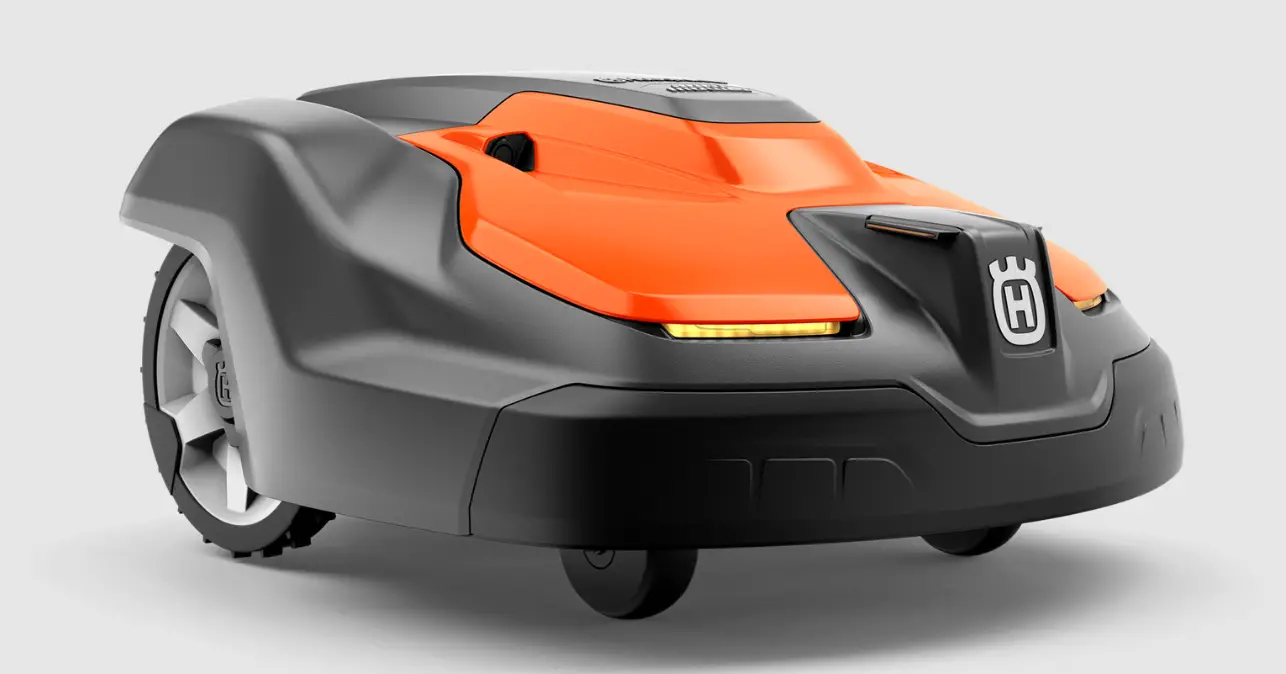
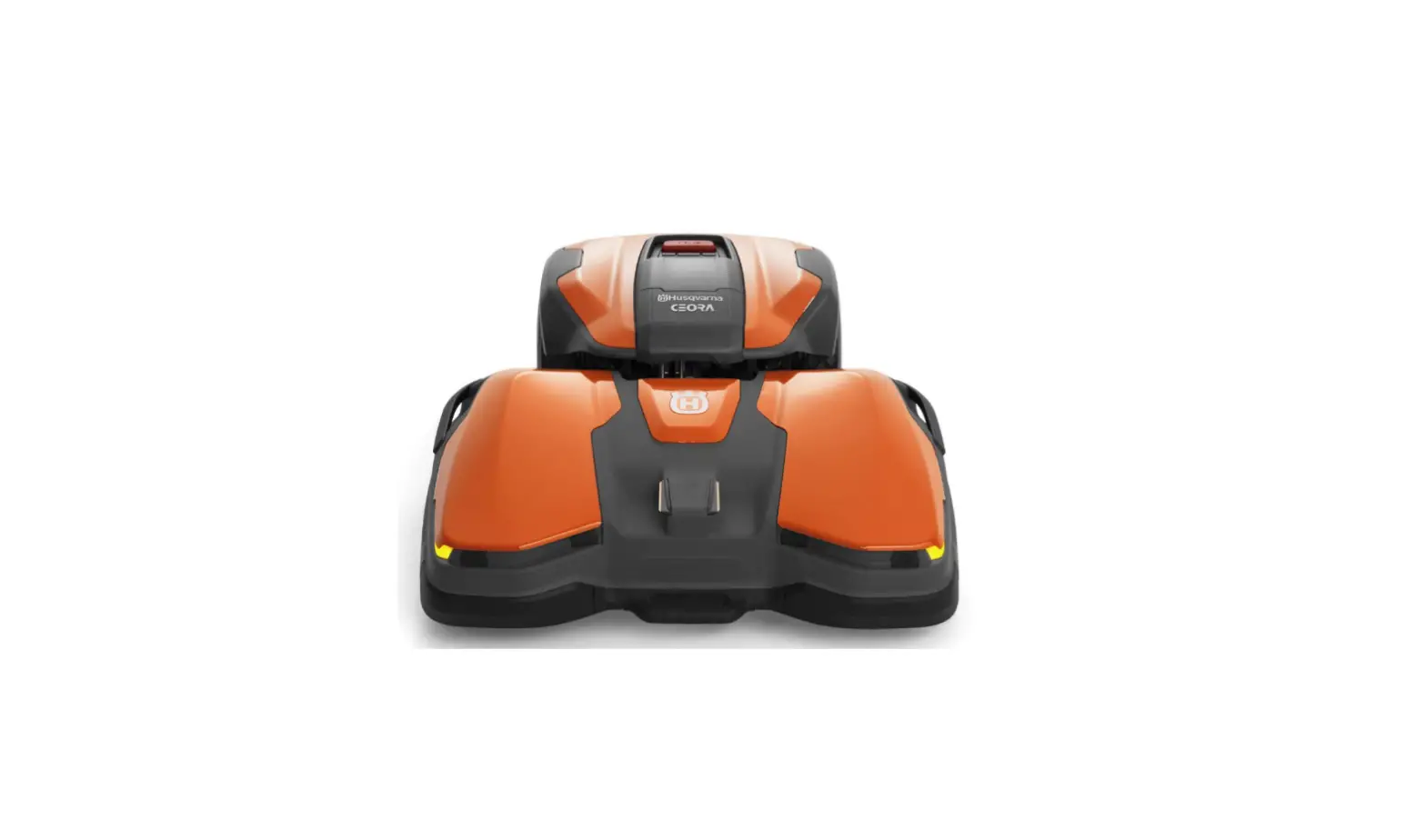
HUSQVARNA AUTOMOWER® 550 EPOS
Automower 550 EPOS Professional Robotic Lawn Mowers
System overview
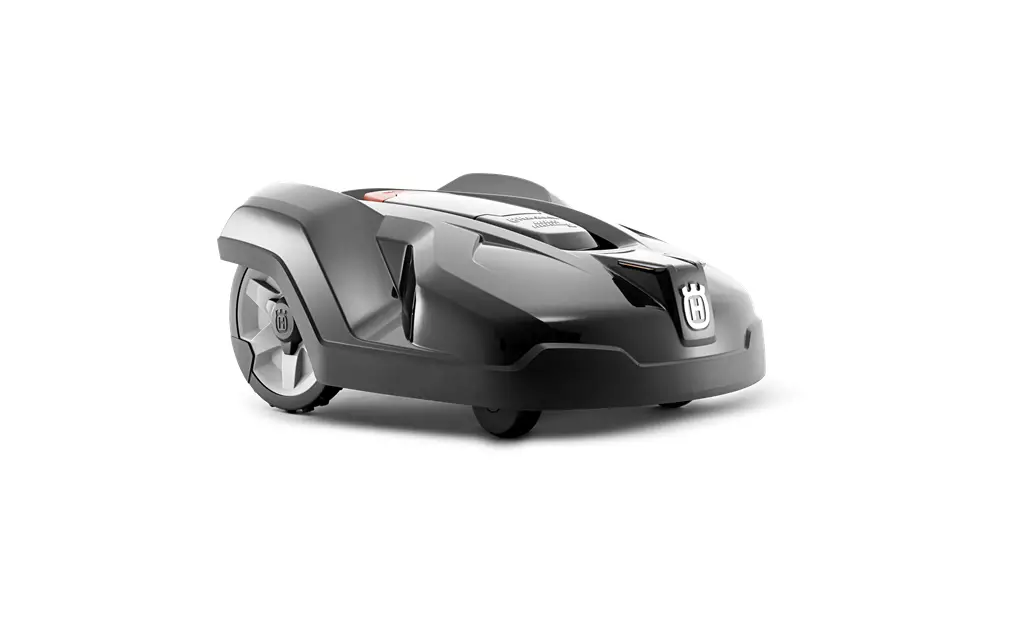
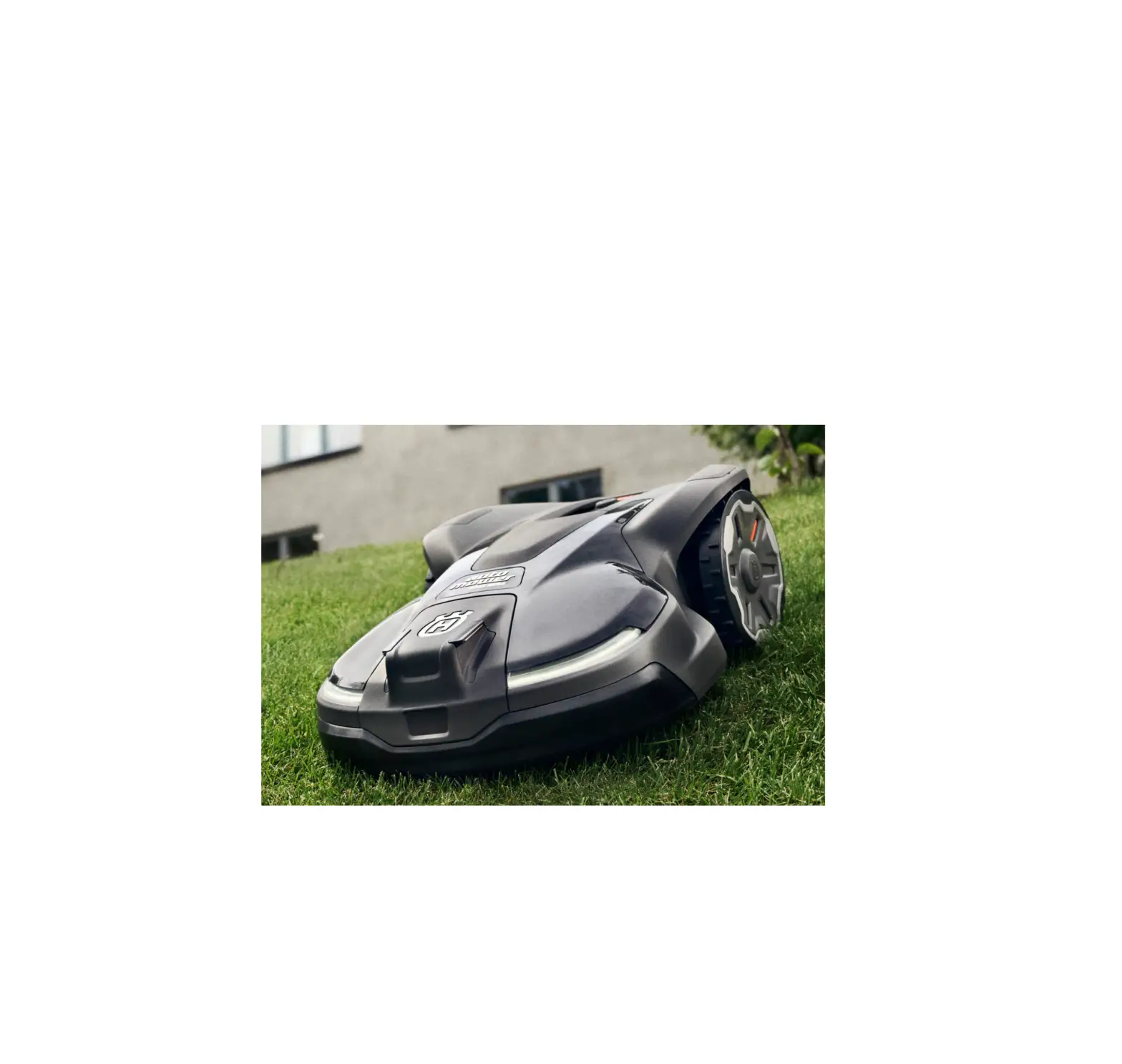
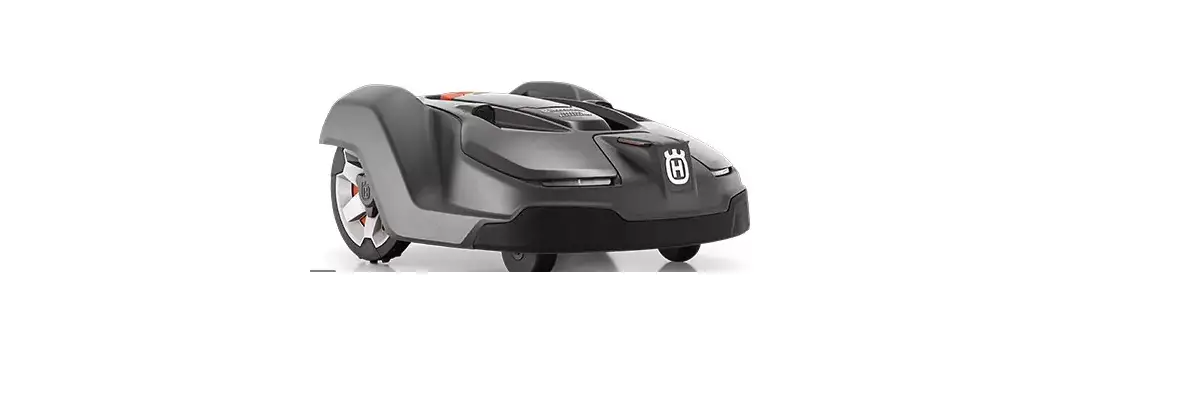
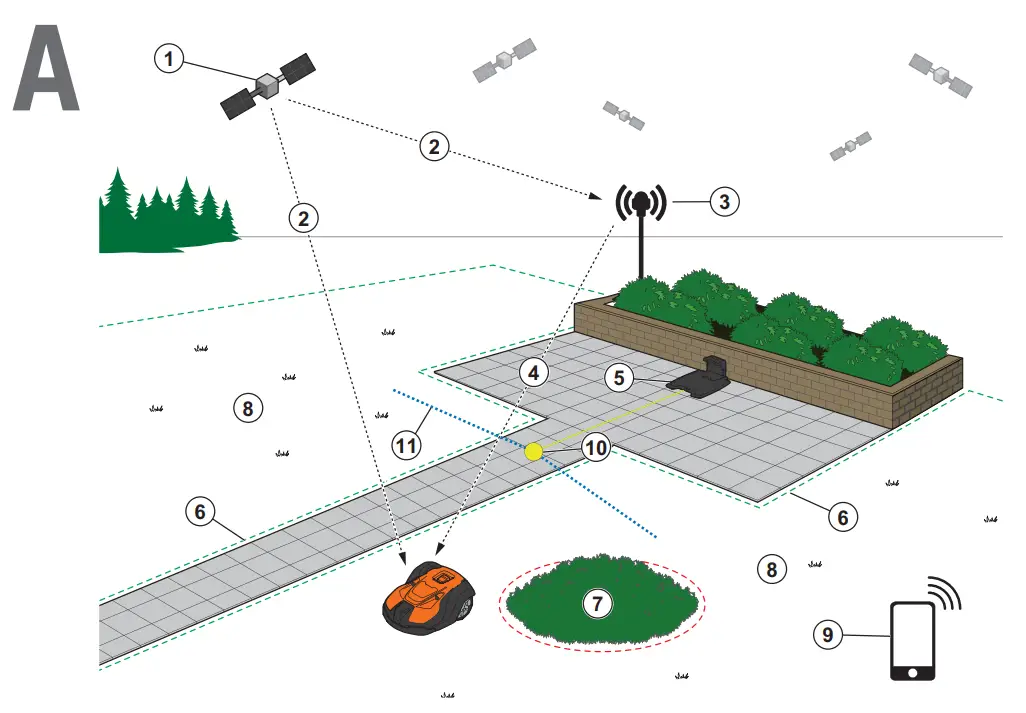
The EPOS system contains a robotic lawn mower, a charging station and a reference station. The robotic lawn mower and the reference station receive satellite signals for positioning. The reference station is stationary and sends correction data to the robotic lawmower to get an accurate position for the robotic lawn mower. The work area is made virtually in an app by operating the product and adding waypoints to make a map in an app.
- Navigation satellites
- Satellite signals
- Reference station
- Correction data
- Charging station
- Virtual boundary
- Stay-out zone
- Work area
- Mobile device
- Docking point
- Transport Path
For a complete map installation a work area and a charging station are necessary. A work area is an area where the product can operate and cut grass automatically. A work area is specified by virtual boundaries. The charging station can be put in the work area or near the work area that is connected to it with a transport path. A transport path is a specified path between the docking point and a work area. The product can operate automatically in this path, but does not cut grass. Stay-out zones can be made if there are areas where the product is not allowed to operate. A stay-out zone is specified by virtual boundaries. A maintenance point is a specified position where the product can be parked at.
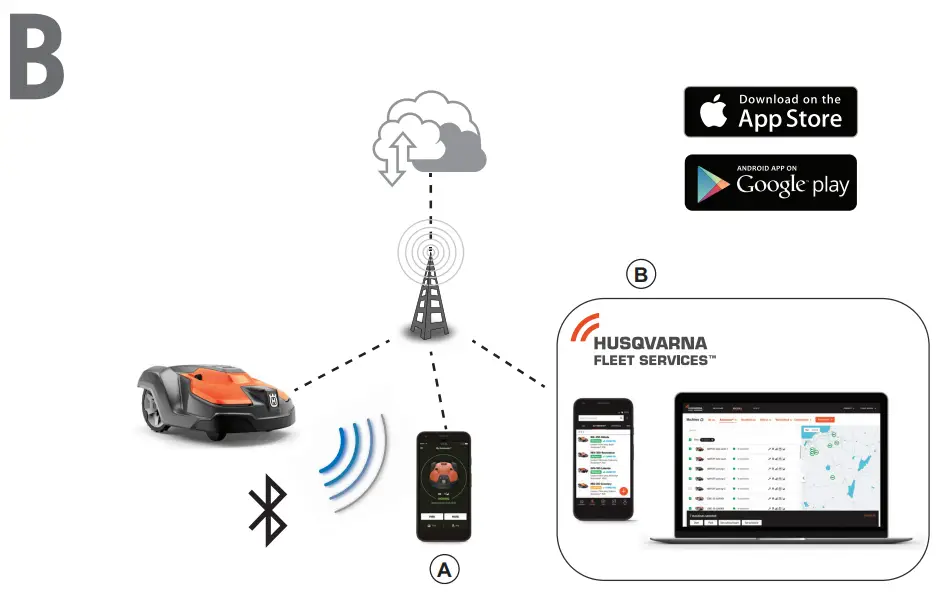
Connectivity
a. Automower® Connect app is used for settings and daily operation of the product.
b. Husqvarna Fleet Services™ is a cloud solution that gives the commercial fleet manager an updated overview of all the products. This is available both as a web service and as an app.
Installation
The reference station and the robotic lawn mower need unimpeded sky view to be able to operate reliable without stops.
- Install the Automower® Connect app and Husqvarna Fleet Services™ app to your mobile device. Download the apps from App Store or Google play.
- Install the reference station. Refer to Operator’s manual for the reference station.
- Install the charging station.
- Pair the robotic lawn mower with the app.
- Pair the robotic lawn mower with the reference station in the app.
- Pair the robotic lawn mower to the charging station and it will specify the docking point in front of the charging station.
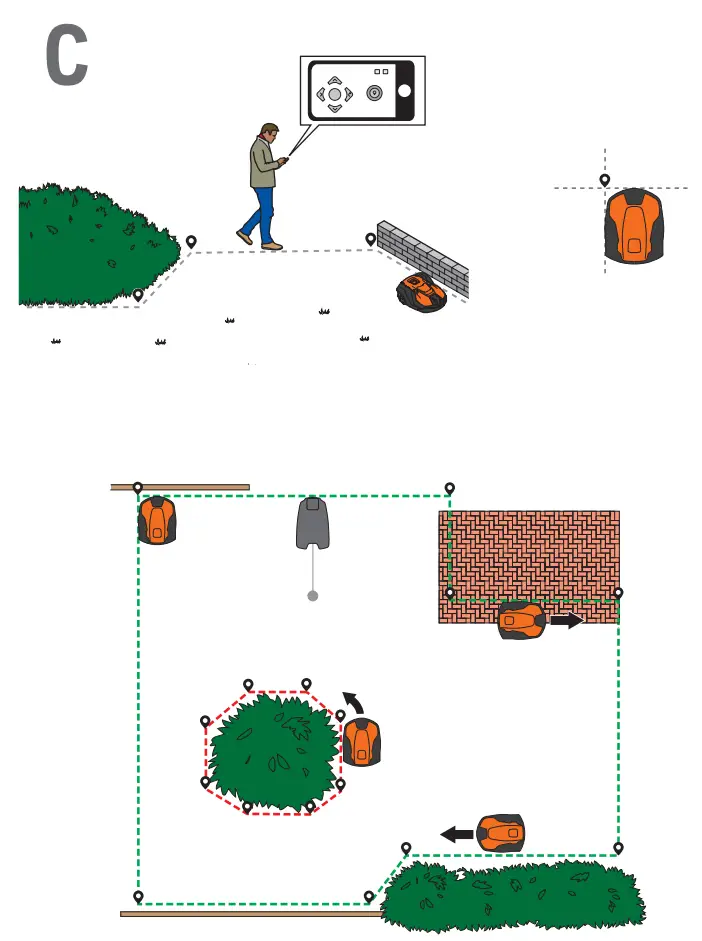
- Specify the work area by operating the product clockwise with appDrive around the work area and adding waypoints on the map in the app.
- Specify the stay-out zones by operating the product counter clockwise with appDrive around the stay out zone and adding waypoints on the map in the app.
- Specify the transport path by starting in the work area and operate the product with appDrive and adding waypoints on the map in an app. When saving the transport path it is connected to the docking point.
- Specify the maintenance point and make a path to the charging station. Start at the maintenance point and operate the product with appDrive to add waypoints on the map in the app. The path to the charging station is connected to the docking point when you save the maintenance point.
- Use the app to adjust the schedule and the settings for the robotic lawn mower.
For more information, read the Operator’s manual for the reference station and the Operator’s manual for the robotic lawn mower.
LED status indicators
Robotic lawn mower
| Robotic lawn mower | |
 | Green constant light In operation |
 | Green flashing light Paused |
 | Red flashing light Error |
 | Yellow constant light Stopped |
 | Yellow flashing light Waiting for PIN code |
 | Blue constant light Parking/Connected with Bluetooth® |
 | Blue pulsating light Charging |
 | Blue flashing light Parked/Bluetooth® pairing active |
 | White constant light appDrive mode |
 | White pulsating Switching off/Firmware installation ongoing |
 | White flashing light Firmware update required |
| Reference station | |
| Green constant light In operation |
 | Green pulsating light Startup |
| Red flashing light Error |
| White flashing light Firmware update required |
| Charging station | |
| Green constant light Good charging station signal |
| Green flashing light ECO mode |
| Red flashing light Error in the charging station’s antenna |
 | Red constant light Error |
AUTOMOWER® IS A TRADEMARK OWNED BY HUSQVARNA AB. COPYRIGHT © 2021 HUSQVARNA. ALL RIGHTS RESERVED.
 www.husqvarna.com
QG_P2Z_1142322.indd
2021-11-29 14:30:31