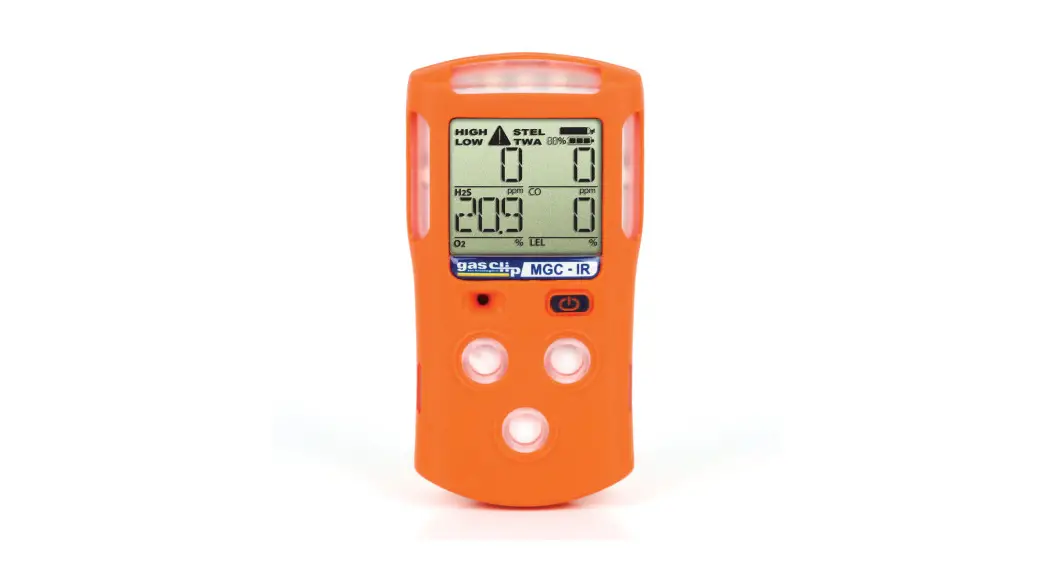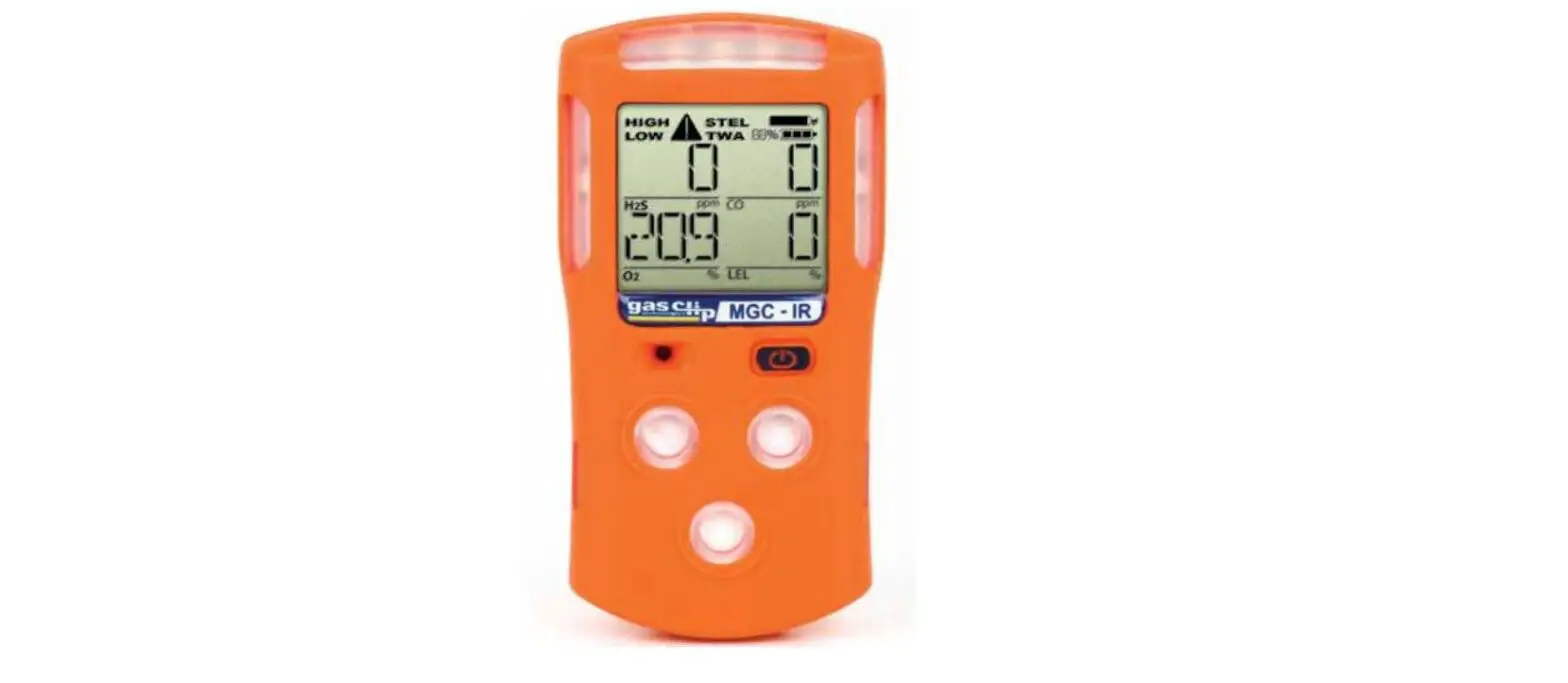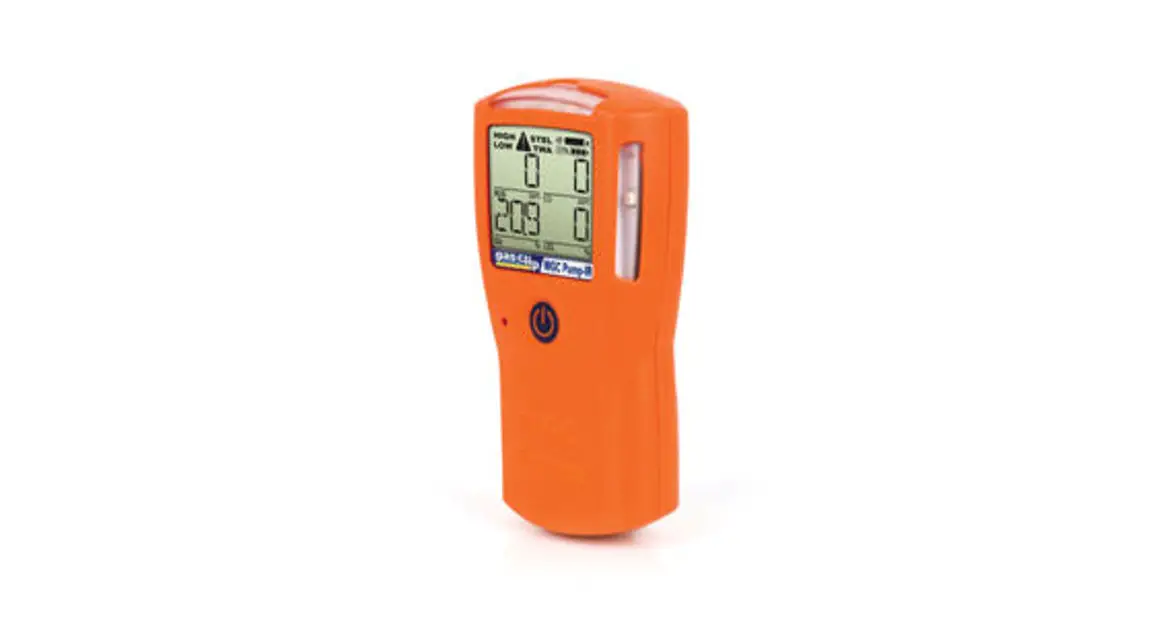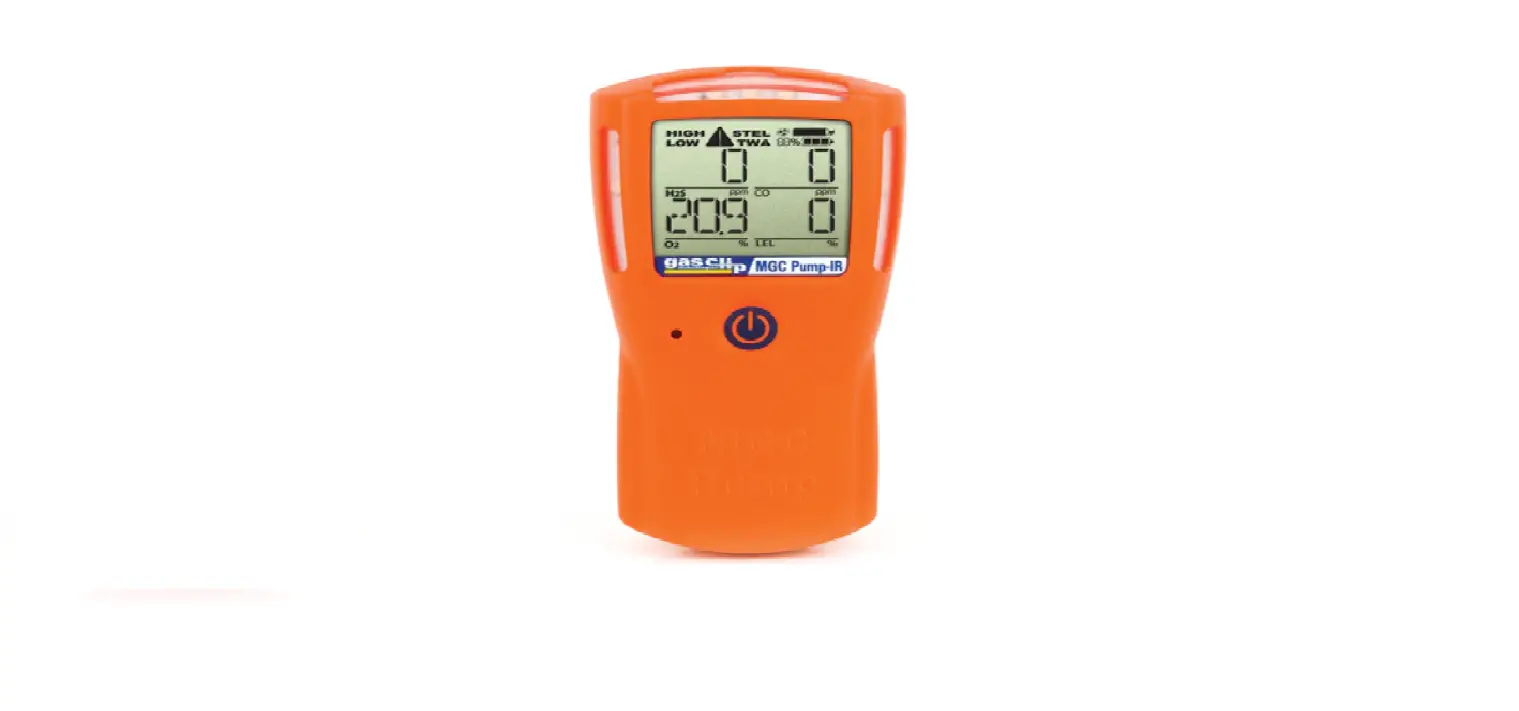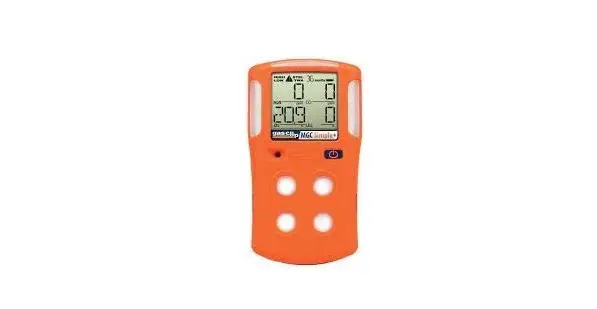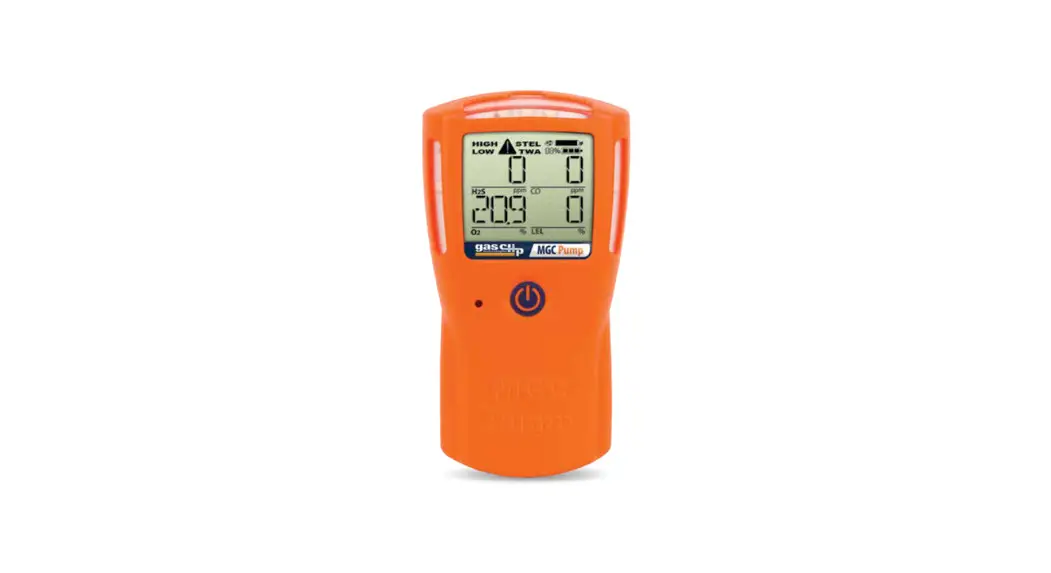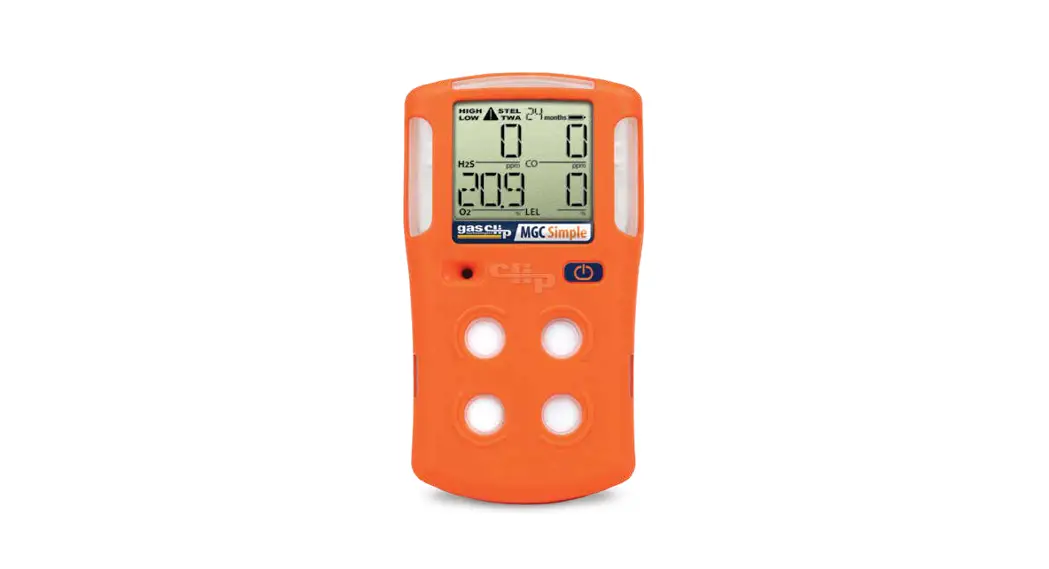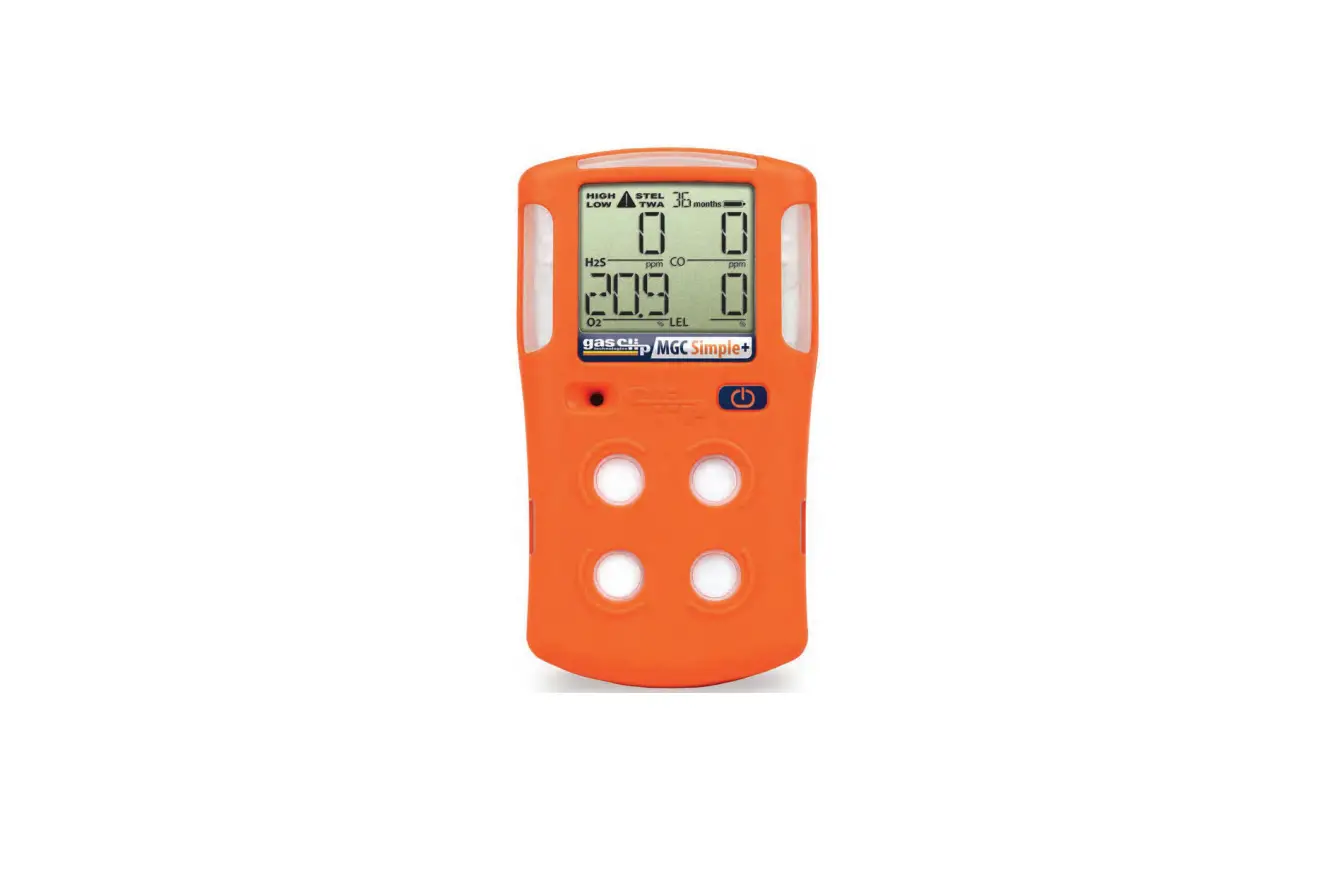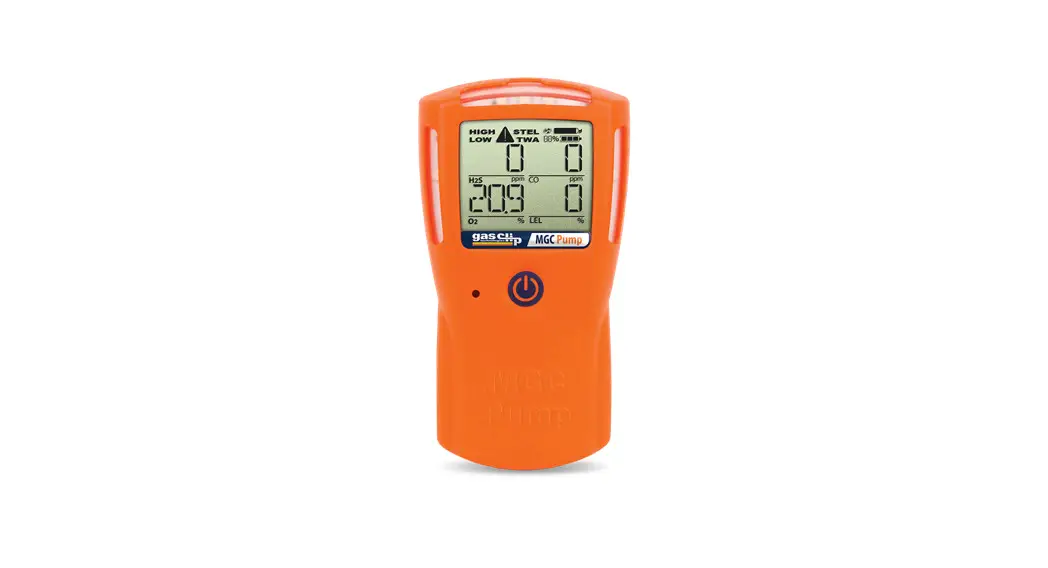
 Multi Gas Clip Infrared
Quick-Start Guide
 READ FIRST BEFORE OPERATION
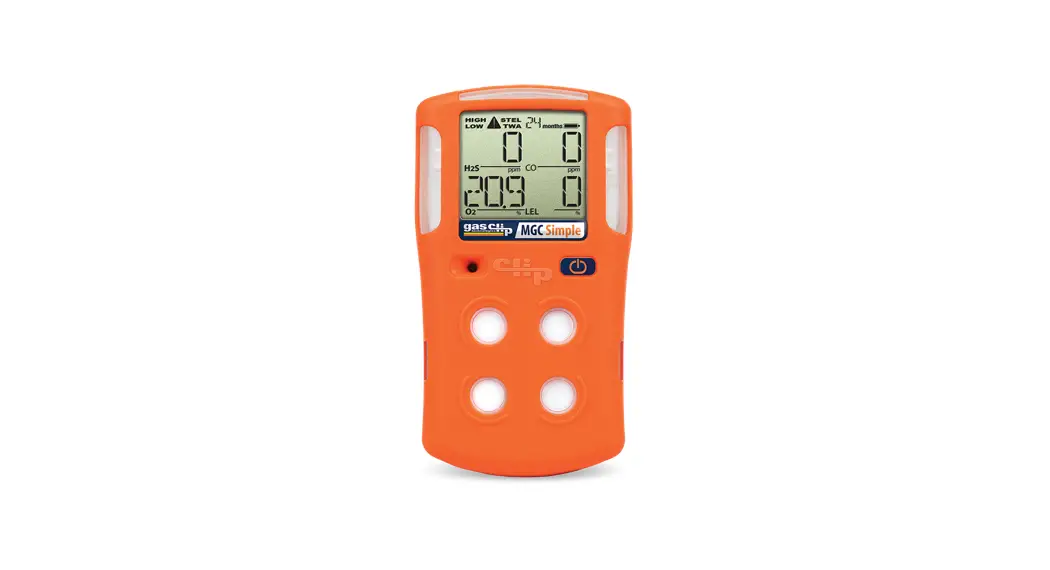
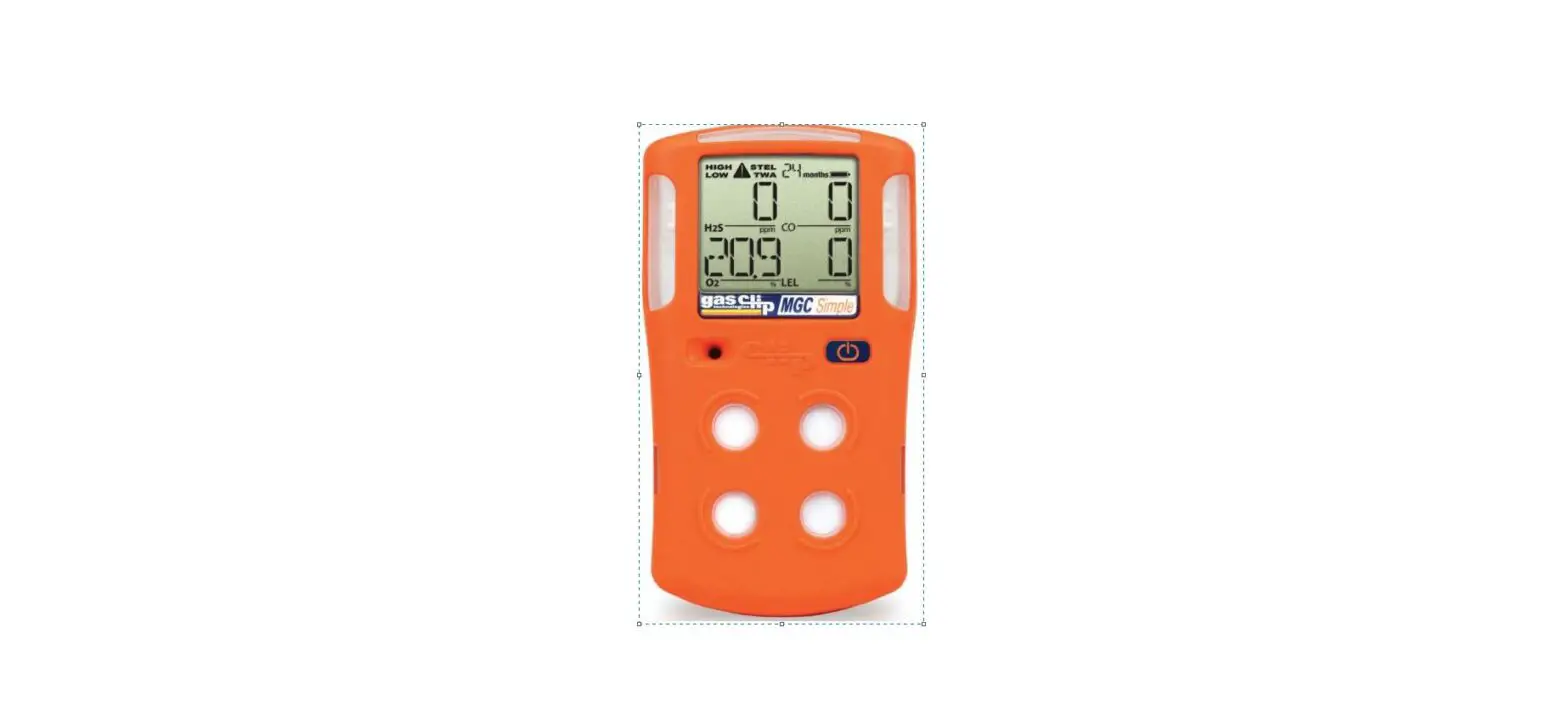
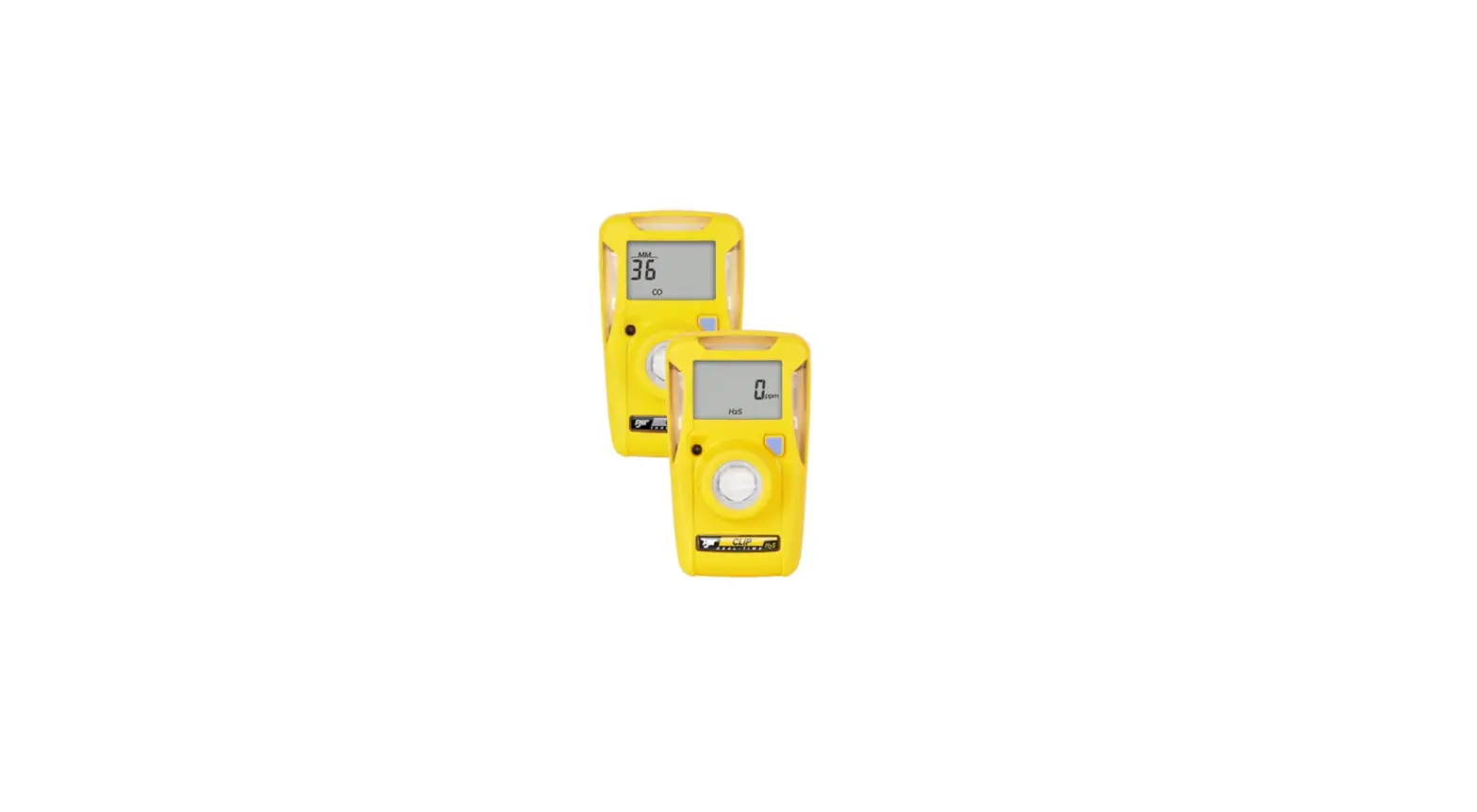
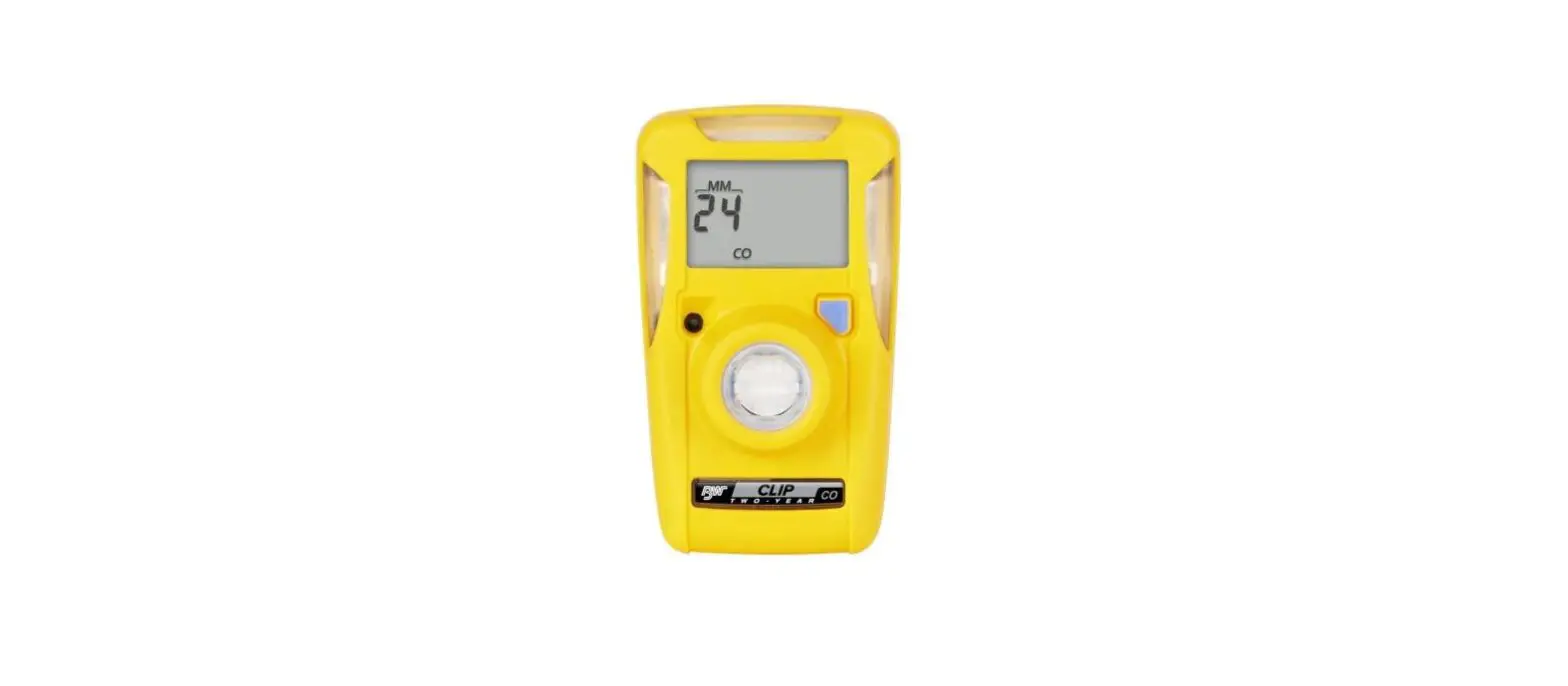
The Multi Gas Clip is a personal safety device designed to detect the presence of hydrogen sulfide (H2S), carbon monoxide (CO), oxygen (O2) and combustible gases (LEL). Before operation, ensure that you have been properly trained on the use of the detector and the appropriate actions to take in the event of an alarm condition.
Display Components
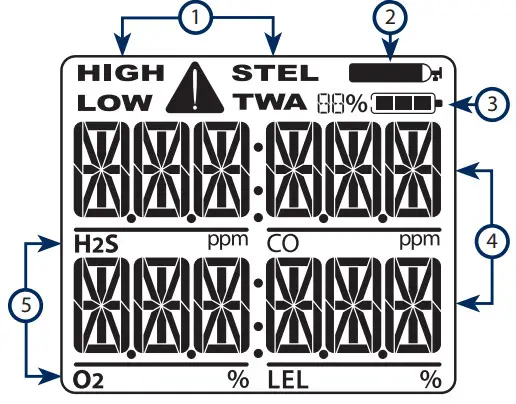
| Icon | Description |
| 1 | Alarm Condition |
| 2 | Calibration/Test Mode |
| 3 | Battery Charge Level |
| 4 | Gas Readings |
| 5 | Gas Identifiers |
When a Gas Reading (4) exceeds its alarm threshold, the detector will go into visual, vibrating and audible alarm. On the display, the  icon will appear beside the Alarm Condition (1) and the associated Gas Identifier (5) will flash off and on continuously.
 Warning – Users must familiarize themselves with the icons in both alarm and non-alarm states. Warning – If the display is missing icons, or cannot be clearly read, discontinue use and contact Gas Clip Technologies. Warning – The IR LEL sensor will not detect hydrogen (H2) or acetylene (C2H2) gases however, due to their cross-sensitive nature, the CO sensor will go into alarm well below 10% LEL.
Factory Default Alarms
| Sensor | LOW | HIGH | TWA | STEL |
| H2S | 10 ppm | 15 ppm | 10 ppm | 15 ppm |
| CO | 35 ppm | 200 ppm | 35 ppm | 50 ppm |
| O2 | 19.50% | 23.50% | ||
| LEL | 10% | 20% |
Turning On the Detector
To activate the detector, press and briefly hold down the power/menu button. Activation tone will sound. Once activated, the detector will begin to display Gas Readings immediately. Each Gas Identifier will show a chasing “0” for the Gas Reading while it is stabilizing and self-testing. Once all Gas Identifiers have completed the warm up and stabilization sequence, < 65 seconds, the detector is ready to detect all applicable gases. Display will show: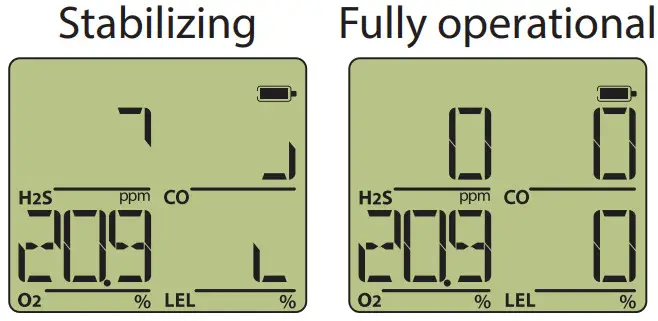
Warning – Before each use, check that all sensor and alarm ports are clear of any debris or obstructions
Turning Off the Detector
Press and hold down the power/menu button until the “OFF” countdown is complete. During the countdown, the detector will beep and flash 4 times then turn off. Display will show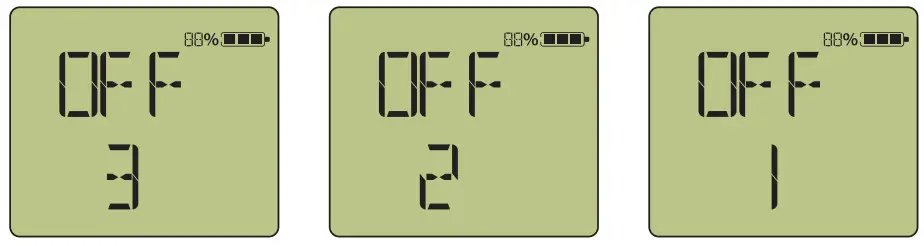
Manually Calibrating the Detector
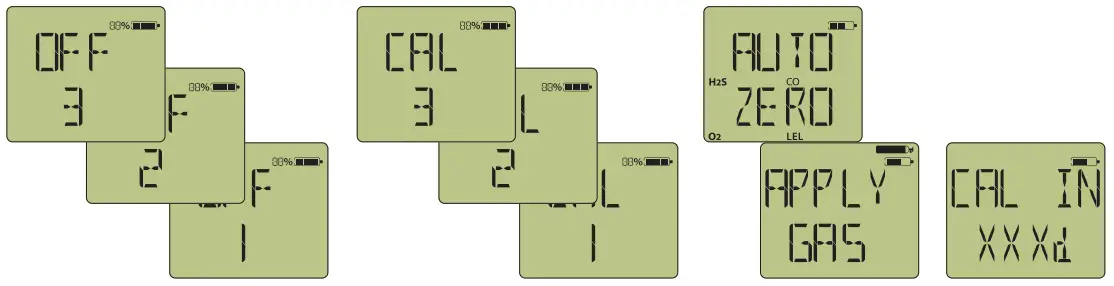
Continuously hold down the power/menu button through the “OFF” countdown and the “CAL ” countdown that follows it. During these two countdowns, the detector will beep and flash 8 times with a pause between countdowns. Release the button when display shows “AUTO ZERO”. Display then shows “APPLY GAS”. Snap on the MGC calibration cap connected to a hose, regulator and gas cylinder and apply gas. Calibration is complete when the next calibration due date is displayed and the detector goes into alarm.
Turn gas off and remove calibration cap from detector. Display will show:
Note: Calibration can also be done using the Multi Gas Clip Dock.
Battery Information
Low Battery Warning – With 20 minutes of run time left, the detector will beep, flash and display “LOW BAT”. Notifications will continue periodically until the battery expires and the detector performs an automatic shutdown.
Charging – While charging, the battery icon will cycle and the detector will display an approximate charge percentage. Full charge occurs in 4-6 hours. For fastest charging, charge while detector is turned off. Warning – DO NOT charge the detector in a combustible atmosphere. Warning – DO NOT charge the detector in temperatures above 104°F (40°C) or below 32°F (0°C).
Additional Questions?
For additional information on the Multi Gas Clip gas detector regarding programming, bump testing, calibrating, etc., please refer to the Multi Gas Clip User’s Manual. The manual, videos and other helpful information are available for viewing or download at www.gascliptech.com.
Contact Information
Gas Clip Technologies, Inc.
305 W. FM 1382, Suite 540
Cedar Hill, TX 75104 USA
Phone: +1.972.775.7577
Fax: +1.972.775.2483
Toll Free: 1.877.525.0808
Website: www.gascliptech.com
Contact Us: gascliptech.com/contactus.php https://www.gascliptech.com/contactus.php
 Contact Us | Gas Clip Technologies
 Home Page | Gas Clip Technologies