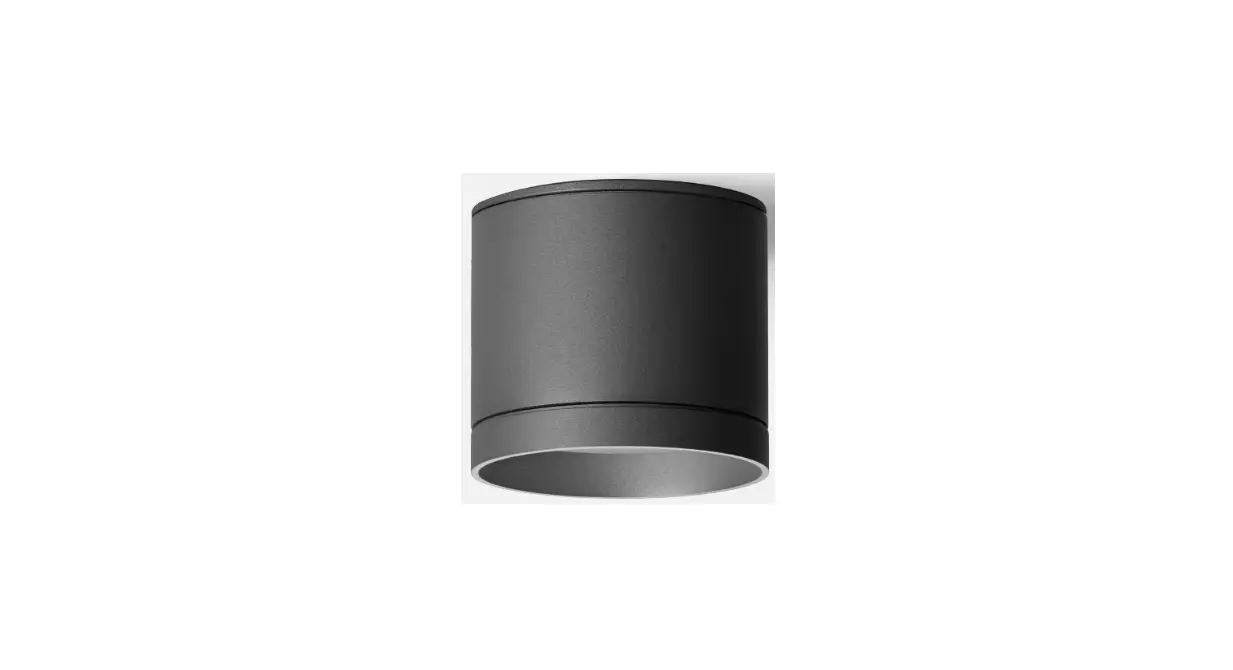
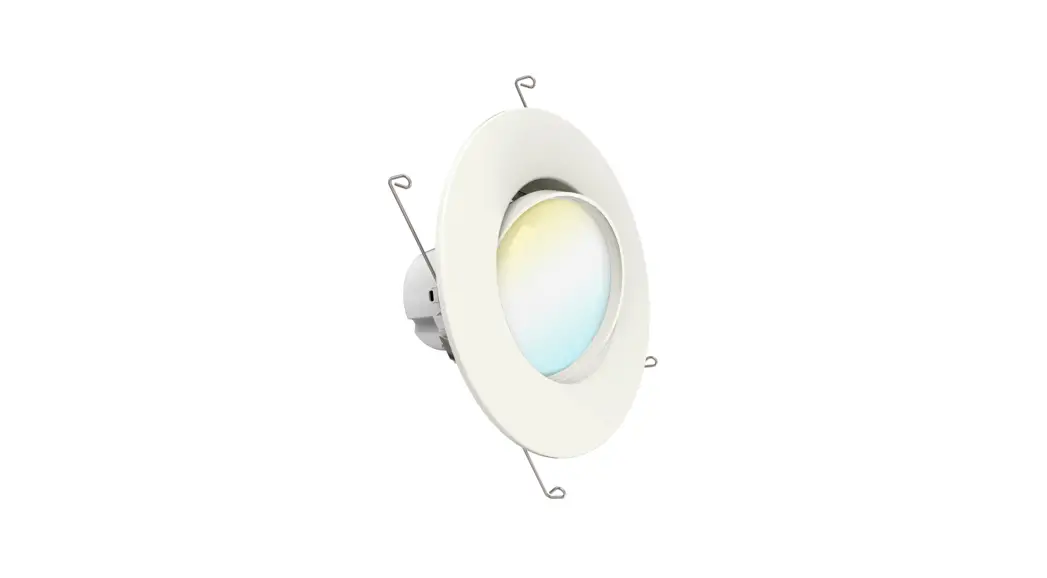
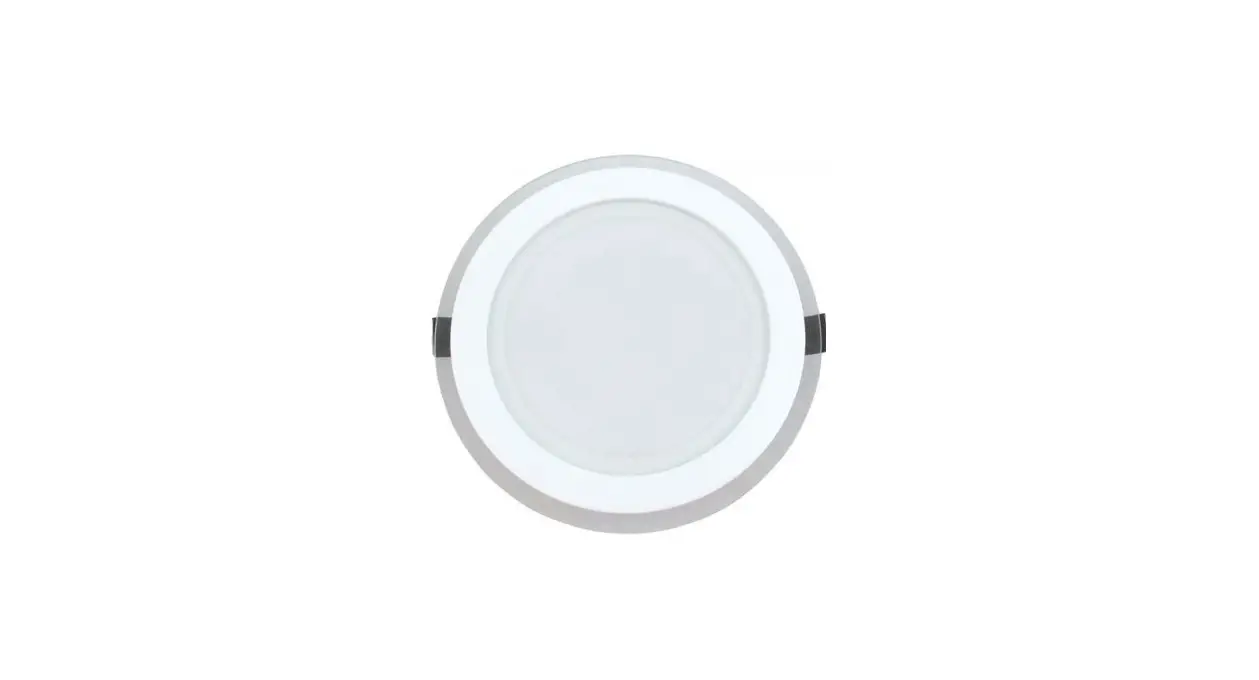
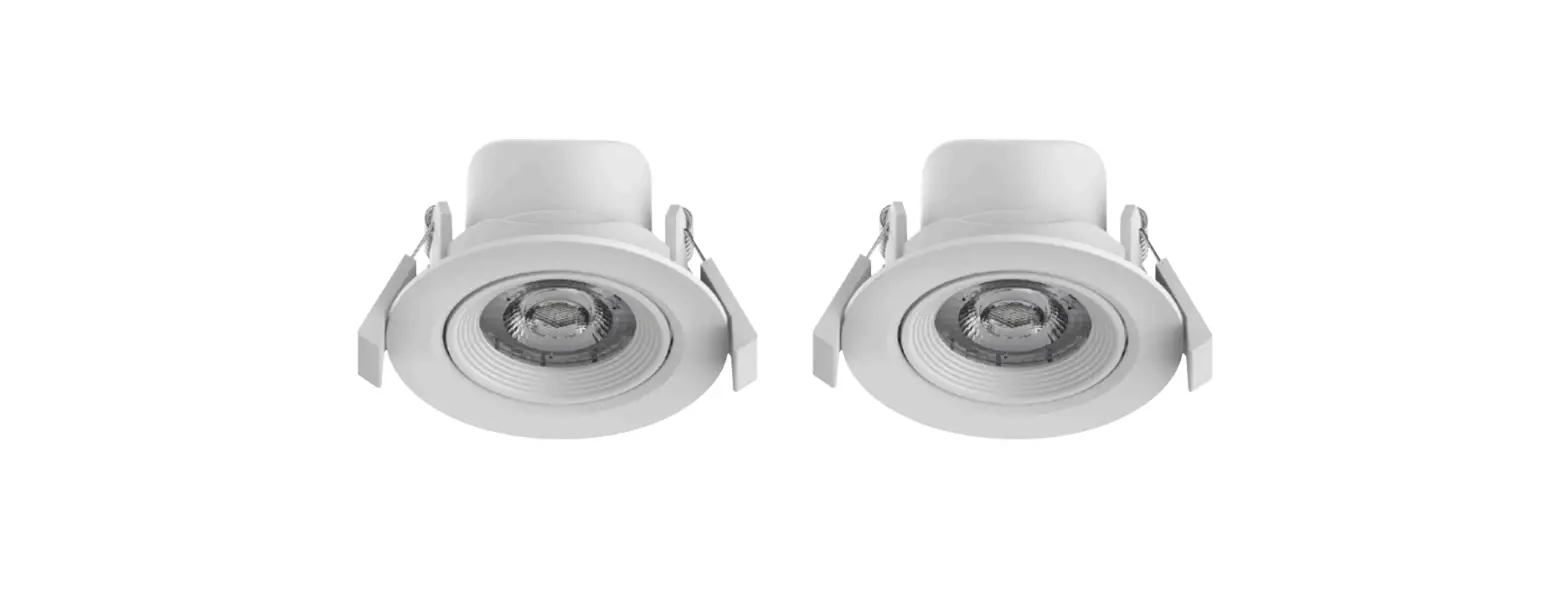
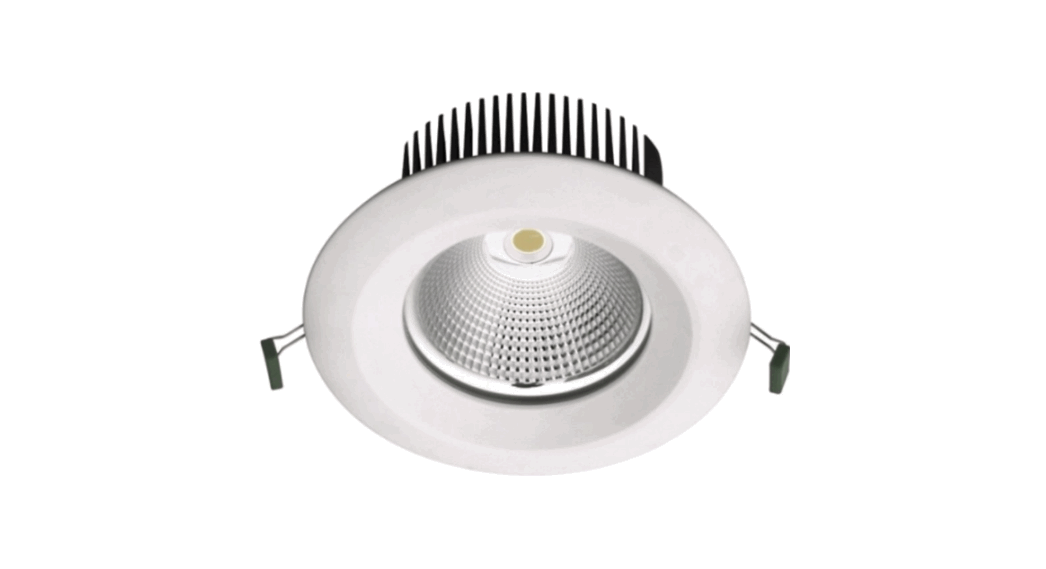
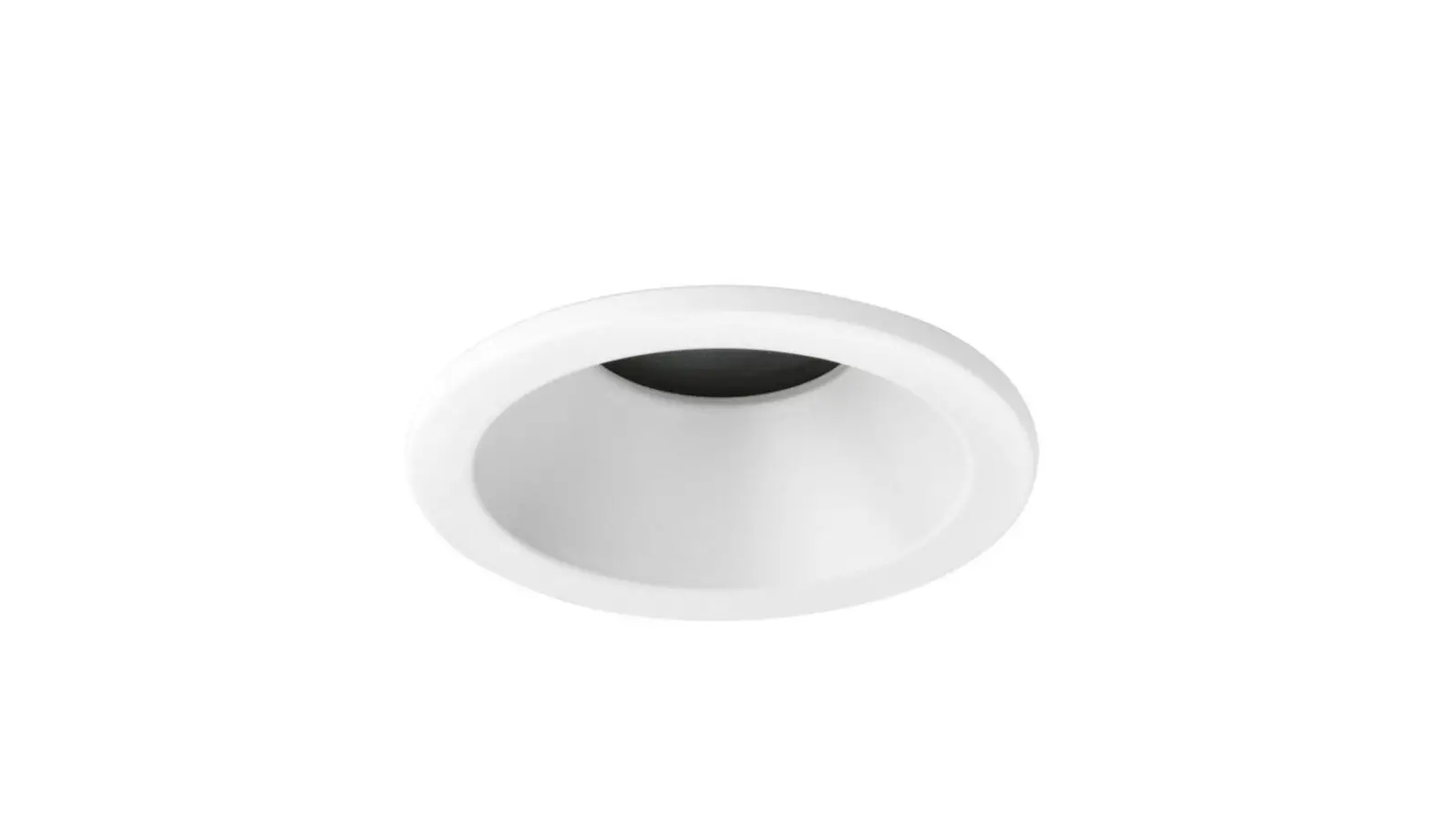
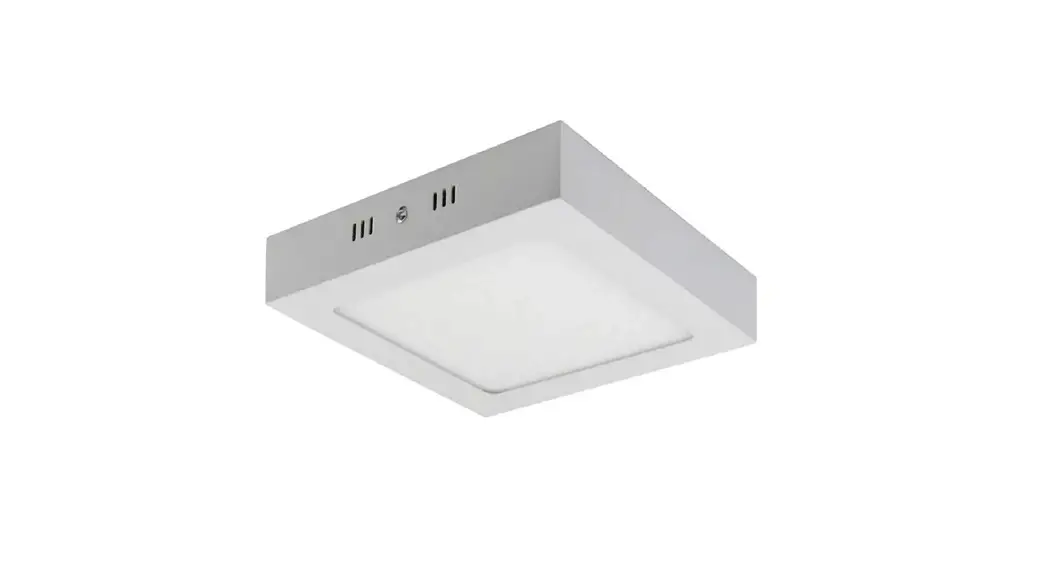
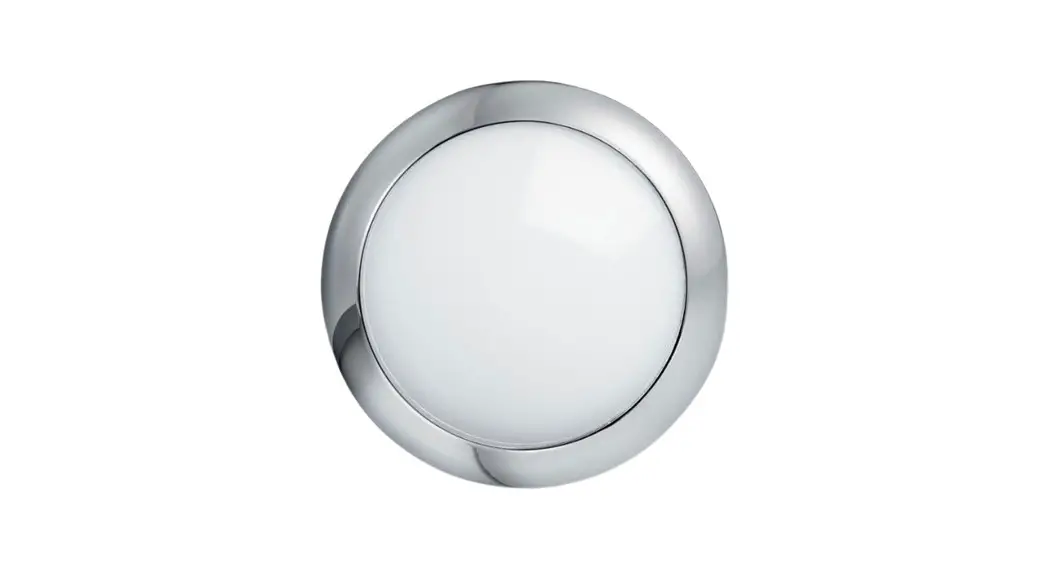
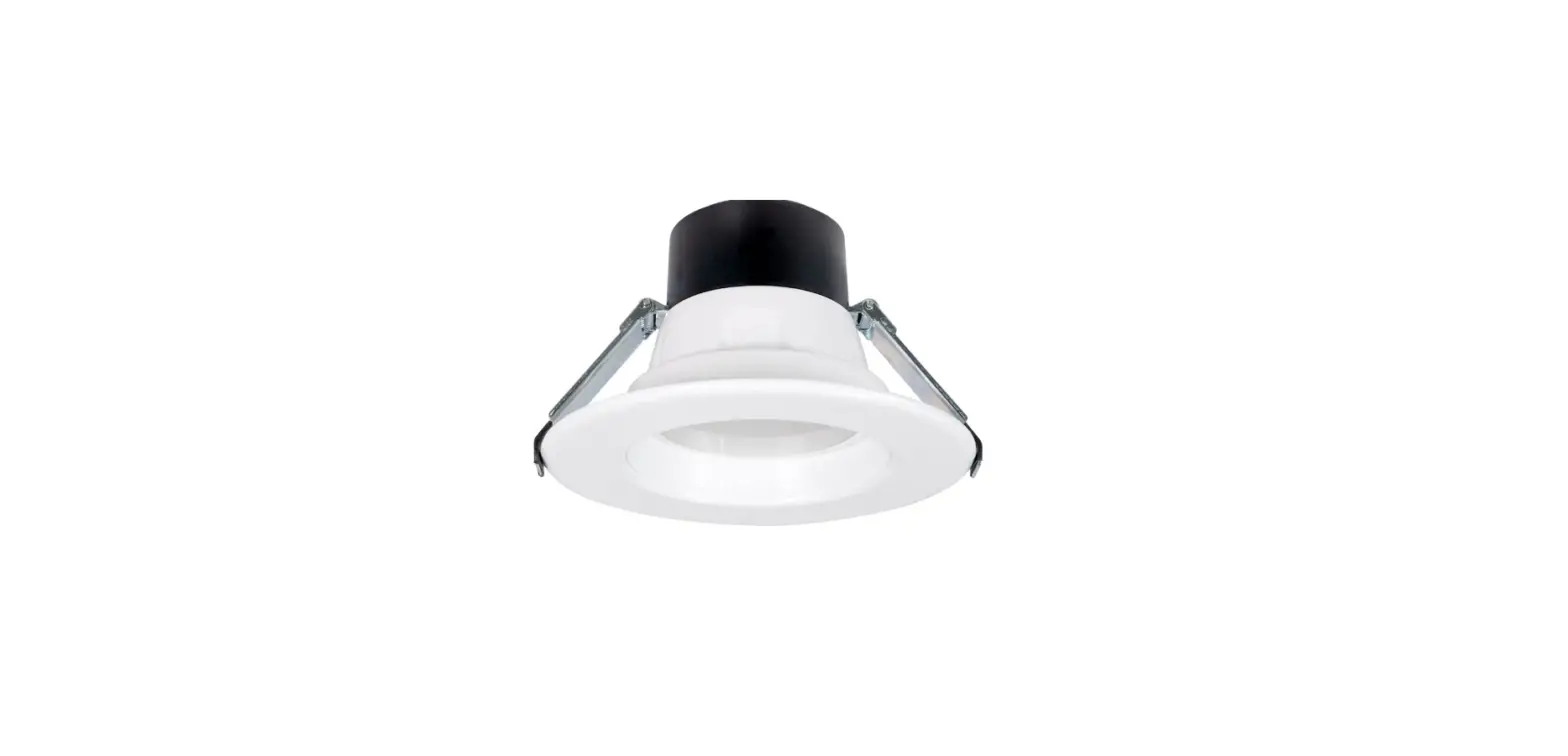
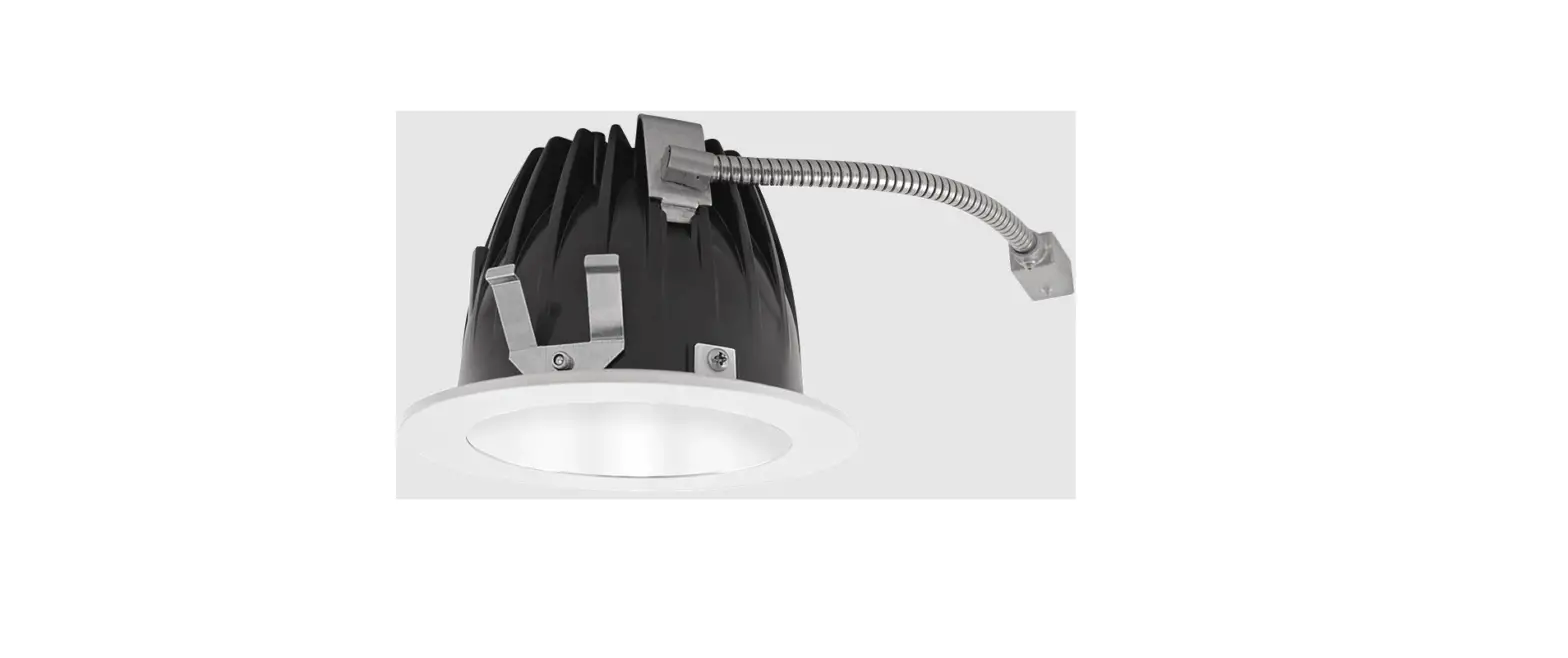
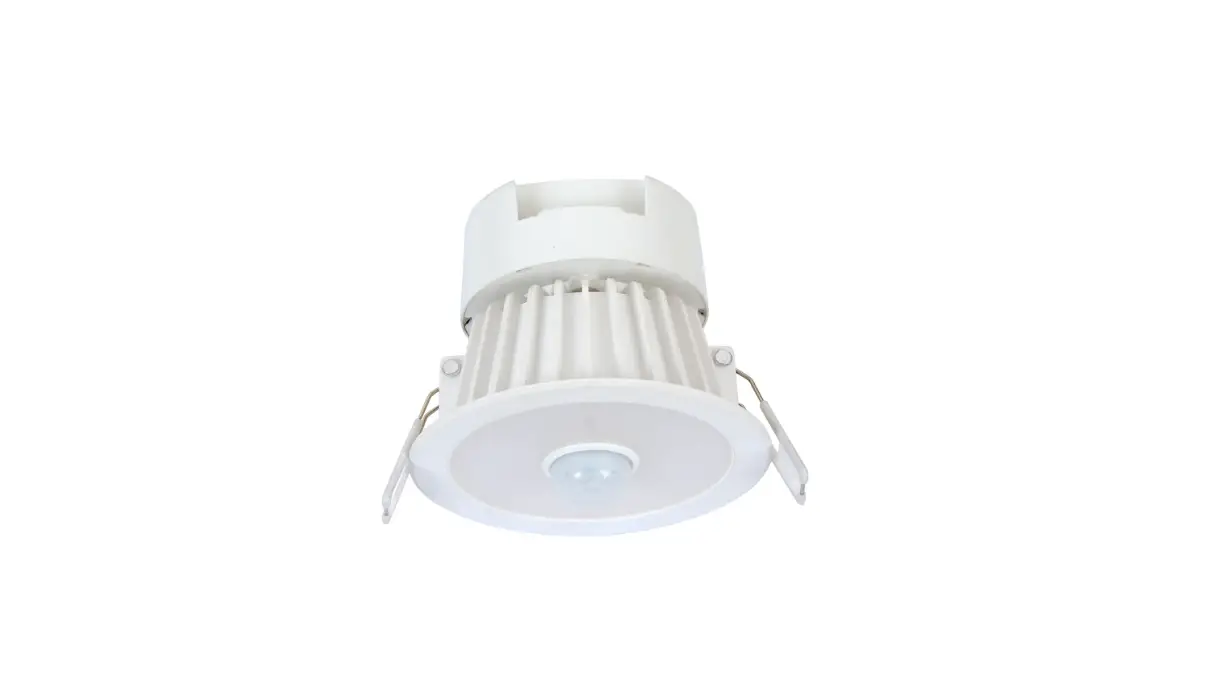
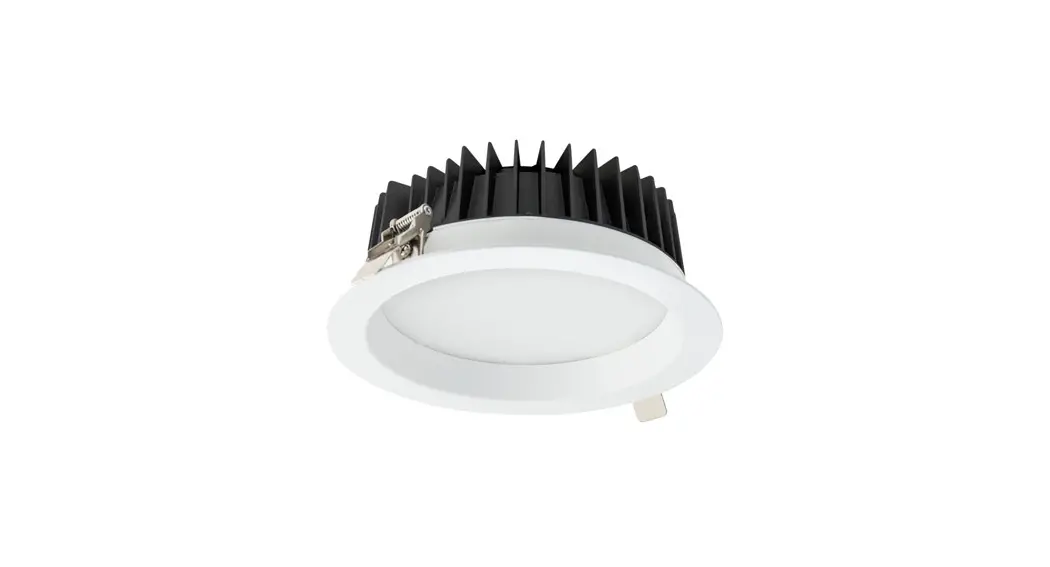
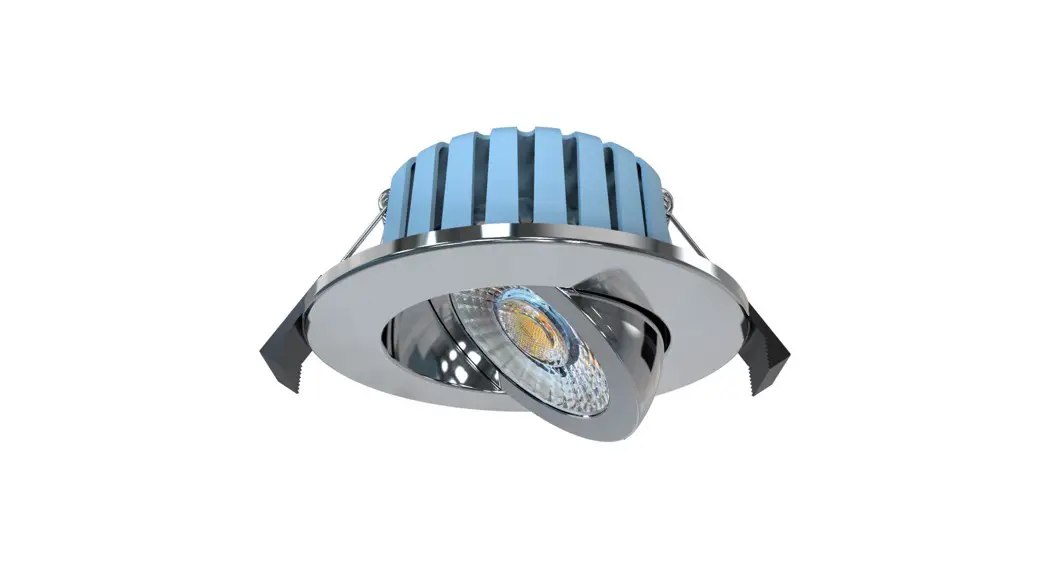
JC72501 Skydisc IP65 Range LED Commercial Downlights
SkydiscTM IP65 Range
The SkydiscTM IP65 Range is a series of LED commercial
downlights designed for installation in various indoor
environments. These downlights are suitable for both residential
and commercial settings.
Warnings & Cautions
- Before installing, removing, or servicing the product, please
ensure that you have read and understood the installation
instructions. - Consult a qualified electrician to ensure that the installation
complies with local wiring regulations and safety standards. - Make sure to isolate the power supply before starting the
installation. - Using sub-standard installation methods may void the warranty,
and the manufacturer will not accept responsibility for any
resulting claims.
Installation
Product Specifications:
| Code | Wattage | Colour Temperature | Lumens | LpcW |
|---|---|---|---|---|
| JC72501 | 7W | 4000K | 650 | 93 |
| JC72502 | 13W | 4000K | 1300 | 100 |
| JC72503 | 17W | 4000K | 1700 | 100 |
| JC72504 | 23W | 4000K | 2100 | 91 |
| JC72505 | 7W | 4700K | 650 | 93 |
| JC72506 | 13W | 4700K | 1300 | 100 |
| JC72507 | 17W | 4700K | 1700 | 100 |
| JC72508 | 23W | 4700K | 2100 | 91 |
| JC73505 | 7W | 5700K | 650 | 93 |
| JC73506 | 13W | 5700K | 1300 | 100 |
| JC73507 | 17W | 5700K | 1700 | 100 |
| JC73508 | 23W | 5700K | 2100 | 91 |
Installation Procedure:
- Cut the mounting hole in the ceiling. JCC recommends practicing
on a spare material first to familiarize yourself with the
process. - Ensure there is a minimum of 75mm space around the fitting. Do
not cover the fitting with insulation. - Connect the mains supply to the luminaire driver as
instructed. - Turn on the power supply to test the fitting. Once satisfied,
press the spring clips against the side of the luminaire and fit it
into the aperture.
Notes:
- Do not partially install the luminaire, as this can cause
damage to the fitting. - Refer to the specific cut-out size for each product
variant.
Emergency Version Conversion:
If you wish to convert to an emergency version using
JCEM002/JCEM002ST, follow these steps:
- Remove the green cover on the DC side of the driver to access
DC connectors. - Connect the emergency components.
- Replace connectors inside the driver and refit the cover.
Environmental Considerations:
Please respect local regulations for disposing of non-working
electrical equipment. Hand them in at an appropriate waste disposal
center. The packaging material is recyclable, so dispose of it in
an environmentally friendly manner and make it available for
recyclable material collection services.
Warranty Information:
This product is supported by a 2-year standard warranty, which
can be extended to 3 years by registering within the first year of
purchase. To register, visit jcc.co.uk/warranty. Terms and
conditions apply.
Contact Information:
Technical Support: +44(0)1243 838986
Customer Services: +44(0)1243 838999
Company Information:
JCC Lighting Products Ltd.
Lux Park, Chichester Business Park, City Fields Way, Tangmere,
Chichester, West Sussex, PO20 2FT
BS EN ISO9001 – 2015 – Registered Firm Certificate No. GB
1552
Website: www.jcc.co.uk
SkydiscTM IP65 Range
Installation instructions for LED commercial downlights Warnings & Cautions
a company
· To avoid electric shock, serious injury or property damage, isolate power · It may be necessary to upgrade your MCBs to allow for increased
before installing, removing or servicing the product.
inrush current.
· It is recommended that luminaires are installed by a qualified
· This product is suitable for indoor use only
electrician to ensure the installation complies with the local current
· Read instructions and check that you have all of the tools and
wiring regulations.
accessories required to complete the installation correctly. Isolate
· Any broken or damaged parts should be replaced as soon as possible.
power supply before starting installation.
JCC will not accept responsibility for claims arising from sub-standard
· This product is designed for connection to a 220-240V~ 50/60Hz.
installations; which will void the warranty.
INSTALLATION
ENGLISH
220-240V~ 50/60Hz / Class II
LIVE = BROWN NEUTRAL = BLUE
Double insulated- no earth required
Installation procedure
1. Cut the mounting hole in the ceiling (refer to Fig.1). (JCC recommends that
a sample hole is cut in a section of spare material to familiarize yourself
with the process).
2. Ensure there is a minimum of 75mm space around the fitting. DO NOT
COVER the fitting with insulation as indicated by this symbol
on
the luminaire.
3. Connect the mains supply to the luminaire driver as above. 4. Turn on the power supply to test the fitting. Once satisfied that the
luminaire is functioning correctly, press the spring clips against the side of the luminaire and fit into the aperture.
Note: when fitting the luminaire do not partially install as shown below as this can cause damage to the fitting ie. if decorating.
Ceiling
Code
JC72501 JC72502 JC72503 JC72504 JC72505 JC72506 JC72507 JC72508 JC73505 JC73506 JC73507 JC73508
Wattage
7W 13W 17W 23W 7W 13W 17W 23W 7W 13W 17W 23W
Colour Temperature
4000K 4000K 4000K 4000K 4700K 4700K 4700K 4700K 5700K 5700K 5700K 5700K
Lumens
650 1300 1700 2100 650 1300 1700 2100 650 1300 1700 2100
LpcW
93 100 100 91 93 100 100 91 93 100 100 91
Figure 1. SkydiscTMIP65 Driver output VDC
7W
57.75-63 VDC
13W
50.4-59.4VDC
17W
67.2-79.2VDC
23W
75.6-89.1VDC
Cut out size
Ø100mm-110mm Ø150mm-160mm Ø200mm-210mm Ø220mm-230mm
Ceiling
PLEASE NOTE
When converting to emergency version using JCEM002/JCEM002ST, to access DC connectors remove green cover on the DC side of the driver. Once connected, replace connectors inside driver and refit cover.
You can help protect the environment. Please remember to respect the local regulations: hand in the non-working electrical equipment to an appropriate waste disposal centre. The packaging material is recyclable. Dispose of the packaging in an environmentally friendly manner and make it available for the recyclable material collection service.
V9_May_23_RS
Profile & Dimensions
7W
13W
17W
23W
All dimensions in millimetres
RoHS
Compliant
IP65 jcc Do not cover
.co.uk
Important warranty information
This product is supported by a 2-year standard warranty which will extend to 3 years if registered within the first year of purchase. Please register at jcc.co.uk/warranty – Terms and conditions apply.
The installer will be asked to provide the following information, which is detailed on a label attached to the luminaire’s chassis: Product Code/Date Code.
BS EN ISO9001 – 2015 – Registered Firm Certificate No. GB 1552 JCC Lighting Products Ltd. Lux Park, Chichester Business Park, City Fields Way, Tangmere, Chichester, West Sussex, PO20 2FT
Technical Support: +44(0)1243 838986 Customer Services: +44(0)1243 838999
 JCC Lighting | Domestic and Commercial LED Lighting