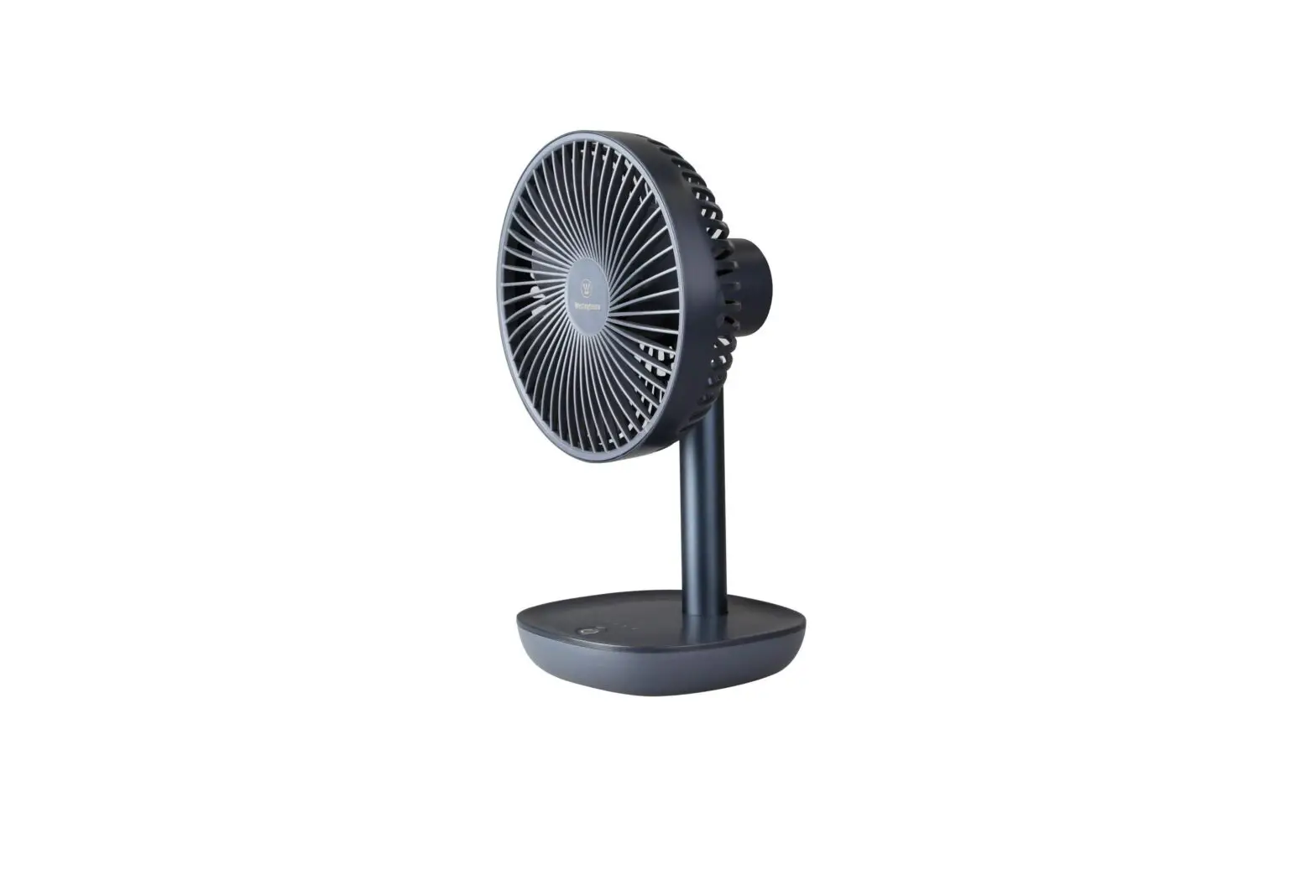
FRF12B Rechargeable Fan
Product Information:
The FRF12B is a rechargeable fan with nine fan speeds. It is a
portable fan that can easily be moved from one room to another. The
fan features an extendable stem, wire/battery storage, a front
grill, fan blades, a locking position, an LED display, and a
control panel. It also comes with a remote control for
convenience.
Product Usage Instructions:
- Unfold the fan by gently pulling it upwards.
- Extend the fan according to the image provided in the user
manual. - Shift the pole to the center of the base and turn the twist
lock counter-clockwise to fix the pole in position. - The fan can be adjusted backwards and forwards as desired.
- Pull the pole up or down gently to extend the height of the fan
to a maximum of 92 cm. Turn the twist locks anti-clockwise to lock
the height of the fan. - Charge the fan before use.
- Ensure the fan is set up in position on a level dry
surface. - Use the control panel or remote control to turn on/off the fan,
adjust fan speed, set swing mode, and set a timer. - Clean and store the fan by shutting off the unit, unplugging it
from the mains, and performing necessary maintenance. Please refer
to the user manual for detailed instructions on cleaning and
storage. - If you encounter any issues with the fan, refer to the
troubleshooting section in the user manual. Do not attempt to
repair or disassemble the unit yourself as it may invalidate the
warranty and cause bodily harm.
Technical Data:
- Model: FRF12B
- Fan Speeds: 9
- Fan Power: 20 W
- Blade Size: 12 inches
- Rated Input: [Input value]
- Running Current: [Input value]
- Battery Capacity: [Input value]
- Charging Input: [Input value]
- Recharge Time: [Input value]
- Air Volume: [Input value]
- Noise (Max): [Input value]
- Net Weight: [Input value]
- Product Size (folded): [Input value]
- Product Size (unfold): [Input value]
ElectriQ UK Support:
For any further assistance or support, please visit the ElectriQ
website at www.electriQ.co.uk/support. You
can also contact the service center at 0330 390 3061 during office
hours (9AM – 5PM, Monday to Friday). The physical address of
ElectriQ UK is Unit J6, Lowfields Way, Elland, West Yorkshire HX5
9DA.
Disposal:
Recycling facilities are available for customers to deposit
their old electrical products. Please contact your local council
for details of your local household waste recycling center.
USER MANUAL
FRF12B
RECHARGEABLE FAN WITH NINE FAN SPEEDS
Thank you for choosing electriQ Please read this user manual before using this fan and keep it safe for future reference.
Visit our page www.electriQ.co.uk for our entire range of Intelligent electricals
Page 2 of 8
SAFETY INSTRUCTIONS Important!
· Carefully read the instructions before operating the unit · This appliance is for indoor use only. · Do not position the unit where it would be subjected to extreme moisture, temperature or
dust. · Do not use in bathrooms or other humid places. · There are no user maintainable parts, do not attempt to disassemble or repair. · Do not place the device near heat sources, or expose to direct sunlight. · Rating: This unit must be only connected to a suitable power source for charging. · Installation must be in accordance with regulations of the country where the unit is used. · This fan has been tested and is safe to use. However, as with any electrical appliance – use
it with care. · Avoid touching any moving parts of the appliance. · Never insert fingers, pencils or any other objects though the guard · This appliance is not intended for use by persons (including children) with reduced physical,
sensory or mental capabilities. It is also not intended for use by those with a lack of experience and knowledge, unless they have been given supervision or instruction concerning the use of the appliance by a person responsible for their safety. Do not leave children unsupervised with this appliance. · Do not clean the unit by spraying it or immersing it in water. · Never operate this appliance if the appliance is damaged. · Any service other than regular cleaning should be performed by an authorized service representative. Failure to comply could result in a voided warranty. · Do not operate the fan unassembled without protective grilles in position. · Do not use the appliance for any other purposes than its intended use. · Always place the unit on a dry and stable surface. Do not move or tilt the unit · High Velocity fans are designed to create rapid air movement, therefore make sure the fan is not placed near curtains or any objects that may be drawn into the fan inlet. · The appliance should not be installed in laundry or wet rooms. · Do not use this unit in environments with flammable and explosive gases. · Avoid keeping the unit in direct sunlight for a long period of time. · Only charge using a power supply which meets the minimum. · Do not cover or restrict the airflow. Do not use in dusty environment. · Battery care and charging should only be undertaken by competent adult. · If the battery shows any sign of damage such as leaking, bulging or excessive heat, stop using the product immediately and contact the supplier. · The fan is supplied with a lithium battery installed. Care must be taken with the battery and charging to maintain its lifespan. · Do not expose the fan or battery to naked flames or extreme heat. · The battery must be removed if disposing of the product. · The battery is to be disposed of safely. Lithium batteries are considered dangerous goods. Check your countries laws on transportation and use.
Page 3 of 8
FEATURES
· Modern design, ideal for a range of locations · High Speed Motor with 9 Fan Speed Settings · LED display · Long battery life · Portable design · Swing function
INSTALLATION
This unit can easily be moved from one room to another. While moving the unit please note that it must always be kept upright and then placed on an even surface.
· Remove any packaging – keeping the fan in a vertical position. · Make sure all parts are present and unit is assembled correctly · For charging, connect the power plug to a working socket, and then press the power button.
PRODUCT OVERVIEW
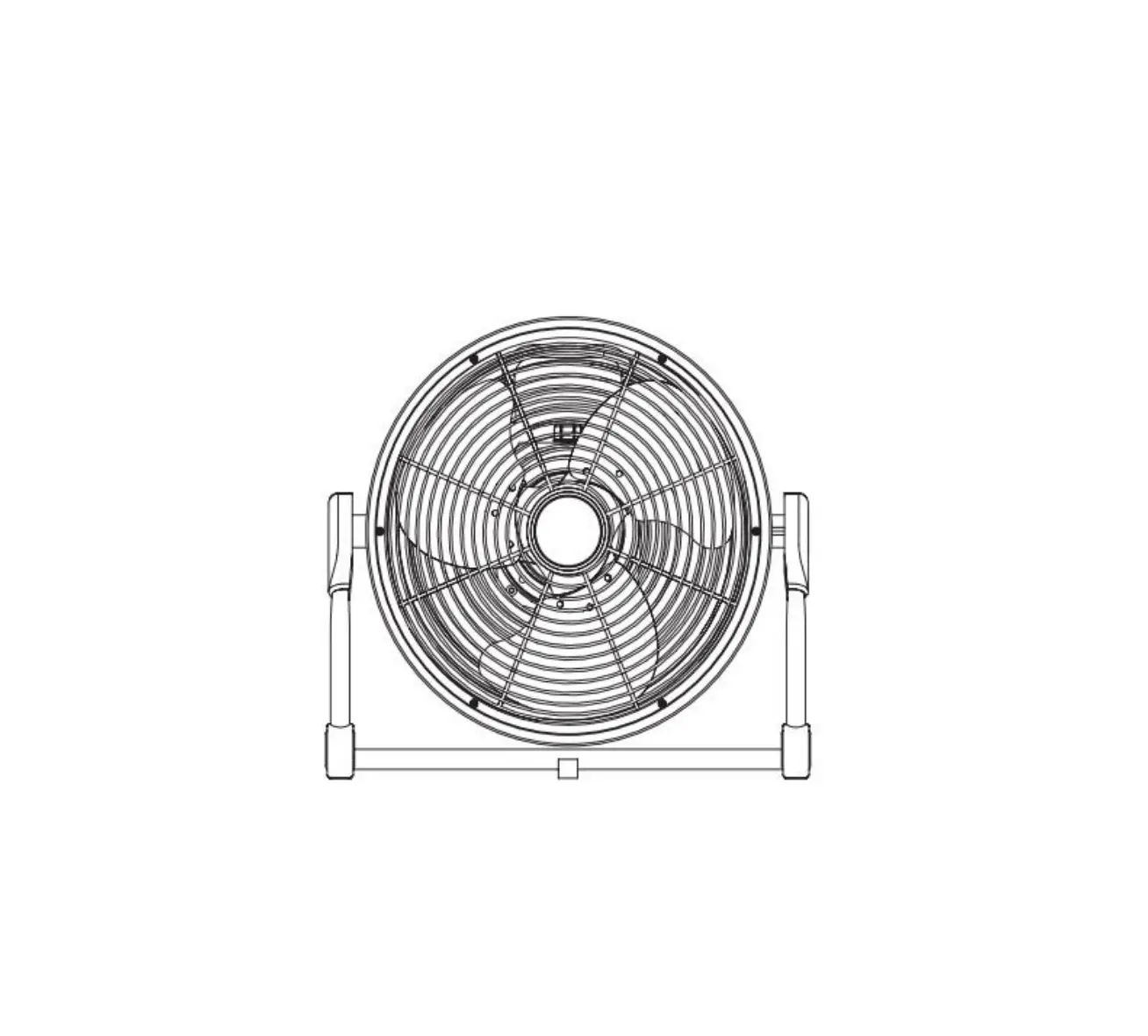
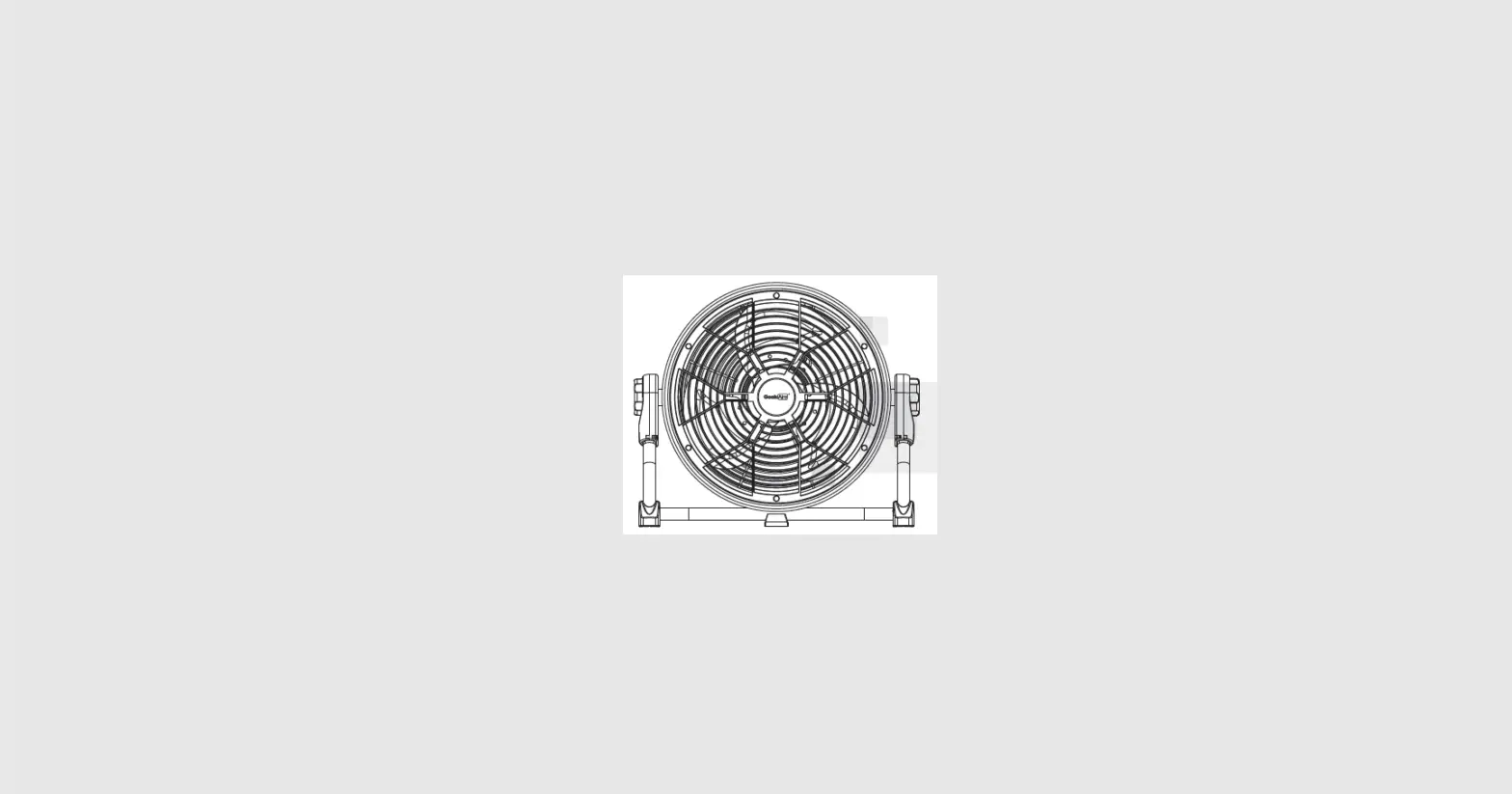
Front grill
Fan blades
Extendable stem Wire/Battery storage
Locking position LED display
Control panel
CONTROL PANEL AND REMOTE
LED display
ON/OFF TIMER ON/OFF TIMER INCREASE DECREASE
Page 4 of 8
SWING LED DISPLAY
FAN SPEED INCREASE DECREASE
SET UP AND VARIOUS FUNCTIONS
Unfold the fan by gently pulling it upwards.
Extend the fan according to the image to the left.
Shift the pole to the centre of the base, turn the twist lock counter-clockwise to
fix the pole in the position
The fan can also be adjusted backwards and forwards.
Pull the pole up or down gently to extend the height of the fan to a max of 92 cm. Turn the twist locks anti clockwise to lock
the height of the fan.
Page 5 of 8
OPERATION
1. Charge the fan before use. 2. Ensure the fan is set up in position ready to use on a level dry surface.
ON/OFF FAN SPEED LED
DISPLAY
SWING
TIMER
Use the ON/OFF switch on the base of the fan to turn the unit on and off. Press the fan speed button to start the fan. Press the FAN SPEED button on the control panel or remote control to select your desired fan speed level. Use the remote control to adjust the fan speed. The display will show the speed selected with 1 being the lowest, and 9 being the highest. Press the LED light button to turn of the fans LED light. When the LED is light is on, the appliance will automatically run at the lowest fan speed. Press the SWING button on the remote control or the control panel to activate the swing function. The fan will oscillate 90° horizontally. To stop, press the swing button again. Press the timer button the control panel or remote control to set the fans timer function. Using the remote control, you can set the time for the fan to stop functioning between 1-9 hours.
BATTERY LEVEL INDICATOR
· There are 5 LED indicators that display the appliances current battery level. · When the fan is in use, the battery level will be displayed with these indicators. If the
appliance is at full power, the indicators will not be illuminated. · When the appliance is charging, the indicators will flash to indicate the current charge level. · When the battery is below 20% power, the 20% indicator light will be red, and eventually all
indicators will turn off until the unit is charged.
MAINTENANCE
CLEANING AND STORAGE
ATTENTION: Please shut off the unit and unplug from the mains before cleaning or performing any maintenance.
CLEANING THE SURFACE · Clean the grills with a duster or a soft wet cloth.
Do not use chemical solvents (such as benzene, alcohol or gasoline) as they may cause irreversible damage. Make sure no water enters the control panel or fan motor. · The front grill can be opened by twisting in anti-clockwise. · Do not run the unit until completely dry. · Place the fan in its original box or cover the fan to protect it from dust. · Store it in a cool dry place.
Page 6 of 8
TROUBLESHOOTING
Do not repair or disassemble the unit by yourself, unauthorized repair attempts will invalidate the warranty and may cause bodily harm.
Issue No power
Possible Reason 1. The battery is not charged. 2. The unit is not switched on.
Strong vibrations 1. Fan is not used on a flat surface
and noise
2. Fan may be damaged
Solution 1. Ensure the battery is charged using a suitable device 2. Switch the unit on using the switch on the base
1. Place on a flat surface. May put an anti-vibration matt underneath 2. if fan is damaged discontinue use and contact service centre
If the above solutions do not resolve the problem please contact the service centre.
TECHNICAL DATA
Model Fan Speeds Fan Power Blade size Rated Input Running Current Battery Capacity Charging input Recharge time Air Volume Noise (Max) Net Weight Product Size (folded) Product Size (unfold)
FRF12B 9
20 W 12 inches
25 W 0.145 A 2000 mAh (Lithium Ion) 27 V 0.5 A 2 2.5 hours 1985 m3/h 58 dB 2.6 kg 335x335x150 mm 335x335x920 mm
Page 7 of 8
electriQ UK SUPPORT
www.electriQ.co.uk/support Please, for your own convenience, make these simple checks before calling the service line. If the unit still fails to operate call: 0330 390 3061 or complete the online form 1. Is the unit plugged into the mains? 2. Is the fuse OK? 3. Switch the unit off and wait three minutes to see if the issue is resolved. Restart
the unit. Office hours: 9AM – 5PM Monday to Friday www.electriQ.co.uk Unit J6, Lowfields Way Elland, West Yorkshire HX5 9DA
DISPOSAL
Recycling facilities are now available for all customers at which you can deposit your old electrical products. Customers will be able to take any old electrical equipment to participating civic amenity sites run by their local councils. Please remember that this equipment will be further handled during the recycling process, so please be considerate when depositing your equipment. Please contact the local council for details of your local household waste recycling center.
Page 8 of 8
 Buy electriQ Appliances Online | TVs | Ovens | Dehumidifiers | Security