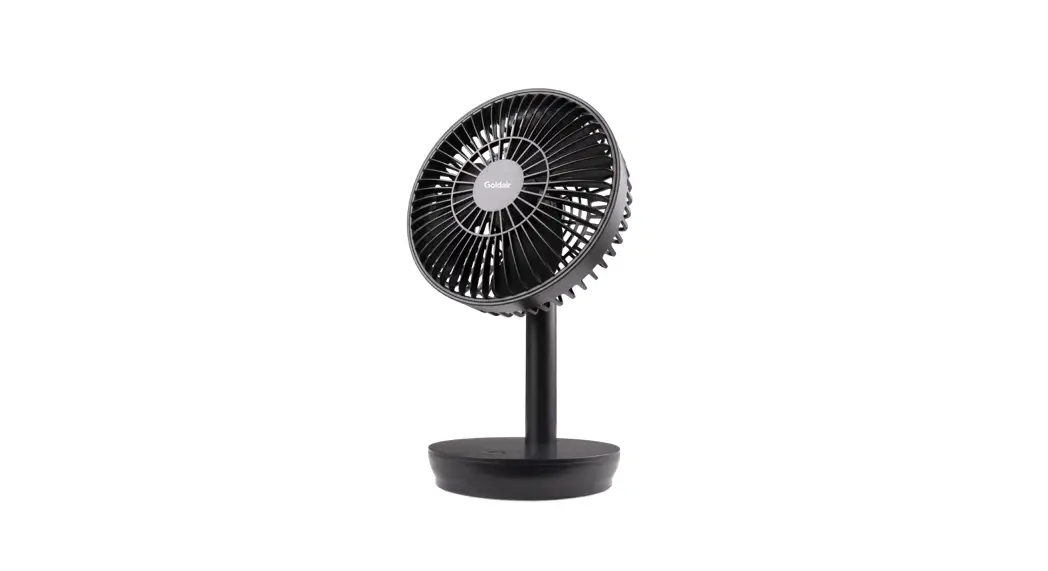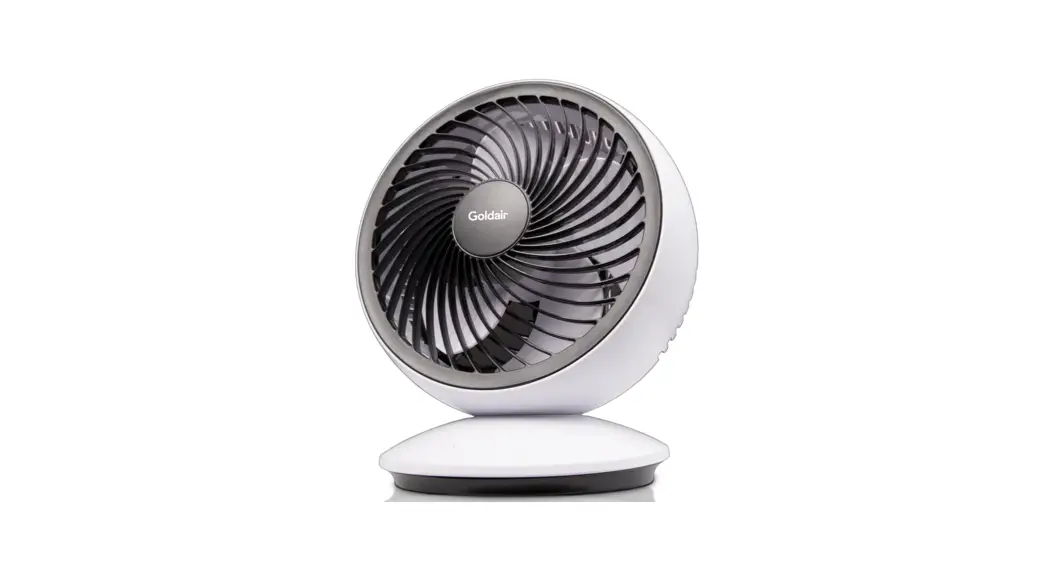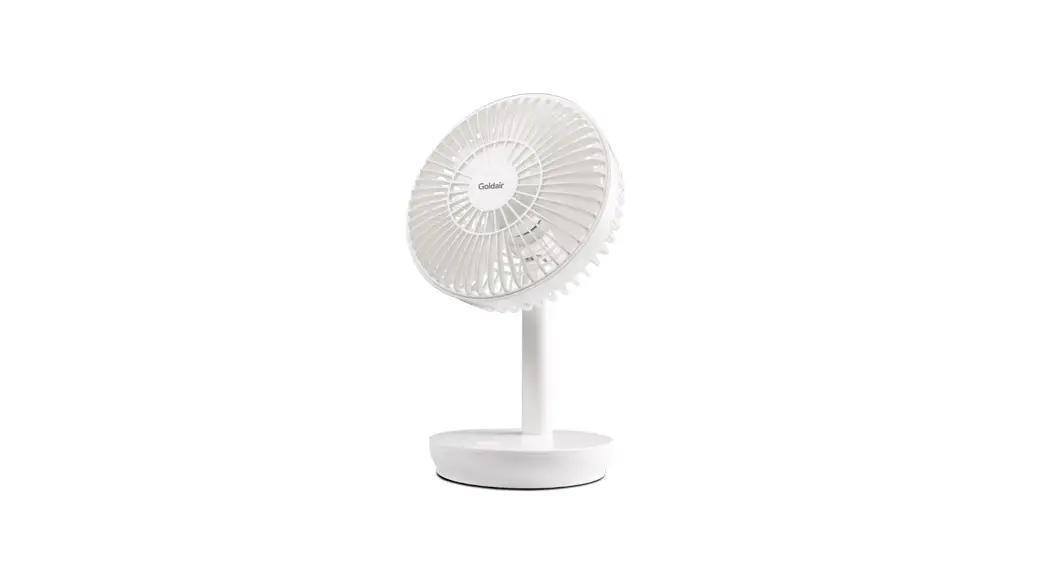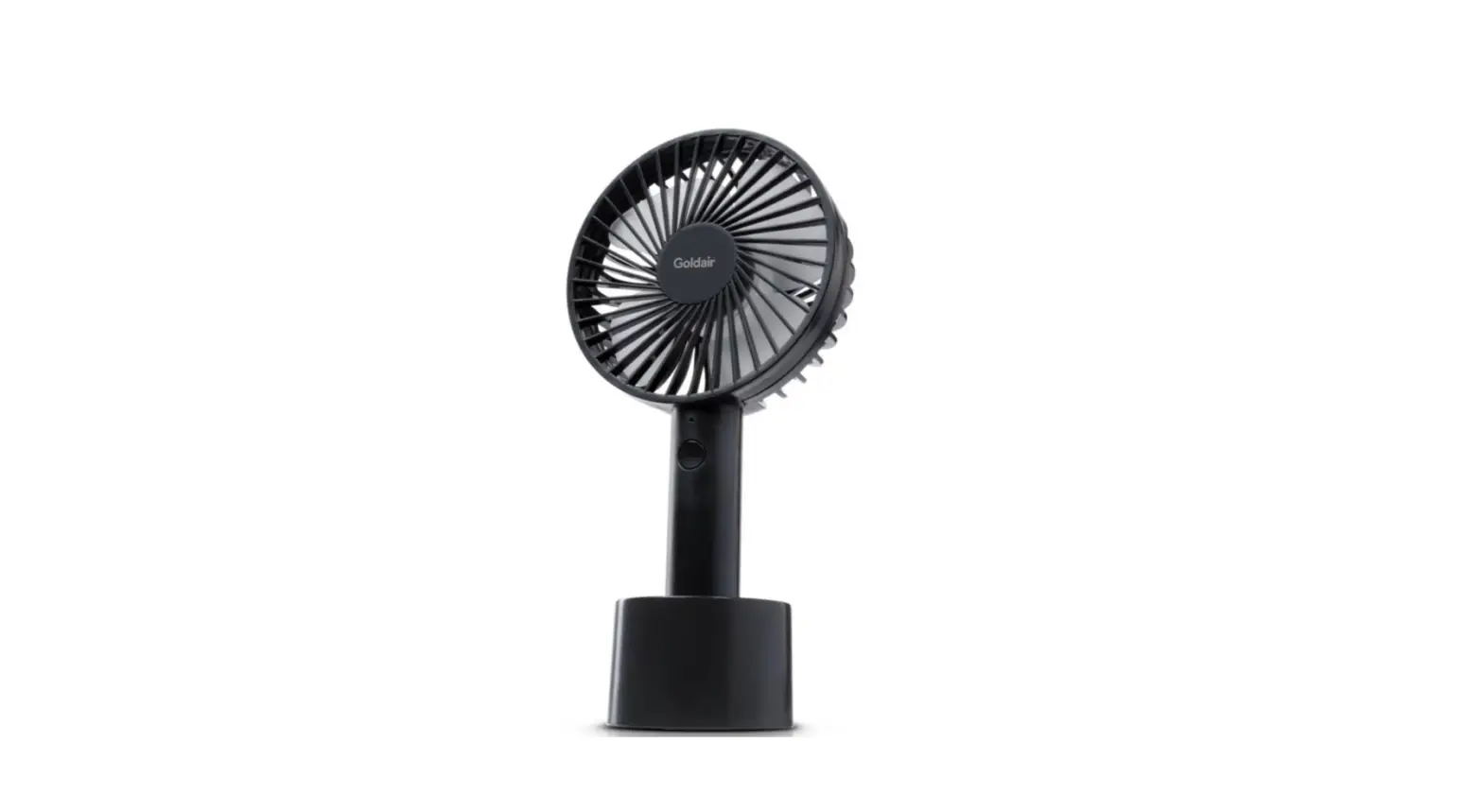

Digitech GH1298 Rechargeable Desktop Fan
Product Information
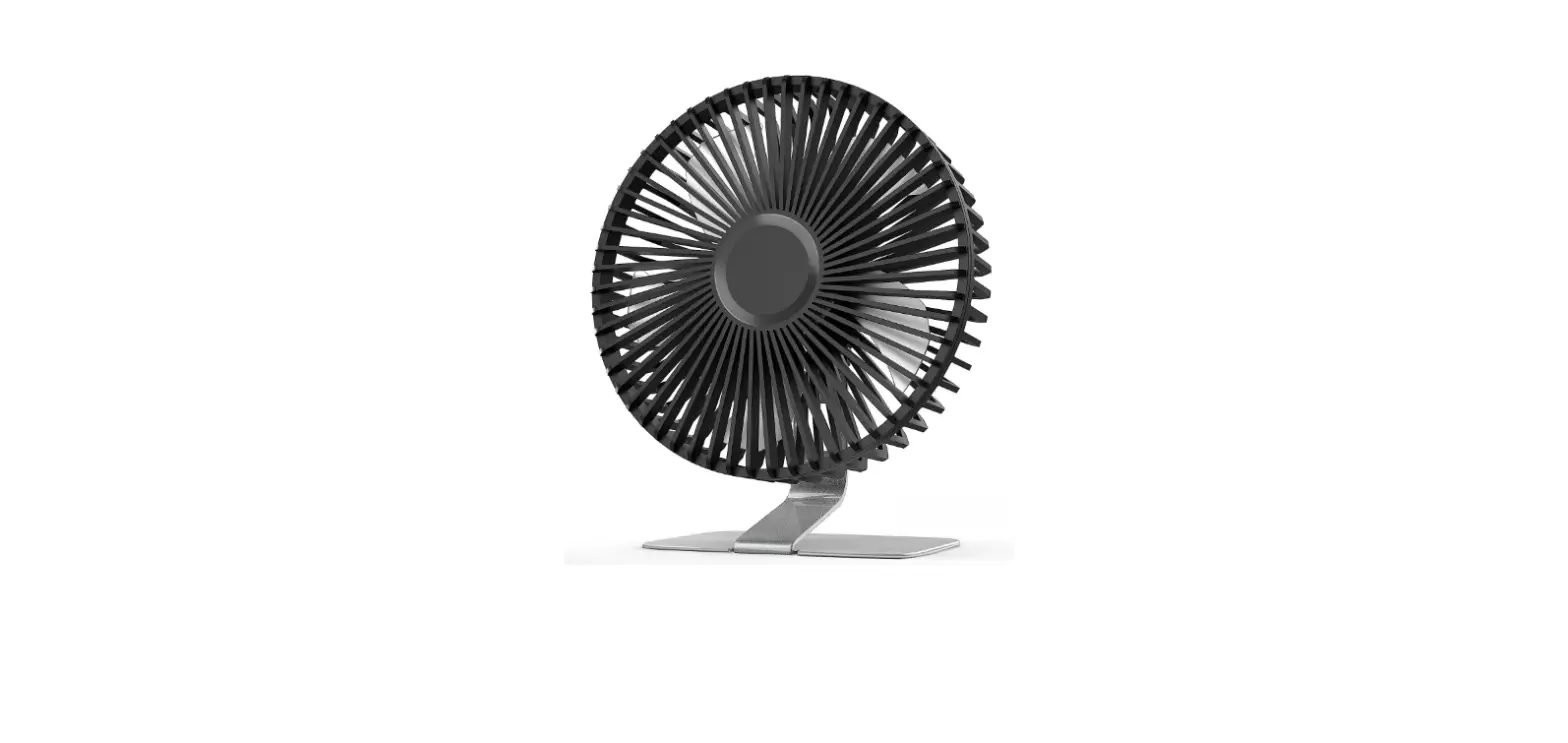
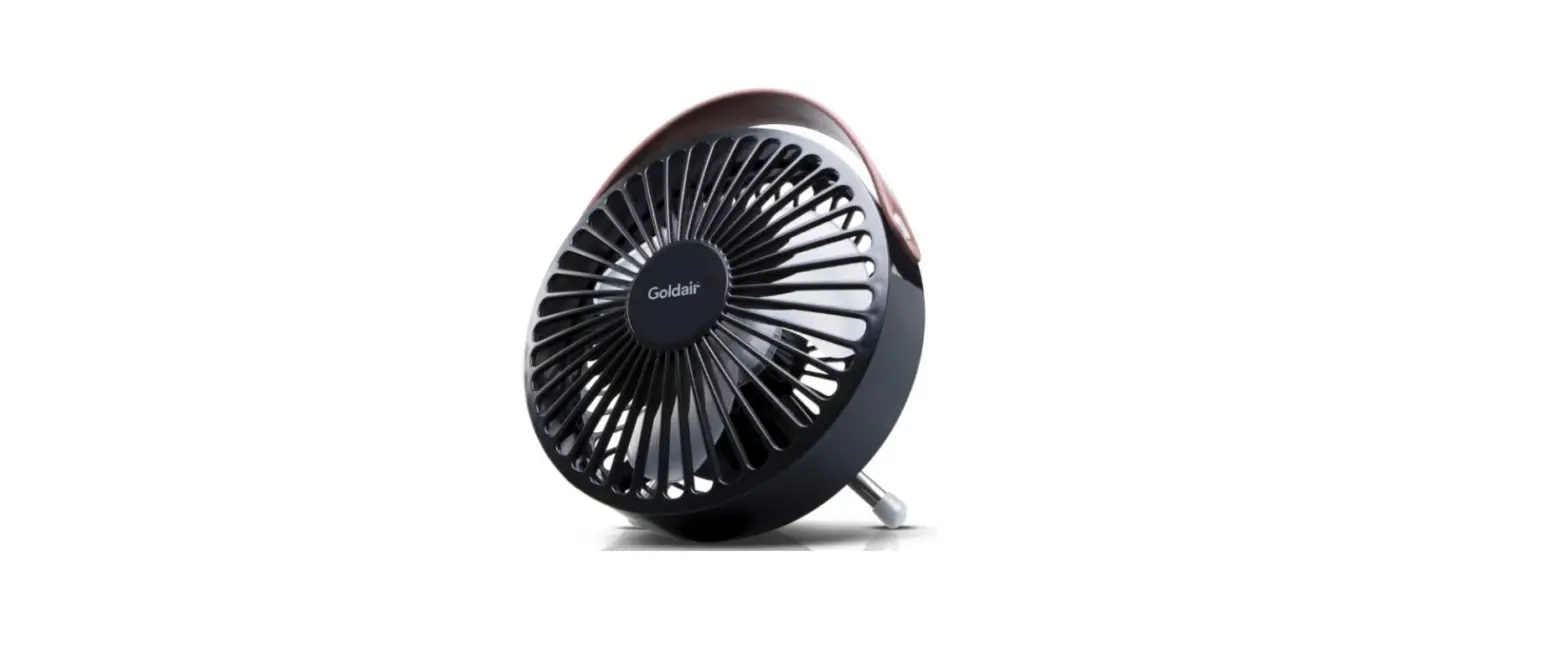
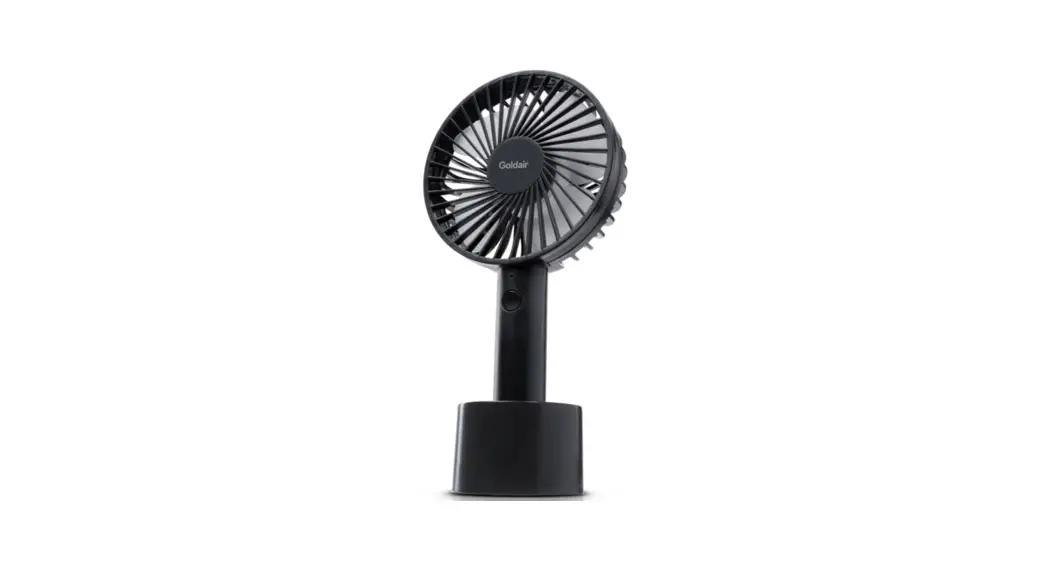
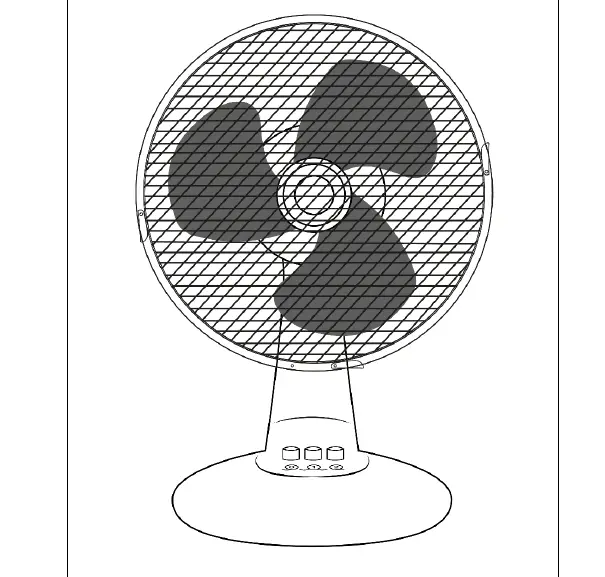
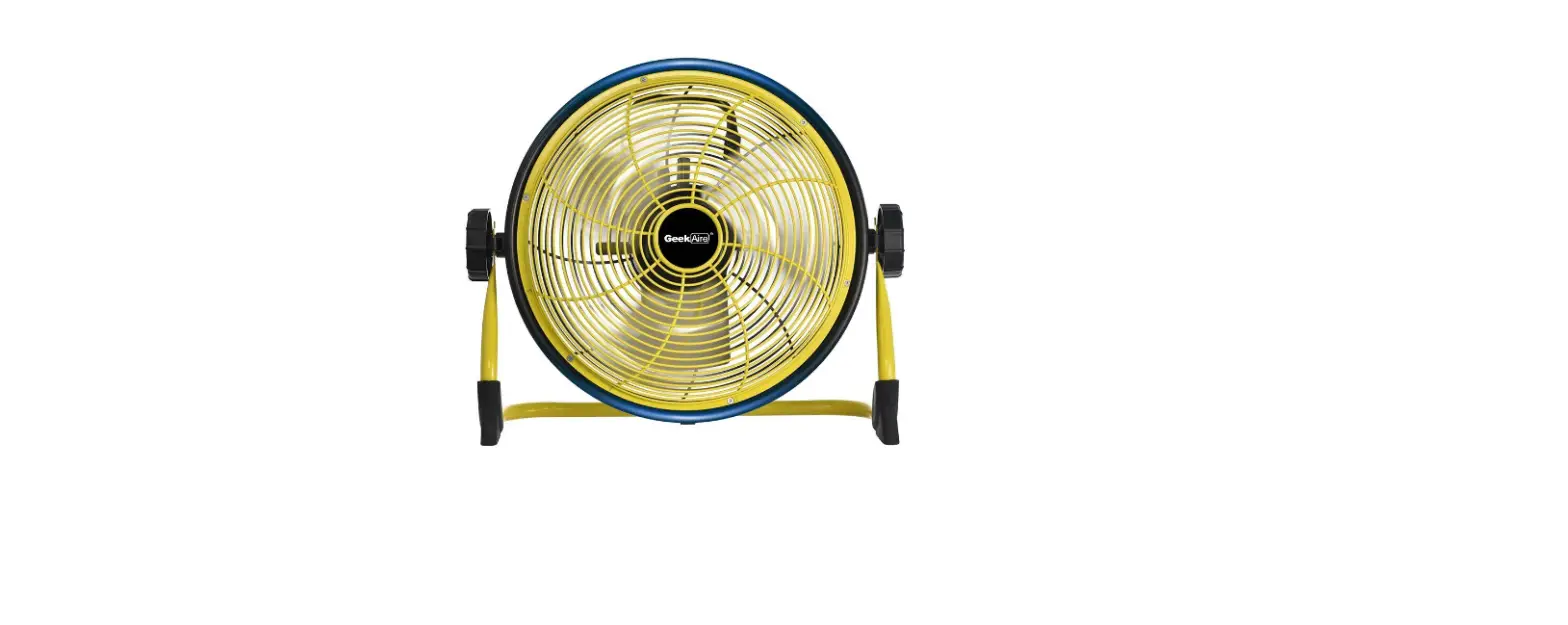
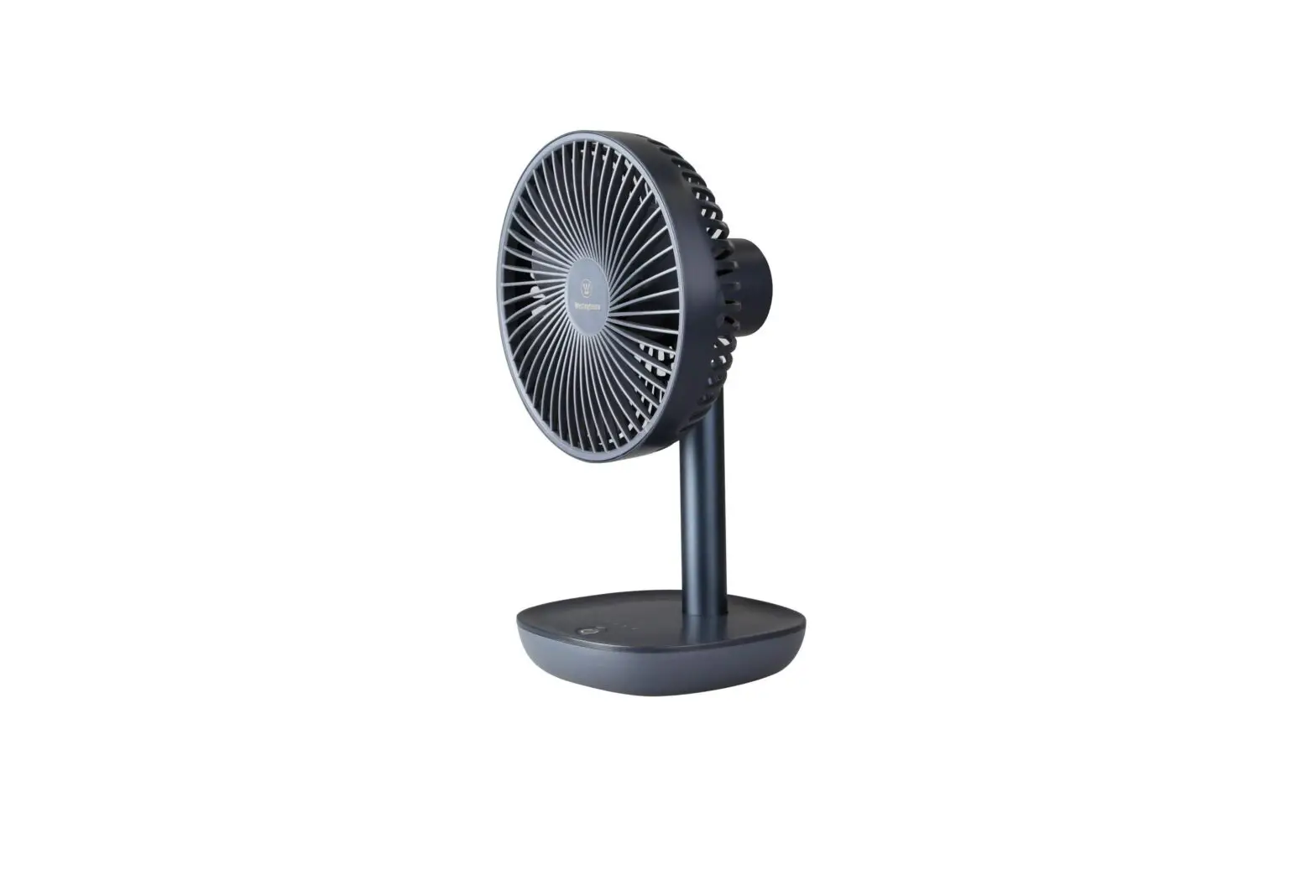
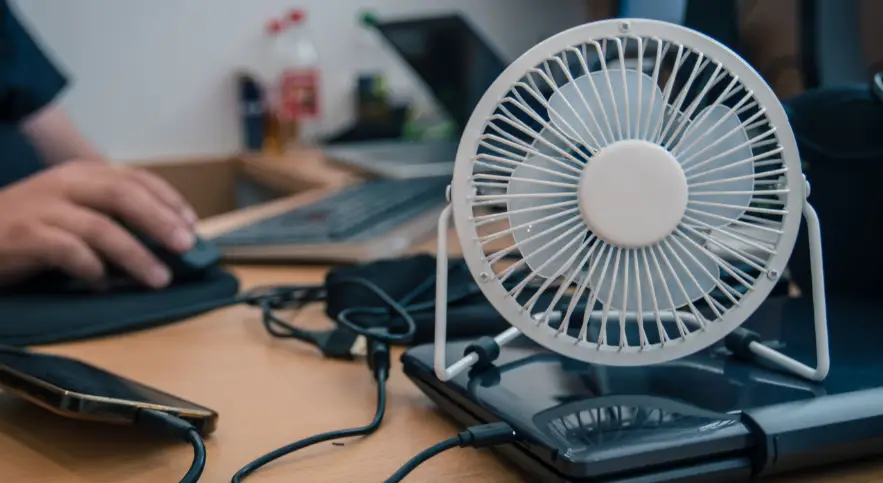
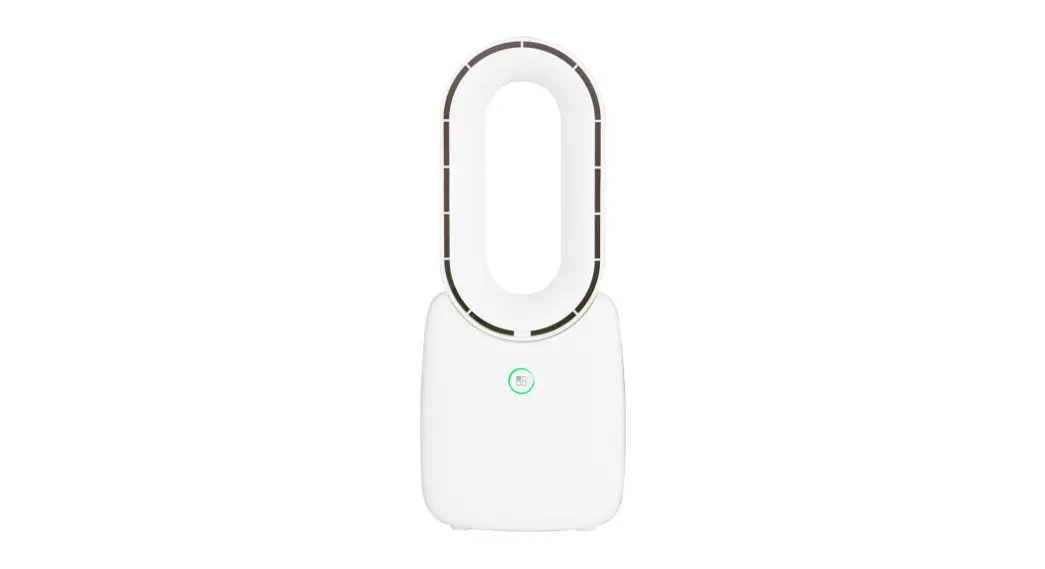
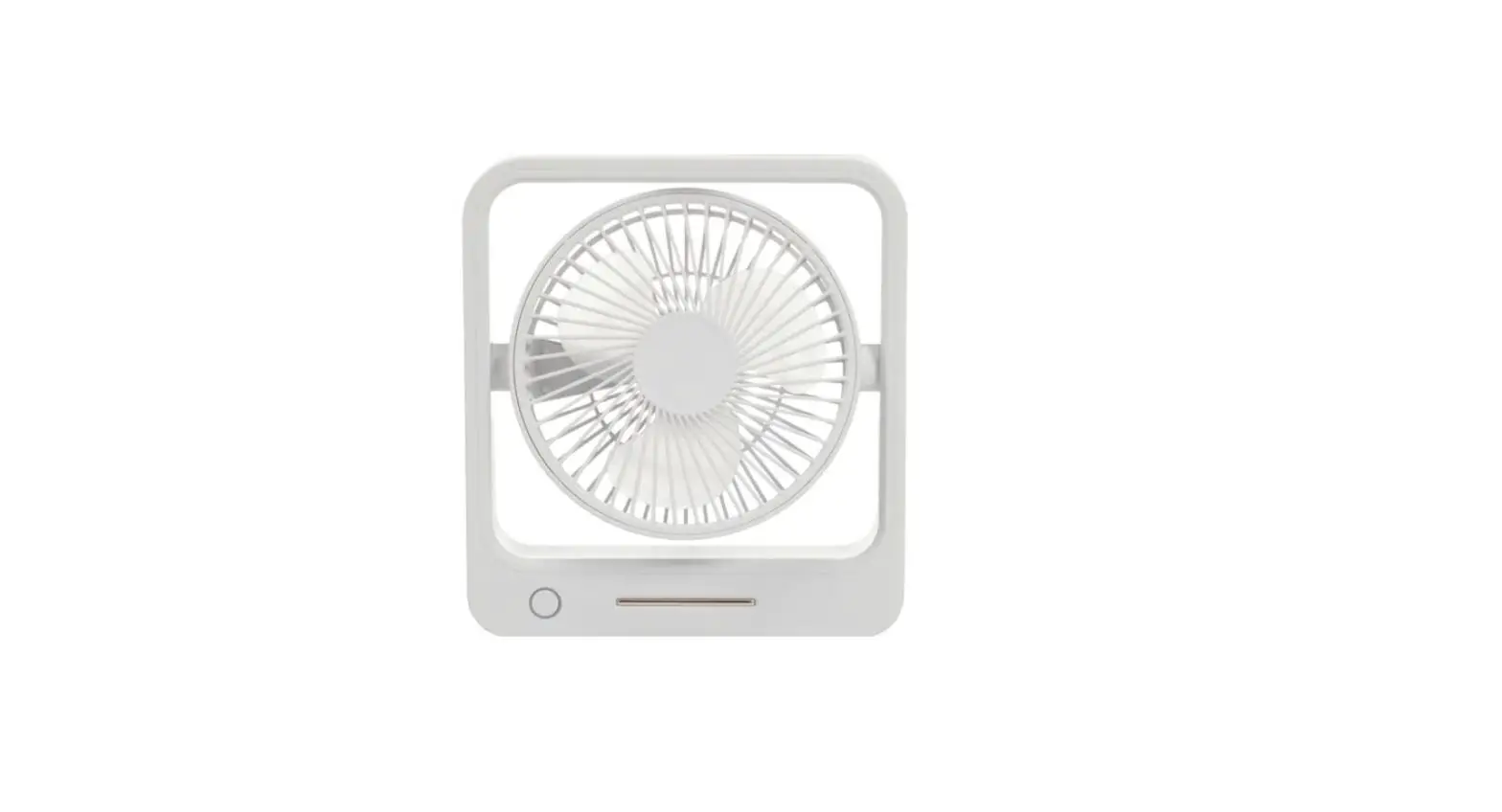
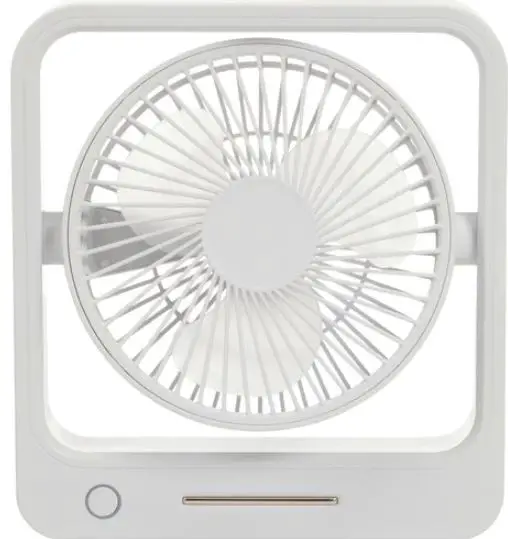
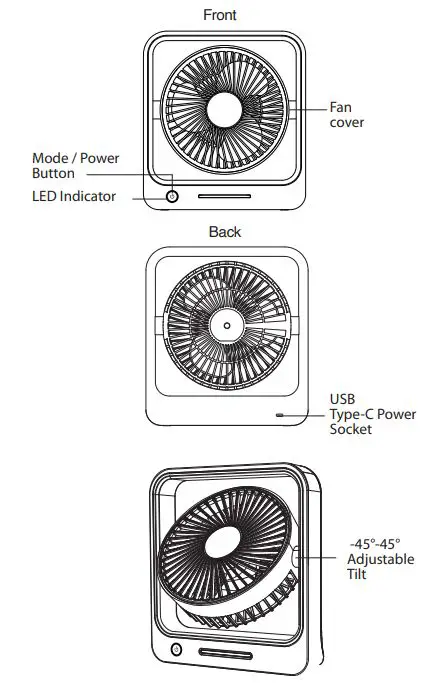
The 6 Rechargeable Desktop Fan (Model: GH1298) is a portable fan that can be charged via USB. The fan comes with a USB charging cable and has a USB Type-C power socket. It has a front mode/power button, an LED indicator, and a back fan cover. The fan can be operated at low, medium, high speeds, and wind mode. The fan has a run time of 1.5-6.5 hours and requires a charge time of 2-3 hours. It has a 3.7V Li-ion, 2400mAh battery and requires 5VDC, 1A (USB-C) power. The fan’s dimensions are 245(W) x 227(H) x 71(D)mm.
Product Usage Instructions
- It is recommended to charge the fan before use. To do so, plug in the USB Type-C cable provided to the power socket of the desktop fan and plug the opposite end of the USB cable to a USB charging source such as a computer or USB mains adaptor.
- To turn on the fan, press the mode/power button once for low speed, twice for medium speed, three times for high speed, and four times for wind mode. Wind mode will cycle between low and high fan speeds to emulate the wind.
- To turn off the fan, press and hold the mode/power button for up to 2 seconds. There will be no LEDs lit when the fan is turned off.
- When cleaning the fan, you can take off the front fan cover by rotating it counterclockwise and then clockwise when attaching it back on.
Safety Instructions
- Do not pull apart the casing of the fan or touch the fan blades while turned on to avoid damage and injury.
- Keep the fan away from high temperatures as it may cause damage to the unit and battery.
- Do not expose the fan to water, moisture, or liquids.
Box Contents:
- 1 x 6” Rechargeable Desktop Fan
- 1 x USB Charging Cable

Operation
- It is recommended to charge the unit before use; plug in the USB Type-C cable provided to the power socket of the desktop fan.
- Plug the opposite end of the USB cable to a USB charging source such as a computer or USB mains adaptor.
- Press the mode/power button once to turn the unit on low speed, 2 times for medium speed, 3 times for high speed, and 4 times for wind mode. Wind mode will cycle between low and high fan speeds to emulate the wind.
- Press and hold the mode/power button for up to 2 seconds for the fan to turn off. There will no LEDs lit when the fan is turned off.
Note: When cleaning the fan, you can take off the front fan cover by rotating it counter clockwise and then clockwise when attaching it back on.
| Button | Fan Speed |
| Press 1 Time | Low |
| Press 2 Times | Medium |
| Press 3 Times | High |
| Press 4 Times | Wind Mode |
| Press & Hold | Power Of |
LED Indicator
| LED | Description |
| White On | Powered On |
| White Of | Powered Of |
| White & Red On | Powered On & Charging |
| Red On | Charging |
| Red Flashing | Low Battery |
Safety
- Do not pull apart the casing of the fan or touch the fan blades while turned on to avoid damage and injury.
- Keep the fan away from high temperatures as it may cause damage to the unit and battery.
- Do not expose the fan to water, moisture, or liquids.
Specifications
- RPM: 1600 (Low) 2100 (Medium) 2500 (High) 1600-2500 (Wind)
- Tilt: -45°-45°
- Run Time: 1.5-6.5 Hours
- Charge Time: 2-3 Hours
- Battery: 3.7V Li-ion, 2400mAh
- Power: 5VDC, 1A (USB-C)
- Dimensions: 245(W) x 227(H) x 71(D)mm
Distributed by:
- Electus Distribution Pty Ltd
- 46 Eastern Creek Dr,
- Eastern Creek NSW 2766 Australia
- Ph 1300 738 555 / Int’l +61 2 8832 3200
- www.electusdistribution.com.au.
 Electus Distribution - Home