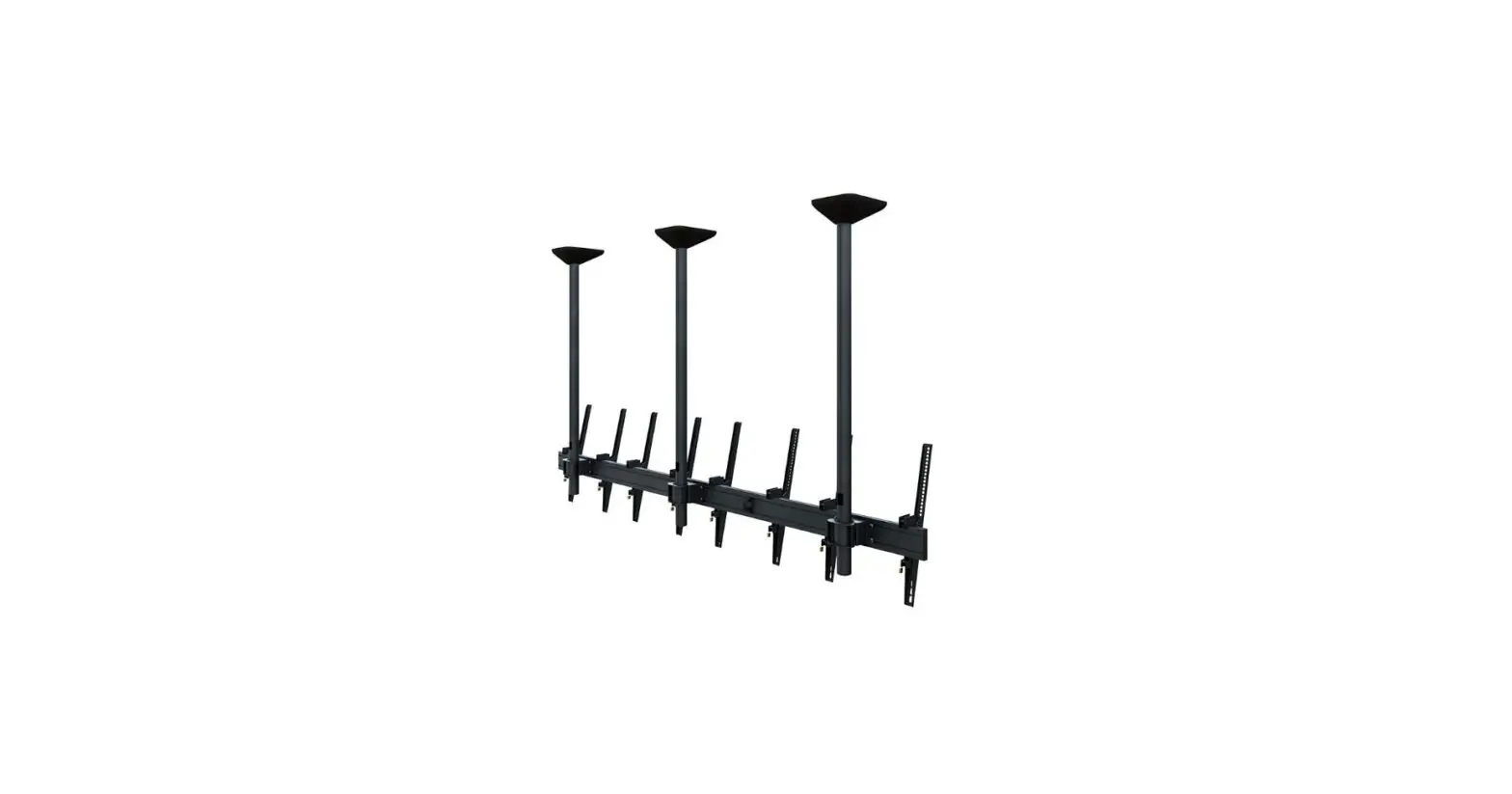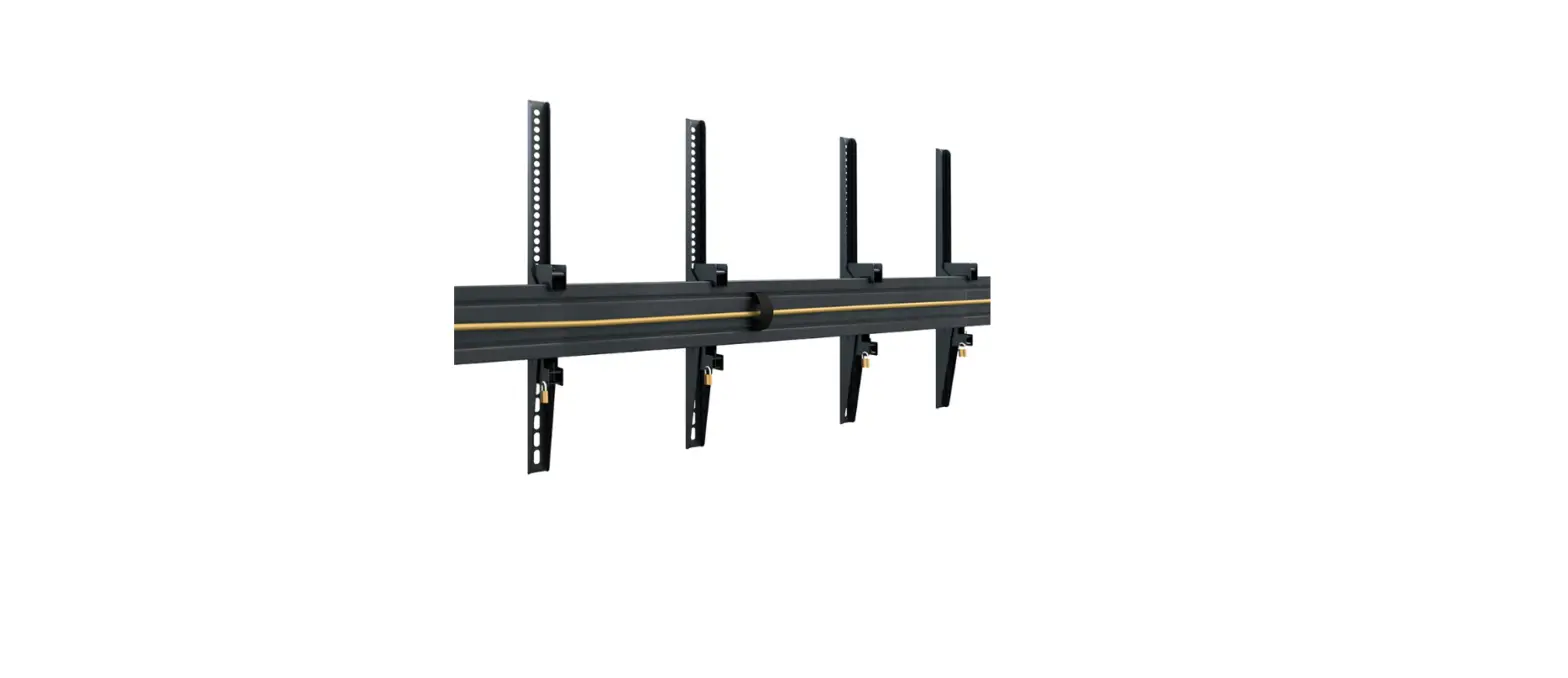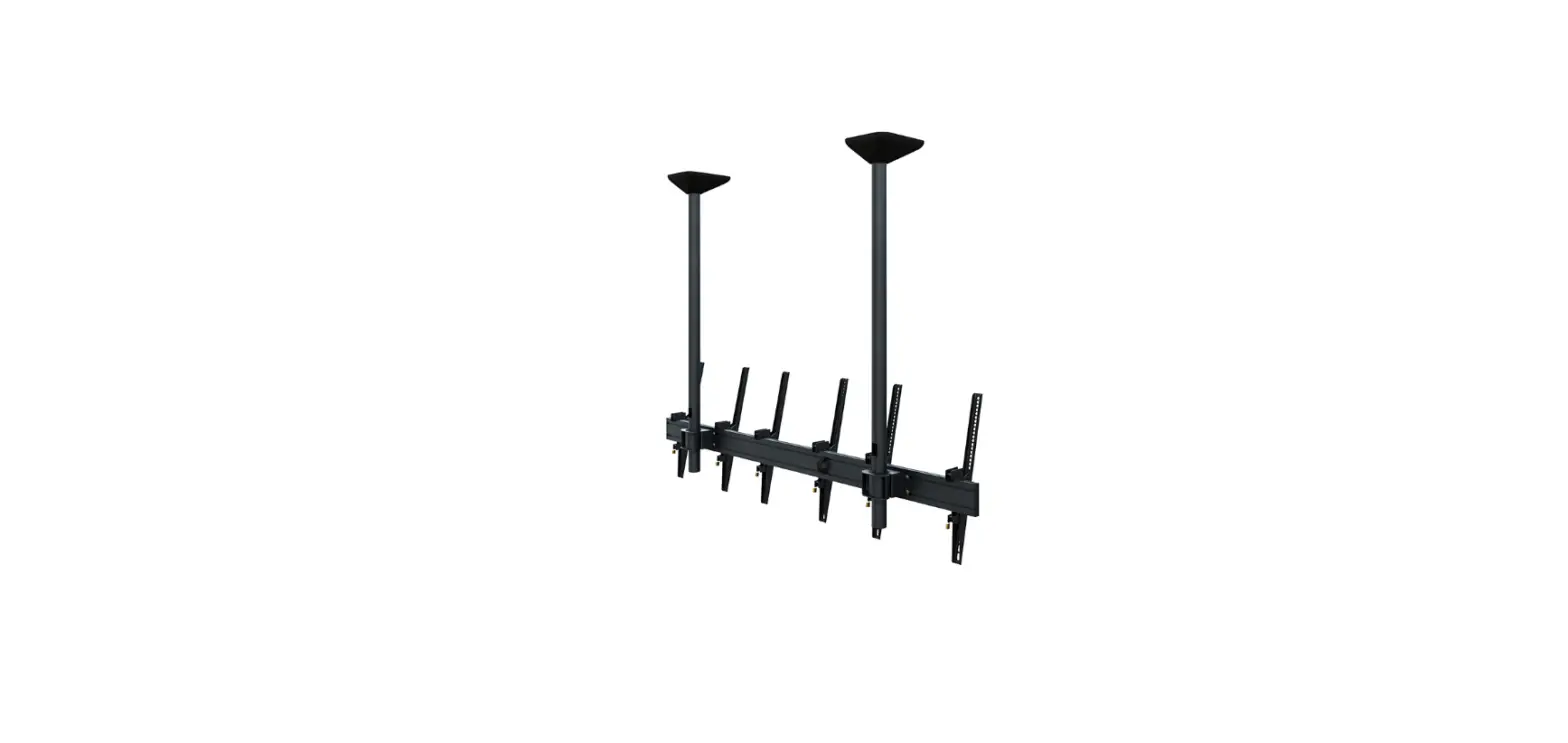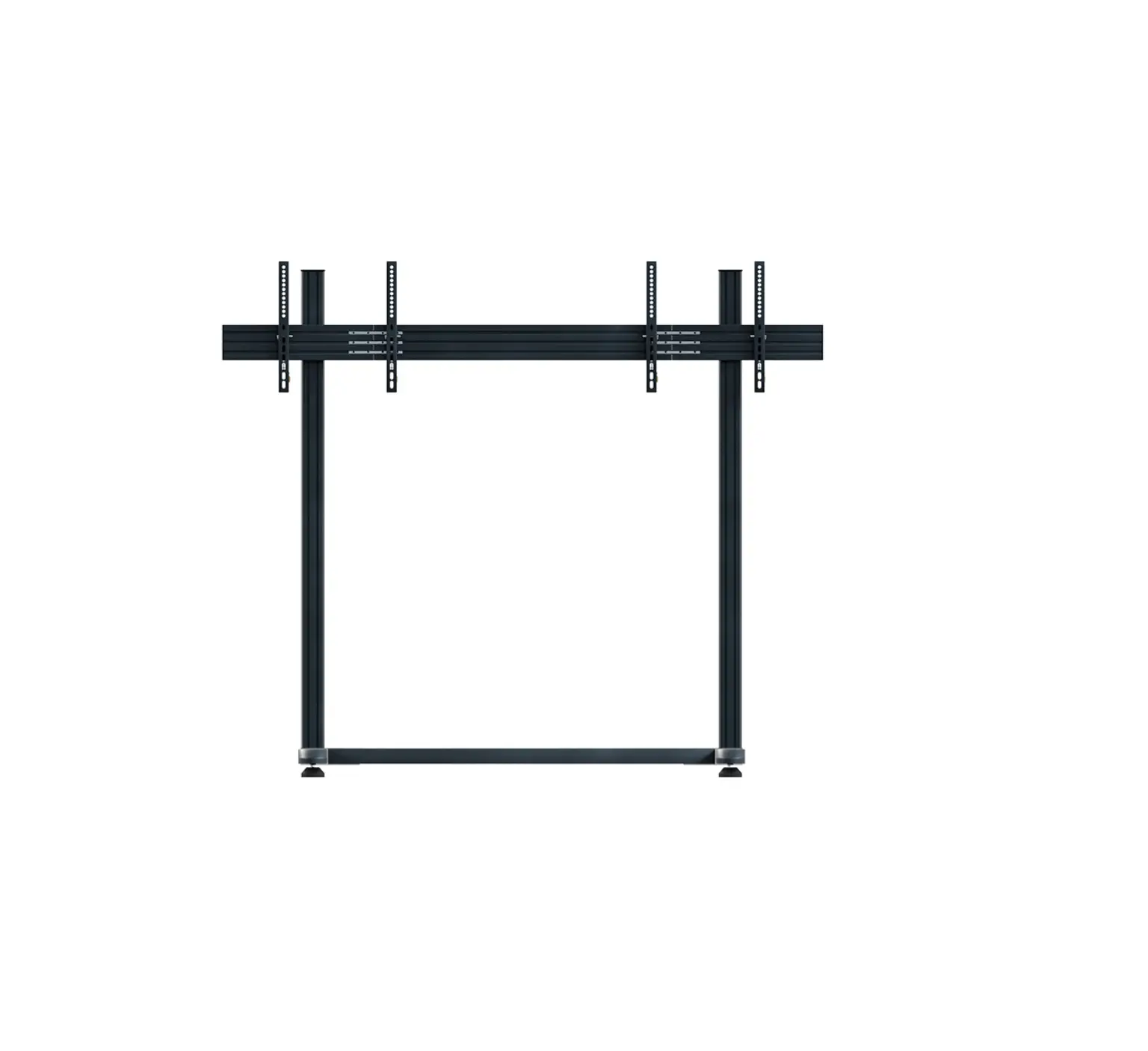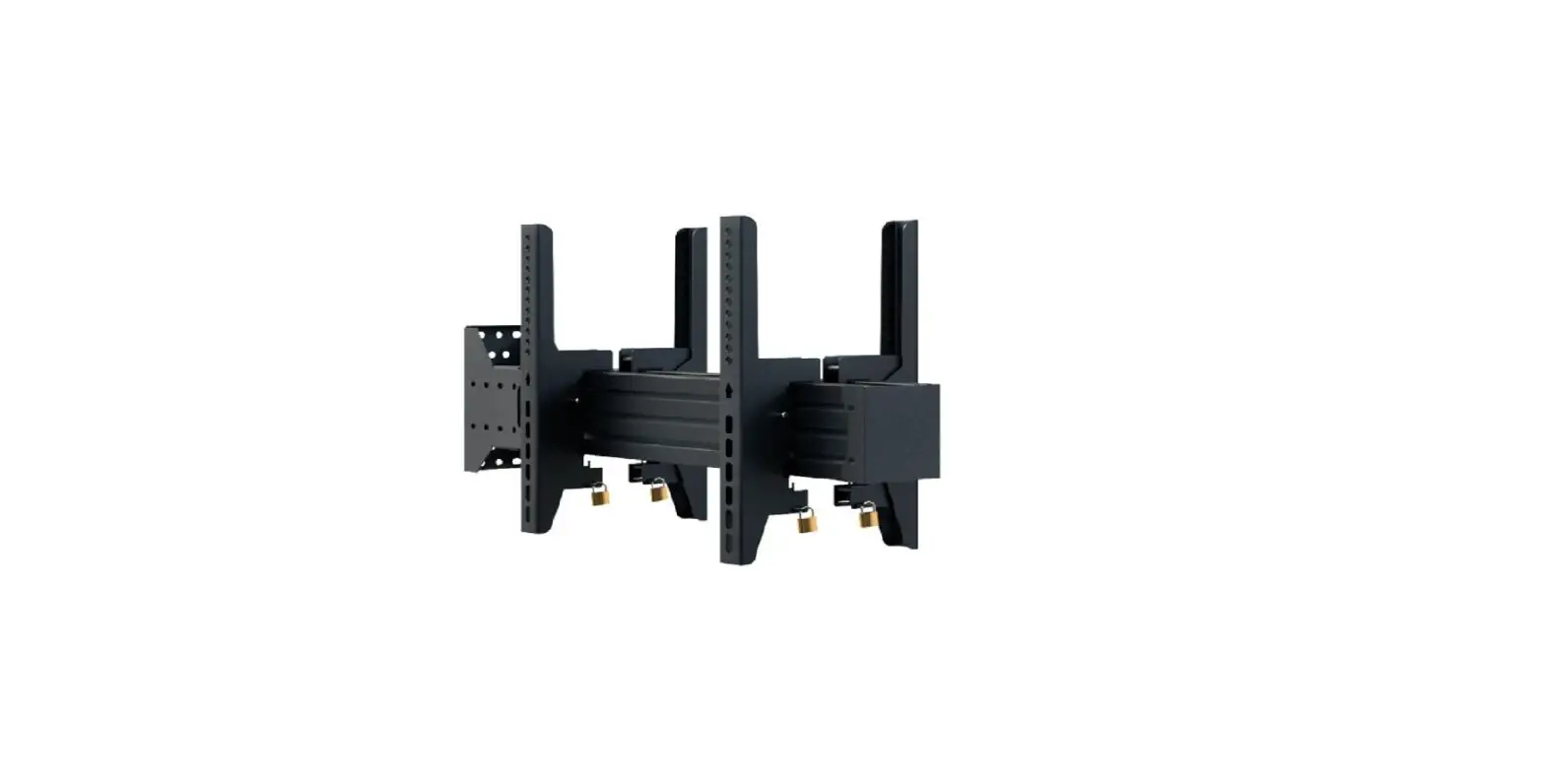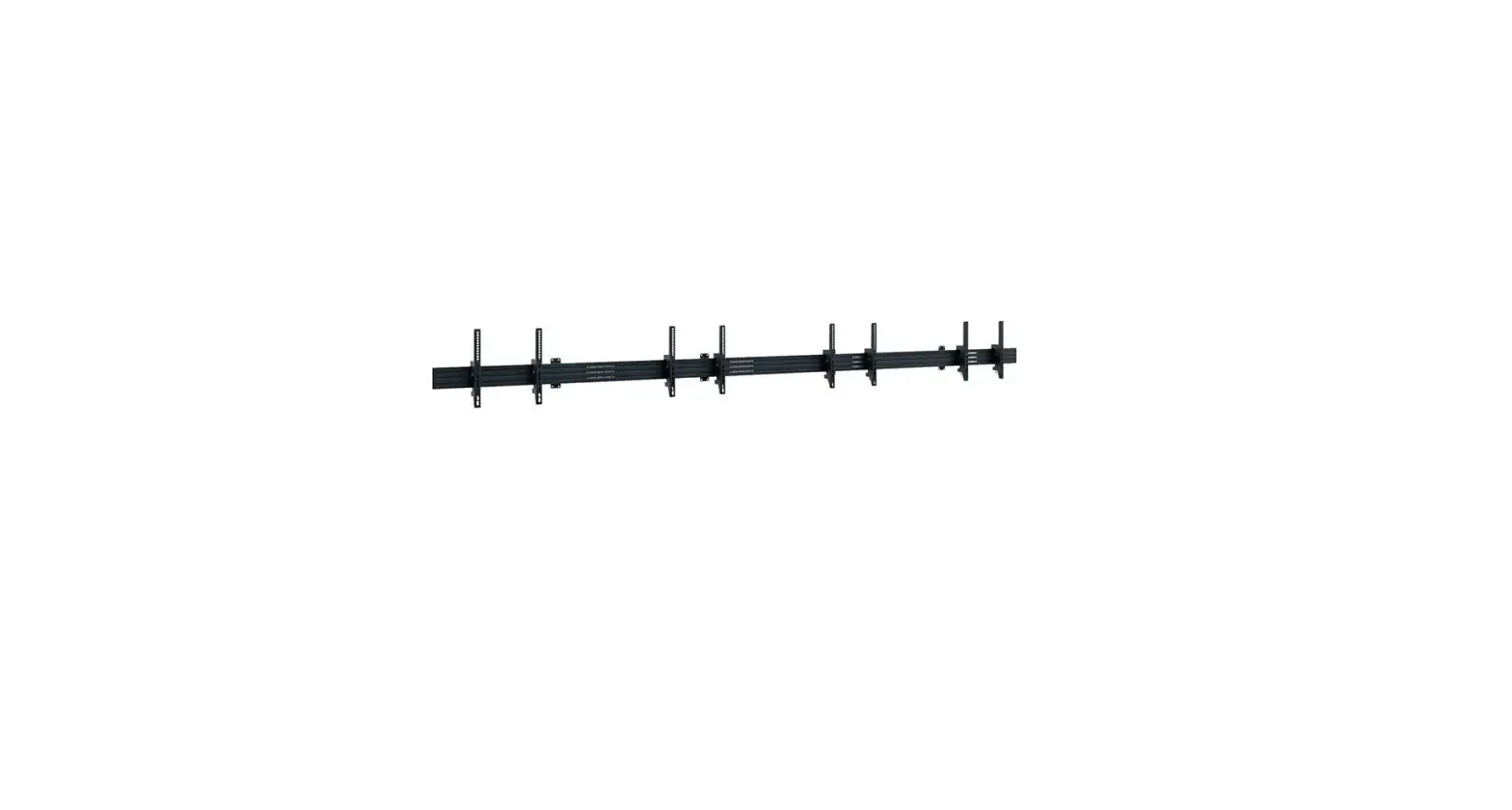
HAGOR 46-65 CPS Menuboard W4L Instruction Manual
Caution!
Technical devices are of considerable value. You should therefore handle the components carefully during installation and protect them if necessary.
If necessary, the installation area should also be secured. Falling parts can cause injuries and material damage.
The materials included in the scope of delivery may not be suitable for the special conditions at the installation site. Please check this in advance and replace it with suitable materials if necessary.
If you are unsure about the installation of the product or have any questions, please contact us or other trained specialists.
Scope of delivery
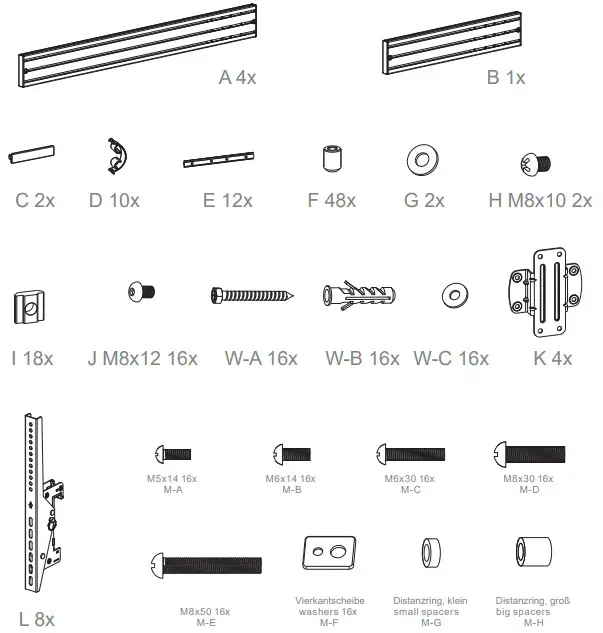
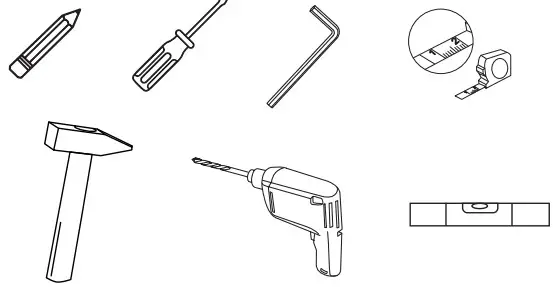
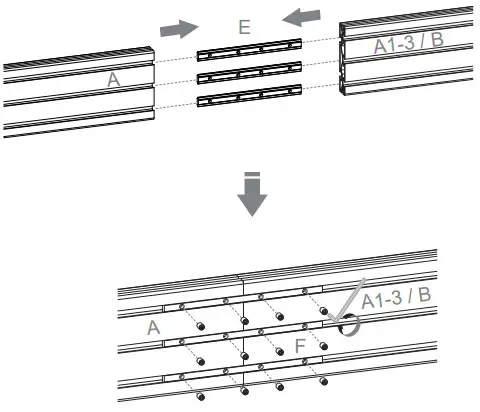
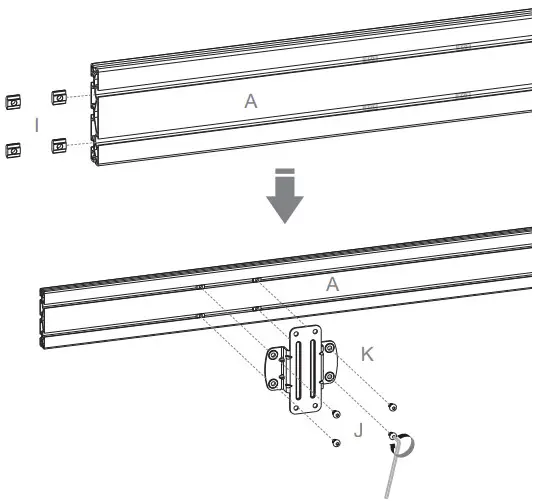
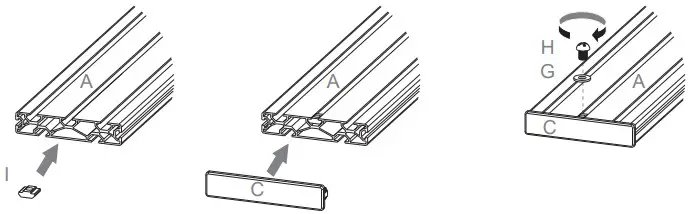
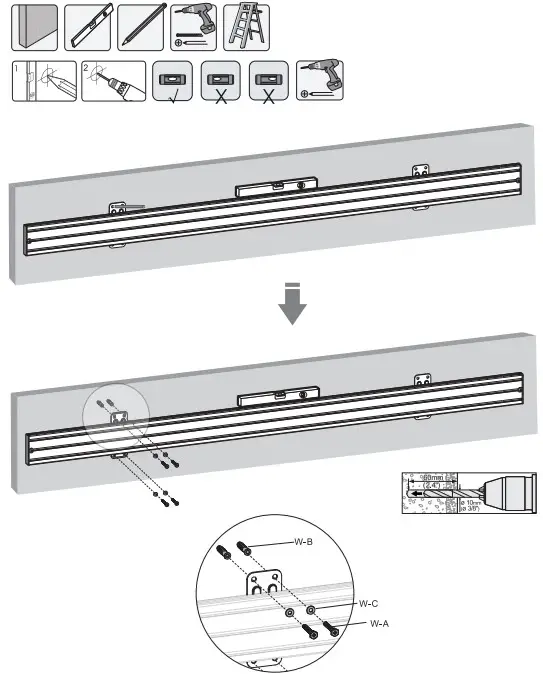
Assembly Instructions


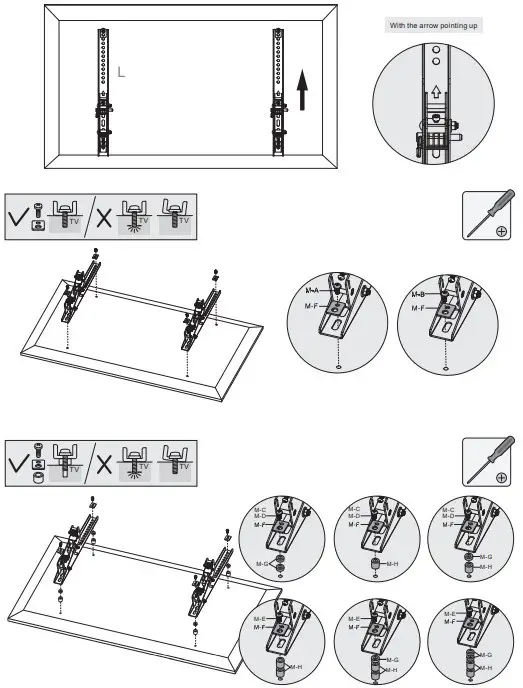
- Choose the appropriate screws, washers and spacers (if necessary) according to the type of screen.
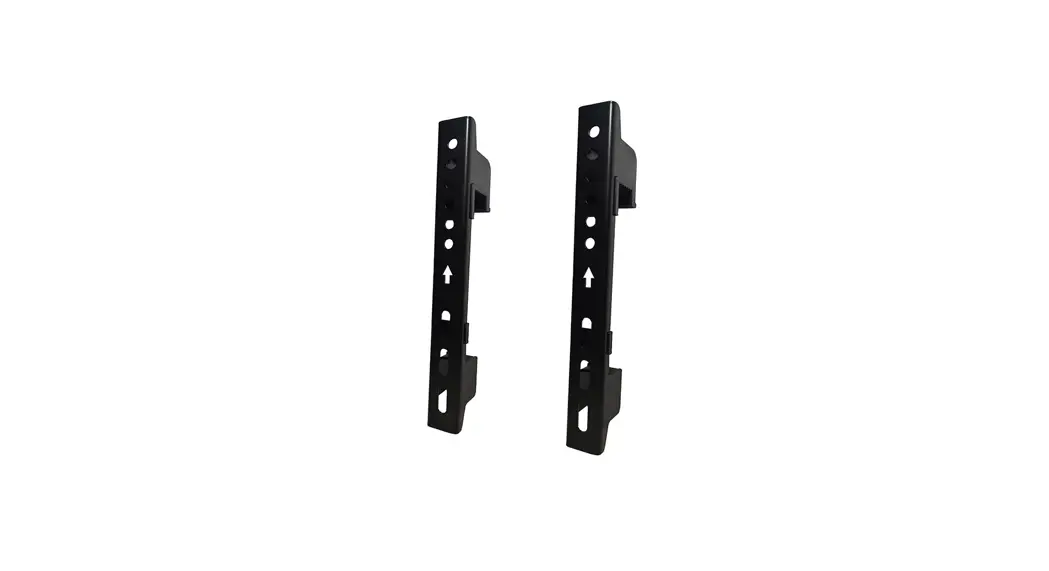
- Center the adapter brackets on the back of the display as shown, and screw the brackets onto the display, being sure to not over-tighten.


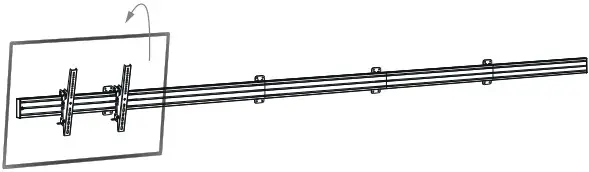
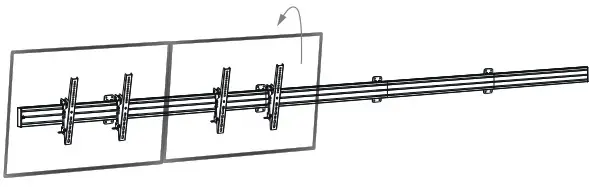
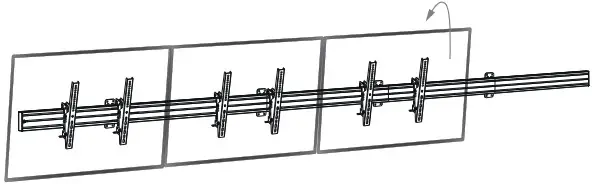
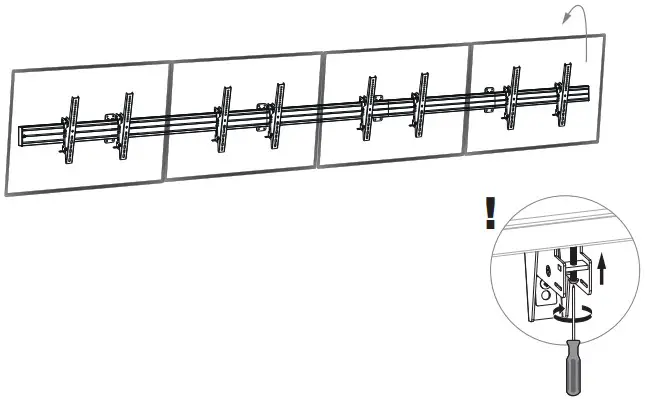
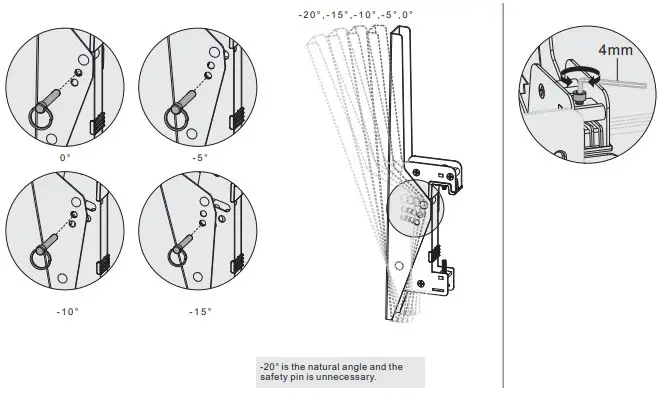
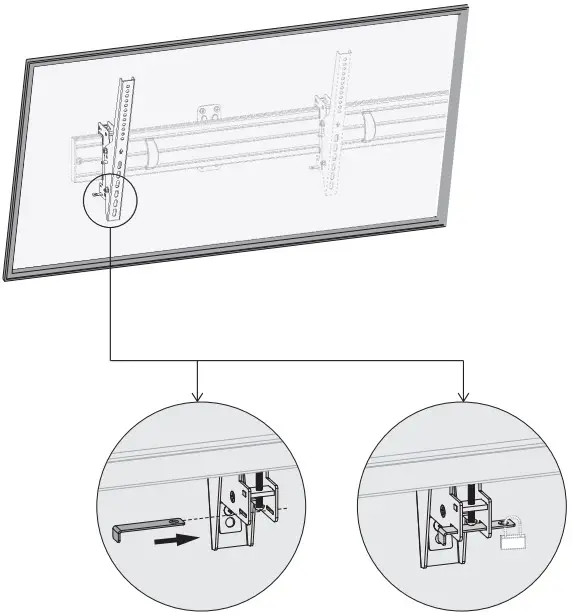
Optional | SECURE PART FOR TILT ARMS SERIES
Art.-Nr.: 3227
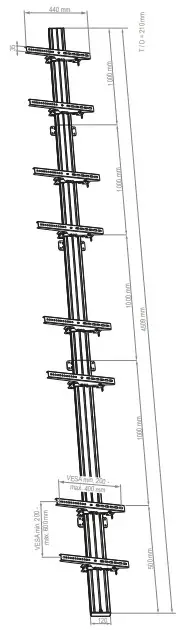
Dimensions