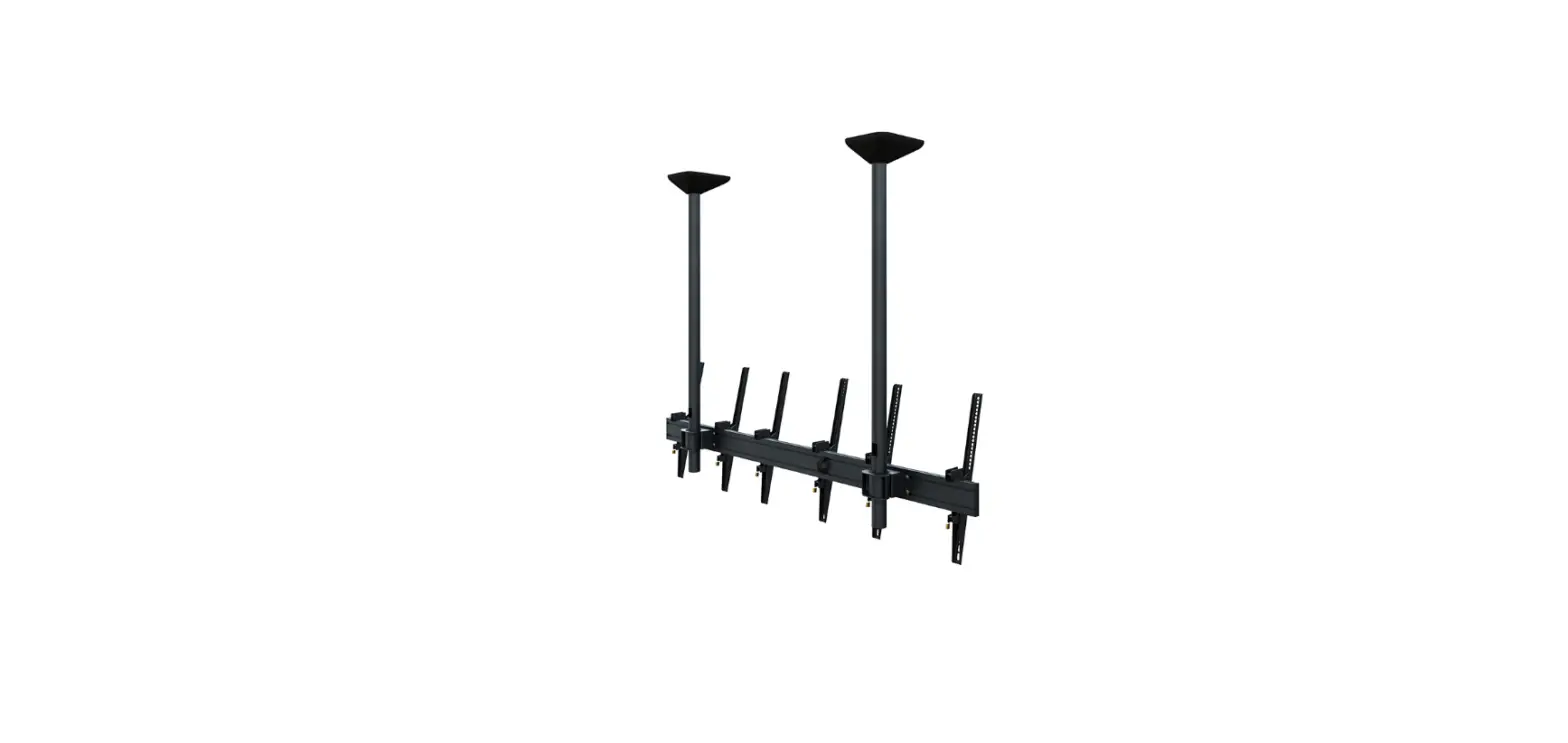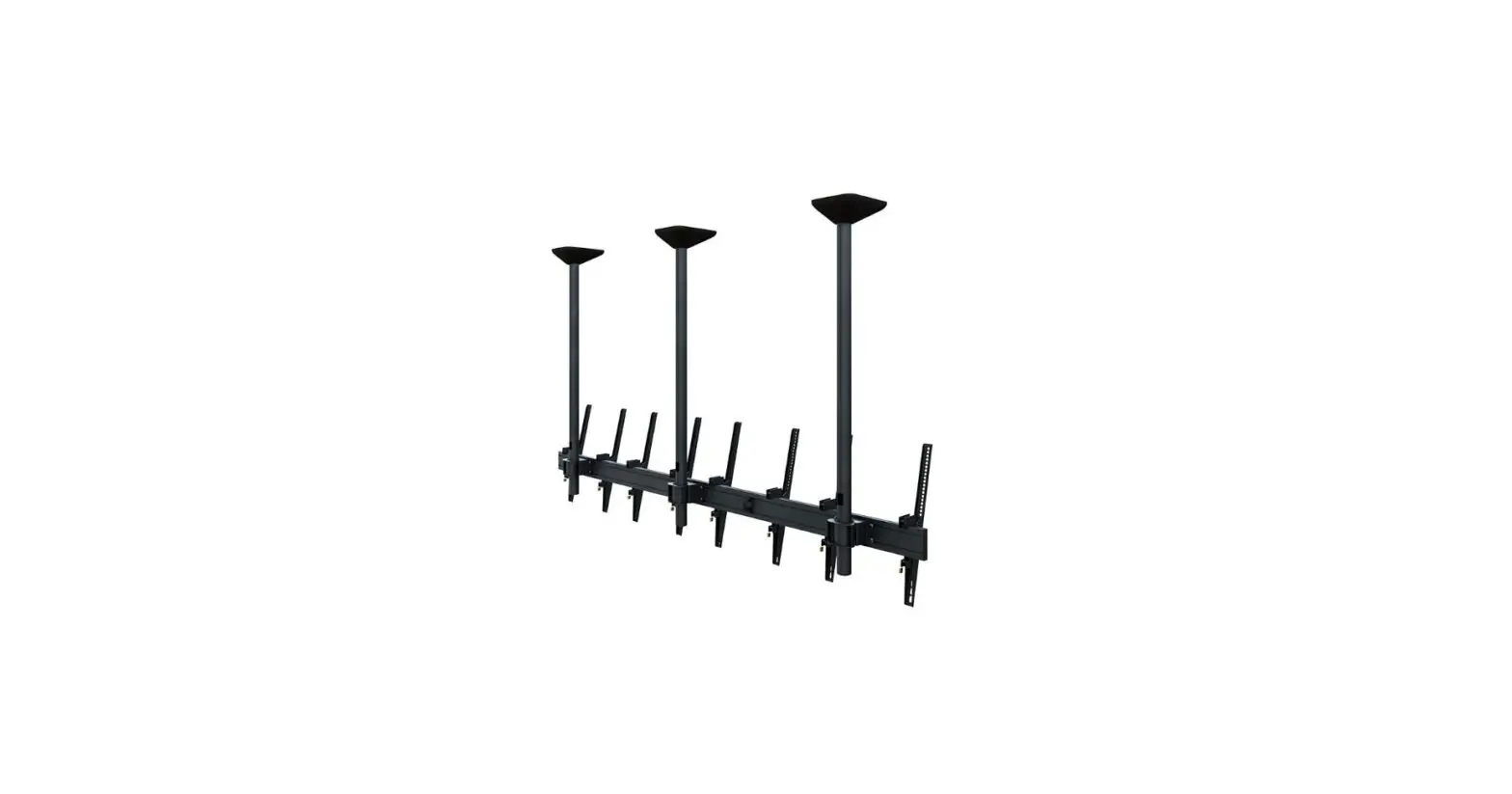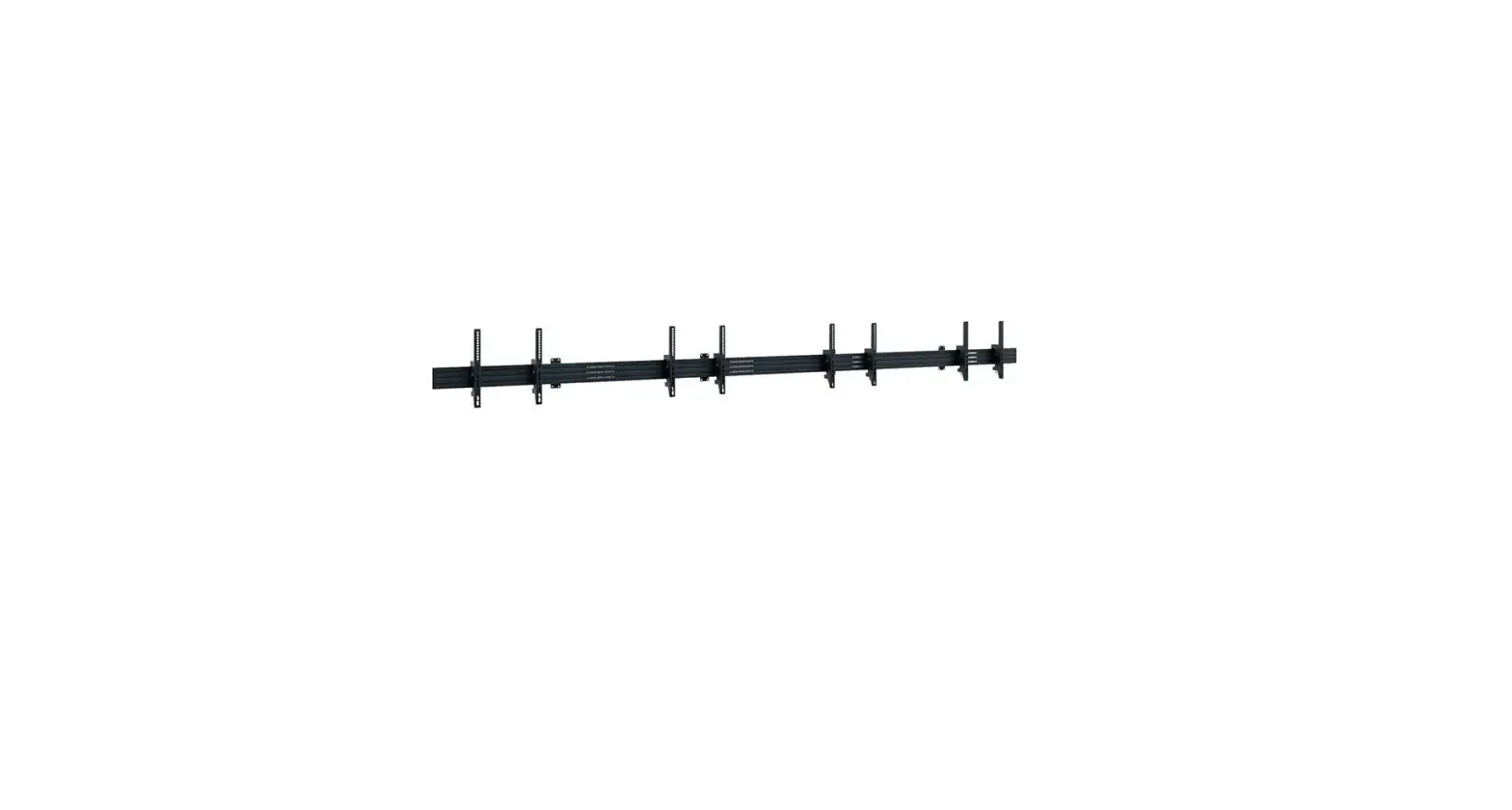
Caution
- Technical devices are of considerable value. You should therefore handle the components carefully during installation and protect them if necessary.
- If necessary, the installation area should also be secured. Falling parts can cause injuries and material damage.
- The materials included in the scope of delivery may not be suitable for the spe-cial conditions at the installation site. Please check this in advance and replace it with suitable materials if necessary.
- If you are unsure about the installation of the product or have any questions, please contact us or other trained specialists.
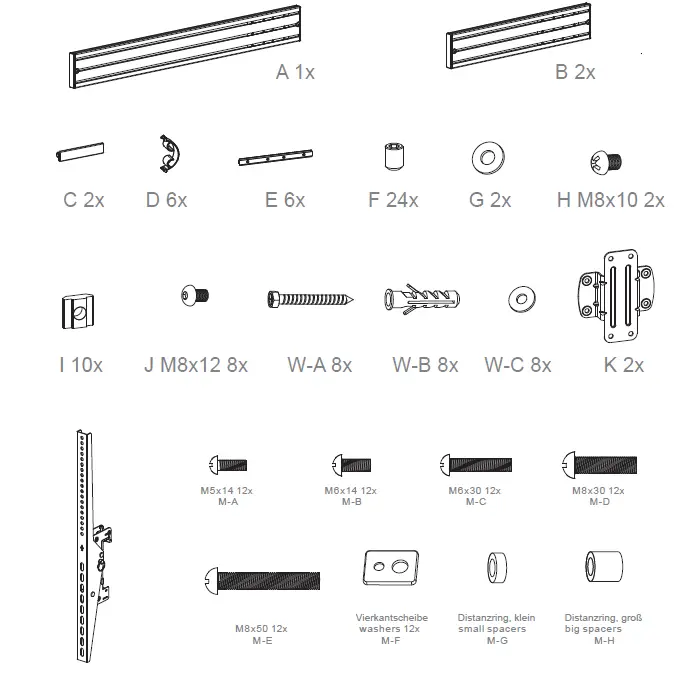
Scope of delivery
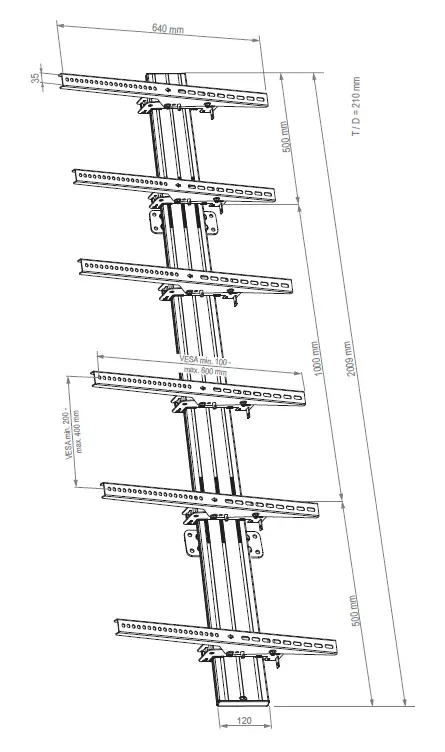
DIMENSION
INSTALLATION


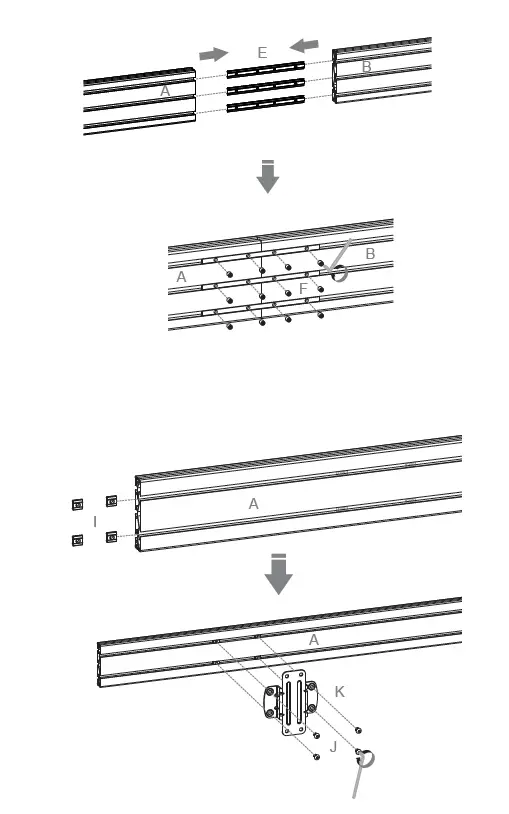
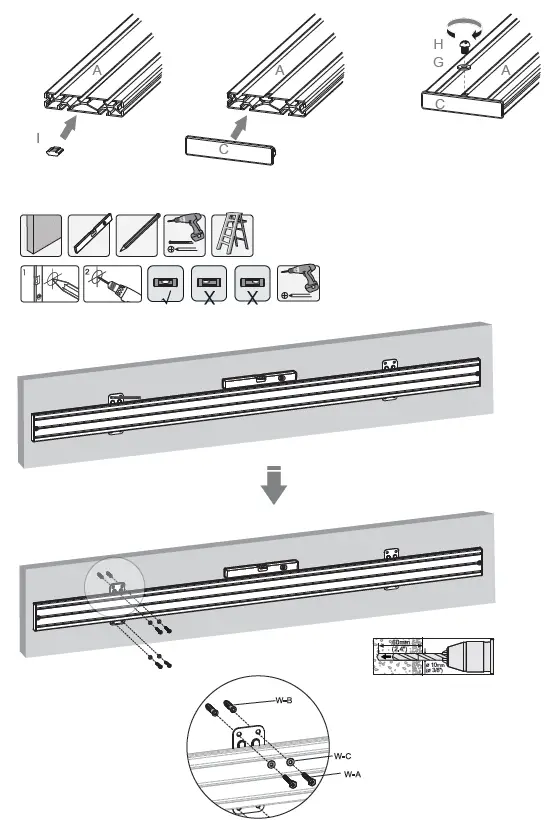
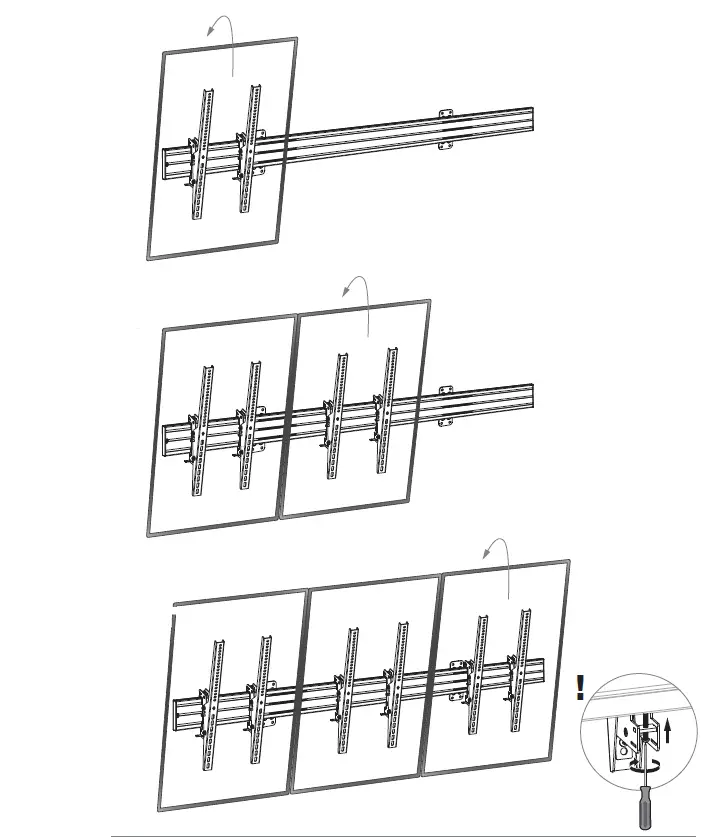
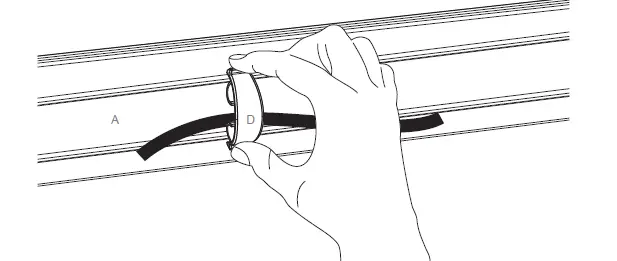
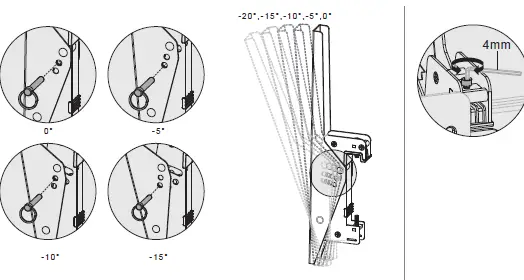
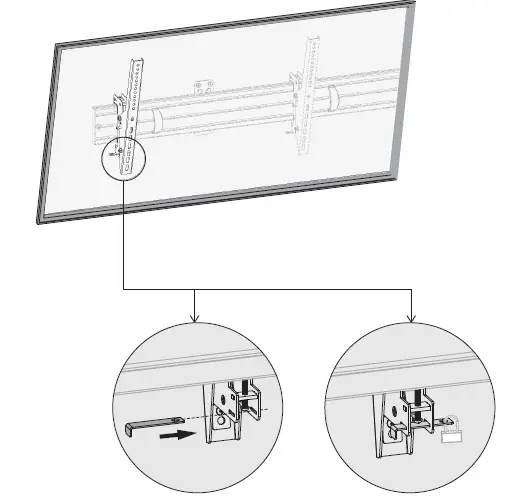
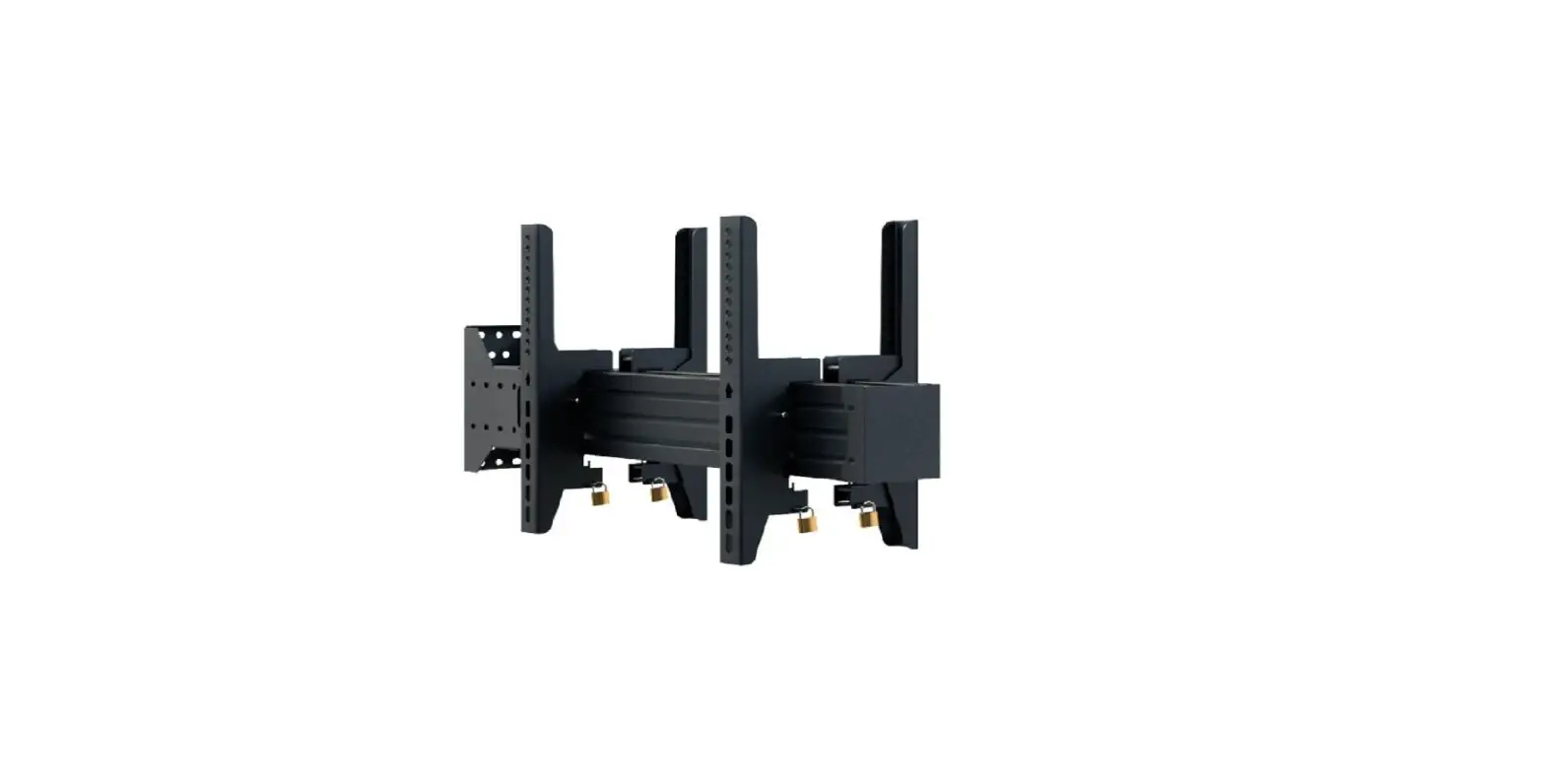
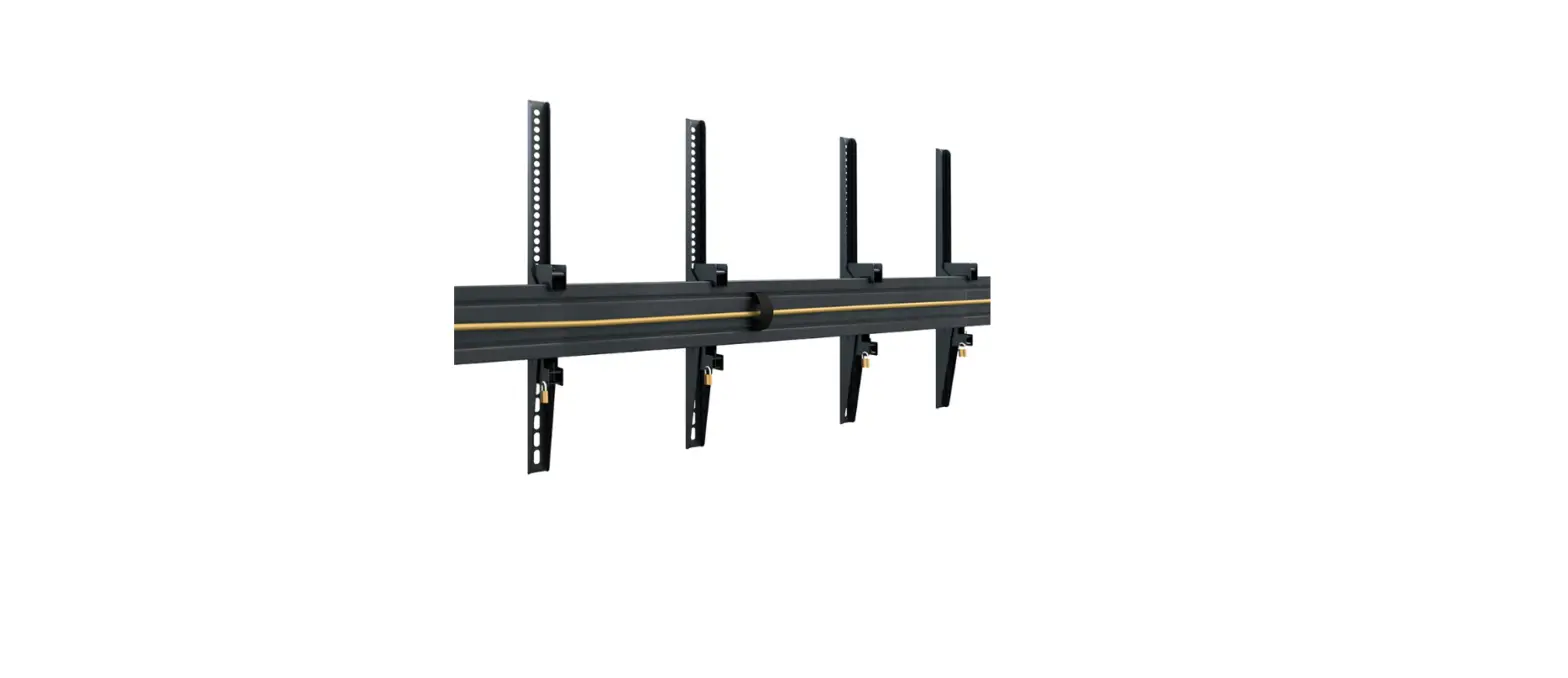
- Cable management possible on both sides of the rail
- 20° is the natural angle and the safety pin is unnecessary.
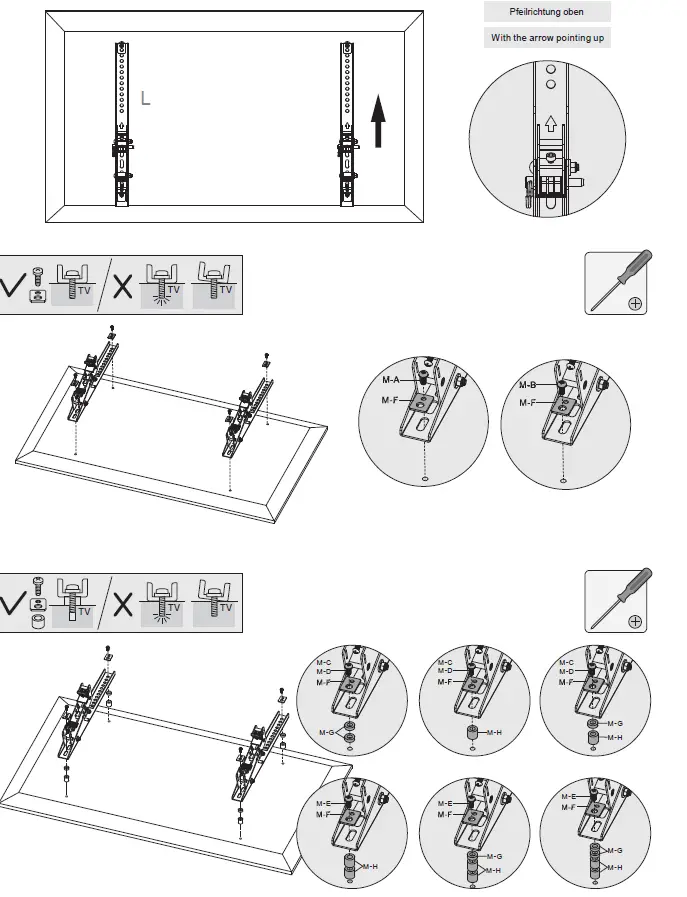
- Choose the appropriate screws, washers and spacers (if necessary) according to the type of screen.
- Center the adapter brackets on the back of the display as shown, and screw the brackets onto the display, being sure to not over-tighten.
HAGOR Products GmbH | Oberbecksener Straße 97 | D-32547 Bad Oeynhausen |
Telefon: +49(0)57 31-7 55 07-0 |
Mail: [email protected]