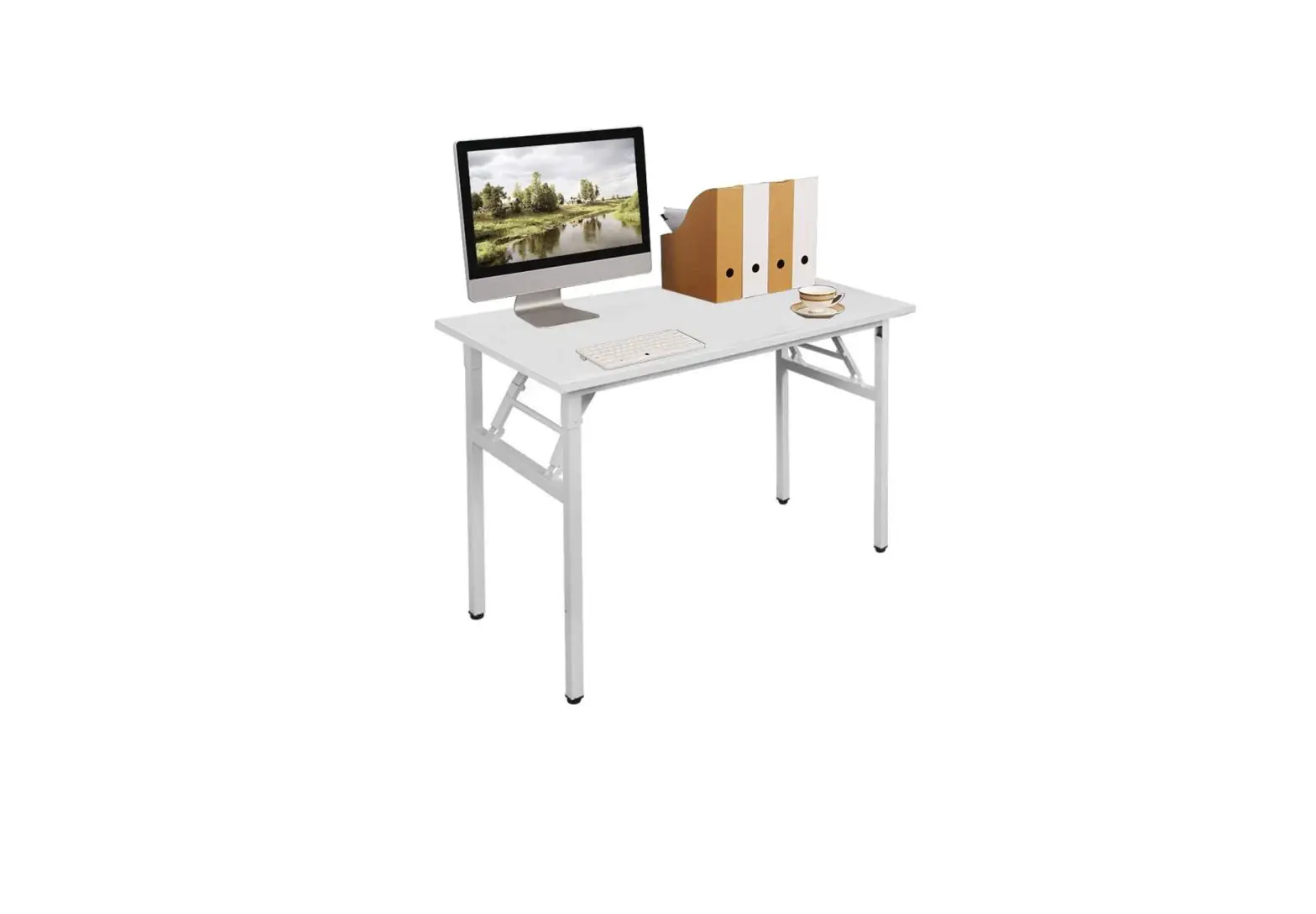
kogan OVCAMCDSMWA Cameran Console / Desk User Guide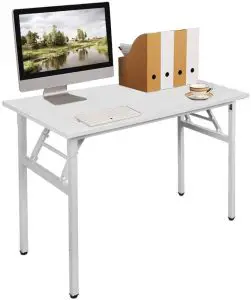
SAFETY & WARNINGS
Ensure to read all instructions and warnings in this user guide prior to assembly. Retain this user guide for future reference.
- Ensure no parts are missing.
- Lay out all the components on a soft surface.
- Carefully identify each component, especially those that are similar. The most common mistake is getting things back to front.
- Do not fully tighten screws (leave slightly loose). When the item is fully assembled, tighten the screws but do not overtighten.
- Separate and identify each component from the hardware pack and rest each one in its proper location before fastening.
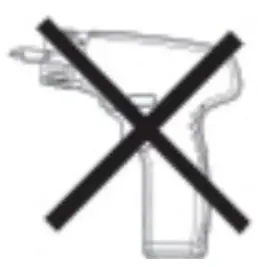
- Do not, for any reason, use a power tool to assemble this product. The use of power tools may apply excess force on the fixtures, causing damage.

COMPONENTS
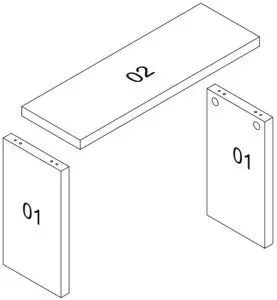
Parts list
No | Dimensions (mm) | Qty |
1 | 675 x 356 x 50 | 2 |
2 | 1000 x 360 x 50 | 1 |
Hardware
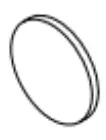
- A (x4)

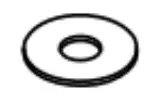
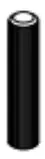
- B Ø17 x 8 x 2mm (x4)
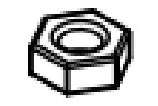
- C M8 x 14 x 5mm (x4)
- D M8 x 70mm (x4)

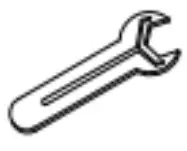
- E (x1)

- F (x4)

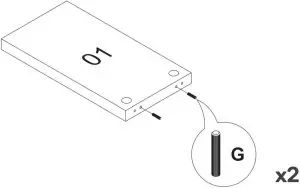
- G 10 x 50mm (x4)

ASSEMBLY
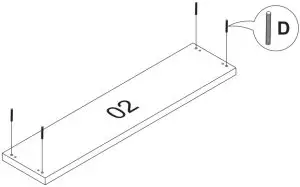
Step 1: Insert D onto part 2 as shown below. This creates the top assembly.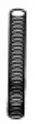
D M8x70mm (x4)
Step 2: Insert G onto both parts labelled 1. This will create two support assemblies.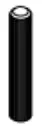
G 10x50mm (x4)
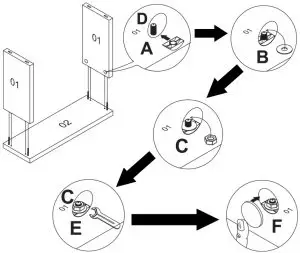
Step 3: Insert the support assemblies onto the top assembly. This will result in D attached in step 1 to protrude out of the two holes on each support assembly.
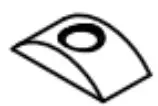
Inside one hole of a support assembly, place A, B, and C over D. Secure C with the E wrench, then cover the hole with F.
Repeat this process with the remaining three holes.
- A (x4)
- B Φ17 x 8 x 2mm (x4
- C M8 x 14 x 5mm (x4)
- E (x1)
- F (x4)
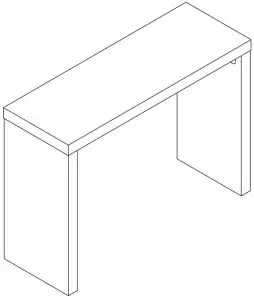
Assembly complete.
Need more information?
We hope that this user guide has given you the assistance needed for a simple set-up.
For the most up-to-date guide for your product, as well as any additional assistance you may require, head online to help.kogan.com