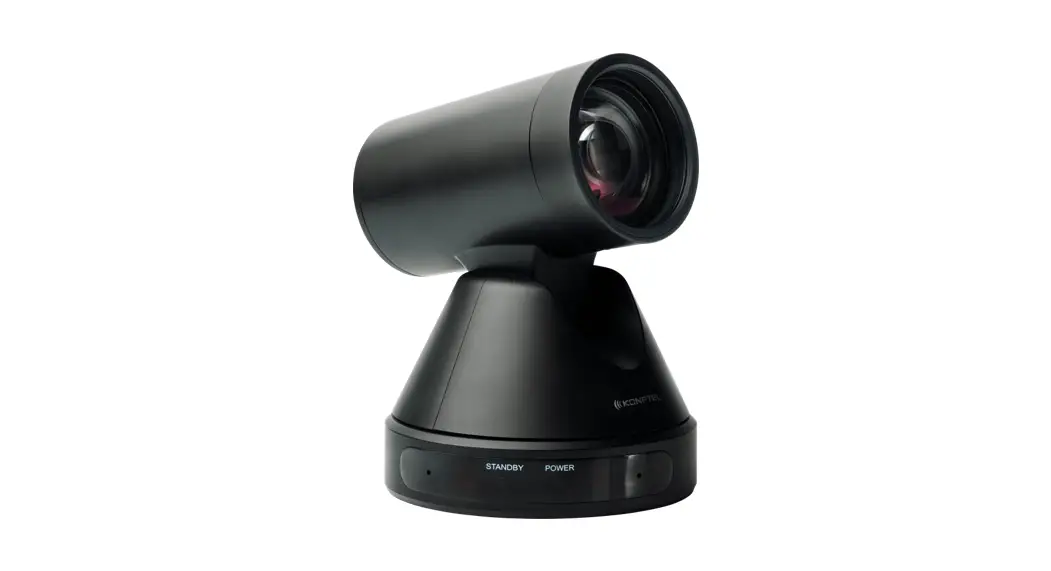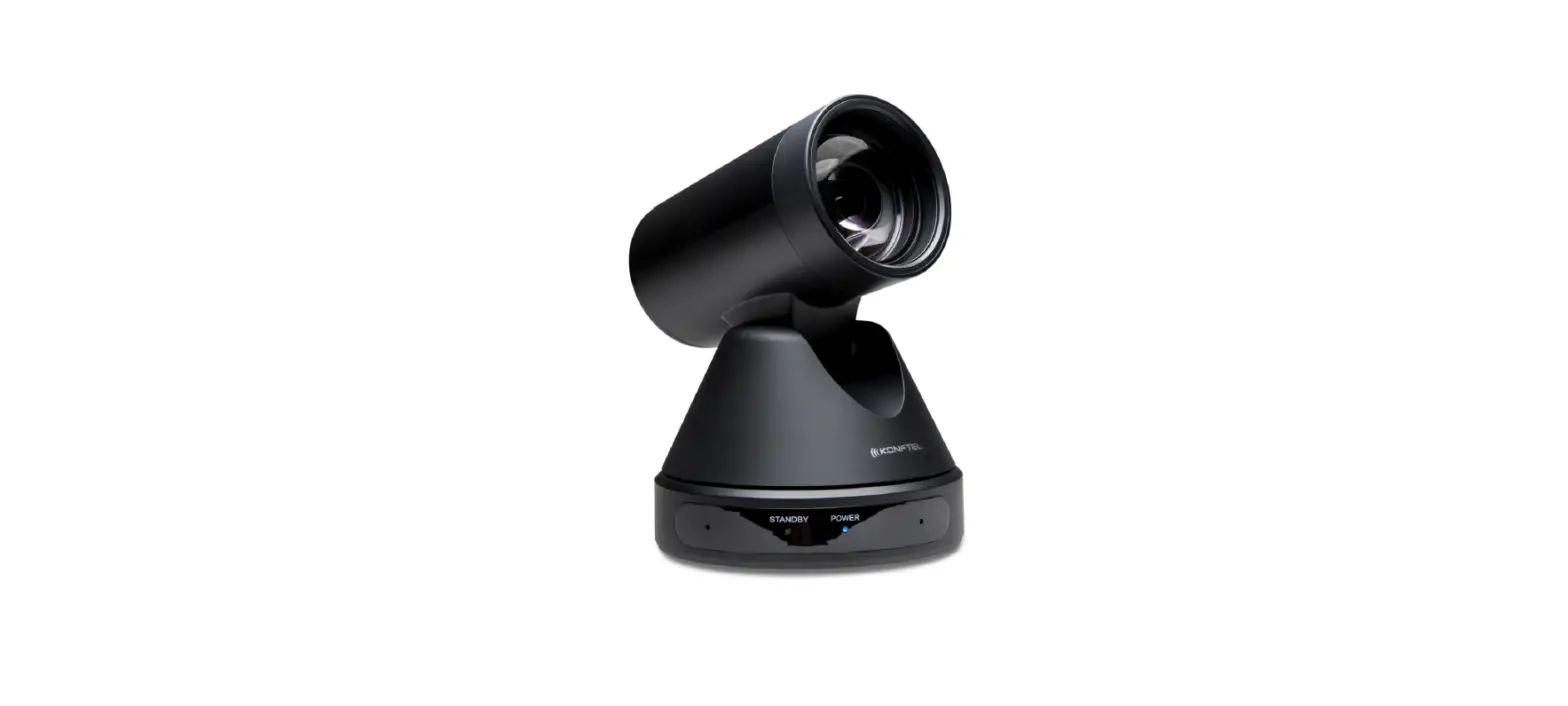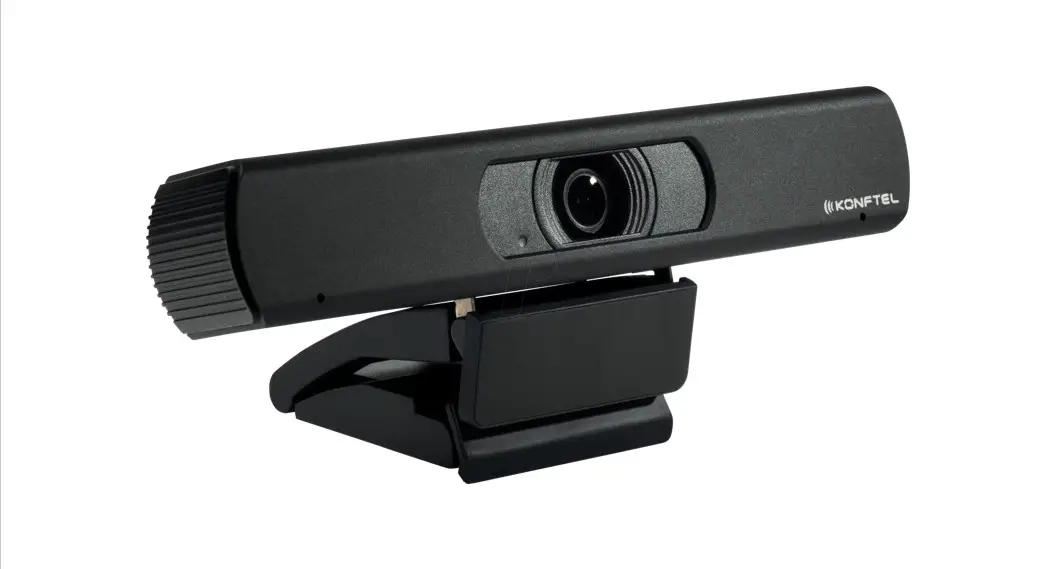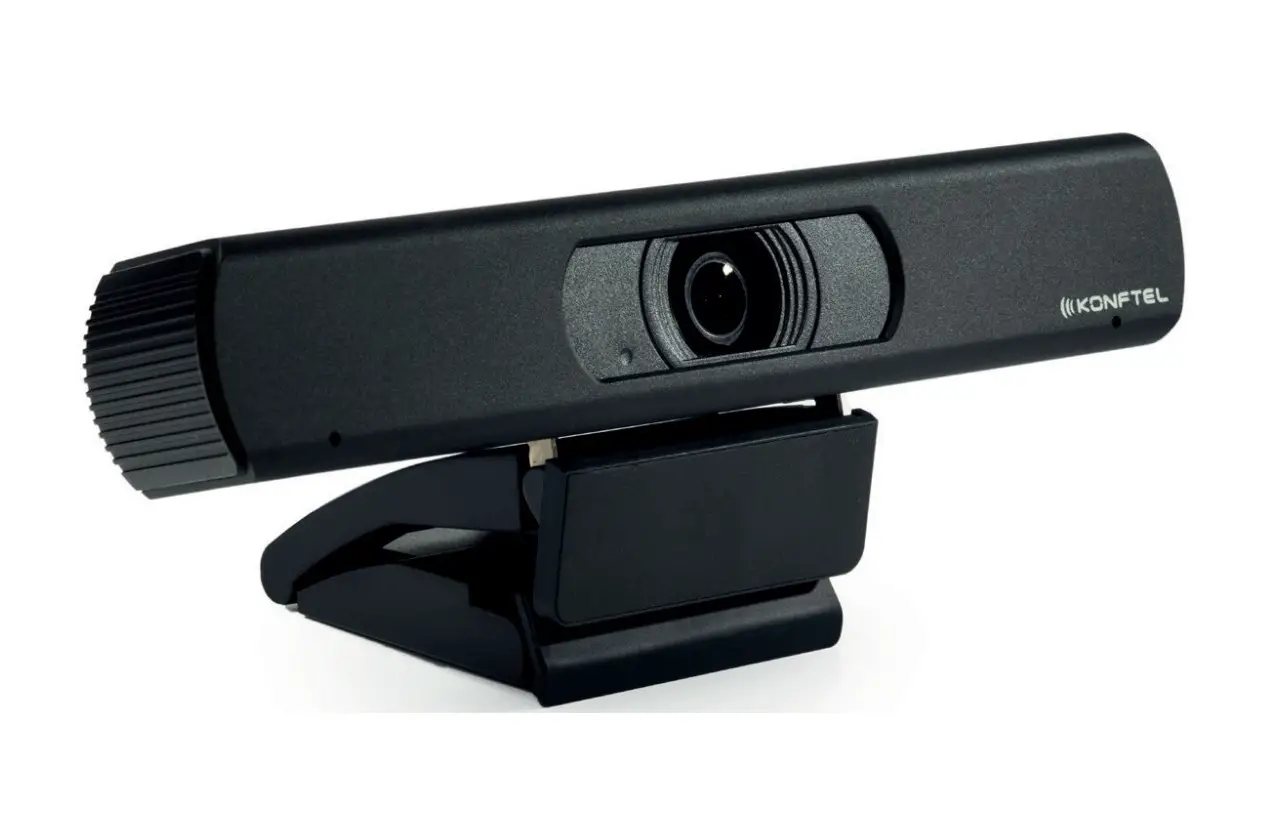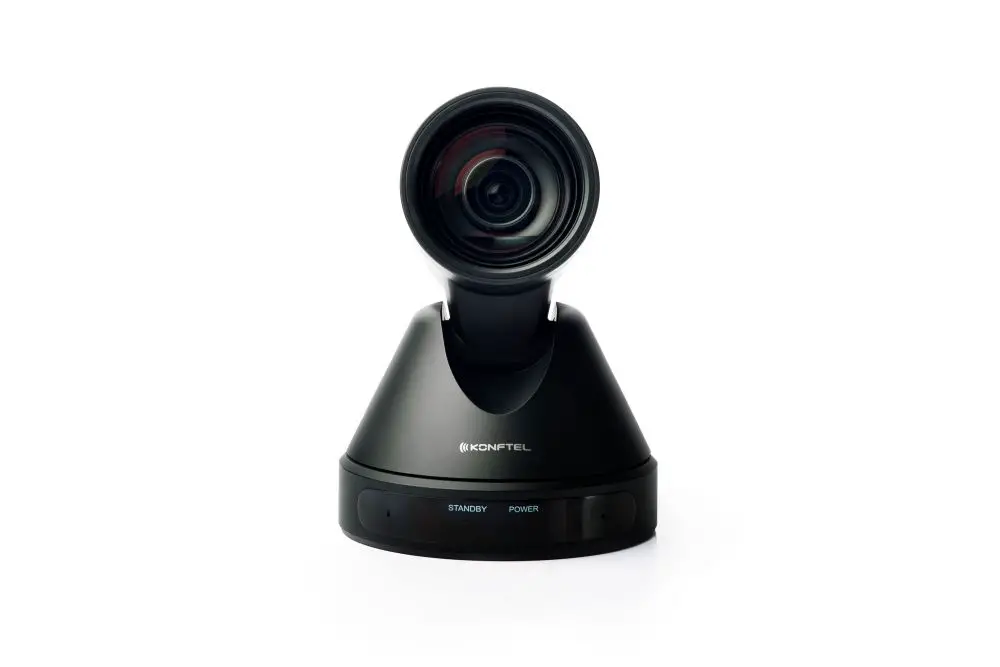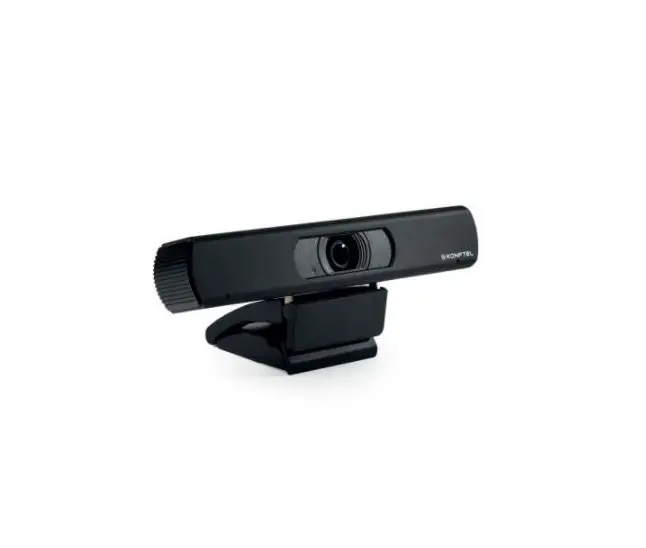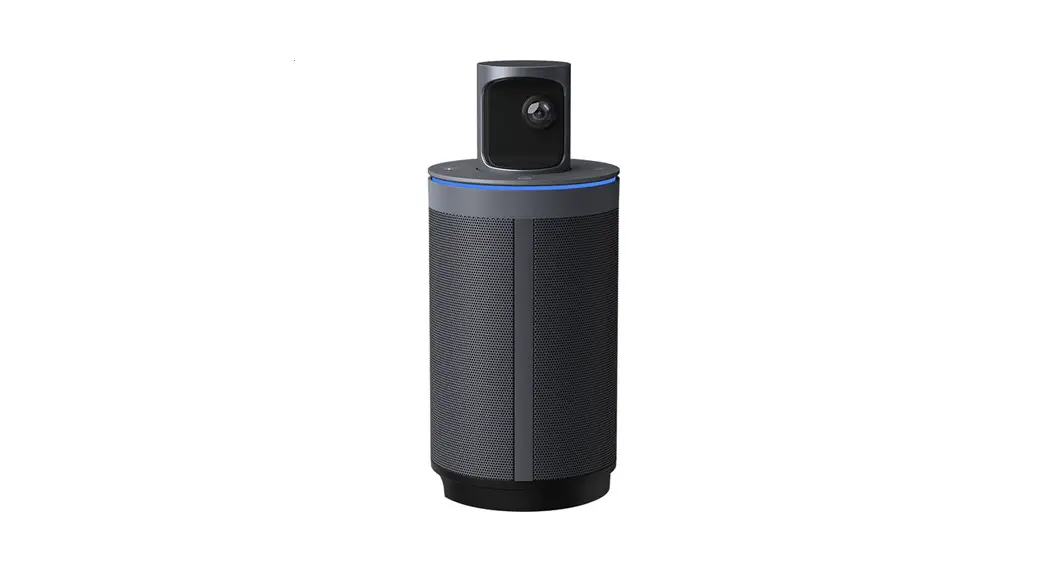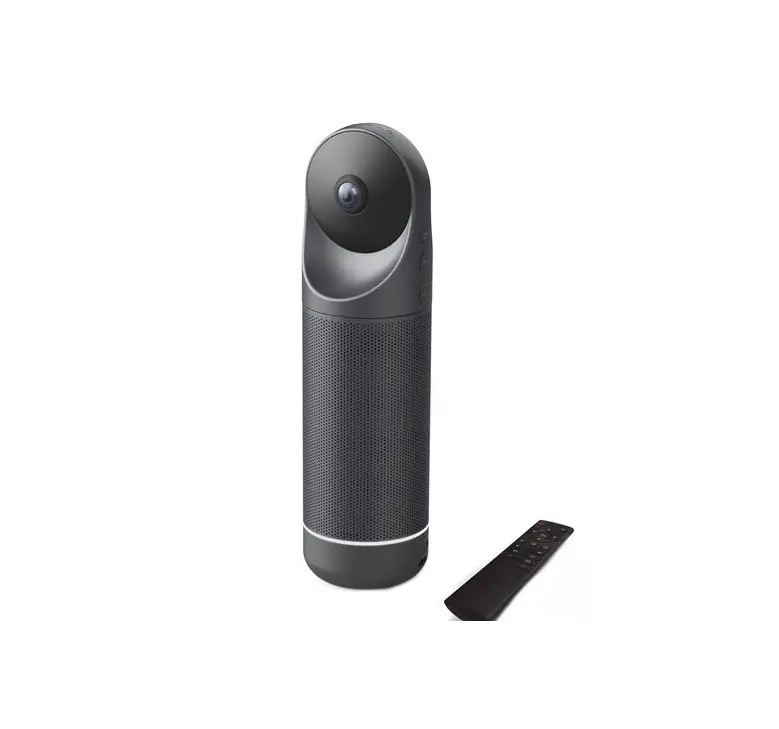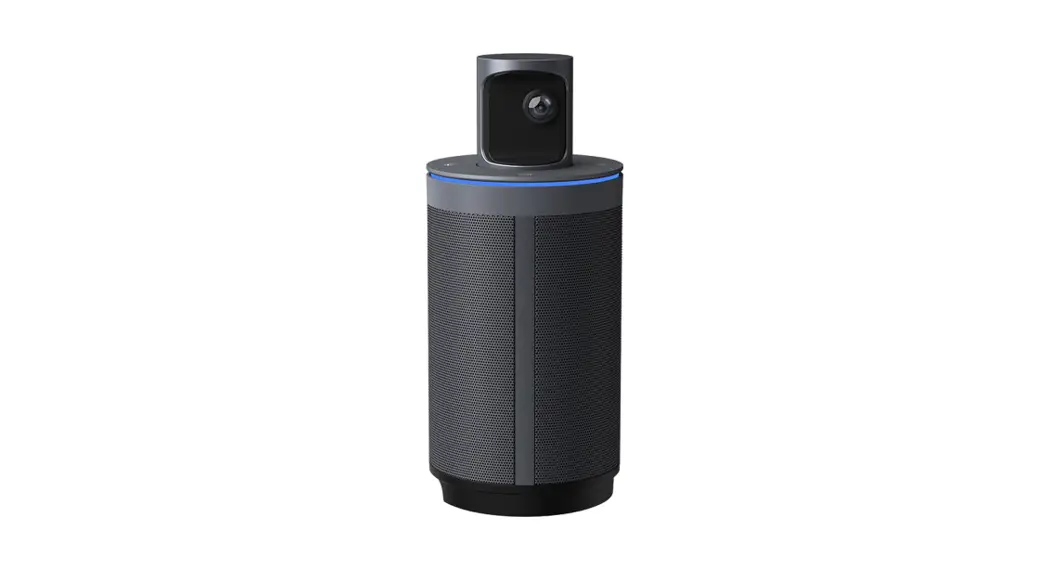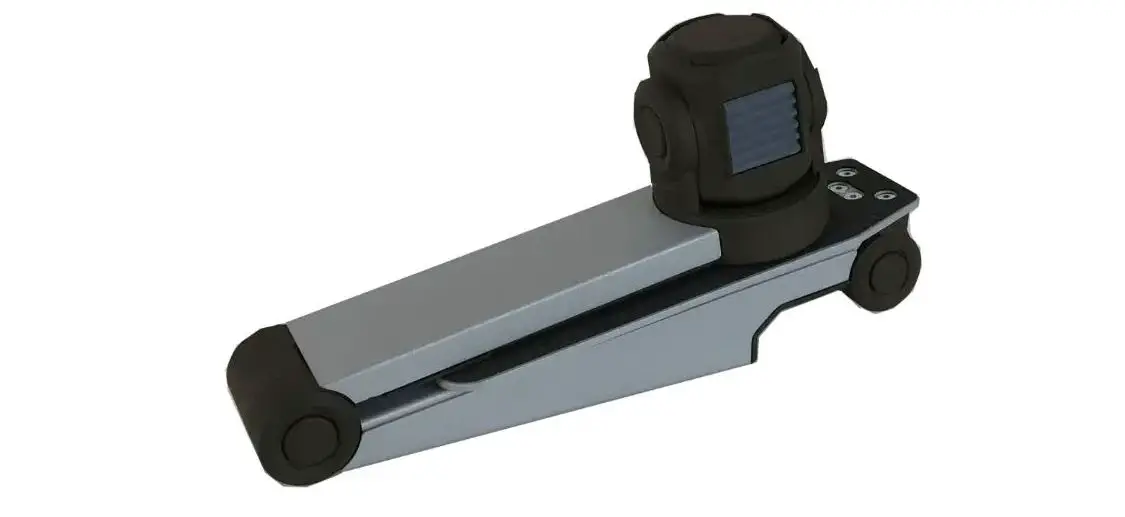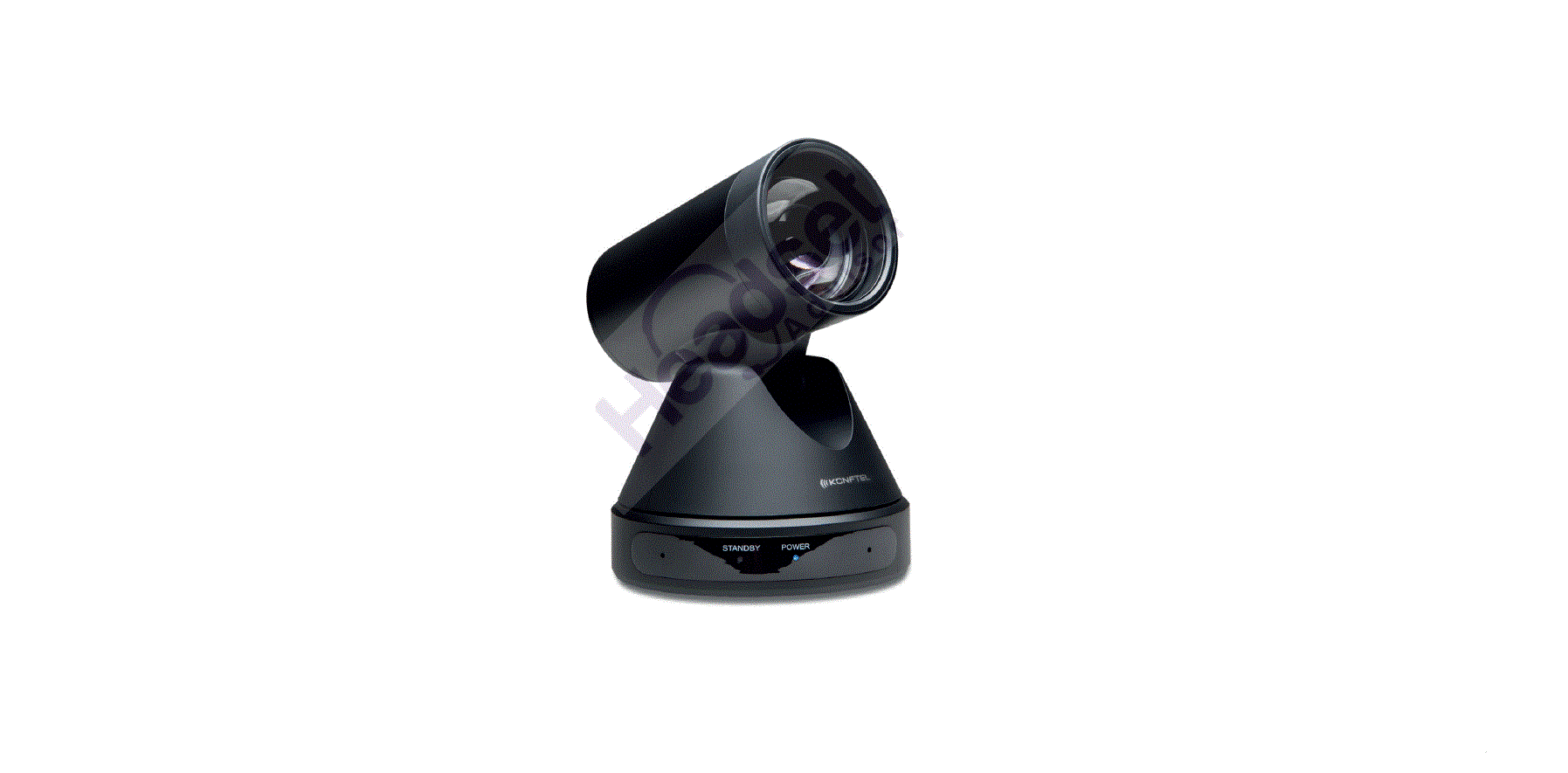

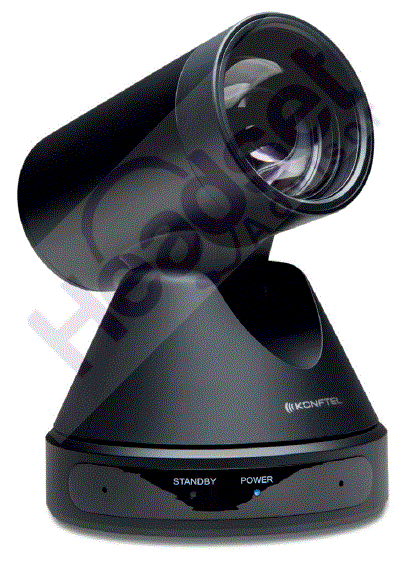
KONFTEL Cam50 Conference Camera
SAFETY PRECAUTIONS
Electric safety
Installation and operation must take place in accordance with electric safety standards.
Use caution during transport
Avoid stress, vibration or soakage in transport, storage and installation.
Polarity of power supply
The power supply of this product is +12V, the max electrical current is 2A. Polarity of the contact is shown in illustration.
Installation precautions
Do not grasp the lens when carrying the camera. Don’t touch camera lens with your hand. Mechanical damage may be caused by doing so. Do not use in an environement with corrosive substance to avoid any cover (plastic material) damage. Make sure there is no obstacle within rotation range. Do not power on before the installation is completed.
Do not dismantle the camera
We are not responsible for damage caused by unauthorized modification or dismantling.
- Specific frequencies of electromagnetic field may affect the image of the camera!
- This is a class A product. Electromagnetic radiation at specific frequencies may affect the image quality of a TV in home environment.
- Do not expose the Konftel Cam50 to water or moisture.
- Do not open the casing of the Konftel Cam50.
Konftel AB hereby declares that this conference camera is in conformity with all the essential requirements and other relevant provisions of Directive 1999/5/EC. Please visit www.konftel.com to view the complete declaration of conformity
MAINTENANCE
Camera maintenance
- If the camera will not be used for a long time, please turn off the power switch and disconnect power cord of AC adaptor from the outlet.
- Use a soft cloth or tissue to clean the camera cover. If the camera is very dirty, clean it with a diluted neutral detergent. Do not use any type of solvents, which may damage the surface.
- Please use a soft, dry and clean cloth to polish the lens.
Unqualified use
- Do not point the camera at extremely bright objects for a long period of time, such as sunlight, powerful light sources, etc.
- Do not operate in unstable lighting conditions, to avoid image flickering.
- Do not operate close to powerful electromagnetic radiation, such as TV or radio transmitters.
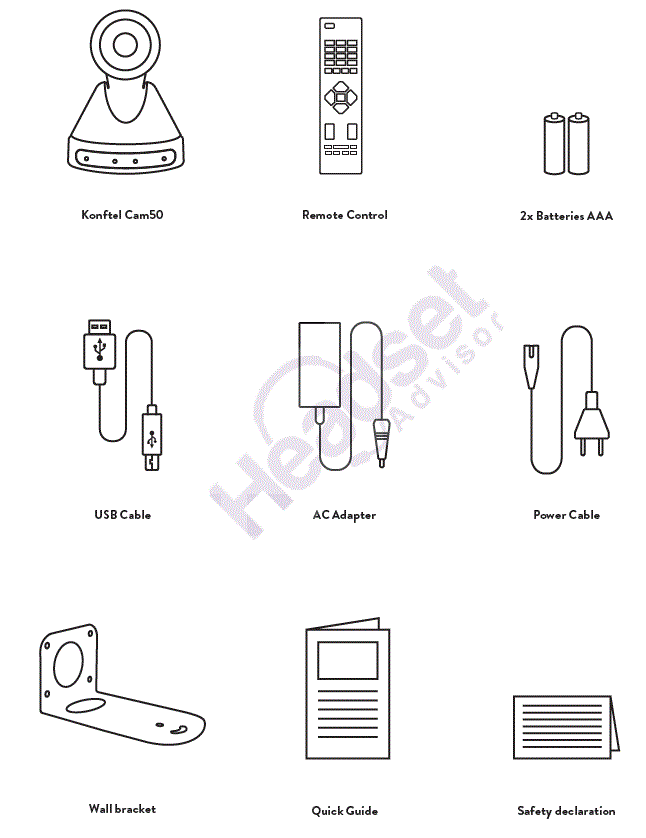
PACKING LIST
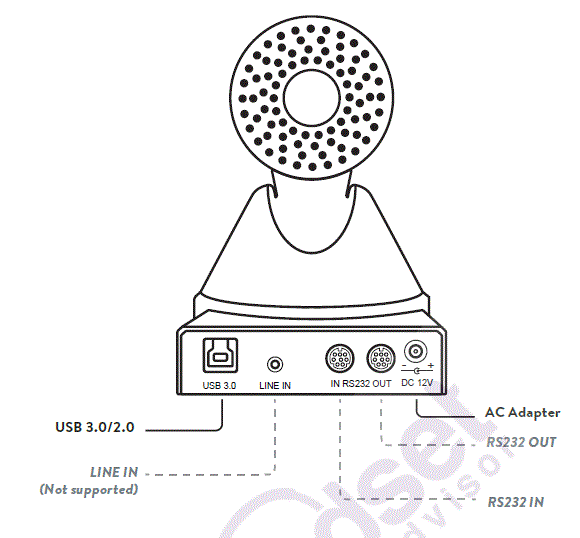
APPEARANCE AND INTERFACE
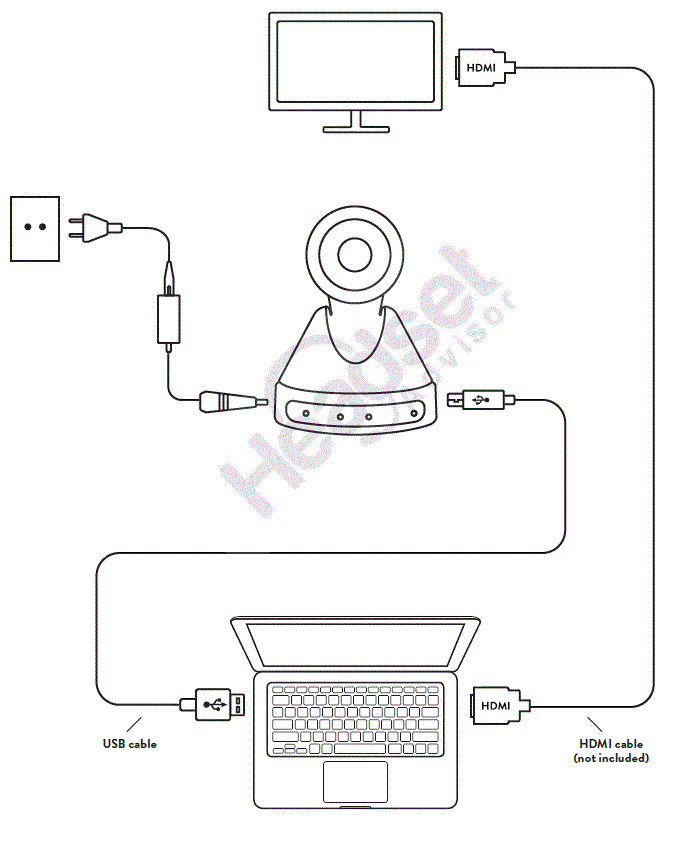
- Please check that the connections are correct before starting.
- Connect the AC adapter to the power connector on the rear panel of the camera. The power indicator on the front panel should light up.
- After the camera is powered on, it starts to initialize: to the top limit position and then both horizontal and vertical before stopping at the middle position. The motor stops running and the initialization is completed.
(Note: If the position preset 0 has been stored it will be the camera’s default position.)
INSTALL ATION
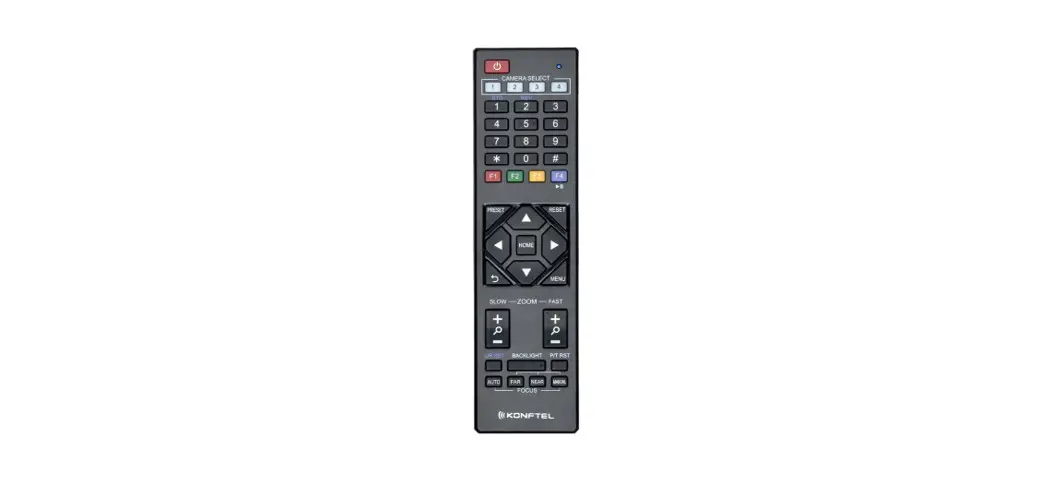
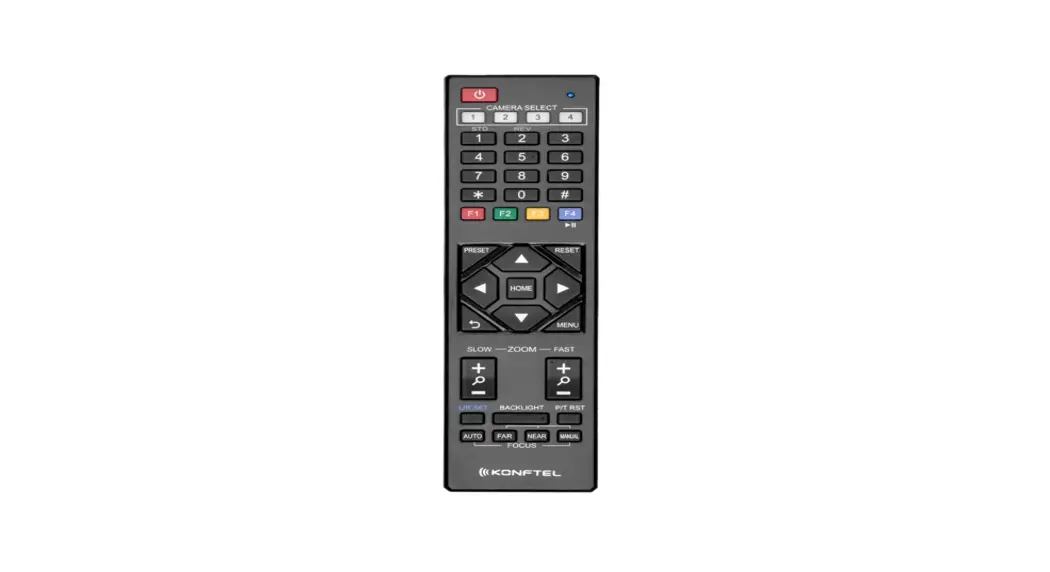
REMOTE CONTROL
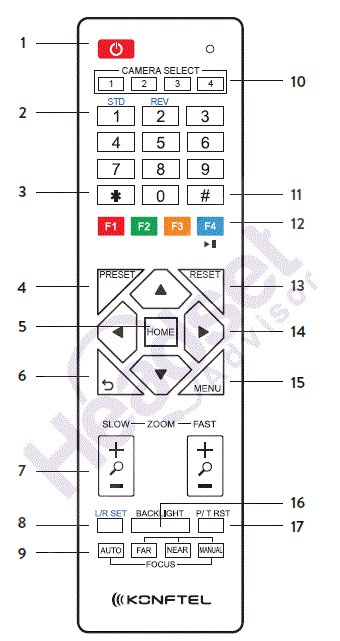
| No. | Name | Function Description |
| 1 | Standby Button | Enter into standby mode |
| 2 | Position Buttons | To set preset or call preset |
| 3 | * Button | Used with other buttons |
| 4 | Set Preset Button | Store a preset position. [PRESET] + Numeric button (0-9): Setting a corresponding numeric key preset position. |
| 5 | Pan-Tilt Control Button | Press [HOME] back to the middle position. |
| 6 | Back Button | Press to return to previous. |
| 7 | Zoom Buttons | Slow Zoom: Zoom In [+] or Zoom Out [-] slowly Fast Zoom: Zoom In [+] or Zoom Out [-] fast |
| 8 | Set Pan Left/Right | Setting the direction of the pan. • Simultaneously press [L/R SET] + 1 [STD]: set the pan turn the same direction as the L/R Set. • Simultaneously press [L/R SET] + 2 [REV]: set the pan turn the opposite direction as the L/R Set. |
|
9 |
Focus Buttons | Used for focus adjustment. Press [AUTO] to adjust the focus on the center of the object automatically. Press [MANUAL] to adjust the focus on the center of the object manual. Adjust it with [FAR] (Focus on far object) and [NEAR] (Focus on near object). |
| 10 | Camera Select Buttons | Press the button corresponding to the camera you want to operate with the remote controller. |
| 11 | # Button | Used with other buttons |
| 12 | Set Camera IR Address Buttons | [*]+[#]+[F1]: Address 1 [*]+[#]+[F2]: Address 2 [*]+[#]+[F3]: Address 3 [*]+[#]+[F4]: Address 4 |
| 13 | Clear Preset Buttons | Clear preset: Erase a preset position. [RESET] + Numeric button (0-9) Or: [*]+[#]+[RESET] to erase all the presets. |
| 14 | Pan/Tilt Control Buttons | Press arrow buttons to perform panning and tilting. Press [HOME] button to return to original position. |
| 15 | Menu | Press [MENU] to enter or exit menu. |
|
16 | BLC (Backlight Compensation) ON/OFF Button | Press [BLC ON/OFF] to enable the backlight compensation. Press it again to disable the backlight compensation. NOTE: • Effective only in auto exposure mode. • If a light is behind the subject, the subject will become dark. In this case, press the [BACKLIGHT ON/OFF] button. To cancel this function, press [BACKLIGHT ON/OFF] button. |
| 17 | PTZ Reset Button | Preset Pan/Tilt self-test. |
SERVICE AND WARRANTY
Warranty
We give a two-year warranty on our conference devices.
Service
Service is offered after the expiration of the warranty. Please contact your reseller and ask for a cost estimate.
Konftel support
If you have any questions about the warranty and service, please contact your Konftel support centre.
Europe:
+ 44 1483 308 003 (Monday-Friday 8.00 AM-5.00 PM GMT-1) + 46(0)90-706 489 (Monday–Friday 8.00–17.00 GMT+1) E-mail: [email protected]
Website: www.konftel.com/contact-support USA and Canada: +1 866-606-4728 (Monday–Friday 08.00–17.00 GMT-8) E-mail: [email protected] Website: www.konftel.com/contact-support
 Climate Neutral Audio and Video Conferencing Products - Konftel
 Climate Neutral Audio and Video Conferencing Products - Konftel