
Long Negative Trays – NT01
Quick Start Guide
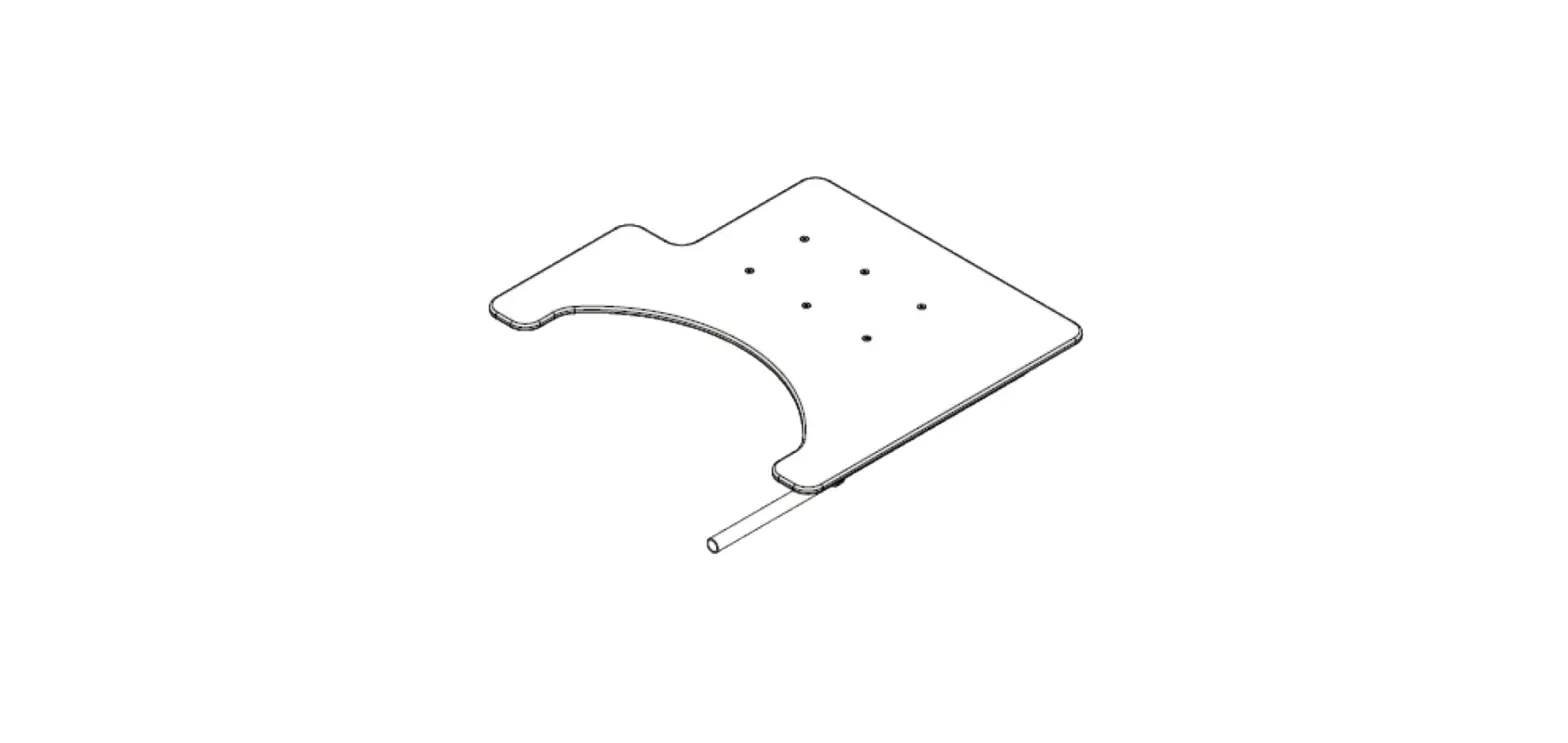
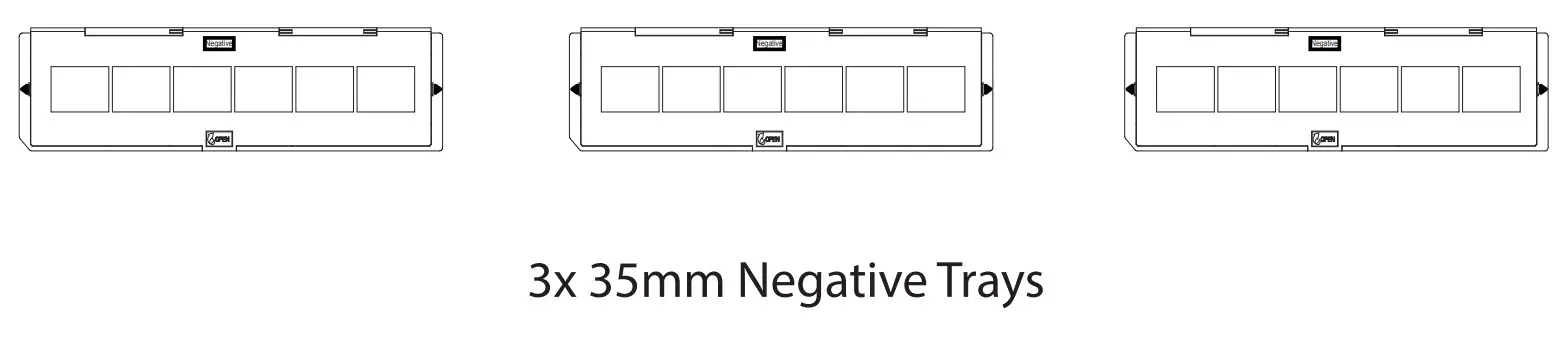
What’s Included
Instructions
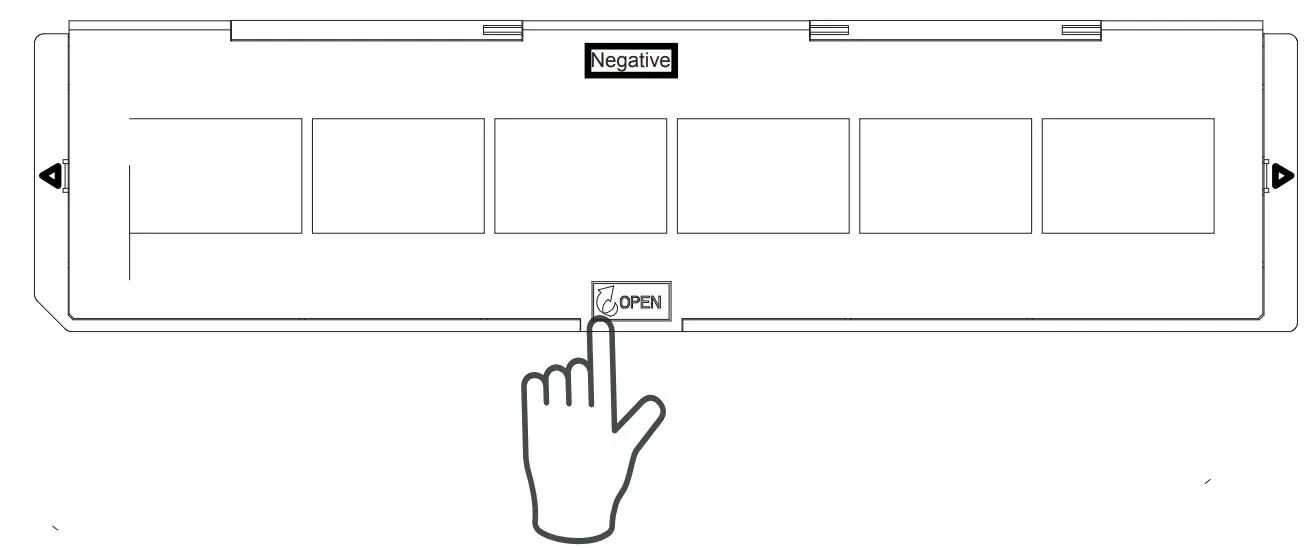
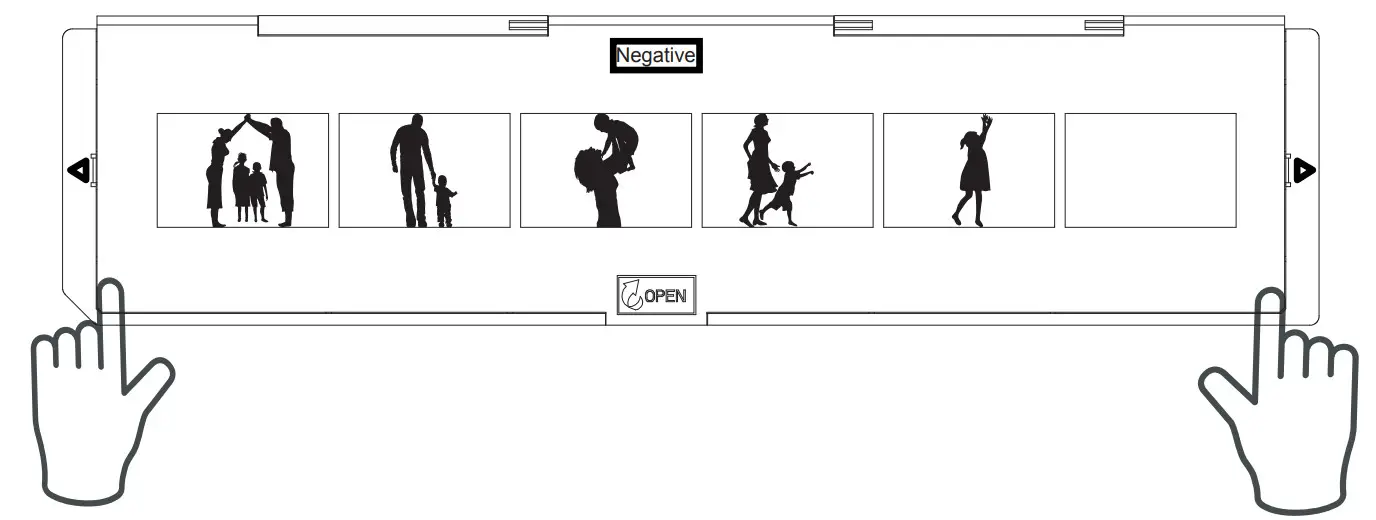
- Open the tray by applying upward pressure in the middle section labeled OPEN.

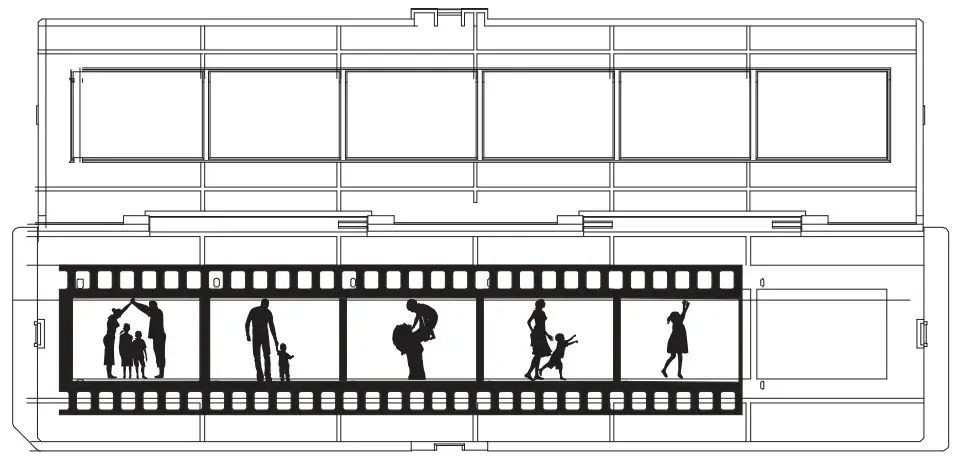
- Place the negative film strip in the bottom side of the tray ensuring the notches align with the holes on the negative strip. Each image should be perfectly aligned with each window. The negative film strip’s shiny side should be facing upward.

- Close the tray ensuring the negatives remain in place. Press the edges so the tray is completely closed.

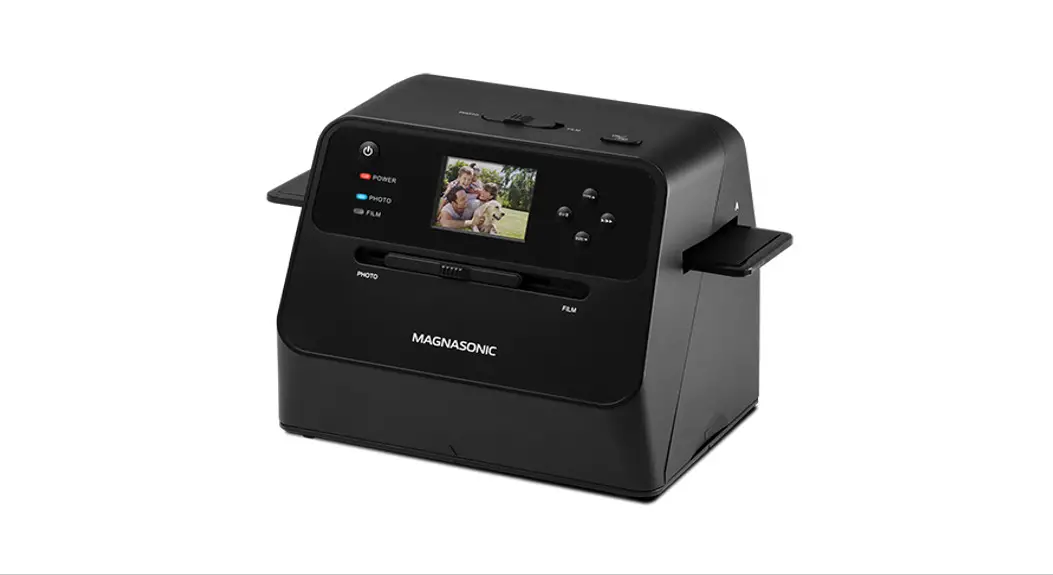
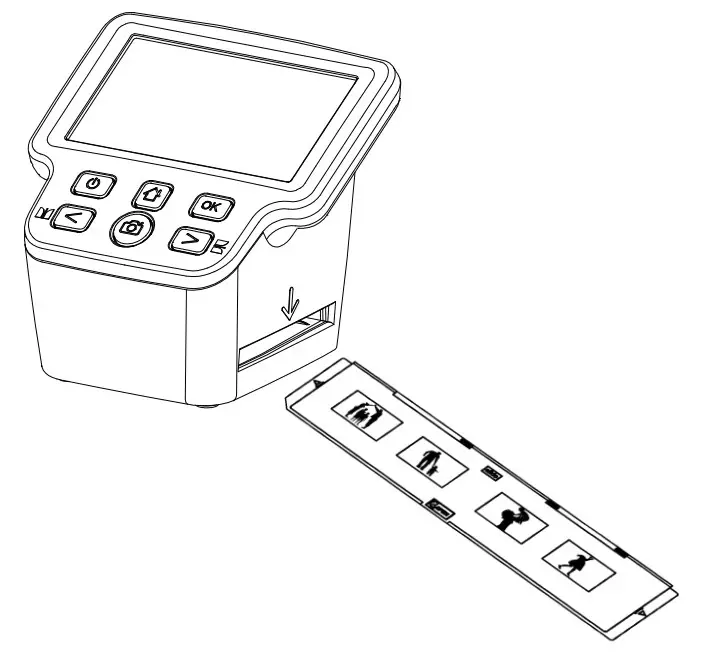
- Insert the negative tray, with the side, labeled NEGATIVE facing up, into the slot on the right side of the scanner.
Cleaning Negatives
Negative film strips can be cleaned using compressed air or a lint-free cloth. For the removal of fingerprints/oils, it may be necessary to use Isopropyl alcohol. Use 98% Isopropyl alcohol on a cotton swab or lint-free cloth. Carefully clean the negative using small amounts of alcohol. Place the cleaned negative in a ventilated location until all alcohol has evaporated.