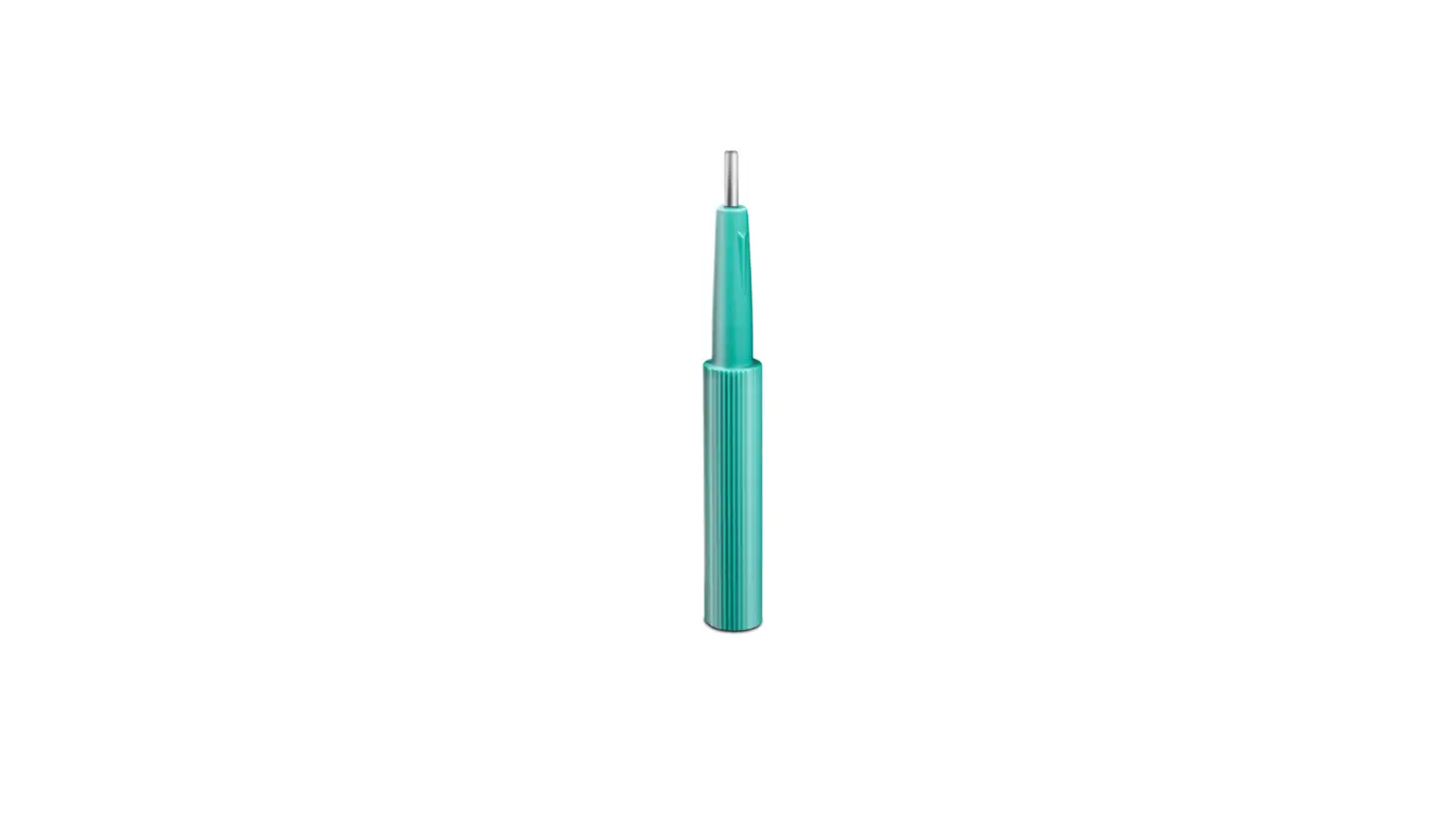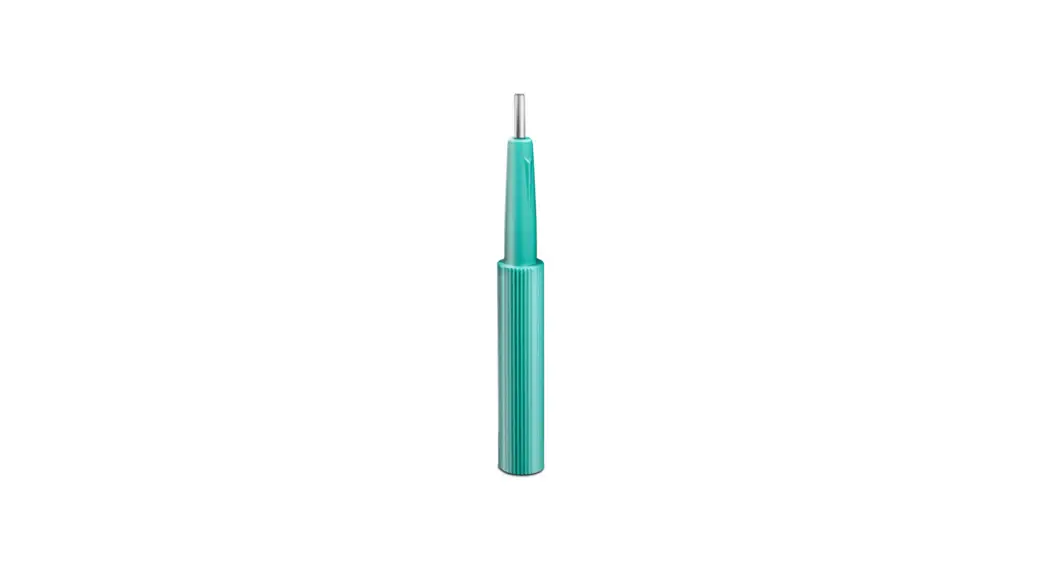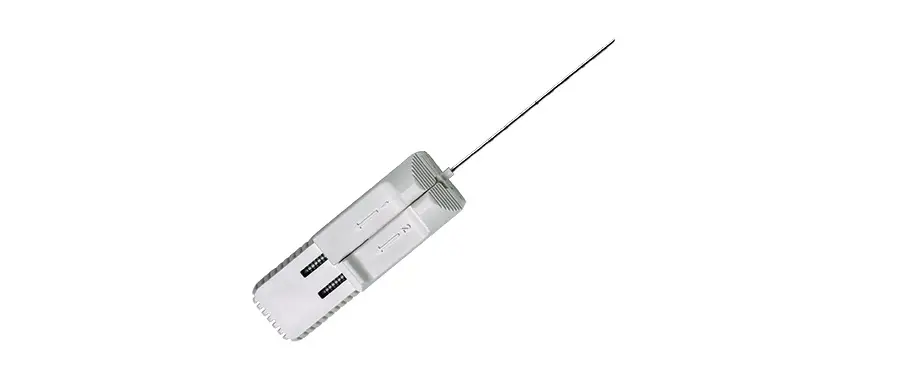

Mammotome Tru-Core II Automatic Biopsy Instrument
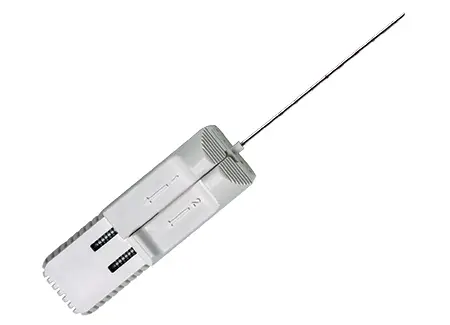
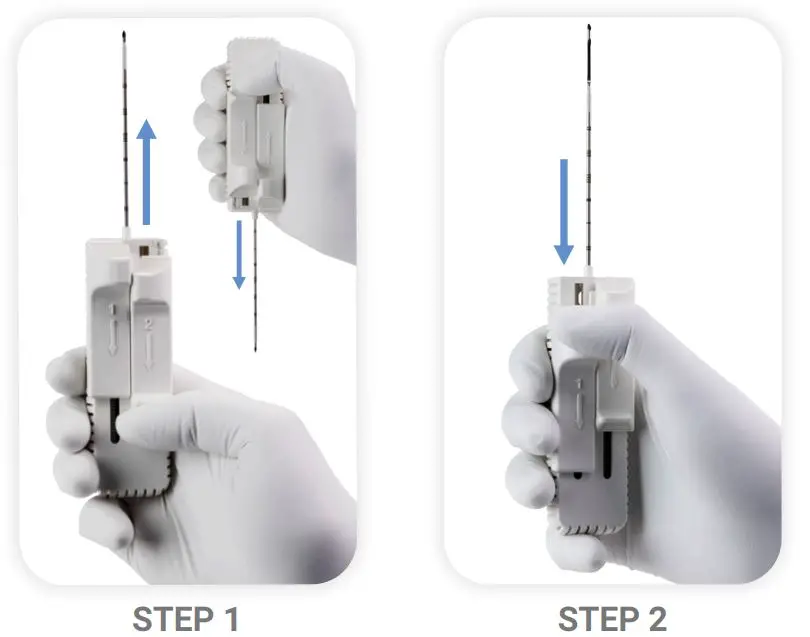
Arming the Device (Pre-Fire)
- STEP 1
Pull back on the lever marked “1” until a click is heard. The outer cutting cannula will retract backwards, exposing the inner stylet and sample aperture. - STEP 2
Pull back on the lever marked “2” until a click is heard. Both the inner stylet and sample aperture will retract backwards. The device is now “armed” and ready to acquire a tissue sample.
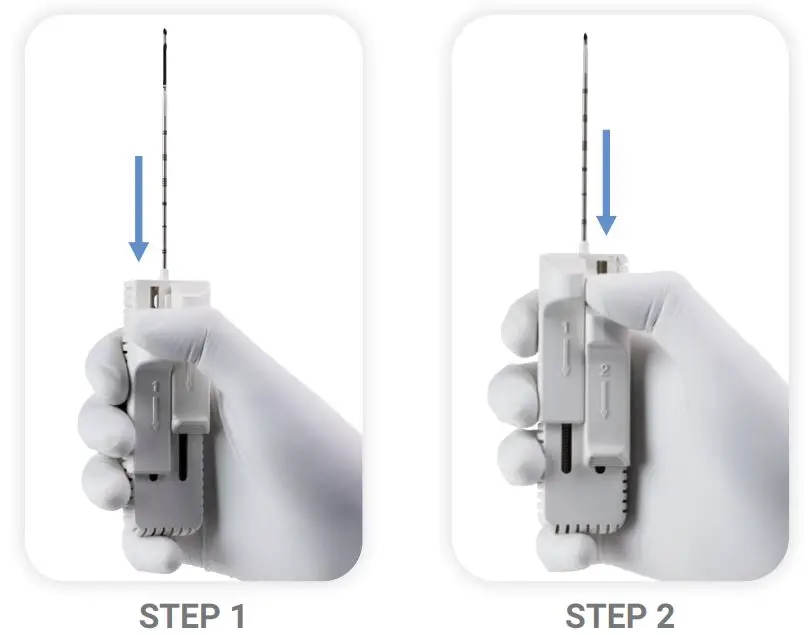
Biopsy-Tissue Acquisition & Removal
- STEP 1
Push the lever marked “2” forward to acquire a sample. Both the inner stylet and outer cutting cannula will advance in sequence to ‘throw’ the needle a distance of 22mm.
Note: Each depth marking on the needle is 1cm to the distal line marking. - STEP 2
Pull back on the lever marked “1” until a click is heard. The outer cutting cannula will retract backwards, exposing the inner stylet and sample aperture.
Co-Axial Introducer Operation
Twist the luer lock counterclockwise to separate the blunt-ended coaxial cannula from the trocar point stylet.
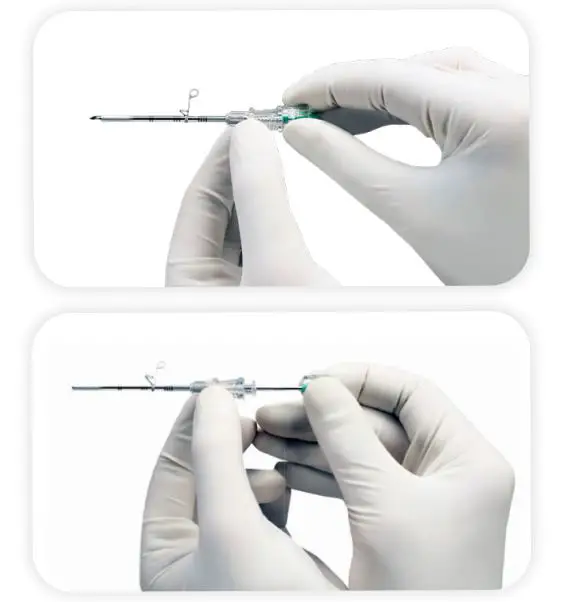
Note: The position of the skin stop can be adjusted by pushing it along the outer cannula.
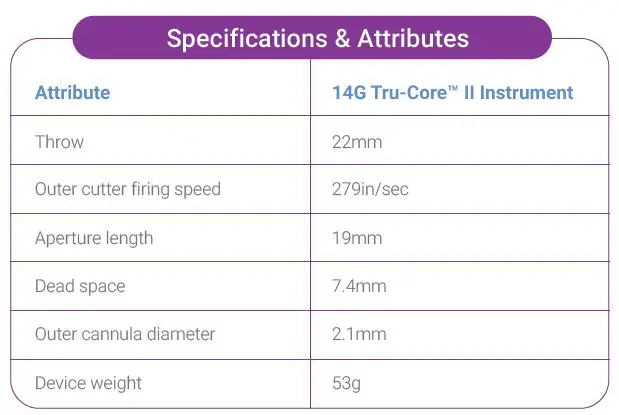
Specifications & Attributes
For additional assistance, please contact Mammotome Customer Service at
1-877-926-2666
or by email at
[email protected]
© 2021 Devicor Medical Products, Inc. All rights reserved. Mammotome is a registered trademark of Devicor Medical Products, Inc., in the USA and optionally in other countries. Used with permission. Tru-Core is a trademark of Argon Medical Devices, Inc. in certain countries. Used with permission. Other logos, product and/or company names might be trademarks of their respective owners. MDM# 200085 Rev 8/21