
USER GUIDE
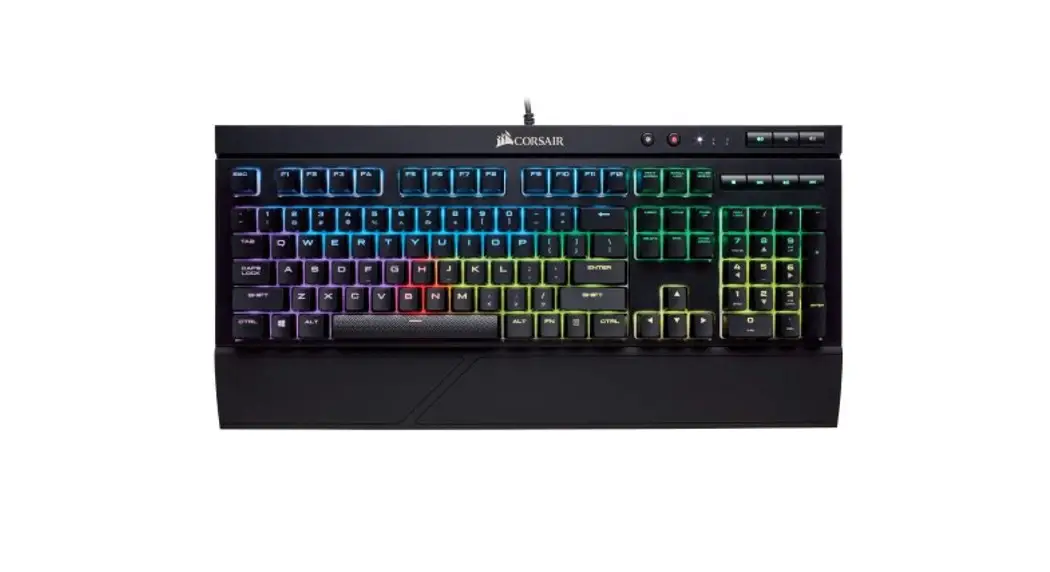
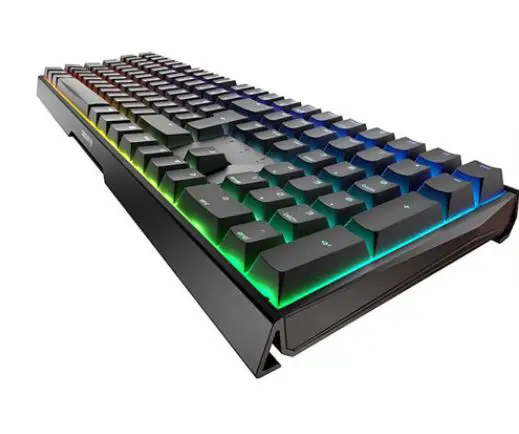
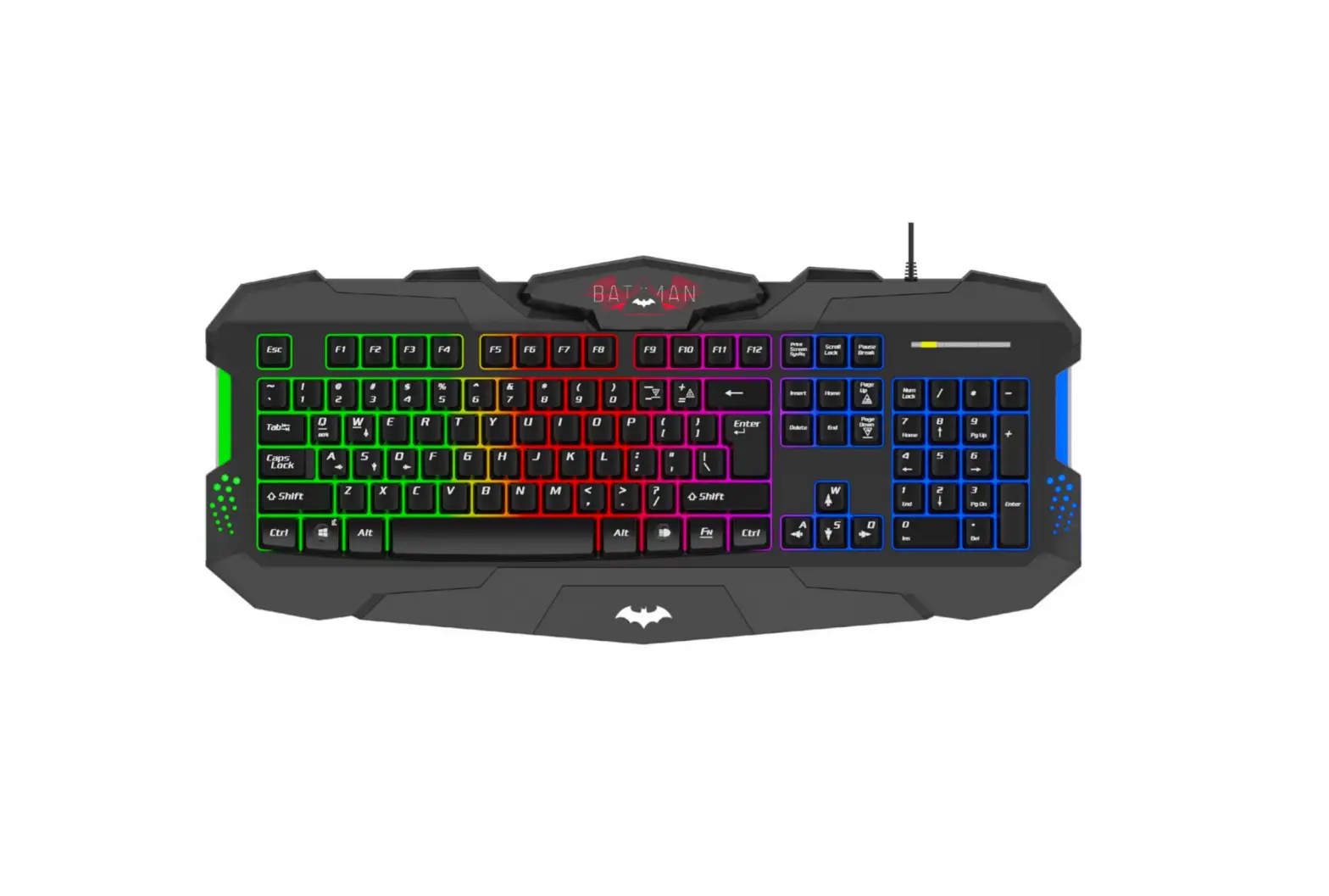
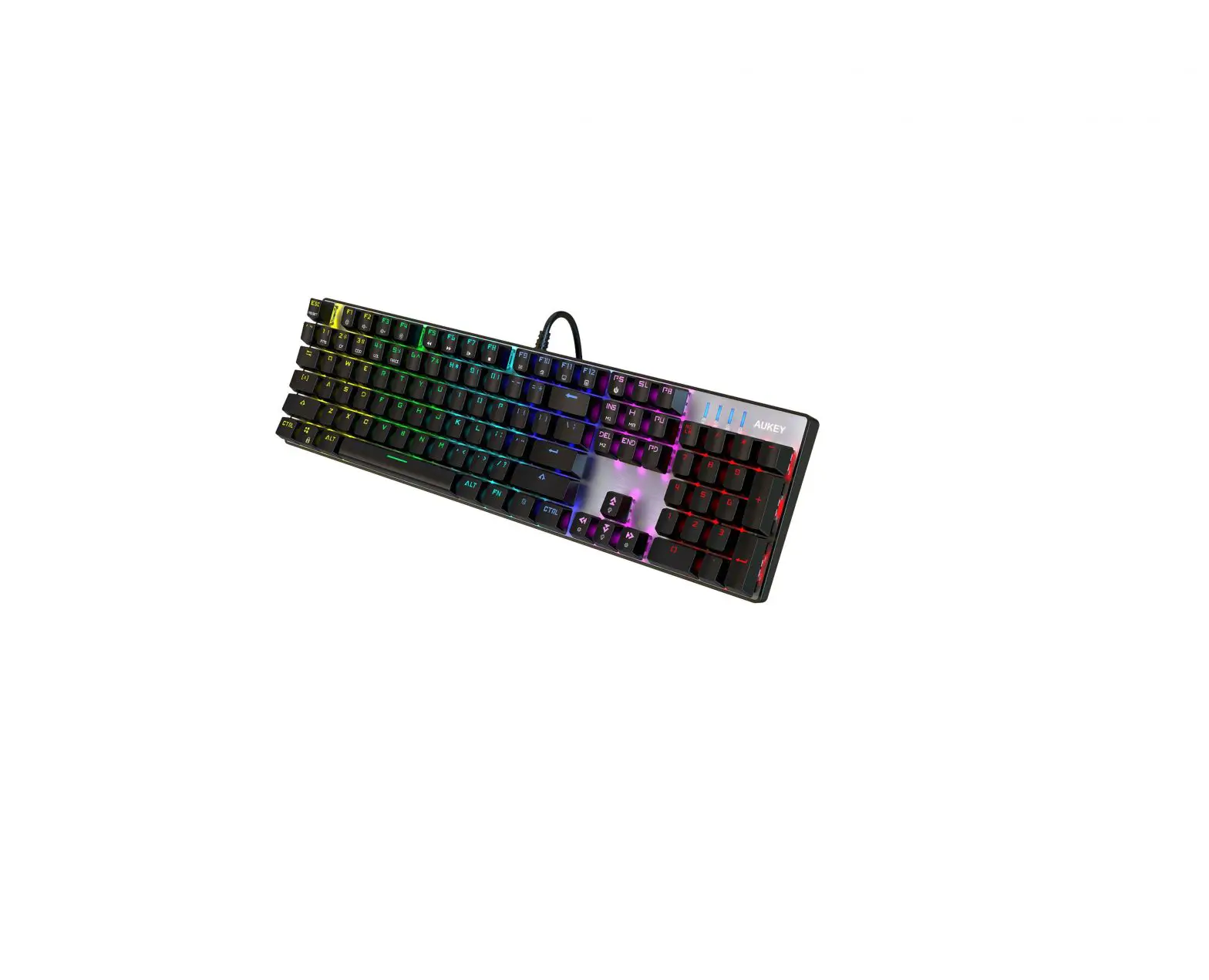
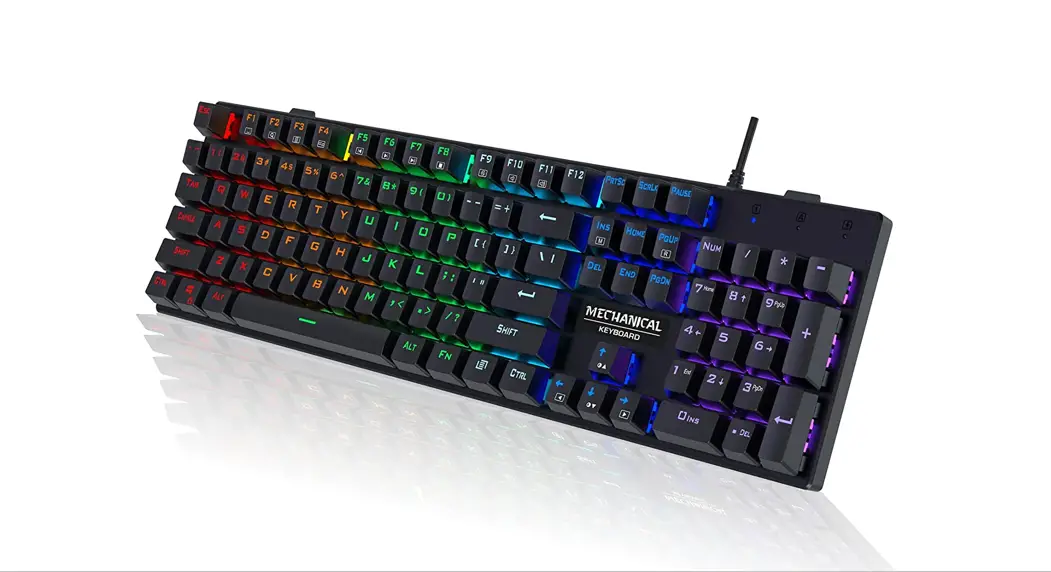
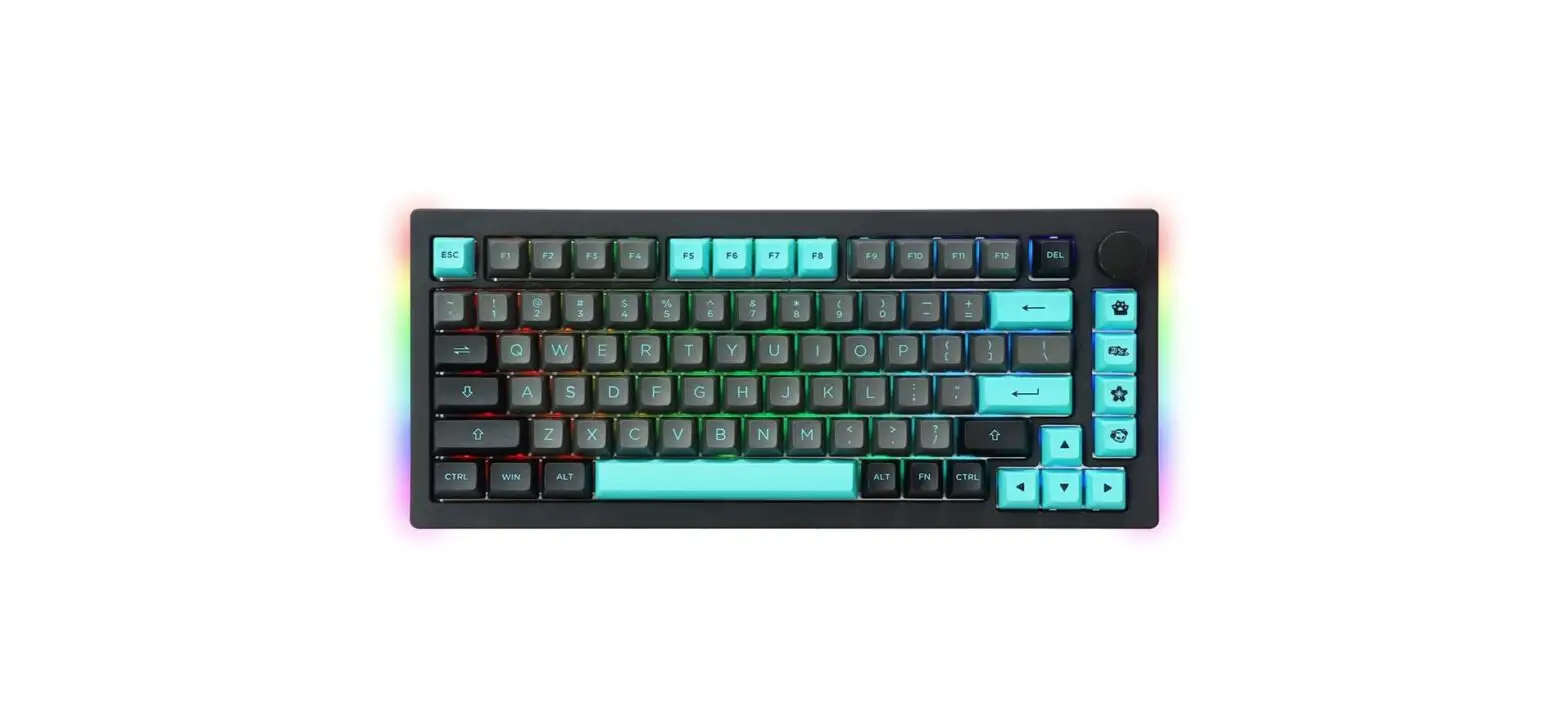
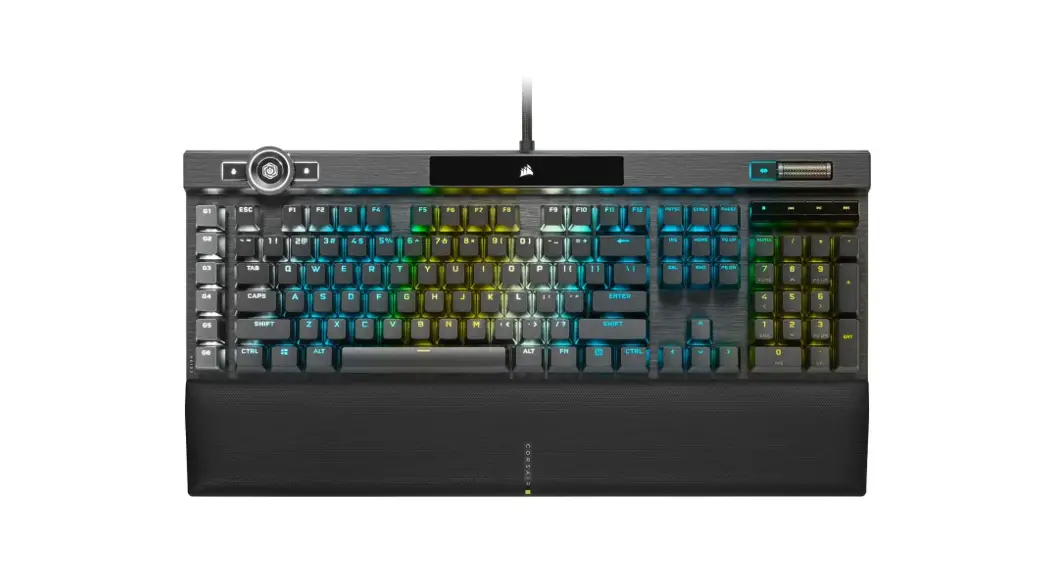
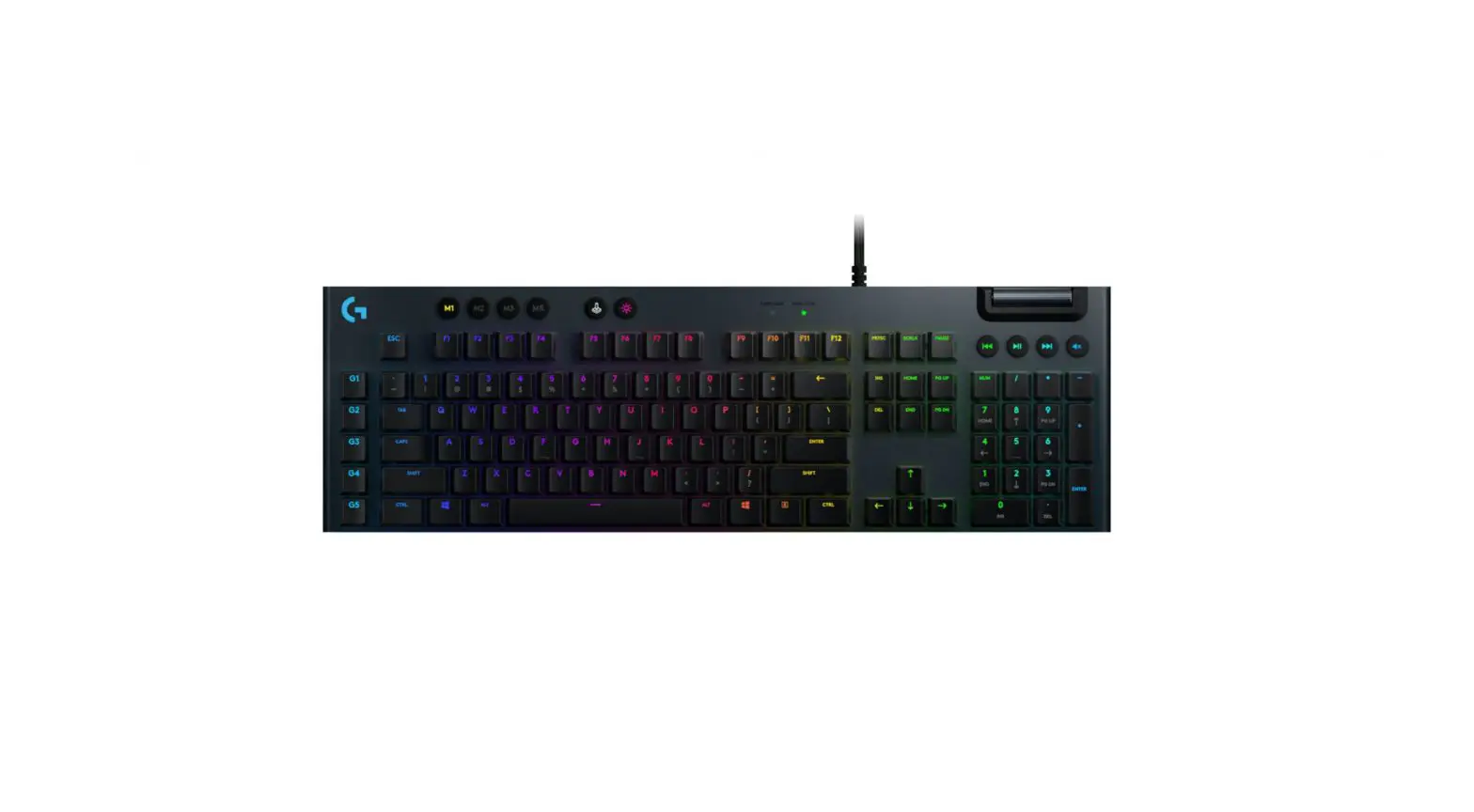
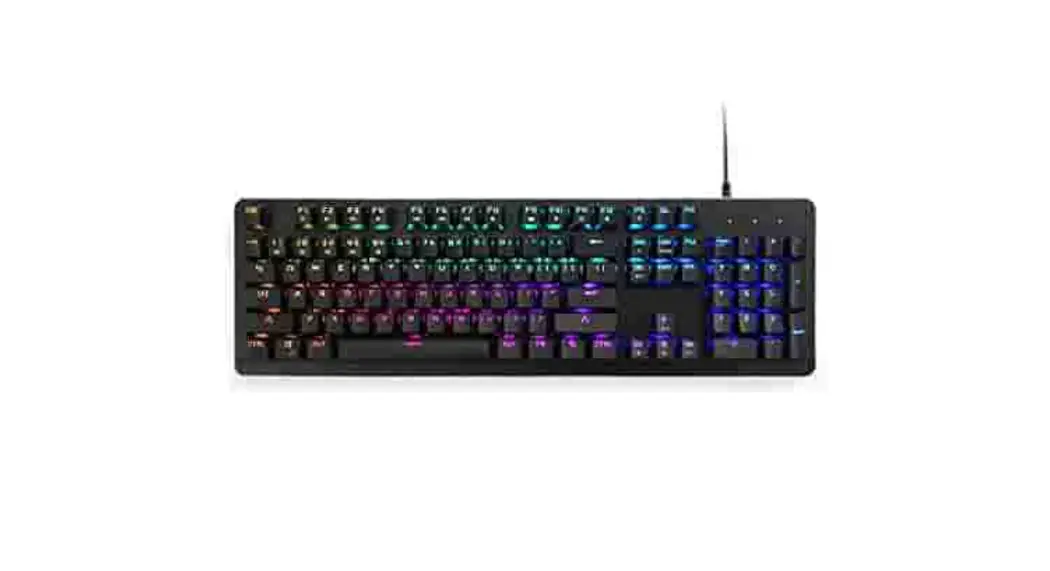
FULL-RGB CHERRY MX MECHANICAL KEYBOARD
KACHRKBLFLA/KACHRKRDFLA/KACHRKBRFLA
OVERVIEW
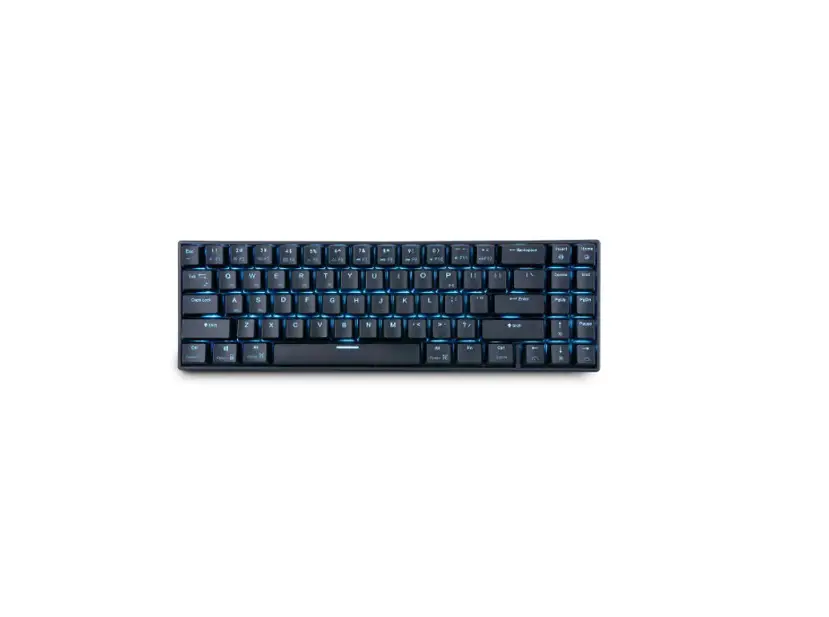
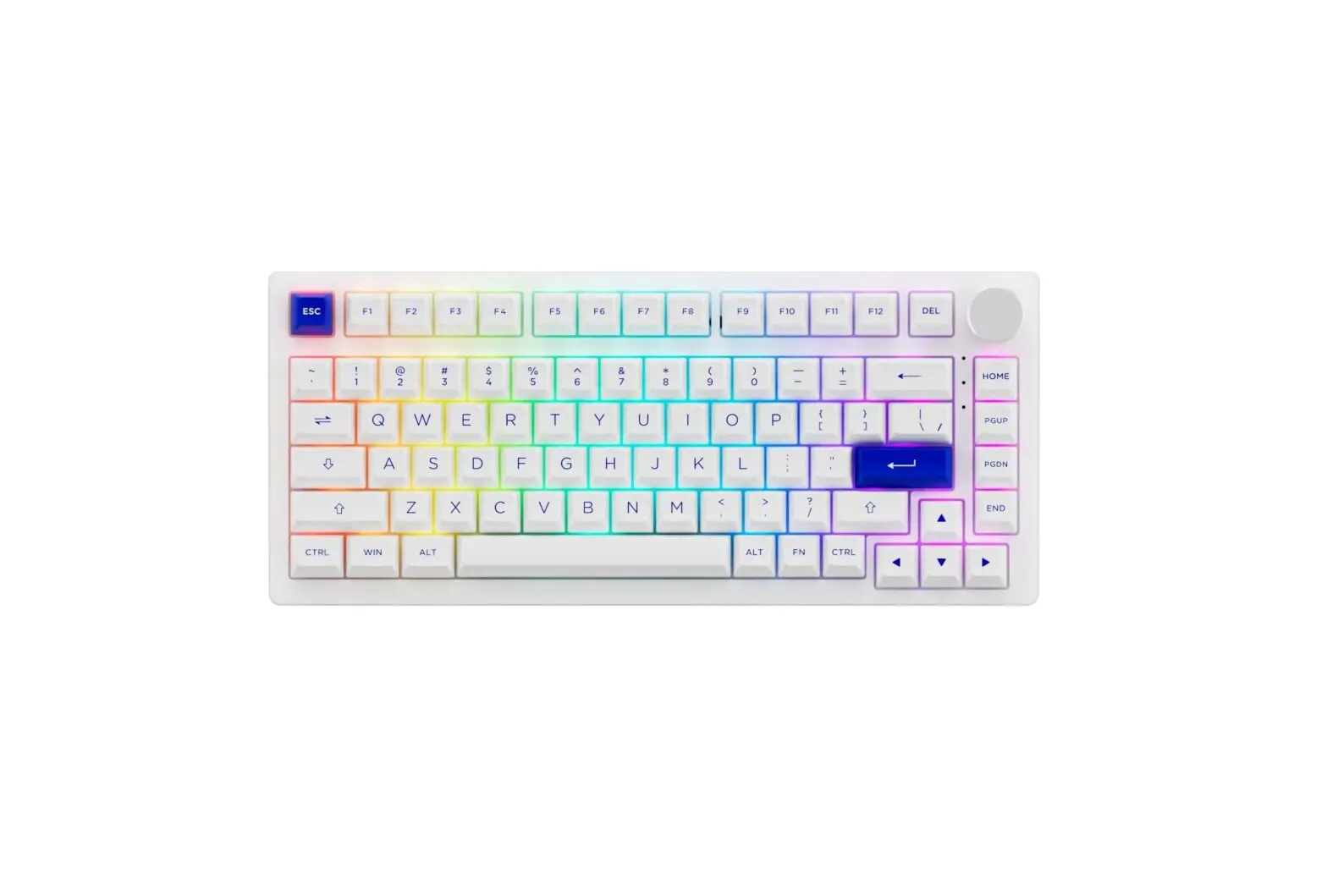
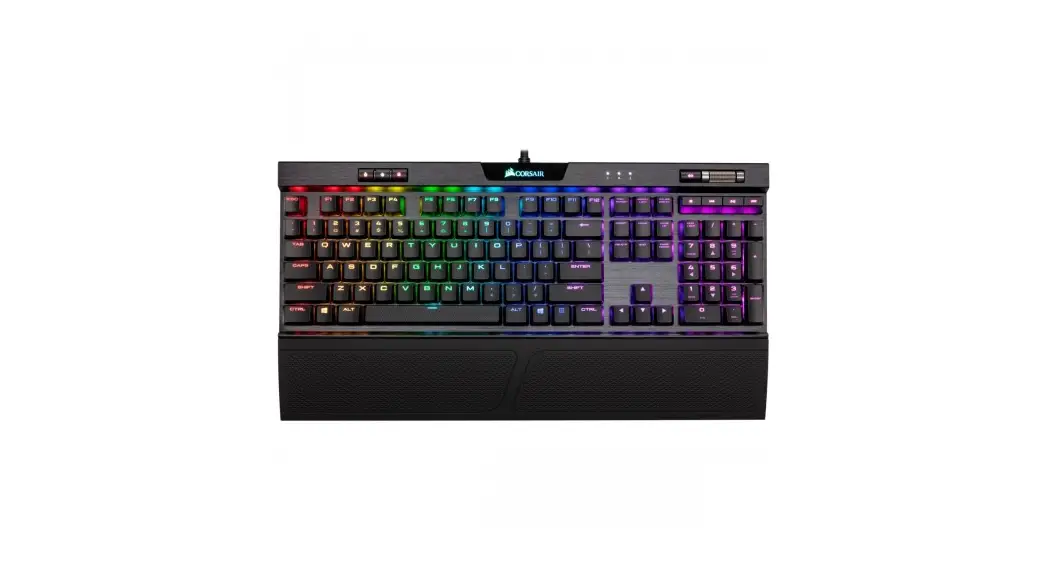
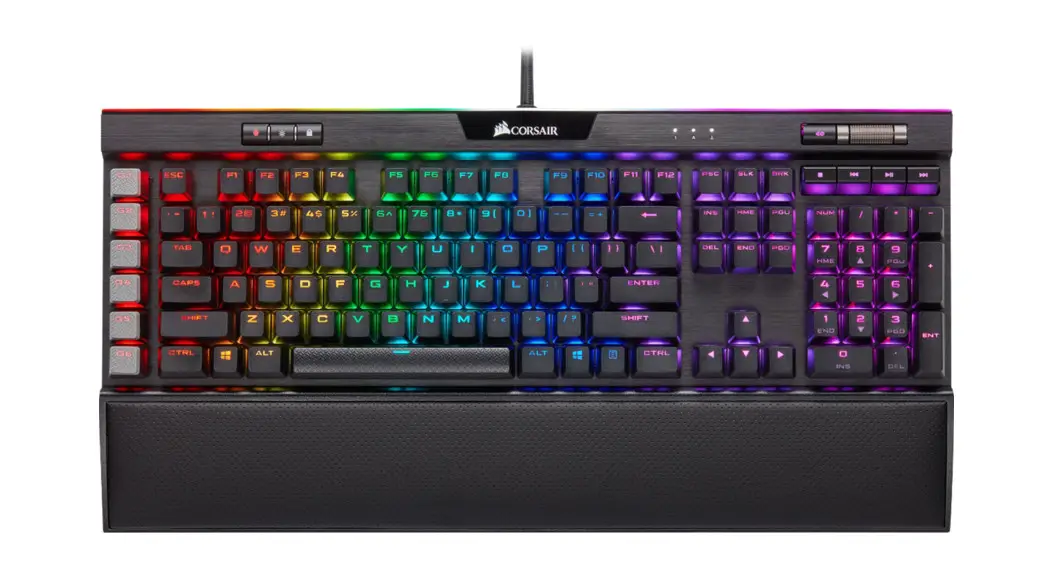
- Full-size black mechanical keyboard
- Cherry MX mechanical switches
- 104 keys
- ABS and metal construction
- 19 different LED backlight effects
- 8 different LED backlight colours
- 3 customisable LED backlight modes
- Plug n’ play
SYSTEM REQUIREMENTS
- 1x vacant USB 2.0 port
Supported operating systems
- Windows 10
- Windows 8
- Windows 7
- Windows Vista
- MacOS
The keyboard software supports Windows operating systems only.
SPECIFICATIONS
| Keyboard size | 443 x 137 x 39mm |
Operating voltage | 5V |
Material | Metal/ABS plastic |
KEY FUNCTIONS
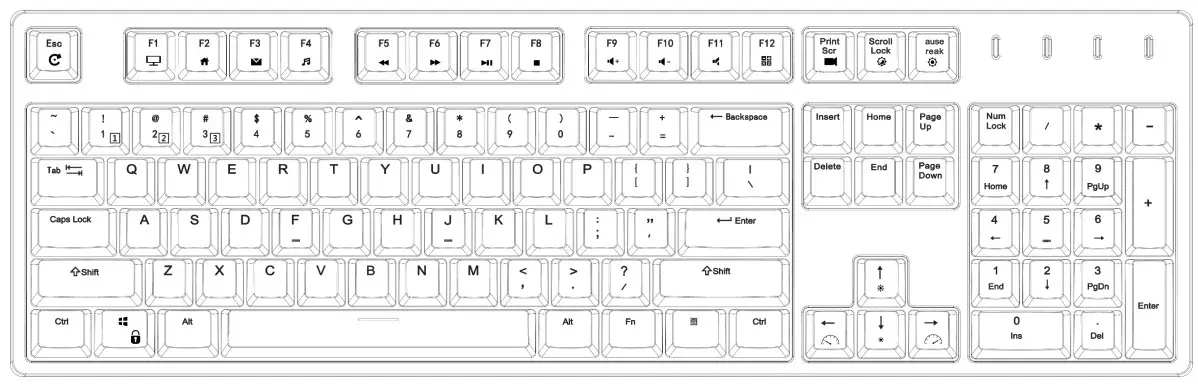
Multimedia keys
| FN + Fl | My Computer |
| FN + F2 | Browser |
| FN + F3 | |
| FN + F4 | Music |
| FN + F5 | Previous Track |
| FN + F6 | Next Track |
| FN + F7 | Play/Pause |
| FN + F8 | Stop |
| FN + F9 | Volume increase |
| FN + F10 | Volume decrease |
| FN + Fll | Mute |
| FN + F12 | Calculator |
| FN + Scroll Lock | Switch LED modes |
| FN + Pause | Switch LED colours |
| FN +1/2/3 | Switch gaming key group mode |
| FN + Print Screen | Switch LED setting for gaming key group |
| FN + “↑” | Increase LED brightness |
| FN + “↓” | Decrease LED brightness |
| FN + “←” | Decrease LED pattern speed |
| FN + “→” | Increase LED pattern speed |
Custom LED setting instructions
- Choose the group you want to set using FN + 1/2/3 accordingly.
- Press “FN” + “Print screen” to start recording. Num/Caps/Win/Scroll Lock indicator will flash, and all backlight LEDs will turn off.
- Press the keys that you want to turn on (you can choose the colour or turn off the backlight of the selected key by pressing it repeatedly), and press “FN” + “Print Screen” again to finish the recording.
NOTES
Need more information?
We hope that this user guide has given you
the assistance needed for a simple setup.
For the most up-to-date guide for your product,
as well as any additional assistance you may require,
head online to help.kogan.com