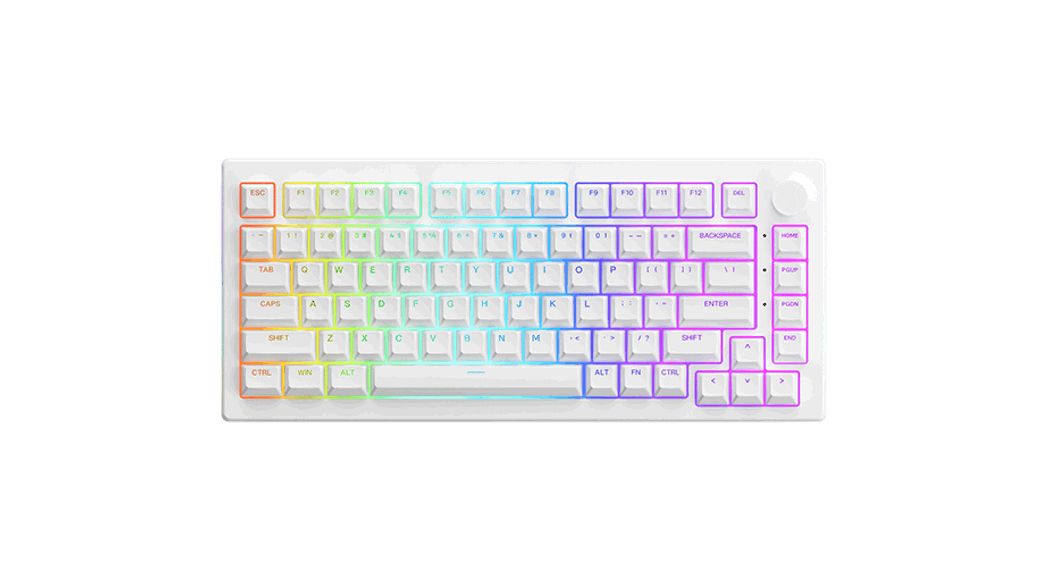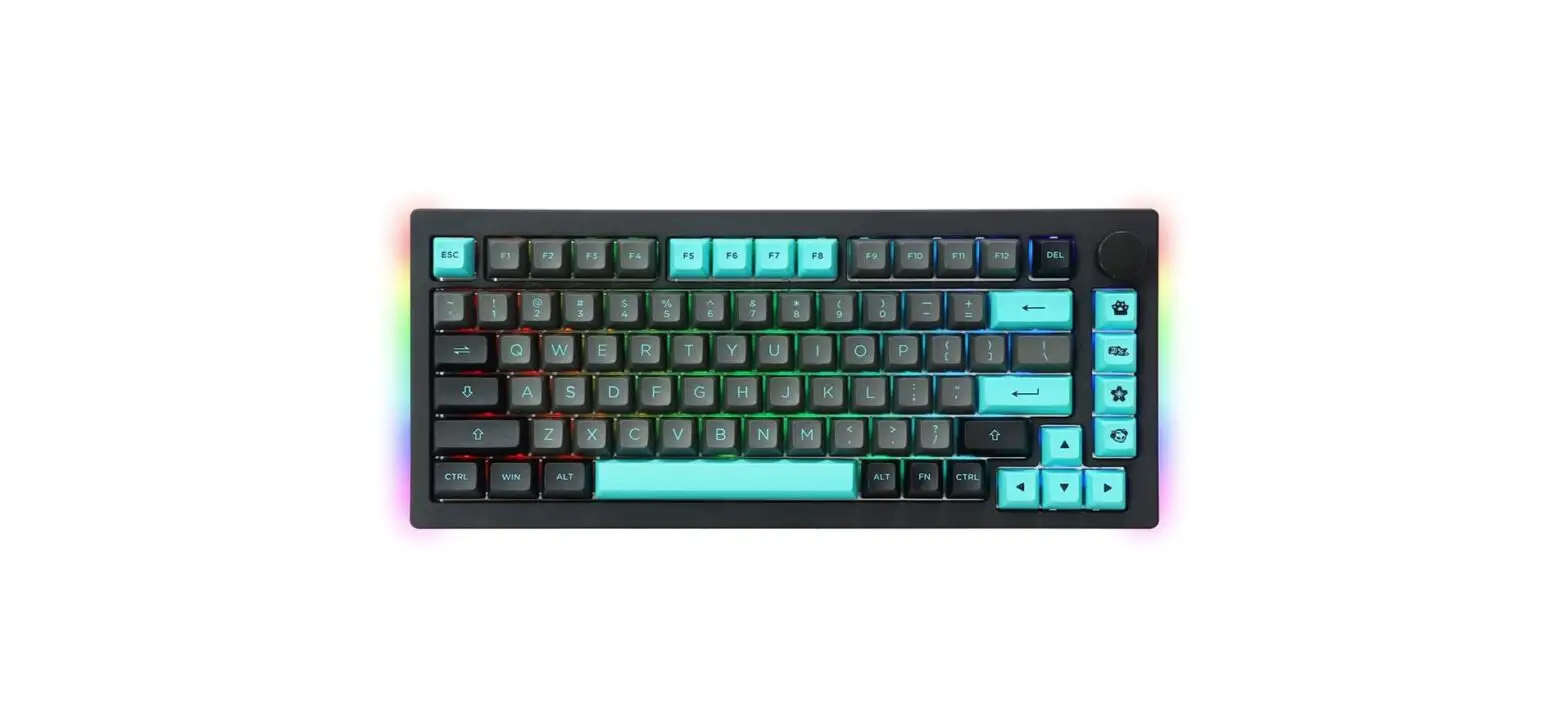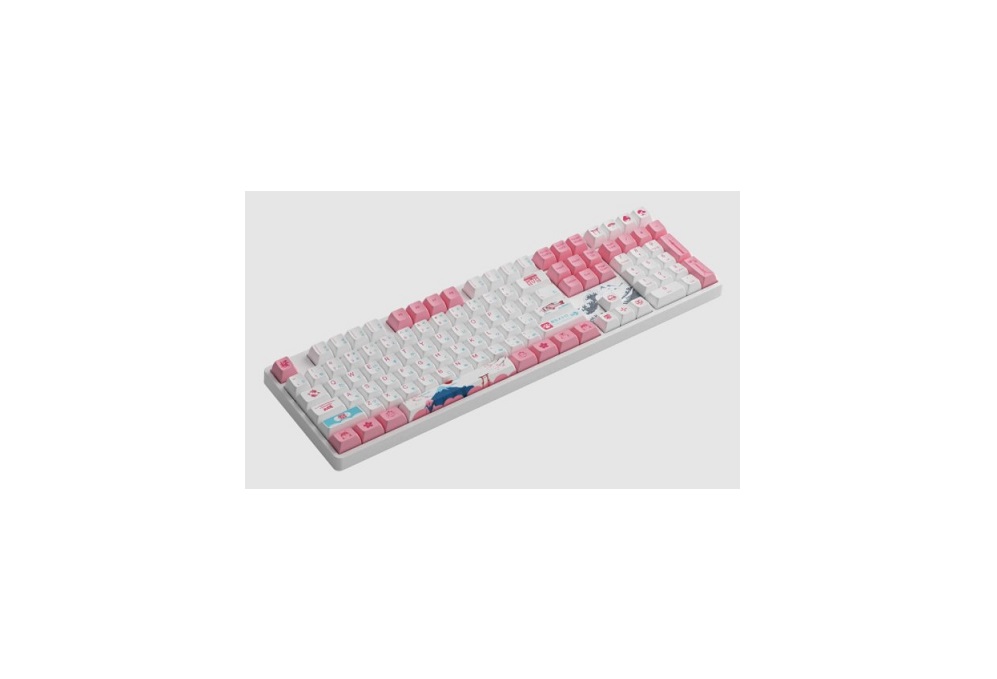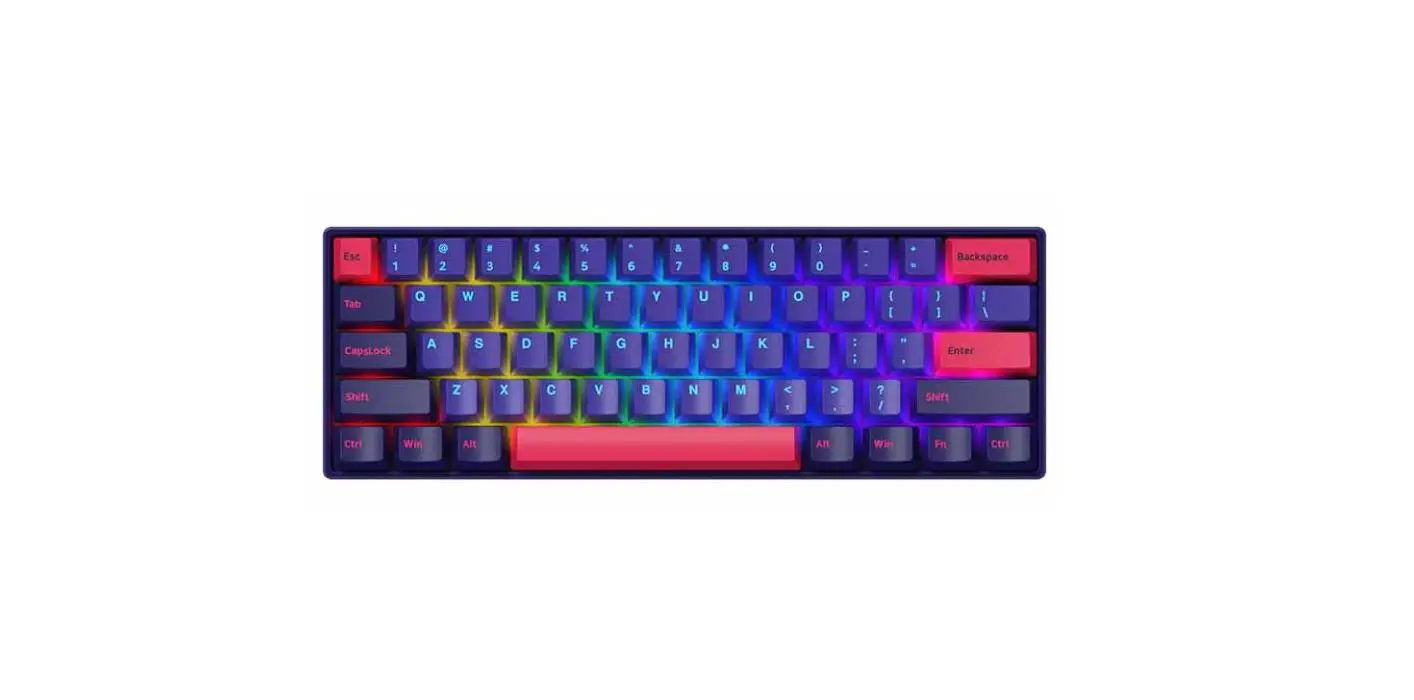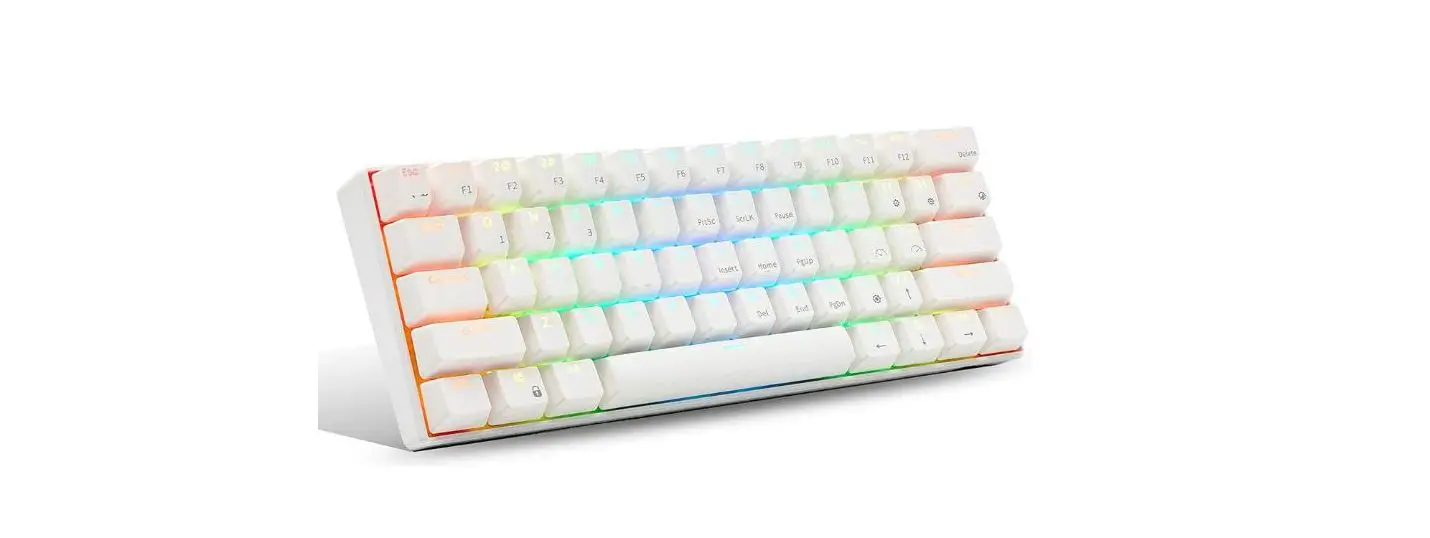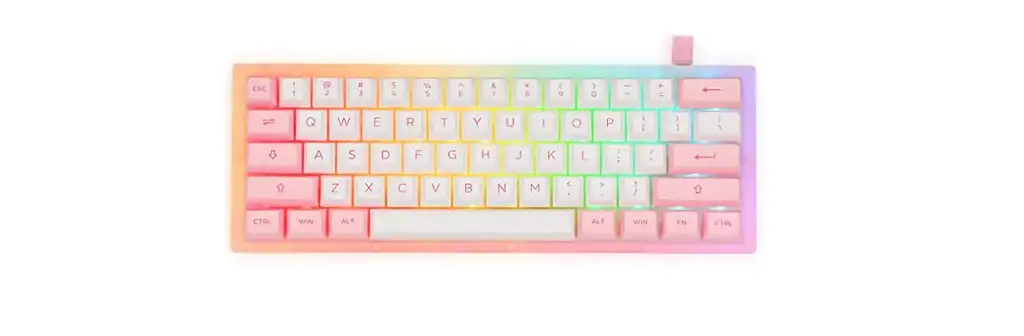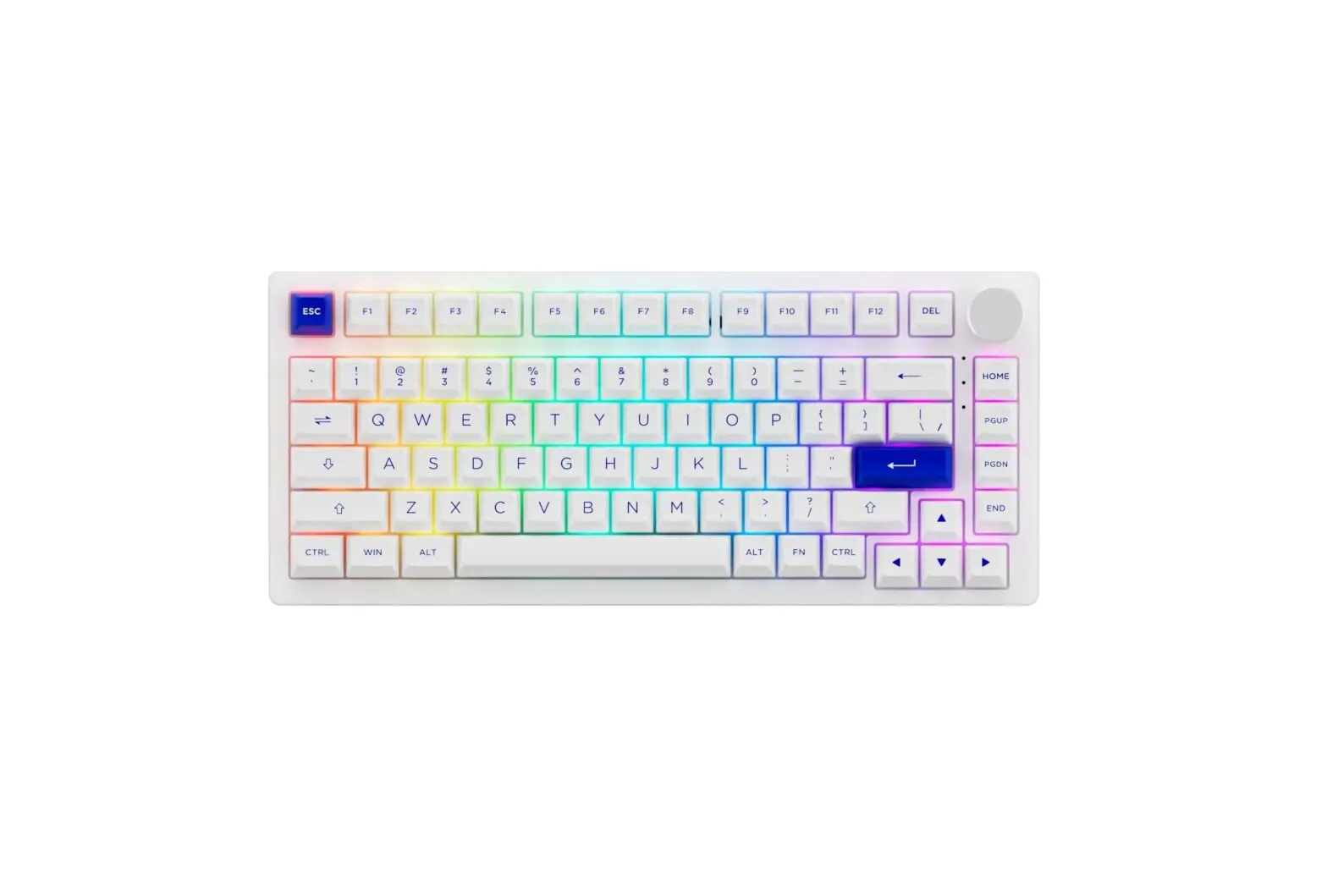
AKKO 3068S RGB 75 Percent Bluetooth
Mechanical Keyboard User Manual

HotKeys (Windows)
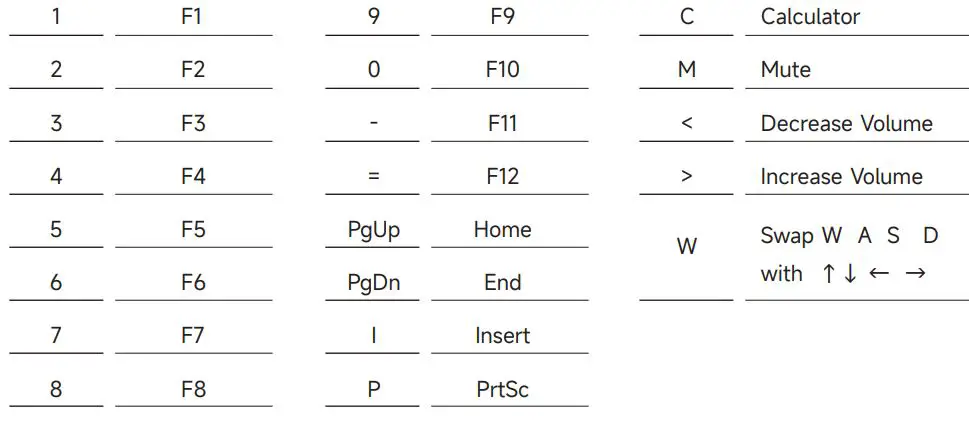
Note: The following features are realized by the combination of “Fn” + corresponding key
Hotkeys (Mac)
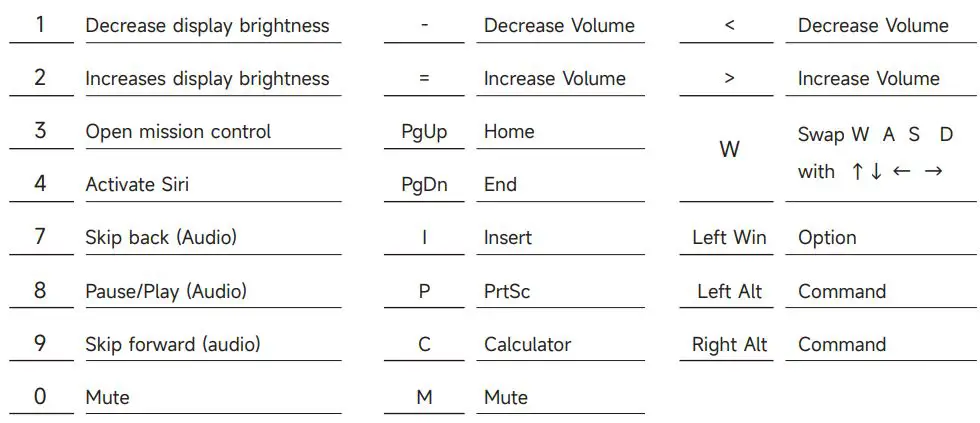
Note: The following features are realized by the combination of “Fn” + corresponding key
System Commands
Lock Windows Key Press Fn and left Win key
Restore Factory Settings Hold down Fn and press ~ key for 5S
Revert Ctrl into Menu (APP) key Hold down Fn and press right Ctrl for 3S
Enter Windows system Hold down Fn and press Q key for 3S
Enter Mac system Hold down Fn and press O key for 3S
Backlight Settings
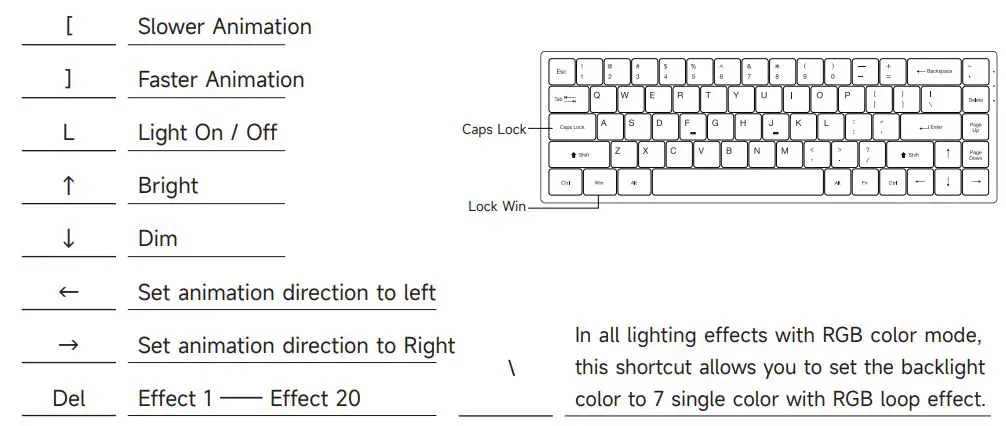
Note: The following features are realized by the combination of “Fn” + corresponding key
Key/Lighting Effects Customization Instruction 10
- The key/lighting effects customization must with Akko driver.
- In wired mode, the lighting effects can also achieve music rhythm effects with Akko driver.
- Please download the Akko Cloud driver on our website.
- Users can download the driver via en.akkogear.com




 Akko艾酷官方网站 | æ½®æµæ—¶å°šå¤–设_Akko机械键盘官网
 Akko | Designer for Mechanical Keyboards
 Akko艾酷官方网站 | æ½®æµæ—¶å°šå¤–设_Akko机械键盘官网