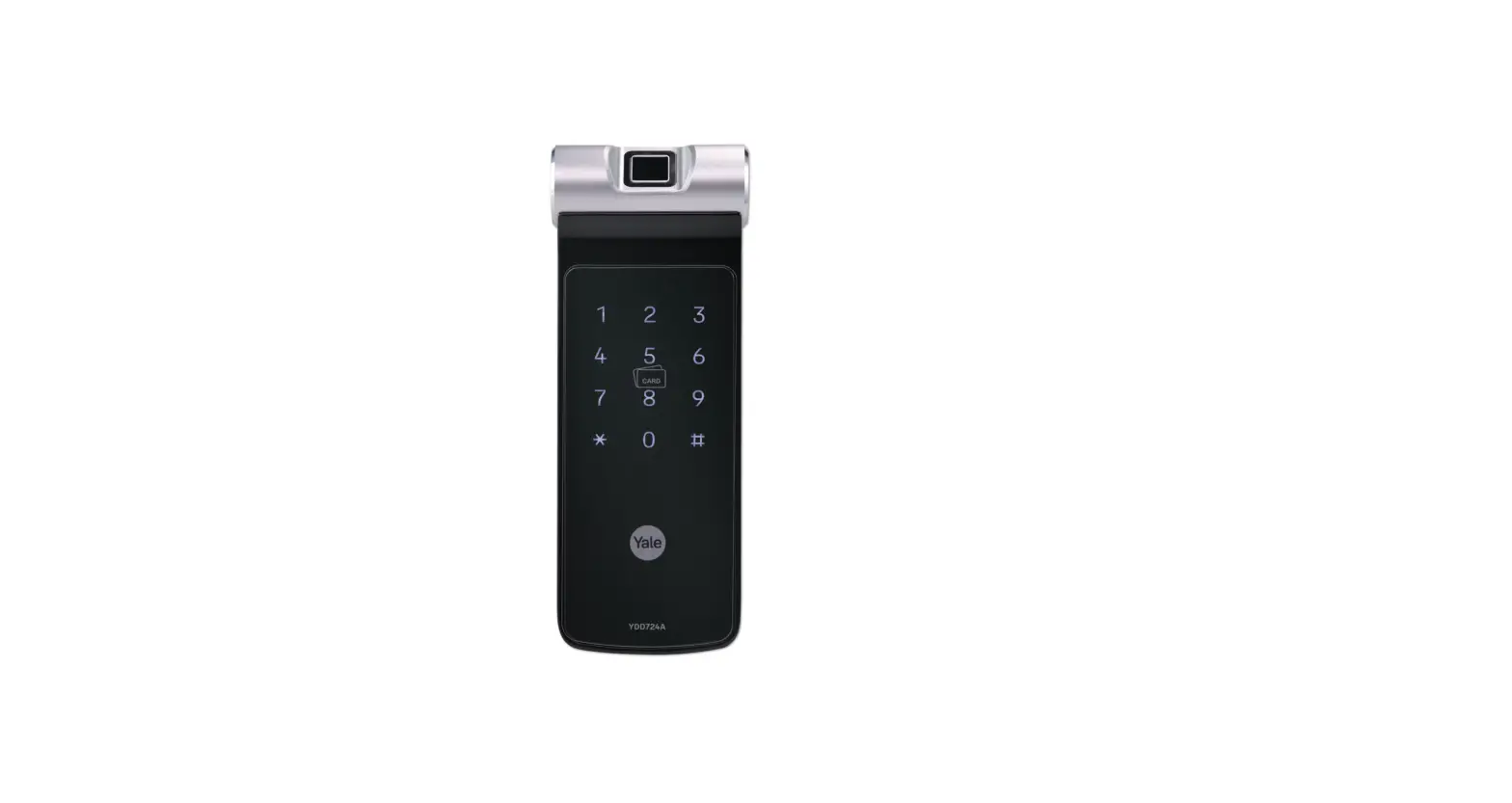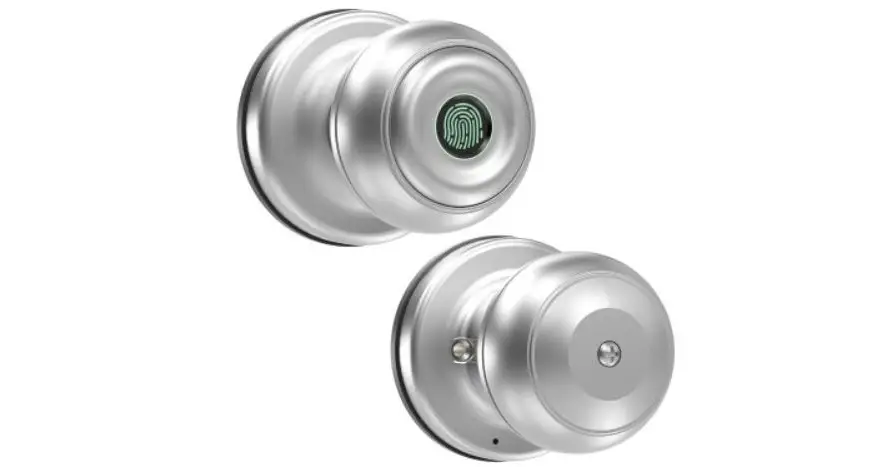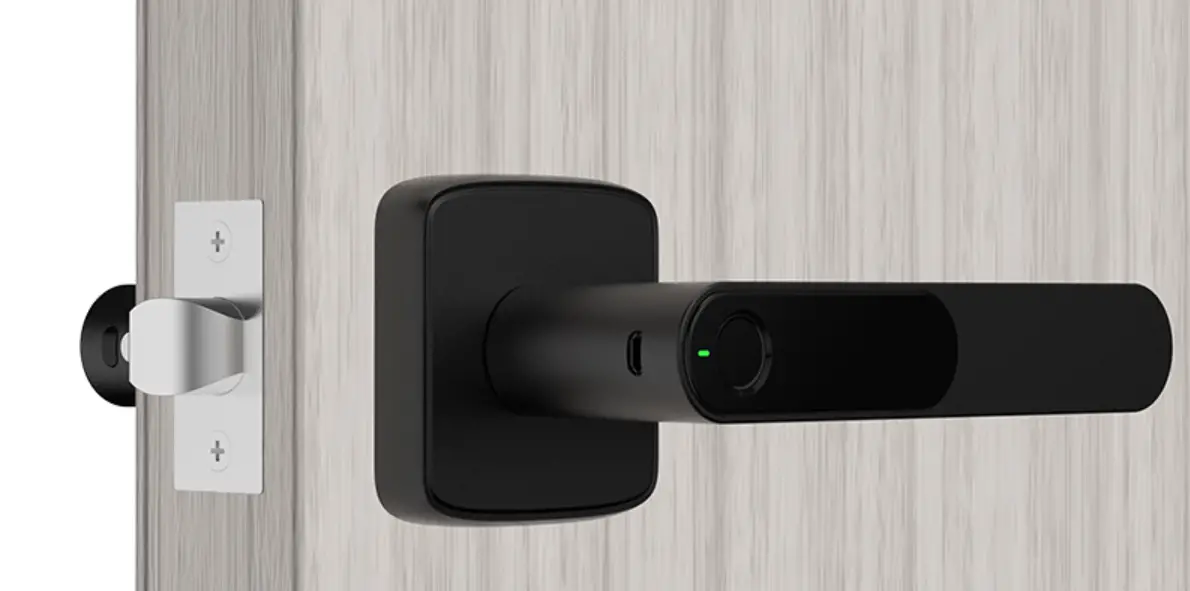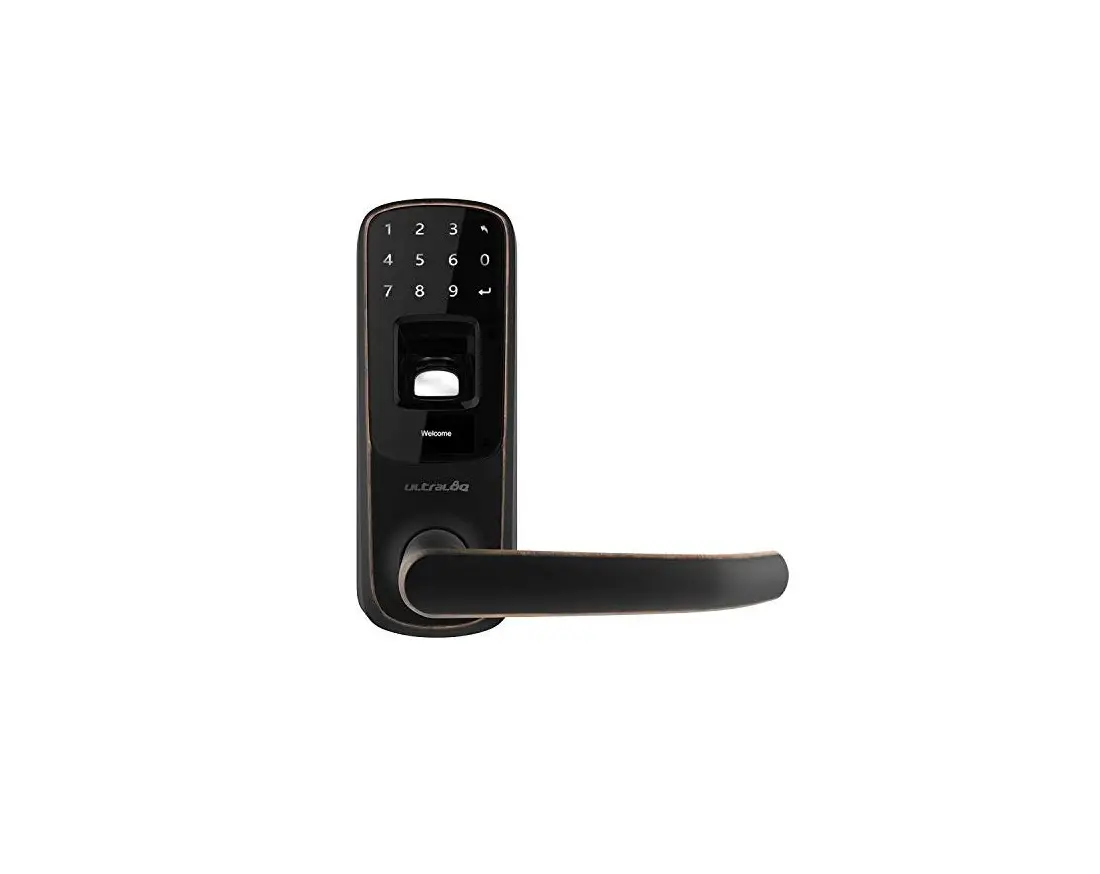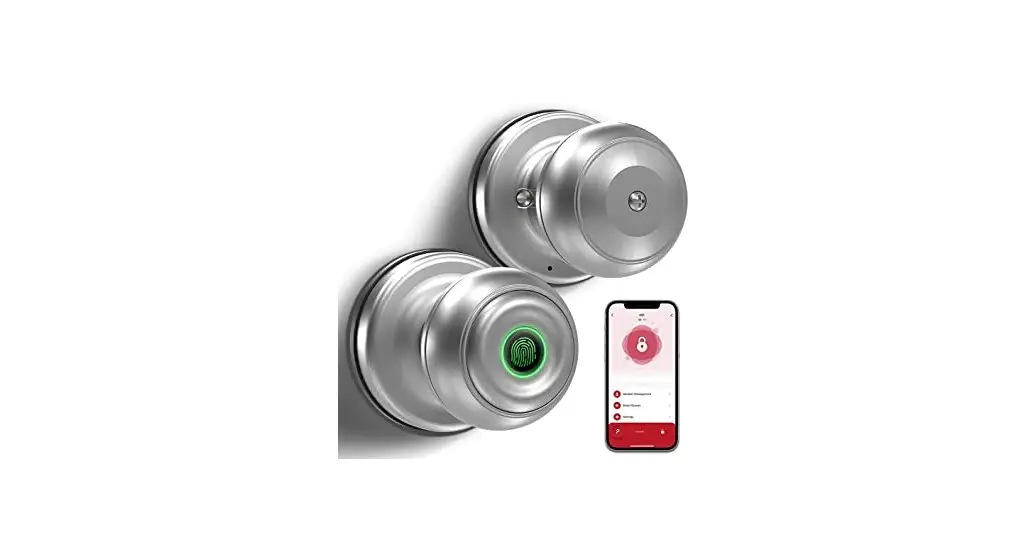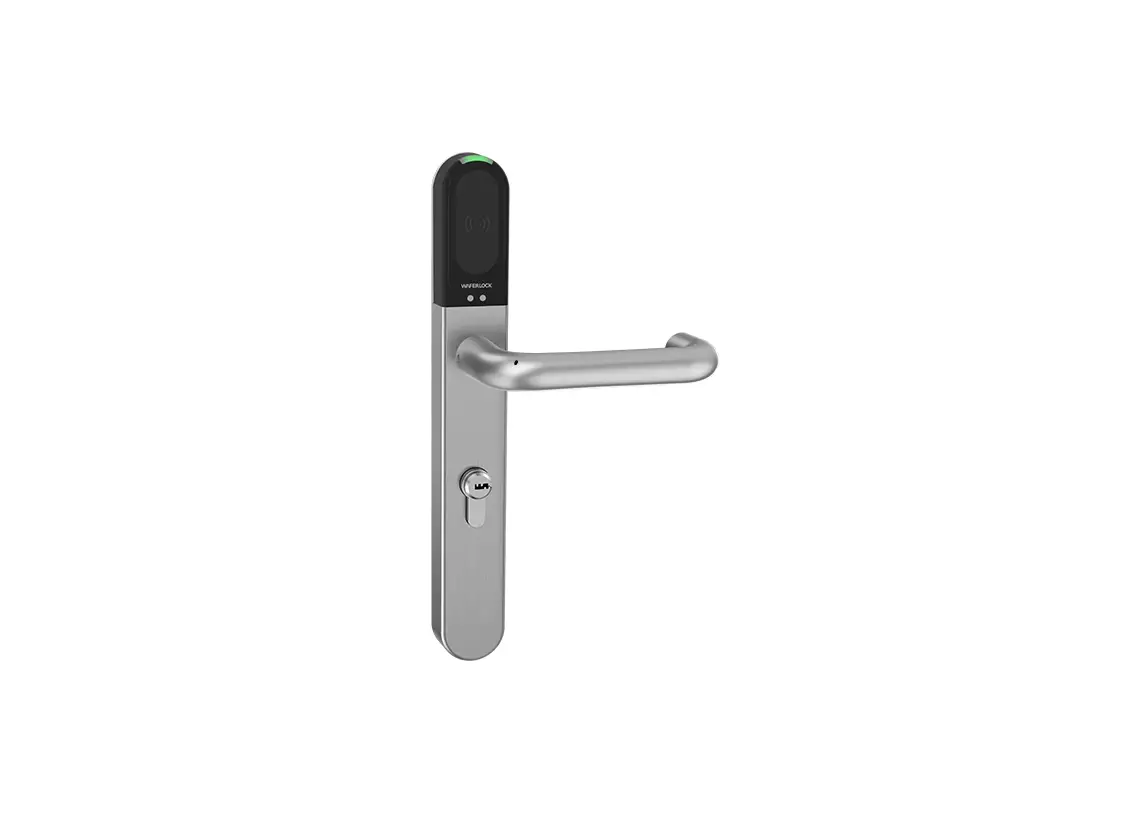
WAFERLOCK L700 Smart Door Lock Owner’s Manual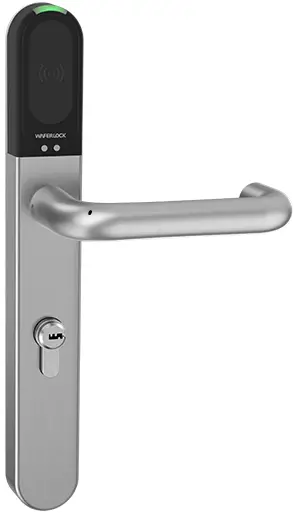
Box Contents
| No. | Parts Name | Q’ty | Remark |
| 1 | Outer handle set | 1 | |
| 2 | Inner handle set | 1 | |
| 3 | Handle | 2 | |
| 4 | Battery holder | 1 | |
| 5 | CR2 lithium battery | 1 | CR2 3V |
| 6 | Cover plate | 1 | For the inner handle set |
| 7 | Fixing pole | 2 | |
| 8 | Spindle | 1 | |
| 9 | Hexagon driver (#1.5) | 1 | |
| 10 | Hexagon driver (#3.0) | 1 | |
| 11 | Screw | 2 |
Installation
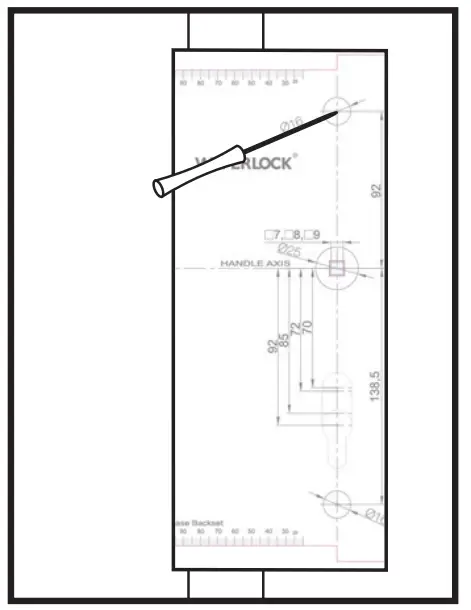
- Place the Door Drilling Template on the door. Use a pin driver to mark the point where you need to drill.

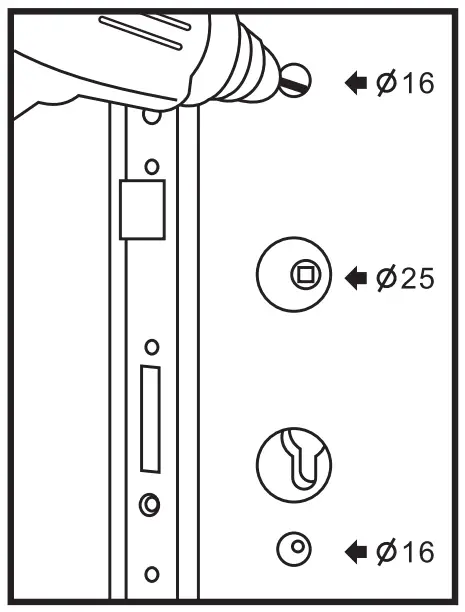
- Drill the holes on the door according to the Door Drilling Template. If there is an existing mortise lock, remove it before drilling.

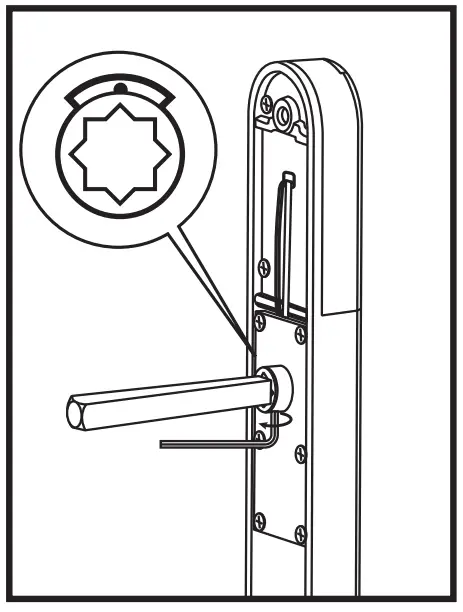
- Install the spindle on the outer handle set and use hexagon driver (#1.5) to tighten the spindle. The screw hole of the spindle must be at the bottom and the mark of the coupling must be on the top.

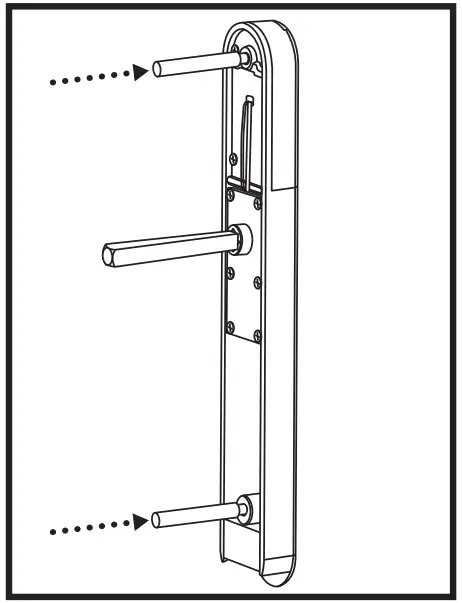
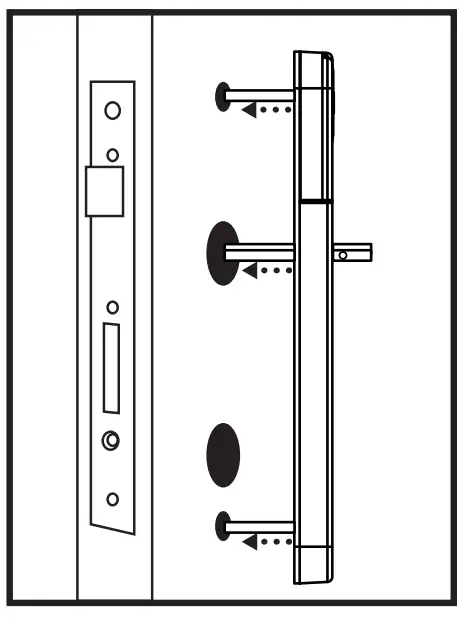
- Screw two fixing poles on the outer handle set.

- Install outer handle set on the door.

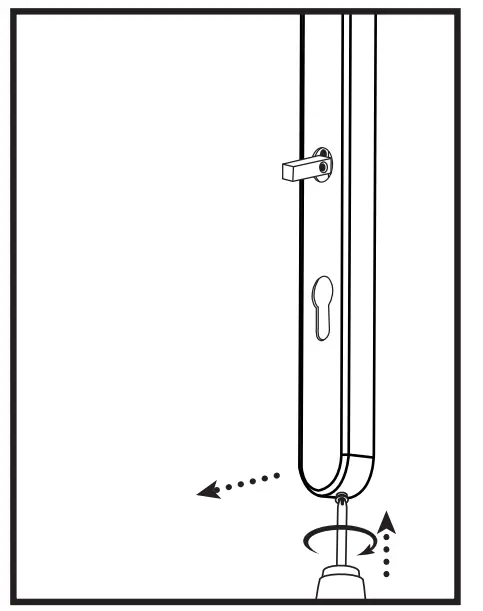
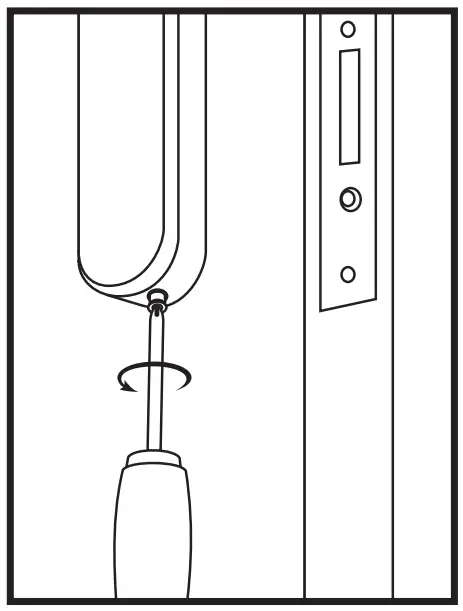
- Turn the screw at the bottom of inner handle set clockwise (go inside) until the cover plate can be pulled out.

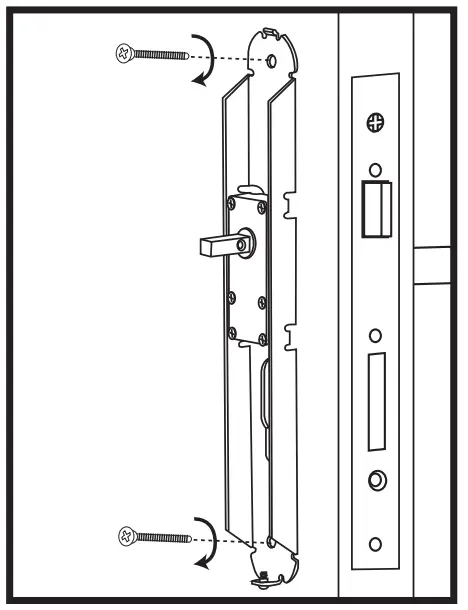
- Install inner handle set on the door, and screw the outer handle set and inner handle set tightly. 7

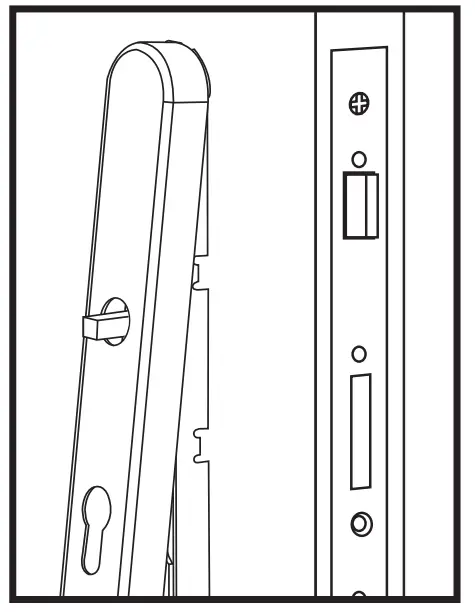
- Put the cover plate on the inner handle set.

- Turn the screw at the bottom of the inner handle set anti-clockwise (go outside) until you feel resistance.

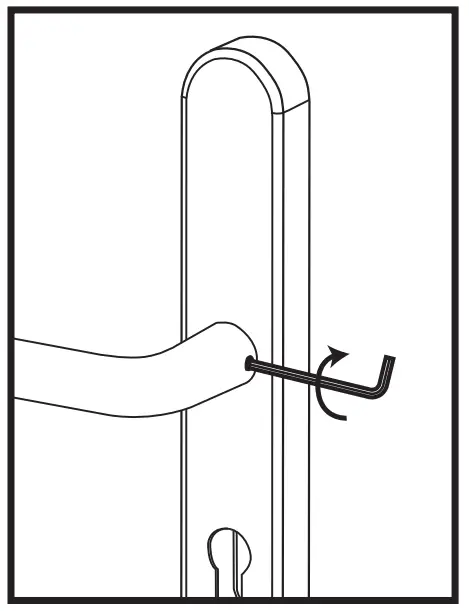
- Install the inner handle and use hexagon driver (#3.0) to tighten the screw on both inner and outer handle.

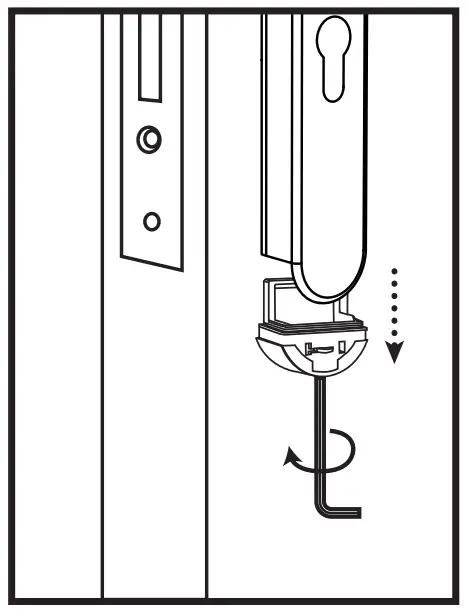
- Use hexagon driver (#1.5) to turn the screw at the bottom of outer handle set anti-clockwise then pull out the battery holder.

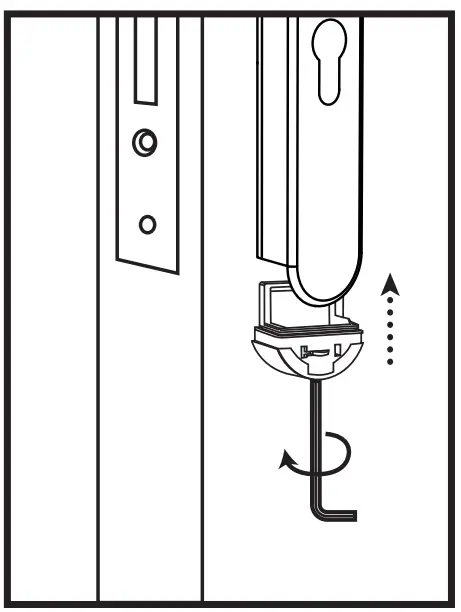
- Install CR2 lithium battery and install the battery holder back to the outer handle set.