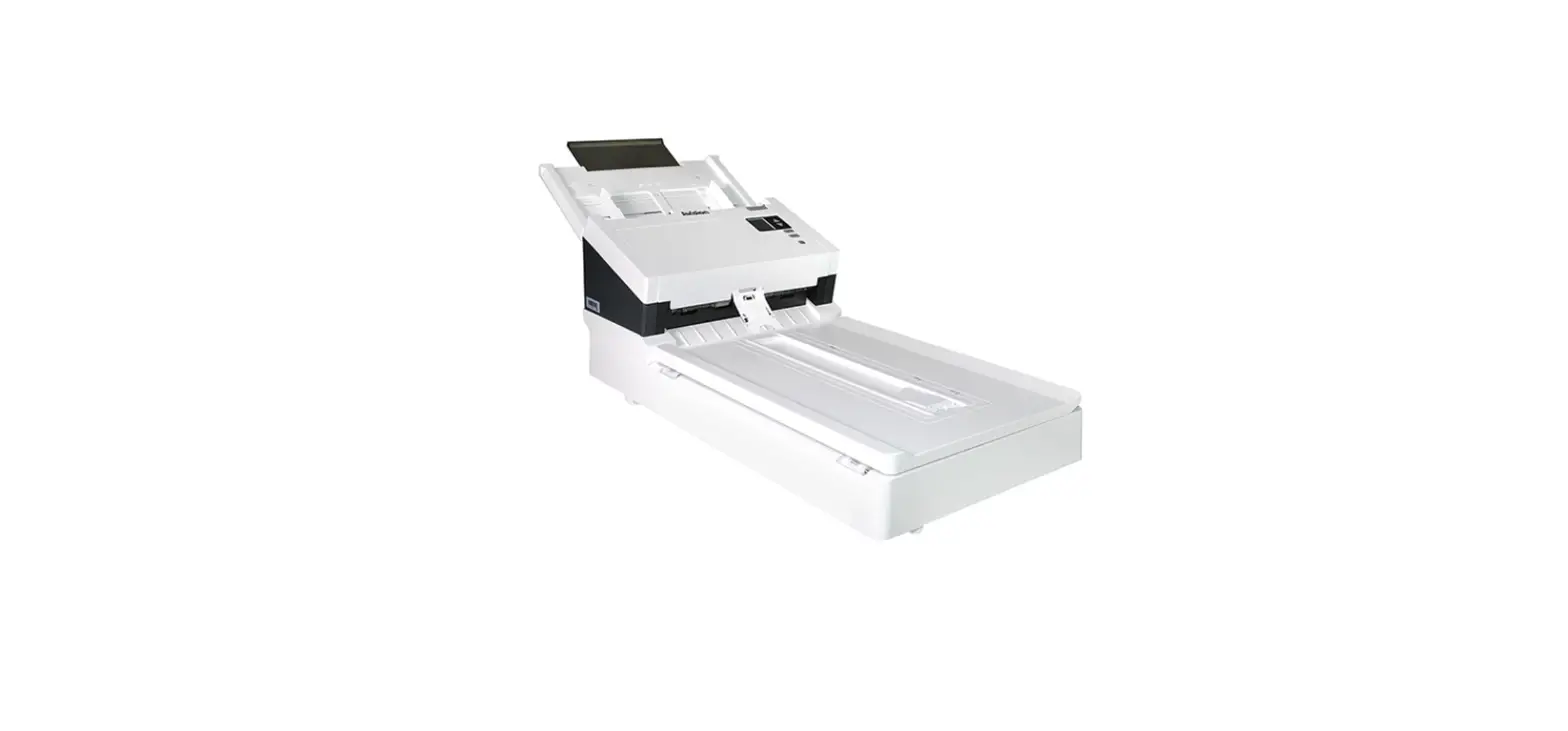
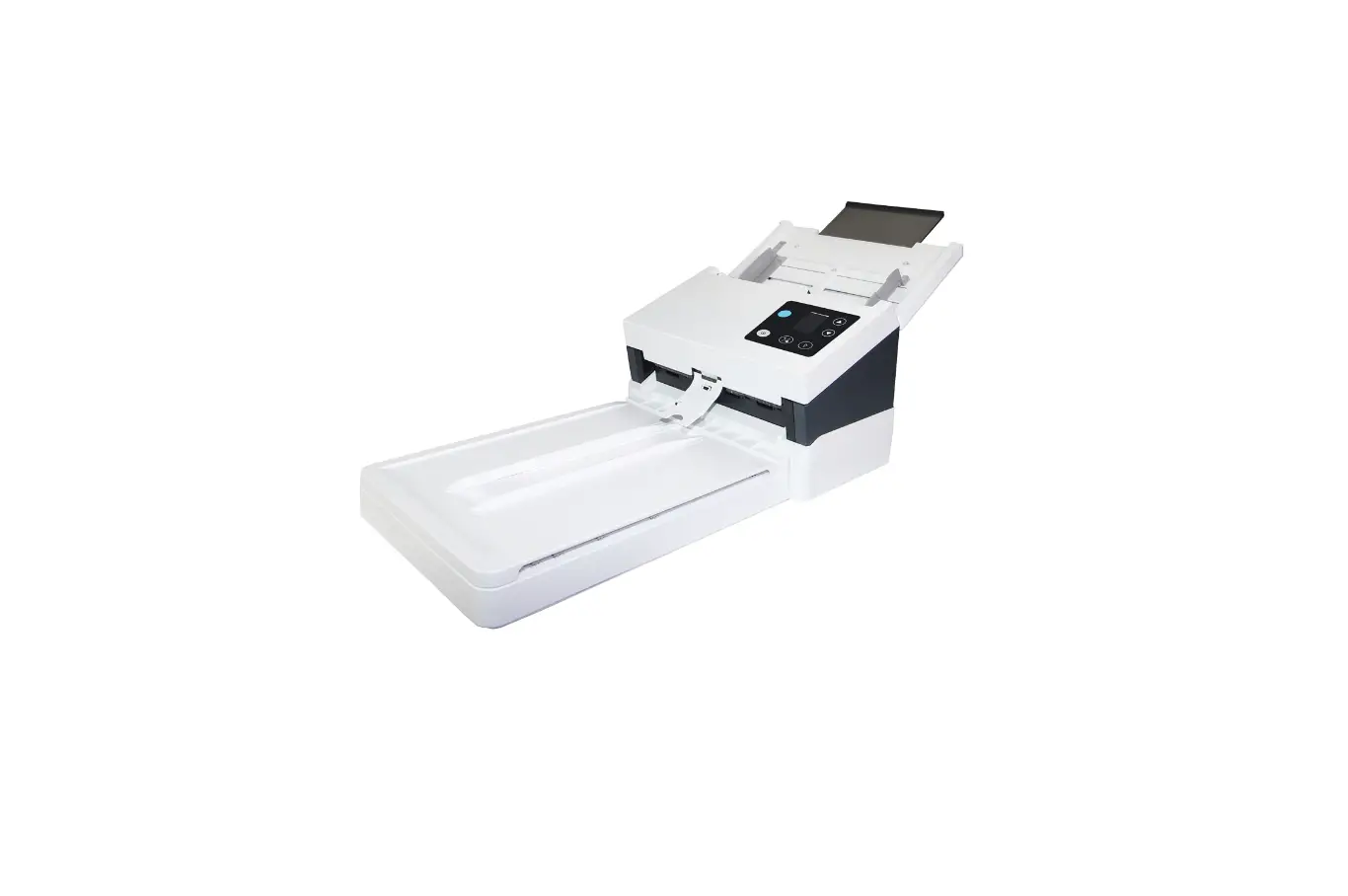
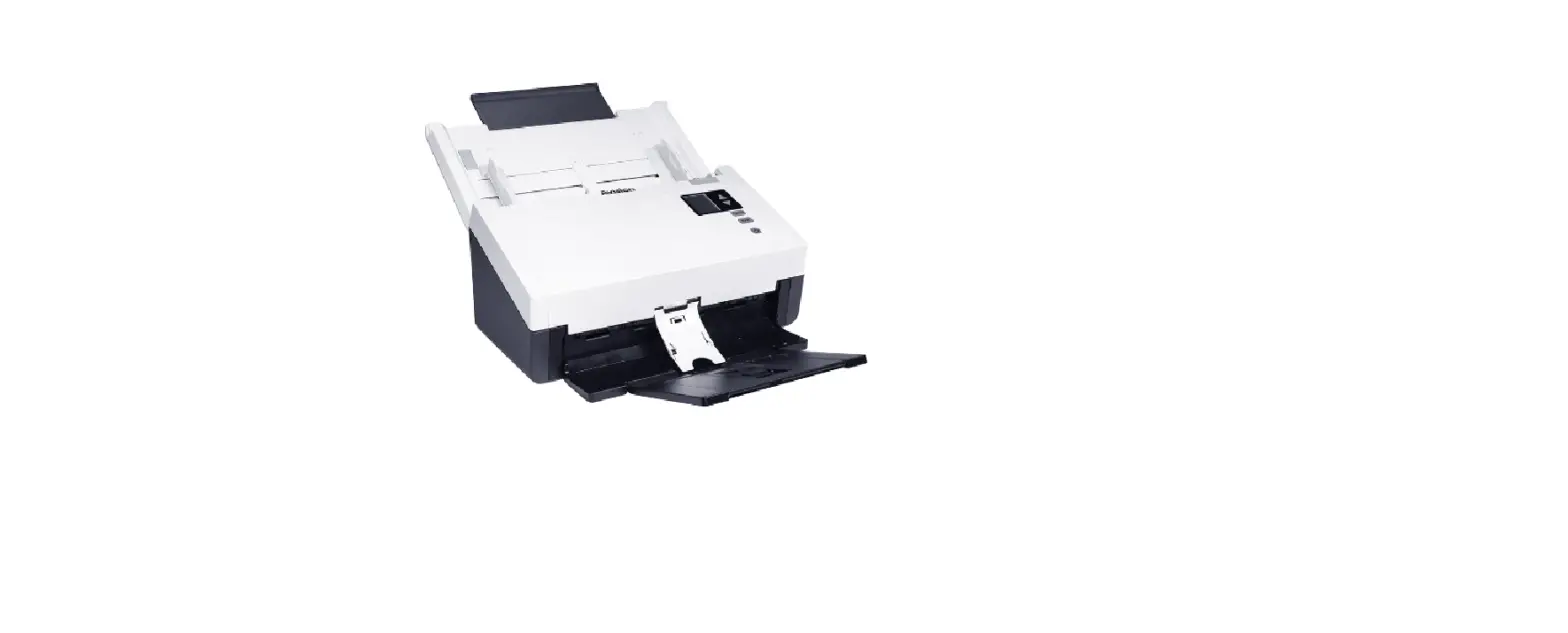
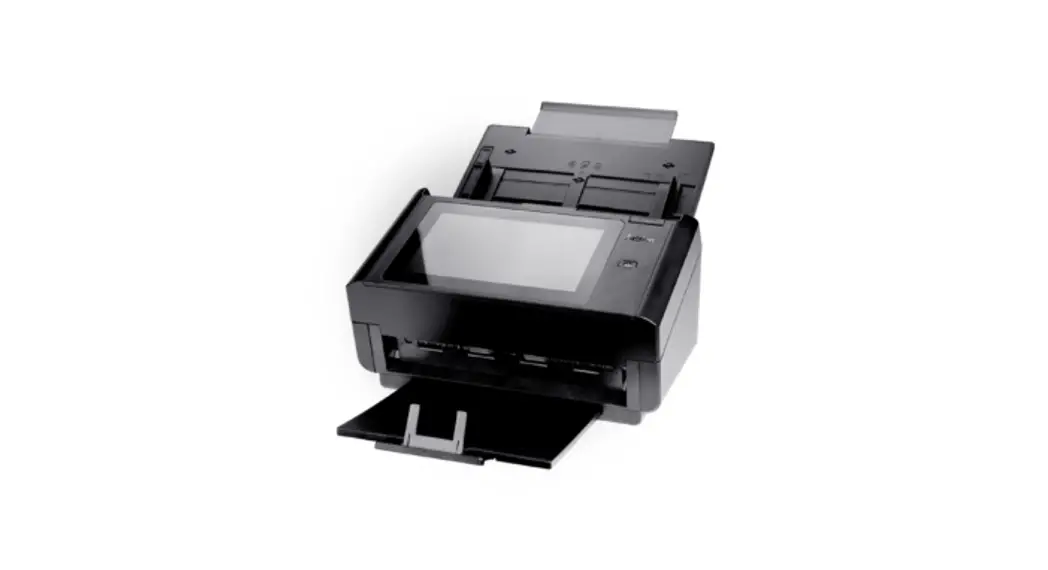
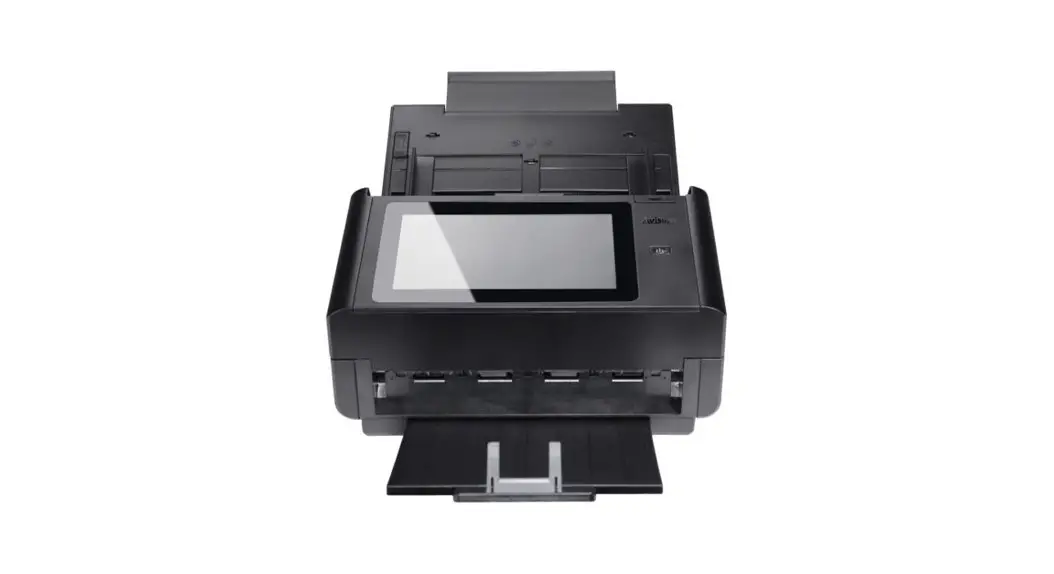
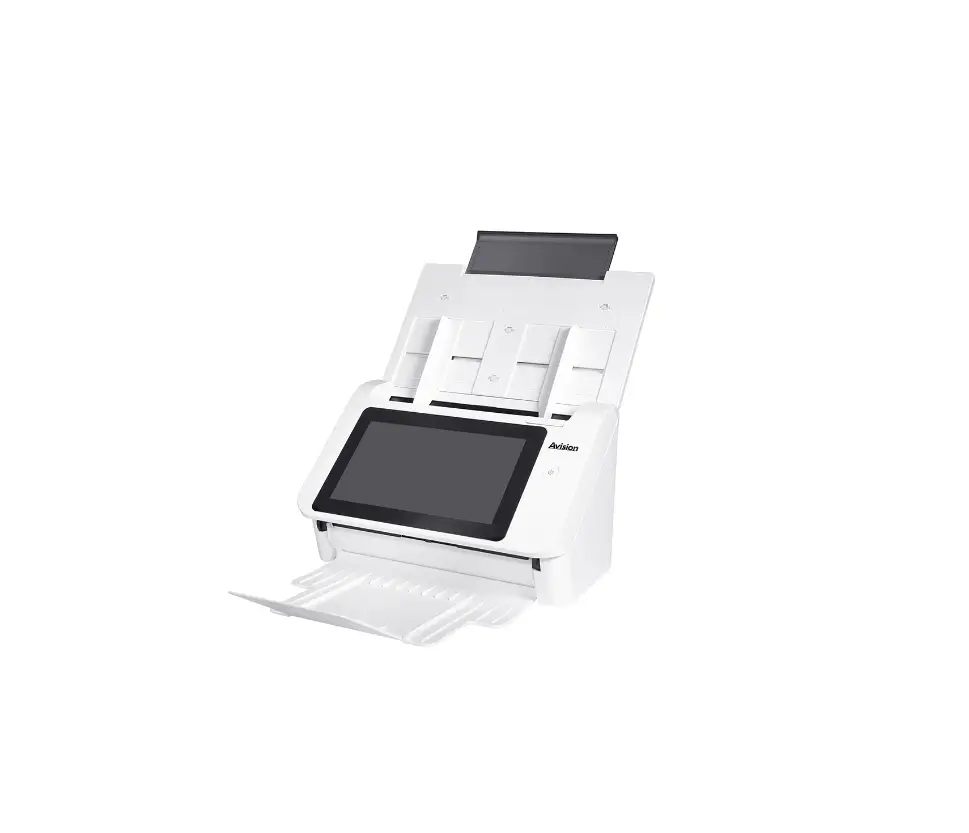
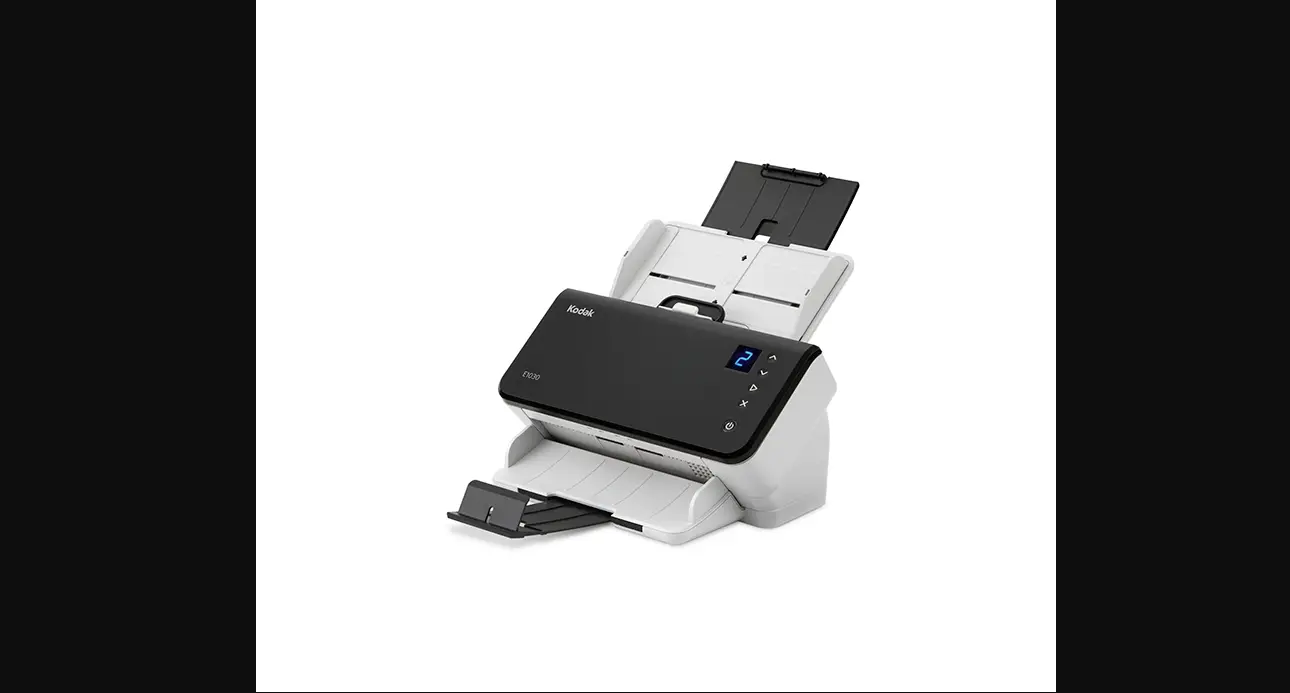
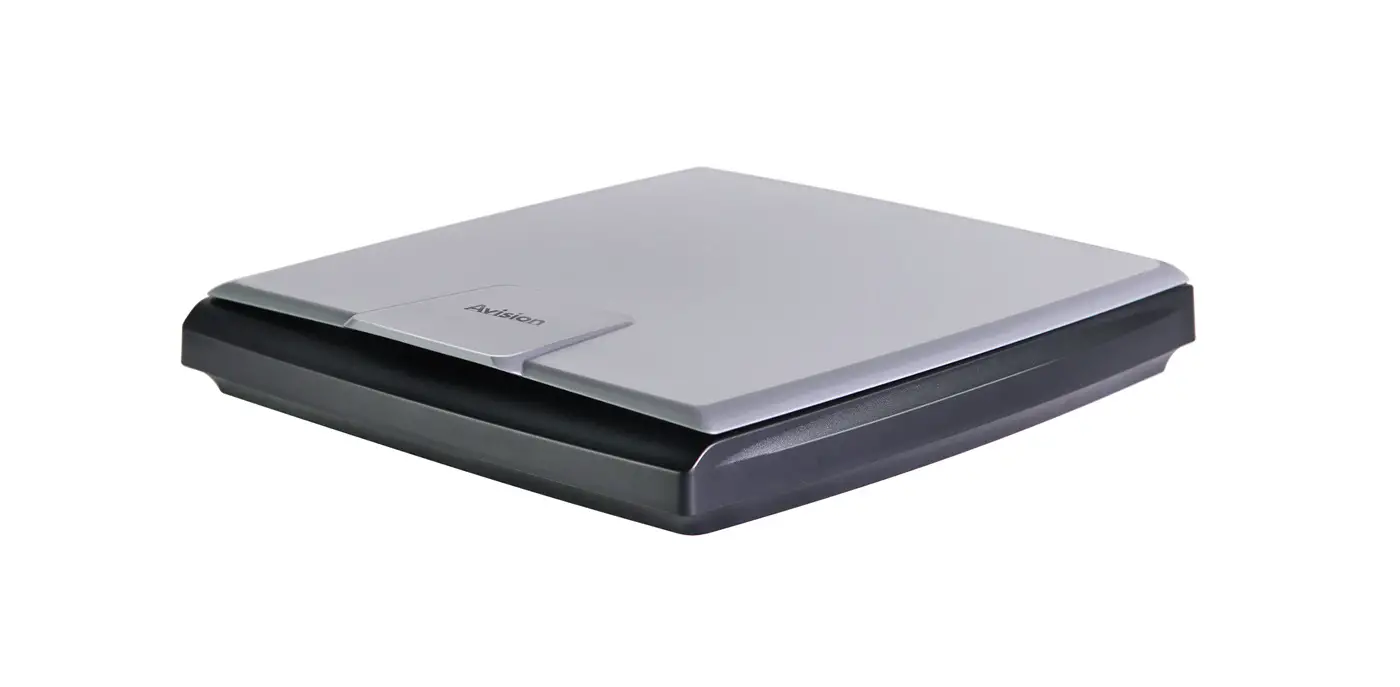
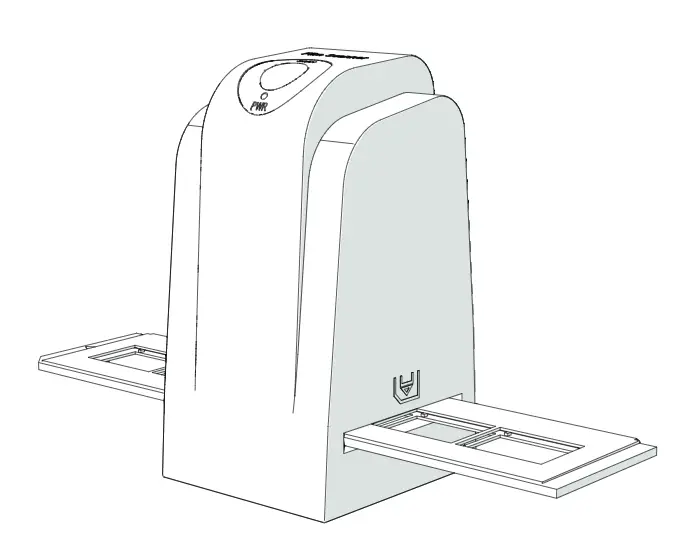
AD380FN Document Scanner
Product Information
The Document Scanner is a versatile device designed to quickly
and efficiently scan documents. It comes with various features and
connectivity options to suit your needs.
What’s in the box:
- Document Scanner
- Power cable
- USB cable
- Ethernet cable
- Installation CD
- User manual
Installation:
- Connect the scanner to power using the provided power
cable. - Place a document on the scanner’s scanning area.
- Connect the scanner to your computer using either the USB or
Ethernet cable.
Software Installation:
To install the necessary software for the scanner, follow these
steps:
- Download and run the “Avision Update” software from the
official website at www.avision.com/install. - Install the Driver/Button Manager V2/Virtual Scanner Link (VSL)
by following the on-screen instructions. - Agree to the terms and conditions and complete the installation
process. - Open the Virtual Scanner Link (VSL) software on your computer
to enable scanning over a LAN connection.
Scanning:
To start a scan using the Document Scanner, follow these
steps:
- Ensure that the scanner is connected to your computer and
powered on. - Launch the VSL software on your computer.
- Click on the “Connect” button to establish a connection between
the scanner and the software. - Place a document on the scanner and click on the “Start Scan”
button in the software to begin scanning.
Additional Resources:
For further assistance, you can download the driver and manual
for the Document Scanner from the official website at www.avision.com/download.
European Union Regulatory Notice:
The Document Scanner complies with the following EU
Directives:
- Low Voltage Directive 2014/35/EC
- EMC Directive 2014/30/EC
- Restriction of the use of certain hazardous substances (RoHS)
Directive 2011/65/EU
Document Scanner
Getting Started
Erste Schritte Démarrage Guida introduttiva Procedimientos iniciales Começando Rozpoczcie uytkowania / .
What’s in the box
Deutsch Lieferumfang Français Ce que contient la boîte Italiano Contenuti della confezione Español Contenido del paquete Português O que vem na caixa Polski Zawarto opakowania
Install the scanner
Scanner installiere Installer le scanner Installazione dello scanner Instalar el escáner Instalar o Scanner Zainstaluj skaner
Connect to Power
Mit der Stromversorgung verbinden Brancher l’alimentation Collegamento all’alimentazione Conectar la alimentación Conecte à energia Podlcz zasilanie
Place a document
Dokument auflegen Placez un document Mettere un documento Colocar un documento Colocar um documento Umie dokument
Connect to Computer
Mit dem Computer verbinden Raccorder à l’ordinateur Collegamento al computer Conectar a su PC Conecte ao computador Podlcz do komputera
USB
Ethernet
1
Install the Software – Download and run [Avision Update] at www.avision.com/install
Installieren Sie die Software (Win) Laden Sie [Avision Update] unter www.avision.com/install herunter und führen Sie es aus Installez le logiciel (Win) – Téléchargez et exécutez [Avision Update] sur www.avision.com/install Installa il software (Win) – Scarica ed esegui [Avision Update] su www.avision.com/install Instale el software (Win): descargue y ejecute [Actualización de Avision] en www.avision.com/install Instale o software (Win) – Baixe e execute [Avision Update] em www.avision.com/install Zainstaluj oprogramowanie (Win) – Pobierz i uruchom [Aktualizacj Avision] ze strony www.avision.com/install (Win) — [Avision Update] www.avision.com/install Win-www.avision.com/install [AvisionUpdate] (Win) – www.avision.com/install [Avision ] (Win) www.avision.com/install [Avision Update] www.avision.com/install [Avision Update] – (Windows)
Install Driver/Button Manager V2/Virtual Scanner Link (VSL)
Treiber/Button Manager/VSL installieren
Installer le pilote/ Button Manager/VSL
Installa driver/ Button Manager/VSL
Instalar controlador/ Button Manager/VSL
Instalar Driver/ Button Manager/VSL
Zainstaluj sterownik/ Button Manager/VSL / Button Manager/VSL / Button Manager/VSL / Button Manager/VSL /Button Manager/VSL Driver/Button Manager/VSL
I Agree
Install
Open VSL (Virtual Scanner Link) Software (LAN)
Öffnen Sie die VSL-Software
Logiciel VSL ouvert
Apri il software VSL
Abra el software VSL
Abra o software VSL
Otwórz oprogramowanie VSL VSL VSL VSL VSL
VSL
Connect
Start a Scan
Einen Scan starten Lancer une numérisation Avviare una scansione Iniciar una digitalización Inicie uma digitalização Rozpocznij skanowanie
Download Driver/Manual at www.avision.com/download
Laden Sie Treiber/Handbuch unter www.avision.com/download herunter Téléchargez le pilote/manuel sur www.avision.com/download Scarica driver/manuale su www.avision.com/download Descargue el controlador/manual en www.avision.com/download Baixe Driver/Manual em www.avision.com/download Pobierz sterownik/instrukcj ze strony www.avision.com/download / www.avision.com/download www.avision.com/download / www.avision.com/download / www.avision.com/download /
European Union Regulatory Notice
Products bearing the CE marking comply with the following EU Directives:
Low Voltage Directive 2014/35/EC
EMC Directive 2014/30/EC
Restriction of the use of certain hazardous substances (RoHS) Directive 2011/65/EU
2
 Download - Avision EN