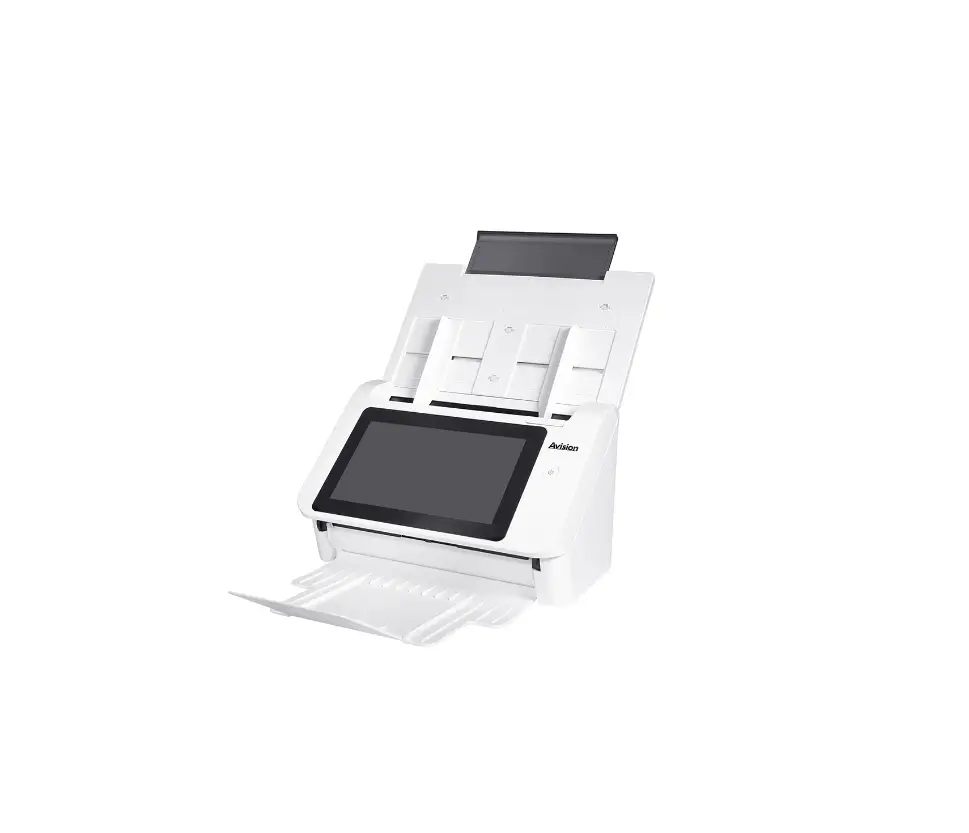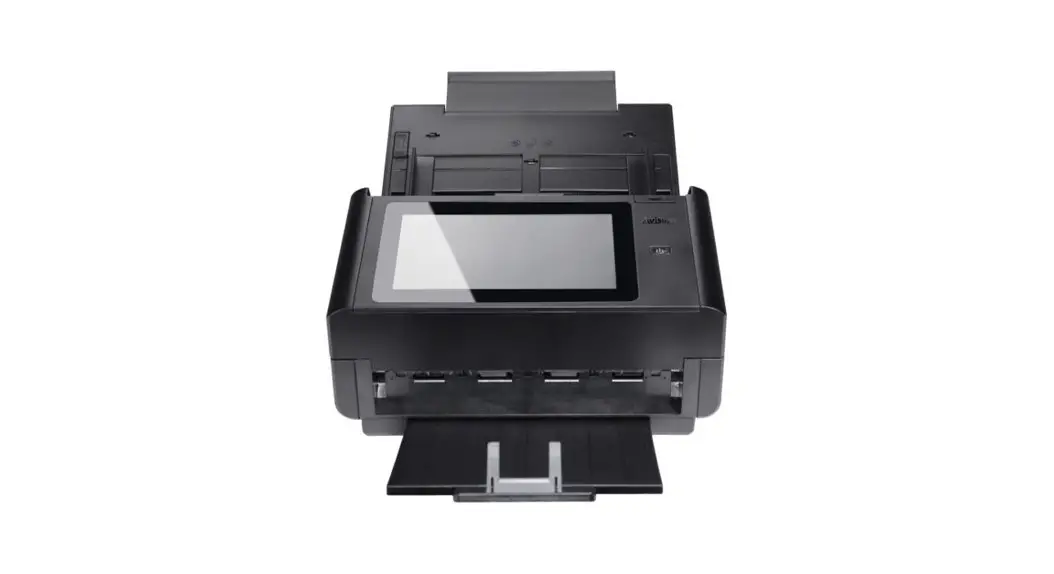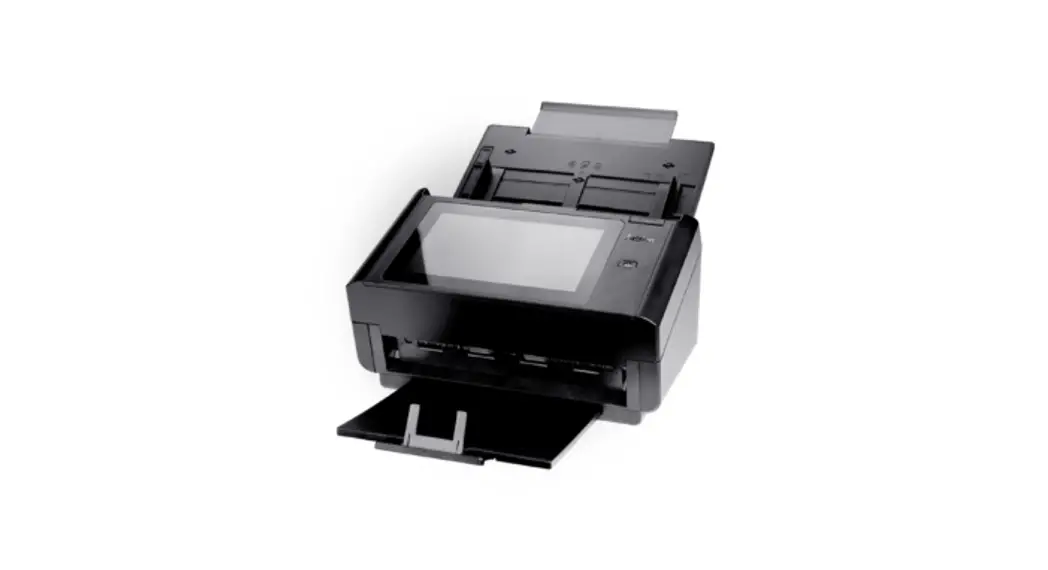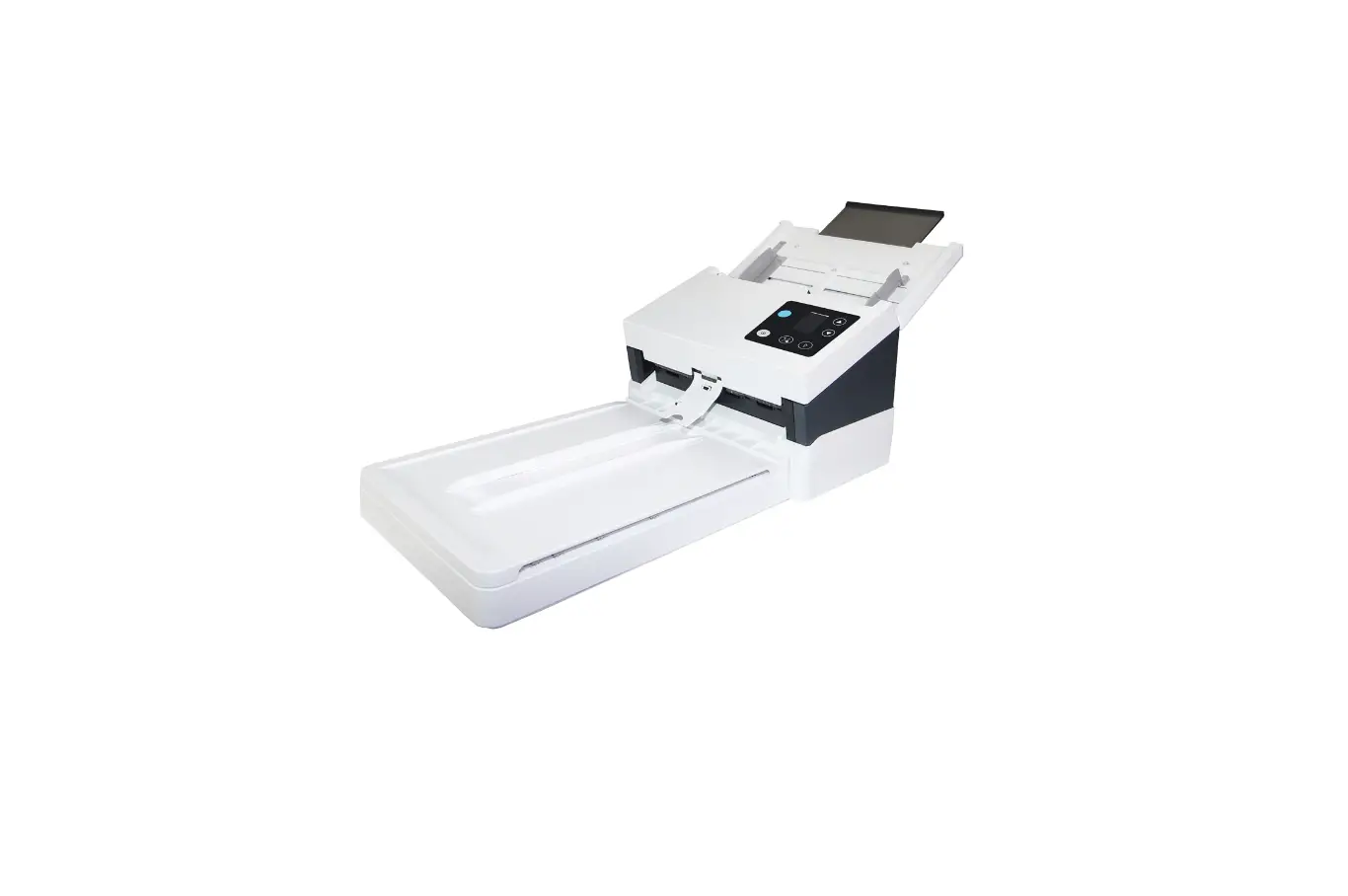
Avision Ad345gf Document Scanner User Guide

Avision Ad345gf Document Scanner User Guide

Avision AD345GF Document Scanner User Guide
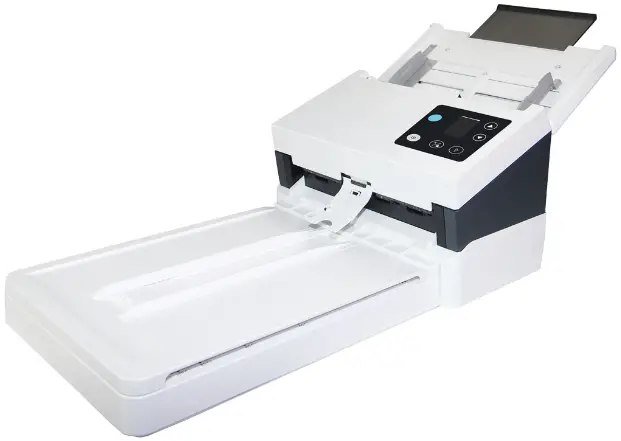
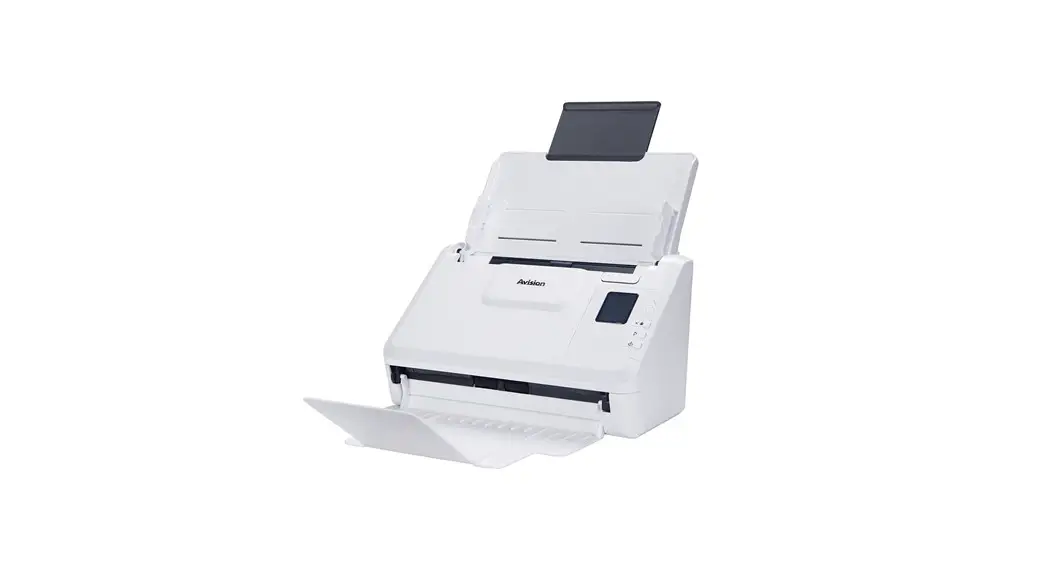
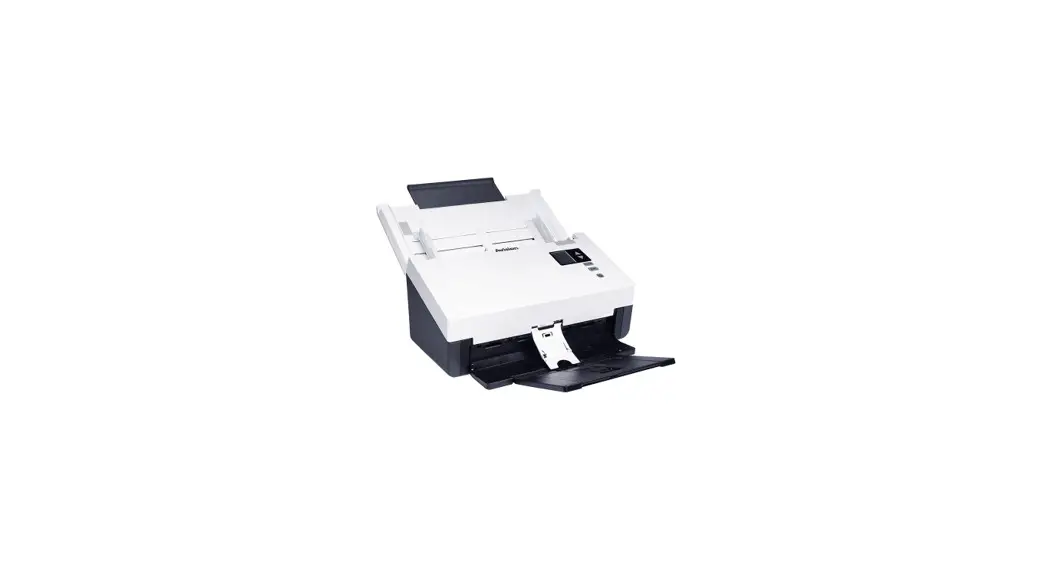
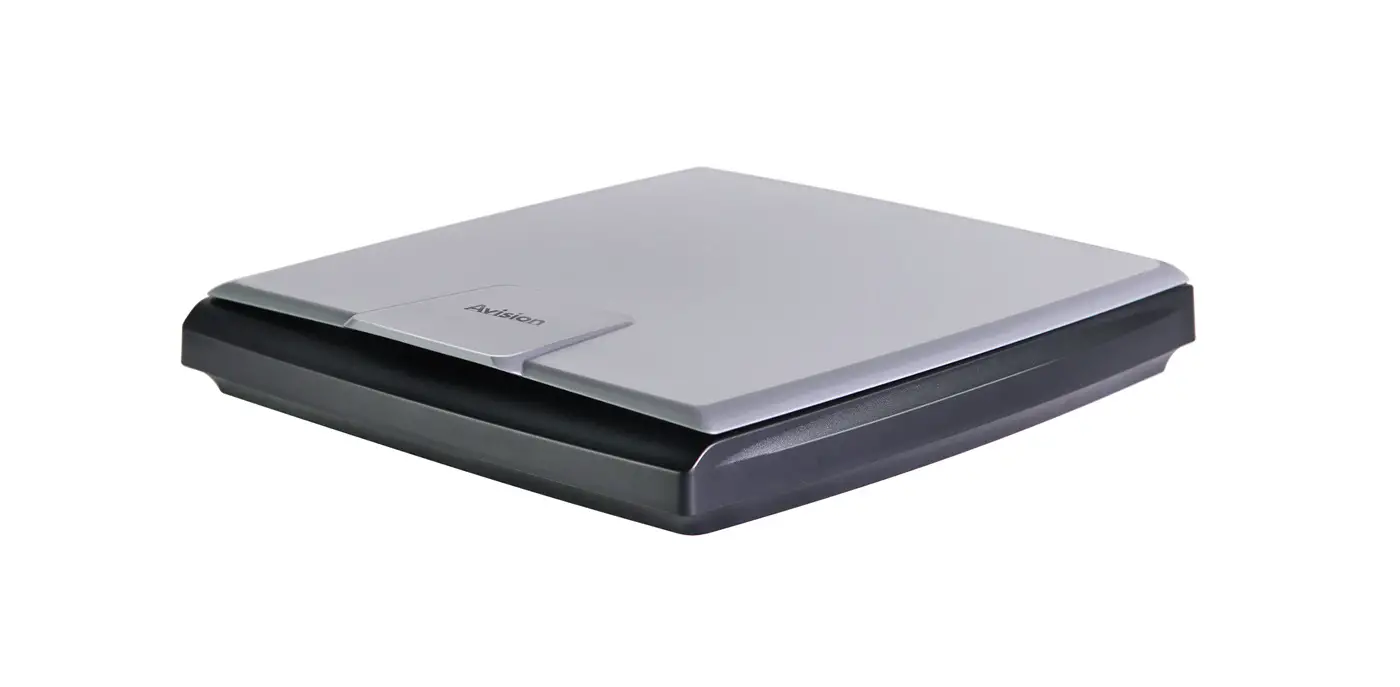
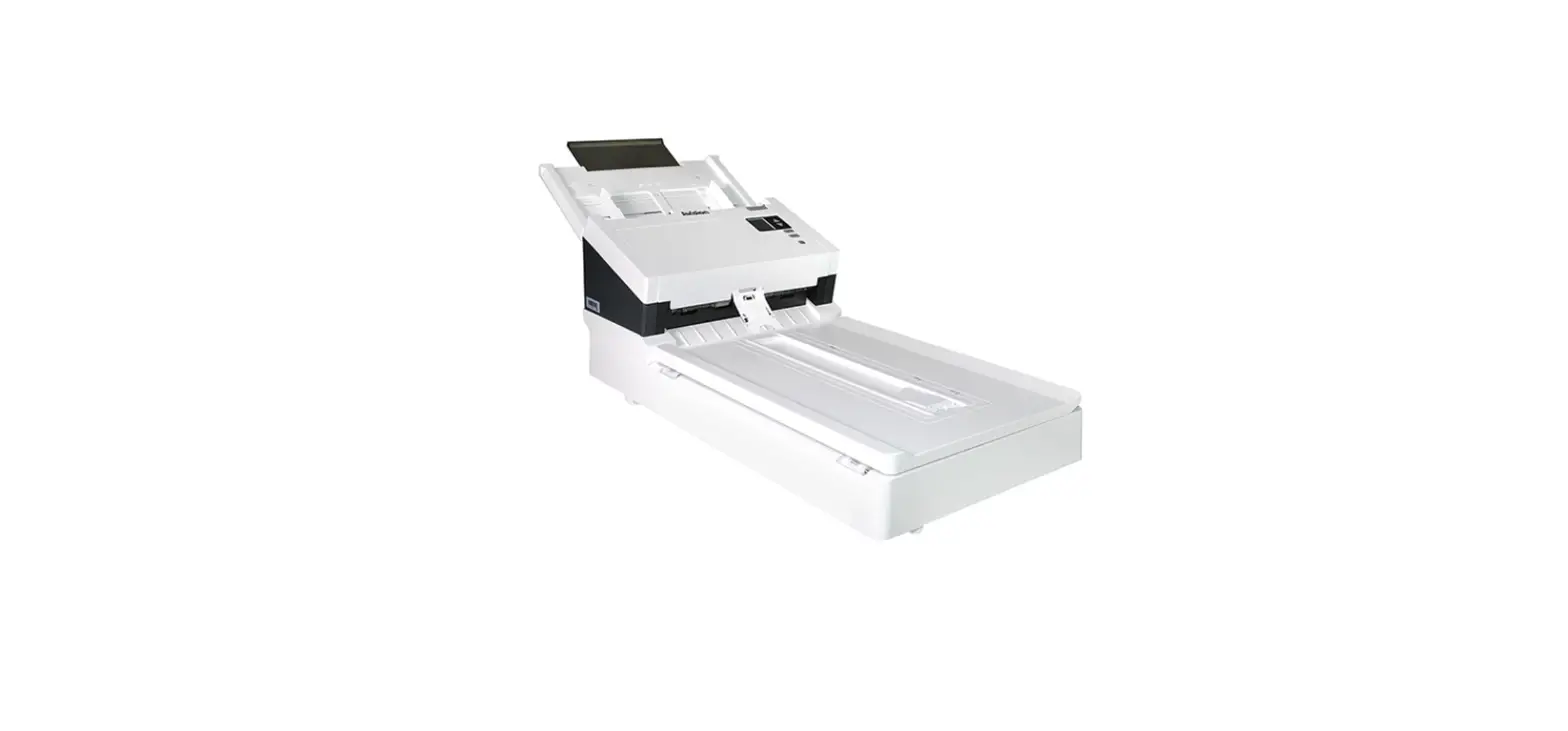
Avision AD345GF Document Scanner

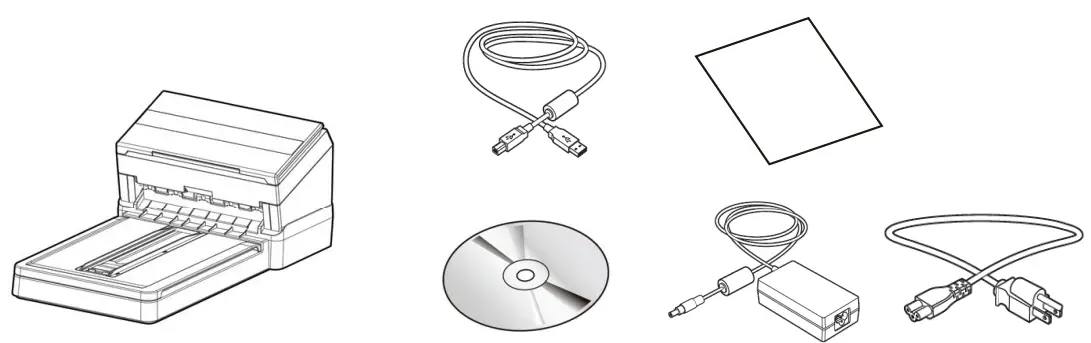
What’s in the box

What’s in the box

Install the scanner

Install the scanner

Connect to Power
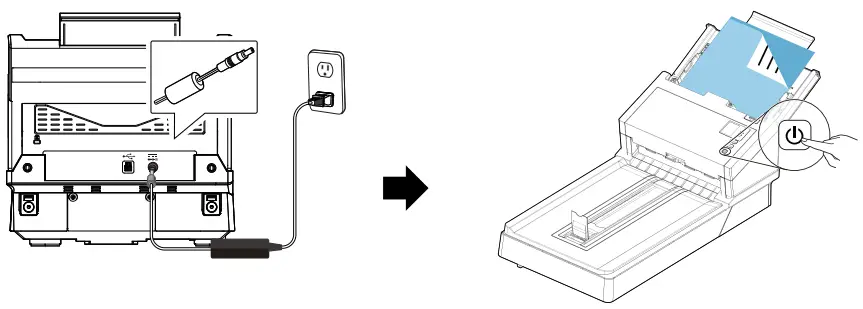
Connect to Power

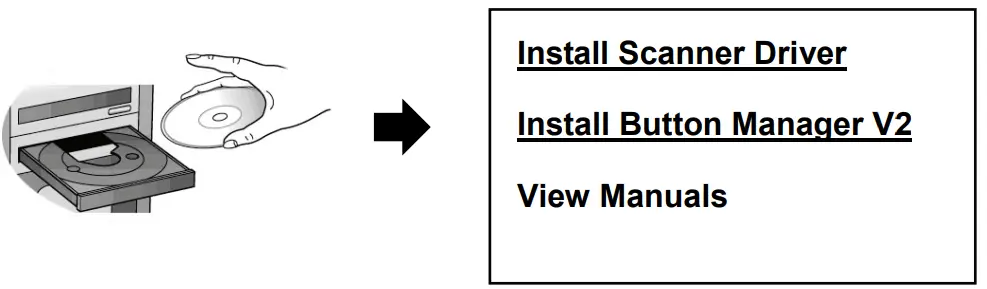
Install the Scanner Driver first and then the Button Manager V2

Install the Scanner Driver

Document Scanner 

Connect to Computer
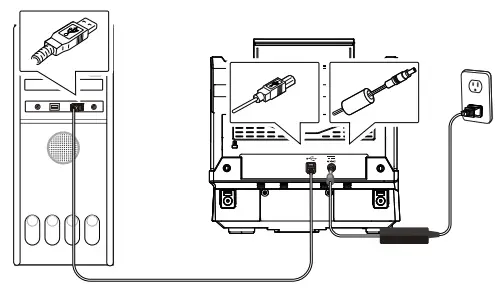
Connect to Computer

Place a document (flatbed)
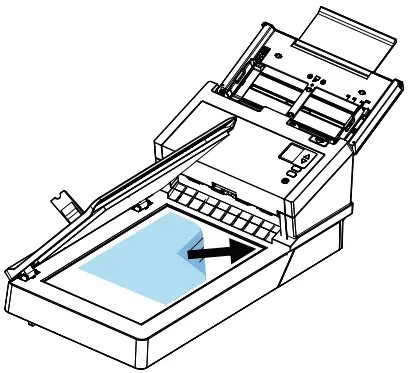
Place a document

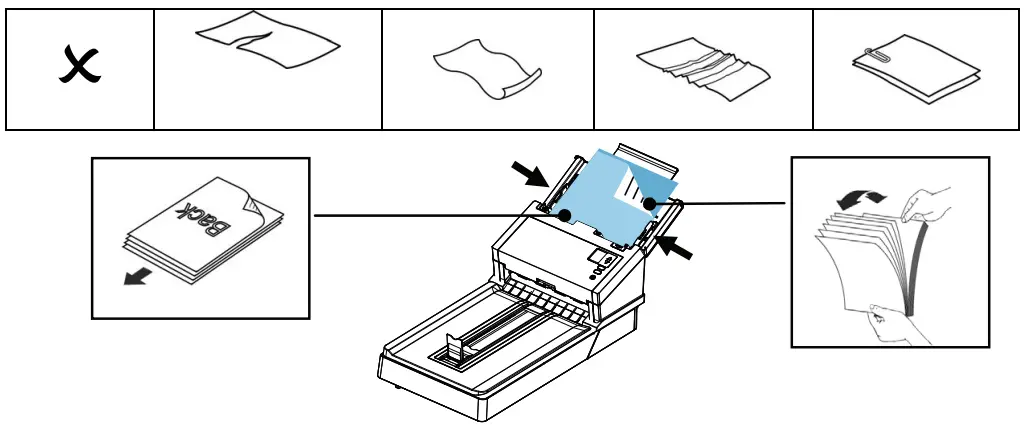
Load a Document

Load a Document

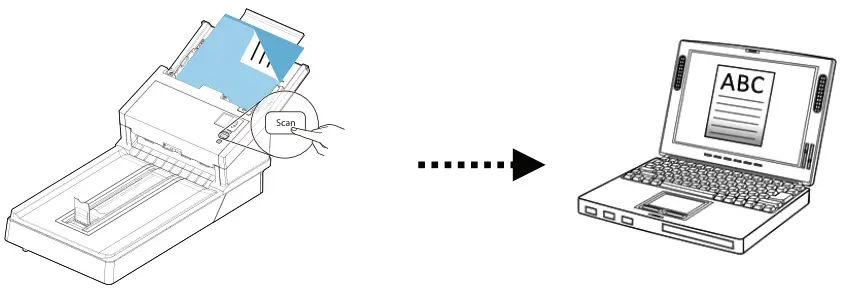
Start a Scan

Start a Scan

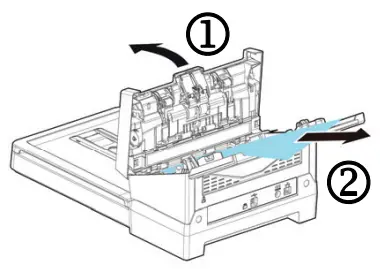
Clear a PaperJam

Clear a PaperJam

View User’s Manual

View User’s Manual

CE Icon
European Union Regulatory Notice

Products bearing the CE marking comply with the following EU Directives:

  • Low Voltage Directive 2014/35/EC
  • EMC Directive 2014/30/EC
  • Restriction of the use of certain hazardous substances (RoHS) Directive 2011/65/EU
Documents / Resouces

Download manual
Here you can download full pdf version of manual, it may contain additional safety instructions, warranty information, FCC rules, etc.


Related Manuals