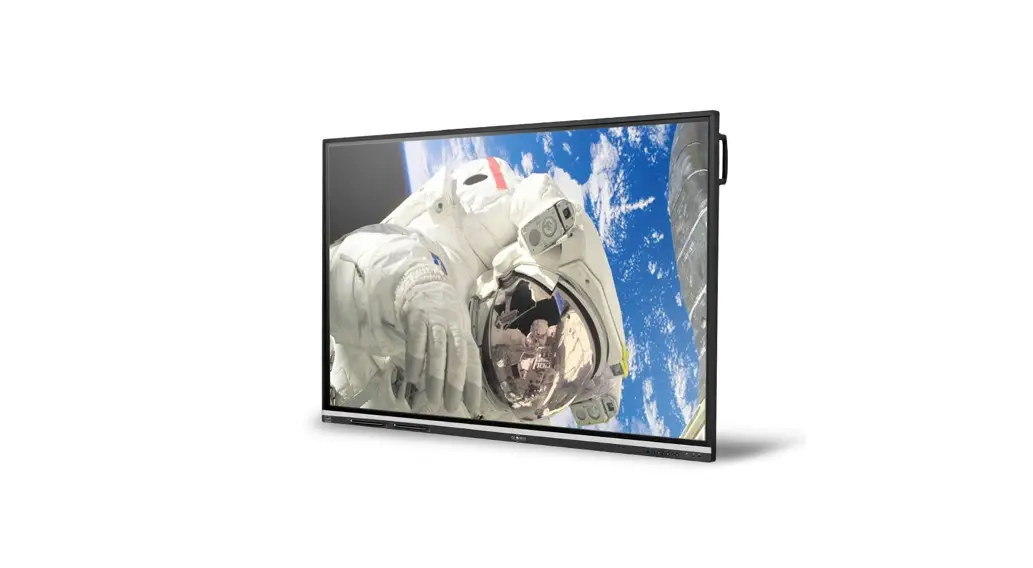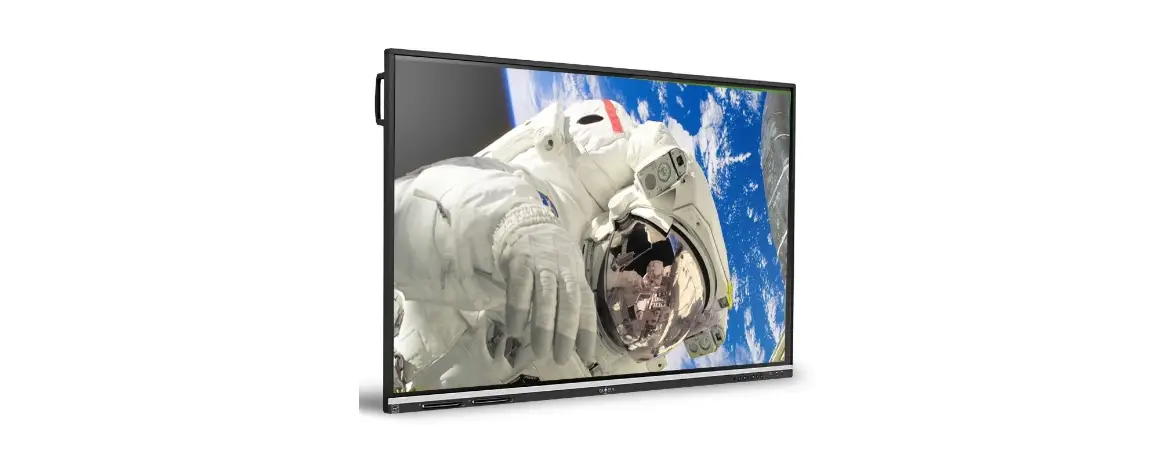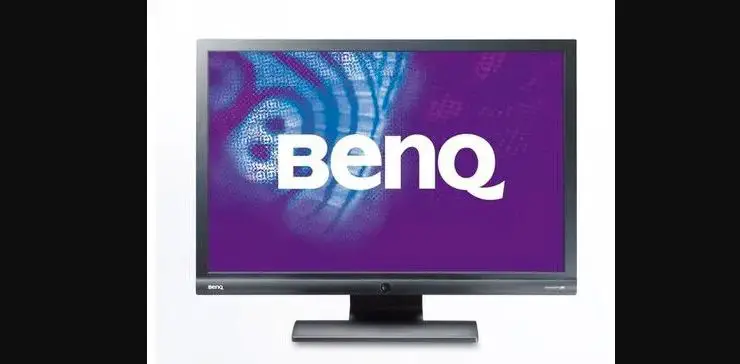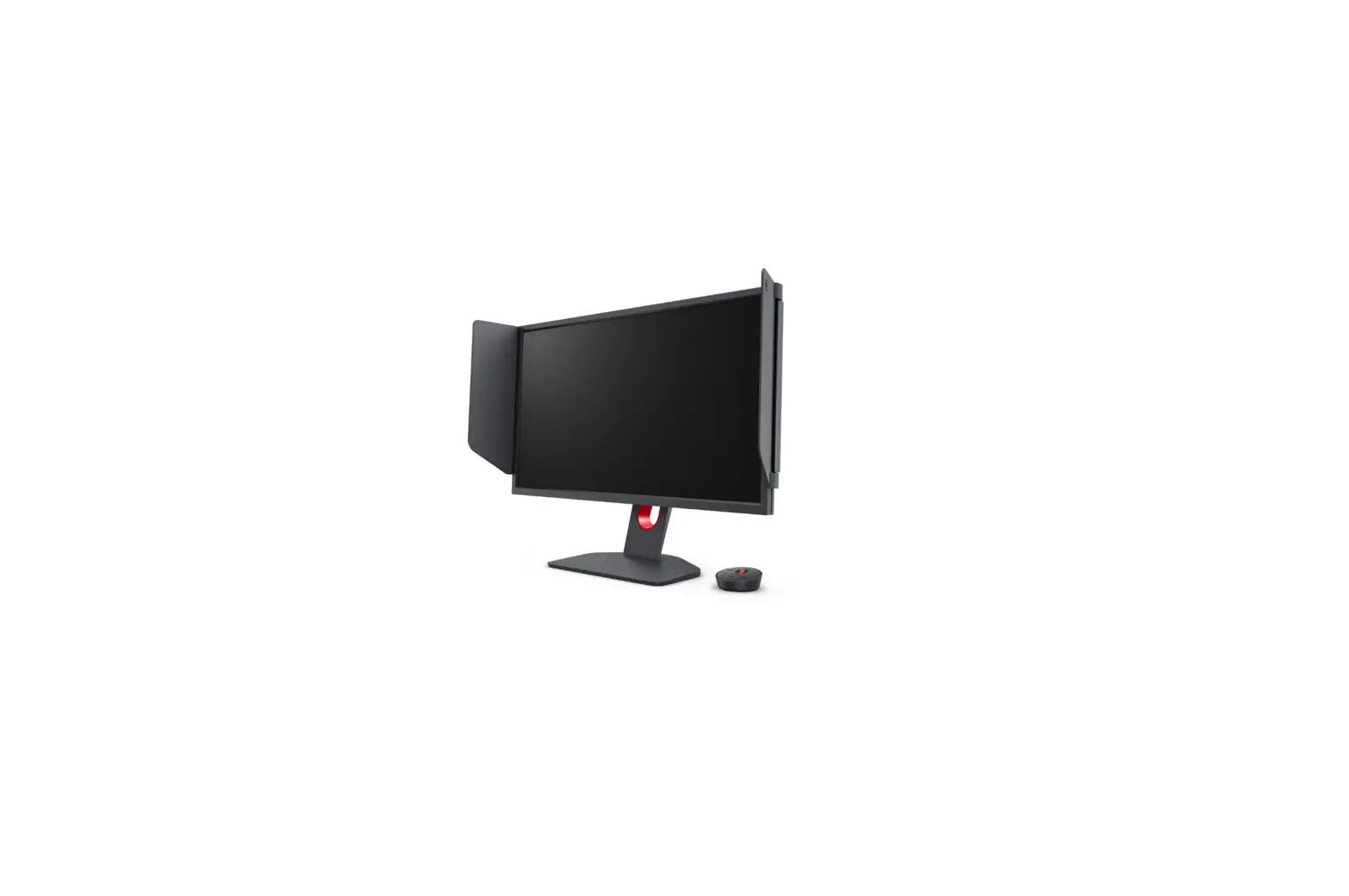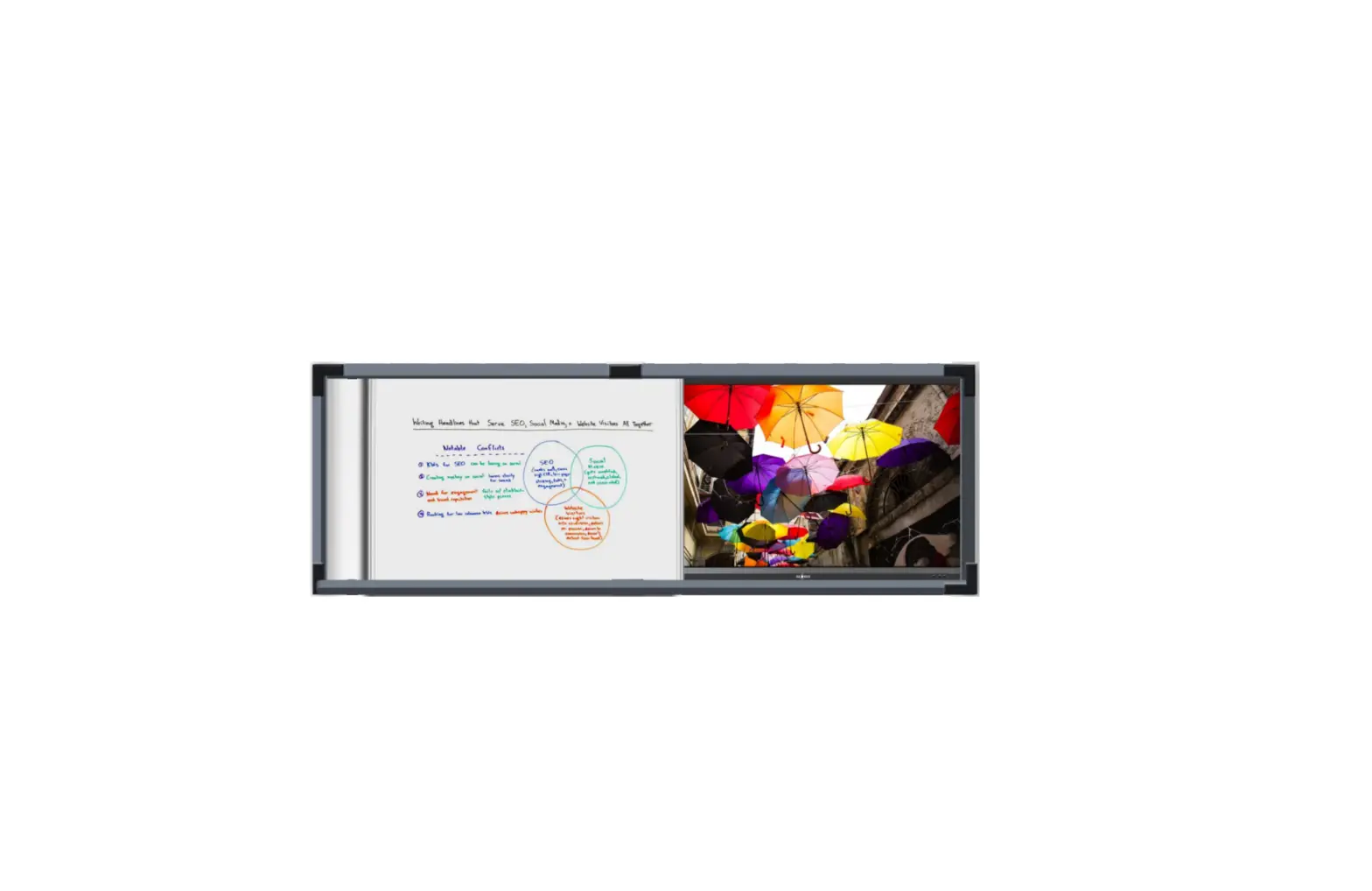
GLOBUS Impact X65-V9 Interactive Display
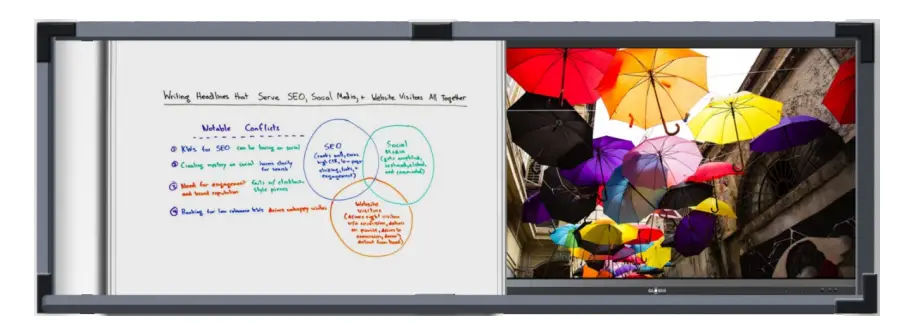
Interactive Display
Model: Impact X65-V9
Globus Interactive Display is an advanced, next‑generation touch display with utmost usability and interactivity. Our professional‑grade displays deliver life‑like picture quality and an immersive experience aided by its high brightness, super‑responsive IR‑based touch and in‑built sound system.
Brightness for Life-Like Images

Our Interactive Displays are manufactured specifically to perform even in brightly lit environment with a brightness of 350cd/m2. It delivers breathtaking viewing experience with vibrant and clear images with uniformly bright images.
Bring Pictures to Life with 5000:1 Contrast Ratio

Billions of colours bring the pictures to life while the vibrancy and vividness highlight even the finest detail of your content. Flicker Free Blue Light Filter Static High Contrast Ratio of 5000:1 elevates your learning experience to next level.
Powerful In‑Built Sound System

Globus Interactive Display packs the combination of interactivity and powerful audio experience to provide a holistic classroom/meeting room environment. Make an impact with its two In‑built speakers of 25 Watt and Subwoofer of 10 Watt for better audio reach.
Wireless Screen Mirroring/Casting
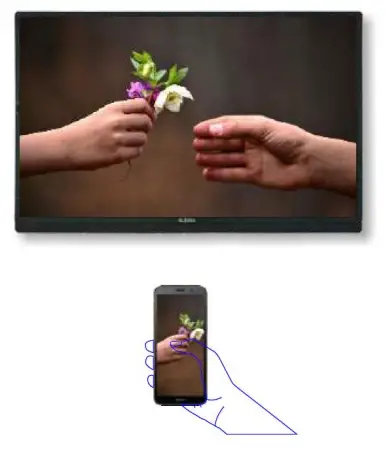
Share display from mini PC wirelessly on any laptop, computer, smart phone or tablet with wireless content sharing feature. This feature enhances connectivity of our Interactive Displays and eliminates the requirement of multiple cables.
Multiple Screen Sizes
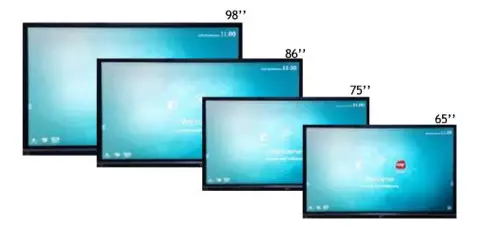
Globus Interactive Display is available in several screen sizes suiting the diverse requirements of the users. They are available in 98, 86, 75 & 65 inches sizes in Ultra HD (4K) resolution.
Split Screen
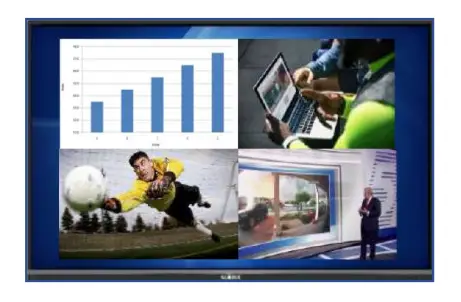
Our Interactive Displays supports Split Screen feature, which allows users to see and operate multiple applications on single screen of Interactive Display, enabling them to handle multiple tasks at the same time.
Interactive Classroom Suite
Inbuilt whiteboard software for teaching/ training using Interactive display with features like (Pen, thickness of pen, colours of pen, Pixels eraser and Region eraser, Shapes (Circle, Triangle, Rectangle, arrows),Background of White board (multiple colours also use picture, shape), Redo/Undo, Next/Previous, Select & Drag option, Switching between single touch and multiple touch, Clear screen, List of pages with deleting option, Switching tool bar right to left, Many other Tools (Compass, Protector, Insert Table, Calculator, Curtain, Timer, Calendar, Camera, Spotlight, Multiscreen (divide board in 2,3,and 4 parts with background colour and different pen colour), on screen annotation. Interactive software of the interactive Display detects the Visual Presenter/ Visualiser and able to annotate on the image captured by the Visual Presenter/ Visualiser
Technical Specification
| Model | Impact X65-V9 |
| Technology | D-LED Backlight (IPS), Smart Eye Protection |
| Display size (Diagonal) | 65 inches |
| Display Color | 10 bit ‑1.07 Billion colours |
| Resolution | 3840 x 2160 (4K) |
| Aspect Ratio | 16:9 (Landscape) |
| Viewing Angle | 1780 Horizontal / 1780 Vertical |
| Brightness | 350 cd/m2 |
| Contrast Ratio | 5000:1 |
| Response Time | 4 ms |
| Working Hours | 50,000 Hours |
| I/O Ports | Input: HDMI x 3, RGB/VGA x 1, Audio x 1, OPS slot x 1, RS232 x1; Output: Audio(Earphone out) x 1; USB Ports: USB 3.0 x 4, USB 2.0 x1, USB Type-B x 2 |
| Communication Port | RJ45 x 1, RS232 x 1 |
| Buttons | Volume UP/Down, Home, Back, Menu, Touch on/off & Power Buttons |
| Wireless Connectivity | Inbuilt Dual band Wi-fi (2.4 & 5Ghz), Bluetooth 5.0 |
| Smart USB | Smart USB for Android & Windows |
| Built‑In Speakers | Stereo Sound with in‑built 25-Watt x 2 speakers and 10-Watt Subwoofer |
| OS Support / Embedded Player | Windows 10/ Windows 8/ Windows 7/Linux/Mac/Android Embedded Player CPU Inbuilt |
| Multilanguage GUI | GUI interface in both Hindi and English Language |
| Virtual Keyboard | Inbuilt virtual keyboard with English to Hindi writing support. |
| Pen Holder | Frame/Structure with inbuilt magnetic mechanism to hold upto two numbers of Pen |
| Security | Lock USB port, Screen Lock, application lock to restrict unwanted access. |
| Power Supply | 100~240V AC +/‑ 10%, 50/60 Hz |
| Power Consumption | 250 Watts, Standby < 0.5W |
| Touch | |
| Type | 4 mm AG Glass, Scratch resistant |
| Touch accuracy | ± 1 mm |
| Touch Sensor | IR Infrared (Zero Gap bonding) |
| Touch On/Off | Available on Front of Display |
| Touch Resolution | 32767 x 32767 |
| Response Time | 4 ms |
| Touch Points | 20 points Multi Touch |
| Communication Interface | USB |
Interactive Classroom Suite
Inbuilt whiteboard software for teaching/ training using Interactive display with features like (Pen, thickness of pen, colours of pen, Pixels eraser and Region eraser, Shapes (Circle, Triangle, Rectangle, arrows),Background of White board (multiple colours also use picture, shape), Redo/Undo, Next/Previous, Select & Drag option, Switching between single touch and multiple touch, Clear screen, List of pages with deleting option, Switching tool bar right to left, Many other Tools (Compass, Protector, Insert Table, Calculator, Curtain, Timer, Calendar, Camera, Spotlight, Multiscreen (divide board in 2,3,and 4 parts with background colour and different pen colour), on screen annotation. Interactive software of the interactive Display detects the Visual Presenter/ Visualiser and able to annotate on the image captured by the Visual Presenter/ Visualiser.
Screen Mirroring
Data from Mini PC can be shared wirelessly on multiple Phones/Tablets without any other hardware requirement. allow user to share/mirror the content of Laptop/Desktop and mobile device(Android) wirelessly and Screen Share software to show up to 4 Multiple screen at same time.
Special Features
- In-built Google Play-Store, Gmail, You-tube, cloud drive access from Google drive & one drive applications
- In built quiz tool to allow participants to submit answers from their Smart Phones (Answering/Voting/Messaging), built in Screenshot, Screen recording feature supports up to full HD resolutions.
- Inbuilt Hotspot with internet sharing across the connected devices.
- Support software based VC with internal android platform like Google meet, Cisco WebEx , Skype, Microsoft teams & zoom applications.
- Gesture control like Hold five fingers on screen for Interactive display sleep mode, hold and move three fingers on screen for Floating menu & swipe the screen Upside for Pull up menu control.
- Inbuilt Volume equalizer and surround sound support to enhance the sound quality
| Inbuilt Android Hardware | |
| Android Version | 11 |
| CPU | Quad Core |
| RAM | 4 GB |
| Storage | 32 GB (expandable upto 512 GB) |
| Storage Conditions / Packing Information | |
| Working Temperature / Humidity | 00C ~ 450 C / 0%-95% RH |
| Mounting | Wall‑mounted / Floor Stand (Optional) |
| Standard Accessories | Power Cord, User Manual, IR Remote Control with batteries, All connecting Cables and accessories, Pen/stylus x 2 |
Frame Structure
Wall mounted structure with locking facility and sliding arrangement with Writing board (Minimum 60 Inches diagonal) in front.
Customer Support



*Due to continuous product development, the specifications may change without prior notice.
**Product image(s) are for illustrative purposes only and may differ from the actual product
Corporate Office: A-66, Sedor-4, Neida, District Goutom Budh Nogor, Uttar Pradesh – 201301, Indio I Phone: + 91-120-4051 700, 4051800
Email: [email protected] I www.globusinfocom.com

 Globus Infocom Limited