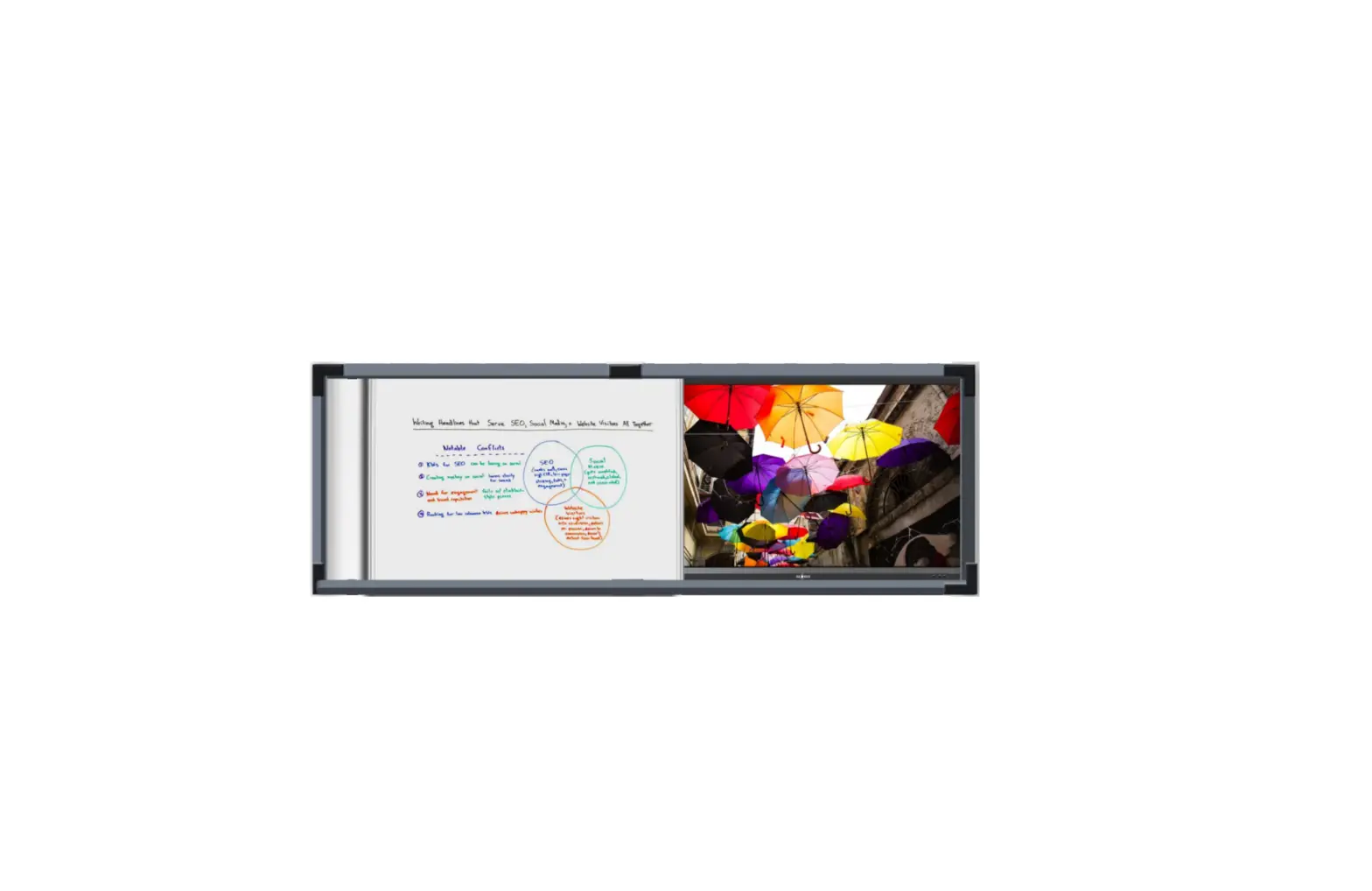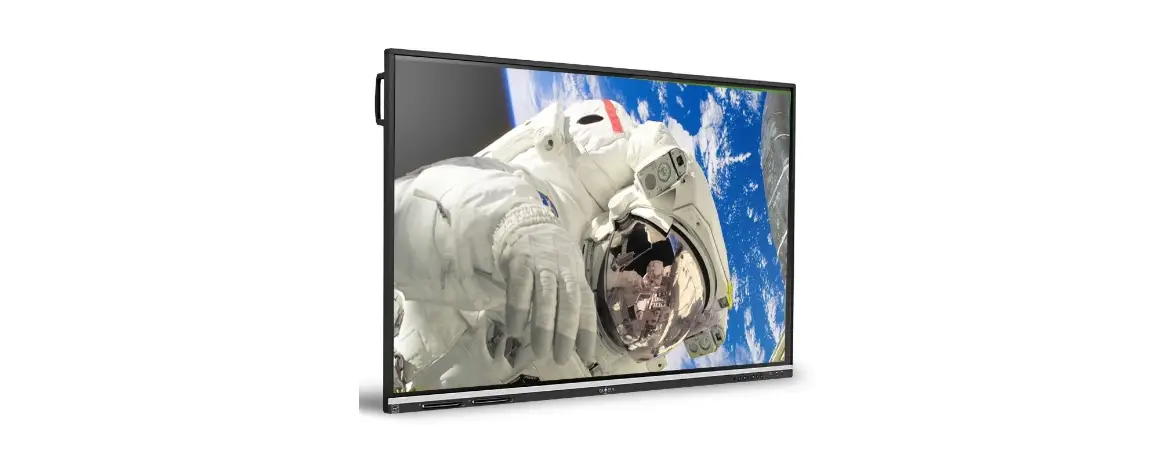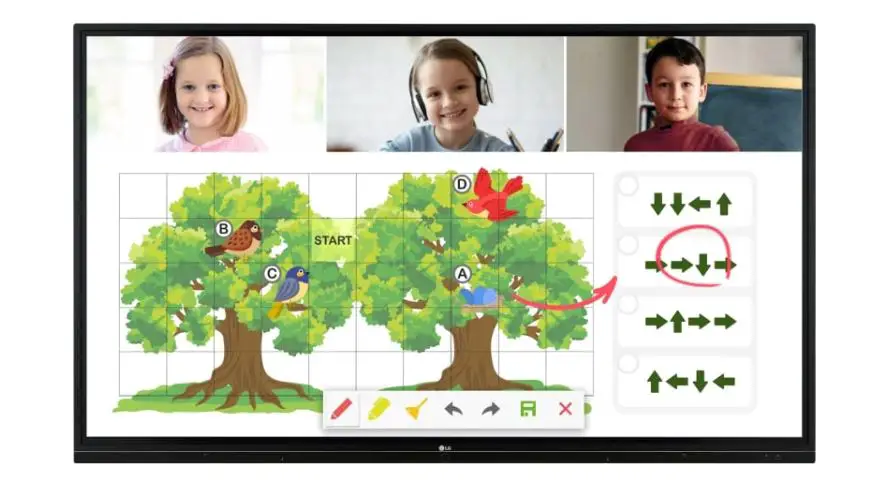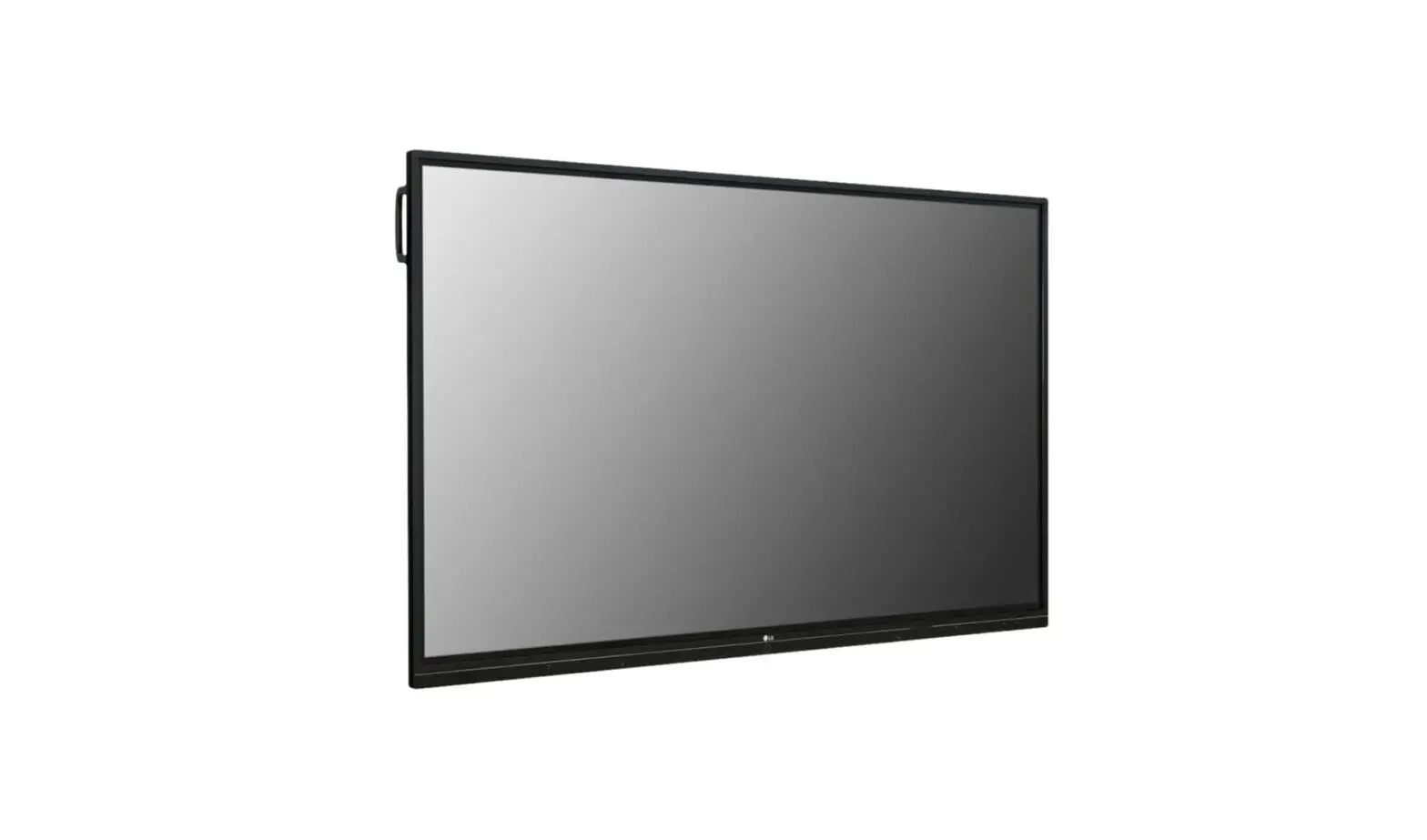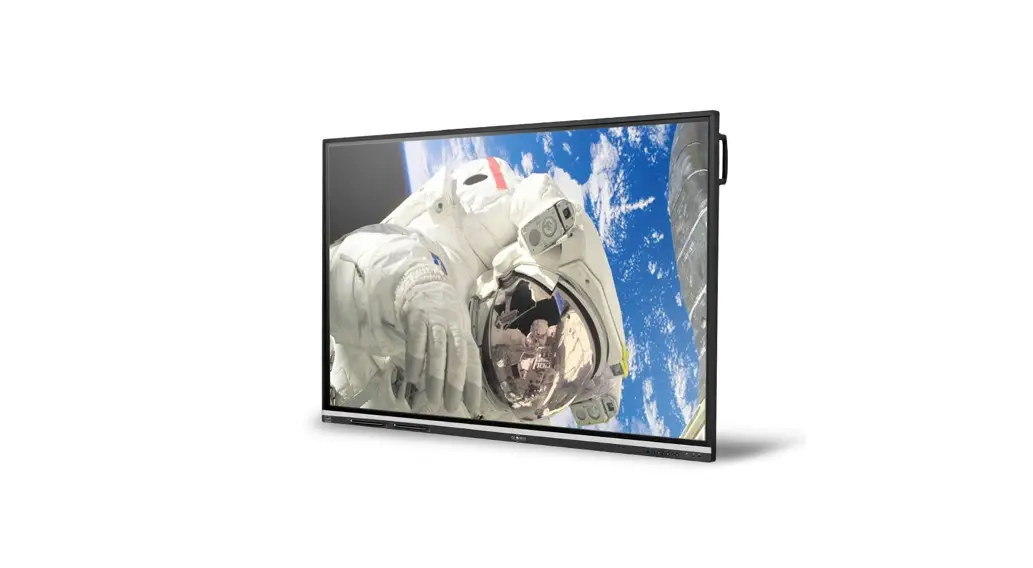
 TWB-C-75 Inspire Series Interactive Display
Owner’s Manual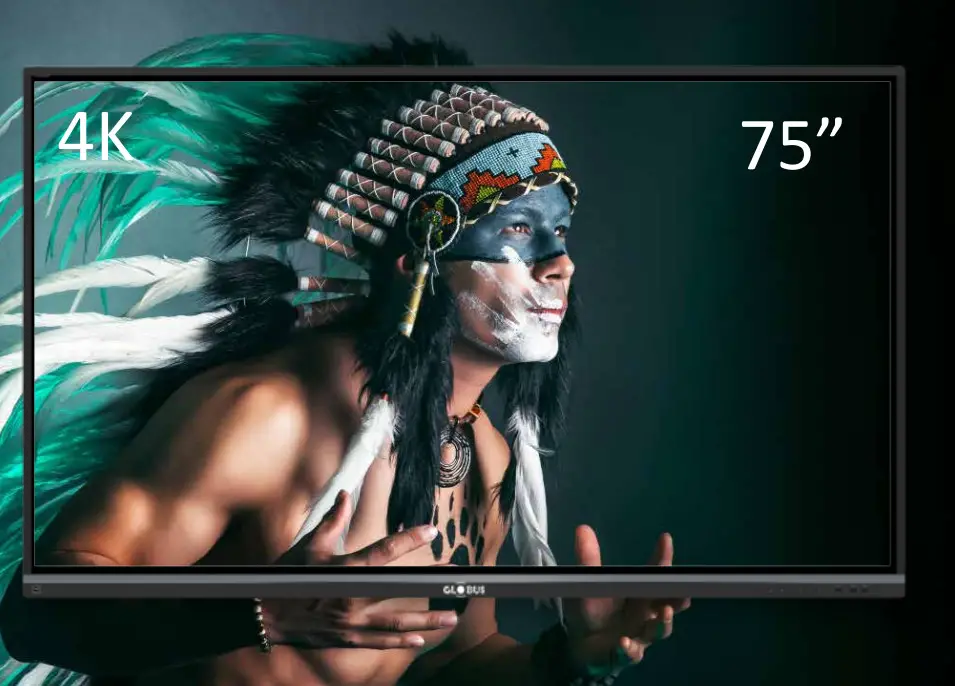 Bring Interactivity to Your Learning & Collaboration
Inspire Series
INTERACTIVE DISPLAY Model: TWB-C-75
Advanced Features
- High Brightness for Spectacular Visual Performance in Any Ambient Lighting.
- Sharp Contrast Ratio for Excellent Colour Reproduction and Life-Like Images.
- Inbuilt Powerful Sound System for Immersive Audio Experience.
- Multiple Sizes Available: 65”, 75”, 86” and 98”
Application Areas
| Educational Institutes | Training Rooms |
| Meeting Rooms | Ops Rooms |
| Board Rooms | Defense etc. |
About Globus
20 + YEARS
20 Years of bringing innovation to technology to create holistic and all-inclusive solutions for diverse requirements of our valued customer base. 
Industry LEADER
Industry Leader in providing advanced, cost-effective and comprehensive technological solutions in the field of Education Technology, Collaborative Conferencing & Professional Displays, Security & Surveillance and Healthcare & Wellness.
Extensive Sales & Service Network
Extensive Sales & Service Network across the length and breadth of the country providing impeccable service and after-sales support. 
Interactive Display
| Model | TWB-C-75 |
| Technology | DLED Backlight (IPS) |
| Display size | 75 inches, Diagonal |
| Aspect Ratio | 16:09 |
| Resolution | 3840 X 2160 |
| Contrast Ratio | 5000:1 |
| Brightness | 400 cd/m2 |
| Display colour | 8 bit-16 million colours |
| Input Ports | HOW x 3, RGB/VGA x 1, Audio x 1, PC slot x 1, RS232x1 |
| Output Ports | Audio(Earphone out) x 1, SPDIF x1 |
| USB Ports | USB 2.0 Type A x 3, USB 3.0 Type A x 4, USB 2.0 Type B for Touch x 2 |
| Smart USB Port | Support sharing Mode with Android, Internal PC or other External PC / Device |
| Communication port | R145 x 1 Gigabit LAN Port |
| Built In Speakers | Stereo Sound with in-built 15 Watt x 2 speakers |
| Viewing Angle | Horizontal 178 degrees, Vertical 178 degrees |
| Touch Technology | IR Recognition |
| Touch Resolution | 32767 x 32767 |
| Touch Points | 20 Points |
| Writing Points | 10 Points with automatically detect pert diameter (8mm & 2mm) and write simentanouslly with different colours and thiknesses. |
| Pen Recognition | Dual Pen recognition with 2mm tipped pens at real-time lag free response rate. |
| Touch Response Time | 15 ms |
| OS Support/Embedded Player | Windows 10/ Windows 8/ Windows 7/Linux/Mac/Android Embedded Player CPU Inbuilt. |
| Stylus/Pen Holder | Frame/Structure of IFPD inbuilt magnetic mechanishm to hold upto two numbers of Stylus/Pen |
| Networking | DHCP (Auto identification) and Static IP supported |
| Hardness, Anti Scratch, Anti Glare | 9 H hardness, scratch resistant, anti glare, anti-crack resistant |
| Software Features | Marker, Paint Brush, Highlighter, Laser Pen, Artificial intelligent Pen, Shape Pen, Magic Line Pen, Different sizes available with Region eraser, Shapes„Text, Generic consist of (shapes,3DShapes, Arrows & Tables), Integrated image serach from internet, Search Light, Screen Curtain, inbuilt browser, screenshot, magnifier, calculator, soft keyboard, Clock, Stop Watch, Geometry Tools, Screen recording, integrated webcam, Desktop Annotation, White board with different backgrounds and colors. |
| Save Option | Save directly to Google Drive and One Drive |
| Quiz | Inbuilt tool to allow participants to submit answers from their Smart Phones (Answering/Voting/Messaging) |
| QR Code Scan | File download feature in smart phone just by scanning the QR code |
| Video Conferencing Interface | Support USB based PTZ cameras allowing Software based Video Conferencing |
| Certifications | BIS,CE & RoHS, FCC |
| Accessories | AC Power cord, User Manual, Remote control, USB interface cable, Two Stylus, Wall mount bracket |
| Power supply | 230V AC +/- 10%, 50 Hz |
| Power consumption | 140 Watts |
| Android Version | 8 |
| CPU | Quad Core 1.2 GHz |
| Memory | 3 GB |
| Storage | 32 GB eMMC |
*Due to continuous product development, the specifications may change without prior notice.
**Product image(s) are for illustrative purposes only and may differ from the actual product.
Corporate Office:
A-66, Sector-4, Noida, District Gautam Buddha Nagar, U.P., India – 201301 0120-4051700/800
  0120-4051827
  [email protected]
For Sales: 0 85888 39434  www.globusinfocom.com
 Globus Infocom Limited