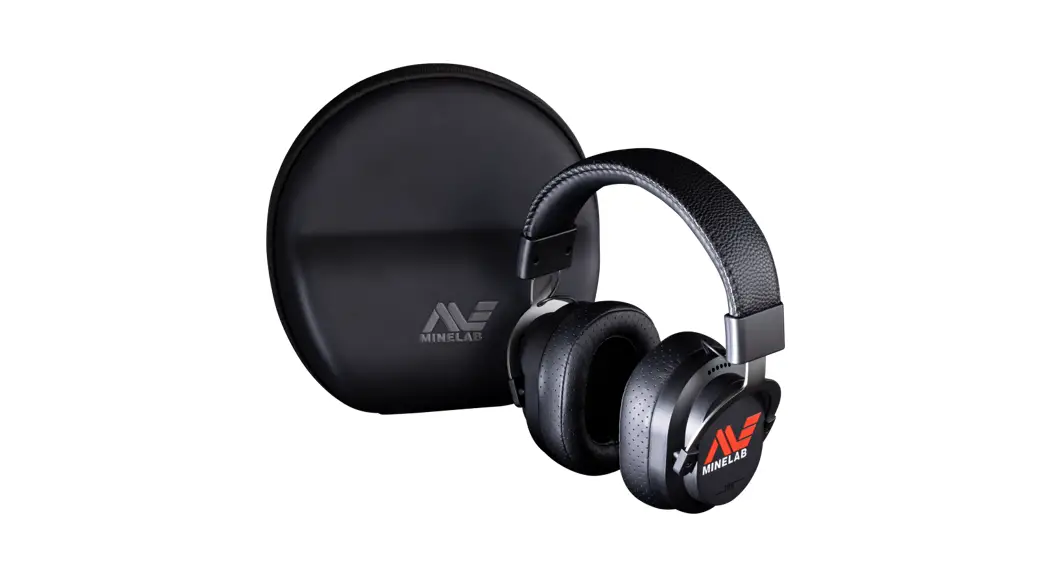
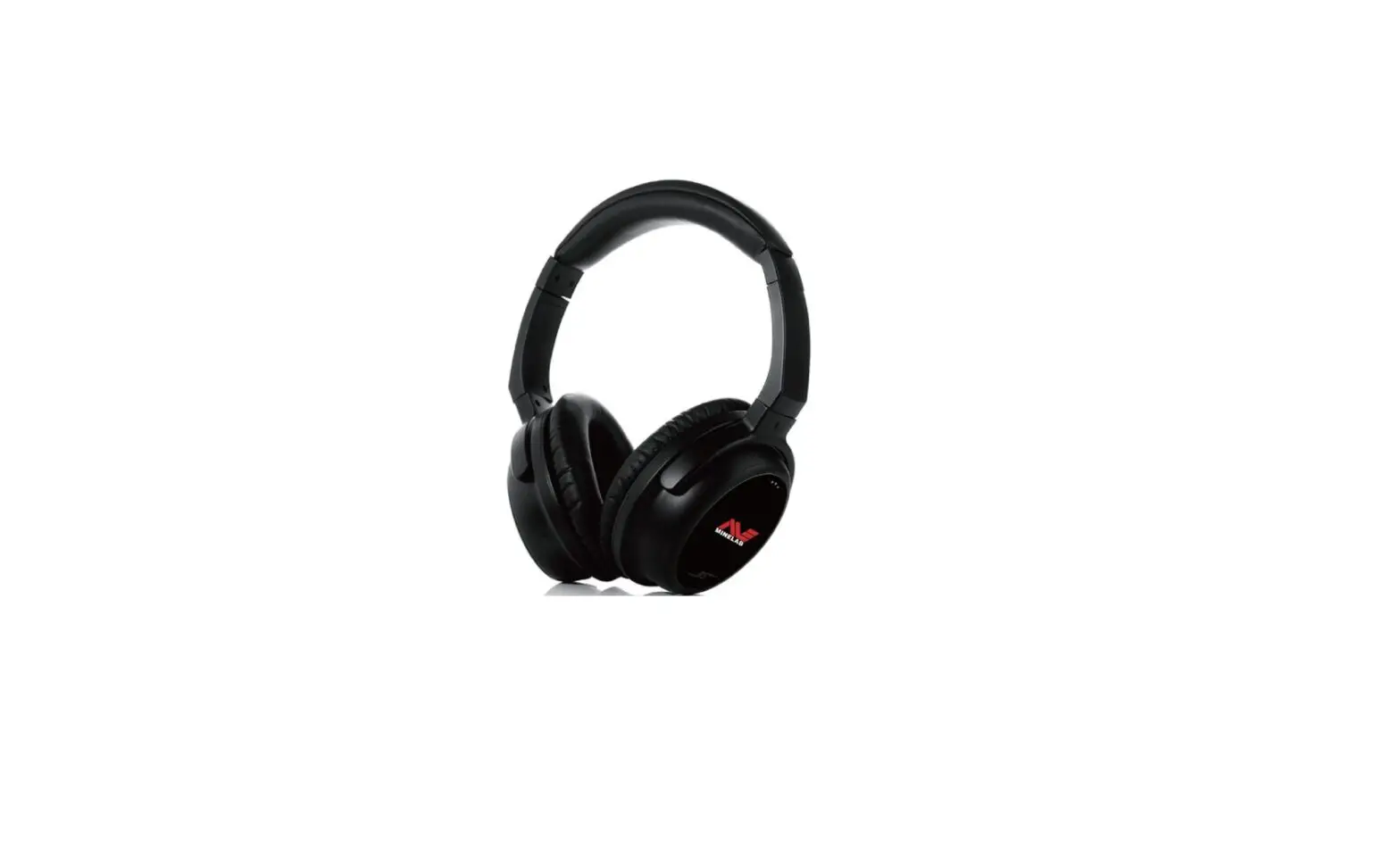
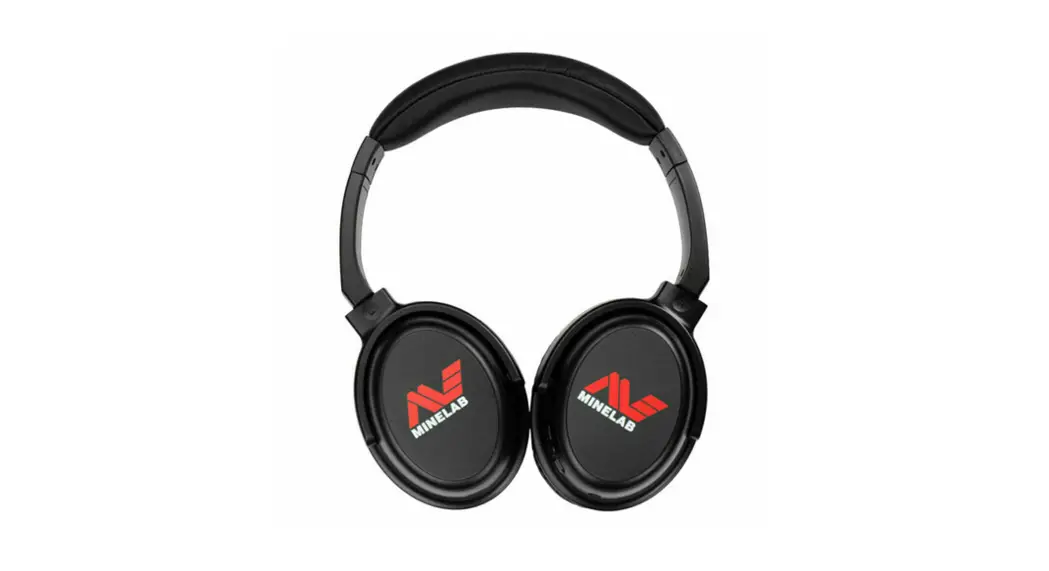
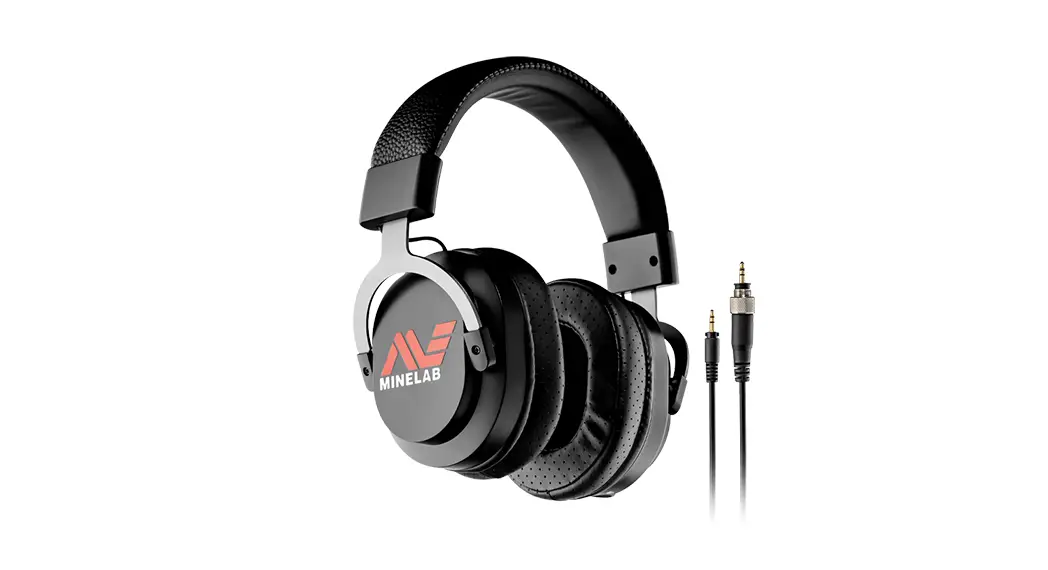
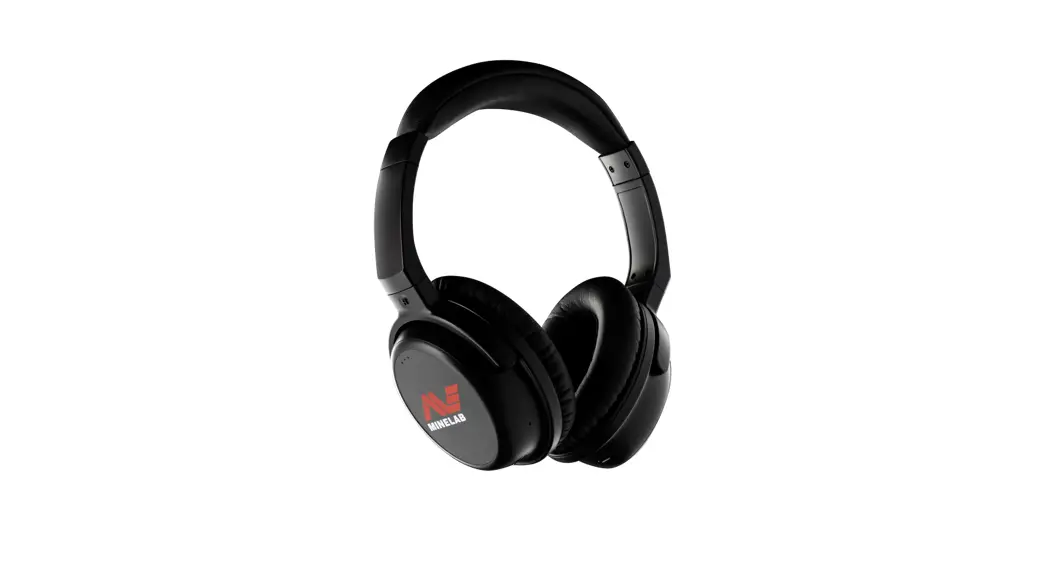
ML-105 Wireless Headphones
Product Information
The Minelab ML 105 headphones are designed to provide a
high-quality audio experience for metal detecting. They use
wireless technology that delivers faster and higher quality audio
than standard Bluetooth. The headphones contain the latest nRF5340
chipset to provide a high-quality low-latency audio experience.
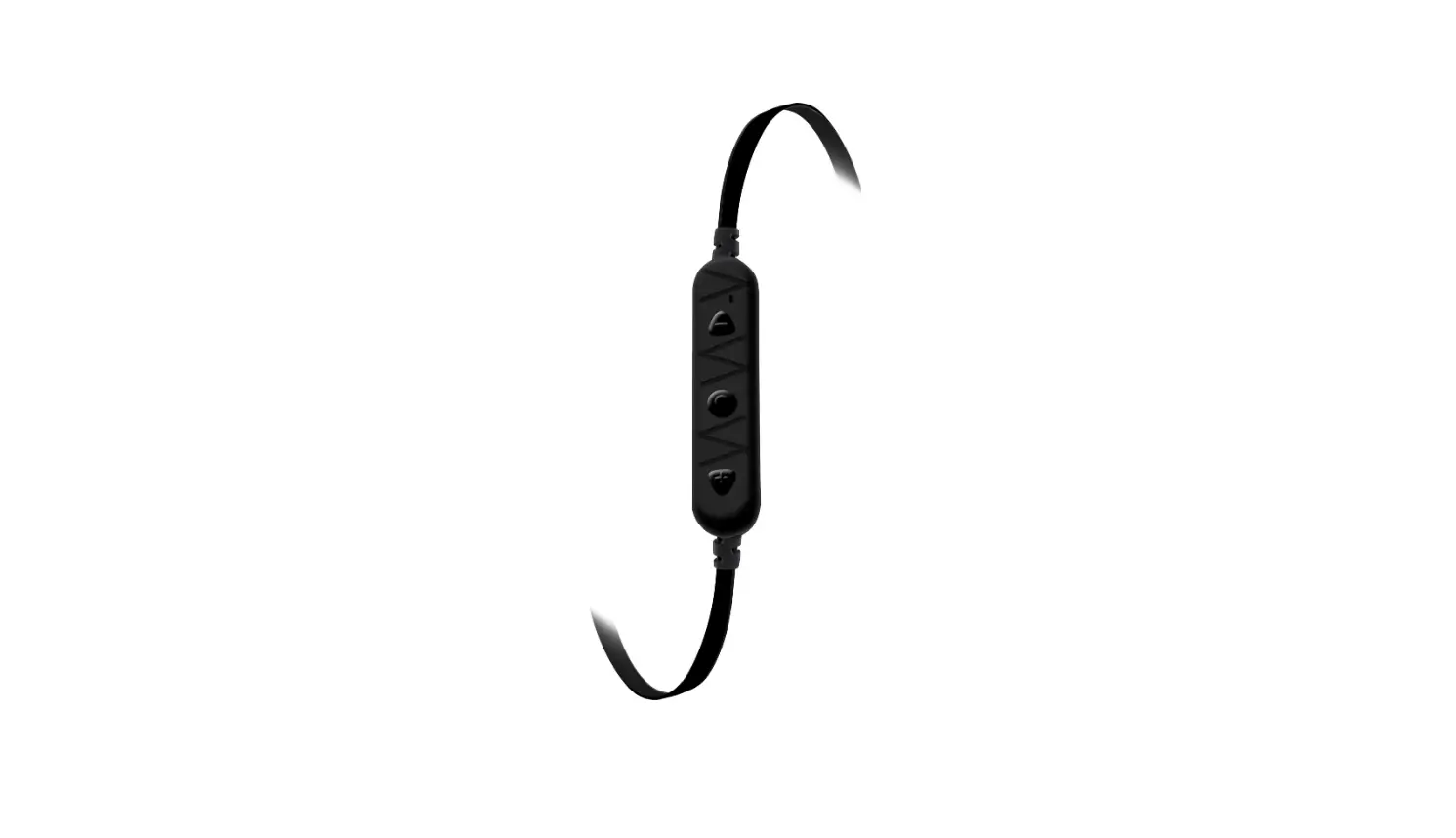
- Volume Plus Button (+): Increases the volume
by one level. - Multi-Function Button (MFB): Turns the
headphones On or Off, activates Pairing Mode, resets the headphones
to factory defaults. - Status LED: Indicates the status of the
headphones, with different colors flashing for different
modes.- Alternating blue / red: Pairing mode
- Flash blue once every 3 seconds: Connected
- Flash blue 3 times every second: Not connected
- Solid red: Charging
- USB-C Charging Socket: Used to charge the
headphones. - Headphone Socket 3.5 mm (1/8 inch): Used to
connect the auxiliary cable.
Product Usage Instructions
Charging the Headphones
To charge the headphones, connect the USB-C cable to the USB-C
socket (5) of the headphones. The Status LED (4) will remain solid
red during charging. Note that a USB charger is not supplied, but
any generic high-quality USB charger can be used.
Turning on the Headphones
To turn on the headphones, press and hold the MFB (2) until the
Status LED (4) flashes solid blue for 1 second and then flashes red
and blue. The headphones enter pairing mode automatically when no
device is paired.
Turning off the Headphones
To turn off the headphones, press and hold the MFB (2) for 2
seconds until the headphones turn off.
Pairing to a Detector
- Position the headphones and the detector no more than 1 metre
(3 feet) apart. - Ensure the headphones are turned off.
- Press and hold the MFB (2) until the Status LED (4) flashes red
and blue. - Press and hold the wireless button on the detector for 2
seconds. The wireless icon on the detector display will flash
rapidly. - When pairing is complete, the Status LED (4) will flash blue
once every 3 seconds, indicating that they are connected to the
detector. Note that if the pairing cannot be completed, the
headphones will continually attempt to pair until a connection is
made.
Connect with the Last Paired Device
The headphones will automatically connect with the last-paired
device. If connection is successful, the Status LED (4) will flash
blue once every 3 seconds.
Connecting the Auxiliary Cable
To connect the auxiliary cable, plug one end into the headphone
socket (6) and the other end into your device’s audio output.
Factory Reset
To reset the headphones to factory defaults, make sure they are
turned off. Press the MFB (2) for approximately 10 seconds until
there are 2 beeps and the Status LED (4) flashes pink 2 times.
Release the button. The Status LED (4) will now be flashing red and
blue, indicating that the headphones are in pairing mode. All
previously paired devices will be unpaired.
BUTTONS AND INDICATIONS
1 2 3 4 5
6
1 VOLUME PLUS BUTTON (+) Increases the Volume by one level.
2 MULTI-FUNCTION BUTTON (MFB) Turns the headphones On or Off, activates Pairing Mode, resets the headphones to factory defaults.
3 VOLUME MINUS BUTTON () Decreases the Volume by one level.
4 STATUS LED
Alternating blue / red Flash blue once every 3 seconds Flash blue 3 times every second Solid red
Pairing mode Connected Not connected Charging
5 USB-C CHARGING SOCKET 6 HEADPHONE SOCKET 3.5 mm (1/8 inch)
MINELAB ML 105 HEADPHONES
Minelab ML 105 headphones use wireless technology which delivers faster, higher quality audio than standard Bluetooth. They will give more precise and faster detection responses when used for metal detecting. ML 105 headphones contain the latest nRF5340 chipset to provide a high quality low-latency audio experience.
PACKAGE CONTENTS · ML 105 Headphones · 3.5 mm ( inch) Detachable Auxiliary Cable · USB-C Charging / Data Cable · Instruction Manual
CHARGING THE HEADPHONES
Connect the USB-C cable to the USB-C socket 5 of the headphones. The Status LED 4 will remain solid red during charging. NOTE: USB charger is not supplied. Any generic high quality USB charger can be used.
TURNING ON THE HEADPHONES
Press and hold the MFB 2 until the Status LED 4 flashes solid blue for 1 second and then flashes red and blue. The headphones enter pairing mode automatically when no device is paired.
TURNING OFF THE HEADPHONES
Press and hold the MFB 2 for 2 seconds until the headphones turn Off.
PAIRING TO A DETECTOR
1. Position the headphones and the detector no more than 1 metre (3 feet) apart.
2. Ensure the headphones are turned Off. 3. Press and hold the MFB 2 until the Status
LED 4 flashes red and blue. 4. Press and hold the wireless button on the
detector for 2 seconds. The wireless icon on the detector display will flash rapidly. 5. When pairing is complete, the Status LED 4 will flash blue once every 3 seconds, indicating that they are connected to the detector. NOTE: If the pairing cannot be completed, the headphones will continually attempt to pair until a connection is made.
CONNECT WITH THE LAST PAIRED DEVICE
The headphones will automatically connect with the last-paired device. If connection is successful, the Status LED 4 will flash blue once every 3 seconds.
ADJUST THE VOLUME · Increase Volume: Press + 1 button · Decrease Volume: Press – 3 button
CONNECTING THE AUXILIARY CABLE
The ML 105 headphones are supplied with a detachable 3.5 mm ( inch) auxiliary cable for wired operation. To use the cable, plug the connector into the headphone socket 6 and turn 90° anti-clockwise to lock the connector.
FACTORY RESET
Make sure the headphones are turned Off. Press the MFB 2 for approximately 10 seconds until there are 2 beeps and the Status LED 4 flashes pink 2 times. Release the button. The Status LED 4 will now be flashing red and blue, indicating that the headphones are in pairing mode. All previously paired devices will be unpaired.
PRZYCISKI I WSKANIKI
1 2 3 4 5
6
1 PRZYCISK ZWIKSZANIA GLONOCI (+) Zwiksza glono o jeden poziom.
2 PRZYCISK WIELOFUNKCYJNY (MFB) Wlcza lub wylcza sluchawki, aktywuje tryb parowania, resetuje sluchawki do ustawie fabrycznych.
3 PRZYCISK ZMNIEJSZENIA GLONOCI ( ) Zmniejsza glono o jeden poziom.
4 DIODA LED STANU
Na przemian niebieski / czerwony Miga na niebiesko raz na 3 sekundy Miga na niebiesko 3 razy na sekund Nieprzerwany czerwony
Tryb parowania Podlczono Nie podlczono Ladowanie
5 GNIAZDO LADOWANIA USB-C 6 GNIAZDO SLUCHAWKOWE 3,5 mm ( 1 / 8 cal )
SLUCHAWKI MINELAB ML 105
Sluchawki Minelab ML 105 wykorzystuj technologi bezprzewodow, która zapewnia szybszy dwik o wyszej jakoci ni standardowy Bluetooth. Daj bardziej precyzyjne i szybsze reakcje wykrywania, gdy s uywane do wykrywania metali. Sluchawki ML 105 zawieraj najnowszy chipset nRF5340, który zapewnia wysok jako dwiku i niskie opónienia.
ZAWARTO PACZKI · Sluchawki ML 105 · 3,5 mm ( cal) Odlczany kabel pomocniczy · Kabel USB-C do ladowania/transmisji danych · Instrukcja obslugi
LADOWANIE SLUCHAWEK
Podlcz kabel USB-C do gniazda USB-C 5 sluchawek. Dioda LED stanu 4 bdzie wieci na czerwono podczas ladowania. NOTATKA: Ladowarka USB nie jest dolczona do zestawu. Mona uywa kadej dowolnej ladowarki USB wysokiej jakoci.
WLCZANIE SLUCHAWEK
Nacinij i przytrzymaj MFB 2 a zawieci si dioda stanu 4 miga na niebiesko przez 1 sekund, a nastpnie miga na czerwono i niebiesko. Sluchawki automatycznie przechodz w tryb parowania, gdy adne urzdzenie nie jest sparowane.
WYLCZANIE SLUCHAWEK
Nacinij i przytrzymaj MFB 2 przez 2 sekundy, a sluchawki si wylcz.
PAROWANIE Z WYKRYWACZEM
1. Umie sluchawki i wykrywacz w odlegloci nie wikszej ni 1 metr (3 stopy) od siebie.
2. Upewnij si, e sluchawki s wylczone. 3. Nacinij i przytrzymaj MFB 2 a zawieci si dioda
stanu 4 miga na czerwono i niebiesko. 4. Nacinij i przytrzymaj przycisk komunikacji
bezprzewodowej na wykrywaczu przez 2 sekundy. Ikona polczenia bezprzewodowego na wywietlaczu wykrywacza bdzie szybko miga. 5. Po zakoczeniu parowania dioda LED stanu 4 bdzie miga na niebiesko raz na 3 sekundy, wskazujc, e dziala podlczenie z wykrywaczem. NOTATKA: Jeli parowanie nie moe zosta zakoczone, sluchawki bd podejmowa cigle próby parowania, a do nawizania polczenia.
POLCZ SI Z OSTATNIO SPAROWANYM URZDZENIEM
Sluchawki automatycznie polcz si z ostatnio sparowanym urzdzeniem. Jeli polczenie powiodlo si, dioda LED stanu 4 bdzie miga na niebiesko raz na 3 sekundy.
DOSTOSUJ GLONO · Zwiksz glono: nacinij + 1 przycisk · Zmniejszanie glonoci: Nacinij – 3 przycisk
PODLCZANIE KABLA POMOCNICZEGO
Sluchawki ML 105 s dostarczane z odlczanym wtykiem 3,5 mm ( cal) kabel pomocniczy do pracy przewodowej. Aby uy kabla, podlcz wtyczk do gniazda sluchawkowego 6 i obró o 90° w kierunku przeciwnym do ruchu wskazówek zegara, aby zablokowa zlcze.
PRZYWRÓCENIE USTAWIE FABRYCZNYCH
Upewnij si, e sluchawki s wylczone. Nacinij MFB 2 przez okolo 10 sekund, a rozlegn si 2 sygnaly dwikowe i zawieci si dioda LED stanu 4 bdzie miga 2 razy na róowo. Zwolnij przycisk. Dioda LED stanu 4 bdzie teraz miga na czerwono i niebiesko, wskazujc, e sluchawki s w trybie parowania. Wszystkie wczeniej sparowane urzdzenia zostan anulowane.
SAFETY INFORMATION · Never allow children to play with the headphones — small
parts are a choking hazard.
· Observe all signs that require an electrical device or RF
radio product to be switched off in designated areas. These could include hospitals, blasting areas, and potentially explosive environments.
· Turn Off your headphones prior to boarding an aircraft. · Never mount or store your headphones over any air bag
deployment area as serious injury may result if the air bag deploys.
· Do not open or mutilate the built-in battery. · Dispose of batteries according to local regulations. Do not
dispose as household waste.
· Only charge the headphones built-in battery in accordance
with the instructions contained in the user guide.
· Avoid charging the headphones in extreme
temperature conditions.
TROUBLESHOOTING
If you are unable to connect your headphones to your device, try the following:
· Ensure your headphones are turned On and are fully charged. · Ensure the headphones are paired with your device. · Ensure your device’s wireless feature is activated. Refer to
your device’s user guide for specific instructions.
· Ensure the headphones are within 10 metres (32 feet) of your
device and there are no obstructions such as walls or other electronic devices in between.
CARE AND MAINTENANCE · Turn the headphones Off before placing in a pocket or bag. · Do not expose the headphones to liquid, moisture or humidity, as
the headphones are not waterproof.
· Do not use abrasive cleaning solvents to clean the headphones. · Do not expose the headphones to extreme temperature
conditions. The storage temperature range is from 0°C to +60°C.
· Do not dispose the headphones in a fire as this may result
in an explosion.
· Do not bring the headphones into contact with sharp objects as
this will cause scratches and damage.
· Do not attempt to disassemble the headphones, as they do not
contain serviceable components.
· If the headphones are not used for long periods, store in a dry
place free from extreme temperature conditions and dust.
SOFTWARE UPGRADABLE
The ML 105 headphones are upgradable via the supplied USB-C data/charging cable. Visit www.minelab.com/support for further information.
WIRELESS COMPATIBILITY
The wireless technology used in the ML 105 headphones is only compatible with certain Minelab metal detectors. Visit www.minelab.com/support for further information.
PRODUCT SPECIFICATION
Chipset Operating range Charging time Operating time
Dimensions
Weight Wireless operating frequency Audio output power Power of supply Storage temperature range
Nordic nRF5340 Up to 10 m (32 ft) 3.5 hours (approximately) 35 to 40 hours 210 × 185 × 90 mm (8.3 × 7.3 × 3.5 inches) 274 g (9.7 oz) 2.4 to 2.485 GHz 17 mW ×2 0.1 W 0°C to +60°C (32°F to +140°F)
Minelab reserves the right to introduce changes in design, equipment and technical features at any time without notice. MINELAB® is a trademark of Minelab Electronics Pty. Limited.
INFORMACJE DOTYCZCE BEZPIECZESTWA · Nigdy nie pozwalaj dzieciom bawi si sluchawkami — istnieje
ryzyko zadlawienia malymi czciami.
· Naley przestrzega wszystkich znaków nakazujcych
wylczenie urzdzenia elektrycznego lub produktu radiowego RF w wyznaczonych miejscach. Mog to by szpitale, obszary wybuchowe i rodowiska potencjalnie wybuchowe.
· Wylcz sluchawki przed wejciem na poklad samolotu. · Nigdy nie montuj ani nie przechowuj sluchawek nad obszarem
napelnienia poduszki powietrznej, poniewa w przypadku wyzwolenia poduszki powietrznej moe doj do powanych obrae.
· Nie otwieraj ani nie niszcz wbudowanej baterii. · Baterie naley utylizowa zgodnie z lokalnymi przepisami. Nie
wyrzucaj razem z odpadami domowymi.
· Wbudowany akumulator sluchawek naley ladowa wylcznie
zgodnie z instrukcjami, zawartymi w instrukcji obslugi.
· Unikaj ladowania sluchawek w ekstremalnych temperaturach.
ROZWIZYWANIE PROBLEMÓW
Jeli nie moesz podlczy sluchawek do urzdzenia, spróbuj wykona nastpujce czynnoci:
· Upewnij si, e sluchawki s wlczone i w pelni naladowane. · Upewnij si, e sluchawki s sparowane z urzdzeniem. · Upewnij si, e funkcja lcznoci bezprzewodowej urzdzenia
jest wlczona. Szczególowe instrukcje znajduj si w podrczniku uytkownika urzdzenia.
· Upewnij si, e sluchawki znajduj si w odlegloci do 10
metrów (32 stóp) od urzdzenia i nie ma midzy nimi adnych przeszkód, takich jak ciany lub inne urzdzenia elektroniczne.
PIELGNACJA I KONSERWACJA · Wylcz sluchawki przed wloeniem ich do kieszeni lub torby. · Nie naley naraa sluchawek na dzialanie plynów, wilgoci,
poniewa sluchawki nie s wodoodporne.
· Do czyszczenia sluchawek nie naley uywa ciernych
rozpuszczalników czyszczcych.
· Nie naley naraa sluchawki na dzialanie skrajnych temperatur.
Zakres temperatur przechowywania wynosi od 0°C do +60°C.
· Nie wrzucaj sluchawek do ognia, poniewa moe to spowodowa
wybuch.
· Nie dopuszczaj do kontaktu sluchawek z ostrymi przedmiotami,
poniewa moe to spowodowa zarysowania i uszkodzenia.
· Nie próbuj rozkrca sluchawek, poniewa nie zawieraj one
elementów, które mona serwisowa.
· Jeli sluchawki nie s uywane przez dluszy czas, przechowuj je
w suchym miejscu wolnym od ekstremalnych temperatur i kurzu.
MOLIWO AKTUALIZACJI OPROGRAMOWANIA
Sluchawki ML 105 mona aktualizowa za pomoc dostarczonego kabla transmisji danych/ladowania USB-C. Odwied www.minelab. com/support w celu uzyskania dalszych informacji.
KOMPATYBILNO BEZPRZEWODOWA
Technologia bezprzewodowa, zastosowana w sluchawkach ML 105, jest kompatybilna tylko z niektórymi wykrywaczami metali Minelab. Odwied www.minelab.com/support w celu uzyskania dalszych informacji.
SPECYFIKACJA PRODUKTU
Chipset Zakres pracy Czas ladowania Czas operacyjny
Wymiary
Waga Bezprzewodowa czstotliwo robocza Moc wyjciowa dwiku Moc zasilania Zakres temperatur przechowywania
Nordic nRF5340 Do 10 m (32 stopy) 3,5 godziny (w przyblieniu) 35 do 40 godzin 210 × 185 × 90 mm (8,3 × 7,3 × 3,5 cala) 274 g (9,7 uncji)
2,4 do 2,485 GHz
17 mW ×2 0,1 W
0°C do +60°C (32°F do +140°F)
Firma Minelab zastrzega sobie prawo do wprowadzania zmian w projekcie, wyposaeniu i cechach technicznych w dowolnym czasie i bez powiadomienia. MINELAB® jest znakiem towarowym firmy Minelab Electronics Pty. Limited.
ML 105
WIRELESS HEADPHONES SLUCHAWKI BEZPRZEWODOWE
EN User Manual PL Instrukcja obslugi
4901-0423-1
www.minelab.com
 Metal Detectors | Minelab Metal Detectors