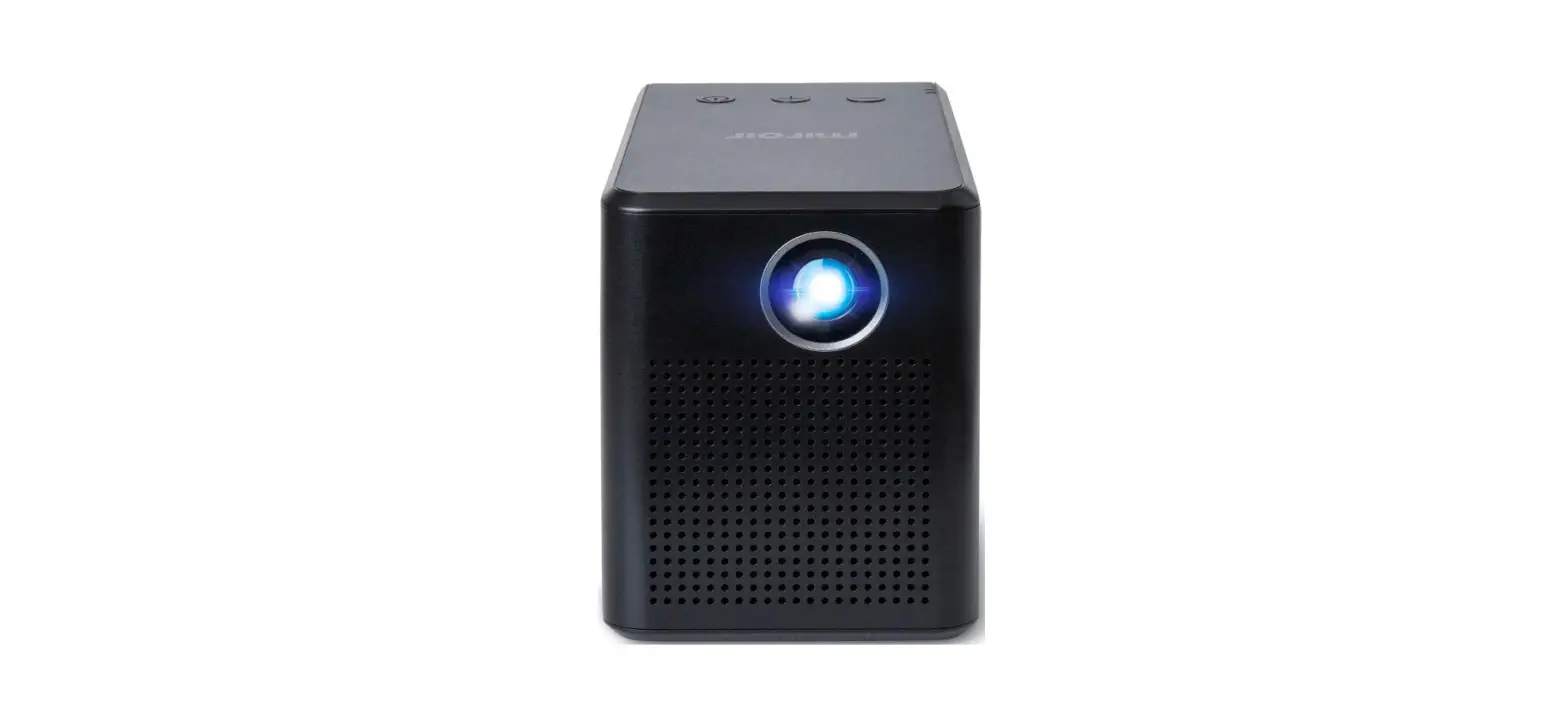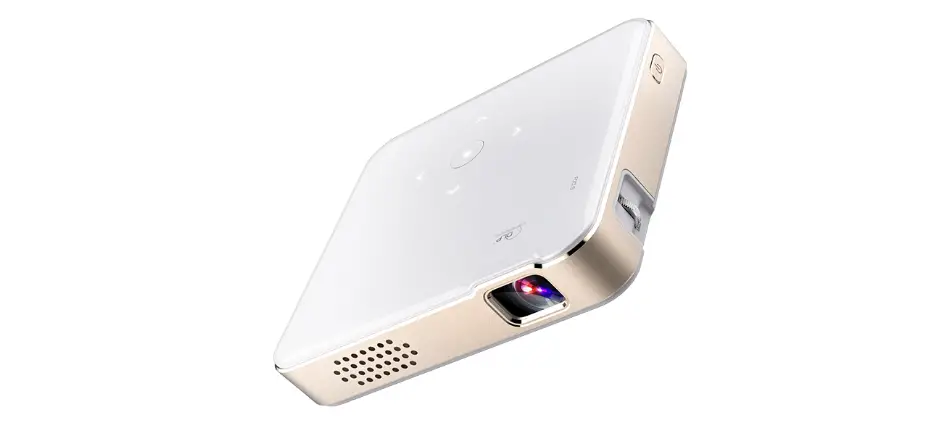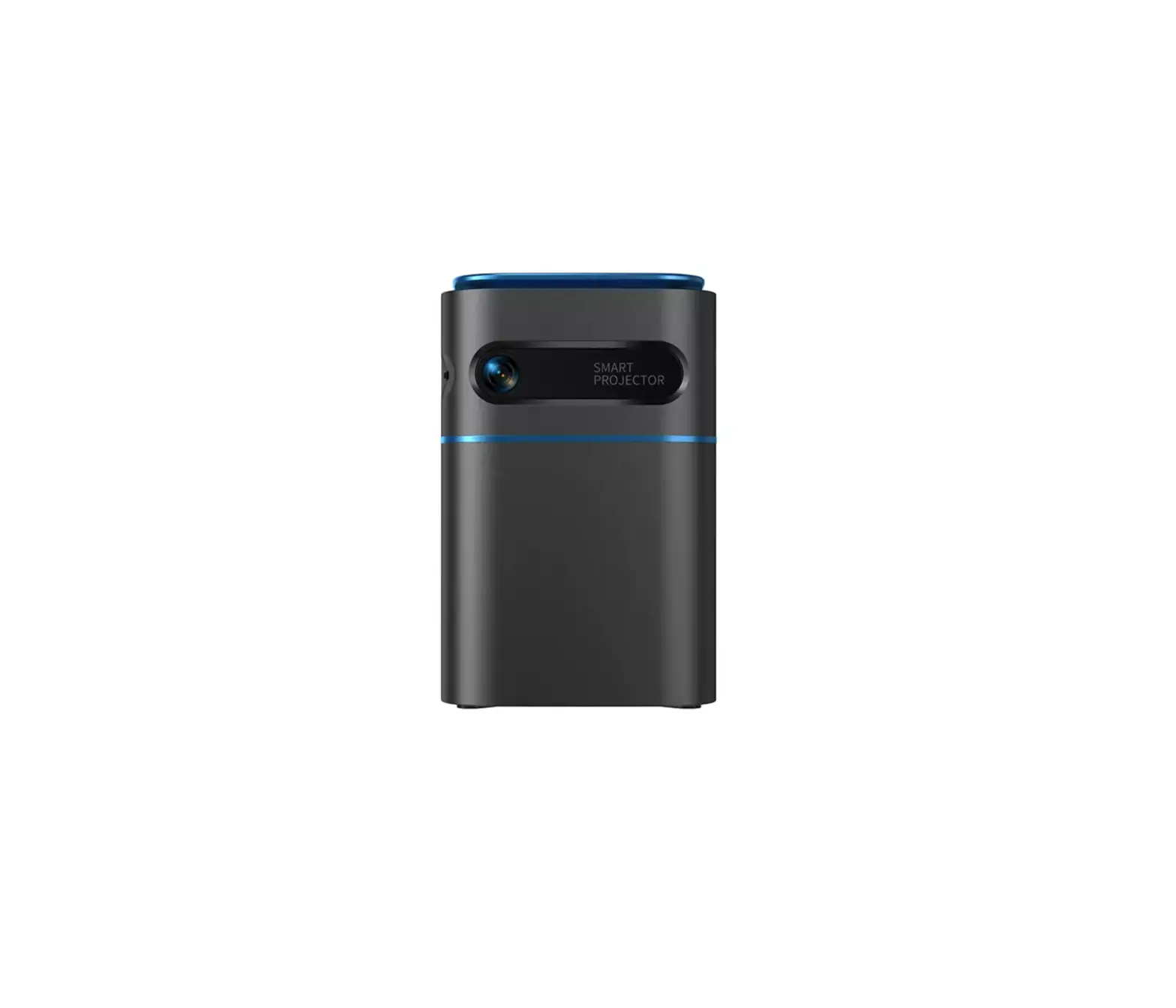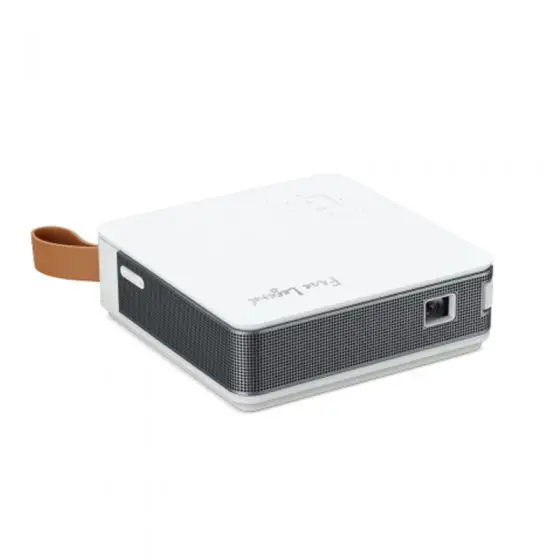

Aopen Pv11 Portable Wireless Projector User Guide

Aopen Pv11 Portable Wireless Projector User Guide

AOPEN logo.

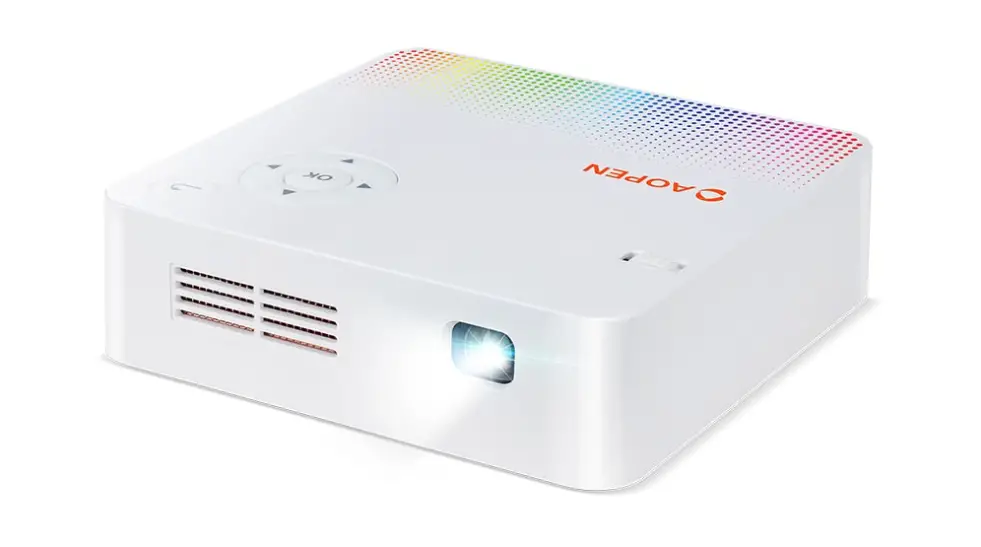
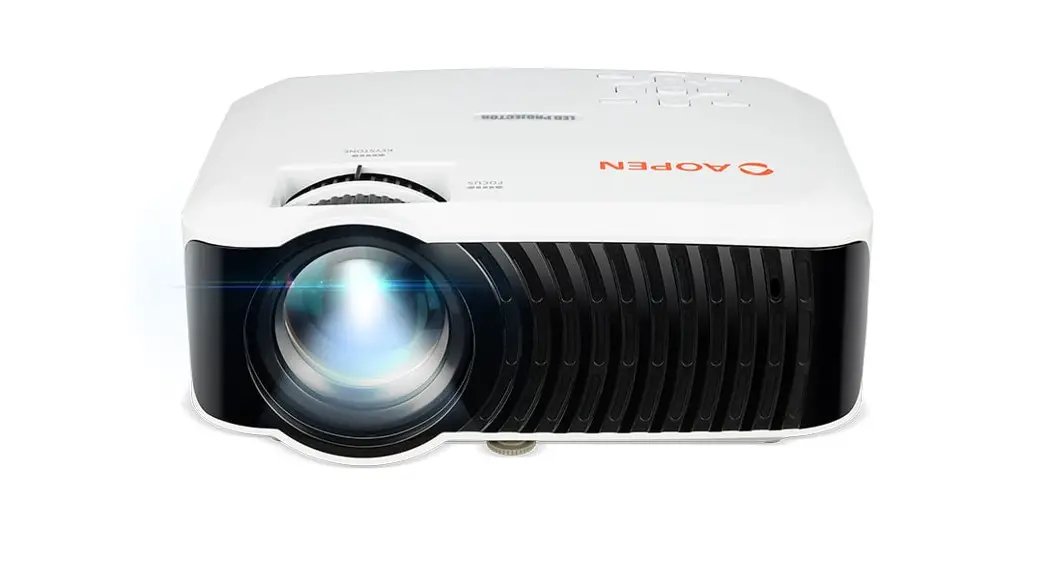
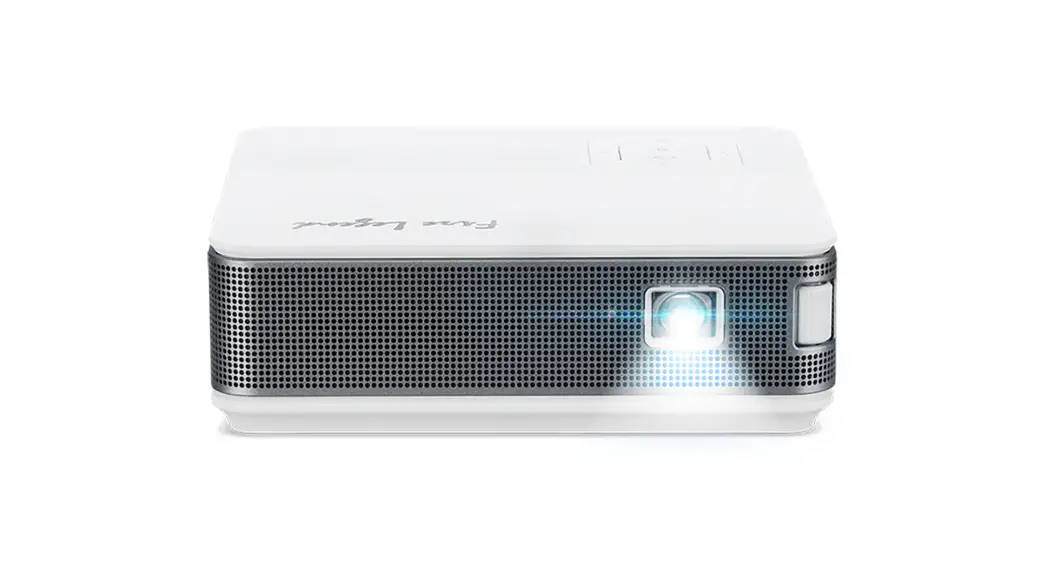
AOPEN PV11 Portable Wireless Projector
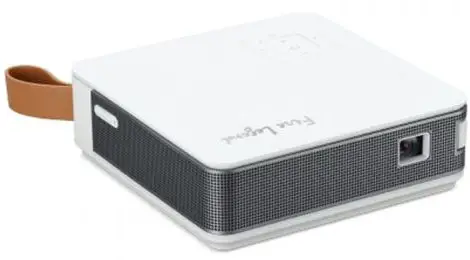
AOPEN imeage

INSTALLATION

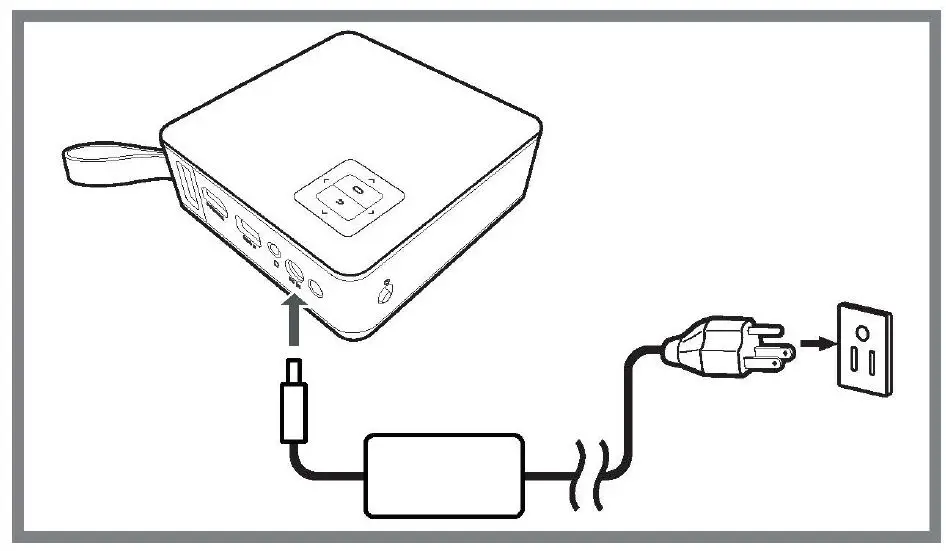
  1. STEP:
    Please plug in adapter first to power on the projector at first time usage.AOPEN PV11 Portable Wireless Projector fig 1
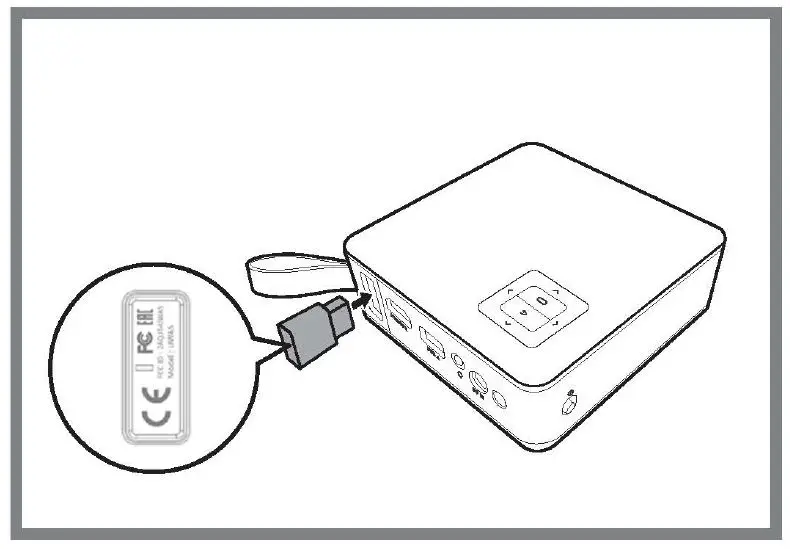
  2. STEP:
    Please plug in wifi dongle for wifi connection at first time usage.AOPEN PV11 Portable Wireless Projector fig 2
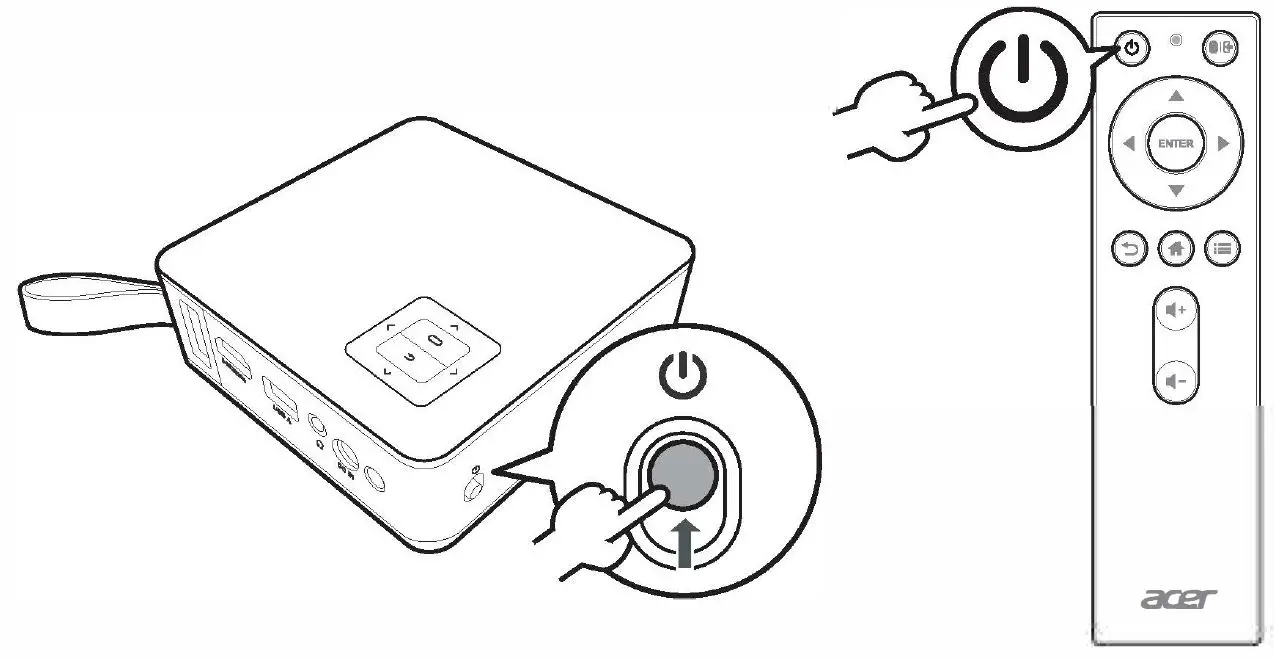
  3. STEP
    Powering On the ProjectorAOPEN PV11 Portable Wireless Projector fig 3

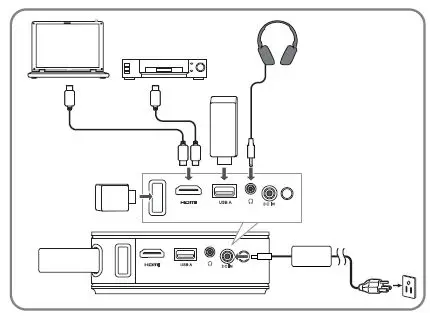
CONNECTINGAOPEN PV11 Portable Wireless Projector fig 4

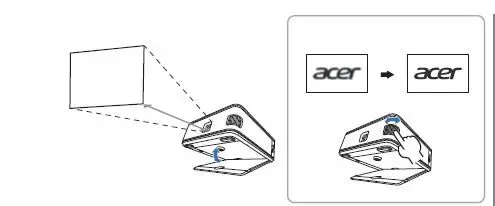
ADJUSTING THE IMAGEAOPEN PV11 Portable Wireless Projector fig 5

scan the QR Code or click on link
AOPEN PV11 Portable Wireless Projector 6

htpp://global.aopen.com/download.aspx

Documents / Resouces

Download manual
Here you can download full pdf version of manual, it may contain additional safety instructions, warranty information, FCC rules, etc.


Related Manuals