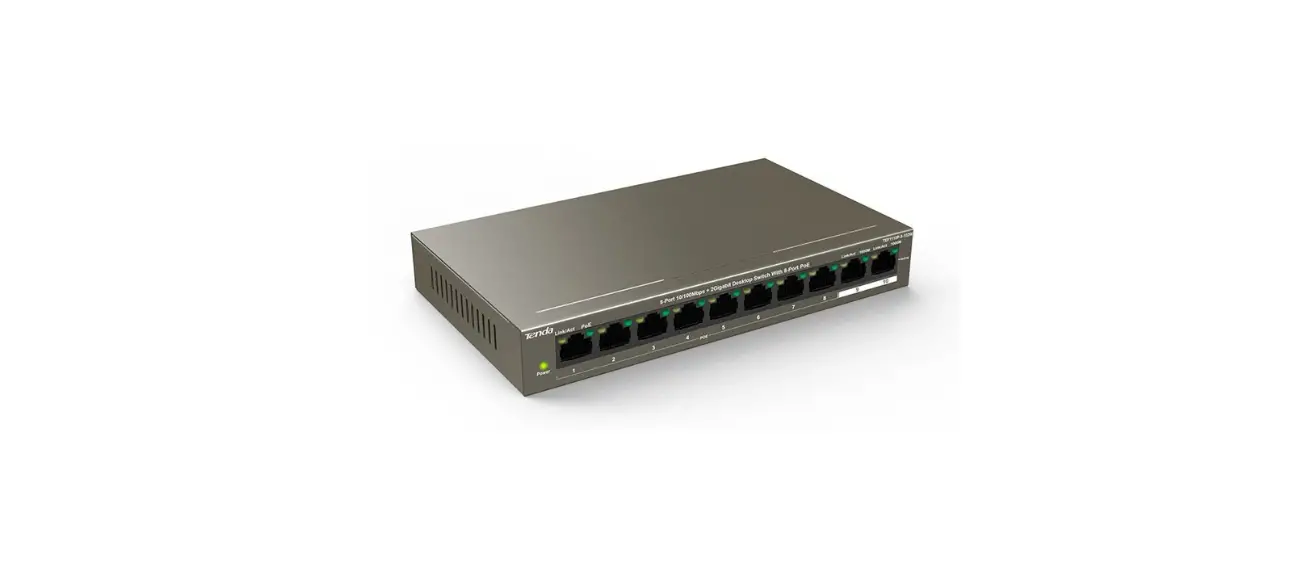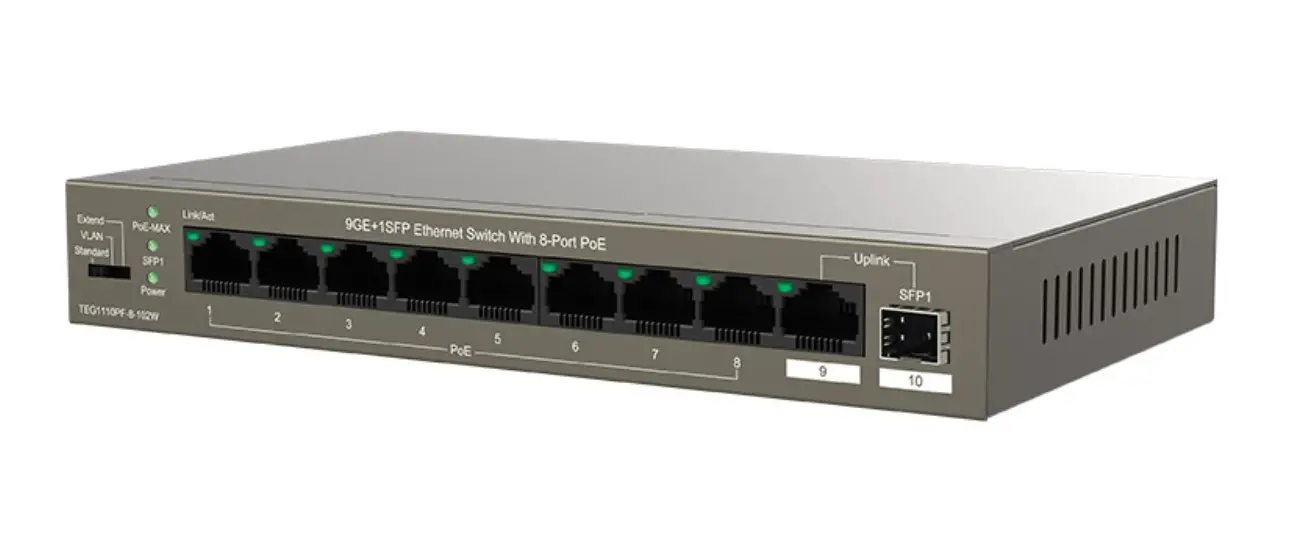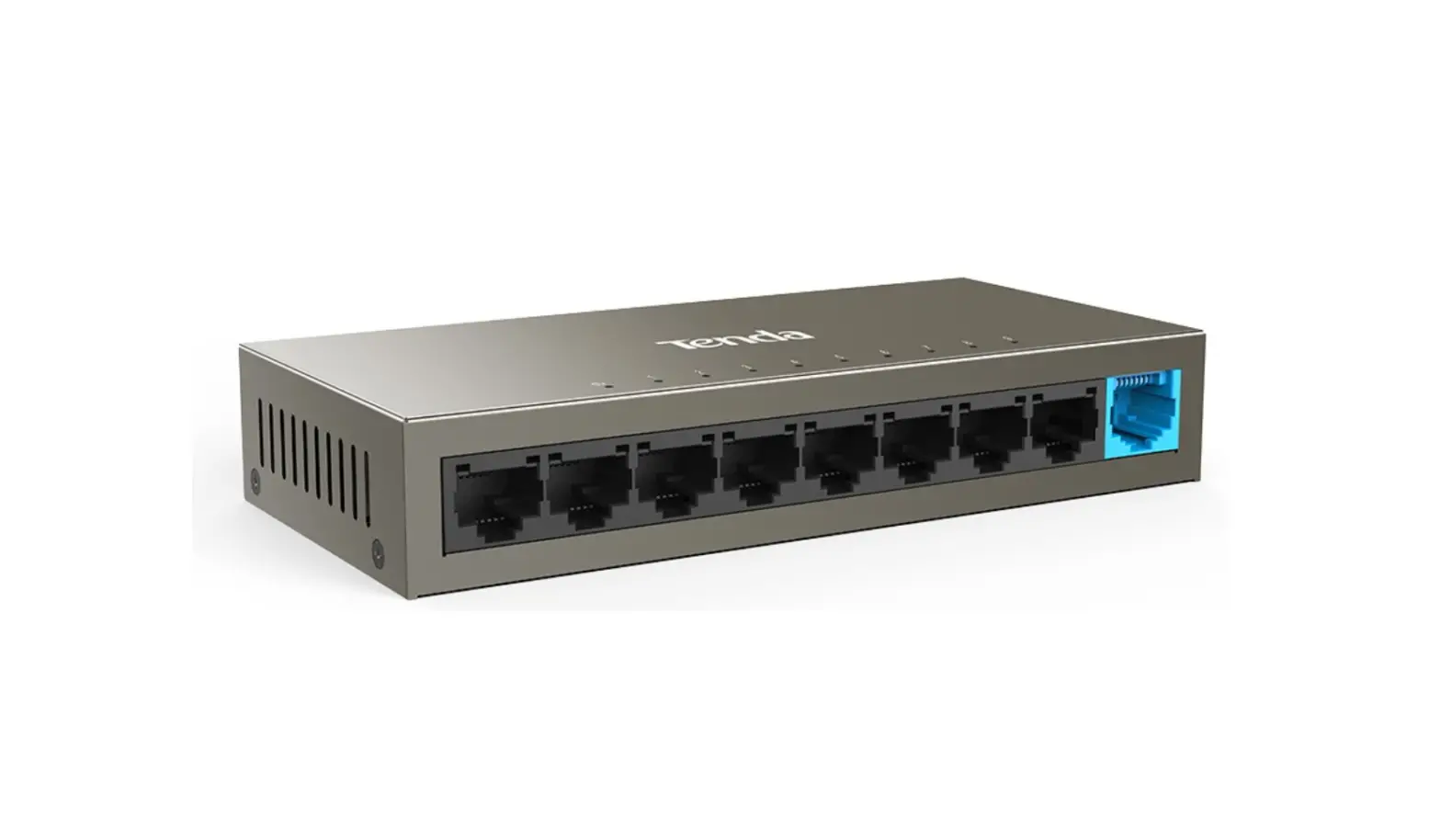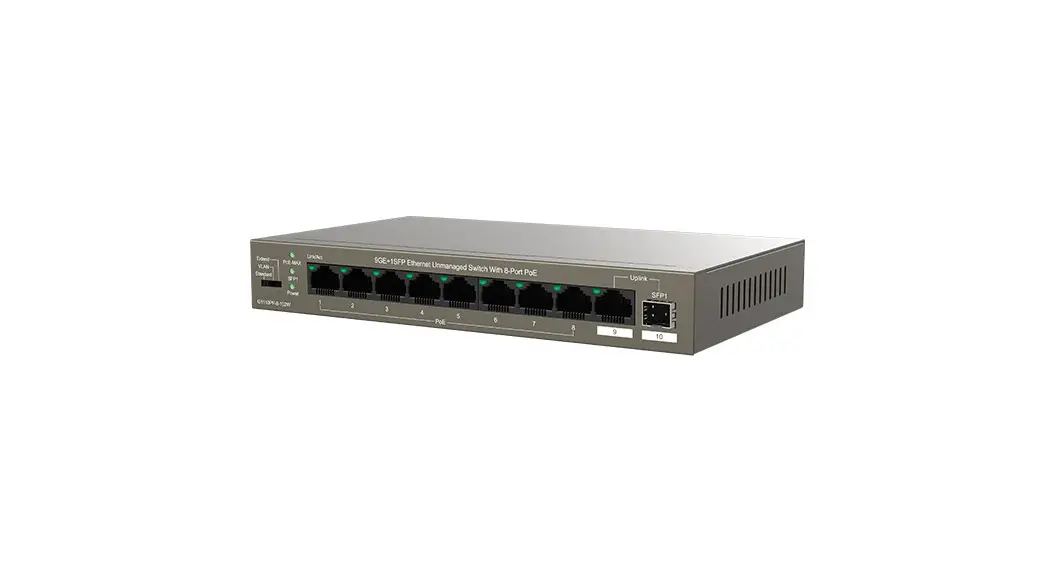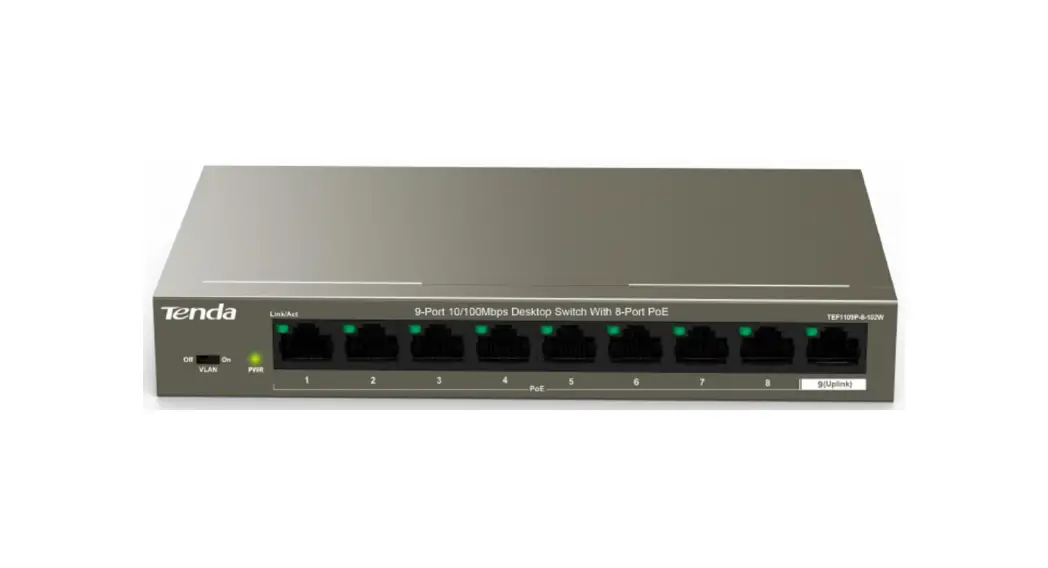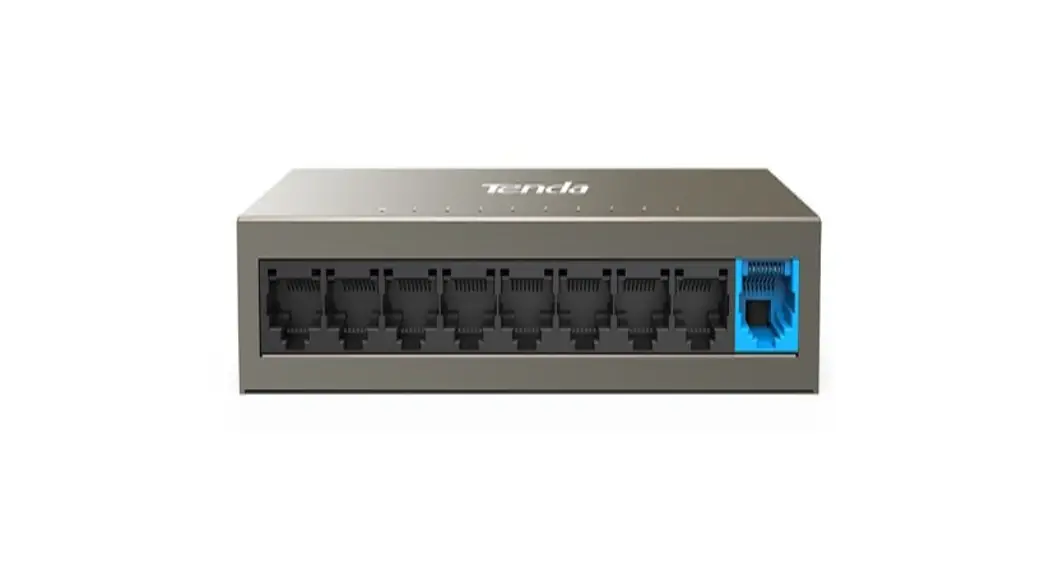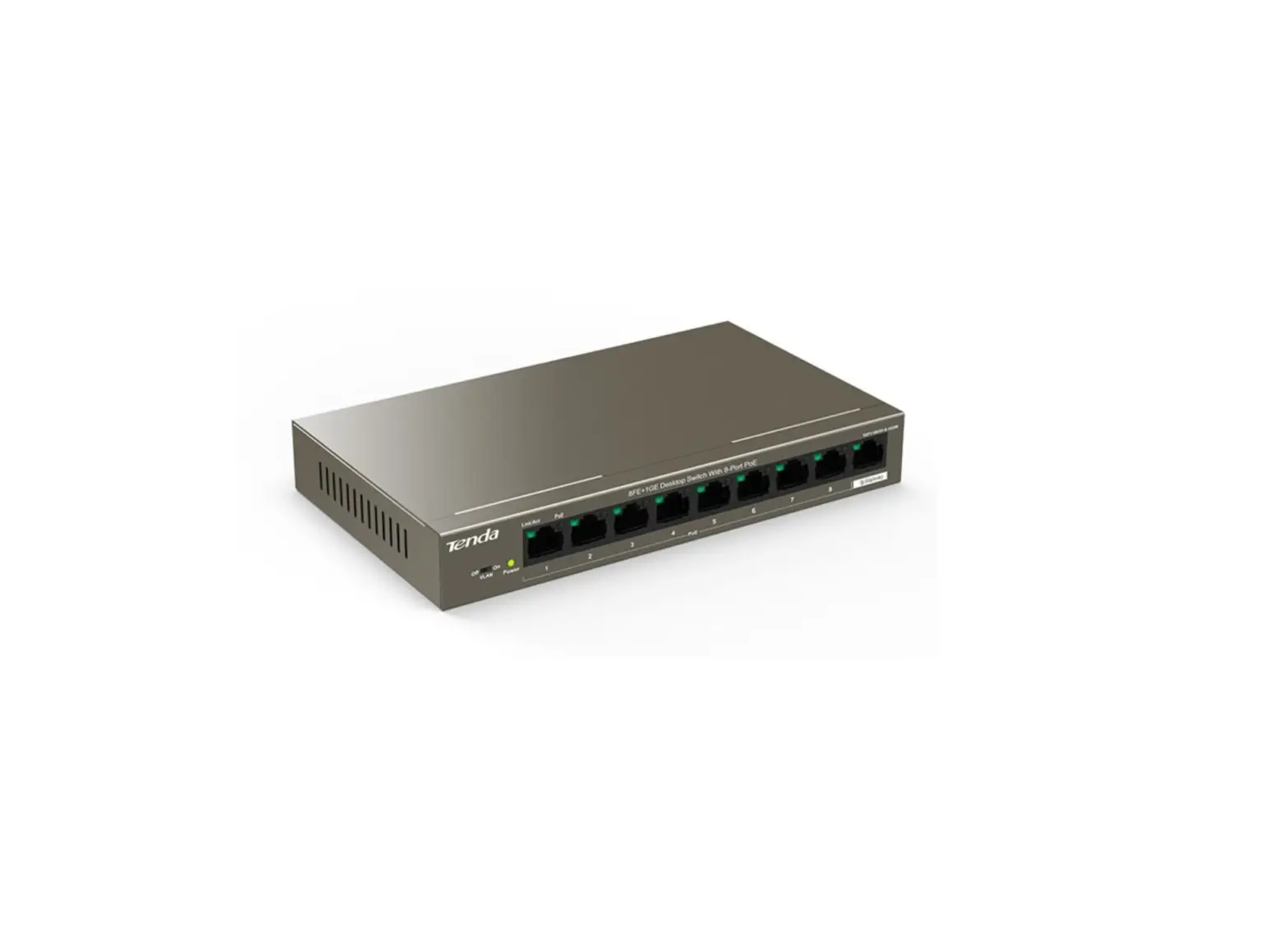
Tenda TEF1109TP-8-102W 8FE+1GE Desktop Switch with 8-Port PoE
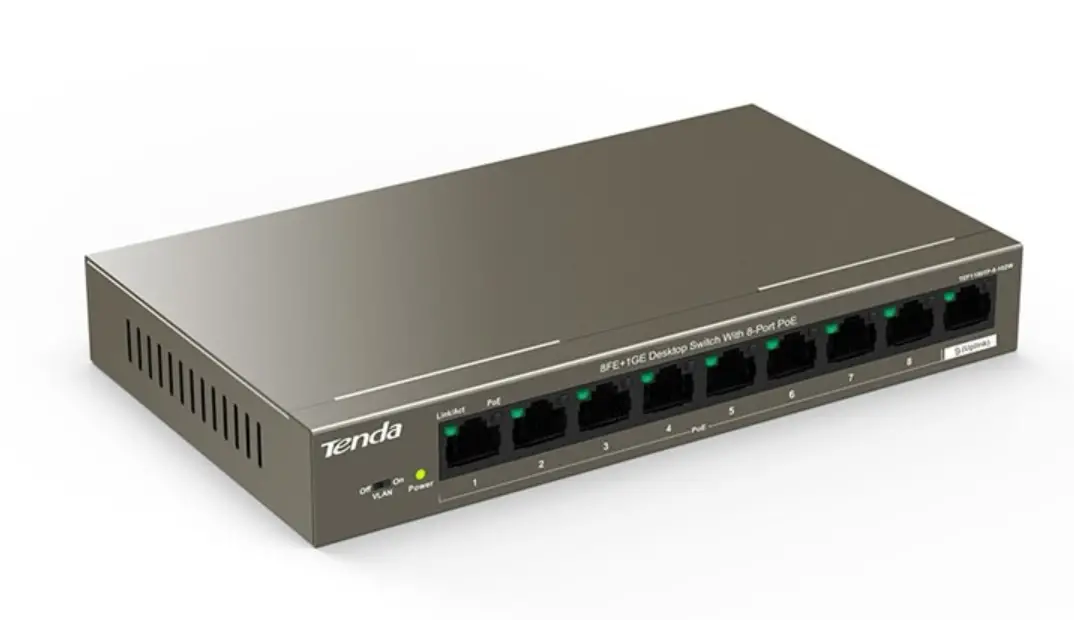
Package contents
- Switch * 1
- Power adapter * 1
- Quick installation guide * 1
If any item is missing, damaged or incorrect, please keep the original packaging and contact the local reseller or distributor immediately.
Installing the switch
Select one mounting method as required.
Option A. Desktop mounting
Put the switch on a stable and flat desktop.
Option B. Wall mounting
Step 1: Drill two holes in the wall in a horizontal distance of 113.5 mm. Knock sleeve anchors (self-preparation) into the holes using a rubber hammer, until the sleeve anchor is level with the wall. Then tighten two screws (self-preparation) into the sleeve anchors using a screwdriver, and keep the screw heads outside the wall at least 2.3 mm, to ensure that the switch can be hung on the screws firmly.
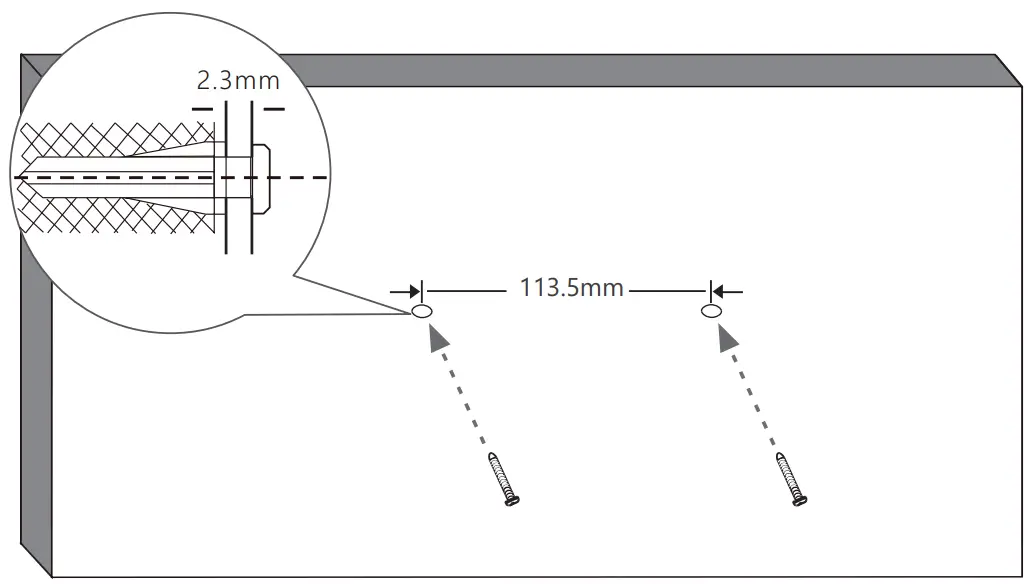
Step 2: Align the slots of the switch to the screw heads, and slip the switch to make it fixed on the screws firmly
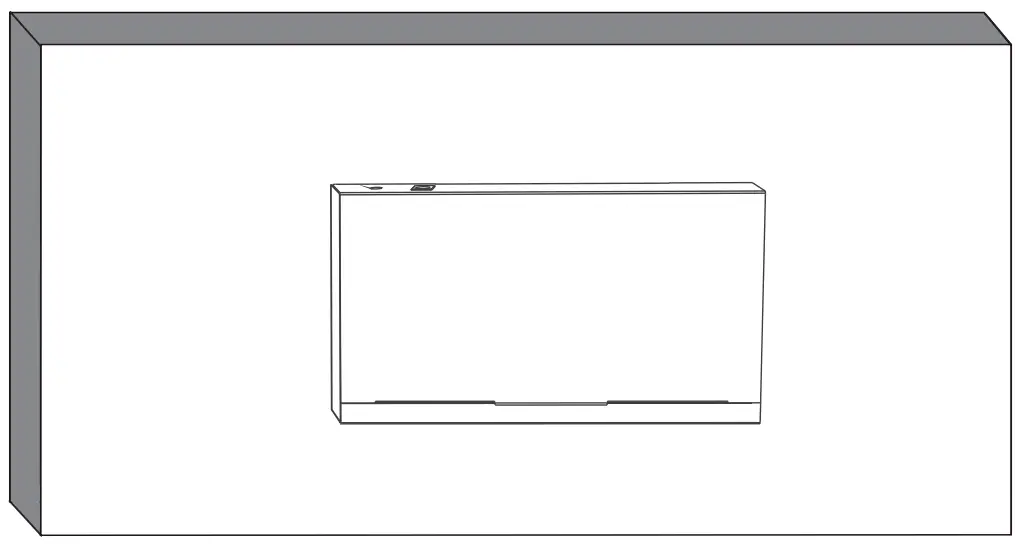
Note: For safety, do not face the air vents of the switch down.
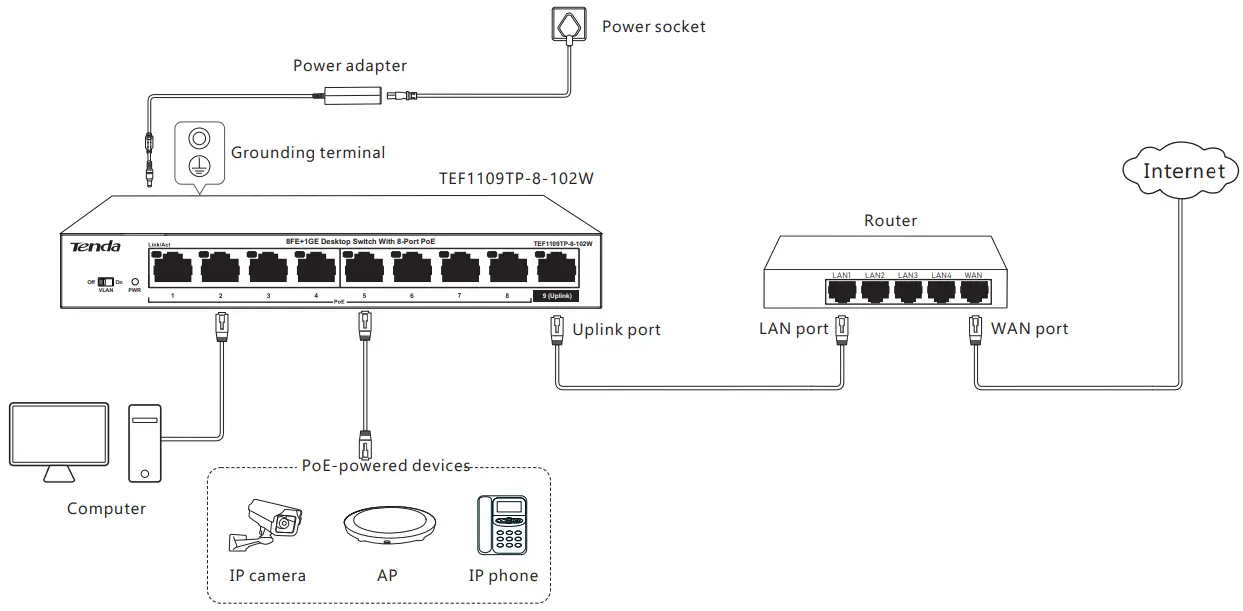
Connecting your devices
| LED Indicator | Status | Description |
| PWR | Solid on | The switch is connected to a power supply properly. |
| Off | The switch is disconnected from a power supply or not properly connected to a power supply. | |
| Link/Act | Solid on | The port is connected properly. |
| Blinking | Data is being transmitted over the port. | |
| Off | The port is disconnected or improperly connected. |
 Tips
Tips
- All ports of your switch support the auto MDI/MDIX function, indicating that either straight cable or crossover cable is acceptable to connect your switch to Ethernet devices.
- To protect the switch from overload, PoE ports of your switch are assigned with power supply priorities, and the priorities decrease as the port number increases. When the total power consumption of the PoE-powered devices exceeds 92 W, the switch starts cutting the power supply from the port with the lowest priority, until the total consumption does not exceed 92 W.
- To protect your switch from lightning damage, connect the grounding terminal to a grounding cable.
Working mode introduction
The PoE switch has two modes: VLAN Off and VLAN On. You can use the working mode toggle to set the PoE switch to required mode according to the following descriptions.
VLAN Off: Default mode of the PoE switch. In this mode, all ports can communicate with each other.
VLAN On: In this mode, ports 1 to 8 of TEF1109TP-8-102W can communicate with DHCP.
Specifications
| Model | TEF1109TP-8-102W | |
| Standards | IEEE 802.3, IEEE 802.3u, IEEE 802.3ab, IEEE 802.3af, IEEE 802.3at, | |
| 10/100Mbps RJ45 port | 8 | |
| Working mode | VLAN Off, VLAN On | |
| Switching capacity | 3.6 Gbps | |
| Store-and-forward | Supported | |
| MAC address learning | Auto learning & auto aging | |
| MAC address table | 2 K | |
| PoE power supply | PoE standard | IEEE 802.3af, IEEE 802.3at |
| PoE port | 1 – 8 | |
| Maximum output of a single port | 30 W | |
| Maximum output of the switch | 92 W | |
| PoE power cable core | 8 cores: voltage of cores 1, 2, 4, 5 is +, and cores 3, 6, 7, 8 is -. | |
| Lightning protection | Port | 6 kV (for port 9) |
| Power supply | Common mode: 4 kV Differential mode: 4 kV | |
| Environment | Operating environment | Temperature: (0 – 40) °C Humidity: (10% – 90%) RH non-condensing |
| Storage environment | Temperature: (-40 – 70) °C Humidity: (5% – 90%) RH, non-condensing | |
| Power supply | Input: 100 – 240 V AC 50/60 Hz, 1.6 A Output: 51 V DC 2 A | |
| Dimension | 177.5 mm * 104.1 mm * 26 mm | |
| Transmission media | Ethernet: CAT3 UTP/STP cable or better Fast Ethernet: CAT5 UTP/STP cable or better | |

CE Mark Warning
This is a Class A product. In a domestic environment, this product may cause radio interference, in which case the user may be required to take adequate measures.
The mains plug is used as disconnect device; the disconnect device shall remain readily operable.
NOTE: (1) The manufacturer is not responsible for any radio or TV interference caused by unauthorized modifications to this equipment. (2) To avoid unnecessary radiation interference, it is recommended to use a shielded RJ45 cable.

FCC Statement
This equipment has been tested and found to comply with the limits for a Class A digital device, pursuant to Part 15 of the FCC Rules. These limits are designed to provide reasonable protection against harmful interference when the equipment is operated in a commercial environment. This equipment generates, uses, and can radiate radio frequency energy and, if not installed and used in accordance with the instruction manual, may cause harmful interference to radio communications.
Operation of this equipment in a residential area is likely to cause harmful interference in which case the user will be required to correct the interference at his own expense.
Operation is subject to the following two conditions: (1) this device may not cause harmful interference, and (2) this device must accept any interference received, including interference that may cause undesired operation.
Caution!
Any changes or modifications not expressly approved by the party responsible for compliance could void the user’s authority to operate the equipment.
NOTE: (1) The manufacturer is not responsible for any radio or TV interference caused by unauthorized modifications to this equipment. (2) To avoid unnecessary radiation interference, it is recommended to use a shielded RJ45 cable.

RECYCLING
This product bears the selective sorting symbol for Waste electrical and electronic equipment (WEEE).
This means that this product must be handled pursuant to European directive 2012/19/EU in order to be recycled or dismantled to minimize its impact on the environment.
 Caution:
Adapter Model: BN038-A10151
Manufacture: SHENZHEN HEWEISHUN NETWORK TECHNOLOGY CO., LTD.
Input: 100 – 240 V AC 50/60 Hz, 1.6 A
Output: 51V === 2 A
=== : DC Voltage

Copyright
Copyright © 2019 Shenzhen Tenda Technology Co., Ltd. All rights reserved.
Tenda is a registered trademark legally held by Shenzhen Tenda Technology Co., Ltd. Other brand and product names mentioned herein are trademarks or registered trademarks of their respective holders. Specifications are subject to change without notice.
Technical Support
Shenzhen Tenda Technology Co., Ltd.
6-8 Floor, Tower E3, NO.1001, Zhongshanyuan Road, Nanshan District, Shenzhen, China. 518052
Canada hotline: 1-888-998-8966
Toll free: Mon to Fri, 9am to 6pm PST
Hong Kong hotline: 00852-81931998
Global hotline: +86 755-2765 7180 (China time zone)
Website: http://www.tendacn.com
E-mail: [email protected]

 Tenda US