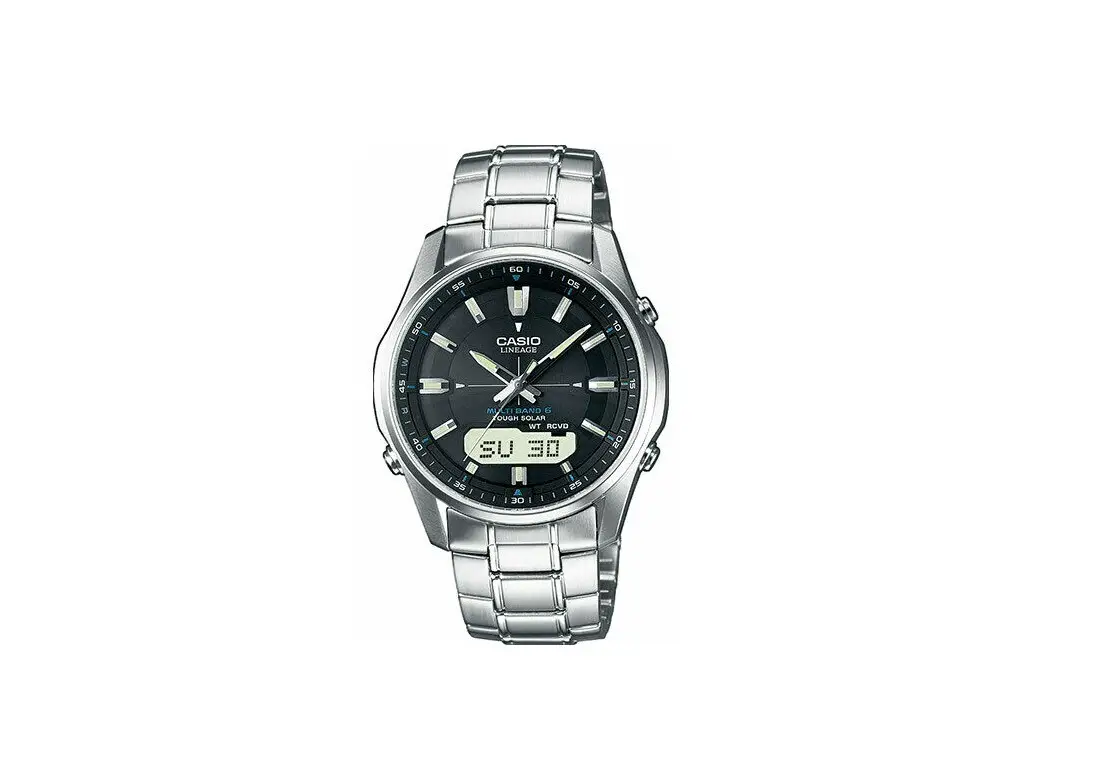

CASIO 5689 upgrade with Bluetooth and Solar Watches

Product Information: DST Setting / Module : 5689
The DST (Daylight Saving Time) Setting feature allows you to adjust the time on your watch according to the daylight saving time in your region. This feature is available in the Module 5689 of this product. The product also has a Timekeeping Mode that displays the current time and date. Additionally, the product has a City Code feature that allows you to select the city code for your region.
Product Usage Instructions
- If you are connected to the CASIO WATCHES app on your mobile phone, please disconnect.
- Ensure that the product is in the Timekeeping Mode.
- To access the DST Setting mode, press the button once. The display will show the DST setting mode.
- Press the button to toggle between AUTO/OFF/ON settings for DST. Select the appropriate setting according to the daylight saving time in your region.
- Once you have selected the DST setting, press the button to return to the Timekeeping Mode. The hands on the watch will also change to reflect the new time set according to your DST settings.
- In case you need to access the City Code feature, hold down the button until the city code appears on the display. Use the button to toggle between different city codes and select the appropriate one for your region.
- To return to the Timekeeping Mode from the City Code feature, hold down the button for two seconds.
DST Setting / Module : 5689
- If you are connected to a mobile phone, please switch from the CASIO WATCHES app.
Firstly, make sure it is in the Timekeeping Mode.
<Timekeeping Mode Screen>
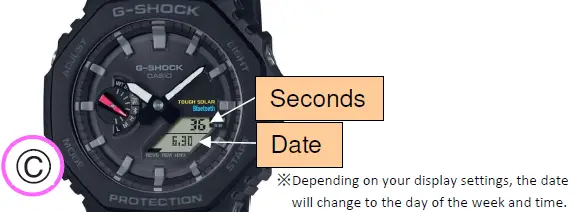 To return to the Timekeeping Mode, hold down Ⓒ for two seconds.
 In the Timekeeping Mode, hold down Ⓐ until the city code appears.
 Press Ⓒ once to display the DST setting mode.
 Press Ⓓ to change the DST Settings. (AUTO/OFF/ON)
 Press Ⓐ to return to the Timekeeping Mode.
<Timekeeping Mode Screen> The hands also change to the time set in above number 3.