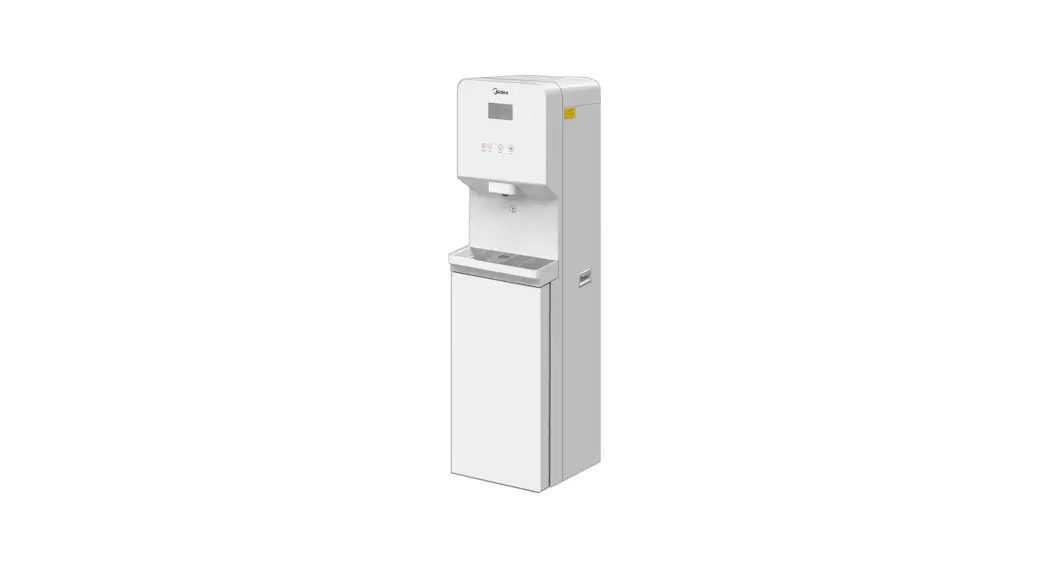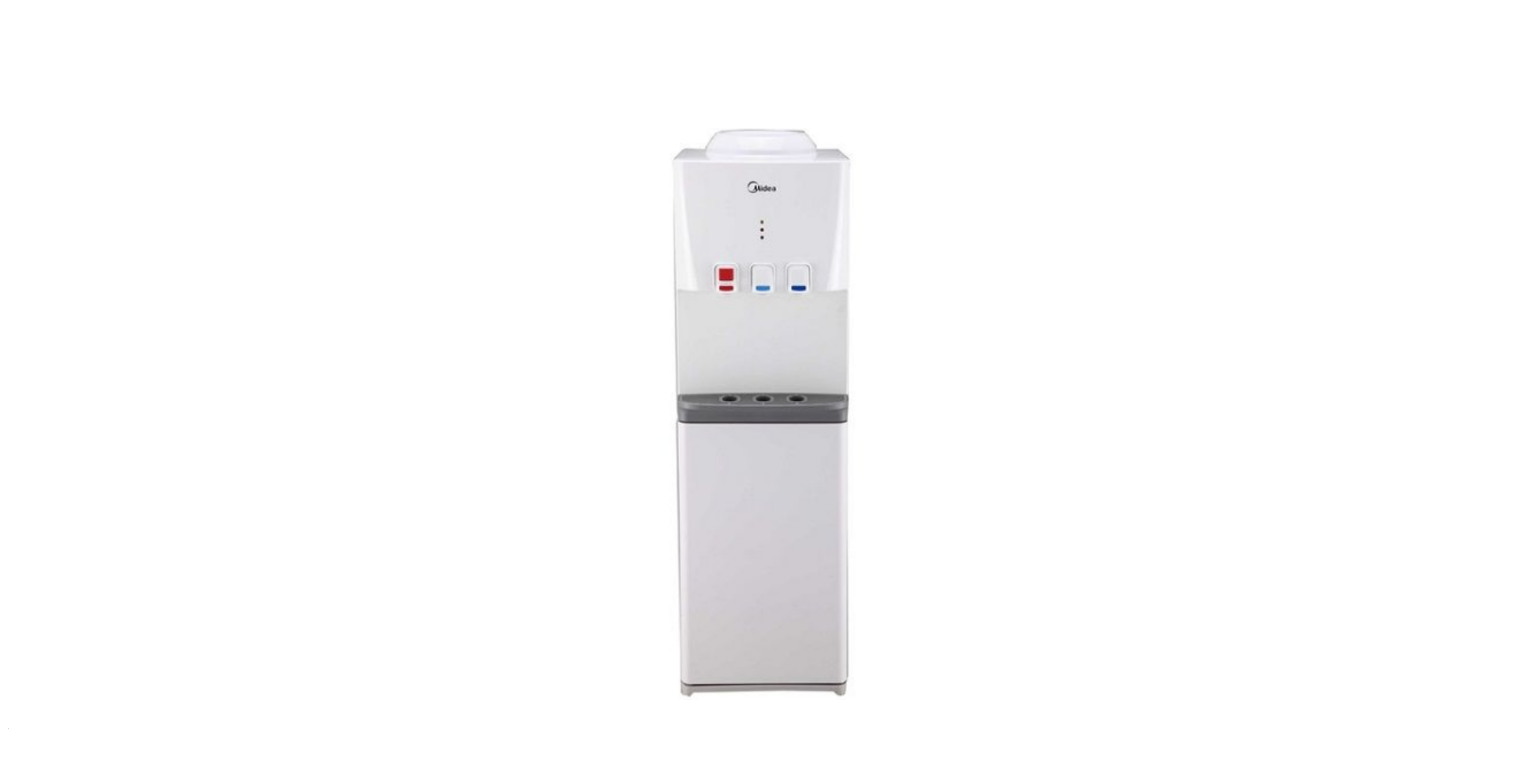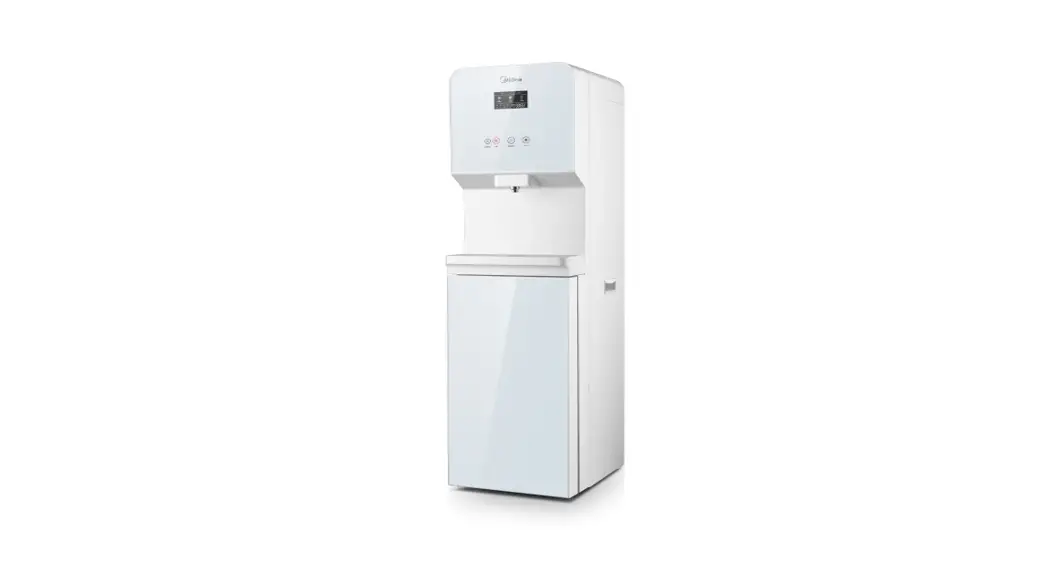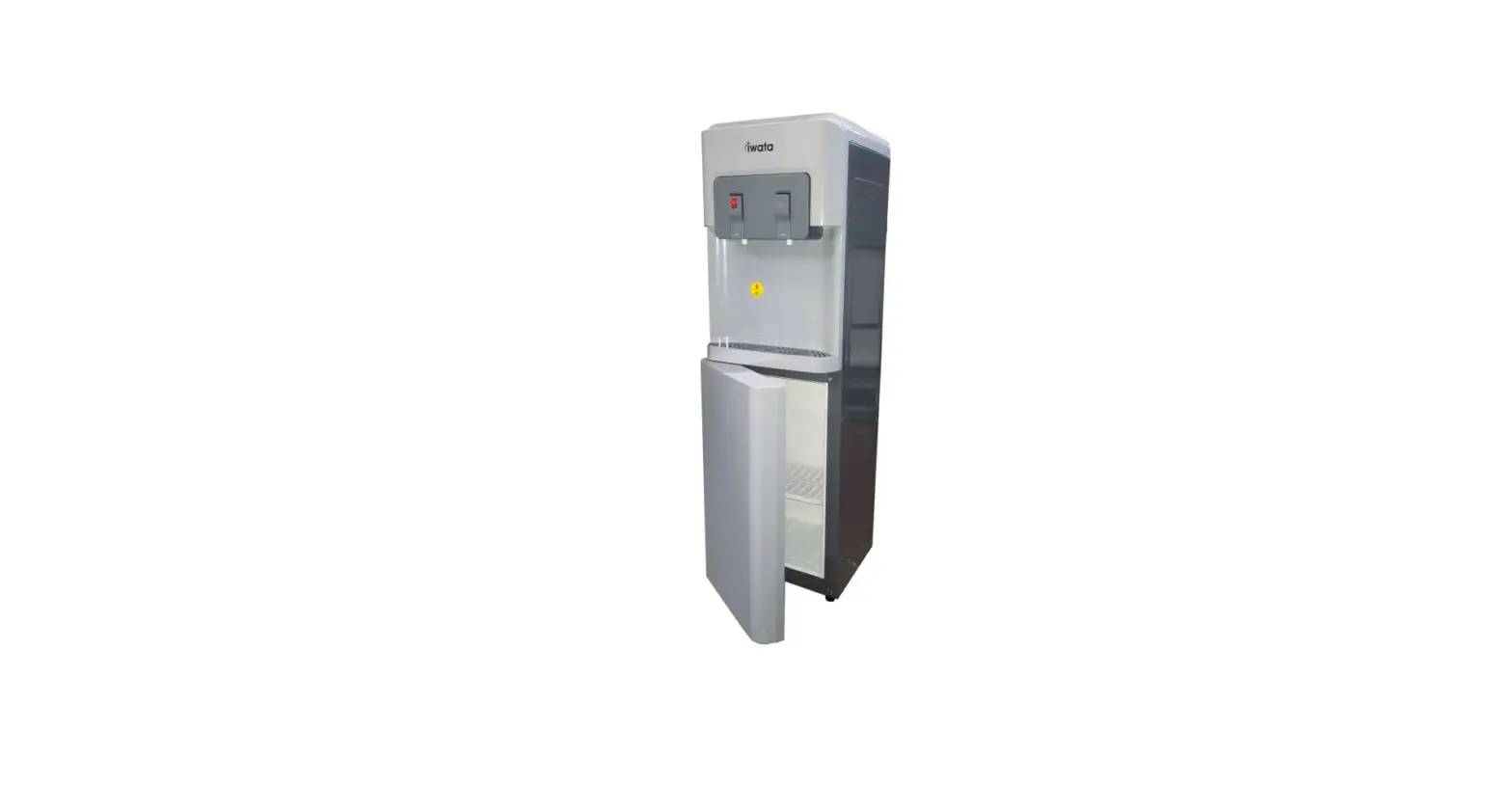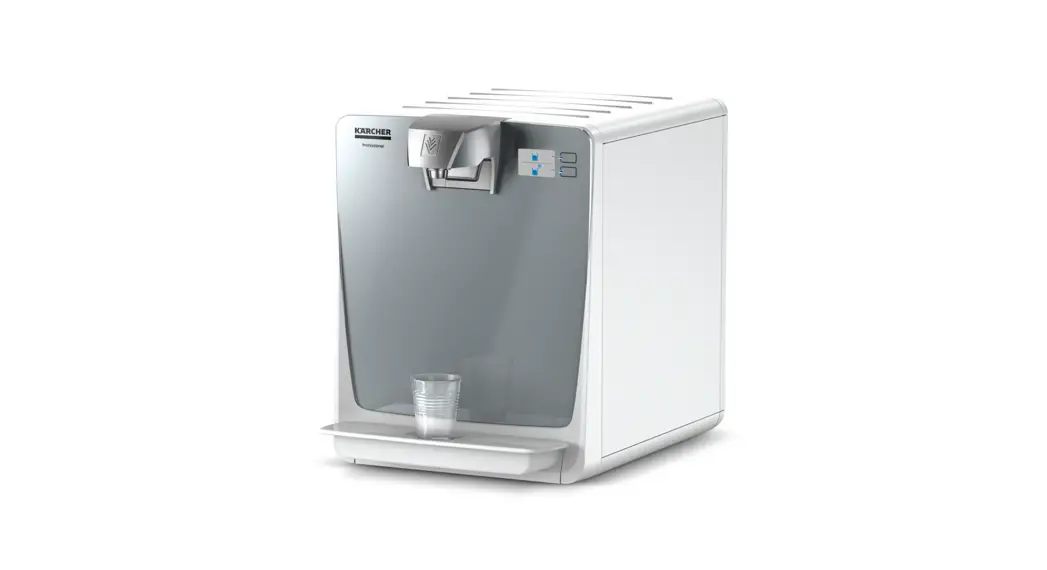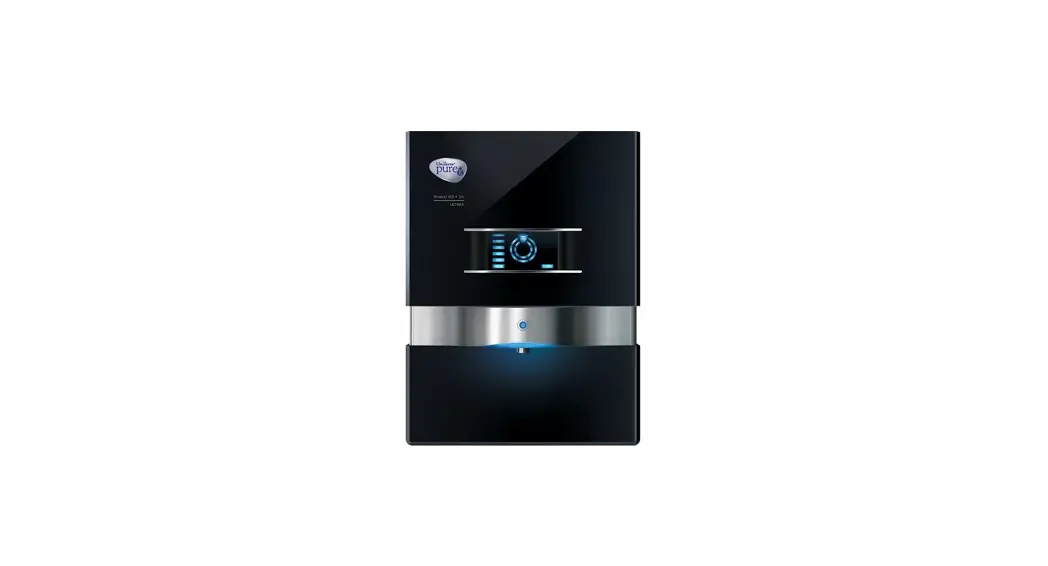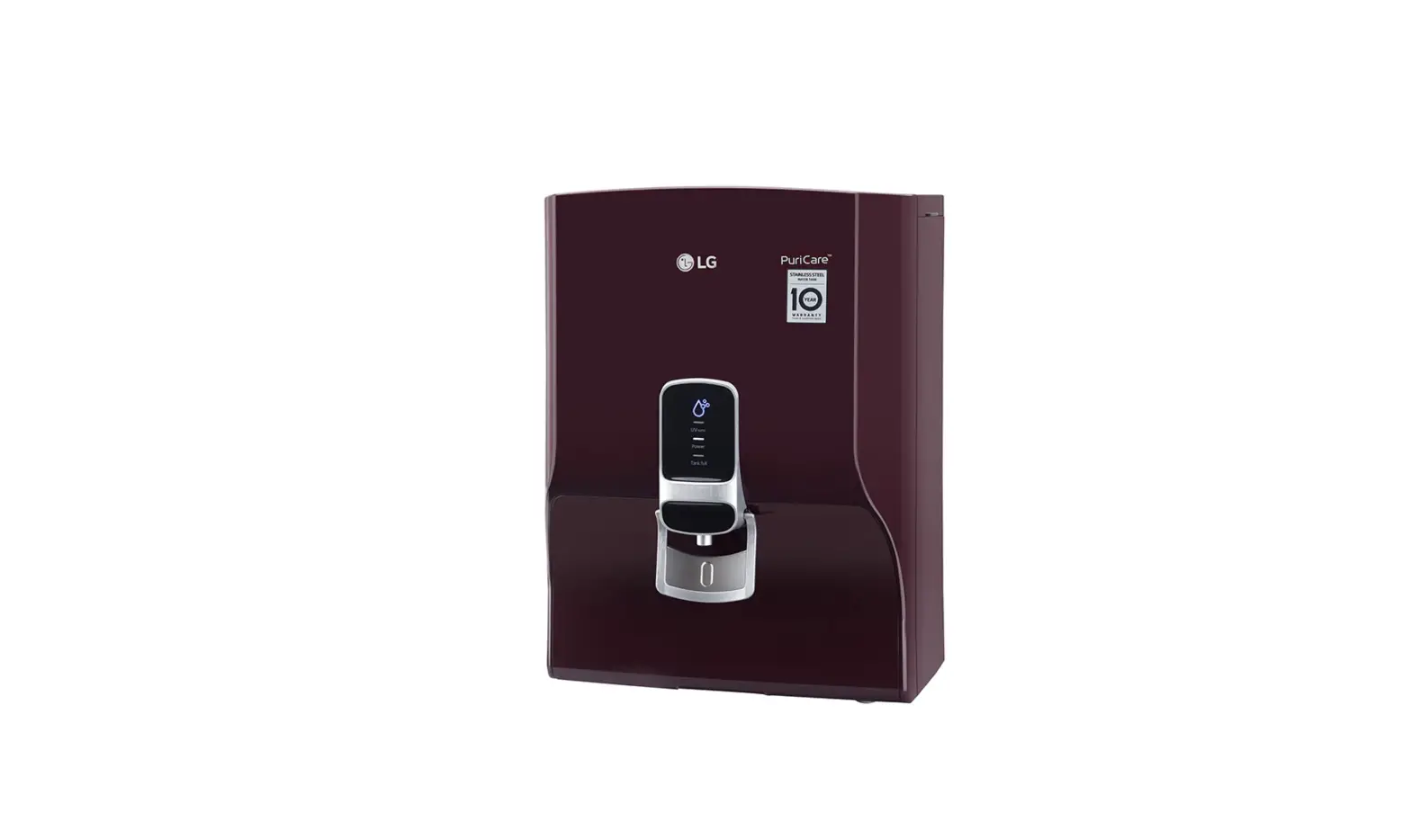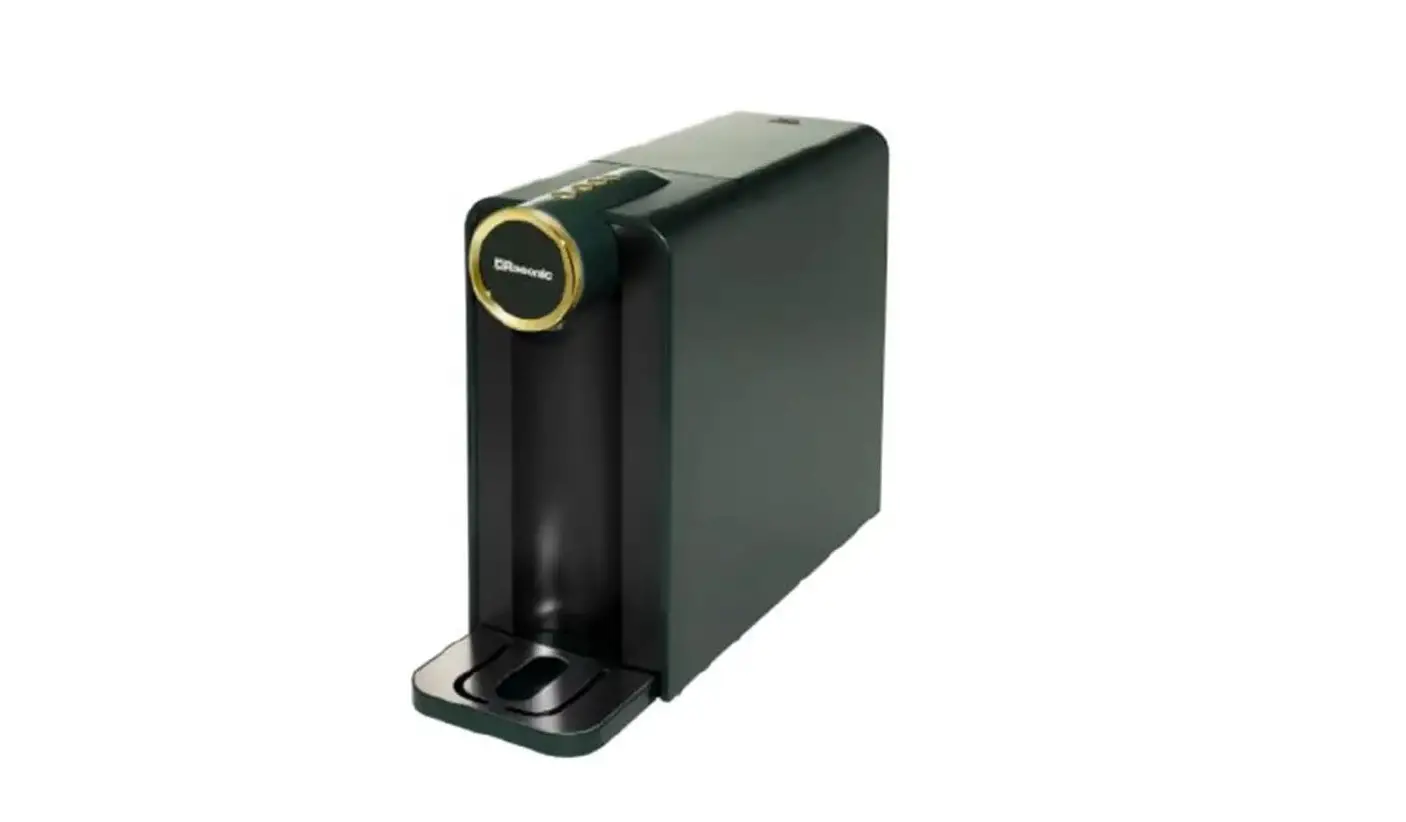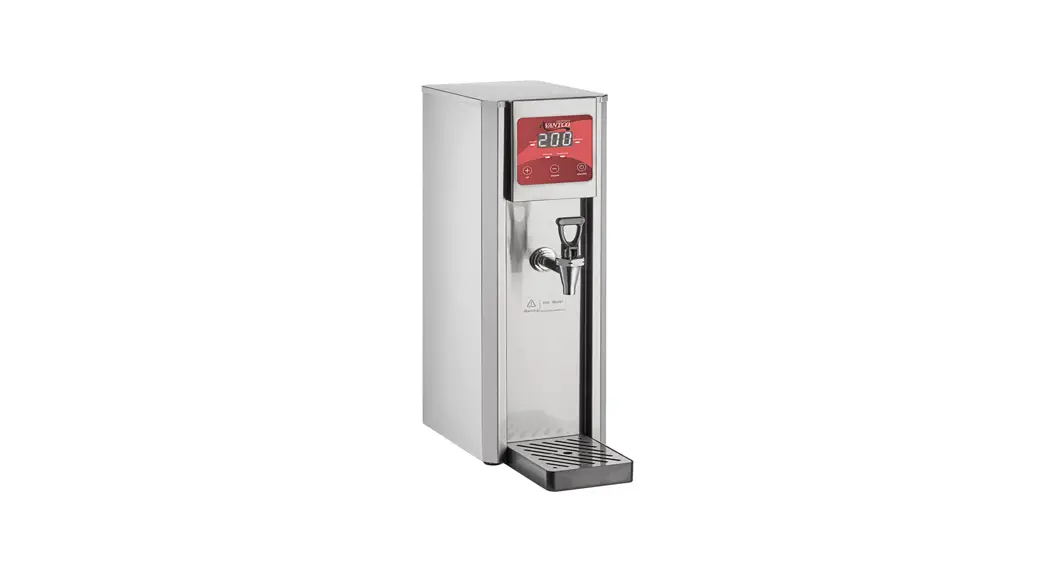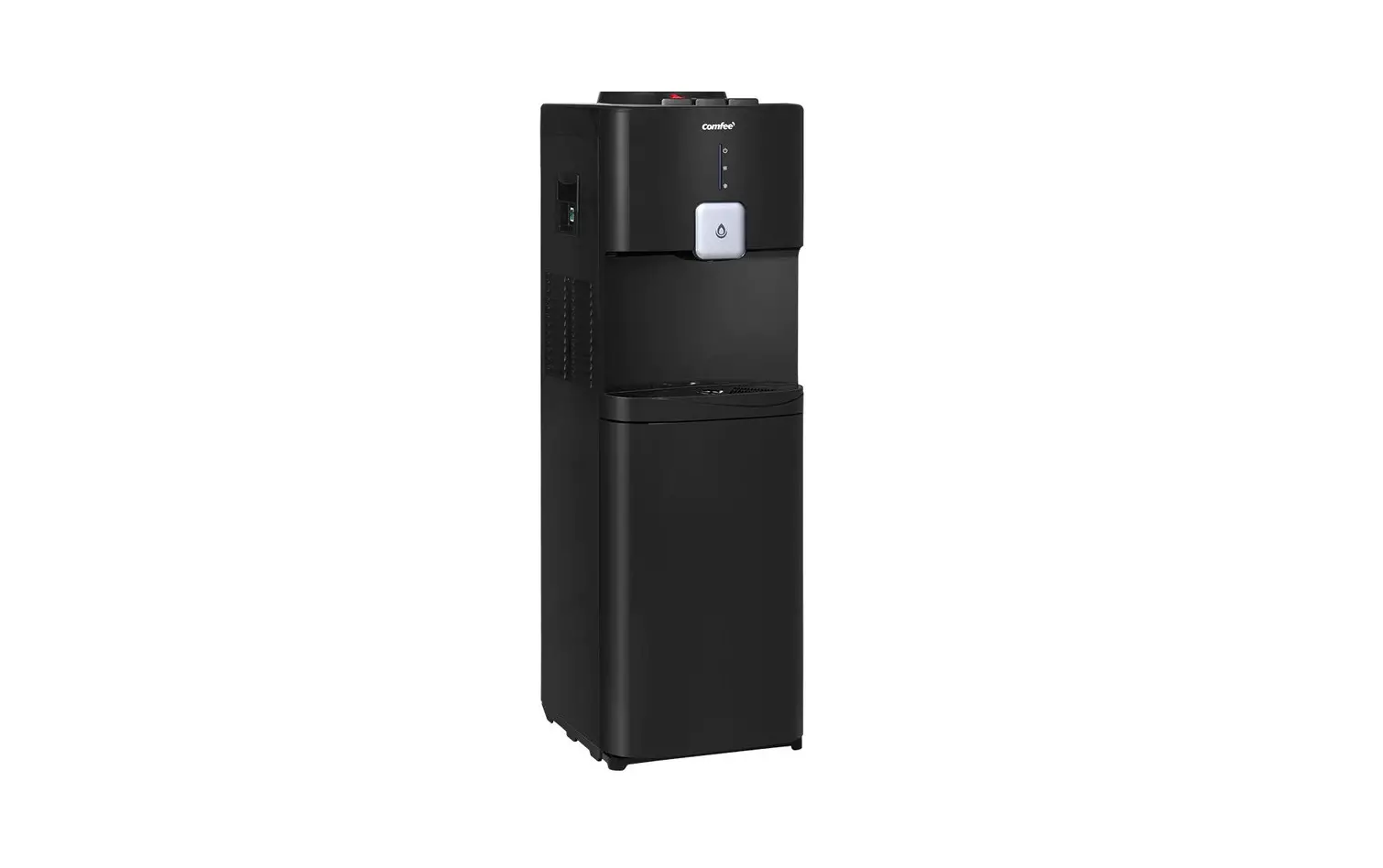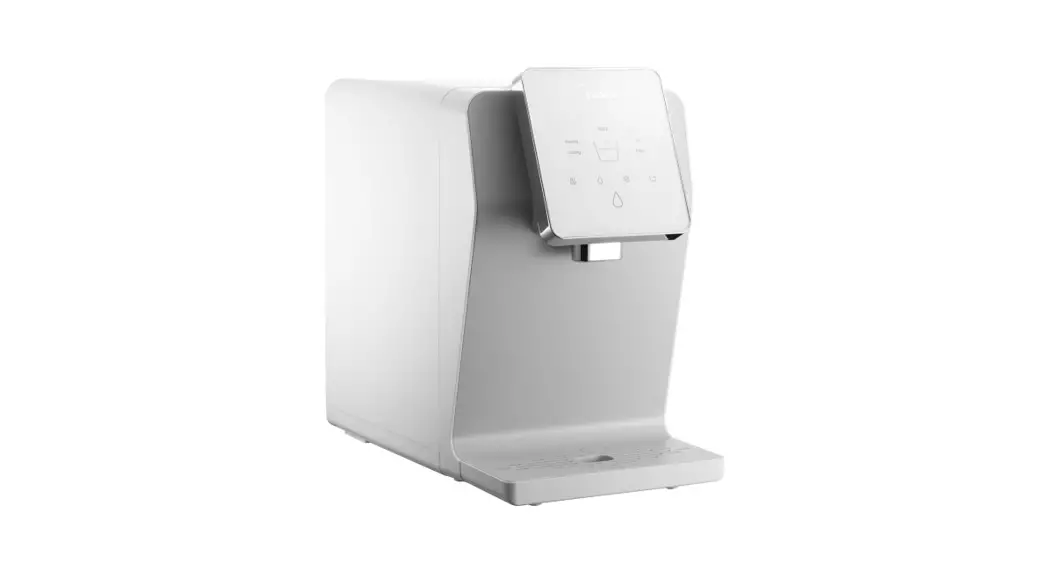

Deluxe Water Purifier & Dispenser
User Manual
Model: JL1643S-UF
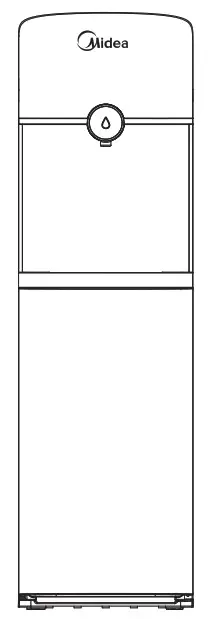
KEEP THIS MANUAL IN GOOD CONDITION, PLEASE READ THIS MANUAL CAREFULLY BEFORE USING THE MACHINE
PRECAUTION
Safety Issues
Please note the following brief icons and rules for the safe use of this product
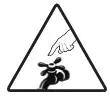 | Troubleshooting When the machine fails, please disconnect the power and water source immediately |
 | Maintenance Never remove the parts on the machine to avoid leakage or damage |
 | Should not be operated by children |
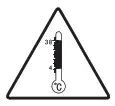 | Temperature Please use the product in a dry place with a temperature of 4-43°C |
 | Accessories and filters To maintain the normal operation of the machine, be sure to use accessories and filters supplied by the original company |
 | Correct repair service This machine can only be repaired by qualified personnel designated by this company |
 | Avoid direct sunshine Do not install the machine in a place exposed to direct sunshine |
 | Anti-freeze Never store or expose the product in an environment less than 0°C |
- This appliance is not intended for use by persons (including children) with reduced physical, sensory or mental capabilities, or lack of experience and knowledge unless they have been given supervision or instruction concerning the use of the appliance by a person responsible for their safety.
- Children should be supervised to ensure that they do not play with the appliance.
- If the supply cord is damaged, it must be replaced by the manufacturer, its service agent or similarly qualified persons in order to avoid a hazard.
- Do not store explosive substances such as aerosol cans with a flammable propellant in this appliance.
- This appliance is intended to be used in household and similar applications such as staff kitchen areas in shops, offices and other working environments; farm houses and by clients in hotels, motels, and other residential type environments; bed and breakfast type environments; catering and similar non-retail applications.
- The appliance is suitable for indoor use only.
- WARNING: Keep ventilation slots open, clear of any obstruction
- The appliance must not be immersed.
- WARNING: To avoid a hazard due to the instability of the appliance, it must be fixed in accordance with the instructions.
- The appliance must not be cleaned by a water jet.
- The appliance must not be immersed.
- This product is not recommended to use in areas above 2,500m altitude.
Packing list
Packing box | Bracket(1pc)、1/4″ PE pipe(3m) |
Materials bag | User’s Manual(1 copy) |
Materials bag | 6/8″-2/8″ connector(1pc) |
Filter | PP Sediment filter(1pc), C1 Pre carbon filter(1pc), C2 Post carbon filter(1pc), UF Membrane filter(1pc) |
YOUR DIRECT DRINKING WATER PURIFIER
Part Name of Water Purifier
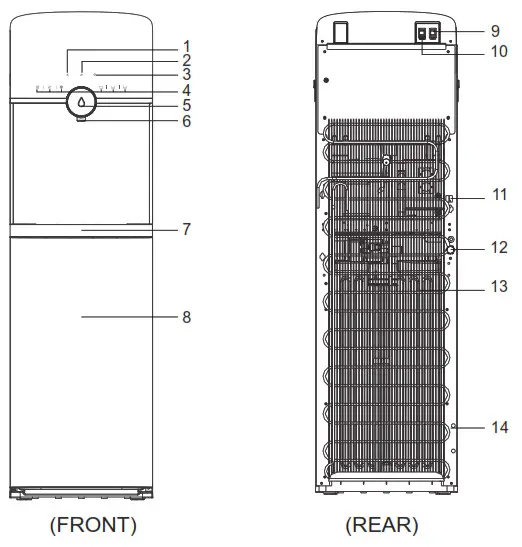
| NO. | PART NAME | NO. | PART NAME |
| 1 | Heating pilot lamp | 8 | Door |
| 2 | Cooling pilot lamp | 9 | Heating switch |
| 3 | Filter lamp | 10 | Cooling switch |
| 4 | Dispenser controls panel | 11 | Power supply cord |
| 5 | Water button | 12 | Hot water outlet |
| 6 | Spout | 13 | Condenser |
| 7 | Water collector | 14 | Water inlet |
NOTE:
Please use the product in a place with a temperature of 4-40°C and relative humidity of less than 90%.
To enhance product performance, product parts may be changed without notice.
Model and Major Parameters
| Model | JL1643S-UF |
| Rated voltage | 220-240V~ |
| Rated frequency | 50/60Hz |
| Rated power | 535W |
| Heating power | 420W |
| Cooling current | 1.0A |
| Rated pure water flow | 1.2L/min(0.3MPa) |
| Hot water capacity | 4L/h(≥85°C) |
| Coldwater capacity | 2L/h(≤10°C) |
| Applicable environment | 4-40°C humidity ≤90% |
| Applicable water pressure | 0.1-0.4MPa |
| Applicable water | Tap water |
| TDS≤350ppm | |
| Applicable water temperature | 5 ~38 ℃ |
| Stage 1 | PP Sediment filter |
| Stage 2 | C1 Pre carbon filter |
| Stage 3 | C2 Post carbon filter |
| Stage 4 | UF Membrane filter |
| Product size | 310(W)x375(D)x1061(H)mm |
| Packing size | 417(W)x378(D)x1205(H)mm |
Product Functions
- High-precision filtration, pure water quality
Through high-precision four-stage filtration system, it filters granules, iron rust, colloids bacteria, residential chlorine, and impurities in water. - Satisfies the demand of pure drinking water
Continuous water flow, ample water satisfies the demand for drinking water.
Working principle
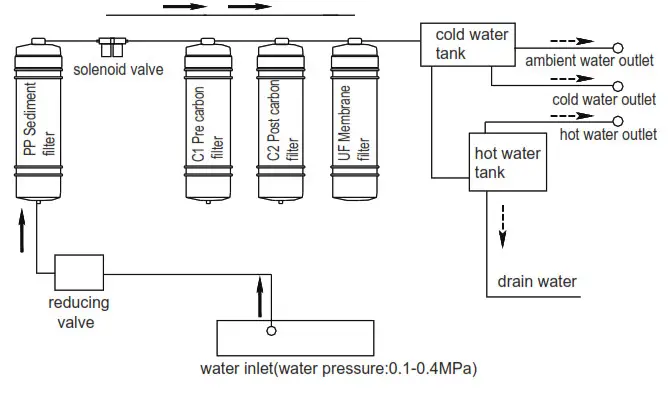
- Flowchart of water generation

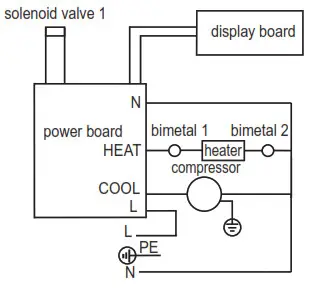
- Circuit diagram
- Filter Function Introduction
Stage | Filter | Function |
Stage 1 | PP Sediment filter | Coarse filtration of the original water, and filter out mud, sand, impurity, iron rust and suspension, etc |
Stage 2 | C1 Pre carbon filter | Absorb unusual colors and odors, remove residual chlorine and organic substance in wate |
Stage 3 | C2 Post carbon filter | Further, absorb macro-molecules and organic substances in water. Water tastes better |
Stage 4 | UF Membrane filter | Remove bacteria, iron rust, colloids, and impurities in water |
Use Guide and Maintenance
WARNING: Please cut off the water source before replacing filters. Never plug filters in the water running state.
Guidance on Unpacking and Installation
- Open the top of the packing case, take out the top foam and its accessories.
- Put the accessories aside.
- Unpack the product, install the water collector.
- Take out the quick joint, and install it on the water pipe.
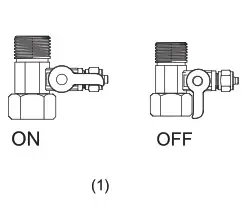
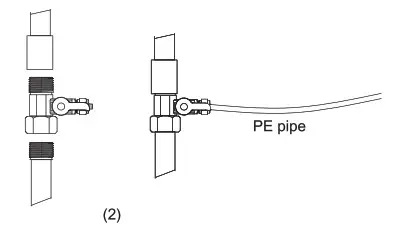
- Use the after-sale accessory—filter flushing tip, the arrow direction is the water flow direction, insert the PE pipe in the quick joint.
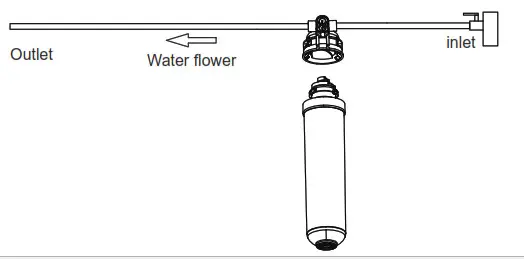
- Insert the C1 Pre carbon filter, tighten it by turning anticlockwise, and open the water tap to flush the filter until does not discharge black water, for about 10min. Take the same step to flush the C2 Post carbon filter.
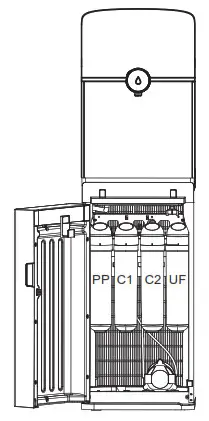
- Install the clean filter in the product, hold the filter with the left hand and enclosure of filter with the right hand, and insert it upwards in the filter, tighten it by turning anticlockwise, the installation order is: PP Sediment filter→C1 Pre carbon filter→C2 Post carbon filter→ UF Membrane filter.
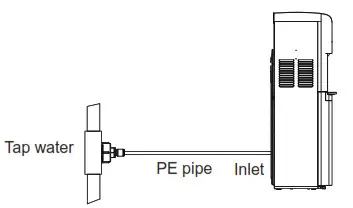
- Take out the pin of the quick joint at the back of the unit. Once the pin has been released, take out the white plug.

- Insert the water inlet PE pipe in the quick joint, and tighten the pin.
- After installing, supply power, and use it normally.
- Plug the dispenser into an earthed plug.
- Turn off the water and power supply before installation and replacement of filters.
Activate Heating & Cooling
To activate heating and cooling, turn on the switch on the back of the unit.
Machine Installation
- Loosen the screw on the left or right bottom bracket
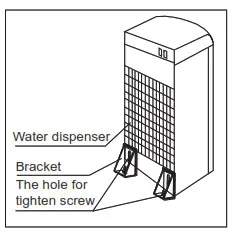
- Screw in the brackets on the left or right side of the water dispenser.
- Make a hole on the floor’s or the desk’s surface where the water dispenser will be installed.
- Fix the bracket on the floor by tightening the skew.

WARNING! To avoid a hazard due to the instability of the appliance, it must be fixed in accordance with the instructions.
The display panel is shown as below:
Dispensing water
This unit has been tested and sanitized prior to packing and shipping. During transit dust and odors can accumulate in the tank and lines. Dispense and dispose of at least one-quarter of water prior to drinking any water.
Dispensing Cold Water
After setup, it will take up to 1 hour to get the water to maximum cooling temperature. During
this time the compressor may run continuously. This is normal.
- While the “
 ” turns off, Position the bottle or cup below the spout.
 - Touch the cold water button “ ” and “
 ” , then touch the get water button “
 ” the indicator turns on and the device starts discharging cold water. The machine will dispense for about 50 seconds.
 - Touch the cold water button “ ”and “ ” , then touch the get water button “ ” , the indicator turns on and the device starts discharging cold water. The machine will dispense for about 25 seconds.
- Touch the cold water button “ ” and “ ”, then touch the get water button “ ”, the indicator turns on and the device starts discharging cold water. The machine will dispense for about 12 seconds.
Dispensing Ambient Water
- Touch the ambient water button “
 ” and “ ” , then touch the get water button “ ”, the indicator turns on and the device starts discharging ambient water. The machine will dispense for about 50 seconds.
 - Touch the ambient water button “ ” and “ ”, the touch the get water button “ ” , the indicator turns on and the device starts discharging ambient water.The machine will dispense for about 25 seconds.
- Touch the ambient water button “ ” and “ ”, then touch the get water button “ ” , the indicator turns on and the device starts discharging ambient water. The machine will dispense for about 12 seconds.
Dispensing Hot Water
- While the “
 ” turns off, position the bottle or cup below the spout.
 - Touch the hot water button “
 ” and “ ”, then touch the get water button “ ”, the indicator turns on and the device starts discharging hot water. The machine will dispense for about 50 seconds.
 - Touch the hot wat r button “ ” and “ ”, then touch the get water button “ ”, the indicator turns on and the device starts discharging hot water. The machine will dispense for about 25 seconds.
- Touch the hot water button “ ” and “ ”, then touch the get water button “ ”, the indicator turns on and the device starts discharging hot water. The machine will dispense for about 12 seconds.
 ” turns off, position the bottle or cup below the spout.
Maintenance of Filtration System:
- While the “
 ” is flashing, it indicates the filter should be changed.
 - After filter replacement, set the reset button at the back of the top cover until the “ ” light stops flashing.
Maintenance
- Keep the machine in a dry and cool place and avoid direct sunshine. The back of the machine should be at least 20cm away from the wall. Never put anything flammable beside this machine. Do not use the machine outdoors or in a place that can be splashed by water.
- Turn off the heating and cooling switch at the back of the unit when not in use for long periods of time.
- In case the water supply is cut off, please close the feed water ball valve and cut off the power. After water re-supply, please open the other faucets to discharge sediment and then turn on the feed water ball valve.
- The machine must use an earthed three-pin socket.
- Never turn on (off) the machine by inserting the plug into (pulling the plug out from) the socket. Never increase the length of the supply cord to avoid fire.
- If the supply cord is damaged, it must be replaced by the manufacturer or a qualified person.
- The water source for the water purifier is tap water.
- Never dismantle spare parts of the machine to avoid water leakage or damage.
- Never turn the machine upside down or lean it more than 45° when moving it to avoid any damage or harm.
Troubleshooting
In case of failure, please carry out an inspection according to the requirements below.
If unresolved, please contact the local service agency.
| Failure | Cause | Solution |
| Low water flow | Low water pressure | Check the booster pump or water inlet |
| Filter not replaced in time, beyond the use time | Please contact the local service agency to replace the filter | |
| Unsuitable water temperature | Overconsumption of water in a short time | Just wait a moment, and water is available again |
| Power supply is not put through | Switch on the power supply | |
| Corresponding functions not started | Press a corresponding function key to start the function | |
| Water leakage | Pipe not connected properly | Inspect the connector connect the pipe properly |
| Water pipe and PE pipe bursting | Replace the water pipe and PE pipe | |
| ,,,, light flashing | There might be a leakage | Check the PCB on the base plate. Repair the machine and dry the PCB, and then power on again. |
| Electrical leakage | Machine in poor contact with the ground | Use a three-pin socket with earth wire, making the machine grounded properly |
| Noisy operation | Not installed properly | Place the machine on a steady& solid surface |
| The machine fails to run | Check the power supply | Switch on the power supply |
It is a normal state that the following circumstances occur when the water purifier is used.
- During the heating, the heating tube may generate slight noises. This is a normal state.
- When the heating tank is being heated without water, the anti-dry-burning device will disconnect automatically and can not reset by its own. The reset must be completed by a professional technician. The design is in accordance with the national safety requirements.
- When an ambient temperature is higher, the cooling capacity may be slower, which is a normal state.
 The packaging material used is recyclable; we recommend that you separate plastic, paper, and cardboard and give them to recycling companies. To help preserve the environment, the refrigerant used in this product is R134a (Hydrofluorocarbon -HFC), which does not affect the ozone layer and has little impact on the greenhouse effect. According to WEEE (Waste of Electrical and Electronic Equipment) guidelines, waste from electrical and electronic devices should be collected separately. If you need to dispose of this appliance in the future, do NOT throw it away with the rest of your domestic garbage. Instead, please take the appliance to the nearest WEEE collection point, where available.