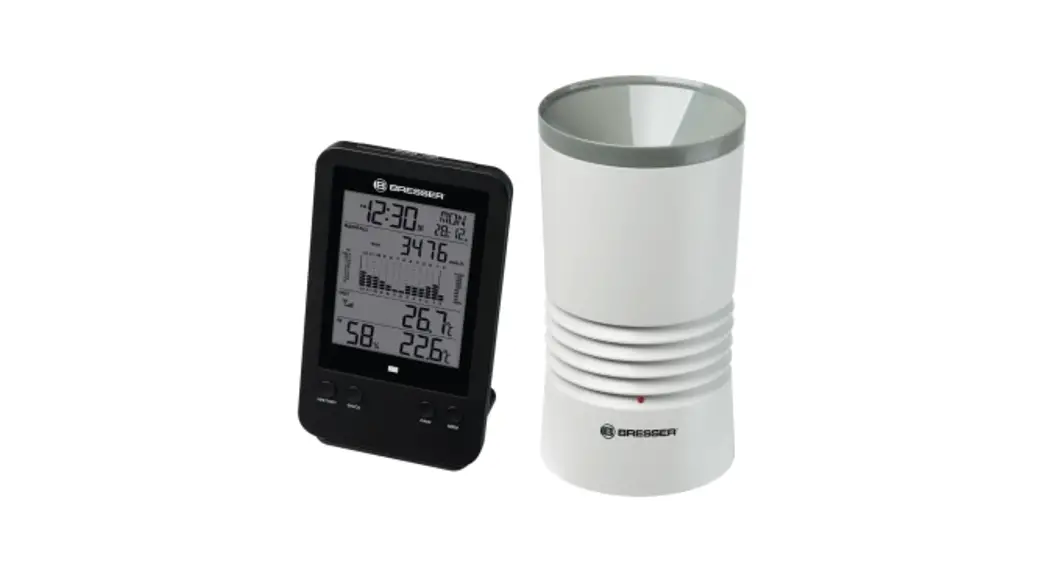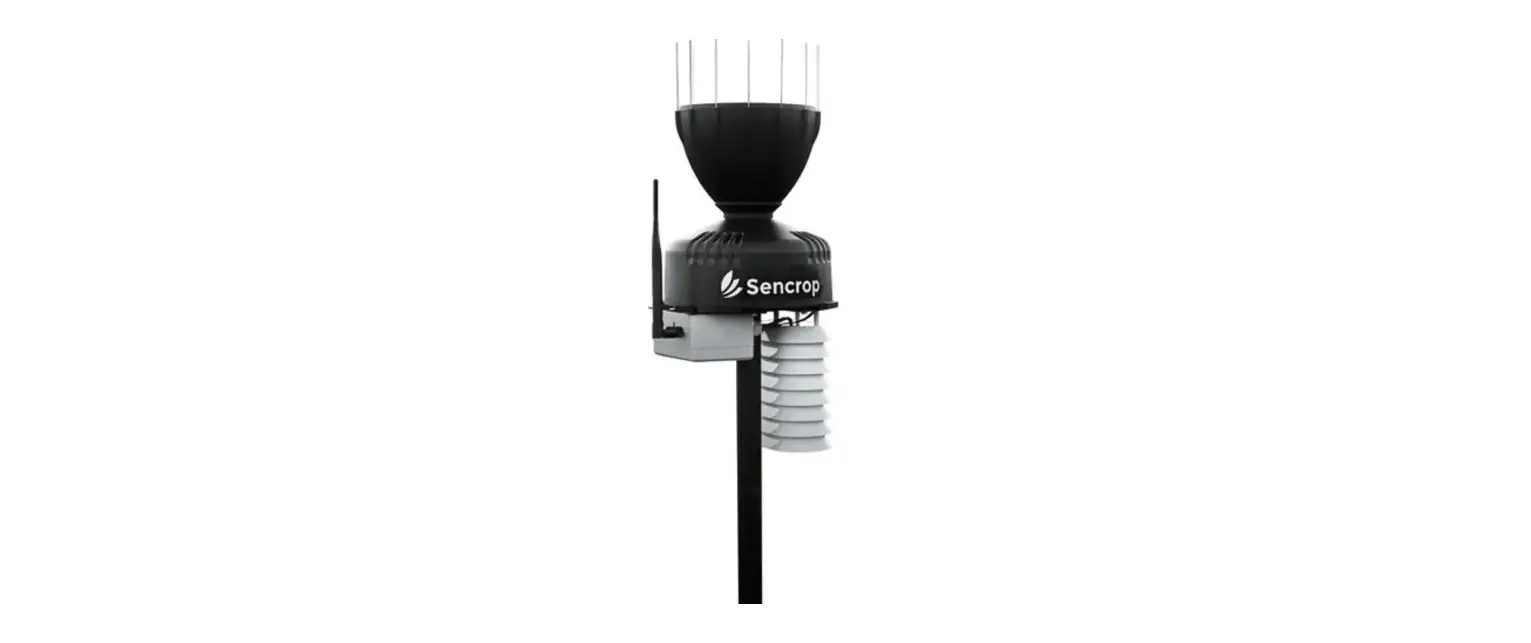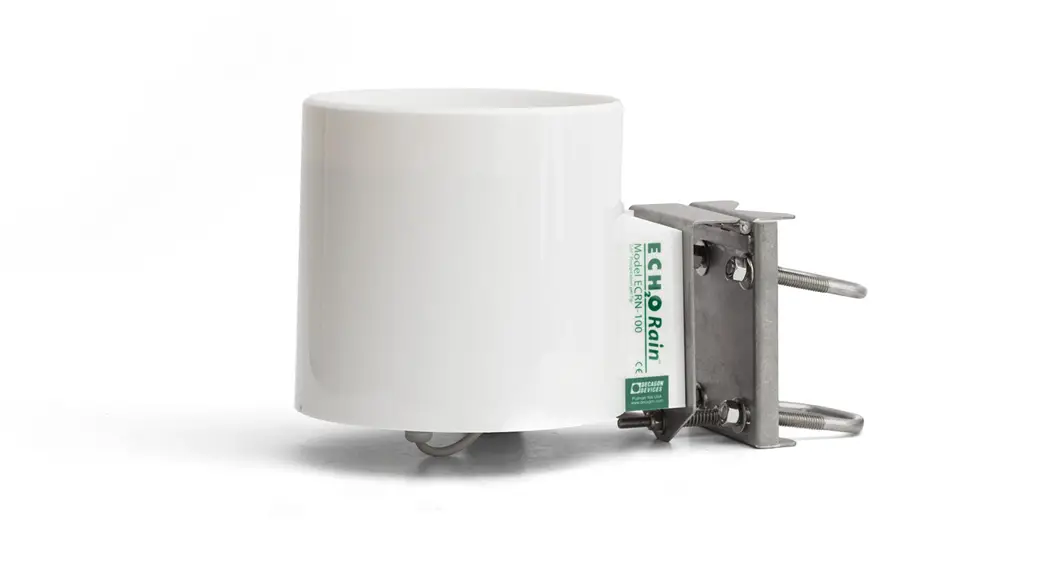
ECRN-100 HIGH-RESOLUTION RAIN GAUGE
INSTALLATION INSTRUCTIONS
Preparation
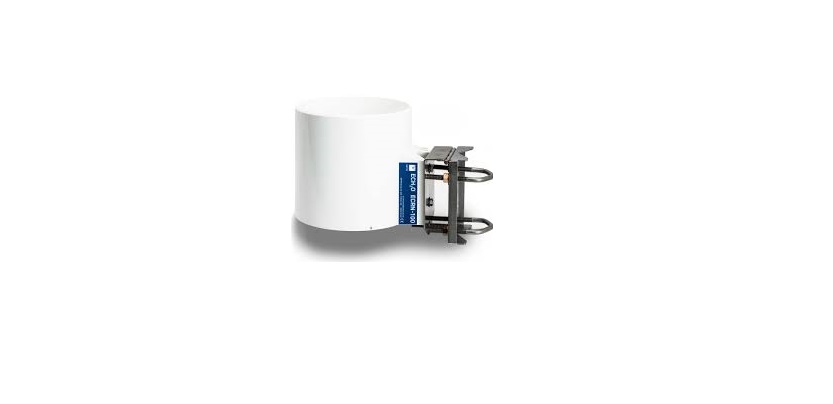
Inspect and verify that ECRN-100 components are intact. The installation will require a 31.8- to 50.8-mm (1.25- to 2.00-in) diameter mounting pole. Before beginning installation, consider the surroundings and avoid obstructions. Many installations require weather stations to be mounted 2 m above ground, but this can be adjusted as needed. Set up and test the system (sensors and data loggers) in a lab or office. Ensure the data loggers are using up-to-date firmware and software. Check the following locations for firmware and software updates:
ZL6 metergroup.com/zl6-support
Other metergroup.com/environment/articles/buy-browse-meter-legacy-data-loggers/
Read the ECRN-100 specifications at metergroup.com/ecrn-100.
| Resolution | Volume Per Tip | Rainfall Per Tip |
| 1 tip | 4.02 ml/tip | 0.2 mm |
All products have a 30-day satisfaction guarantee.
Installation
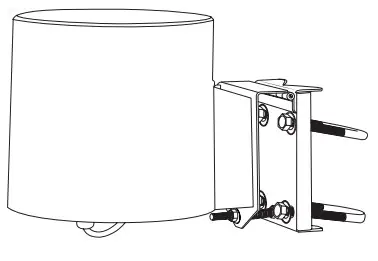
Use the ECRN-100 bracket to mount the rain gauge to the mounting pole at the desired height. Use a wrench to tighten the bolts, securing the rain gauge to the pole. Ensure that it is level (using the bubble level). Plug the sensor cable into the data logger. Use data logger software to apply appropriate settings to the sensors plugged into each data logger port. Gather and secure the cables to the mounting pole in one or more places to relieve strain on the connections.
METER Group, Inc. USA
2365 NE Hopkins Court, Pullman, WA 99163
T +1.509.332.2756 F +1.509.332.5158
E [email protected] W metergroup.com
NORTH AMERICA
E [email protected]
T +1.509.332.5600
EUROPE
E [email protected]
T +49 89 12 66 52 0
18292-02
3.6.2020
ECRN-100 HIGH-RESOLUTION RAIN GAUGE
INSTALLATION INSTRUCTIONS
Preparation
Inspect and verify that ECRN-100 components are intact. The installation will require a 31.8- to 50.8-mm (1.25- to 2.00-in) diameter mounting pole. Before beginning installation, consider the surroundings and avoid obstructions. Many installations require weather stations to be mounted 2 m above ground, but this can be adjusted as needed. Set up and test the system (sensors and data loggers) in a lab or office. Ensure the data loggers are using up-to-date firmware and software. Check the following locations for firmware and software updates:
ZL6 metergroup.com/zl6-support
Other metergroup.com/environment/articles/buy-browse-meter-legacy-data-loggers/
Read the ECRN-100 specifications at metergroup.com/ecrn-100.
| Resolution | Volume Per Tip | Rainfall Per Tip |
| 1 tip | 4.02 ml/tip | 0.2 mm |
All products have a 30-day satisfaction guarantee.
Installation
Use the ECRN-100 bracket to mount the rain gauge to the mounting pole at the desired height. Use a wrench to tighten the bolts, securing the rain gauge to the pole. Ensure that it is level (using the bubble level). Plug the sensor cable into the data logger. Use data logger software to apply appropriate settings to the sensors plugged into each data logger port. Gather and secure the cables to the mounting pole in one or more places to relieve strain on the connections.
METER Group, Inc. USA
2365 NE Hopkins Court, Pullman, WA 99163
T +1.509.332.2756 F +1.509.332.5158
E [email protected] W metergroup.com
NORTH AMERICA
E [email protected]
T +1.509.332.5600
EUROPE
E [email protected]
T +49 89 12 66 52 0
18292-02
3.6.2020
 ECRN-100 high resolution rain gauge | METER Environment chat