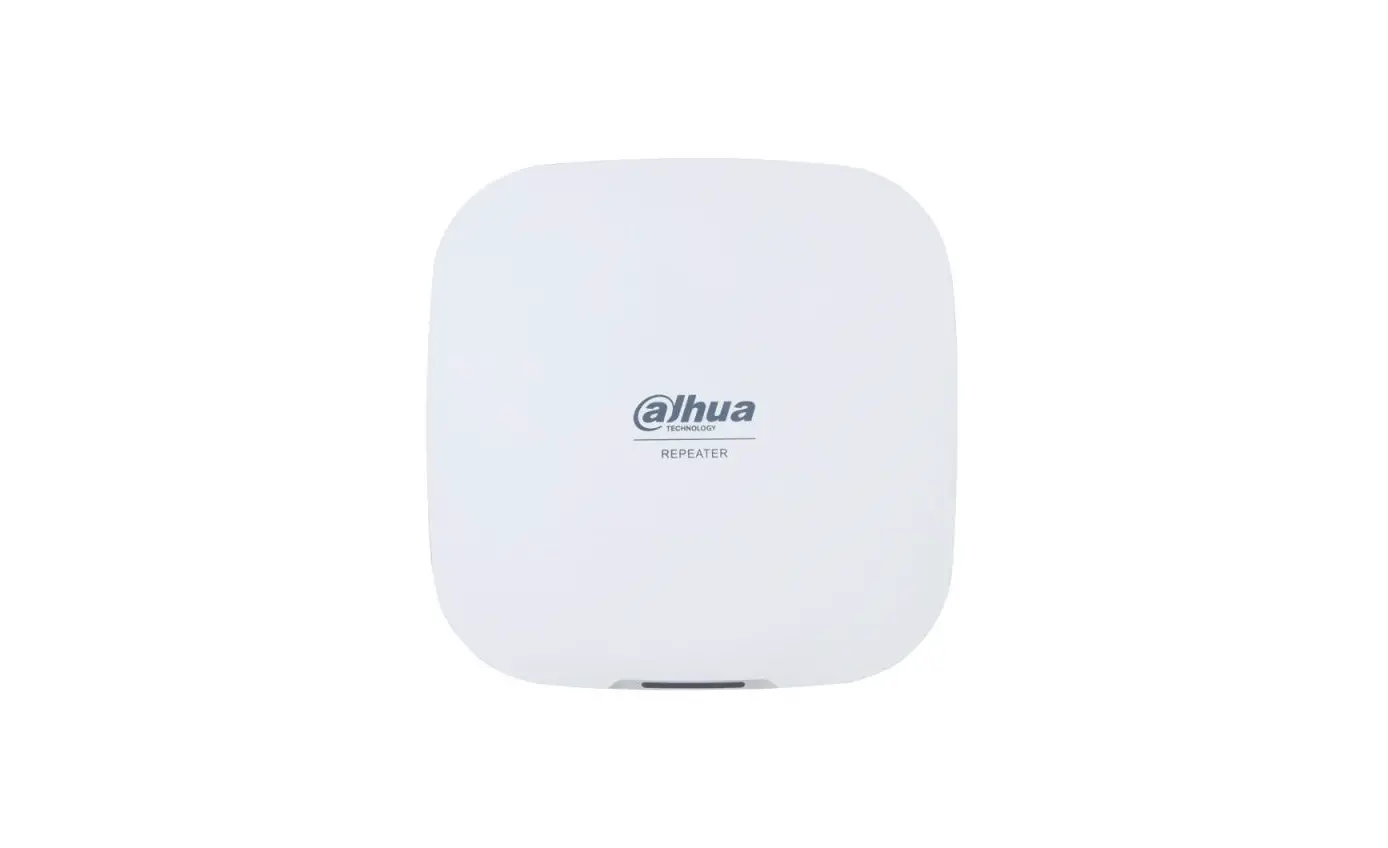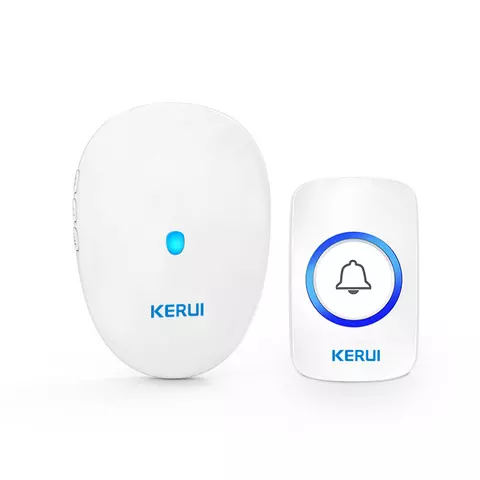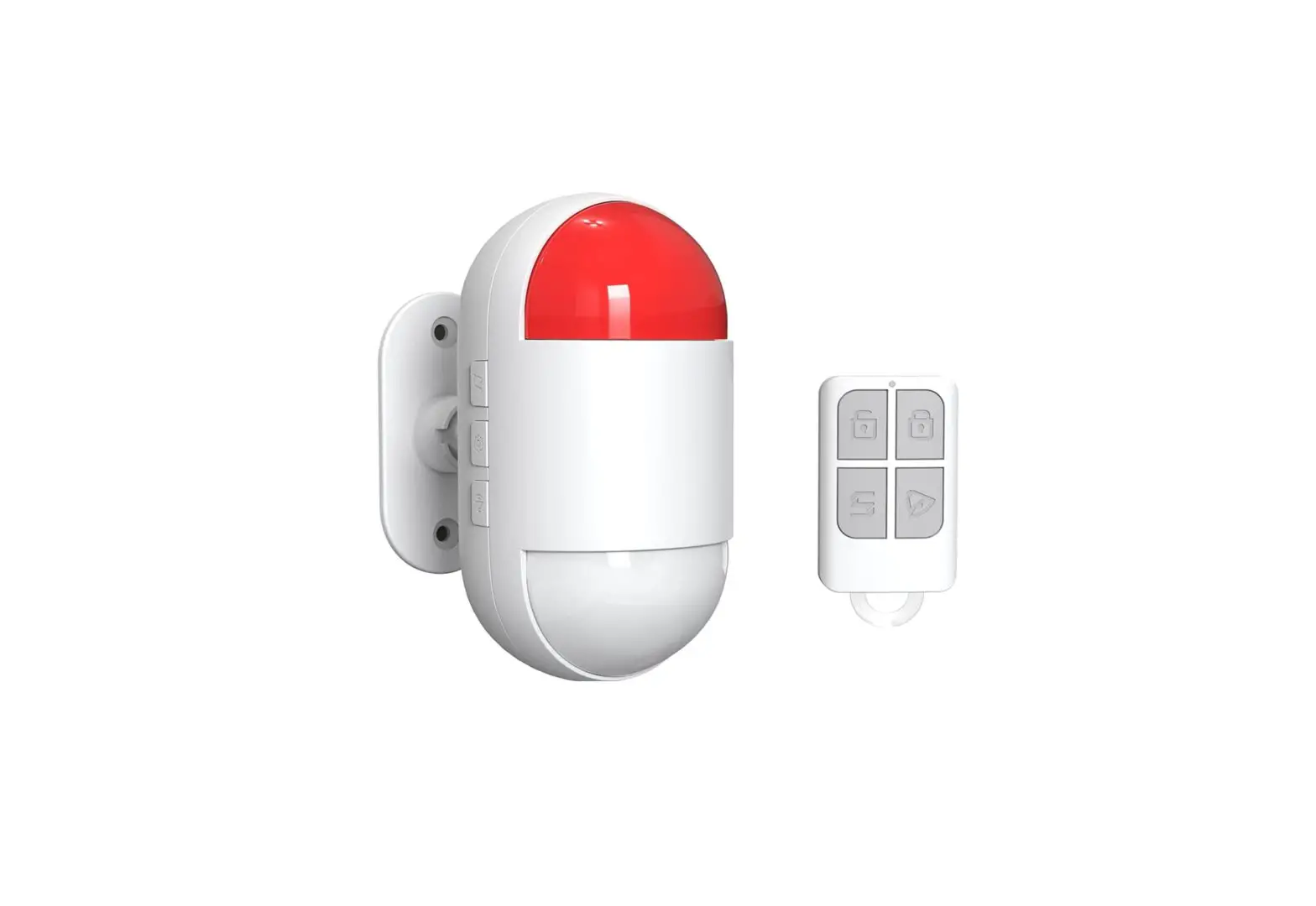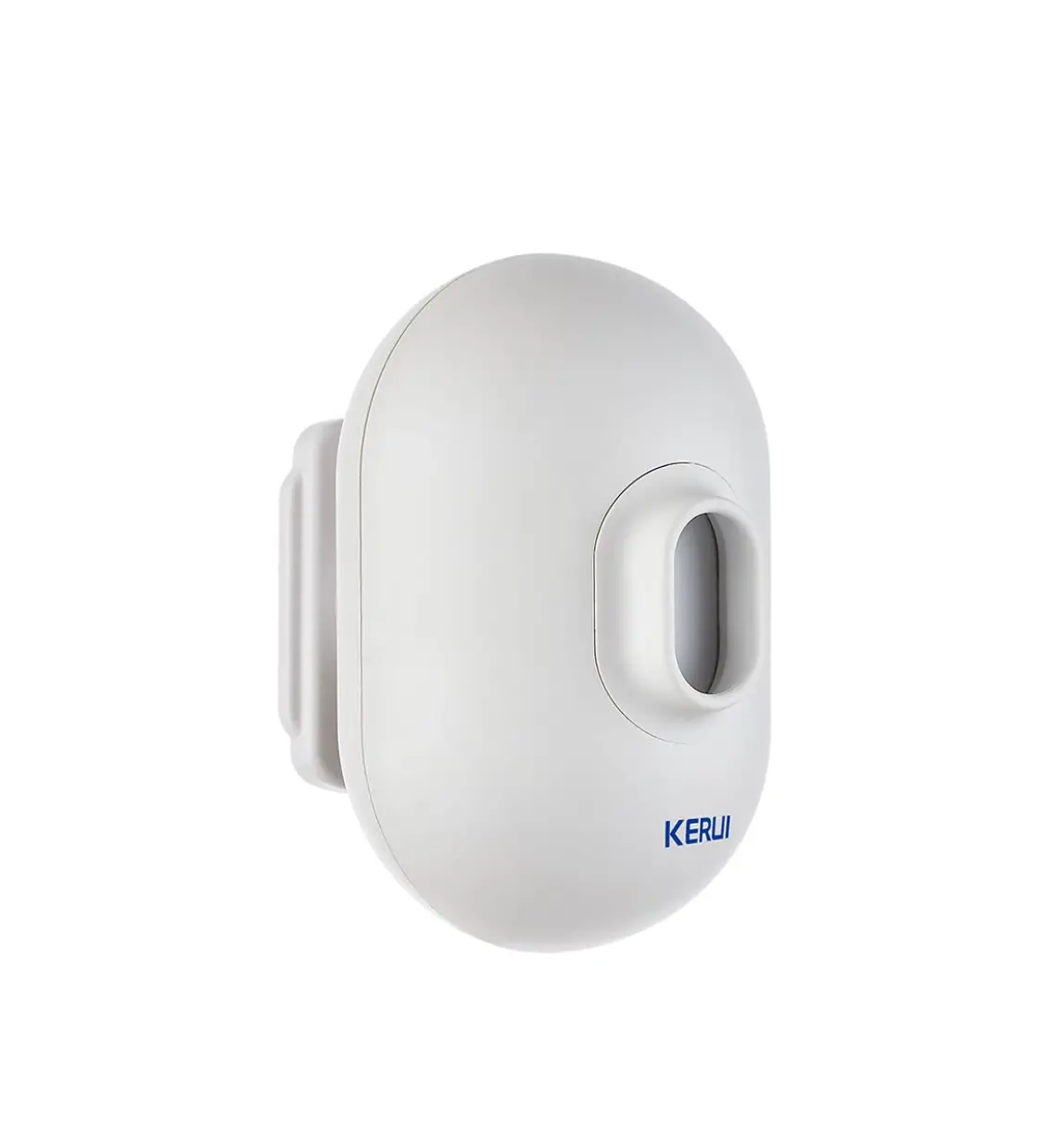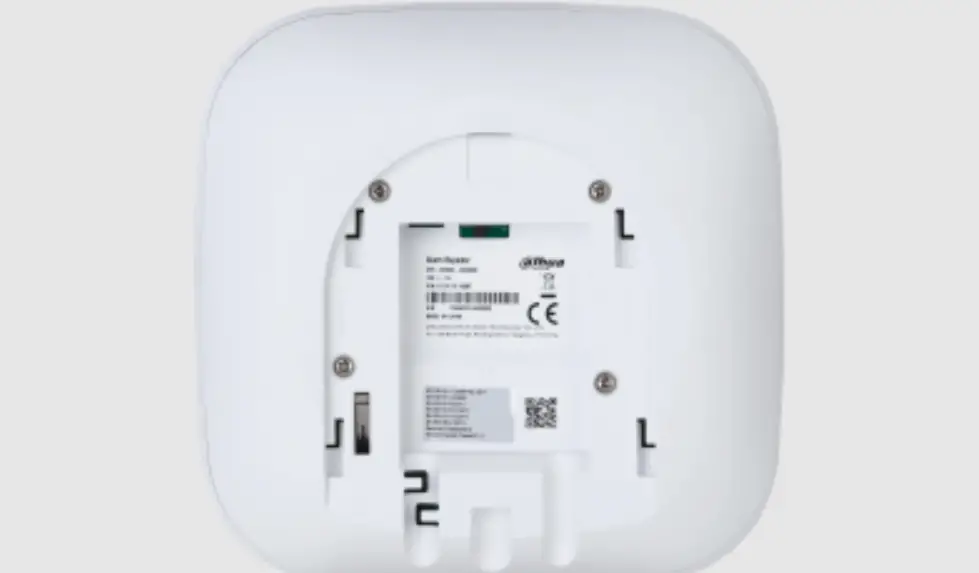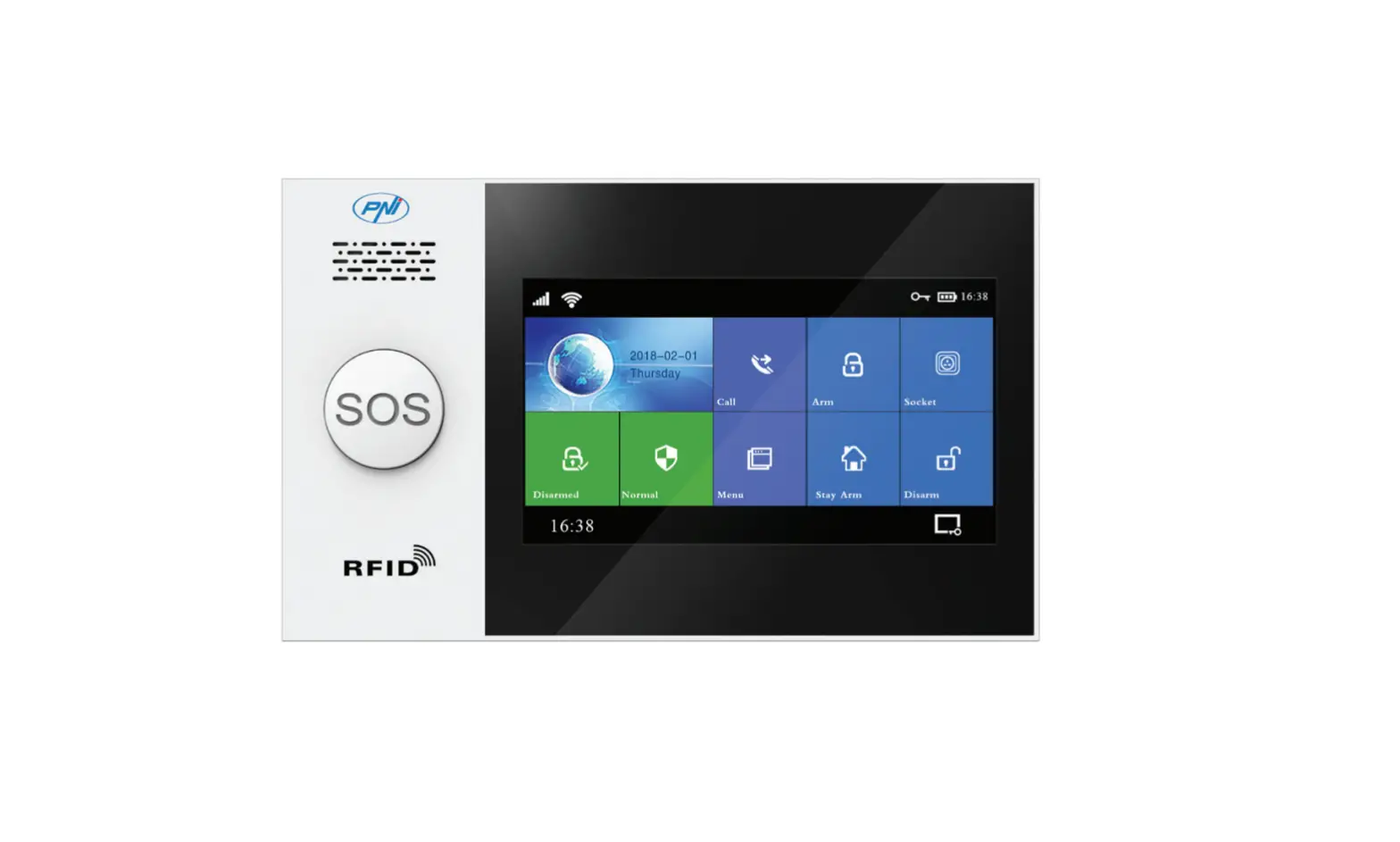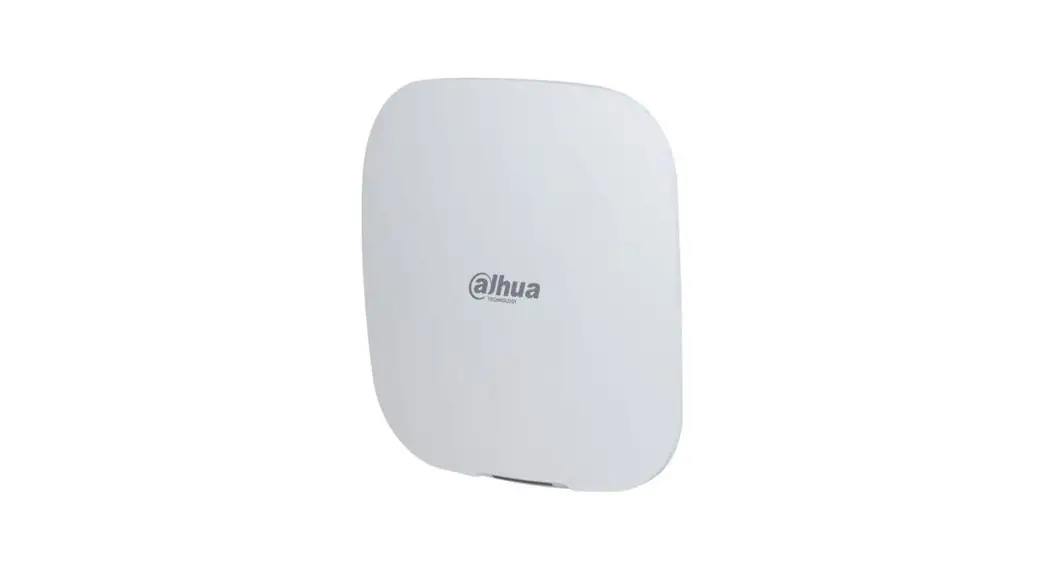

Wireless Pl R Motion Alarm Kit
User Manual
DW512+P837
DW512+P837 Wireless PlR Motion Alarm Kit
Product Introduction
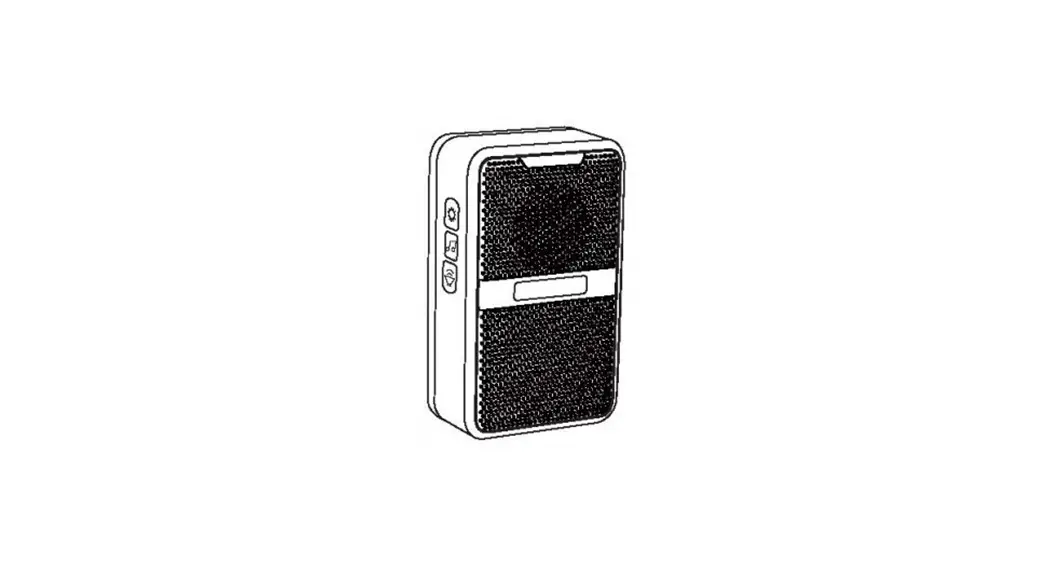
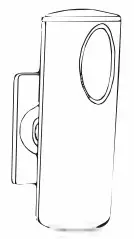
wireless passive Infrared alarm uses digital dual-core fuzzy logic Infrared control processing technology and intelligent analysis algorithms to effectively distinguish interference signals from human movement signals to prevent false alarms. It’s power saving, safety, environmentally-friendly, and easy installed. It’s widely used in Driveway. family residential areas, real estate villas, factories, shopping malls, warehouses and other security places
Package List
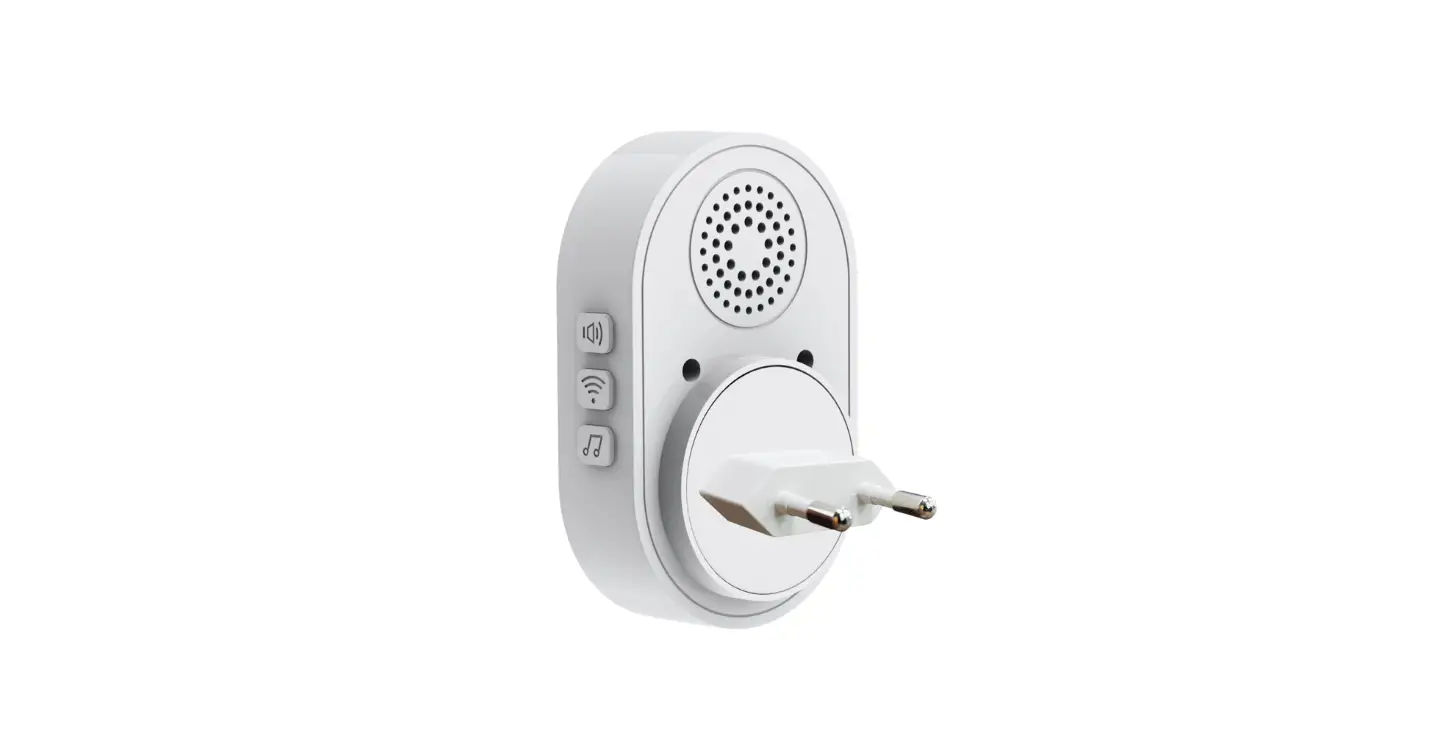
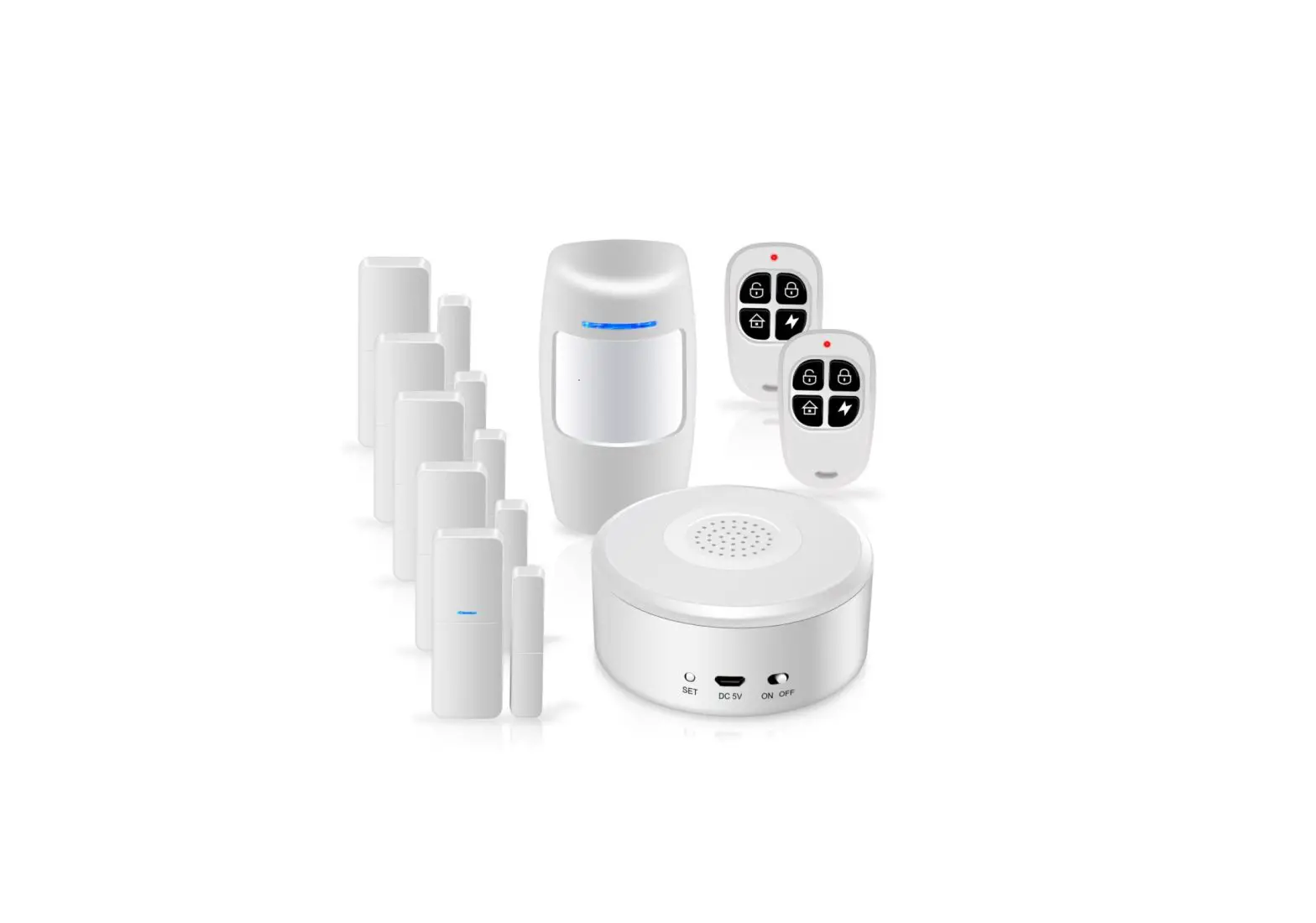
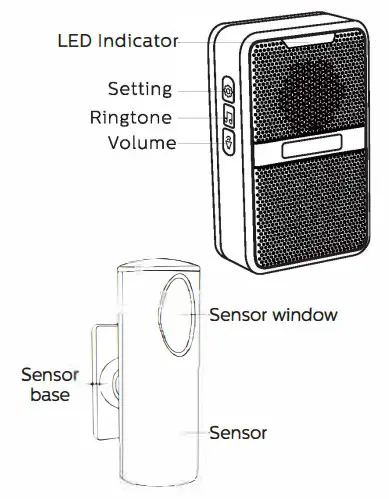
Stechro Alarm Receiver(s).Stechro PIR Motion sensor(s),User Gulde, Screws, Sensor Base, Adhesive Tape.
Features
- 62 tones optional
- Colorful LED indicator
- 5 volume levels adjustable (mute mode with light only)
- Memory function: Keep the previous setted tune after re-plugging it
- Doorbell mode/Alarm mode
Operation Instructions
Button Press Short press < 3s Long press >3s
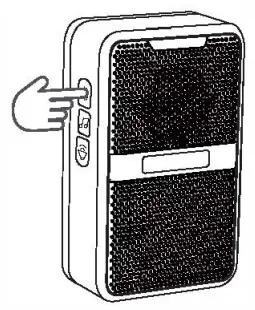
Operating voltage:100~240V, 50-60HZ

2X丛batteries/DC5V(USB-5V)
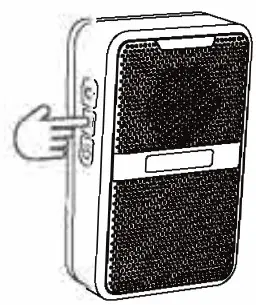
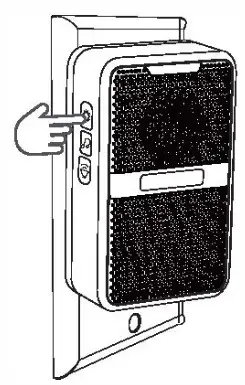
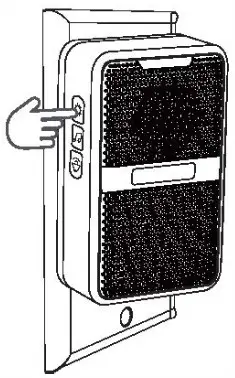
Selecting the Ringtone
* Short press Cycle FORWARD through the tones
* Long press [ hear a short beep sound ] Cycle REVERSE through the tones
Setting the Volume
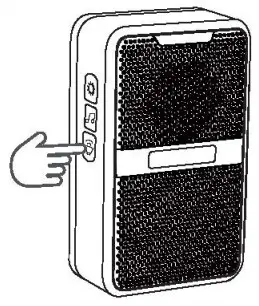
Short press, 1~5 volume setting
Note: The volume changes to the largest automatically every time after the receiver is power on.
Receiver and Sensor Pairing
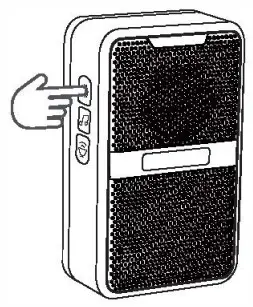
- Long press, receiver beeps once

- Move hand to Window, until receiver beeps twice
- Move hand to Window, until receiver beeps once

- Short press

- Move hand to Window, music is ringing adding successfully
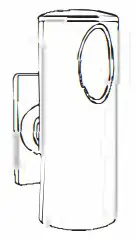
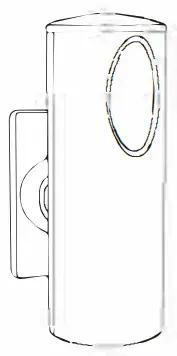
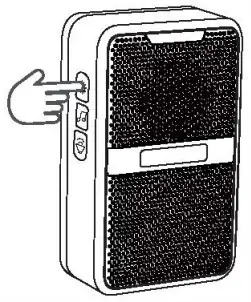
(Be note: in 2.3.5 each hand trigger will continue 5 seconds. item has been paired since you got it.
Adding the second new part sensor or more please according to the above steps )
Fixed-tone: Adding a sensor with a FIXED receiver ring tone
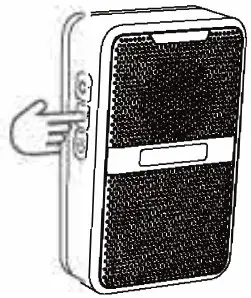
- Short press select the favorite tone

- Long press. Receiver beeps once

- Move hand to Window, until receiver beeps twice
- Move hand to Window, until receiver beeps once

- Short press

- Music is ringing, adding successfully.
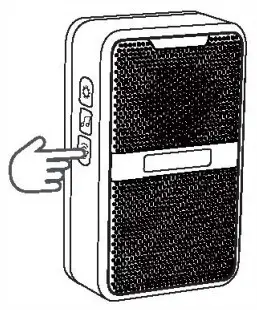
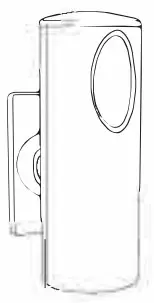
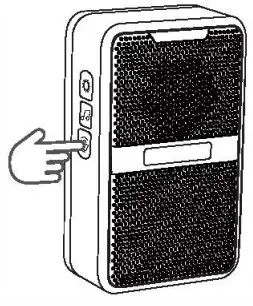
(Adding the second New part door sensor or unpaired sensor with a FIXED receiver ring tone please according to the above steps )
Note: When in adding state, short press any keys on the receiver or leaves it 20s without any operation. the receiver will automatically quit the adding state
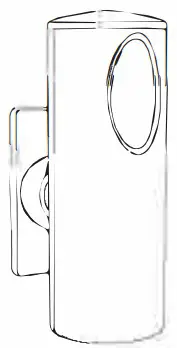
2 way Installation for sensor
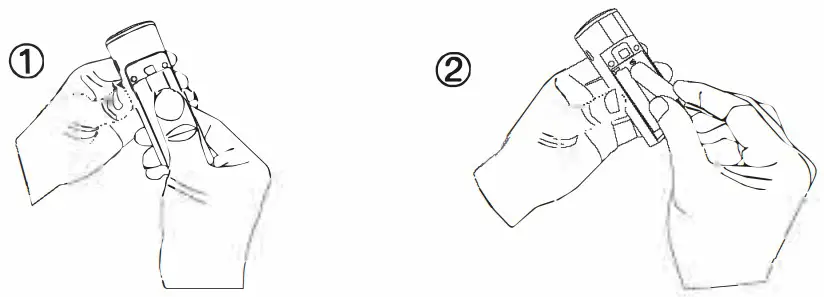
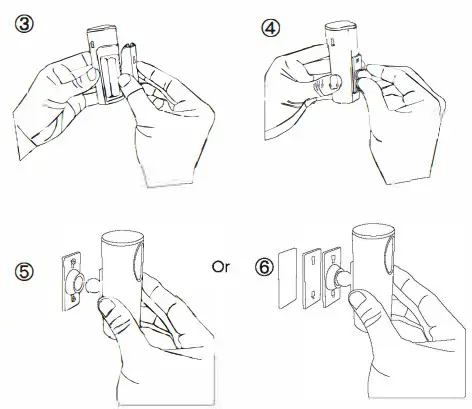
Clear All Settings – Unpair all sensors from receiver
- Press and hold, Insert the plug into the row plug

- Press and hold, continuous 10 beeps and the LED indicator flashes 10 times.

- Unpairing done

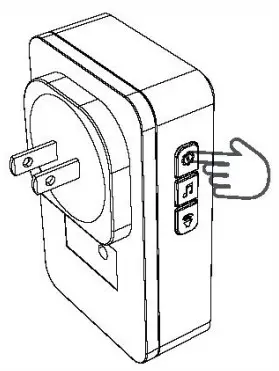
Specifications of Receiver
Host specifications
Operating voltage:100~240V, 50~60HZ
Receiving frequency: 433MHz
Working power consumption: 0.5W
Wireless distance: 100m (open space)
Specifications of sensor
lp55 waterproof
Working Temperature:-4 “F -122下
Working Humidity: ≤ 85%
Specifications of Door sensor
External adapter: DC5V (USB-SV)
Internal battery: 2 “AA” AA batteries /3.7V lithium battery
Standby current: <50uA
Working current: <25mA
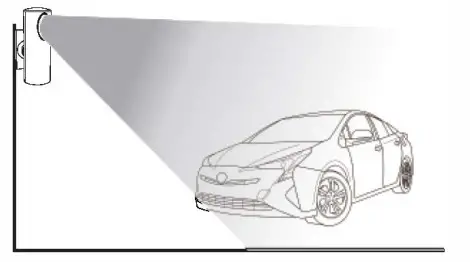
Detection range: 4-8 meters / 110 degrees
Wireless distance: 600ft (open area)
Wireless transmitting frequency: 433MHZ
Recommendation
Position: The installation position of detector should be away from windows, air conditioners, electric heaters, refrigerators, stoves, sunlight and other places where the temperature is unstable and where the air velocity is high. It should not be interfered form each other to cause false alarms when the detectors are stalled in the detectable range
Height: The recommended installation height is 2 meters far away from ground after fixing the detecting angle or the mounting bracket Installation Direction: It’s the best way to install the detector vertically to the direction in which the people walk. The detection is more sensitive to the lateral movement of people.
Indicator
Red LED flashes once: Detector alarms;
Red LED flashes once every 3 seconds: low voltage prompt, replace new battery ASAP.
The red LED on the side of the detector is the power indicator, which is always RED when the detector is powered by USB supply or the battery is
charging, but the power indicator will be off at other time
If you have product Issue or want to activate the validity pls contact us for service
FCC Warning
This device complies with part 15 of the FCC Rules. Operation is subject to the following two conditions: (1) This device may not cause harmful interference, and (2) this device must accept any interference received, including interference that may cause undesired operation.
Any Changes or modifications not expressly approved by the party responsible for compliance could void the user’s authority to operate the equipment.
Note: This equipment has been tested and found to comply with the limits for a Class B digital device, pursuant to part 15 of the FCC Rules. These limits are designed to provide reasonable protection against harmful interference in a residential installation. This equipment generates uses and can radiate radio frequency energy and, if not installed and used in accordance with the instructions, may cause harmful interference to radio communications. However, there is no guarantee that interference will not occur in a particular installation. If this equipment does cause harmful interference to radio or television reception, which can be determined by turning the equipment off and on, the user is encouraged to try to correct the interference by one or more of the following measures:
- Reorient or relocate the receiving antenna.
- Increase the separation between the equipment and receiver.
- Connect the equipment into an outlet on a circuit different from that to which the receiver is connected.
- Consult the dealer or an experienced radio/TV technician for help.
The device has been evaluated to meet general RF exposure requirement.
The device can be used in portable exposure condition without restriction.
SHENZHEN KERUI SMART TECHNOLOGY CO., LTD