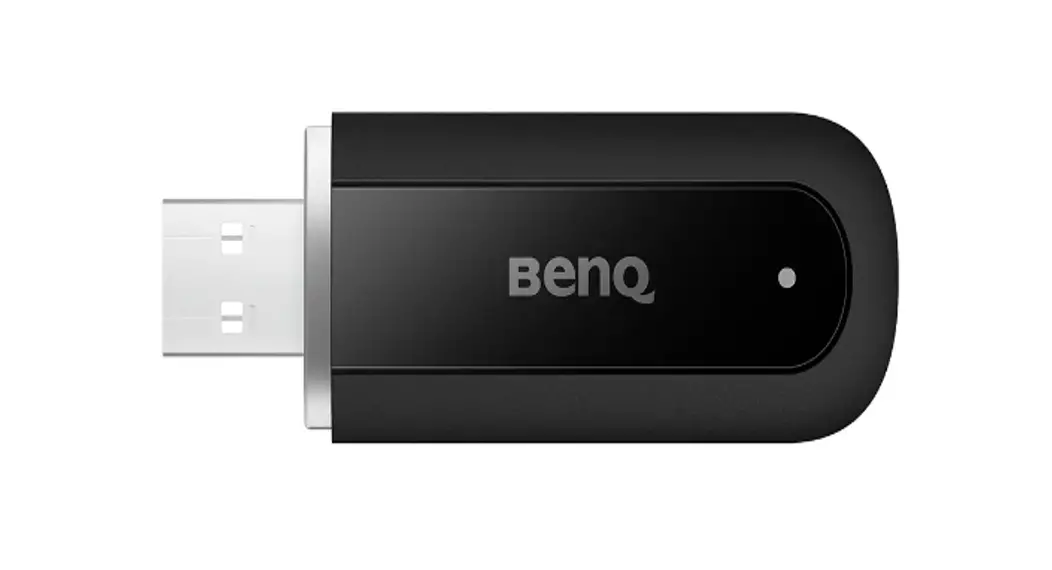
 BR2101 PresenterPro USB Dongle
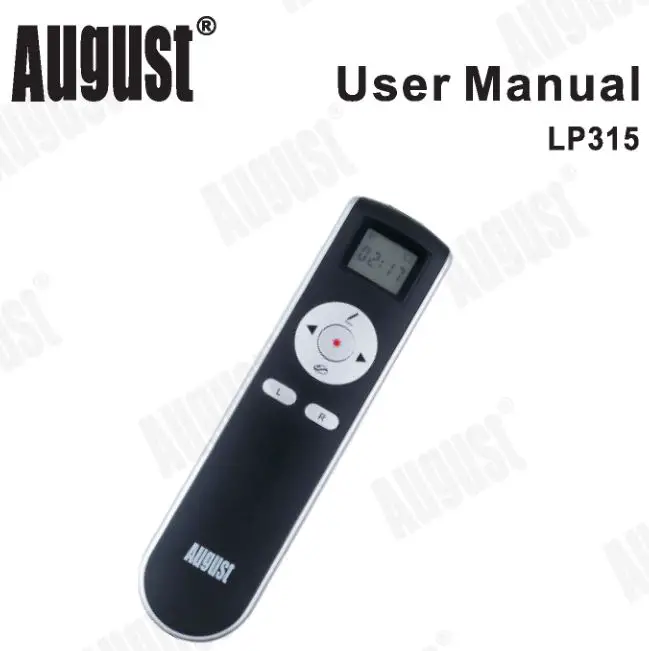
User Manual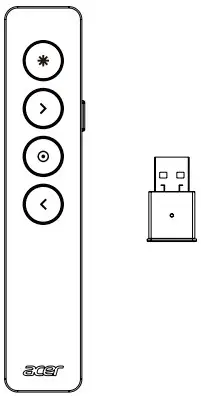
BR2101 PresenterPro USB Dongle
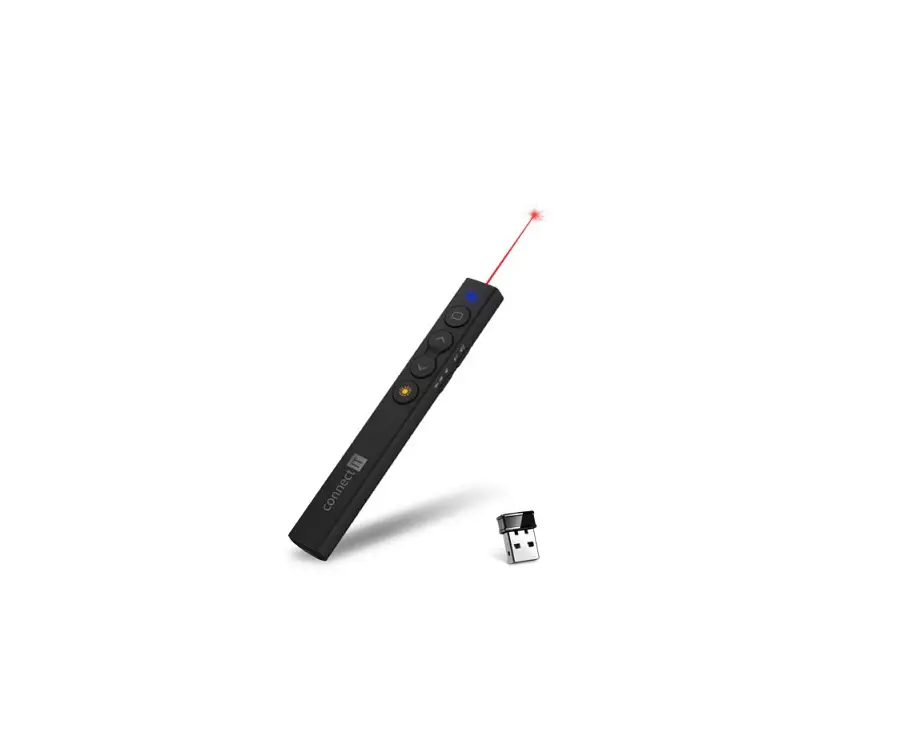
Presenter & USB dongle
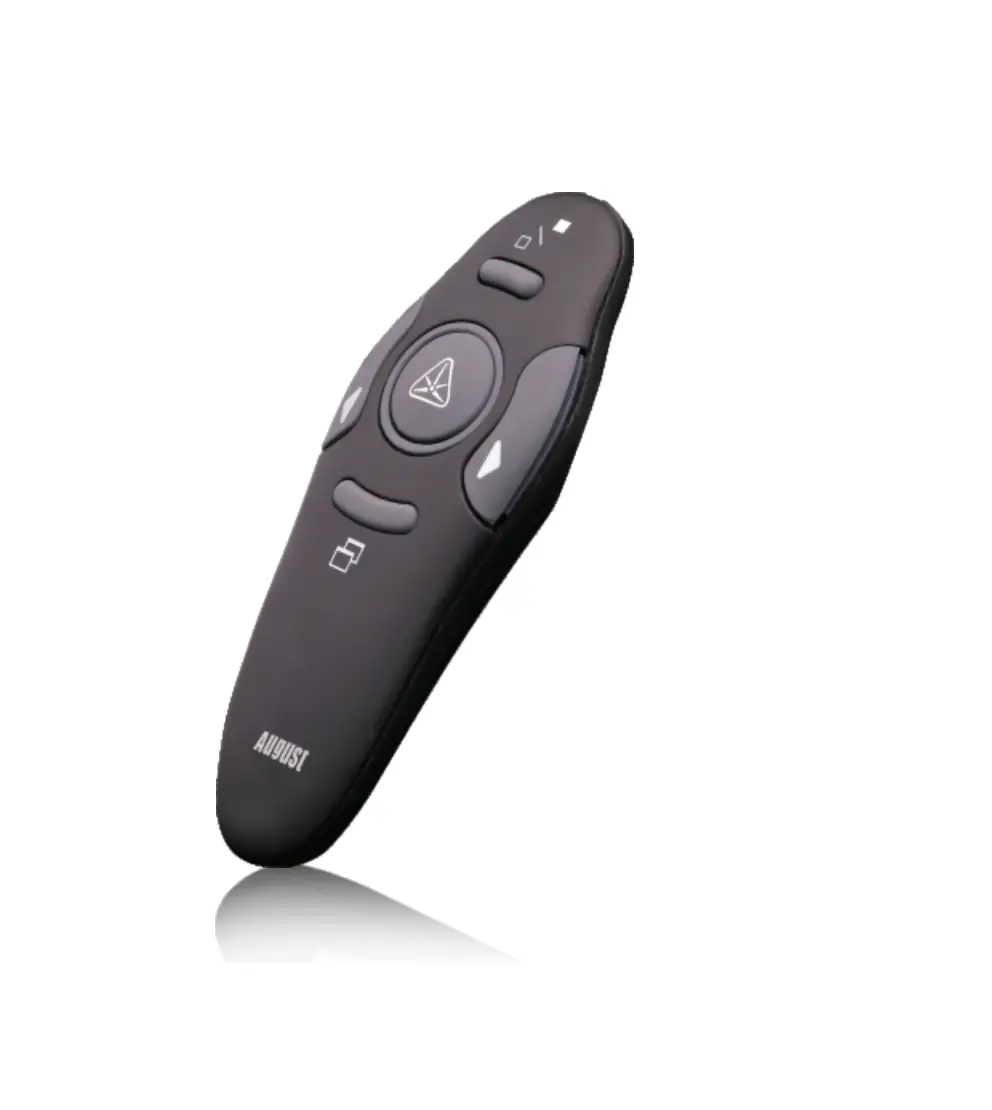
Presenter Dimension: 131.3 x 27 x 12 mm
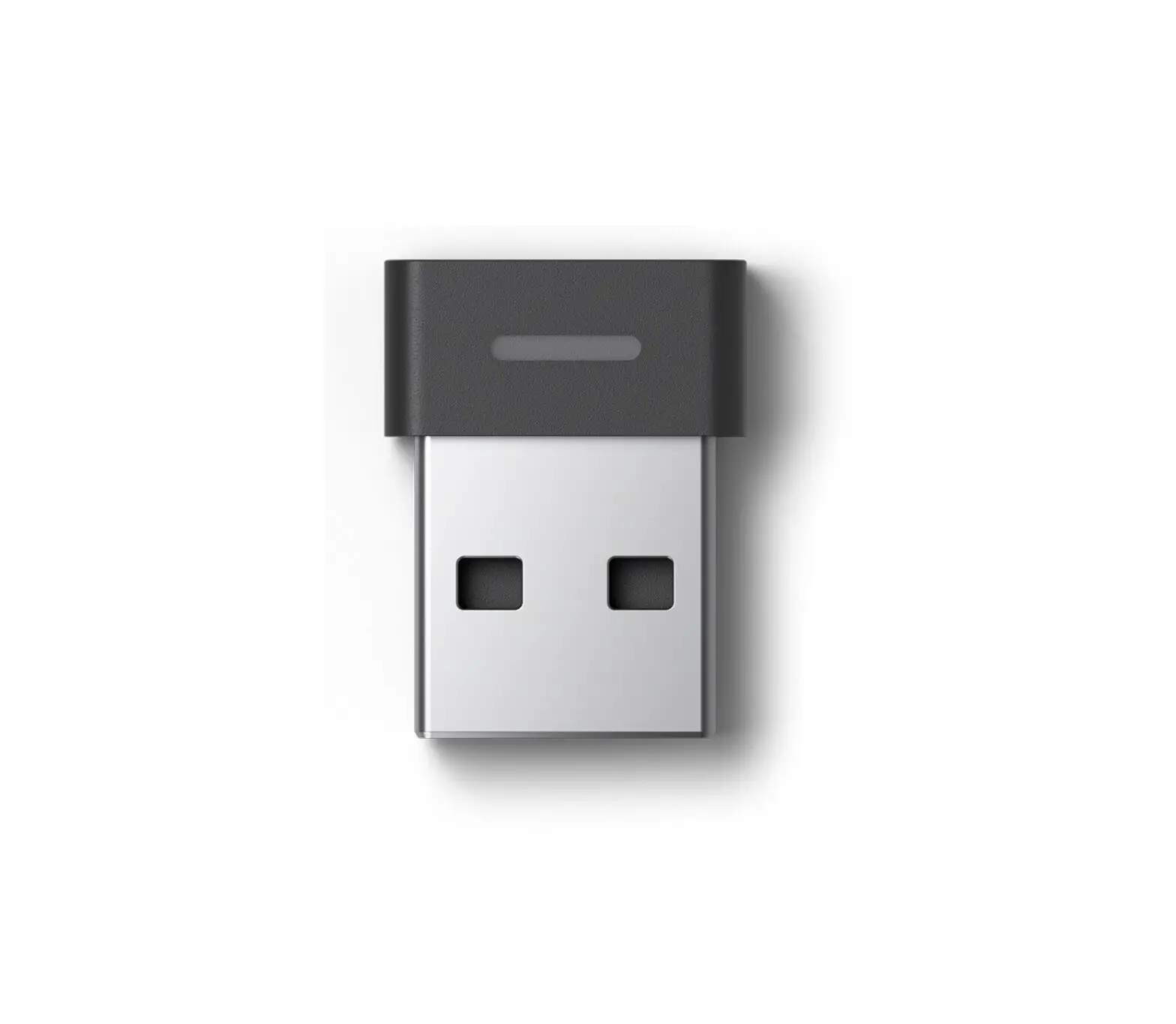
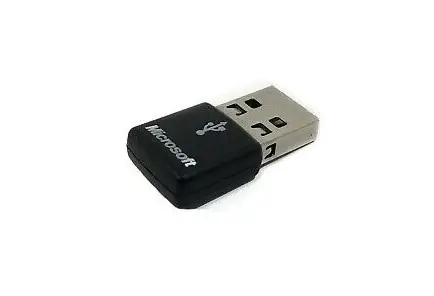
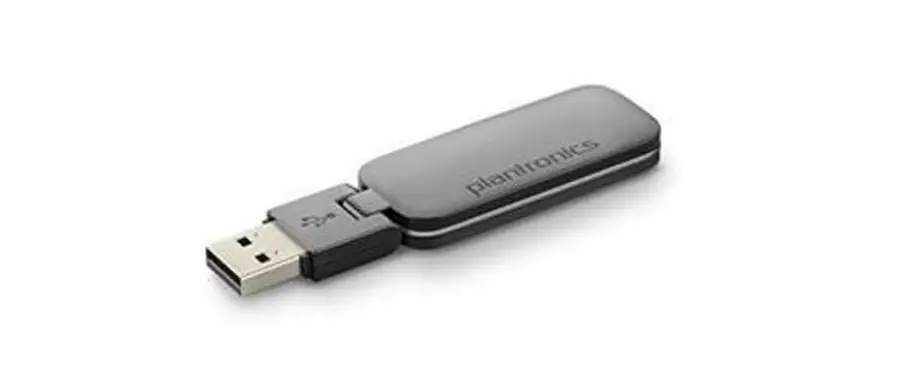
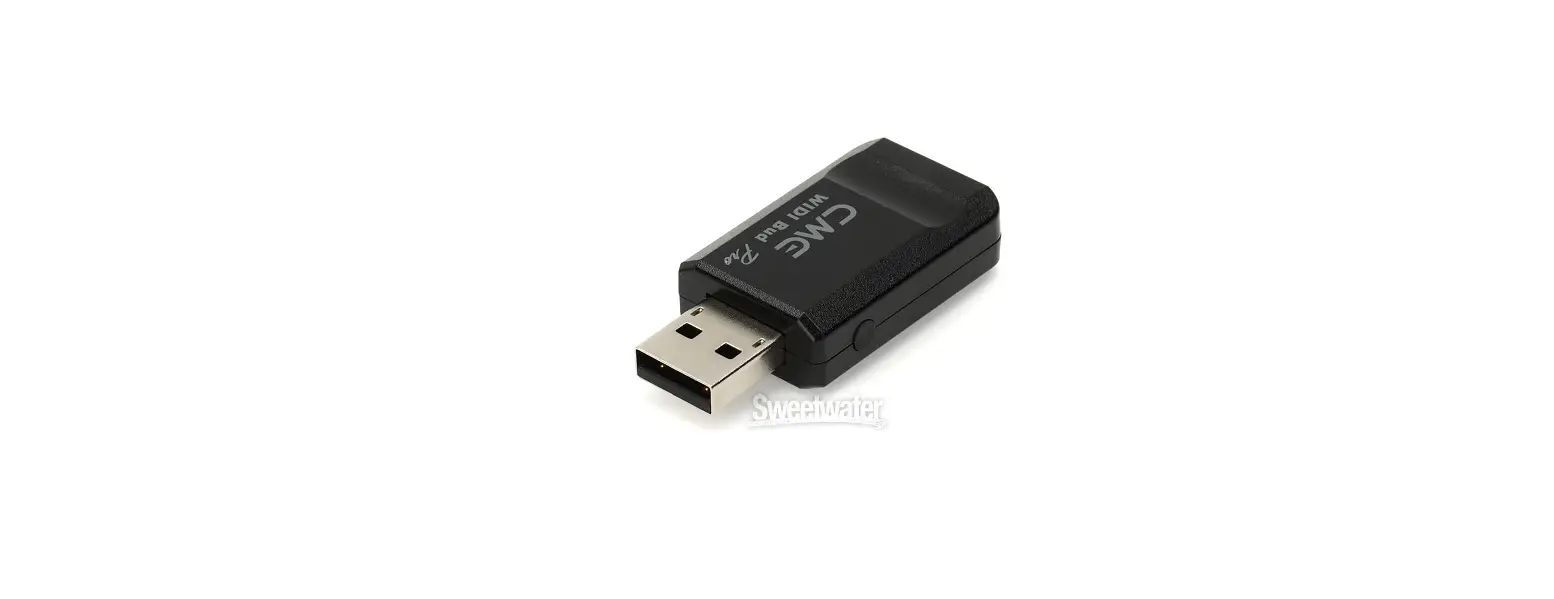
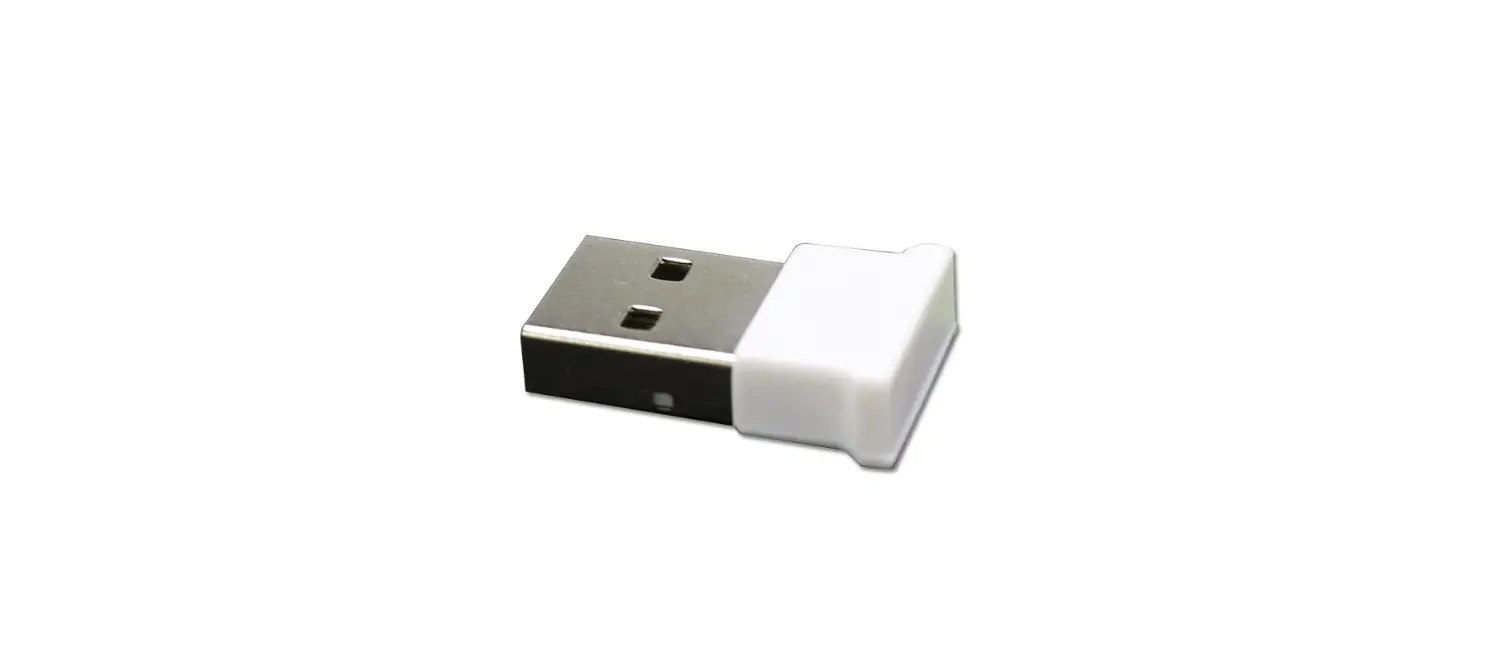
USB dongle Dimension: 30 x 16 x 8 mm
Overview
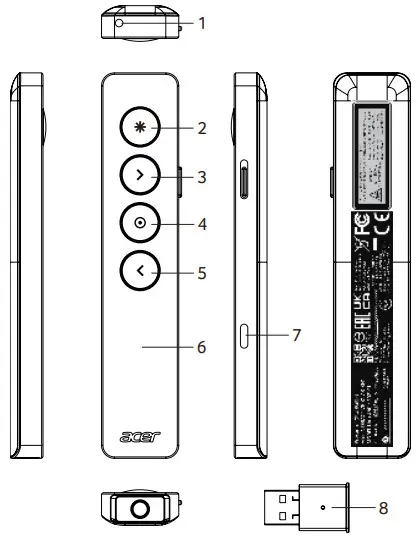
- Laser position
- Laser Pointer
– Press and hold for laser pointer function. - Next
– Simple press to navigate forward.
– Press and hold to use custom functions. - Pointer
– Press and hold to highlight, magnify and control the onscreen cursor.
– Double press to use custom functions. - Back
– Simple press to navigate backward.
– Press and hold to use custom functions. - Haptic Feedback
– Receive silent timer notifications and battery alerts. - Rechargeable USB-C
– USB charge via USB charging cable. - USB Dongle
– Plug the USB Dongle into your computer.
Connect with the USB Dongle
Plug in USB Dongle & start to use
- Connect your computer to the Internet
- Plug in USB Dongle
- The system will guide you to download Acer PresenterPro application
If the application does not be installed automatically, please install it from Windows Store or install from following link:
https://www.microsoft.com/store/apps/9NG08MG1TNG5
Please refer below link for safety information
https://www.acergadget.com/download/
Gyro Calibration: Turn on the device and place it on a flat surface. Then press the Next and Pointer buttons simultaneously and stay still for 5 seconds to calibrate.
 Microsoft Apps