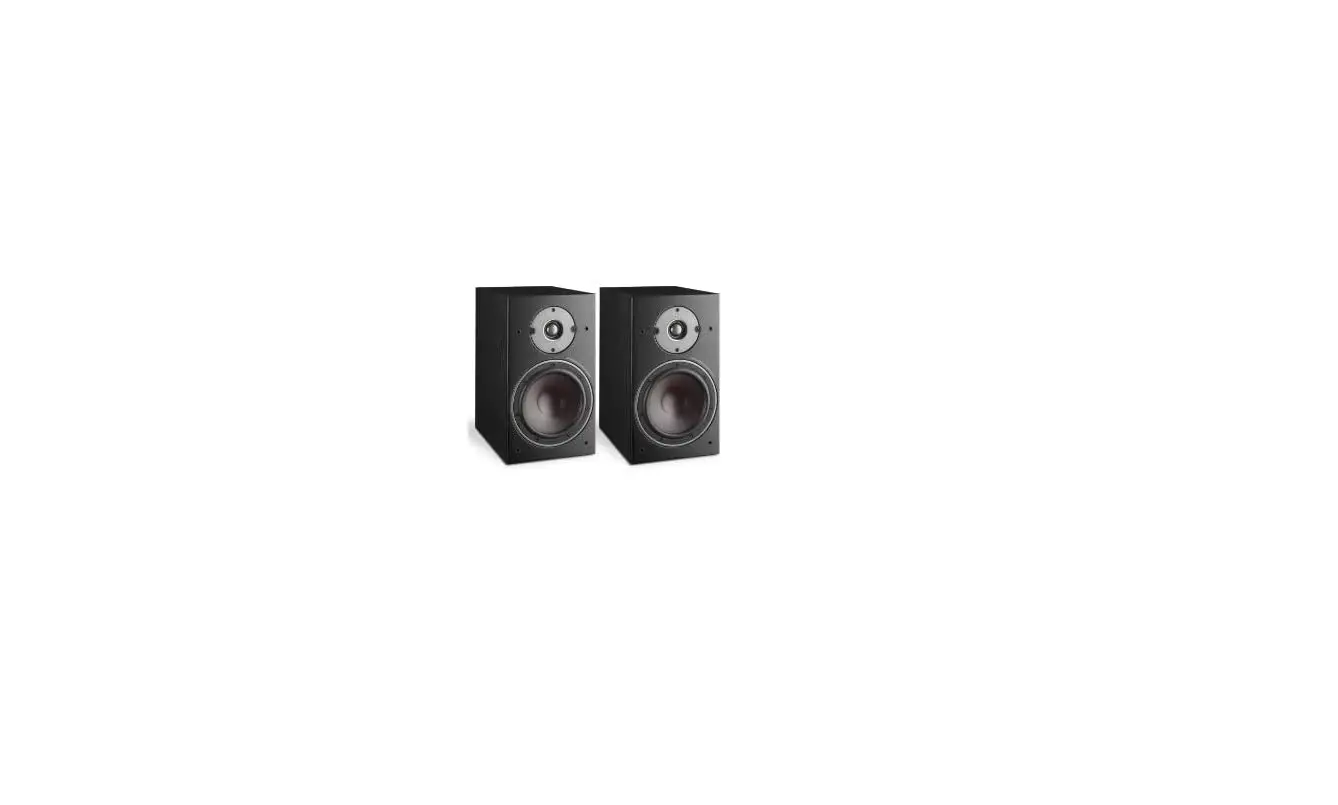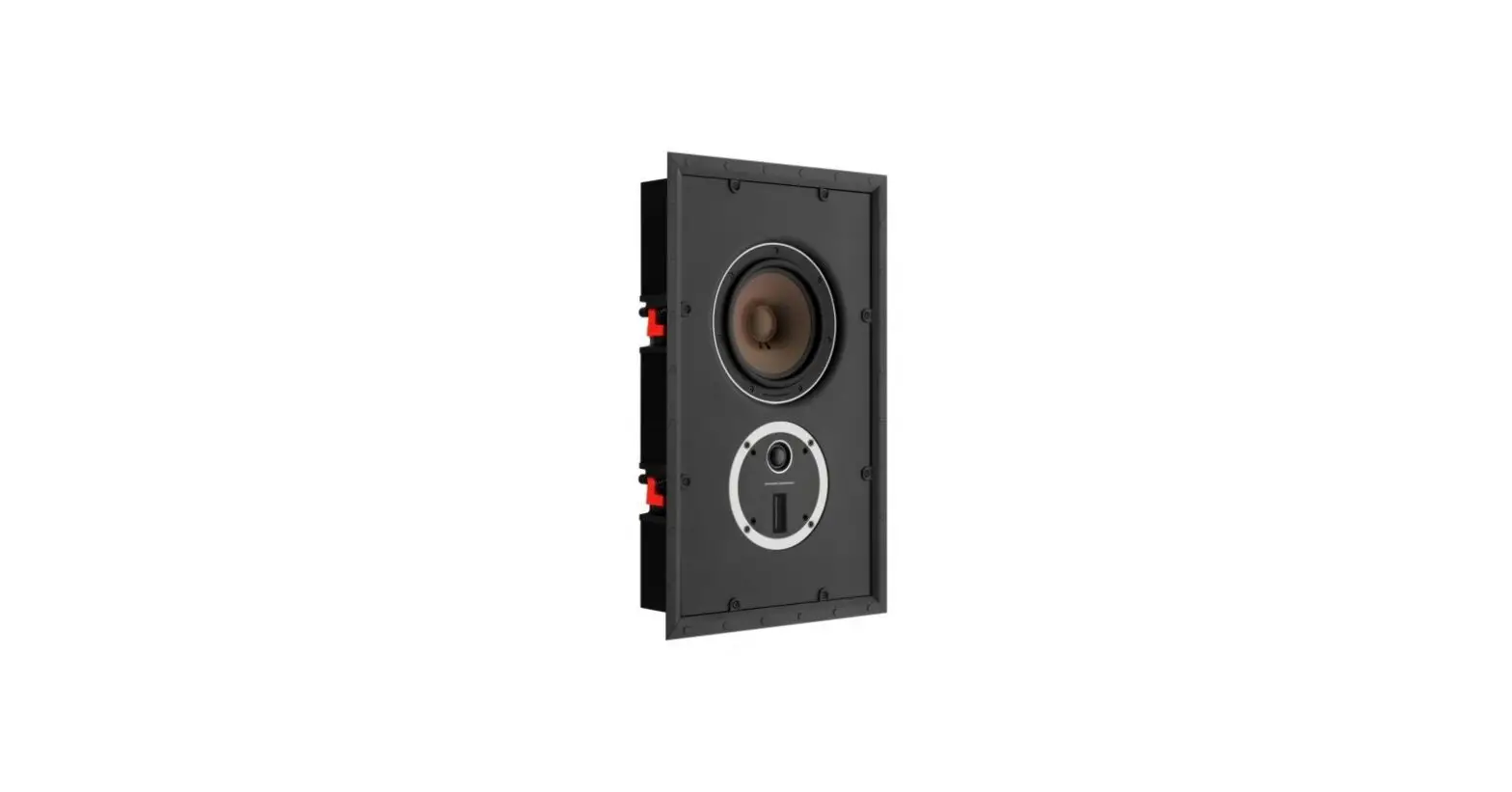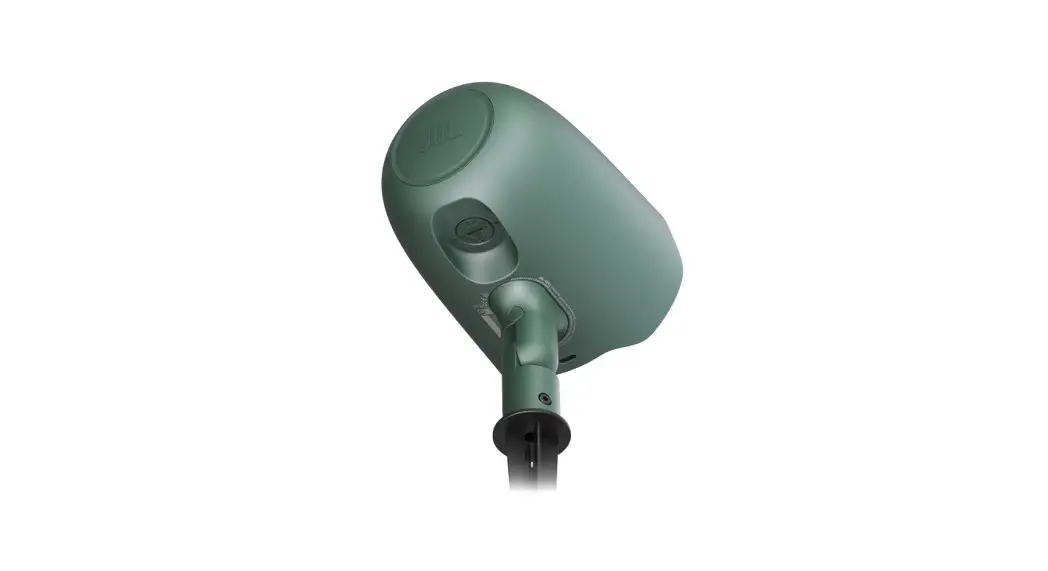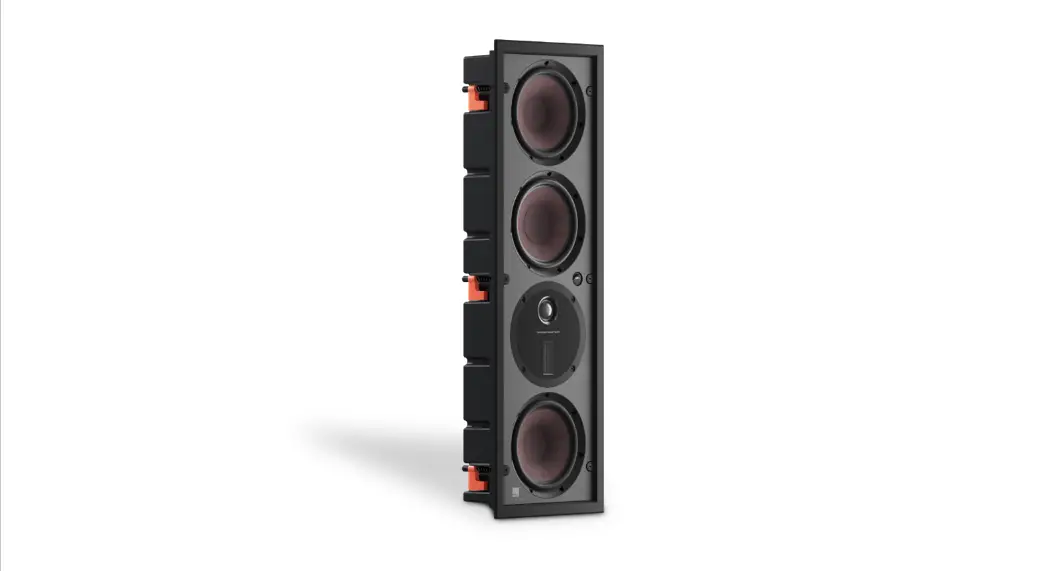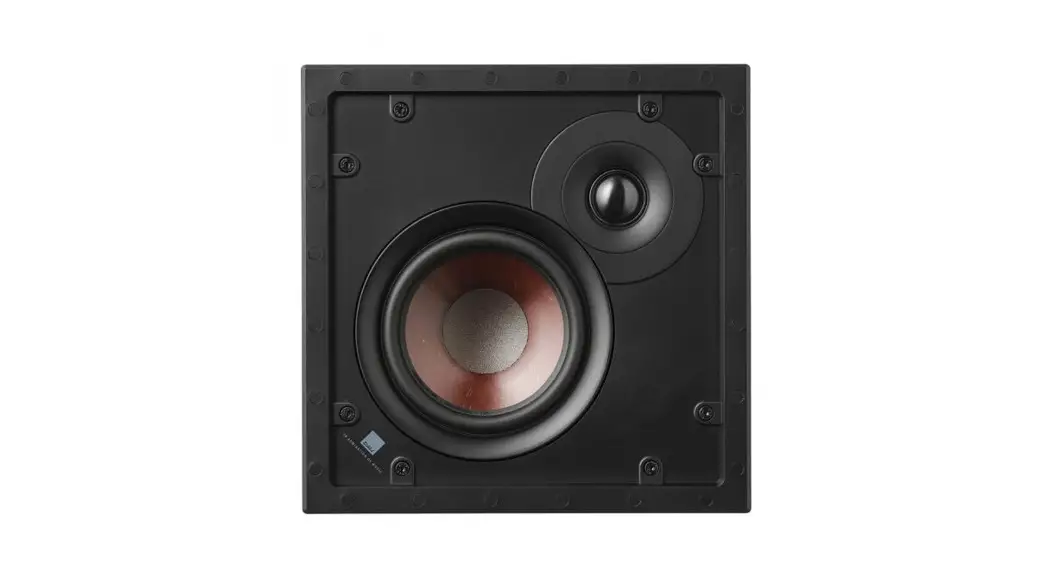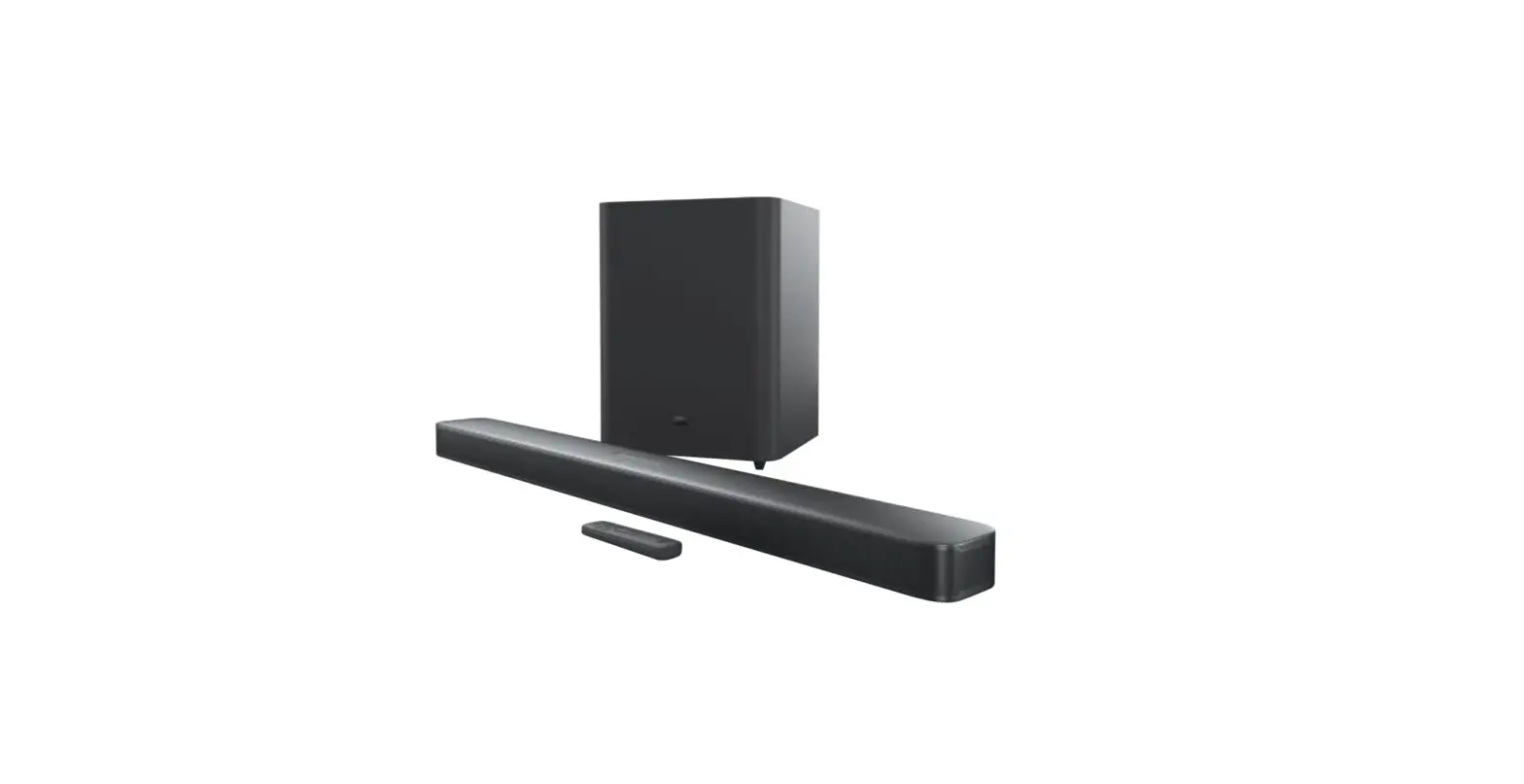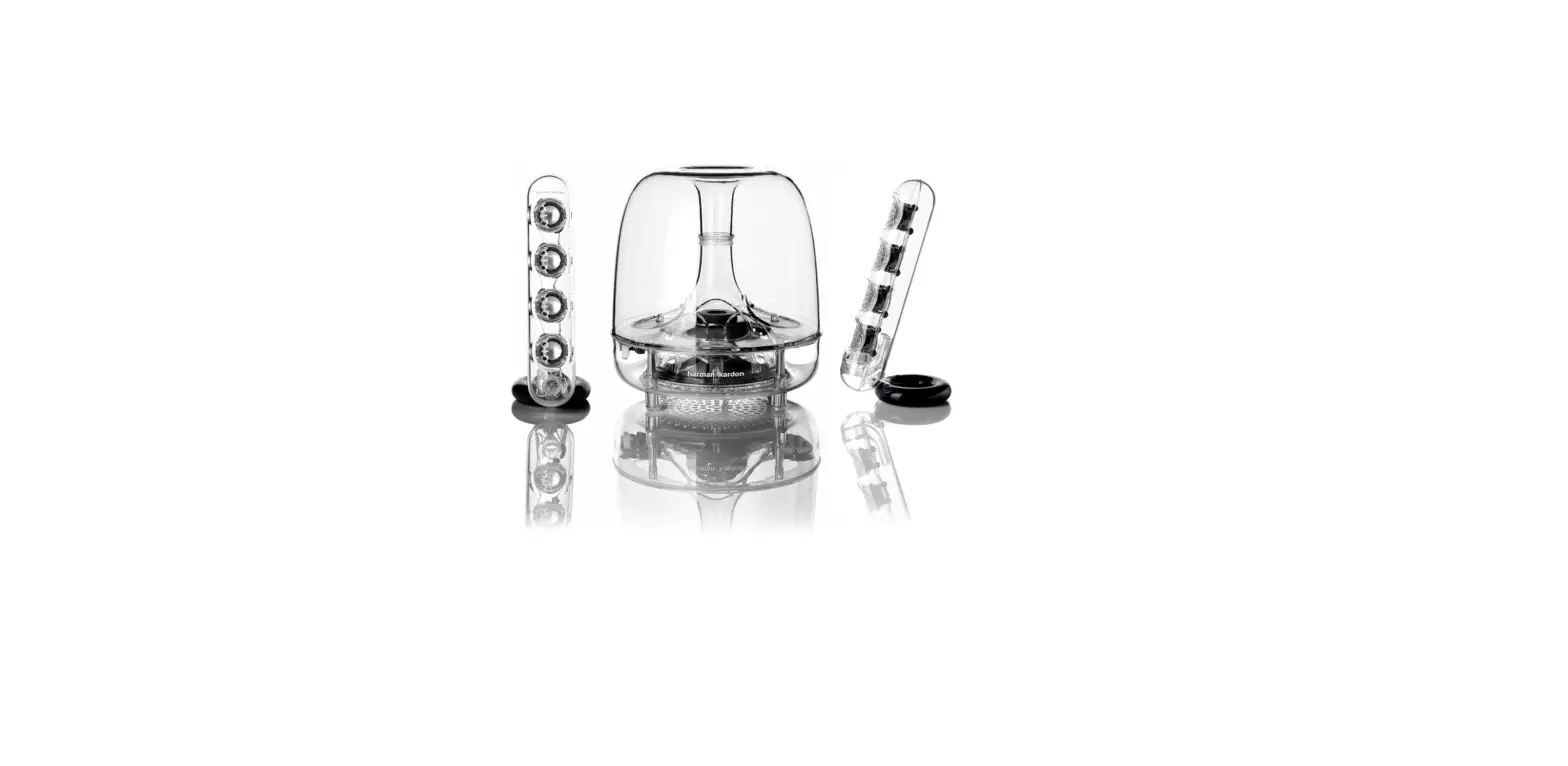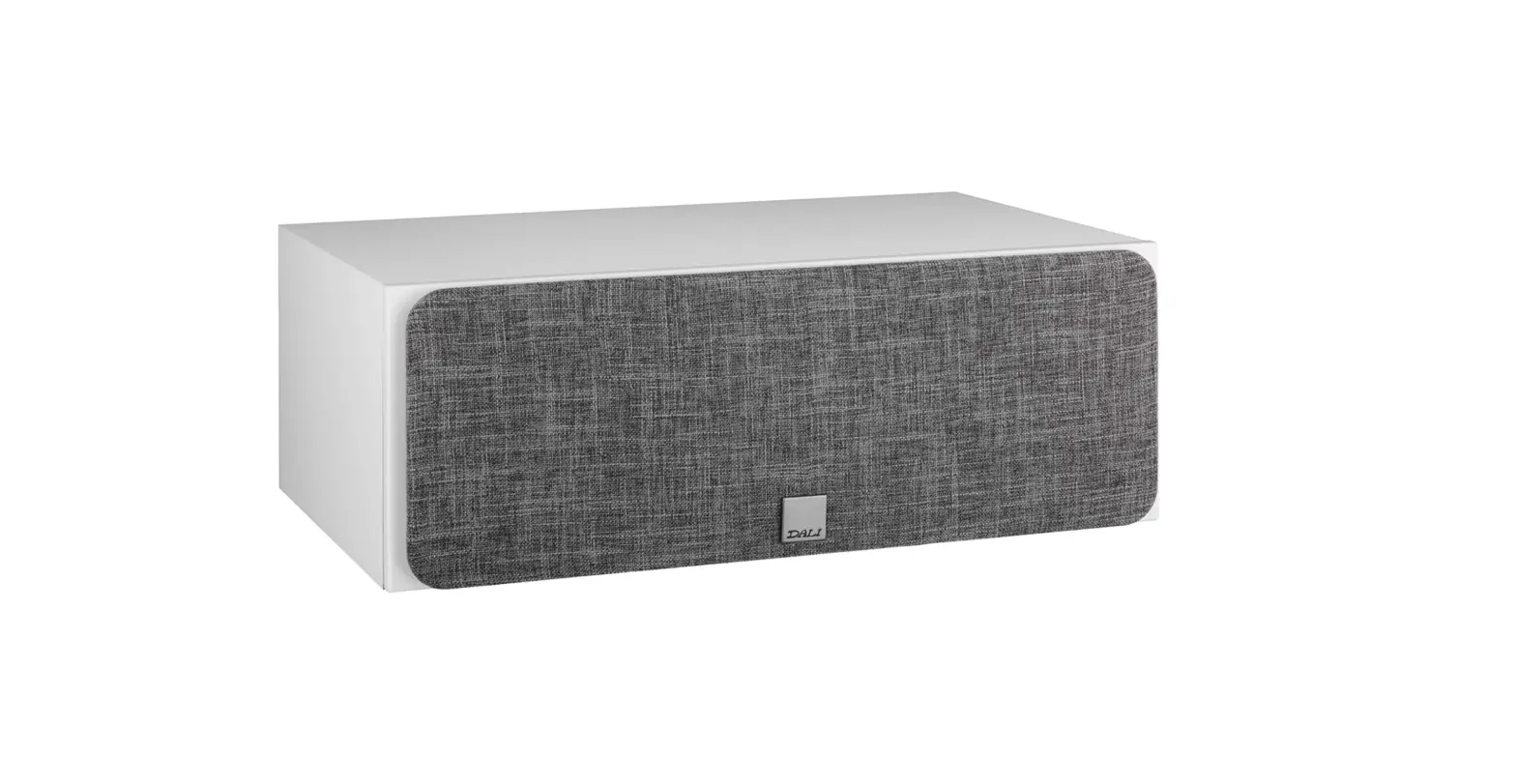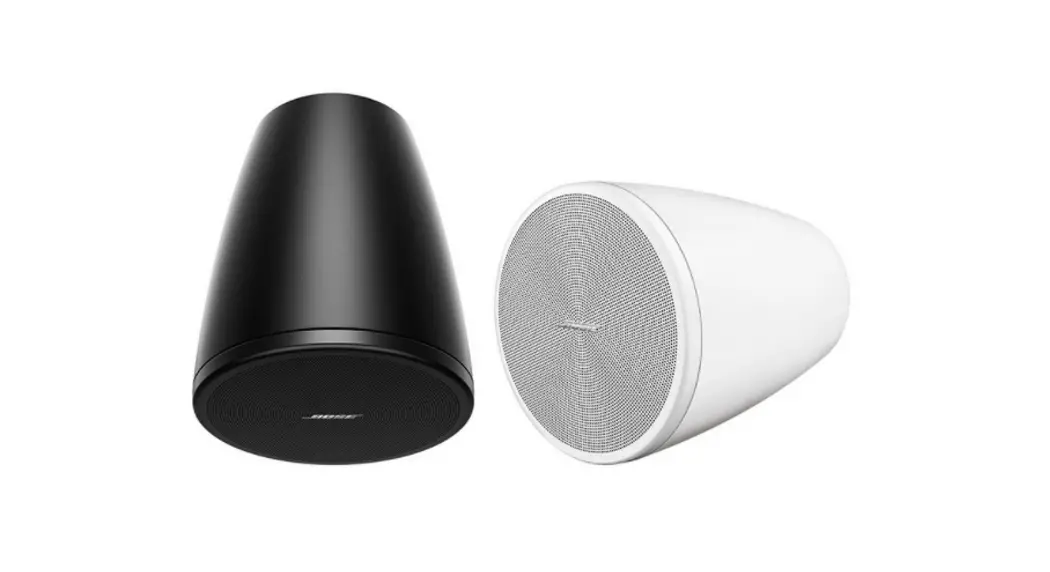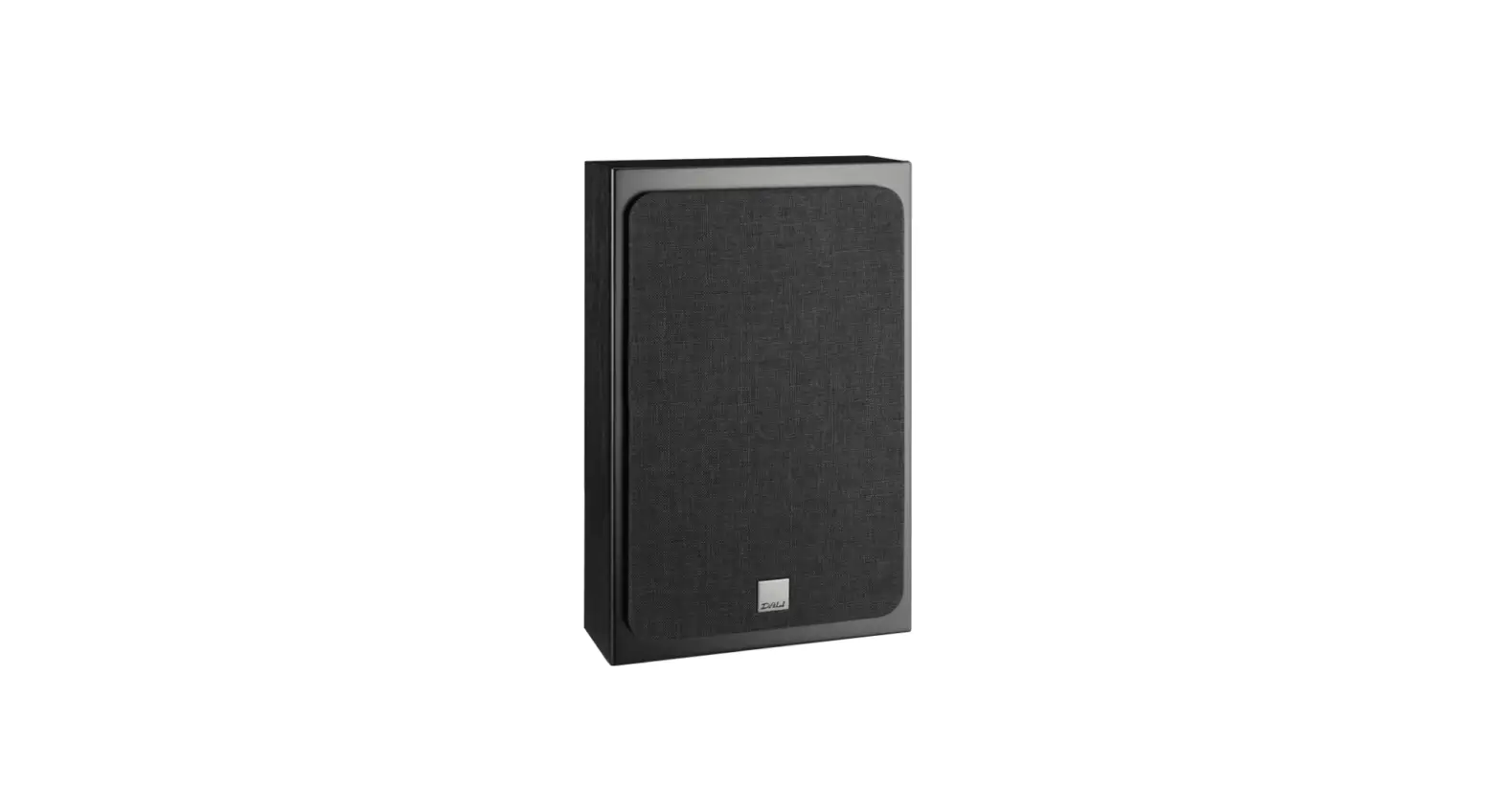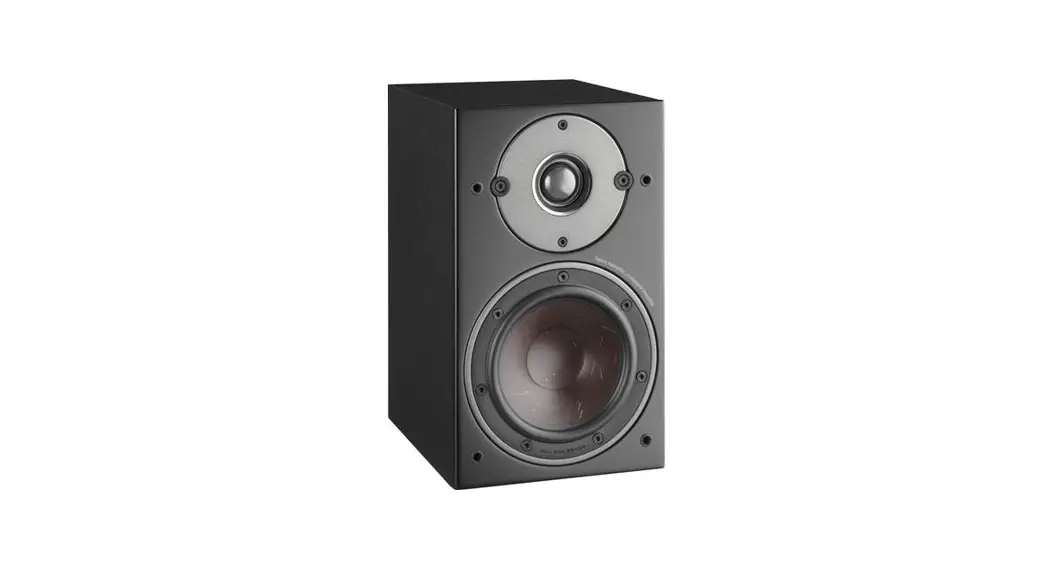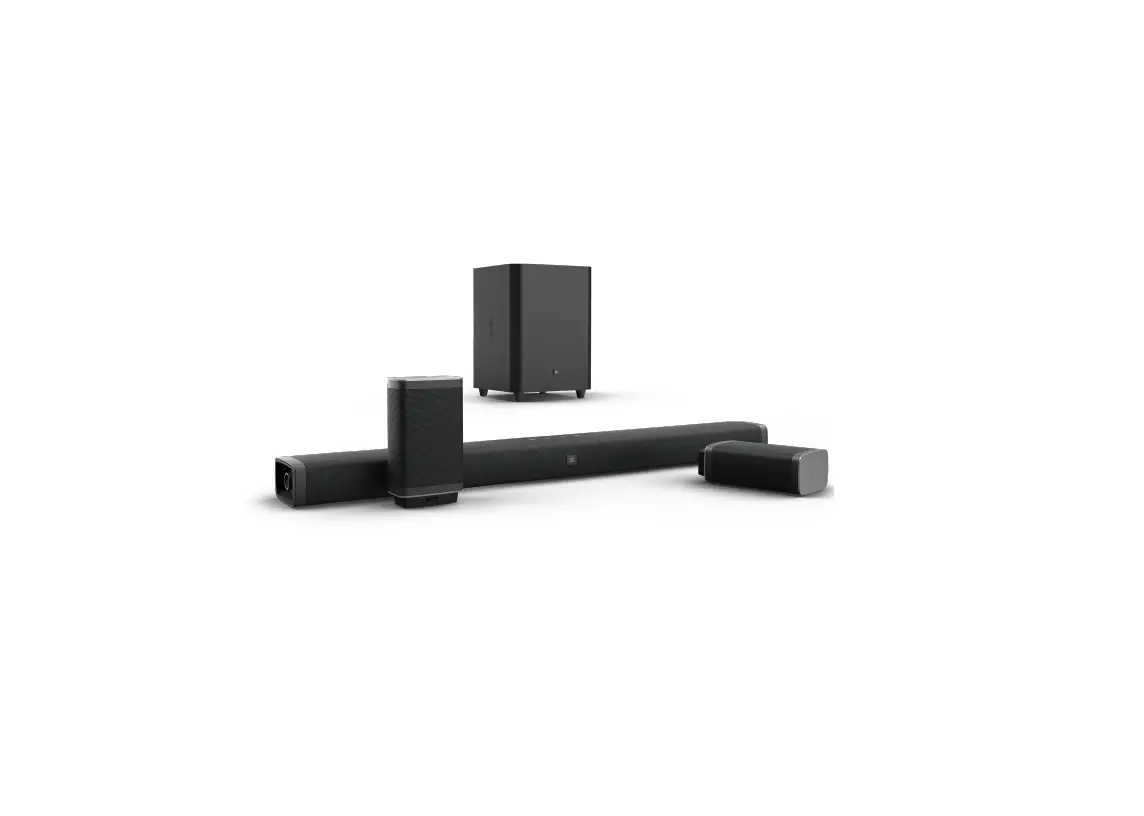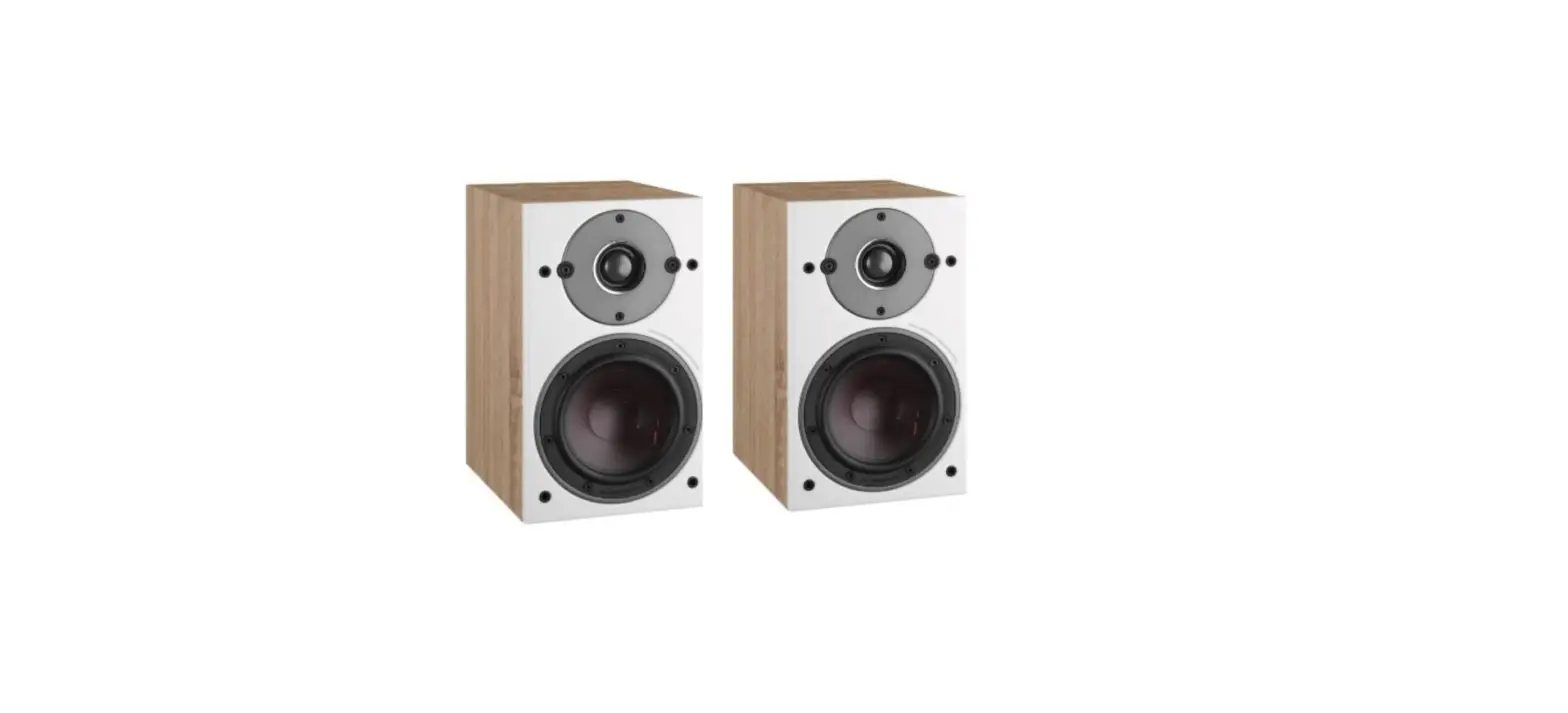

DALI J3L-1630 Surround Sound Speaker

HDMI AUDIO MODULE INSTALLATION
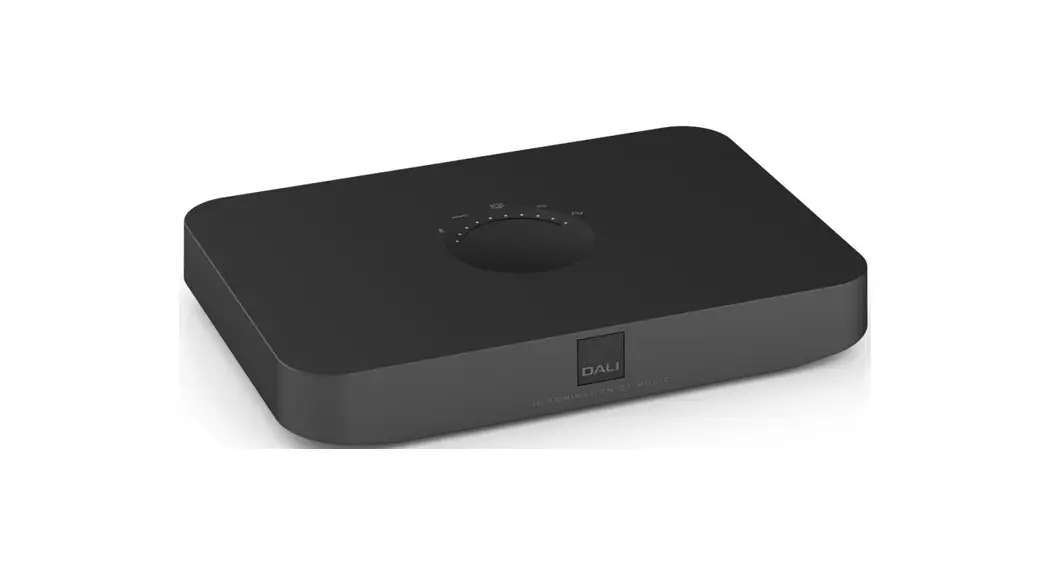
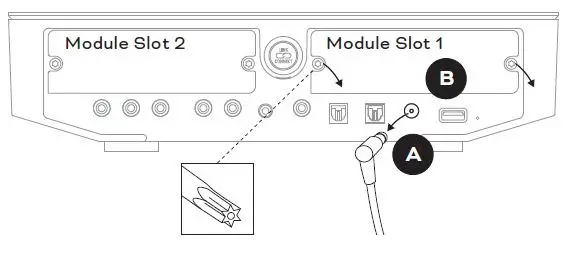
- Unplug the power cord from the Sound Hub.
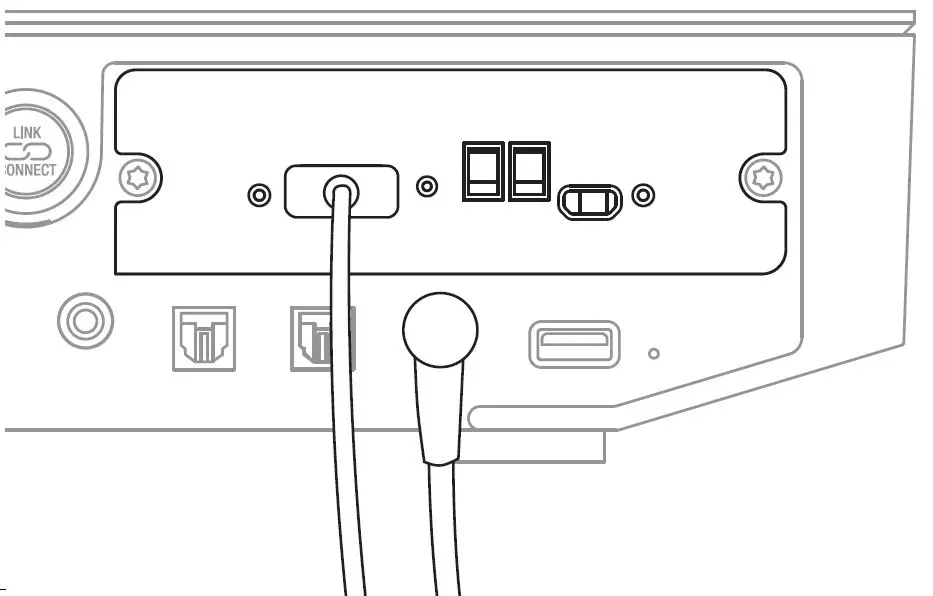
- Remove the rear cover of one of the available module slots using Torx 10 screwdriver.

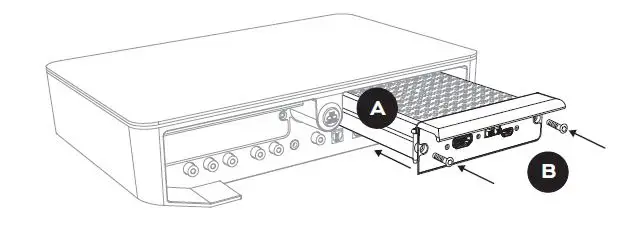
- Slide the HDMI module into the chosen module slot.
- Reinstall the screws using Torx 10 screwdriver.

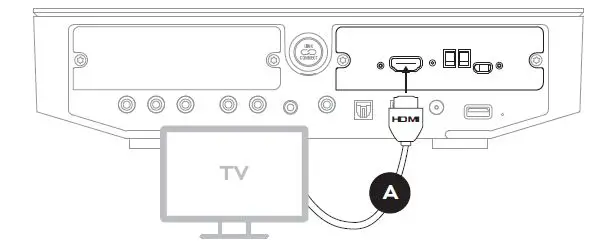
- Turn off the TV and insert HDMI cable from HDMI ARC or eARC connection on the TV.

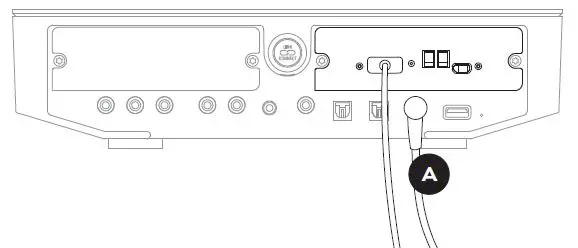
- Reconnect the power cord of the Sound Hub before turning on the TV.

For setup instructions please scan the code or see the manual on www.dali-speakers.com