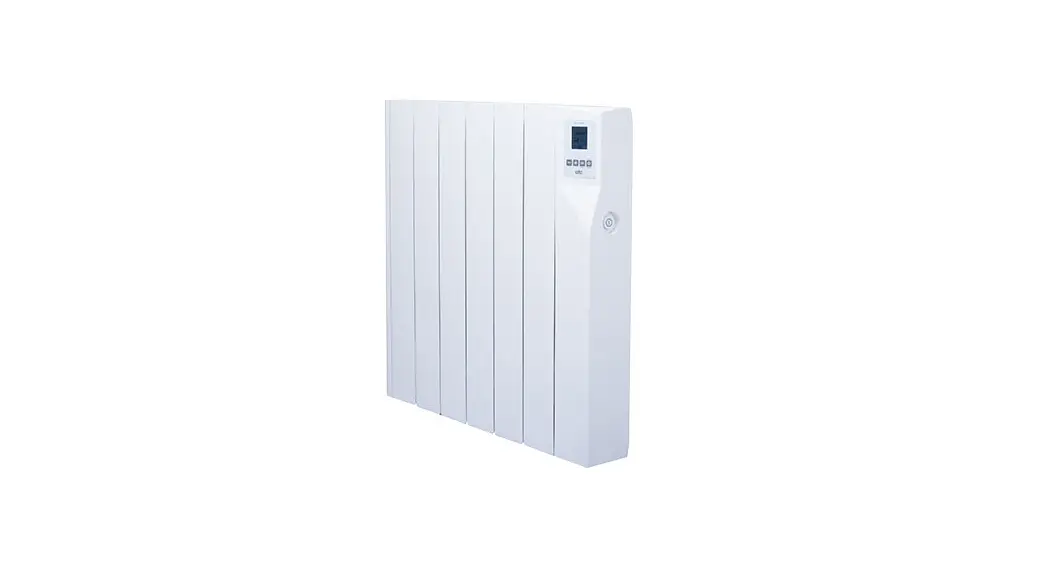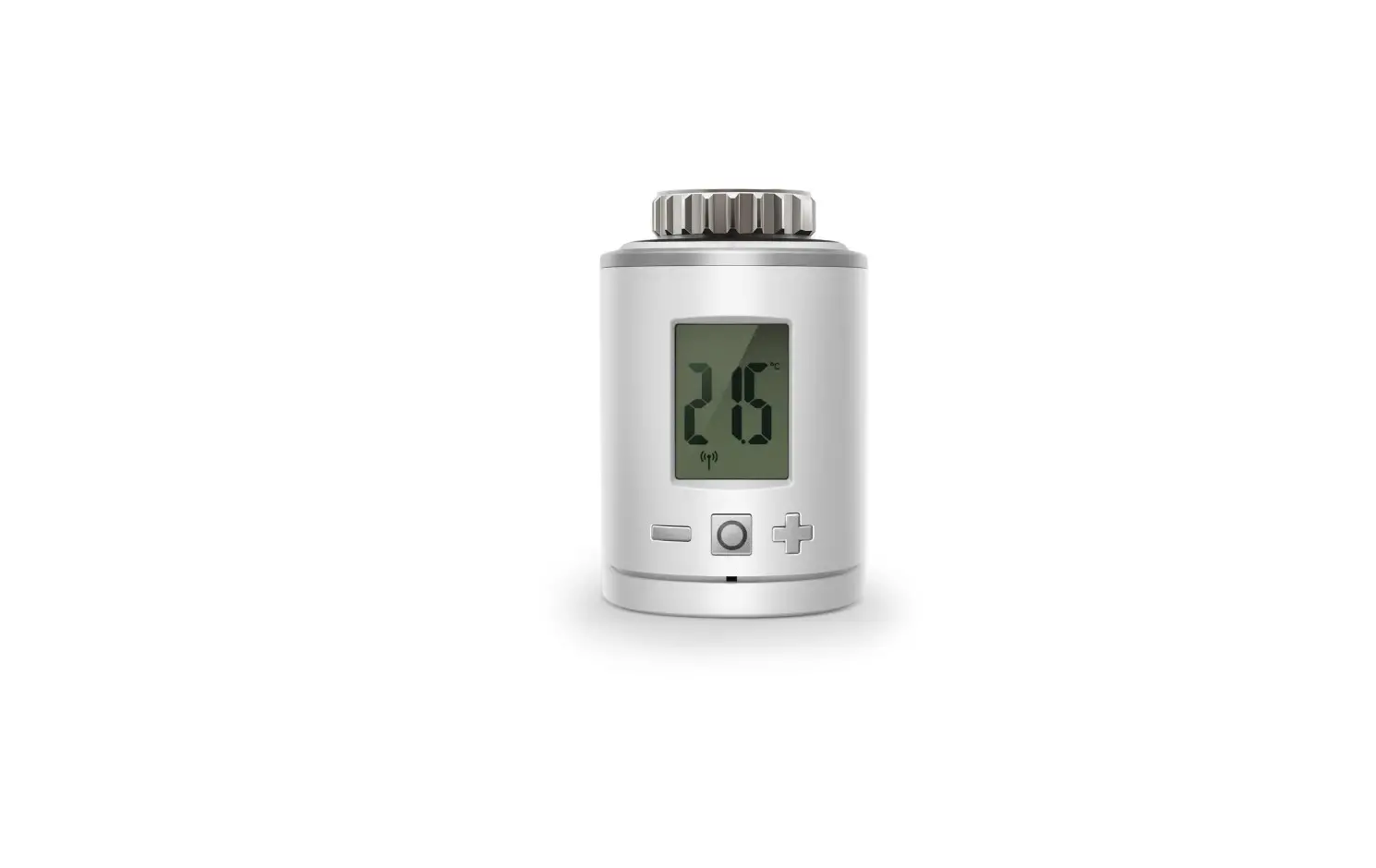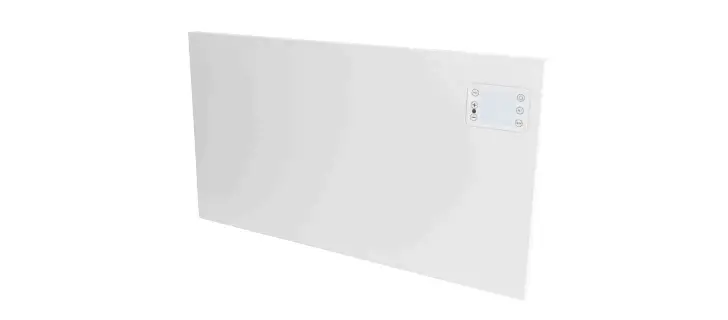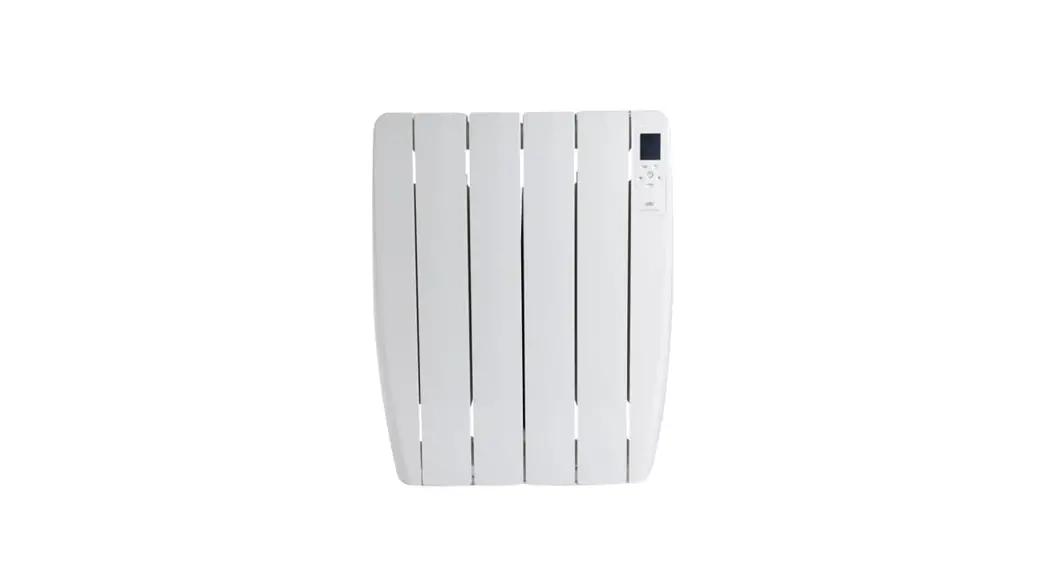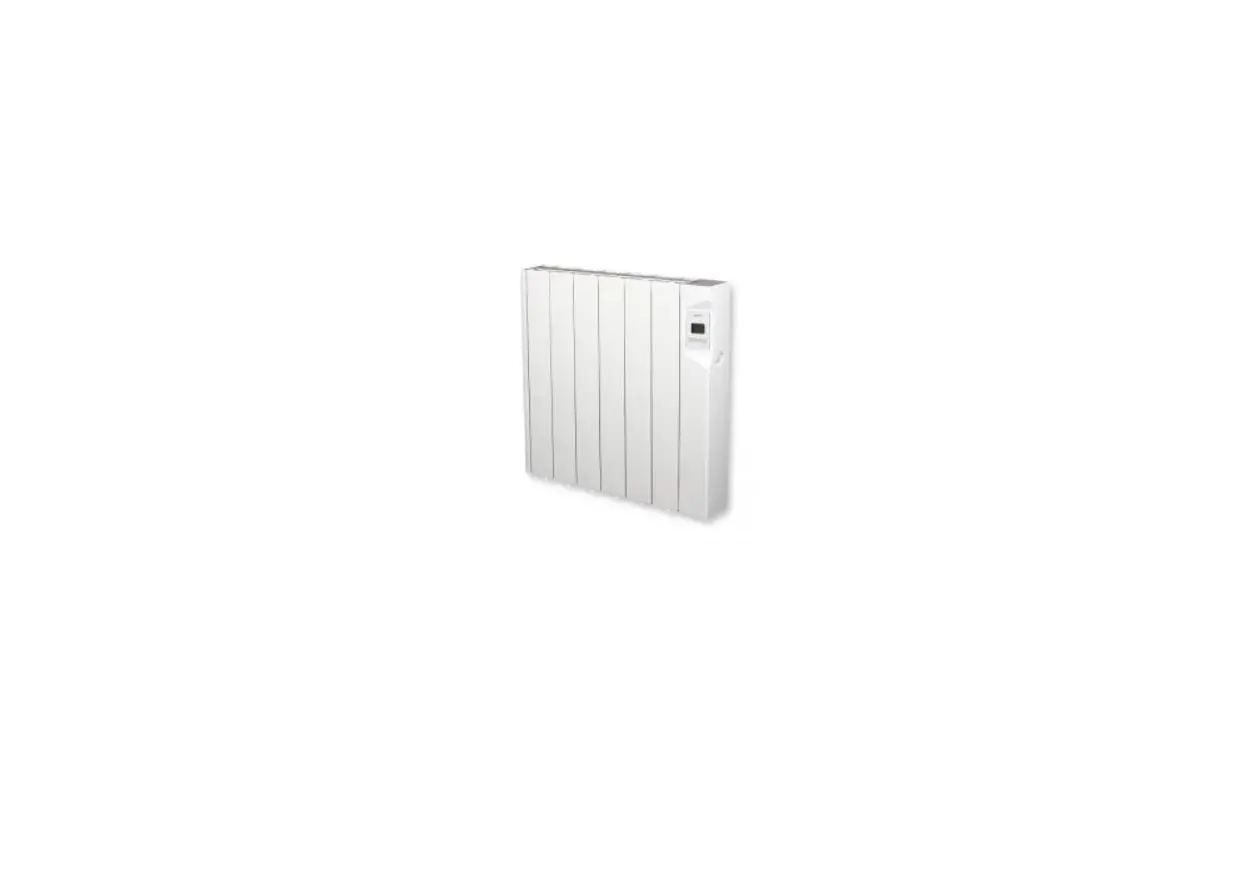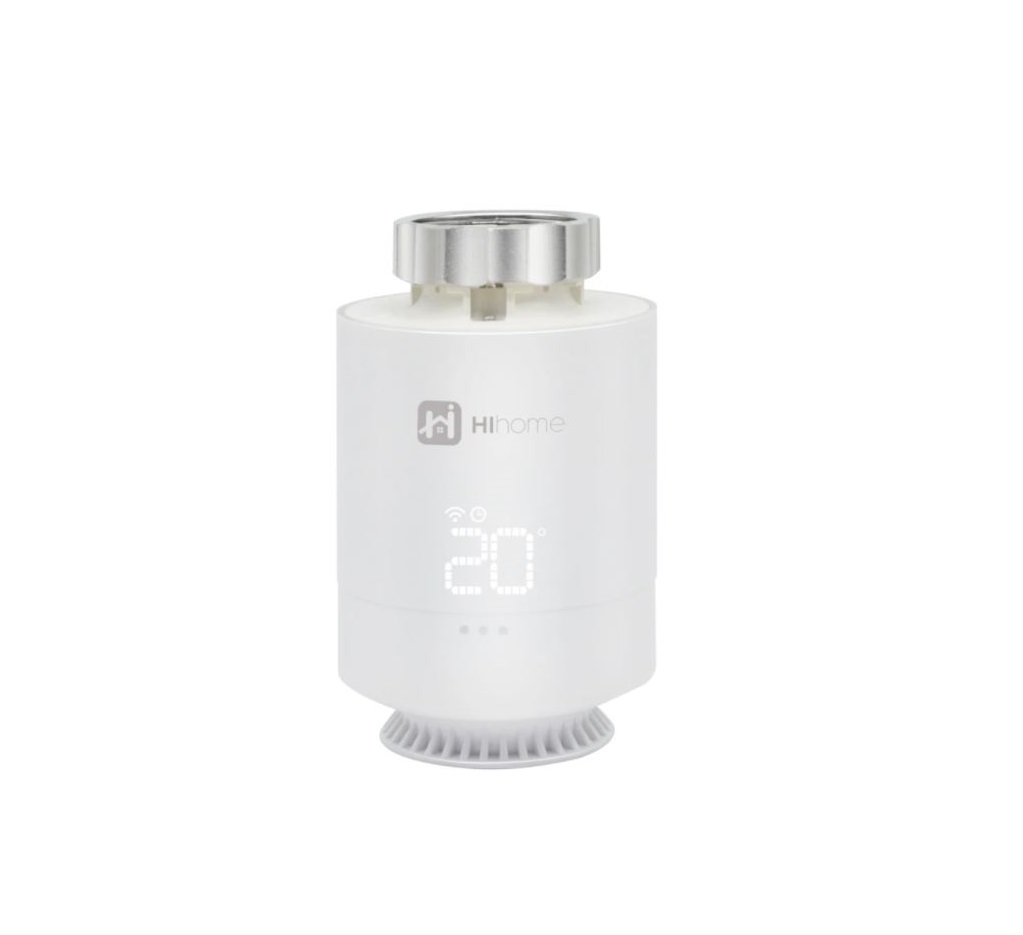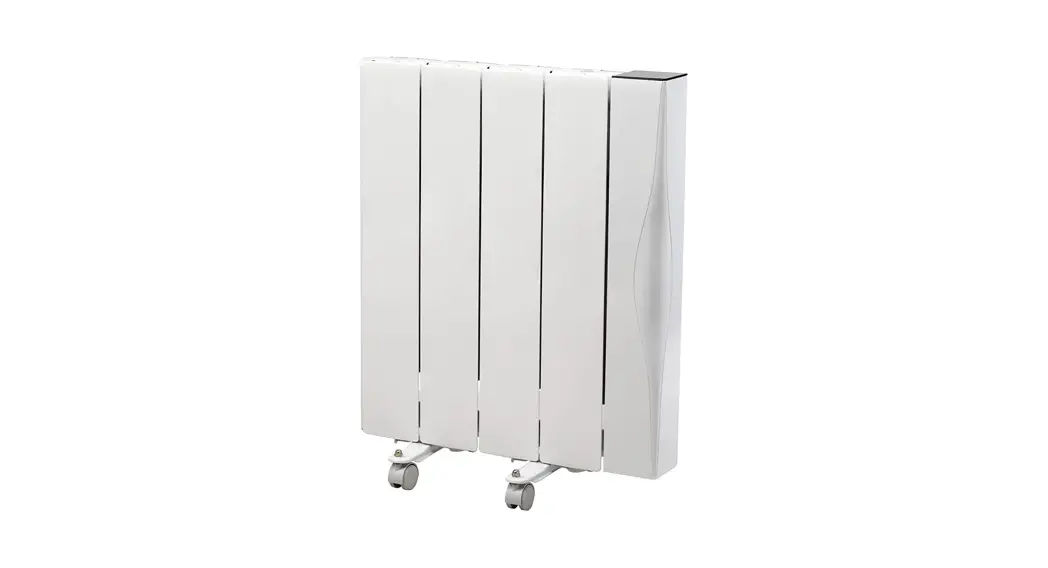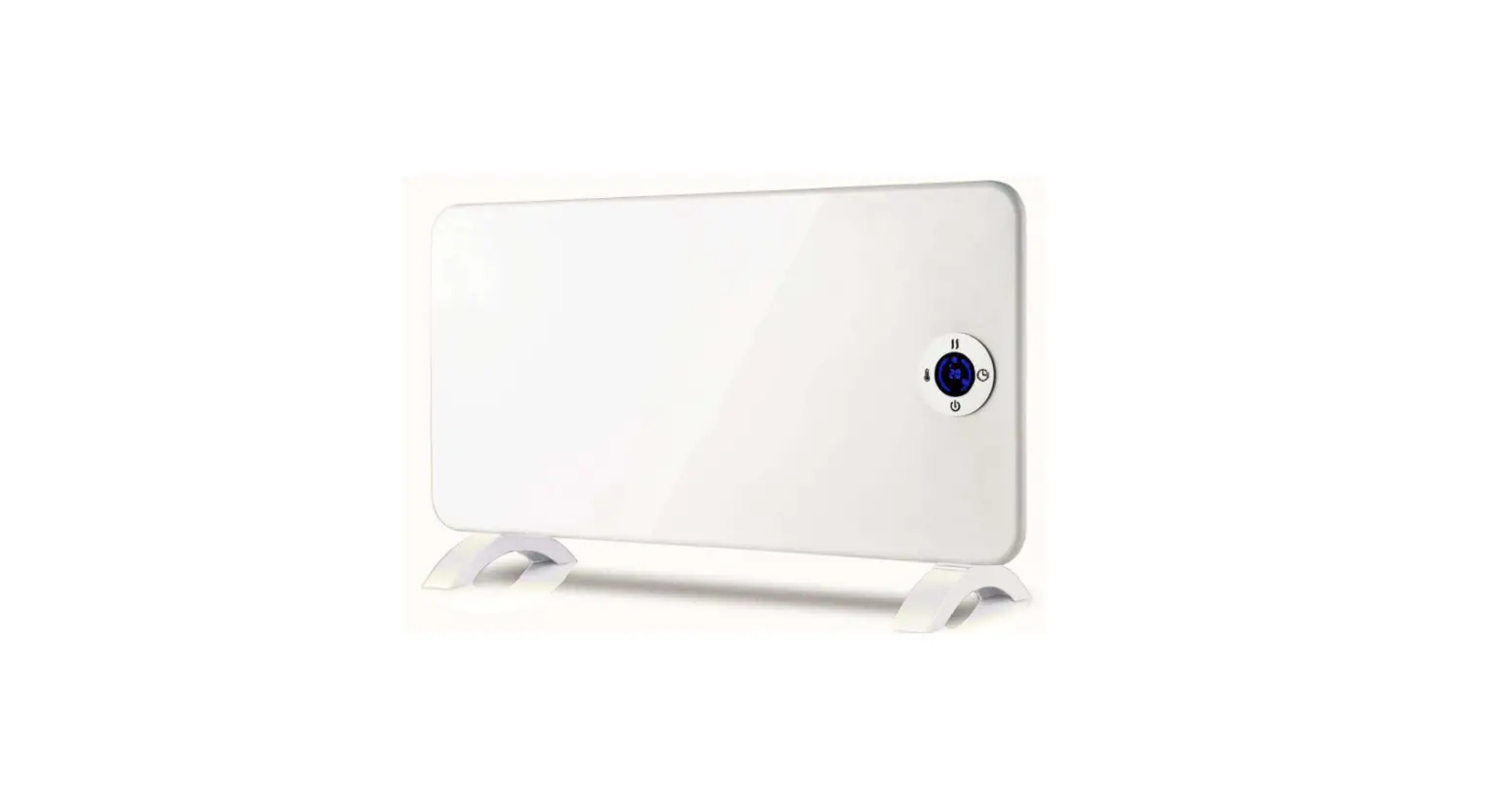

QUICK START GUIDE
DOWNLOAD THE APP
OPTION 1: Scan QR code:
OPTION 2: Search for the “ATC CALA” App.
REGISTER IN THE APP
STEP 1: If you are not already registered, select “CREATE NEW ACCOUNT” and enter the requested data. Once all the information is complete, press “REGISTER”.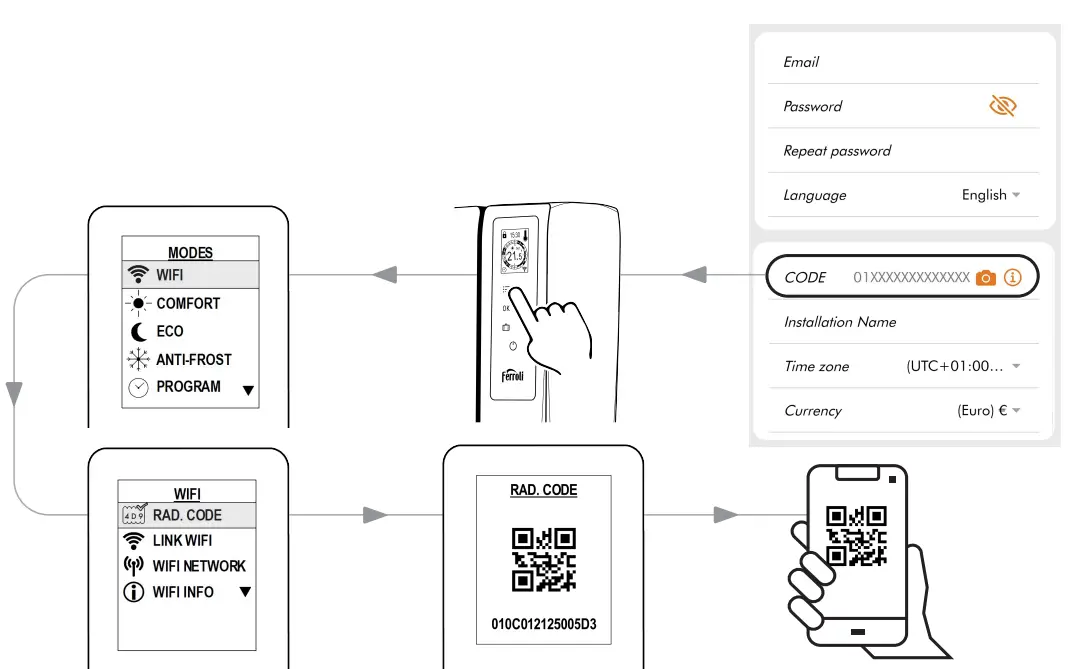
STEP 2: When the account is created, log in with your new account details.
STEP 3: Activation form.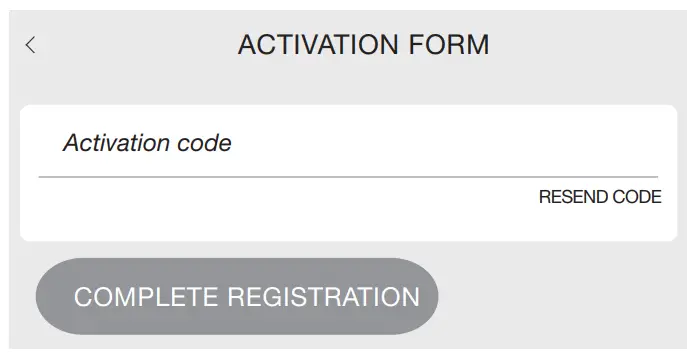 Check your e-mail and enter your activation code to complete the registration process.
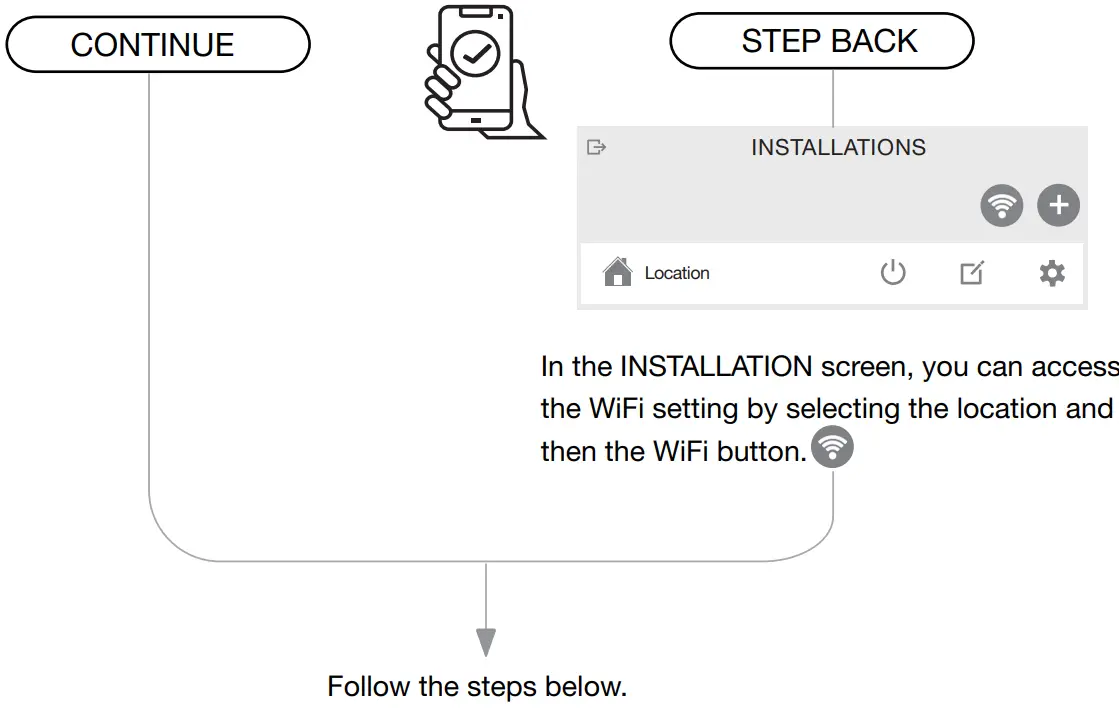
LINK TO WIFI NETWORK
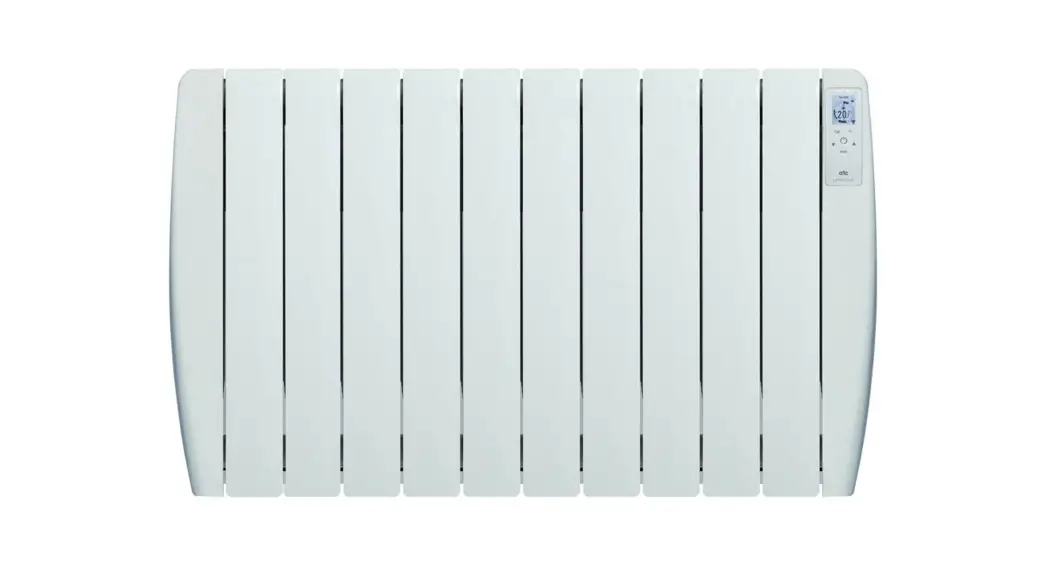
Do you want to configure WiFi for the Radiator?
CONNECTION BETWEEN RADIATOR AND MOBILE DEVICE
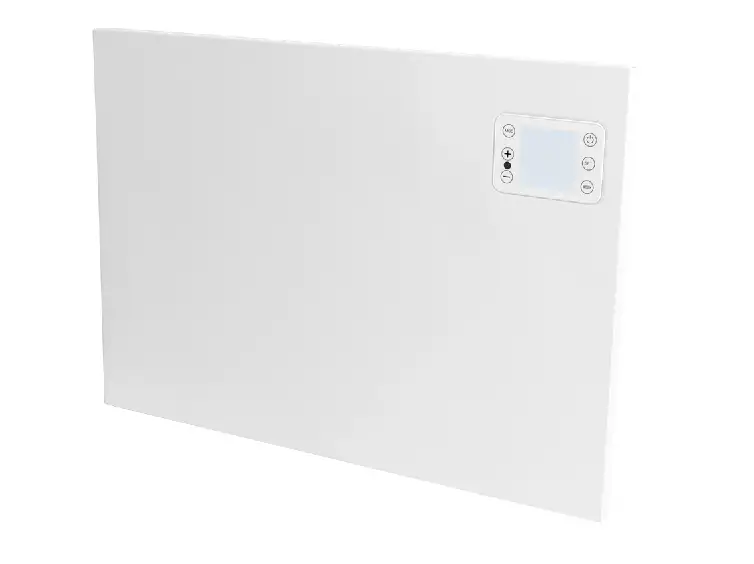
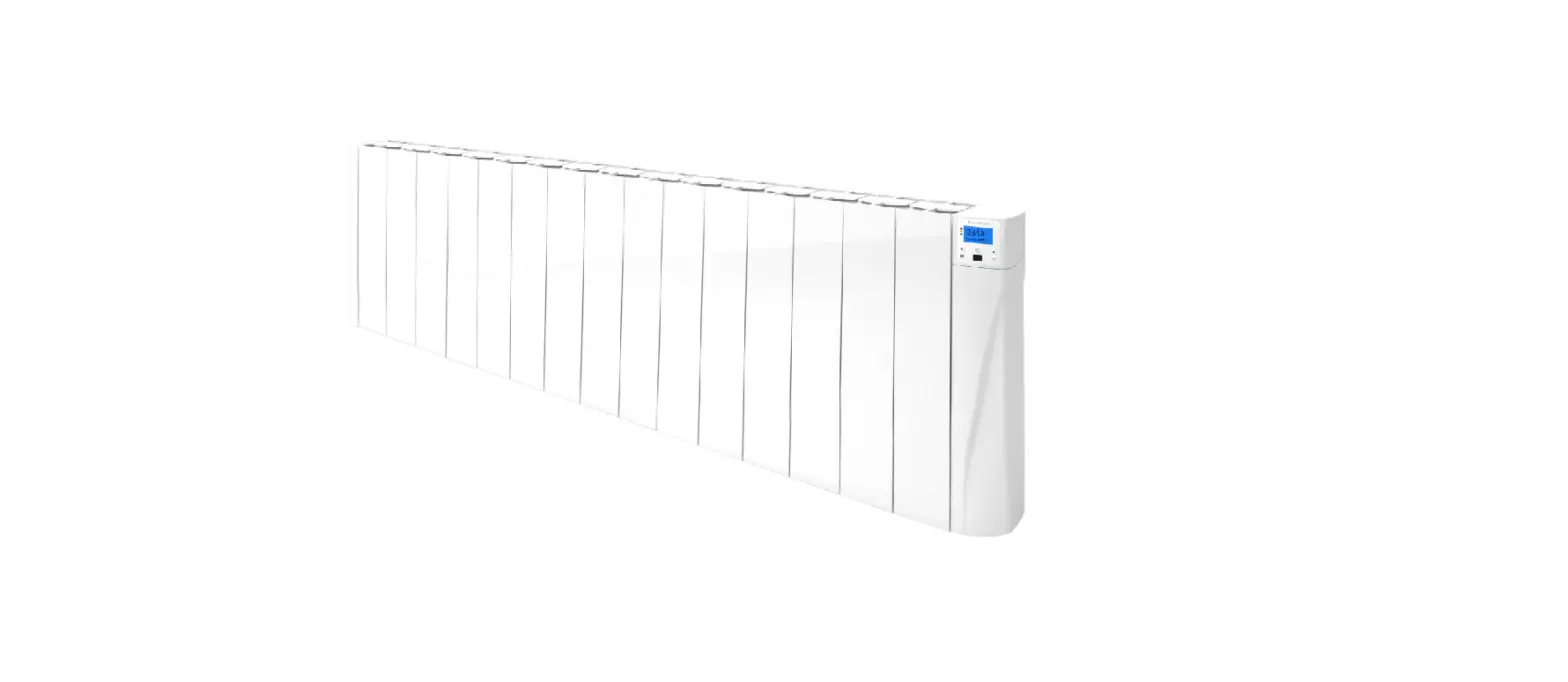
The initial connection between the radiator and mobile device.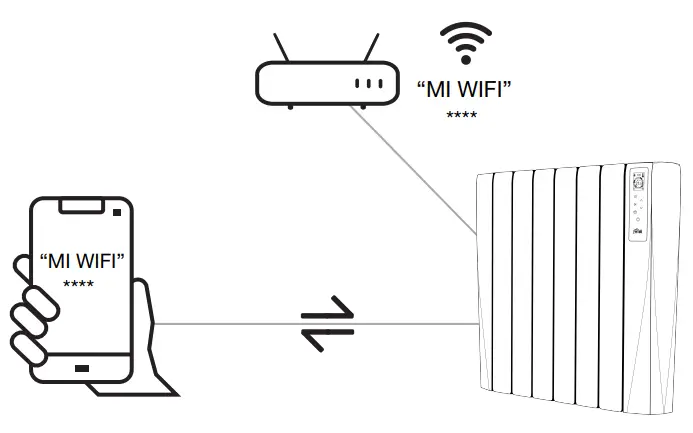 STEP 1: Activate the Radiator’s connection.
NOTE: During WiFi pairing, do not manipulate the interface screen.
STEP 2: Connet the mobile device to the network shown on the radiator.
OPTION 1: Using the camera of your mobile device or tablet, scan the QR displayed on the radiator screen.*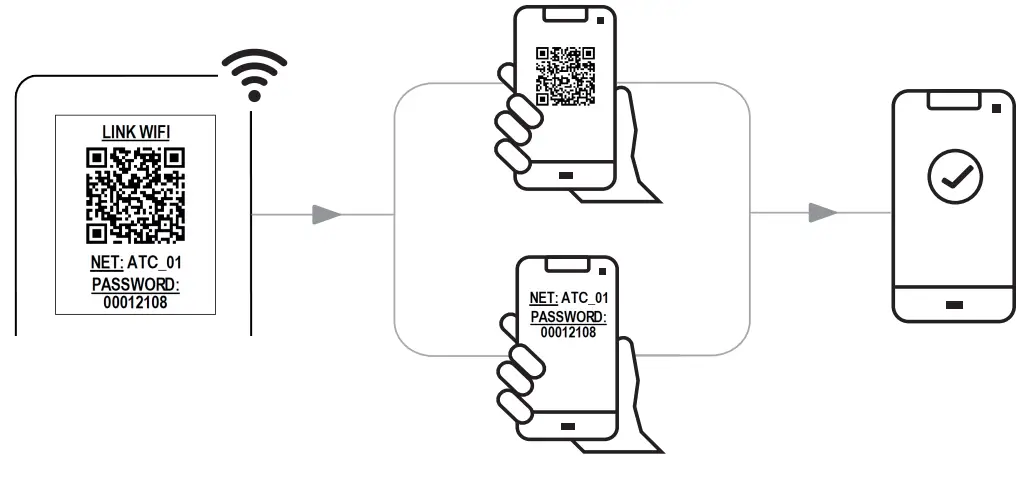
Once connected, return to the app and click on “CONTINUE”.
Active radiator network, *This connection does not have internet access.
OPTION 2: On the menu “WIFI SETTINGS” of your mobile device, select the name “ATC_01” and enter the password “00012108” of the wifi network displayed by the emitter. *Depending on the capability of your mobile device or tablet.
CONNECTIONS BETWEEN THE RADIATOR AND LOCAL WIFI NETWORK
From the list of detected WiFi networks shown on your mobile device, select the local network and enter the corresponding WiFi password.
STEP 3: In the app choose the WiFi network that the radiators will connect to.*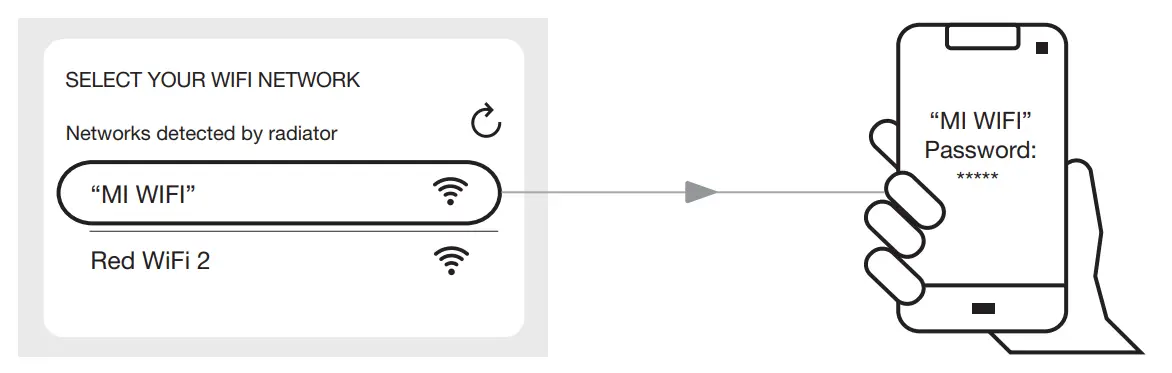
*Note that the lifestyle will only work on 2.4GHz networks.
Enter the password for your WiFi network.
VERIFICATION OF THE CONNECTION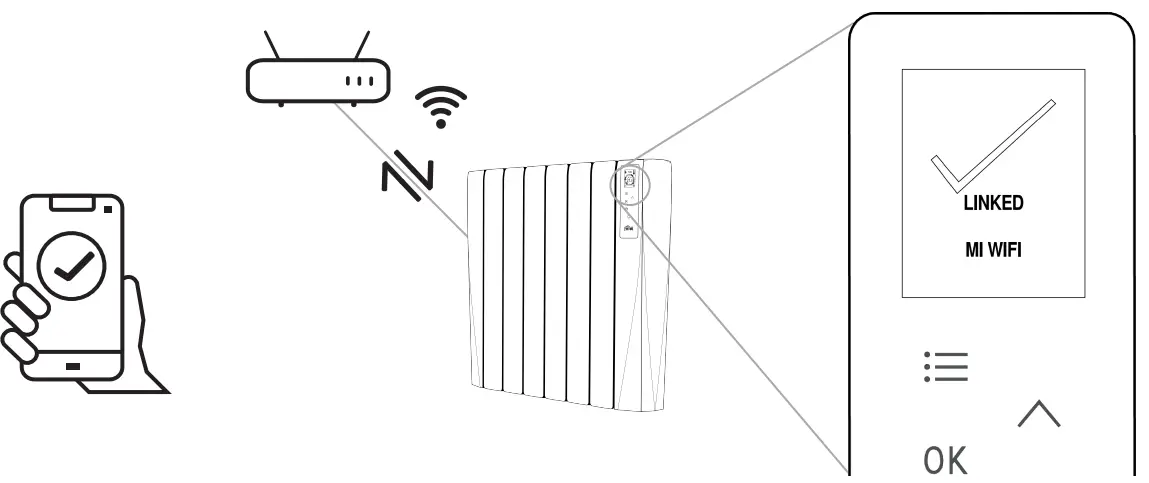
The radiator has been successfully linked.
CONTROL PANEL
 FUNCTION MODES
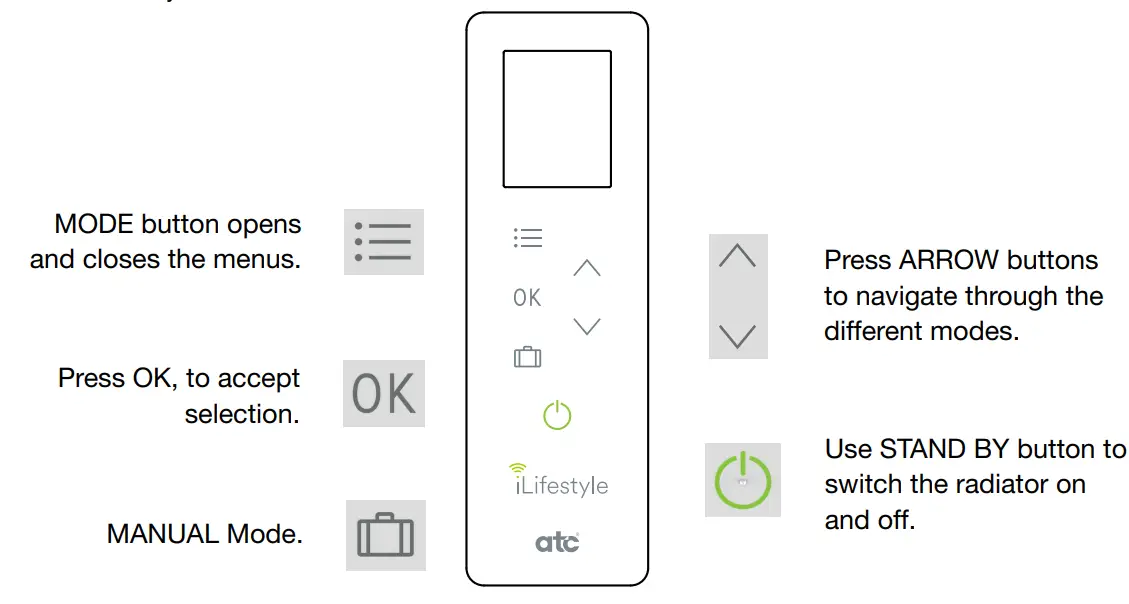 FUNCTION MODES
 For further information, please check the instruction manual on the ATC Website
ATC Electrical & Mechanical.
ATC House,
Broomhill Drive, D24 EF99, Tallaght, IRELAND
Tel. UK: +44 0203 564 9164
TEL IE: +353 1 467 8301
Email: [email protected]
[email protected]
A7302630 – 2021-10
 Home - ATC Ireland
 Electric Thermal Radiators - Hand Dryers - Electric Heating - ATC UK