
 HYDRA
HYDRA
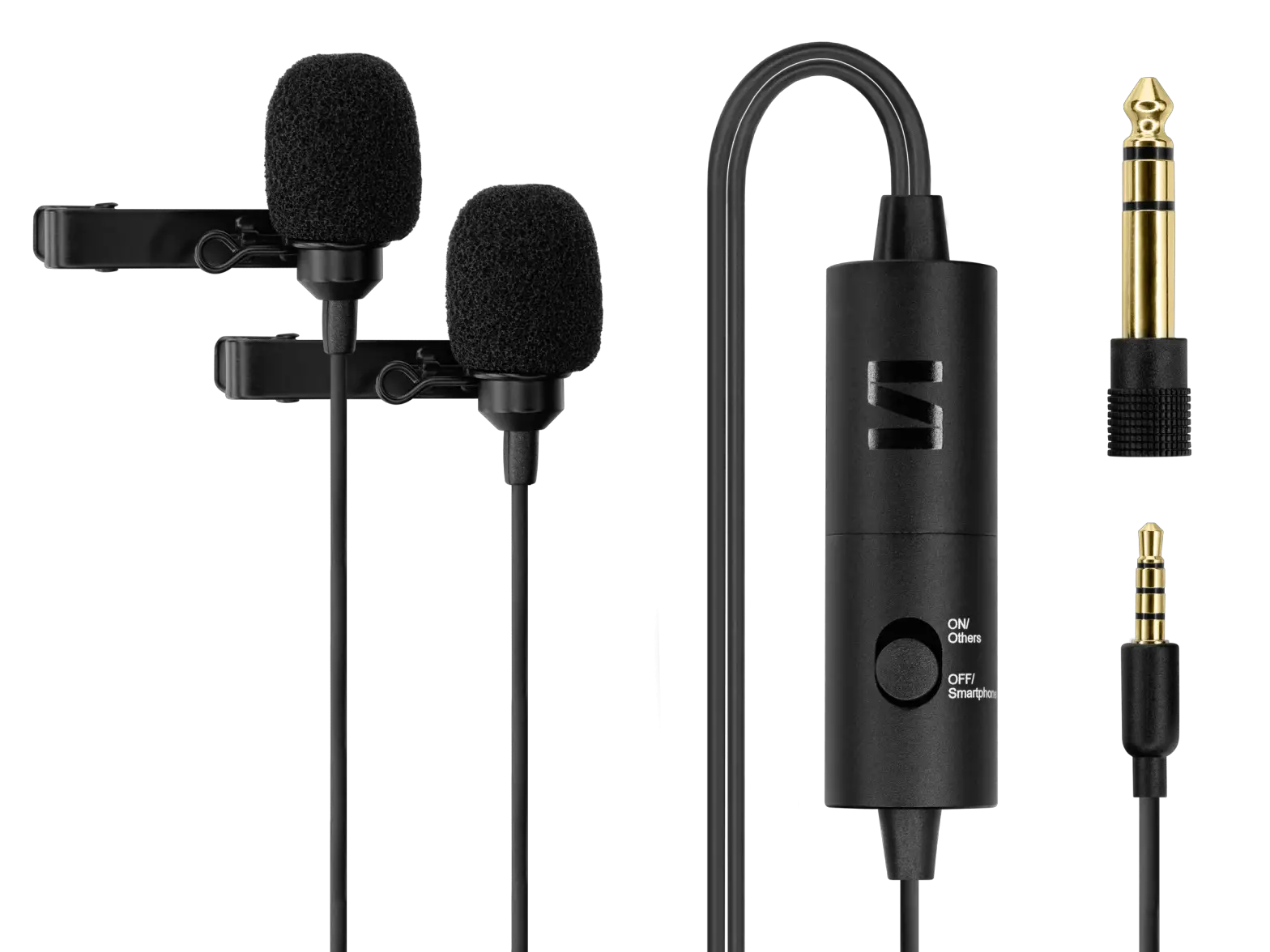
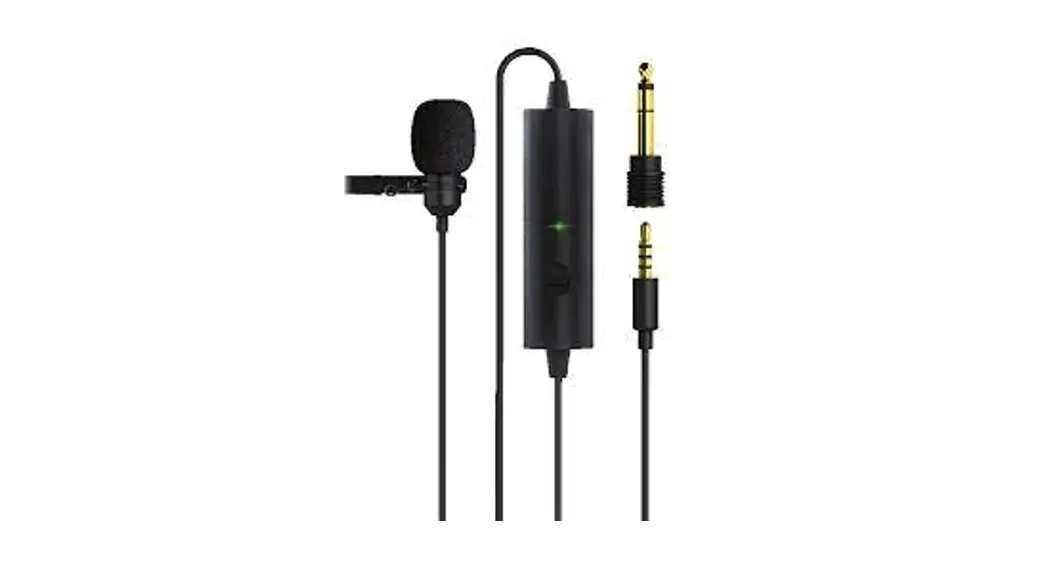
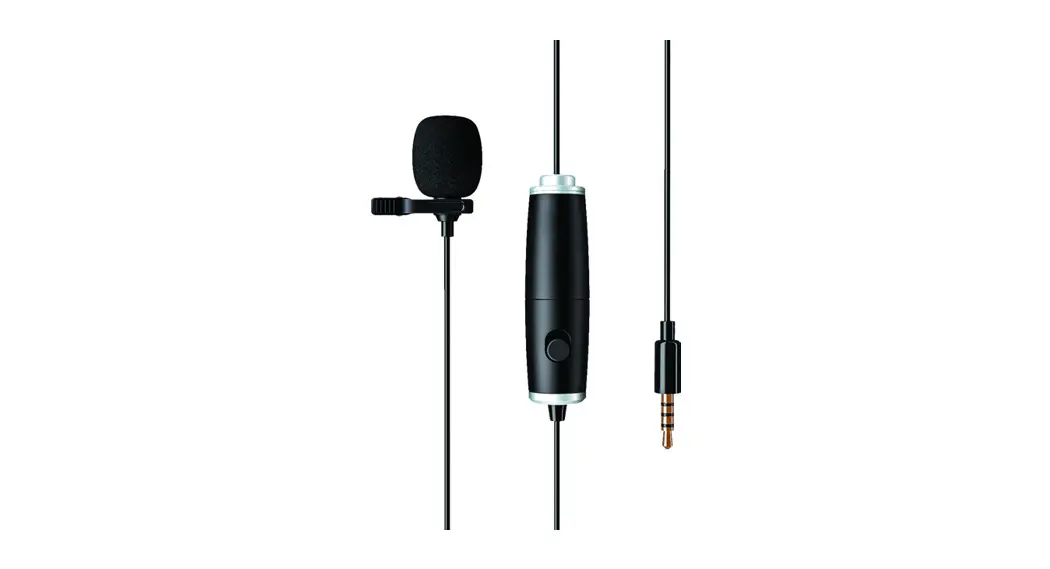
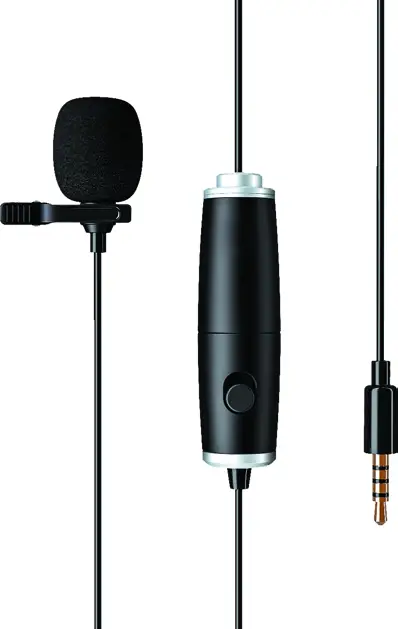
SINGLE MOSQUITO MICROPHONE
USER MANUAL
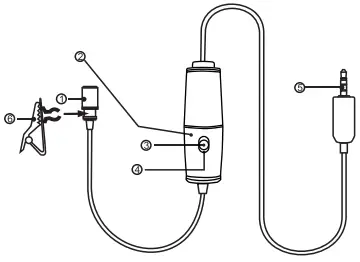
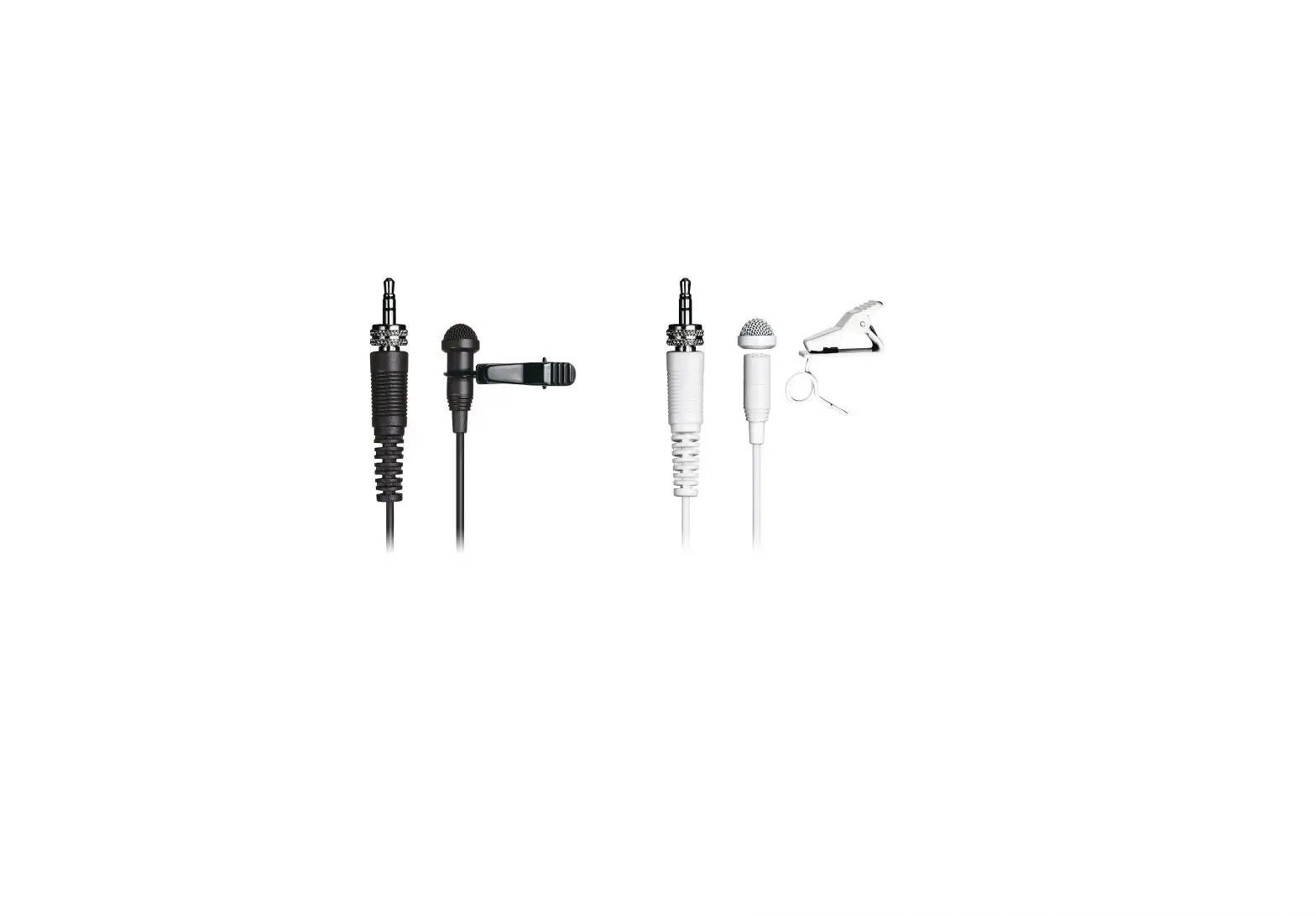
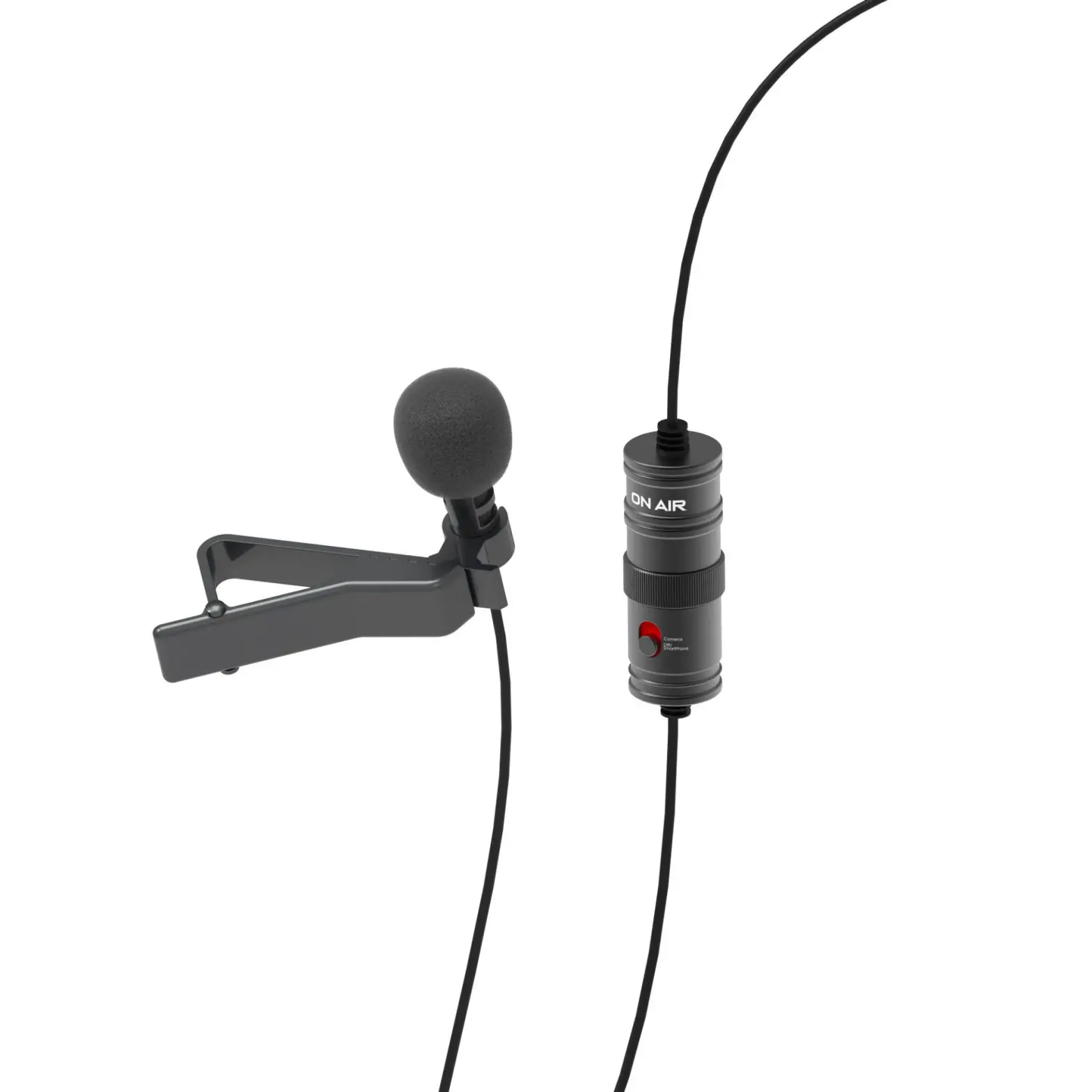
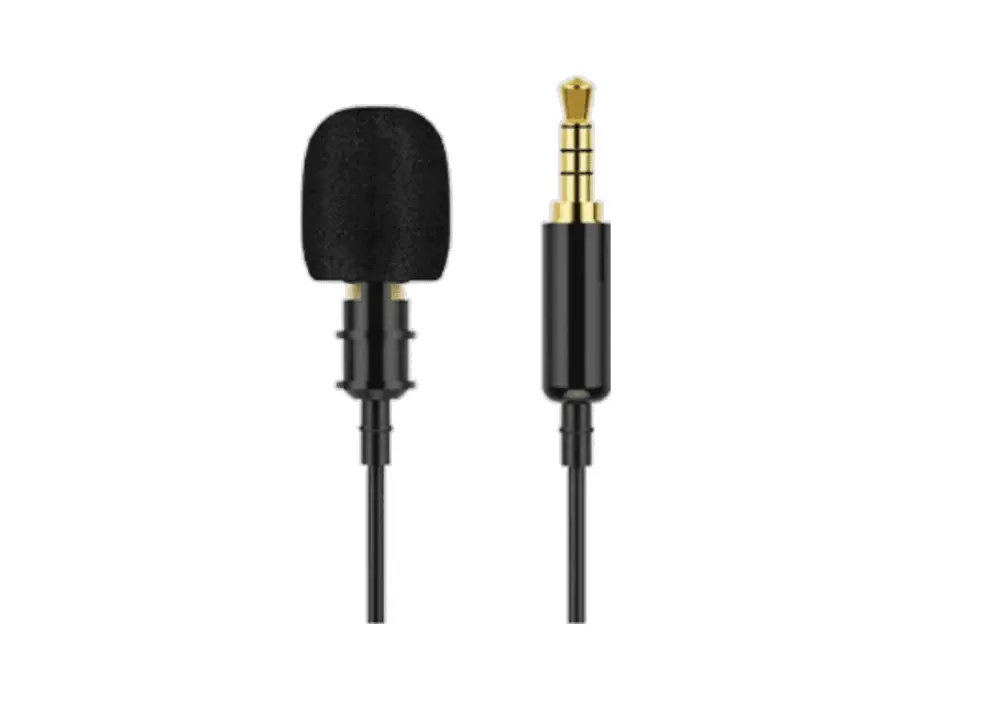
- Omni-directional microphone
- Battery Compartment
- ON/DSLR Camcorders etc.
- OFF/Smartphone
- 3.5 mm (1/8″) gold 4-pole mini-plug
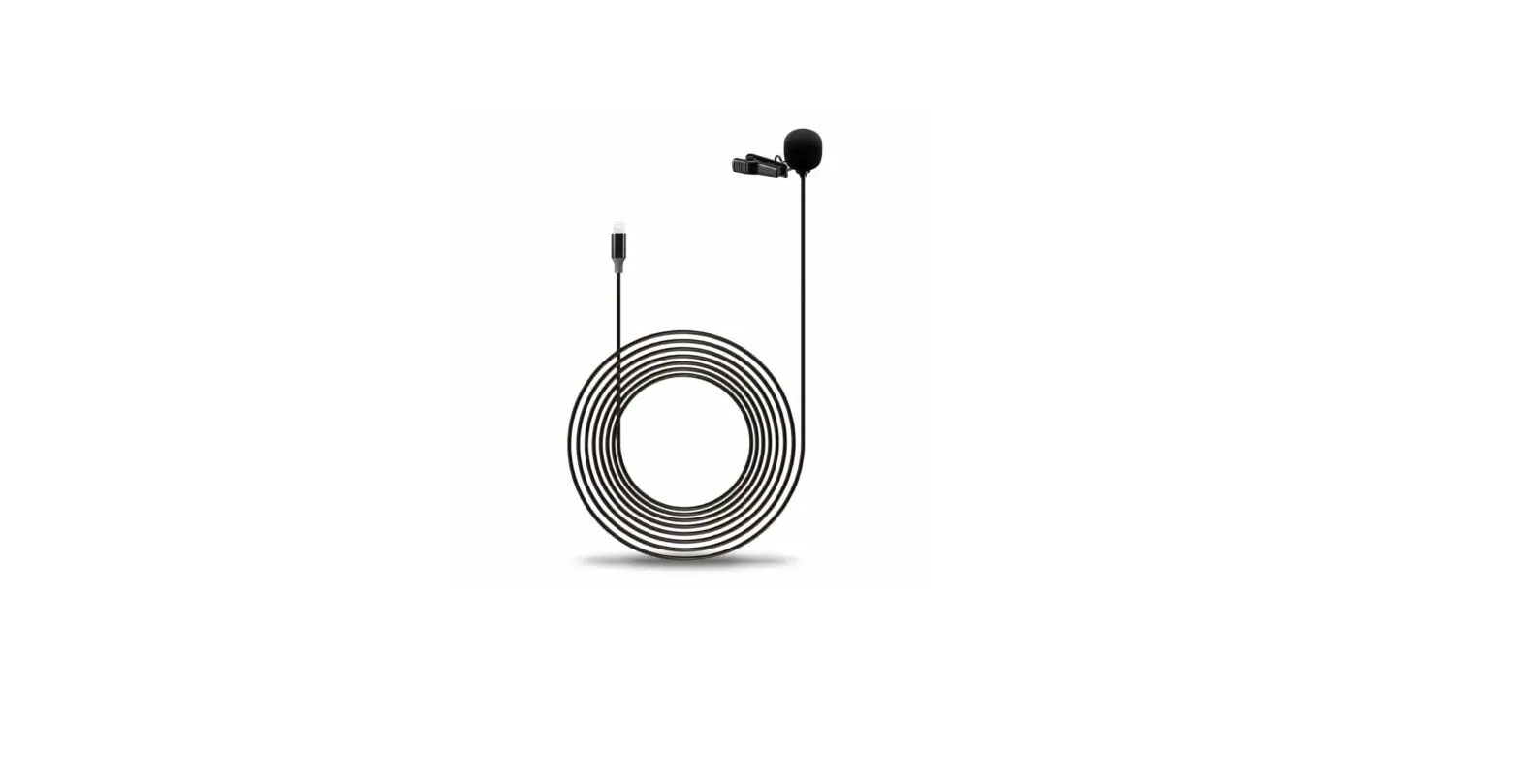
- Clamp the clip on the concave of the microphone
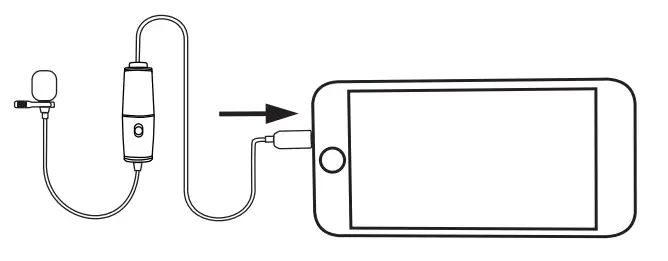
USING THE MICROPHONE
- Passive microphone mode (for mobile phone only), slide the ON/OFF down to OFF/Passive mode and you can use it to record the audio without a power supply.
- Active microphone mode (for DSLR. PC, GoPro, etc.). Slide the ON/OFF up to ON/Active mode and you can use it to record the audio with power on.
HOW TO ACCESS BATTERY
Unscrew the battery case | Insert the battery case |
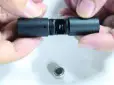 | 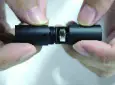 |
SPECIFICATIONS
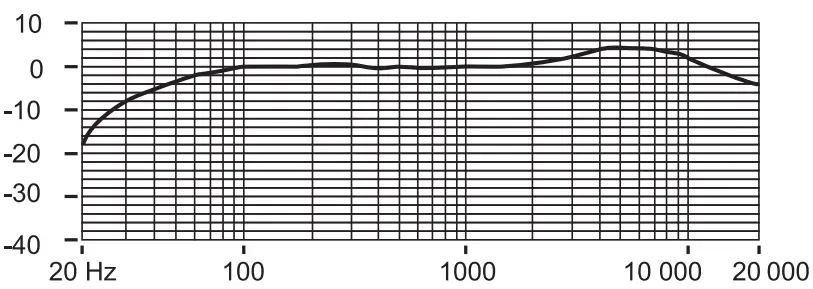
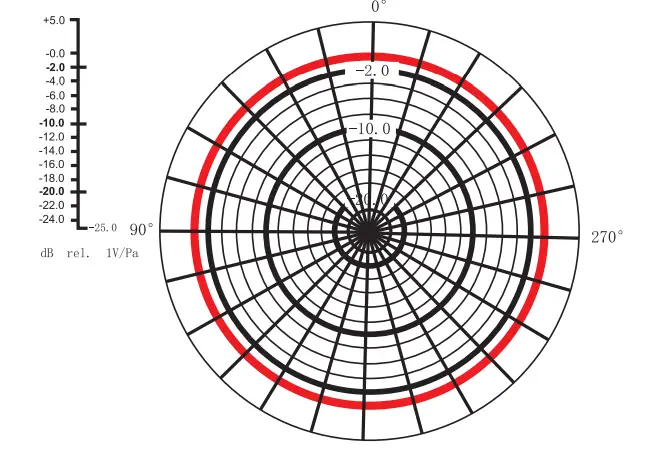
Imported by Svive, Ostre Kullered 4,
N-3241 Sandefjord.
Norway Made in China
svive.gg