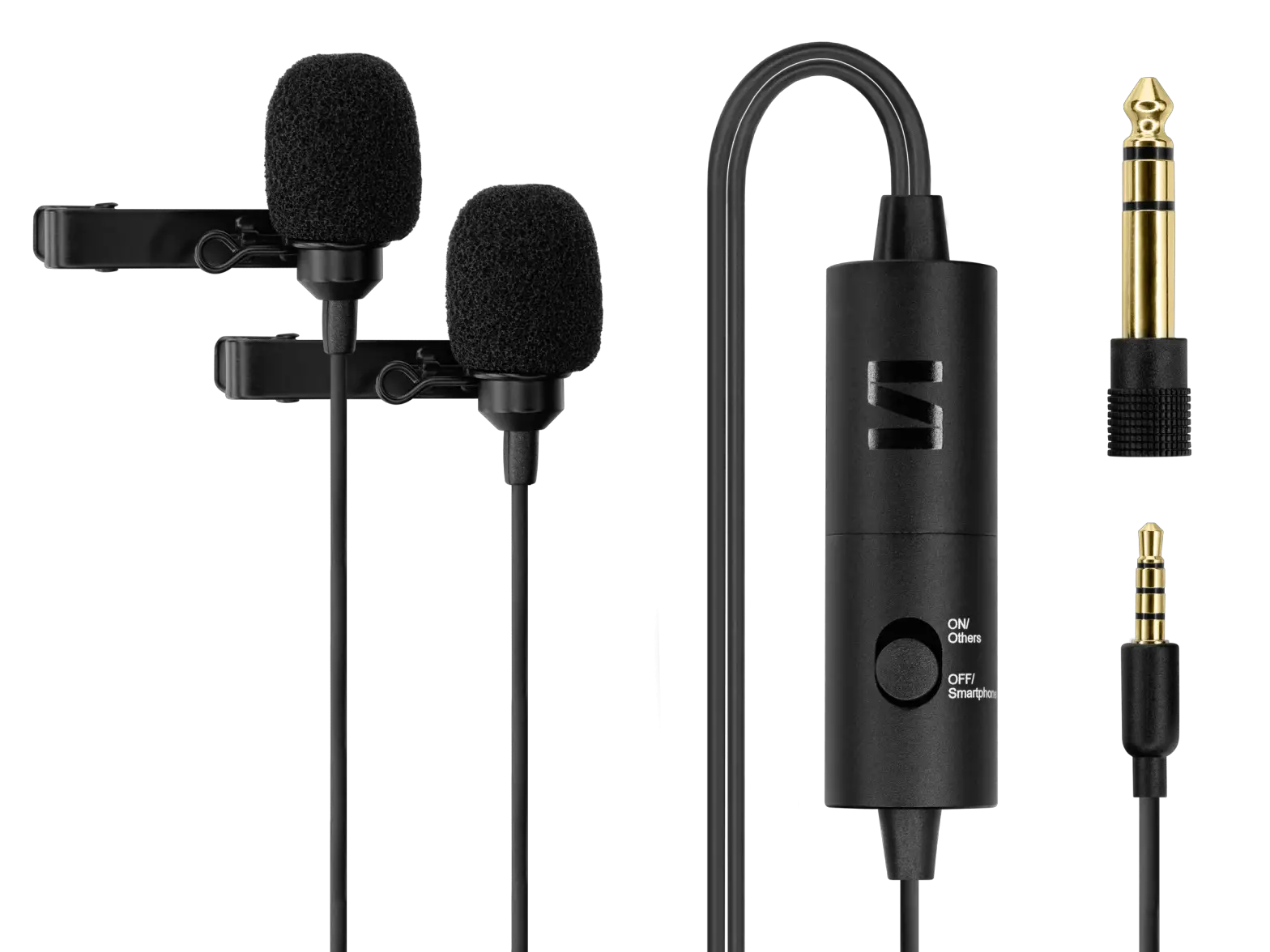
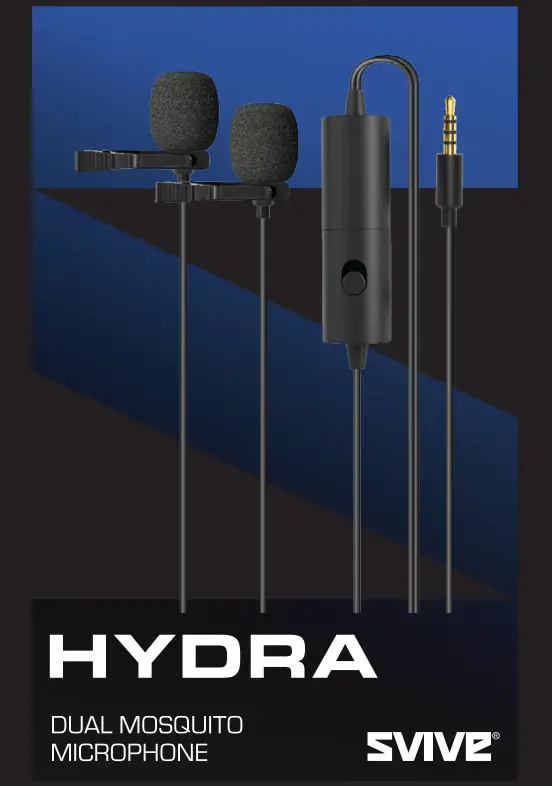
SVIVE® 1173279 Hydra Dual Mosquito Microphone User Guide
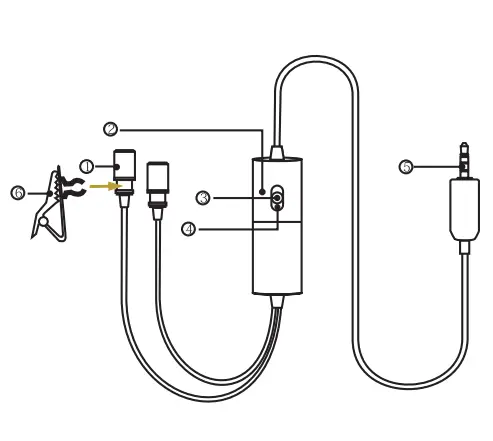
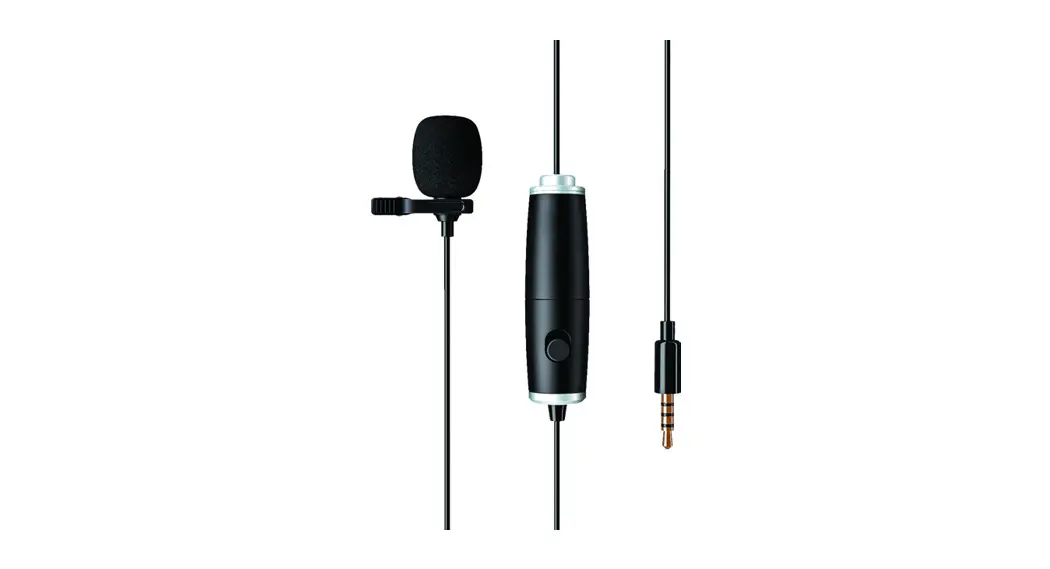
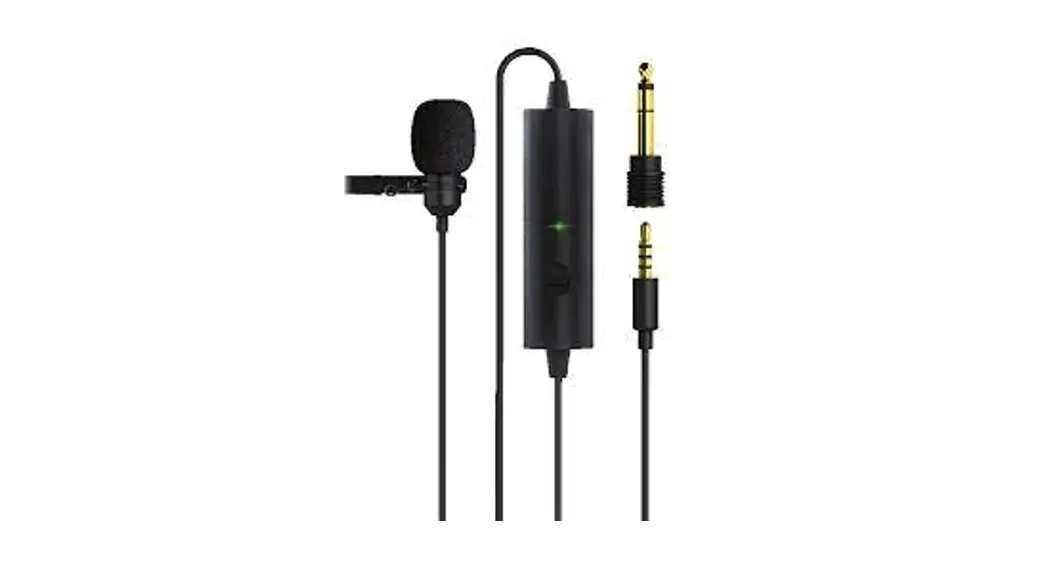
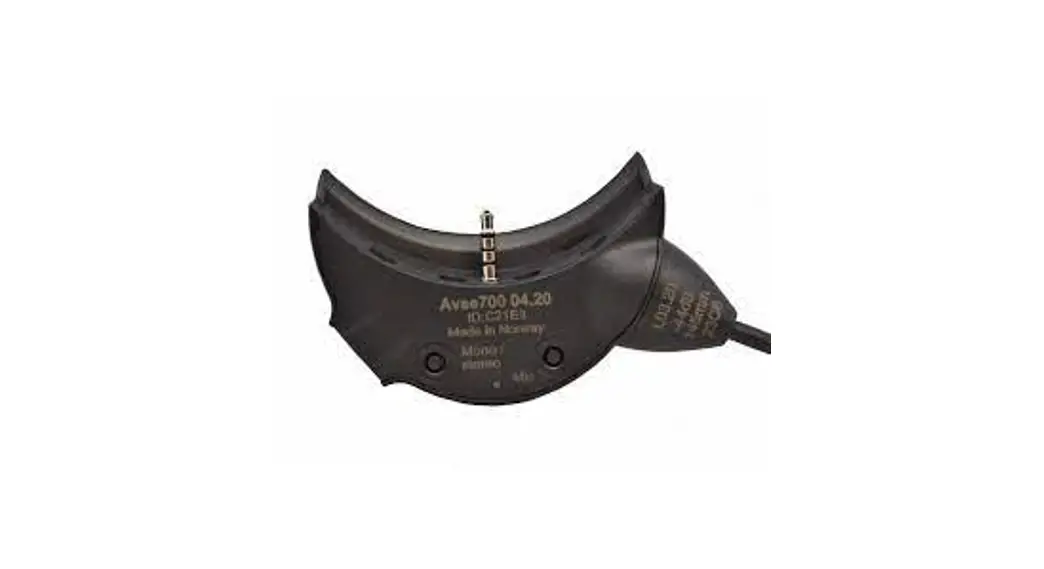
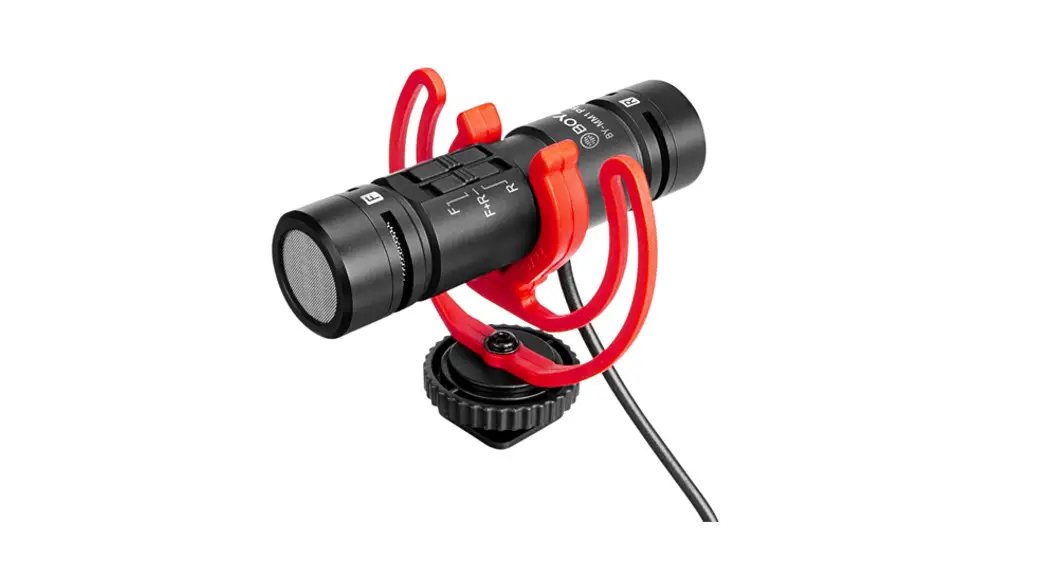
- Omni-directional microphone
- Battery Compartment
- ON/DSLR Camcorders etc.
- OFF/Smartphone
- 3.5 mm (1/8″) gold 4-pole mini-plug
- Clamp the clip on the concace of microphone
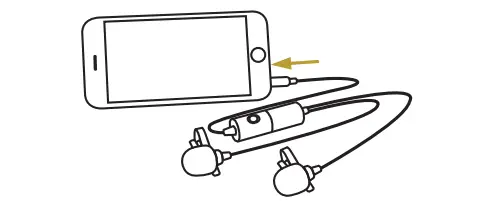
USING THE MICROPHONE
- Passive microphone mode [for molbile phone only), slide the ON/OFF down to OFF/Passive mode and you can use it to record the audio without power supply.
- Active microphone mode [for DSLR, PC, GoPro etc.). Slide the ON/OFF up to ON/Active mode and you can use it to record the audio with power on.
HOW TO ACCESS BATTERY
Unscrew the battery case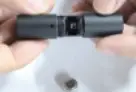
Insert the battery case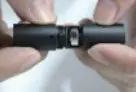
SPECIFICATIONS
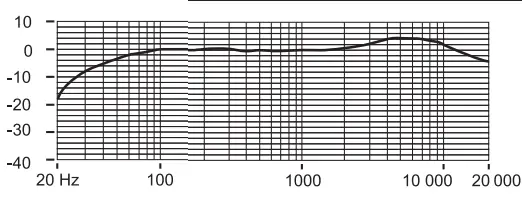
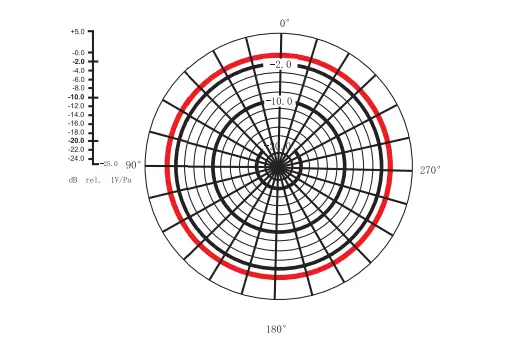
Imported by Svive, Ostre Kullerod 4,
N-3241 Sandefjord, Norway
Made in China | svive.gg