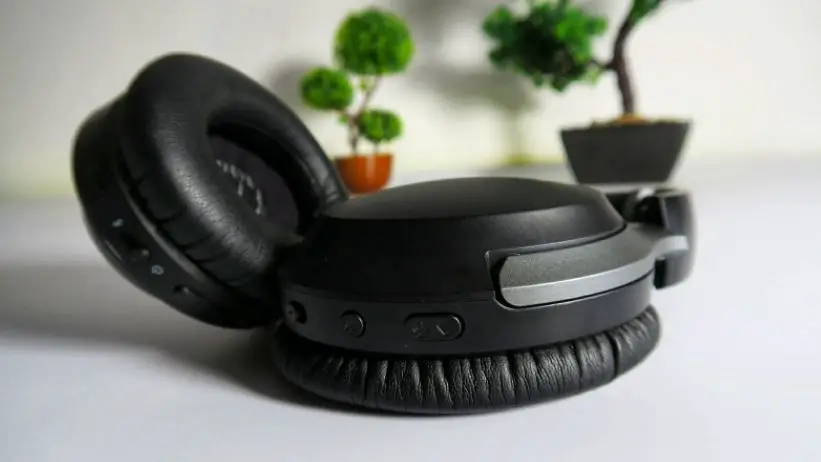
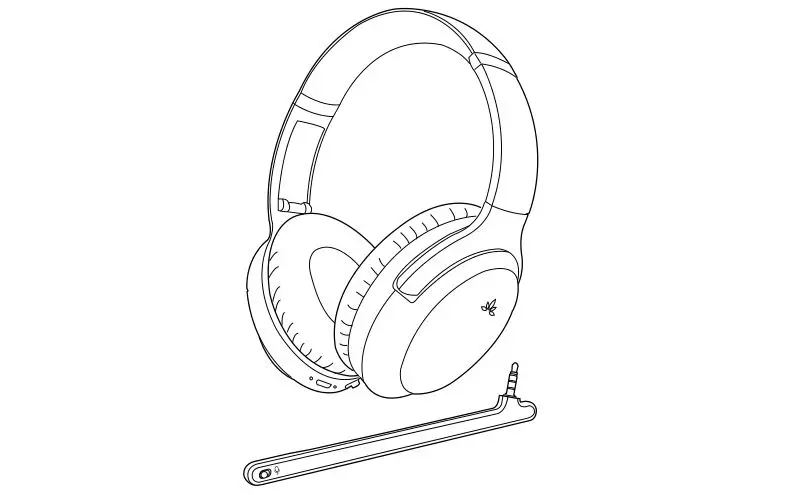
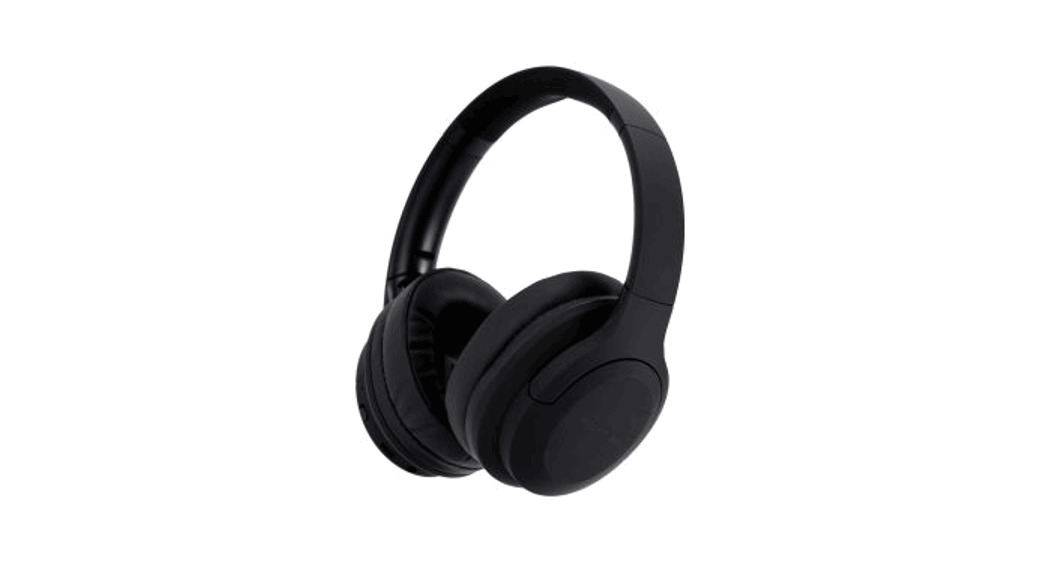
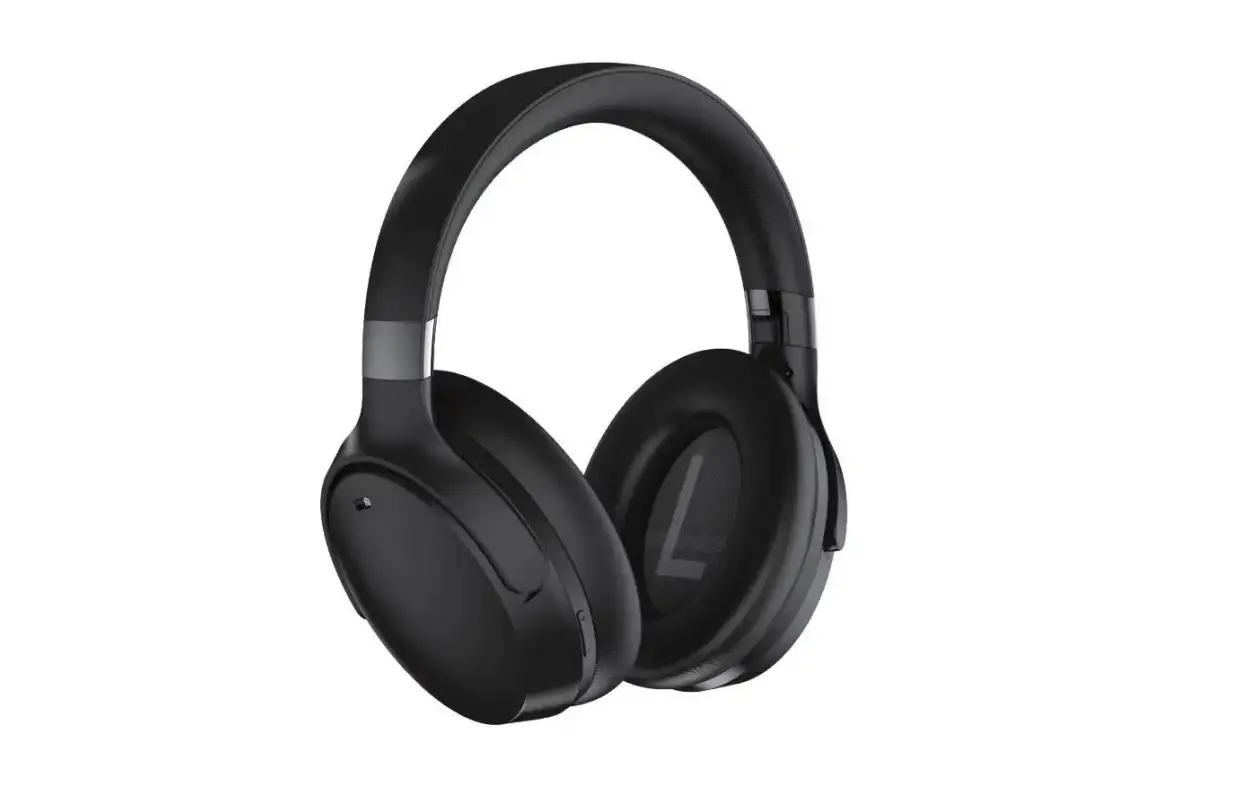
iSAR Hybrid ANC Bluetooth Headphones
Product Information
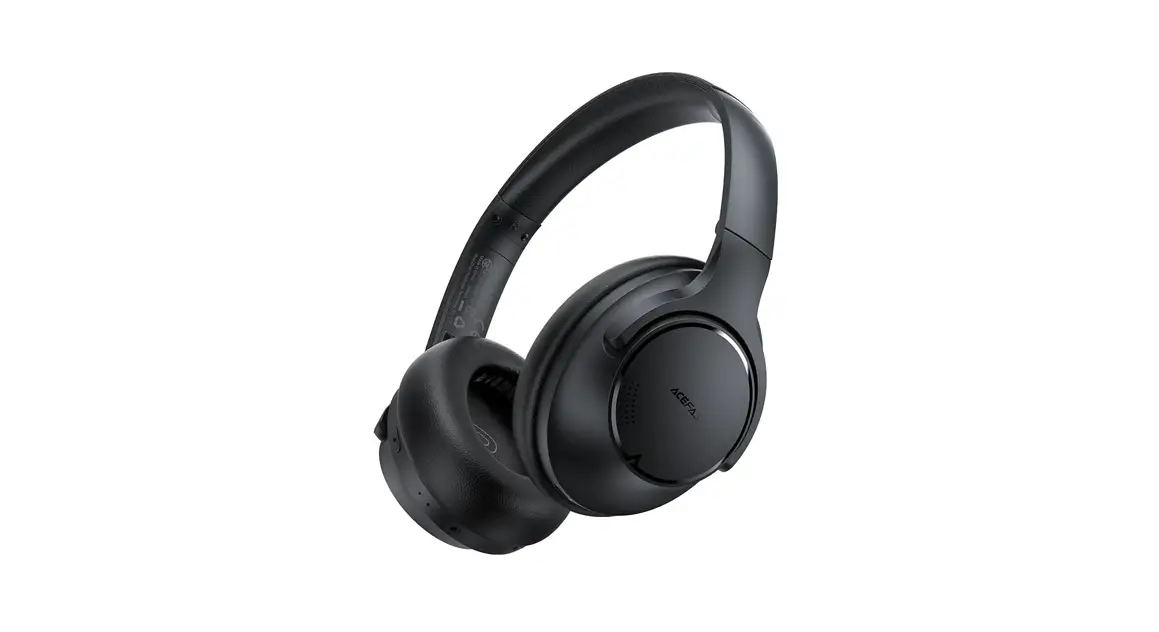
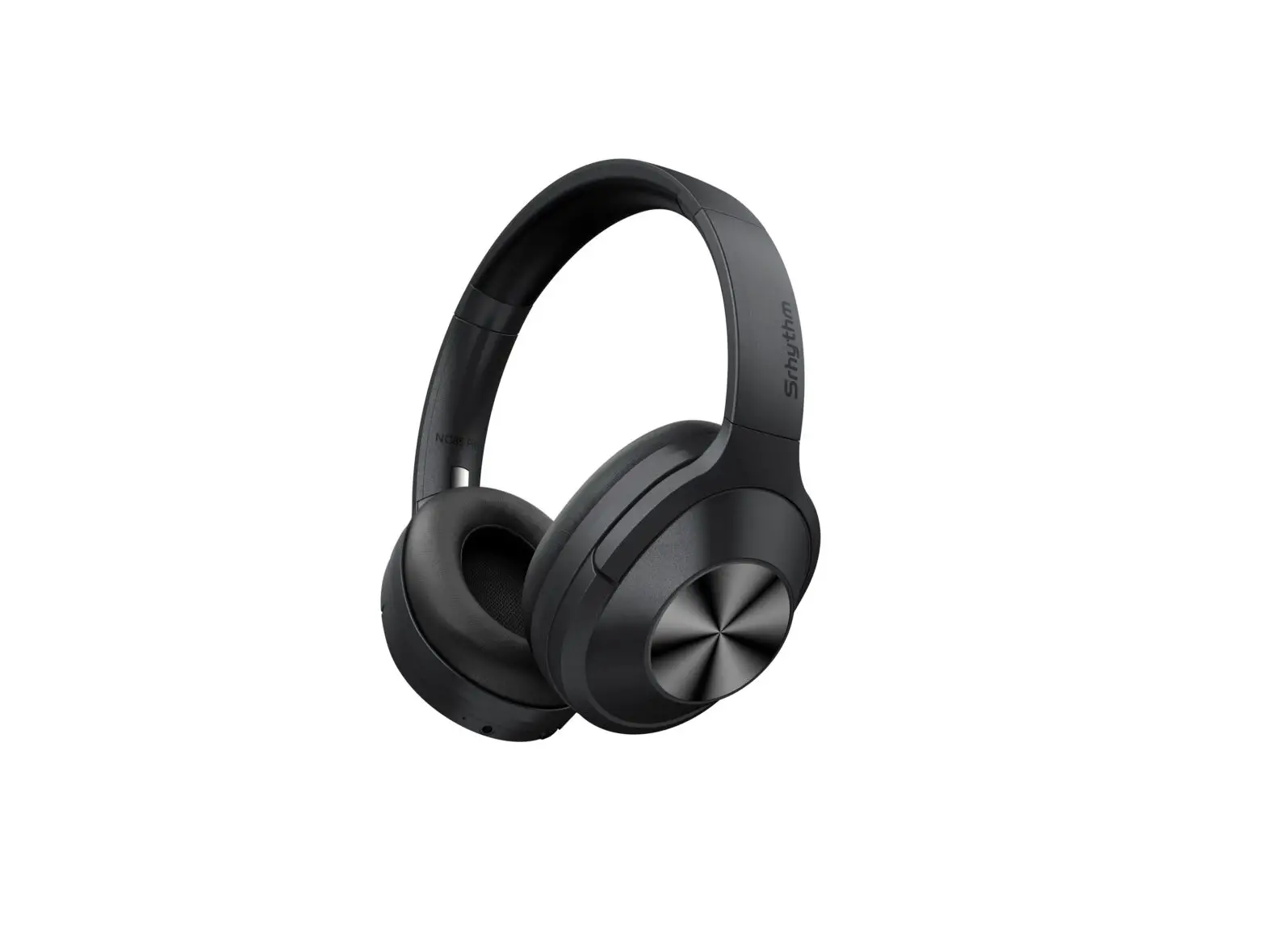
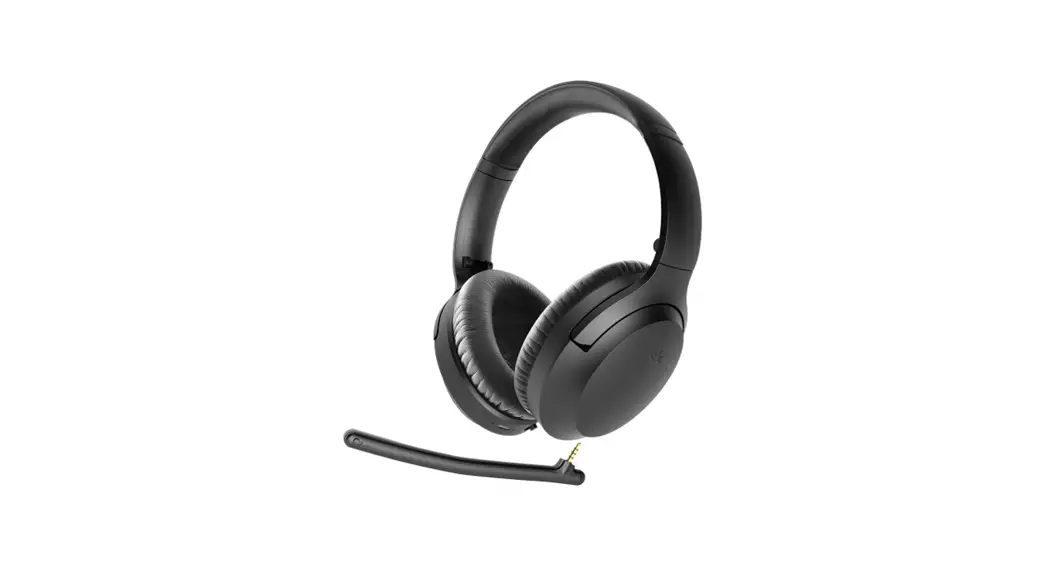
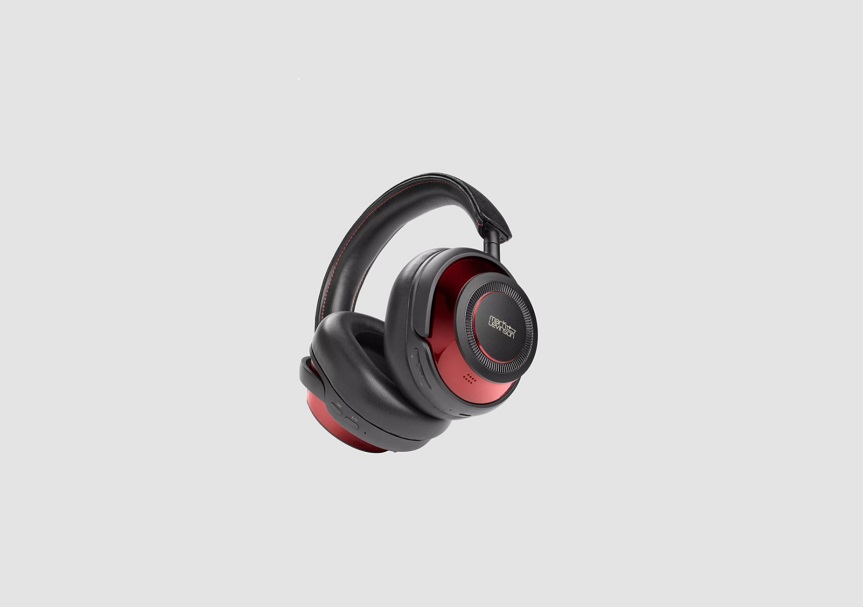
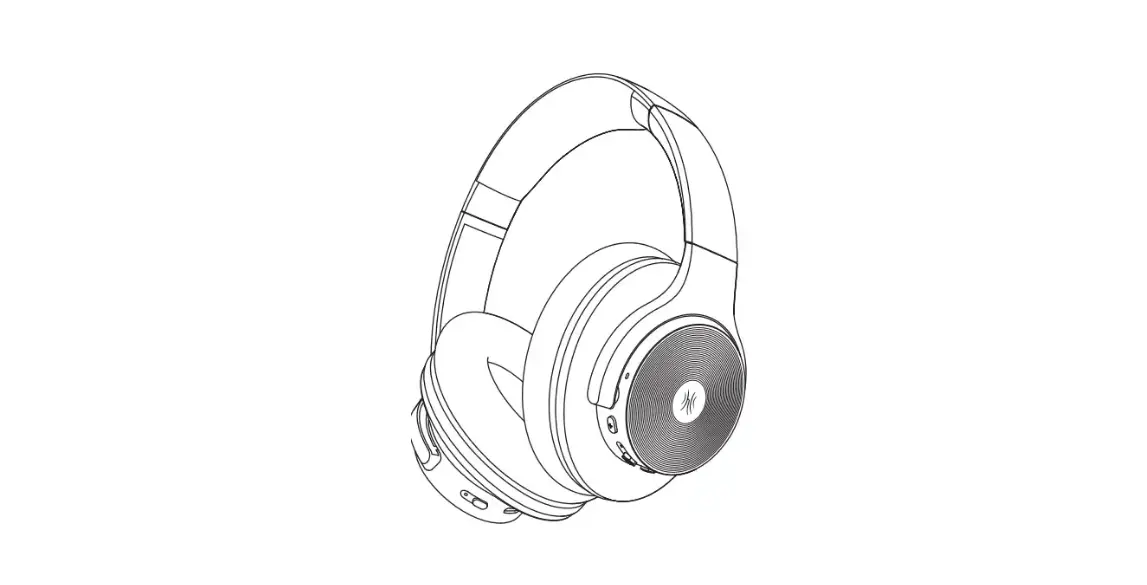
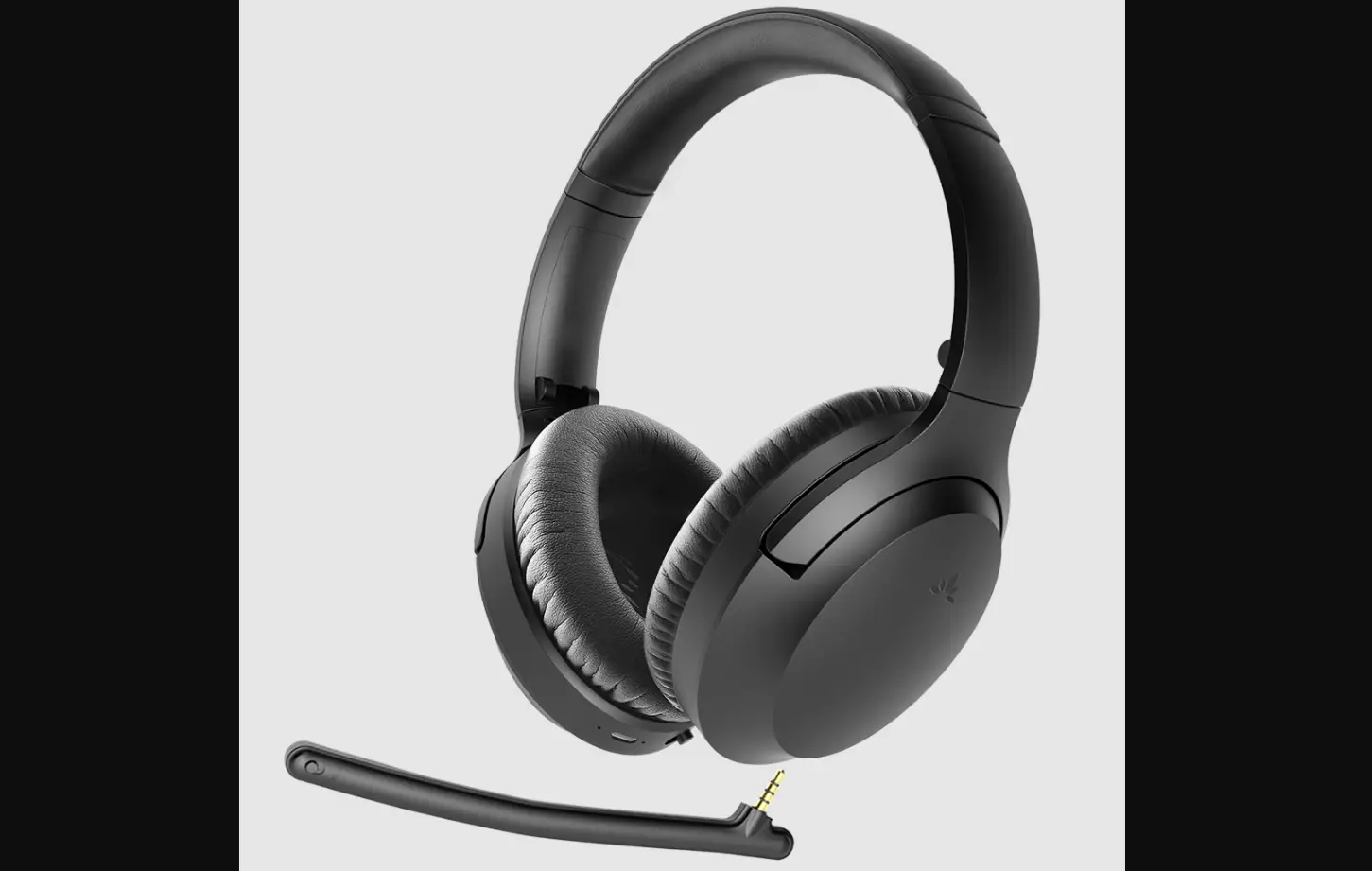
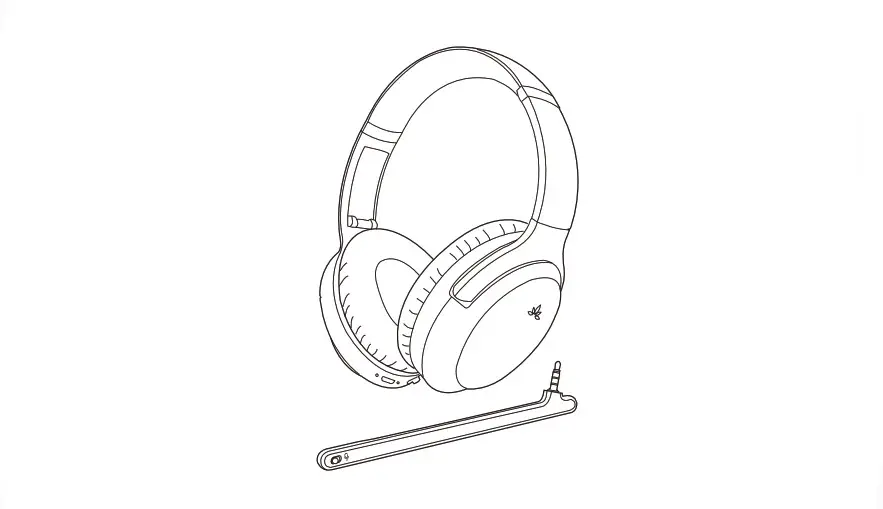
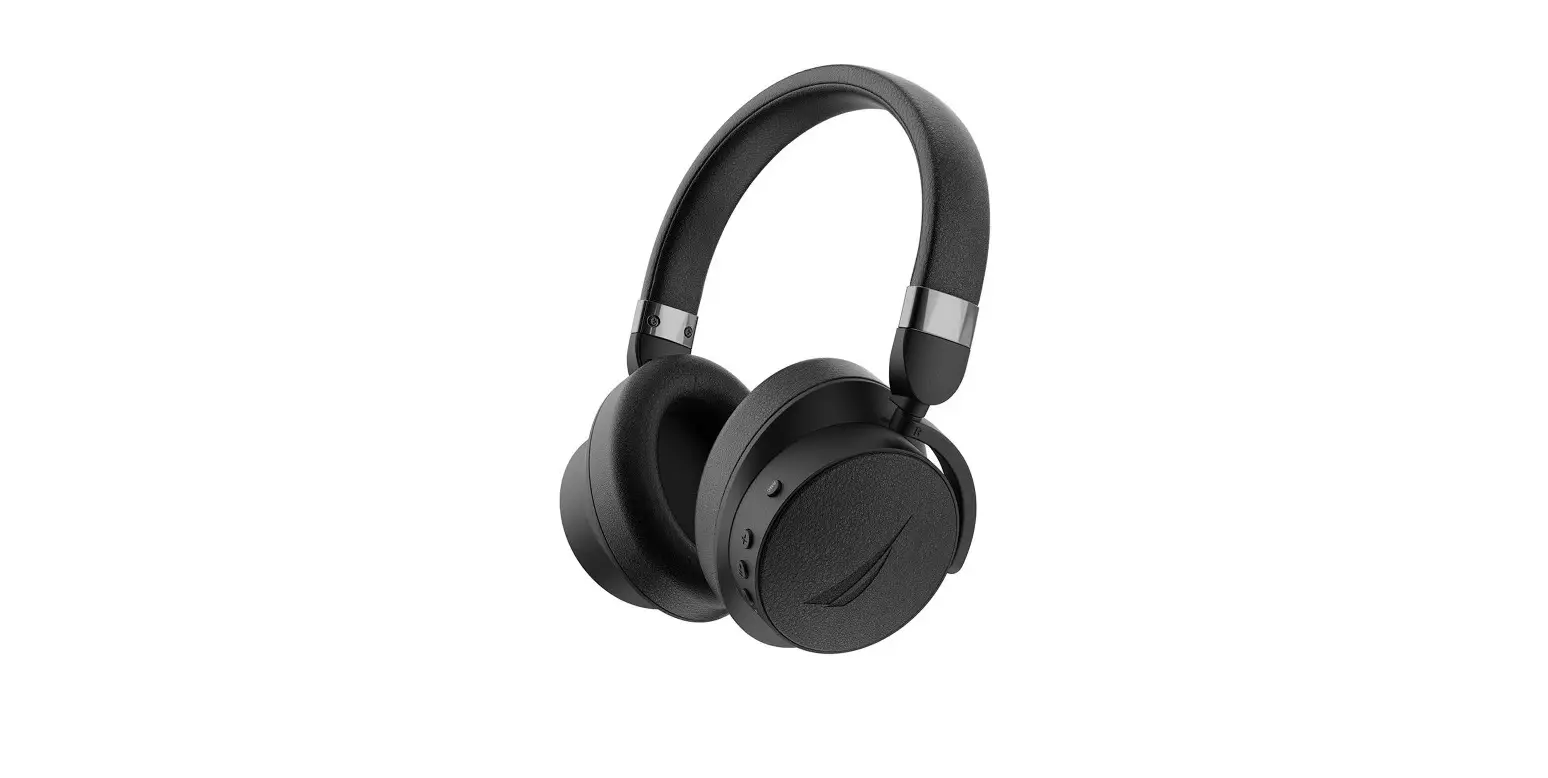
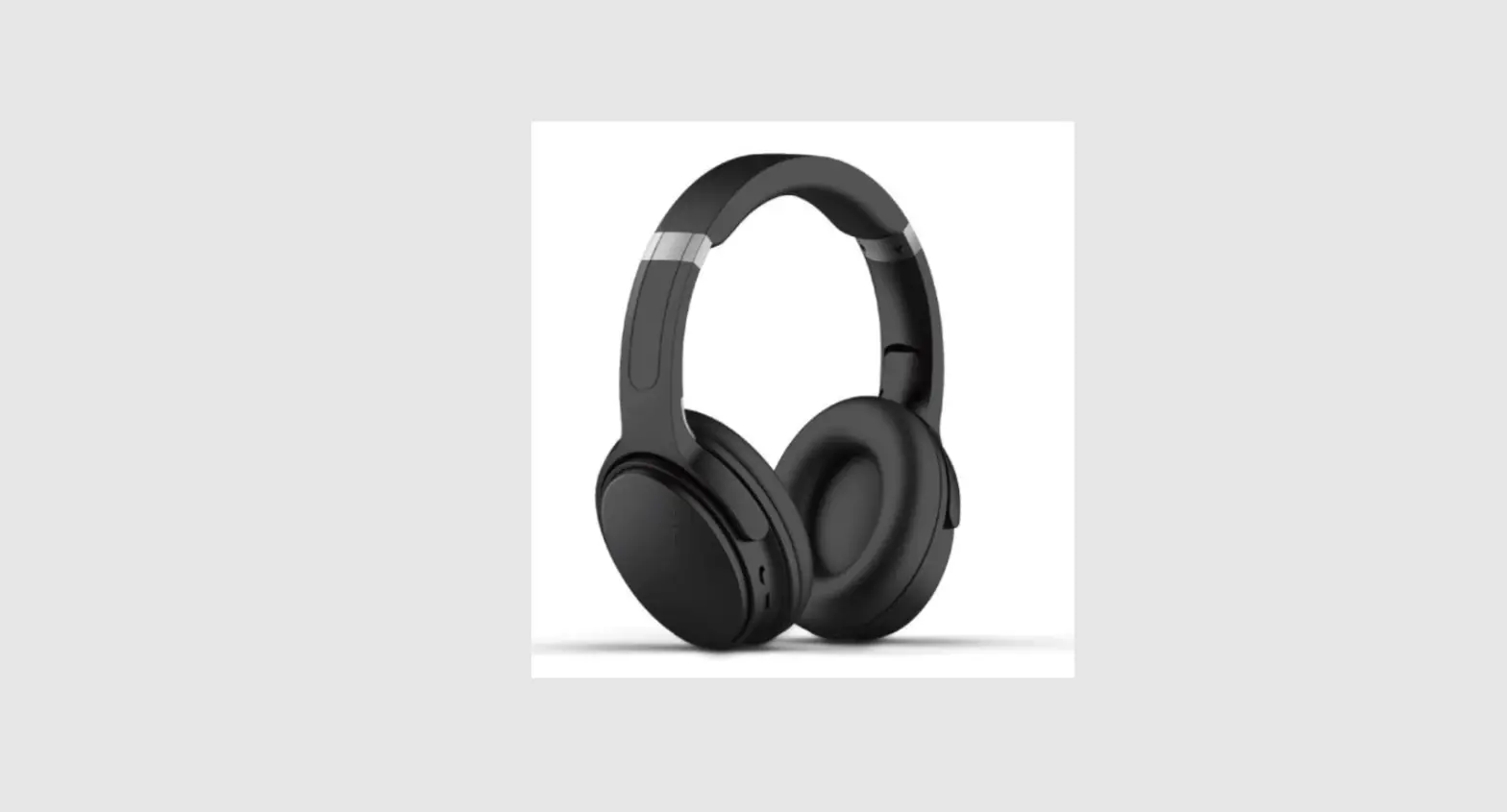
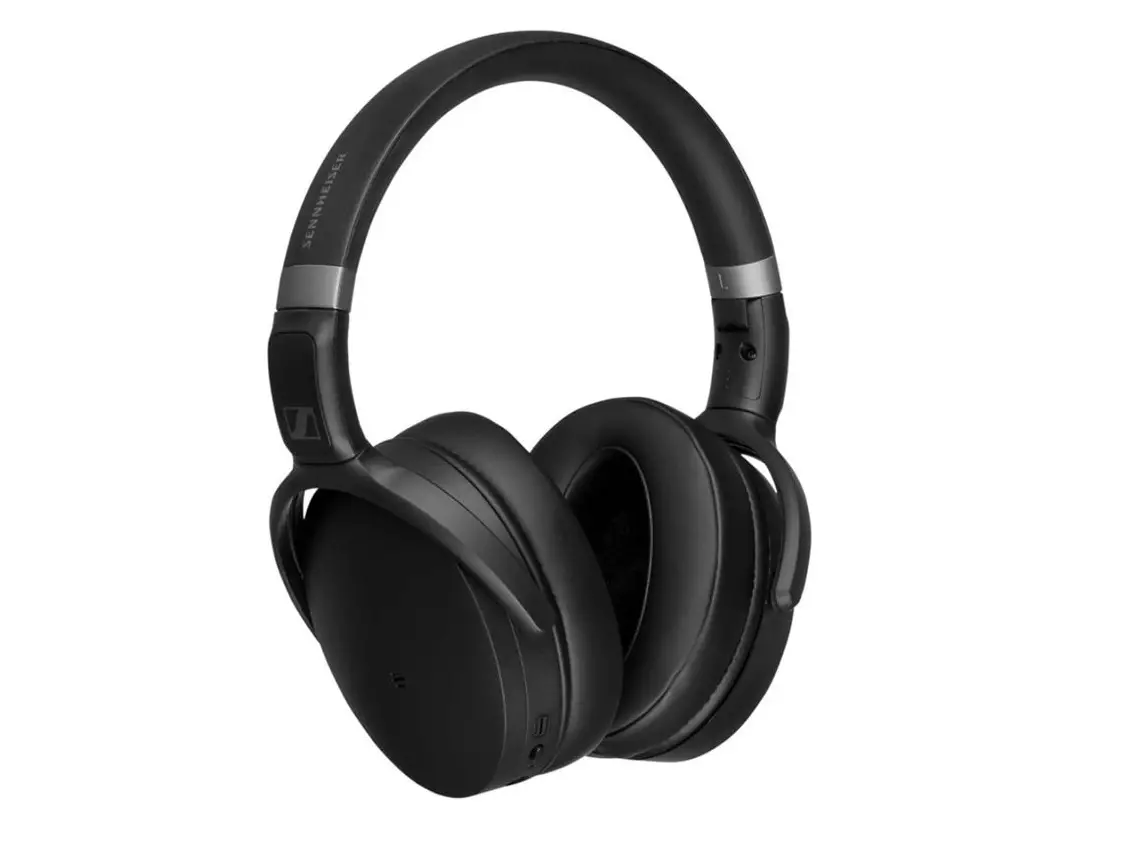
The ISAR Hybrid ANC headphones are a wireless over-ear model
that features Active Noise Cancelling (ANC) and
Audio-Transparency-Mode. The headphones come with a USB-C charging
cable, a 3.5mm AUX audio cable, and a protective case.
Technical Specifications
- Chipset/Version: QCC3034 + ADI1787
- Profile: A2DP/AURCP/HFP/HSP/SPP/DID/HOGP/PXP/FMP/BAS
- Codec: AAC/SBC/APTX HD
- Wireless Range: 10m
- Battery Life: 32 hours (ANC off), 30 hours (ANC on)
- Charging Time: 2 hours
Product Usage Instructions
Safety Instructions
Please read the safety instructions carefully before using the
headphones to avoid any damage or injury.
Included Accessories
The package includes the following:
- 1 x ISAR ANC over-ear headphones
- 1 x Protective case
- 1 x 3.5mm AUX audio cable
- 1 x USB to USB-C charging cable
Your Top Experience
To turn on the headphones, press and hold the Power button until
the status indicator lights up blue. The ANC can be turned on by
pressing the ANC button, which will cause the status indicator to
light up green and flash blue.
Noise Cancelling and Transparency
The headphones feature Active Noise Cancelling (ANC) and
Audio-Transparency-Mode. To activate Audio-Transparency-Mode, press
the Instant Awareness-Mode button.
Instant Awareness Mode
Press the Instant Awareness-Mode button to activate this mode.
This will allow you to hear your surroundings while listening to
music.
Calls
To answer or end a call, double-tap the touchpad on the right
earcup. To reject a call, tap and hold the touchpad for 2
seconds.
Volume and Playback Control
Swipe up or down on the touchpad to adjust the volume. To play
or pause music, double-tap the touchpad. To skip to the next track,
swipe forward on the touchpad. To go back to the previous track,
swipe backward on the touchpad.
Voice Assistant
To activate your device’s voice assistant, tap and hold the
touchpad for 2 seconds.
Use Audio Cable
You can use the included 3.5mm AUX audio cable to connect the
headphones to a device that does not have Bluetooth
connectivity.
LED Indicator
The LED indicator will display different colors to indicate
various statuses. Refer to the user manual for a detailed
explanation of each color and what it means.
Bedienungsanleitung (German), 1 User Guide (English), 19 (Chinese), 37 (Korean), 55 (Japanese), 73
BEDIENUNGSANLEITUNG
Inhaltsverzeichnis
1
Sicherheitshinweise
2
2
Lieferumfang
4
3
Übersicht ,,Top Erlebnisse”
5
4
Stromversorgung und Bluetooth®
5
5
Geräuschunterdrückung und Transparenz
8
6
Sofortige Wahrnehmung ,,Instant Awareness-Modus”
9
7
Anrufe
10
8
Lautstärke- und Wiedergabesteuerung
11
9
Sprachassistent
13
10 Audiokabel verwenden
14
11 LED-Anzeige
15
12 Technische Parameter und Daten
16
13 Garantie und Service
17
1
BEDIENUNGSANLEITUNG
1. Sicherheitshinweise
Vielen Dank für Ihr Vertrauen und dass Sie sich für den Kauf des ULTRASONE ISAR Hybrid ANC Bluetooth®-Kopfhörers entschieden haben. Für Ihr bestmögliches Hörerlebnis möchten wir Ihnen eine umfangreiche Beschreibung an die Hand geben, wie Sie den ULTRASONE ISAR verwenden können.
· Lesen Sie diese Bedienungsanleitung sorgfältig und vollständig durch, bevor Sie das Produkt verwenden.
· Verwenden Sie das Produkt nicht, wenn es beschädigt ist. · Das Unternehmen ULTRASONE AG übernimmt keine Haftung für Schäden am
Produkt oder Verletzungen von Personen aufgrund unachtsamer, unsachgemäßer, falscher oder nicht dem vom Hersteller angegebenen Zweck entsprechender Verwendung des Produkts.
Gesundheitsrisiken und Unfälle vermeiden · Wenn Sie den Kopfhörer verwenden, achten Sie darauf, dass die Lautstärke auf Minimum eingestellt ist.
Regeln Sie die Lautstärke erst nach Aufsetzen des Hörers. Zur Vermeidung eines möglichen Gehörschadens sollten Sie Ihren Kopfhörer nicht für längere Zeit bei hoher Lautstärke benutzen. · Wir möchten Sie darauf hinweisen, dass zu hohe Lautstärken und zu lange Hörzeiten das Gehör schädigen können. Hörschäden stellen immer eine irreversible Beeinträchtigung des Hörvermögens dar. · Sollten Sie an Tinnitus leiden, reduzieren Sie die Lautstärke. · Achten Sie stets auf eine angemessene Lautstärke. Es wird empfohlen, den Kopfhörer nicht für längere Zeit bei hoher Lautstärke zu benutzen. · Halten Sie Kleinteile wie Produkt-, Verpackungs- und Zubehörteile von Kindern und Haustieren fern. Beim versehentlichen Verschlucken besteht Erstickungsgefahr. · Kopfhörer reduzieren die akustische Außenwahrnehmung drastisch. Die Verwendung von Kopfhörern im Straßenverkehr birgt großes Gefährdungspotenzial. Das Gehör des Benutzenden darf auf keinen Fall so stark beeinträchtigt werden, dass die Verkehrssicherheit gefährdet ist. Bitte achten Sie zudem darauf, dass Sie die Kopfhörer nicht im Aktionsbereich von möglicherweise gefährlichen Maschinen und Arbeitsgeräten verwenden. · Vermeiden Sie außerdem den Gebrauch von Kopfhörern in Situationen, in denen das Hörvermögen nicht beeinträchtigt werden darf, insbesondere beim Überqueren eines Bahnübergangs oder auf einer Baustelle.
2
BEDIENUNGSANLEITUNG
1. Sicherheitshinweise
ANC-Funktion (Active Noise Cancellation / aktive Geräuschunterdrückung) · Die aktive Geräuschunterdrückung (ANC) unterdrückt Außengeräusche. · Verwenden Sie den Kopfhörer mit aktiver Geräuschunterdrückung (ANC) auf keinen Fall in Situatio-
nen, in denen das Hörvermögen nicht beeinträchtigt werden darf und so eine Gefahr für Sie selbst oder andere darstellen könnte, z. B. beim Autofahren, Fahrradfahren, Überqueren eines Bahnübergangs oder Gehen in der Nähe von Verkehr. · Nehmen Sie den Kopfhörer ab oder verwenden ihn ohne Geräuschunterdrückung und passen Sie die Lautstärke an, um sicherzustellen, dass Sie Außengeräusche wie Alarme und Warnsignale hören können. · Beachten Sie, dass sich Geräusche wie Alarme oder Warnsignale anders anhören können, wenn Sie Kopfhörer tragen.
Haftung / bestimmungsgemäßer Gebrauch · Benutzen Sie das Produkt nicht anders als in dieser Produktanleitung beschrieben. ULTRASONE AG
übernimmt keine Haftung bei nicht bestimmungsmäßen Gebrauch des Produktes sowie des Zubehörs. · ULTRASONE AG haftet nicht für Schäden an USB-Geräten, die nicht den USB-Spezifikationen
entsprechen. · ULTRASONE AG haftet nicht für Schäden aus Verbindungsabbrüchen wegen leerer oder zu alten Akkus
oder Überschreiten des Bluetooth®-Sendebereichs. · Bitte beachten Sie die jeweiligen länderspezifischen Vorschriften vor Inbetriebnahme.
Warnhinweise Gerät · Zum Laden des Akkus über die integrierte USB-Buchse Typ C nur ein USB 2.0/3.0 standardkonformes
5V-Netzteil verwenden. · WARNUNG: Die Akkus (Akkupack oder eingebaute Akkus) dürfen nicht übermäßiger Hitze durch
direkte Sonneneinstrahlung oder Feuer ausgesetzt werden. · VORSICHT: Nicht das Gehäuse öffnen. Wird der Akku nicht korrekt ersetzt, besteht Explosionsgefahr. · Setzen Sie das Produkt weder Regen noch Schnee, Flüssigkeiten oder Feuchtigkeit aus.
Warnhinweise Batterie · Zerlegen Sie die Batterie nicht. · Verwenden Sie die Batterie nicht, falls sie in Kontakt mit Wasser gekommen sein könnte. · Setzen Sie die Batterie keinen hohen Temperaturen aus (60 °C/140 °F). Zu hohe Umgebungstemperatu-
ren führen zu irreversiblen Schäden am Akku, insbesondere bei hohem Ladezustand. · Sollten Sie den Akku längere Zeit nicht verwenden bzw. lagern, empfiehlt es sich, den Akku auf ungefähr
50% der Ladung zu bringen und bei Temperaturen bis max. 30 °C zu lagern. · Setzen Sie den Akku niemals übermäßiger Hitze durch direkte Sonneneinstrahlung oder Feuer aus. · Bei Missbrauch oder nicht ordnungsgemäßen Gebrauch kann der Akku beschädigt werden. In extremen
Fällen besteht die Gefahr von: Explosion, Hitze-, Feuer-, Rauch- oder Gasentwicklung.
3
BEDIENUNGSANLEITUNG
2. Lieferumfang
1 Stück x ISAR ANC Over-Ear Kopfhörer 1 Stück x Case 1 Stück x 3.5 mm AUX Audiokabel 1 Stück x Ladekabel USB auf USB-C
4
BEDIENUNGSANLEITUNG
3. Übersicht ,,Top Erlebnisse”
· Hybrid Active Noise Cancellation (ANC) für beeindruckenden Klang. · Neue Antriebe in Kombination mit S-Logic® sorgen für einen vollen und satteren Klang. · Extrem lange Laufzeit bis zu 32 Stunden. · Fast Charging: 10 Minuten laden und 1,5 Stunden Musik genießen. · Intuitive, reaktionsschnelle Benutzeroberfläche dank ,,Touch Control”. · Ergonomisches, mechanisches Design der Kopfhörer.
4. Stromversorgung und Bluetooth®
Gerät einschalten : Halten Sie die Power-Taste gedrückt, bis die Statusanzeige blau leuchtet. Gerät ausschalten: Halten Sie die Power-Taste gedrückt, bis die Statusanzeige erlischt. Hinweis Wenn 5 Minuten lang keine Verbindung zu einem Bluetooth-Gerät besteht oder das AUX-Kabel abgezogen wird, schaltet sich das Gerät automatisch aus.
Power-Taste
ANC
Statusanzeige leuchtet blau
5
BEDIENUNGSANLEITUNG
4. Stromversorgung und Bluetooth®
Der ULTRASONE ISAR Kopfhörer funktioniert mit jeden Bluetooth®-fähigen Geräten zum Beispiel Handy, Tablet, Laptop, Fernsehgerät etc. und lässt sich kabellos verbinden. Kopfhörer via Bluetooth® verbinden: Schritt 1: Schalten Sie den Kopfhörer ein. Schritt 2: Bei der ersten Verwendung halten Sie bitte die Bluetooth®-Taste gedrückt, bis die Statusanzeige rot und blau blinkt. Es ertönt die Sprachansage ,,Bluetooth® pairing on” und der Bluetooth®-Kopplungsmodus ist aktiviert. Hinweis Wenn Sie den Kopfhörer das nächste Mal verwenden, wird er sich automatisch mit dem zuletzt verbundenen Gerät verbinden. Schritt 3: Rufen Sie das Bluetooth®-Menü Ihres Gerätes auf und wählen Sie ,,ISAR” aus. Hinweis Wenn die Verbindung nicht erfolgreich hergestellt werden kann oder andere unerwartete Probleme erscheinen, schalten Sie den Kopfhörer aus und anschließend erneut ein. Gehen Sie anschließend wieder in den Bluetooth®-Kopplungsmodus. Schritt 4: Sobald die Verbindung hergestellt ist, ertönt die Sprachansage ,,Connected” und die Statusanzeige leuchtet grün und blinkt alle fünf Sekunden blau.
Bluetooth®-Taste
ANC
Statusanzeige leuchtet grün und blinkt blau
6
BEDIENUNGSANLEITUNG
4. Stromversorgung und Bluetooth®
Kopfhörer aufladen:
Hinweis Wenn der Akku des Kopfhörers schwach ist, blinkt die Statusanzeige alle 5 Sekunden zweimal rot und die Sprachansage ,,Battery low” ertönt.
Schritt 1: Verbinden Sie das mitgelieferte USB-C-Ladekabel via USB-C-Anschluss mit dem Kopfhörer. Schritt 2: Verbinden Sie das Kabel mit einem geeigneten Netzteil (nicht im Lieferumfang enthalten).
Hinweis Die Statusanzeige leuchtet während des Ladevorgangs rot. Sobald das Gerät vollständig geladen ist, leuchtet die Statusanzeige grün.
Hinweis Während des Ladevorgangs kann das Gerät nicht eingeschaltet oder verwendet werden.
Schritt 3: Trennen Sie nach erfolgreichem Ladevorgang das Ladekabel von dem Kopfhörer. Das Gerät ist anschließend wieder einsatzbereit.
Statusanzeige
USB-C-Anschluss
Netzteil (nicht in Lieferumfang
enthalten)
7
USB-C-Ladekabel
BEDIENUNGSANLEITUNG
5. Geräuschunterdrückung und Transparenz
Umschalten zwischen Normal-Modus / ANC-Modus / Ambient Sound: Drücken Sie die ANC-Taste um zwischen den verschiedenen Modi umzuschalten. Es erscheint eine Sprachansage, in welchem Modus Sie sich befinden. ANC-Modus: Die Aktive Geräuschunterdrückung isoliert Ihr Hörerlebnis auf den Klang, der durch den Kopfhörer kommt und hilft dabei, unerwünschte Außengeräusche zu blockieren. Drücken Sie die ANC-Taste um die aktive Geräuschunterdrückung (ANC-Modus) einzuschalten. Sie hören eine Sprachansage, in welchem Modus Sie sich befinden. Hinweis Der ANC-Modus wird automatisch aktiviert, wenn Sie das Gerät einschalten. Wenn der ANC-Modus aktiv ist, leuchtet die Statusanzeige durchgehend grün.
Ambient Sound: Ambient Sound ermöglicht es Ihnen, Geräusche um Sie herum über die eingebauten Mikrofone zu hören, auch wenn Sie die Kopfhörer verwenden. Hintergrundgeräusche wie zum Beispiel wichtige Durchsagen oder Straßenverkehr lassen sich dadurch deutlicher hören. Drücken Sie die ANC-Taste um den Umgebungsgeräuschmodus einzuschalten. Sie hören eine Sprachansage, in welchem Modus Sie sich befinden. ANC-Modus und Ambient Sound ausschalten (Normal-Modus): Drücken Sie die ANC-Taste um den Normal-Modus einzuschalten. Somit schaltet sich der ANC-Modus sowie Ambient Sound aus. Sie hören eine Sprachansage, in welchem Modus Sie sich befinden.
ANC-Taste
ANC
Statusanzeige leuchtet grün
8
BEDIENUNGSANLEITUNG
6. Sofortige Wahrnehmung ,,Instant Awareness-Modus”
Der Kopfhörer verfügt über ein Multifunktions-Touchpad, das sich über der rechten Ohrmuschel befindet. Verwenden Sie die folgende Geste, um den ,,Instant Awareness-Modus” zu verwenden. Schritt 1: Legen Sie Ihre Handfläche auf die rechte Ohrmuschel. Die Musik wird sofort leiser und Sie befinden sich im Umgebungsgeräuschmodus. Hinweis Der Umgebungsgeräuschmodus bleibt solange aktiv, solange sich Ihre Handfläche auf der Hörmuschel befindet. Schritt 2: Legen Sie Ihre Handfläche von der rechten Ohrmuschel ab, um den Umgebungsgeräuschmodus auszuschalten und wieder in den normalen Modus zurückzukehren.
Handfläche auflegen
R
9
BEDIENUNGSANLEITUNG
7. Anrufe
Der Kopfhörer verfügt über ein Multifunktions-Touchpad, das sich über der rechten Ohrmuschel befindet. Verwenden Sie die folgenden Gesten, um Anrufe anzunehmen, zu beenden oder abzulehnen. Anruf annehmen: Tippen Sie zweimal schnell auf das Touchpad, um einen Anruf anzunehmen. Anruf beenden: Tippen Sie zweimal schnell auf das Touchpad, um einen Anruf zu beenden. Hinweis Die ANC-Funktion (Aktive Geräuschunterdrückung) kann während eines Anrufs nicht verwendet werden.
Doppeltippen
R
Eingehenden Anruf abweisen: Berühren und halten Sie während eines eingehenden Anrufs das Touchpad, um einen Anruf abzuweisen.
Tippen und halten
R
10
BEDIENUNGSANLEITUNG
8. Lautstärke- und Wiedergabesteuerung
Der Kopfhörer verfügt über ein Multifunktions-Touchpad, das sich über der rechten Ohrmuschel befindet. Verwenden Sie die folgenden Gesten, um die Audiowiedergabe zu steuern. Musik abspielen bzw. anhalten: Tippen Sie zweimal schnell auf die Mitte des Touchpads, um Musik abzuspielen bzw. anzuhalten.
Zweimal tippen
R
Nächster Titel: Wischen Sie auf dem Touchpad nach vorne, um den nächsten Titel abzuspielen.
Nach vorne wischen
R
Vorheriger Titel: Wischen Sie auf dem Touchpad nach hinten, um den vorherigen Titel abzuspielen.
Nach hinten wischen
R
11
BEDIENUNGSANLEITUNG
8. Lautstärke- und Wiedergabesteuerung
Der Kopfhörer verfügt über ein Multifunktions-Touchpad, das sich über der rechten Ohrmuschel befindet. Verwenden Sie die folgenden Gesten, um die Lautstärke zu steuern. Lautstärke erhöhen: Wischen Sie langsam vom unteren Rand des Touchpads nach oben, um die Lautstärke zu erhöhen.
Nach oben wischen
R
Lautstärke verringern: Wischen Sie langsam vom oberen Rand des Touchpads nach unten, um die Lautstärke zu verringern.
Nach unten wischen
R
12
BEDIENUNGSANLEITUNG
9. Sprachassistent
Der Kopfhörer verfügt über ein Multifunktions-Touchpad, das sich über der rechten Ohrmuschel befindet. Verwenden Sie die folgenden Gesten, um den Sprachassistenten Ihres Geräts zu verwenden. Sprachassistent aktivieren: Berühren und halten Sie das Tochpad, bis der Standard-Sprachassistent Ihres Geräts aktiviert ist. Sprachassistent deaktivieren: Berühren und halten Sie das Touchpad erneut, bis der Standard-Sprachassistent Ihres Gerätes wieder deaktiviert ist.
Tippen und halten
R
13
BEDIENUNGSANLEITUNG
10. Audiokabel verwenden
Sie können den ULTRASONE ISAR nicht nur kabellos via Bluetooth® verwenden, sondern auch mithilfe des mitgelieferten 3,5 mm AUX Audiokabels an Ihr Endgerät stecken und kabelgebunden benutzen.
Kopfhörer mittels Audiokabel verbinden: Schritt 1: Stecken Sie ein Ende des 3,5 mm AUX Audiokabels in den dafür vorgesehenen 3,5 mm AUX Anschlusses an der Unterseite der rechten Ohrmuschel. Schritt 2: Stecken Sie das andere Ende des 3,5 mm AUX Audikabels in den dafür vorgesehenen 3,5 mm AUX Anschluss Ihres Endgeräts.
Hinweis Bei Verwendung des Audikabels muss die Lautstärke- und Wiedergabesteuerung vom Quellgerät aus gesteuert werden.
Hinweis Wenn Sie das Audiokabel abziehen und nicht via Bluetooth® verbunden sind, schaltet sich der Kopfhörer aus.
Hinweis Wenn Sie den ANC-Modus oder Ambient Sound verwenden möchten, stellen Sie bitte sicher, dass das Audikabel ordungsgemäßig eingesteckt ist.
Gerät
L
R
3,5 mm AUX Anschluss
3,5 mm AUX Audiokabel 14
BEDIENUNGSANLEITUNG
11. LED-Anzeige
Der ULTRASONE ISAR Kopfhörer verfügt über zwei Anzeigen: die Statusanzeige und die Ladeanzeige. Beide LED-Anzeigen werden in der folgenden Übersicht erläutert.
Ladeanzeige Statusanzeige
Funktion
Bluetooth®: Bluetooth®-Kopplungsmodus Verbunden Nicht verbunden
Geräuschunterdrückung und Transparenz: ANC-Modus Ambient Sound Normal-Modus
Akku: Niedriger Akku
Ladeanzeige: Laden Voll geladen
Ladeanzeige
Statusanzeige
—
Blinkt ROT und BLAU
—
Blinkt alle 5 Sek. BLAU
—
Blinkt schnell BLAU (jede Sek.)
—
Dauerhaft GRÜN
—
Dauerhaft WEISS
—
—
Blinkt alle 5 Sek.ROT
—
Dauerhaft ROT
—
Dauerhaft GRÜN
—
15
BEDIENUNGSANLEITUNG
12. Technische Paramter und Daten
Model: ISAR Hybrid ANC
Spielzeit: 32 Stunden
Kabelloses Laden: nein
Schnelles Laden: ja
Audio-Transparenz-Modus: ja
Active Noise Cancelling (ANC): ja
Touch Control: ja
Multi-Point-Technologie: ja (ermöglicht die gleichzeitige Verbindung mit zwei Geräten)
Technische Spezifikationen
Gewicht Kopfhörer: 246 g Impedanz: 32 Treiber Typ: Dynamisch Waschbar: ja (IPX5) Frequenzbereich: 20 Hz – 20 kHz
Empfindlichkeit: 95 dB Treiber Durchmesser: 40 mm Magnet Typ: Neodymium Schweißresistent: ja (IPX5) Batteriekapazität: 900 mAh
Bluetooth® Spezifikationen
Bluetooth®: 5.0
Chipset/Version: QCC3034 + ADI1787
Profile: A2DP/AURCP/HFP/HSP/SPP/DID/HOGP/PXP/FMP/BAS
Codec: AAC/SBC/APTX HD
Bluetooth® Reichweite: 15 m
Akkulaufzeit: 32 Stunden
Akkulaufzeit: 30 Stunden (in ANC-Modus)
Aufladezeit Kopfhörer: 3 h
Standby-Zeit: 280 Stunden
16
BEDIENUNGSANLEITUNG
13. Garantie und Service
Sollten Sie Fragen zu Ihrem erworbenen ULTRASONE Produkt oder zu anderne Produkten der Firma ULTRASONE AG haben, kontaktieren Sie uns bitte jederzeit. Unser engagiertes Kundenservice-Team wird sein Bestes tun, um eine schnelle Antwort auf Ihre Fragen zu finden und die besten Lösungen anzubieten. Die ULTRASONE AG bietet Ihnen 1 Jahr After-Sales-Service für Ihr erworbenes Produkt.
ULTRASONE AG Gut Raucherberg 3 82407 Wielenbach Germany/Bavaria +49 (0) 881 9011500 [email protected] www.ultrasone.com
17
18
USER GUIDE
Contents
1
Safety instructions
20
2
Included accessories
22
3
Your top experience
23
4
Power and Bluetooth®
23
5
Noise cancelling and transparency
26
6
Instant awareness mode
27
7
Calls
28
8
Volume and playback control
29
9
Voice assistant
31
10 Use audio cable
32
11 LED indicator
33
12 Technical parameters and data
34
13 Warranty and service
35
19
USER GUIDE
1. Safety instructions
Thank you for your trust and for purchasing the ULTRASONE ISAR Hybrid ANC Bluetooth® headphones. For your best possible listening experience, we would like to provide you with a comprehensive description of how you can use the ULTRASONE ISAR.
· Read these operating instructions carefully and completely before using the product.
· Do not use the product if it is damaged. · The company ULTRASONE AG assumes no liability for damage to the product
or injuries to persons due to careless, improper, incorrect use of the product or use of the product that does not correspond to the purpose specified by the manufacturer.
Avoid health hazards and accidents · When using the headphones, make sure the volume is set to minimum. Do not adjust the volume until
you have put the handset down. To avoid possible hearing damage, do not use your headphones at high volume levels for long periods of time. · We would like to point out that excessive volume levels and excessive listening times can damage hearing. Hearing damage always represents an irreversible impairment of hearing. · If you suffer from tinnitus, turn down the volume. · Always make sure that the volume is appropriate. It is recommended not to use the headphones at high volume for a long time. · Keep small parts such as product, packaging and accessories away from children and pets. Accidental swallowing may result in suffocation. · Headphones drastically reduce the acoustic perception of the outside world. The use of headphones in traffic poses a great risk potential. The user`s hearing must not be impaired to such an extent that road safety is endangered. Please also make sure that you do not use the headphones in the action area of potentially dangerous machines and work equipment. · Also, avoid using headphones in situations where hearing impairment is important, especially when crossing a level crossing or at a construction site.
20
USER GUIDE
1. Safety instructions
ANC function (Active Noise Cancellation) · Active noise cancellation (ANC) blocks outside noise. · Never use the active noise canceling (ANC) headphones in situations where hearing impairment is im-
portant and could pose a risk to yourself or others, e.g. B. driving a car, riding a bicycle, crossing a railway crossing or walking near traffic. · Take off the headphones or use them without noise canceling and adjust the volume to make sure you can hear outside sounds like alarms and warning signals. · Note that sounds such as alarms or warning signals may sound different when wearing headphones.
Liability / Proper Use · Do not use the product other than as described in this product manual. ULTRASONE AG assumes no
liability for improper use of the product or the accessories. · ULTRASONE AG is not liable for damage to USB devices that do not meet the USB specifications. · ULTRASONE AG is not liable for damage resulting from disconnections due to empty or old batteries or
exceeding the Bluetooth® transmission range. · Please observe the respective country-specific regulations before commissioning.
Warnings device · To charge the battery via the integrated Type C USB socket, only use a USB 2.0/3.0 standard-compliant
5V power supply unit. · WARNING: The batteries (battery pack or batteries installed) shall not be exposed to excessive heat
from direct sunlight or fire. · CAUTION: Do not open the case. Danger of explosion if battery is incorrectly replaced. · Do not expose the product to rain, snow, liquids or moisture.
Battery warnings · Do not disassemble the battery. · Do not use the battery if it may have come into contact with water. · Do not expose the battery to high temperatures (60°C/140°F). Ambient temperatures that are too high
lead to irreversible damage to the battery, especially when the charge level is high. · If you do not use or store the battery for a long period of time, we recommend bringing the battery to
around 50% charge and storing it at a maximum temperature of 30 °C. · Never expose the battery to excessive heat from direct sunlight or fire. · Misuse or misuse can damage the battery. In extreme cases there is a risk of: explosion, generation of
heat, fire, smoke or gas.
21
USER GUIDE
2. Included accessories
1 piece x ISAR ANC over ear headphones 1 piece x case 1 piece x 3.5 mm AUX audio cable 1 piece x USB to USB-C charging cable
22
USER GUIDE
3. Your top experience
· Hybrid active noise cancellation (ANC) for immersive sound. · New drives in combination with our S-Logic® ensure a full and richer sound. · Extremely long running time up to 32 hours. · Fast charging: charge for 10 minutes and enjoy music for 1.5 hours. · Intuitive, responsive user interface thanks to ,,Touch Control”. · Ergonomic, mechanical design of the headphones.
4. Power and Bluetooth®
Turn on device : Press and hold the power button until the status light turns blue. Turn off device: Press and hold the power button until the status light turns off. Note If there is no connection to a Bluetooth® device for 5 minutes or the AUX cable is unplugged, the device will turn off automatically.
Power button
ANC
status indicator lights up blue
23
USER GUIDE
4. Power and Bluetooth®
The ULTRASONE ISAR headphones work with any Bluetooth®-enabled device, for example mobile phone, tablet, laptop, TV etc. and can be connected wirelessly. Connect headphones via Bluetooth®: Step 1: Turn on the headphones. Step 2: For first use, please press and hold the Bluetooth® button until the status indicator flashes red and blue. You will hear the voice prompt ,,Bluetooth® pairing on” and the Bluetooth® pairing mode is activated. Note Next time you use the headphones, they will automatically connect to the last one connected device. Step 3: Go to your device`s Bluetooth® menu and select ,,ISAR”. Note If the connection cannot be established successfully or other unexpected problems appear, turn off the headphones and then turn them on again. Then go back into Bluetooth® pairing mode. Step 4: Once connected, you will hear a voice prompt, ,,connected,” and the status indicator will turn green and flash blue every five seconds.
Bluetooth® button
ANC
status indicator lights up green and flashes blue
24
USER GUIDE
4. Power and Bluetooth®
Charge headphones:
Note When the headphones battery is low, the status indicator will blink red twice every 5 seconds and you will hear the voice prompt “battery low”.
Step 1: Connect the supplied USB-C charging cable to the headphones via the USB-C port. Step 2: Connect the cable to a suitable power supply (not included).
Note The status indicator glows red while charging. Once the device is fully charged, the status indicator lights up green.
Note The device cannot be turned on or used while charging.
Step 3: After successful charging, disconnect the charging cable from the headphones. The device is then ready for use again.
status indicator
USB-C port
power adapter (not included)
25
USB-C charging cable
USER GUIDE
5. Noise cancelling and transparency
Switching between normal mode / ANC mode / ambient sound: Press the ANC button to switch between the different modes. A voice prompt appears telling you which mode you are in. ANC mode: Active Noise Cancellation isolates your listening experience to the sound coming through the headphones, helping to block out unwanted outside noise. Press the ANC button to turn on active noise cancellation (ANC mode). You will hear a voice prompt telling you which mode you are in. Note ANC mode is activated automatically when you turn on the device. When ANC mode is active, the status indicator is solid green.
Ambient Sound: Ambient Sound allows you to hear sounds around you through the built-in microphones even when using the headphones. Background noises such as important announcements or traffic can thus be heard more clearly. Press the ANC button to turn on Ambient Sound Mode. You will hear a voice prompt telling you which mode you are in. Switch off ANC mode and ambient sound (normal mode): Press the ANC button to turn on Normal mode. Thus, the ANC mode and ambient sound are switched off. You will hear a voice prompt telling you which mode you are in.
ANC button
ANC
status indicator glows green
26
USER GUIDE
6. Instant awareness mode
The headphones have a multifunction touchpad located above the right ear cup. Use the gesture below to use “Instant Awareness Mode”. Step 1: Place your palm on the right ear cup. The music will instantly turn down and you will be in ,,Instant-Awareness Mode”. Note ,,Instand Awareness Mode” stays active as long as your palm is on the earcup. Step 2: Rest your palm from the right earcup to turn off ,,Instant Awareness Mode” and return to normal mode.
Place your palm
R
27
USER GUIDE
7. Calls
The headphones have a multifunction touchpad located above the right ear cup. Use the gestures below to answer, end, or reject calls. Accept a call: Double-tap the touchpad quickly to answer a call. To end a call: Double-tap the touchpad quickly to end a call. Note The ANC (active noise cancellation) function cannot be used during a call.
Double-tap
R
Reject incoming call: During an incoming call, touch and hold the touchpad to reject a call.
Touch and hold
R
28
USER GUIDE
8. Volume and playback control
The headphones have a multifunction touchpad located above the right ear cup. Use the following gestures to control audio playback. Play or pause music: Quickly double-tap the center of the touchpad to play or pause music.
Double-tap
R
Next track: Swipe forward on the touchpad to play the next track.
Swipe forward
R
Previous title: Swipe backwards on the touchpad to play the previous track.
Swipe backwards
R
29
USER GUIDE
8. Volume and playback control
The headphones have a multifunction touchpad located above the right ear cup. Use the following gestures to control the volume. Increase volume: Slowly swipe up from the bottom edge of the touchpad to increase the volume.
Swipe up
R
Decrease volume: Slowly swipe down from the top edge of the touchpad to decrease the volume.
Swipe down
R
30
USER GUIDE
9. Voice assistant
The headphones have a multifunction touchpad located above the right ear cup. Use the gestures below to use your device`s voice assistant. Activate voice assistant: Touch and hold the touchpad until your device`s default voice assistant is activated. Disable voice assistant: Touch and hold the touchpad again until your device`s default voice assistant is disabled again.
Touch and hold
R
31
USER GUIDE
10. Use audio cable
Not only can you use the ULTRASONE ISAR wirelessly via Bluetooth®, you can also plug it into your end device using the 3.5 mm AUX audio cable supplied and use it wired.
Connect headphones using an audio cable: Step 1: Plug one end of the 3.5mm AUX audio cable into the dedicated 3.5mm AUX port on the bottom of the right ear cup. Step 2: Plug the other end of the 3.5 mm AUX audio cable into the 3.5 mm AUX port provided on your end device.
Note When using the audio cable, the volume and playback controls must be controlled from the source device.
Note If you unplug the audio cable and are not connected via Bluetooth®, the headphones turn off.
Note If you want to use ANC mode or Ambient Sound, please make sure the audio cable is plugged in properly.
device
L
R
3,5 mm AUX connector
3,5 mm AUX audio cable 32
USER GUIDE
11. LED indicator
The ULTRASONE ISAR headphones have two indicators: the status indicator and the charging indicator. Both LED displays are explained in the following overview.
charge indicator status indicator
Function
Bluetooth®: Bluetooth® pairing mode Connected Not connected
Noise Cancellation and Transparency: ANC mode Ambient Sound Normal mode
Battery: Low battery
Charge indicator: charge Fully charged
Charge indicator
Status indicator
—
Blinks RED and BLUE
—
Blinks BLUE every 5 sec.
—
Blinks BLUE quickly (every sec)
—
Permanently GREEN
—
Permanently WHITE
—
—
Blinks RED every 5 sec. —
Permanently RED
—
Permanently GREEN —
33
USER GUIDE
12. Technical parameters and data
Model: ISAR Hybrid ANC
Playing time: 32 hours
Wireless charging: no
Fast loading: yes
Audio transparency mode: Yes
Active noise cancelling (ANC): yes
Touch control: yes
Multi-point technology: yes (allows you to connect two devices at the same time)
Technical specifications
Headphone weight: 246 g Impedance: 32 Driver type: dynamic Washable: yes (IPX5) Frequency range: 20 Hz – 20 kHz
Sensitivity: 95 dB Driver diameter: 40 mm Magnet type: neodymium Sweat resistant: yes (IPX5) Battery capacity: 900 mAh
Bluetooth® specifications
Bluetooth®: 5.0
Chipset/version: QCC3034 + ADI1787
Profile: A2DP/AURCP/HFP/HSP/SPP/DID/HOGP/PXP/FMP/BAS
Codec: AAC/SBC/APTX HD
Bluetooth® range: 15m
Battery life: 32 hours
Battery life: 30 hours (in ANC mode)
Headphone charging time: 3 h
Standby time: 280 hours
34
USER GUIDE
13. Warranty and service
If you have any questions about the ULTRASONE product you have purchased or about other products from ULTRASONE AG, please contact us at any time. Our dedicated customer service team will do their best to find a quick answer to your questions and offer the best solutions. ULTRASONE AG offers you 1 year after-sales service for your purchased product.
ULTRASONE AG Gut Raucherberg 3 82407 Wielenbach Germany/Bavaria +49 (0) 881 9011500 [email protected] www.ultrasone.com
35
36
1
38
2
40
3
41
4
®
41
5
44
6
45
7
46
8
47
9
49
10
50
11 LED
51
12
52
13
53
37
1.
ULTRASONE ISAR ULTRASONE Lapis
· · · ULTRASONE AG
·
·
· · · ·
·
38
1.
ANC · (ANC) · (ANC) B.
· · / · ULTRASONE AG · ULTRASONE AG USB USB · ULTRASONE AG ® · / · C USB USB 2.0/3.0 5V · · · · · · (60°C/140°F)
· 50% 30 °C
· ·
39
2.
1 x ISAR ANC 1 x 1 x 3.5 mm AUX 1 x USB USB-C
40
3.
· (ANC) · S-Logic® · 32 · 101.5 · “” ·
4. ®
5 ® AUX
ANC
41
4. ®
ULTRASONE ISAR ® ® 1 2 ®”Bluetooth® ” Bluetooth® 3 ® “ISAR” ® 4 “”
®-
ANC
42
4. ®
5 “” 1 USB-C USB-C 2
3
USB-C
43
USB-C
5.
/ANC / ANC : ANC ANC ANC ANC ANC ANC ANC ANC
ANC
44
6.
“” 1 2 ANC
R
45
7.
ANC
R
R
46
8.
R
R
R
47
8.
R
R
48
9.
R
49
10.
Bluetooth® ULTRASONE ISAR 3.5 AUX
1 3.5mm AUX 3.5mm AUX 2 3.5 AUX 3.5 AUX
®
ANC Ambient Sound
L
R
3.5 AUX
3.5 AUX
50
11. LED
ULTRASONE ISAR LED
® ®
—-
—-
5
5
—
—
—
51
12.
ISAR ANC
32 (ANC)
246 32 IPX5 20 Hz – 20 kHz
95 40 IPX5 900
®
®5.0
/QCC3034 + ADI1787
A2DP/AURCP/HFP/HSP/SPP/DID/HOGP/PXP/FMP/BAS
AAC/SBC/APTX HD
® 15m
32
30 ANC
3
280
52
13.
ULTRASONE ULTRASONE AG ULTRASONE AG 1 · 3 82407 / +49 (0) 881 9011500 [email protected] www.ultrasone.com
53
54
1
56
2
58
3
59
4
Bluetooth®
59
5
62
6
63
7
64
8
65
9
67
10
68
11 LED
69
12
70
13
71
55
1.
ULTRASONE ISAR Bluetooth® . ULTRASONE ISAR .
· . · . · ULTRASONE AG , ,
.
· .
. . · .
. · . · . . · , , .
. · .
. . . · , .
56
1.
ANC ( ) · ANC( ) . · (: B. , ,
. · ,
. · .
/ · . ULTRASONE AG
. · ULTRASONE AG USB USB . · ULTRASONE AG Bluetooth®
. · .
· Type C USB USB 2.0/3.0 5V
. · : ( ) . · : . . · , , .
· . · . · (60°C/140°F) .
. · 50% 30°C
. · . · . , , ,
.
57
2.
1 x ISAR ANC 1× 1 x 3.5mm AUX 1 x USB-USB-C
58
3.
· ANC( ). · S-Logic® . · 32 . · : 10 1.5 . · “Touch Control” . · .
4. Bluetooth®
: . : . 5 Bluetooth® AUX .
ANC
59
4. Bluetooth®
ULTRASONE ISAR , , , TV Bluetooth® . Bluetooth® : 1 : . 2 : Bluetooth® . “Bluetooth® pairing on” Bluetooth® . . 3 : Bluetooth® “ISAR” . . Bluetooth® . 4 : “” 5 .
Bluetooth®
ANC
60
4. Bluetooth®
:
5 “battery low” .
1 : USB-C USB-C . 2 : ( ) .
. .
.
3 : . .
USB-C
()
61
USB-C
5.
/ANC / : ANC . . ANC : . ANC (ANC ) . . ANC . ANC . : . . ANC . . ANC ( ): ANC . ANC . .
ANC
ANC
62
6.
. ” ” . 1 : . . . 2 : ANC .
R
63
7.
. . : . : . ANC( ) .
R
: .
R
64
8.
. . : .
R
: .
R
: .
R
65
8.
. . : .
R
: .
R
66
9.
. . : . : .
R
67
10.
ULTRASONE ISAR Bluetooth® 3.5mm AUX . : 1 : 3.5mm AUX 3.5mm AUX . 2 : 3.5mm AUX 3.5mm AUX . .
Bluetooth® .
ANC .
L
3.5mm AUX
3.5mm AUX
68
11. LED
ULTRASONE ISAR . LED .
Bluetooth®: Bluetooth®
: ANC
:
:
—
—
5
—
()
—
—
—
—
5 —
—
—
69
12.
: ISAR ANC
: 32
:
:
:
(ANC):
:
: ( )
: 246g : 32 : : (IPX5) : 20Hz – 20kHz
: 95dB : 40mm : : (IPX5) : 900mAh
Bluetooth®
Bluetooth®: 5.0
/: QCC3034 + ADI1787
: A2DP/AURCP/HFP/HSP/SPP/DID/HOGP/PXP/FMP/BAS
: AAC/SBC/APTX HD
Bluetooth® : 15m
: 32
: 30(ANC )
: 3
: 280
70
13.
ULTRASONE ULTRASONE AG . . ULTRASONE AG 1 . AG 3 82407 / +49 (0) 881 9011500 [email protected] www.ultrasone.com
71
72
1
74
2
76
3
77
4
Bluetooth®
77
5
80
6
81
7
82
8
83
9
85
10
86
11 LED
87
12
88
13
89
73
1.
ULTRASONEH ISAR Bluetooth® ULTRASONE ISAR
· · · ULTRASONE AG
·
· · · · · ·
74
1.
ANC · ANC ·
ANCB. · ·
/ · ULTRASONE AG
· ULTRASONE AGUSBUSB · ULTRASONE AGBluetooth®
·
· CUSBUSB 2.0 / 3.05V
·
· ·
· · · 60°C / 140°F
· 5030°C
· ·
75
2.
1xISAR ANC 1x 1×3.5 mm AUX 1xUSB-USB-C
76
3.
· ANC · S-Logic® · 32 · 101.5 · ·
4. Bluetooth®
Bluetooth®5AUX
ANC
77
4. Bluetooth®
ULTRASONE ISARBluetooth® Bluetooth® 1 2 Bluetooth® Bluetooth®Bluetooth® 3 Bluetooth®ISAR Bluetooth® 4 5
Bluetooth®
ANC
78
4. Bluetooth®
52
1 USB-CUSB-C 2
3
USB-C
79
USB-C
5.
/ ANC/ ANC ANC ANCANC ANCANC
ANC ANC ANCANC
ANC
ANC
80
6.
1 2 ANC
R
81
7.
ANC
R
R
82
8.
R
R
R
83
8.
R
R
84
9.
R
85
10.
ULTRASONE ISARBluetooth®3.5 mmAUX
1 3.5mmAUX3.5mmAUX 2 3.5 mmAUX3.5mmAUX
Bluetooth®
ANC
L
R
3.5 mmAUX
3.5 mmAUX 86
11. LED
ULTRASONE ISAR2 LED
Bluetooth®: Bluetooth®
ANC
—
—
5
—
—
—
—
—
5
—
—
—
87
12.
ISARANC
32
ANC
2
246 g 32 IPX5 20 Hz20 kHz
95 dB 40mm IPX5 900 mAh
Bluetooth®
Bluetooth®: 5.0
/QCC3034 + ADI1787
A2DP / AURCP / HFP / HSP / SPP / DID / HOGP / PXP / FMP / BAS
AAC / SBC / APTX HD
Bluetooth®15m
32
30ANC
3
280
88
13.
ULTRASONEULTRASONEAG ULTRASONE AG1 AG 3 82407 / +49 (0) 881 9011500 [email protected] www.ultrasone.com
89
90
ULTRASONE AG Gut Raucherberg 3 82407 Wielenbach Germany/Bavaria
+49 (0) 881 9011500 [email protected]
www.ultrasone.com
 ULTRASONE Headphones - JUST LISTEN!