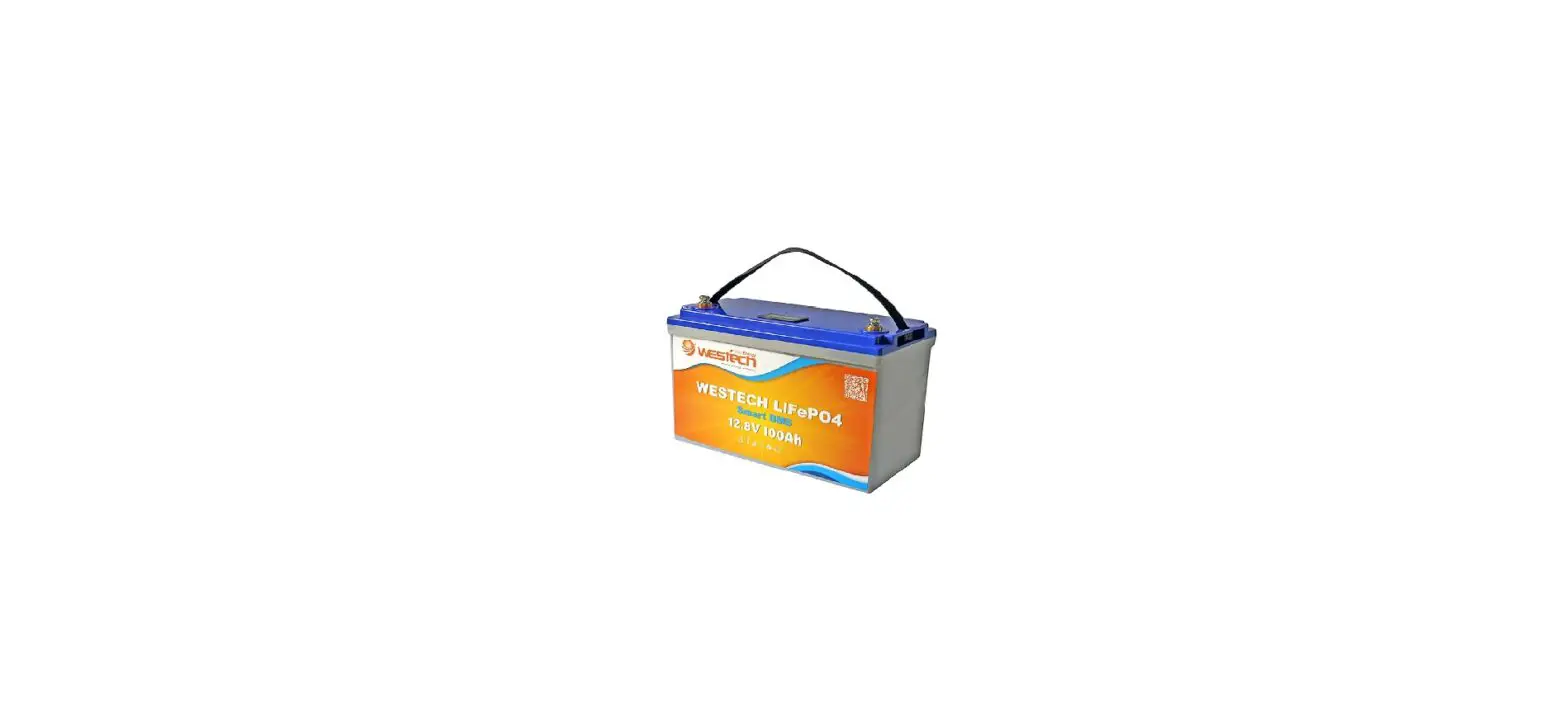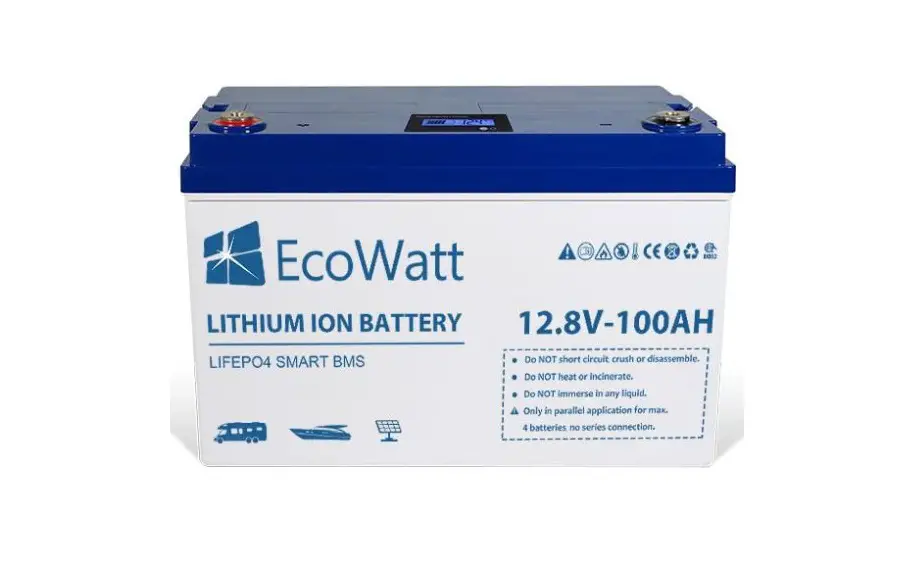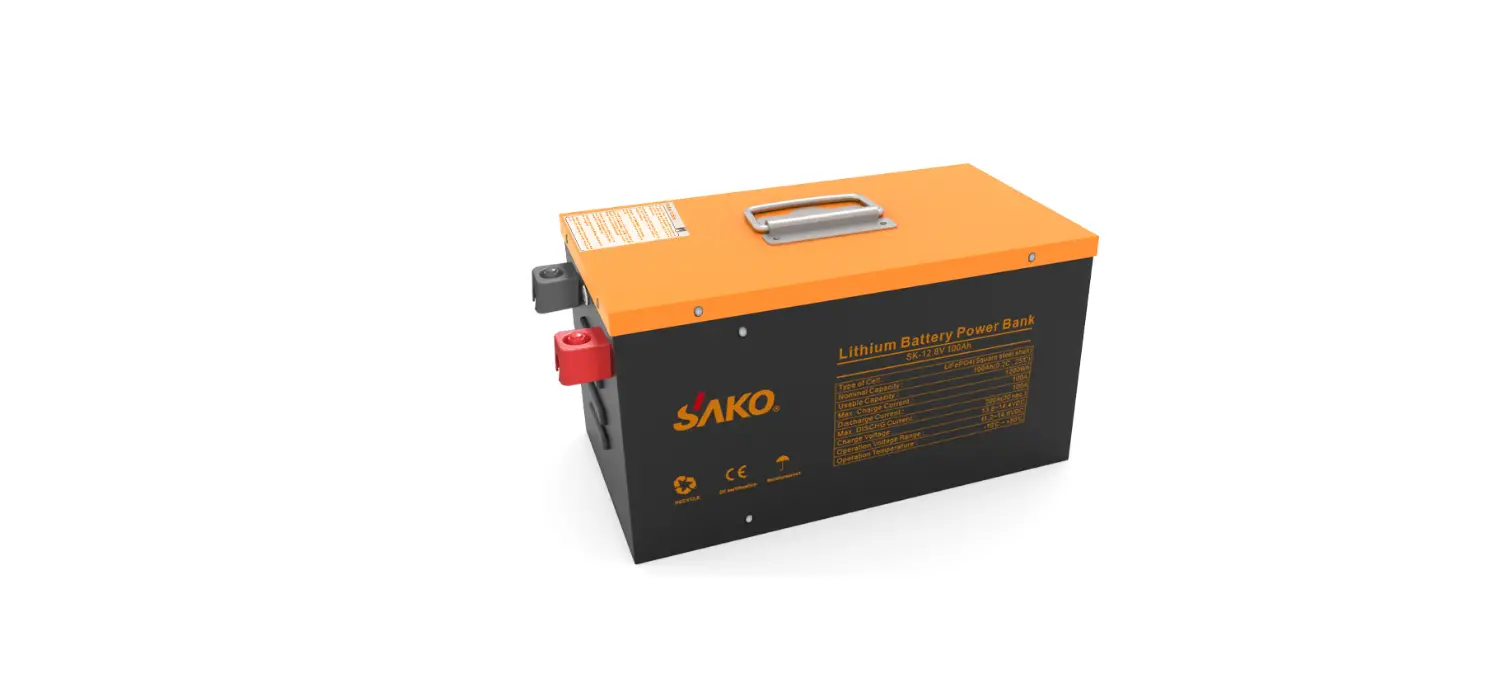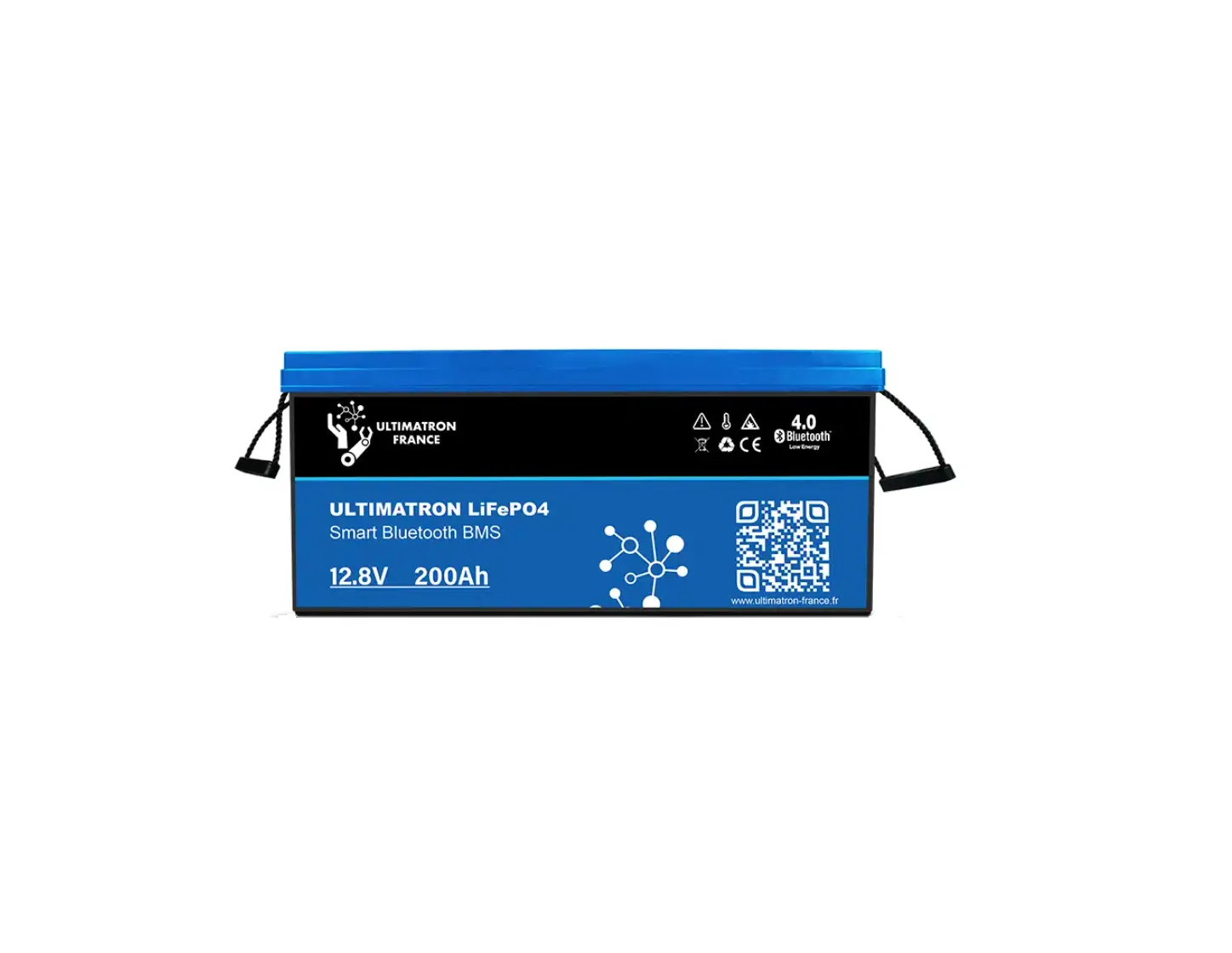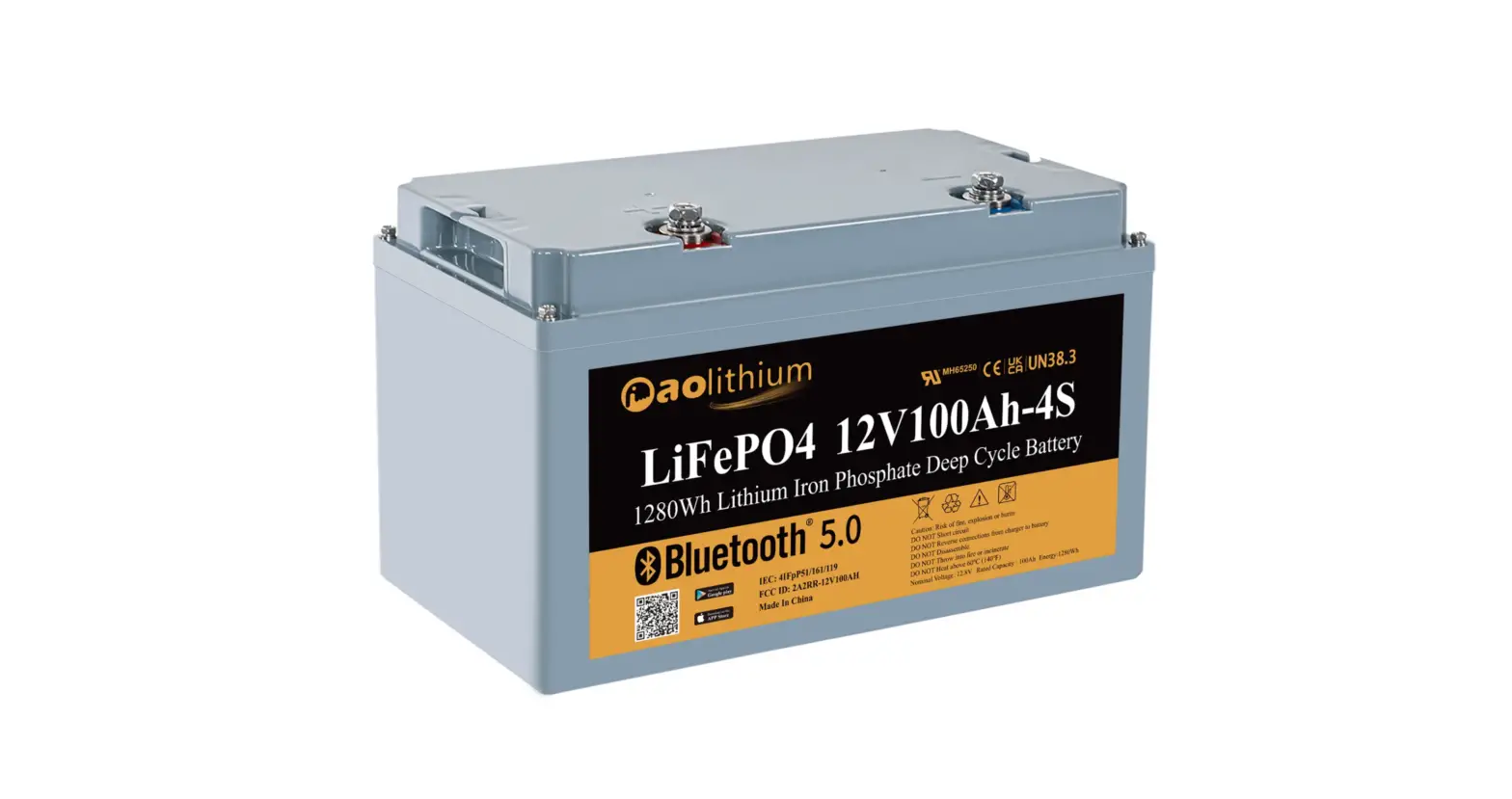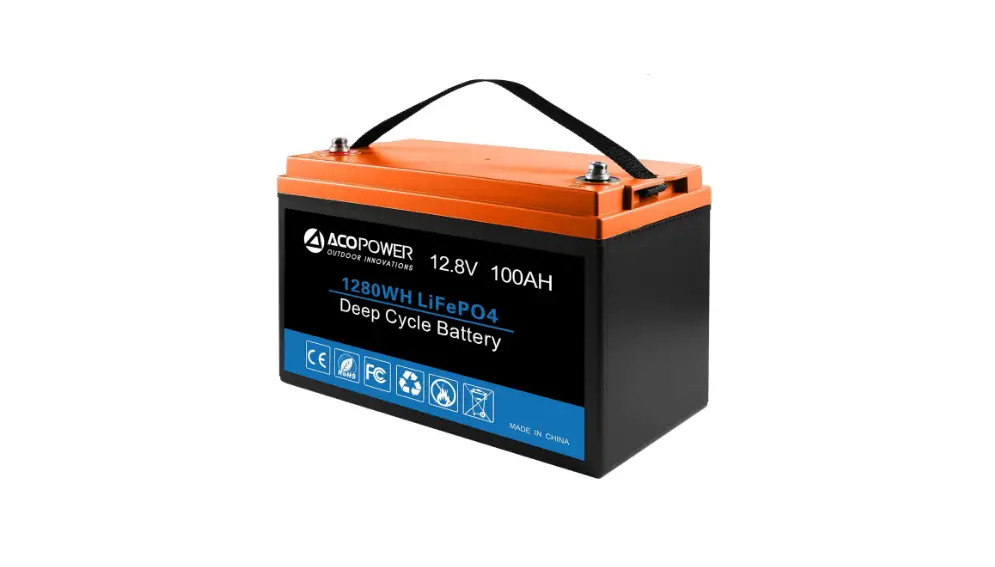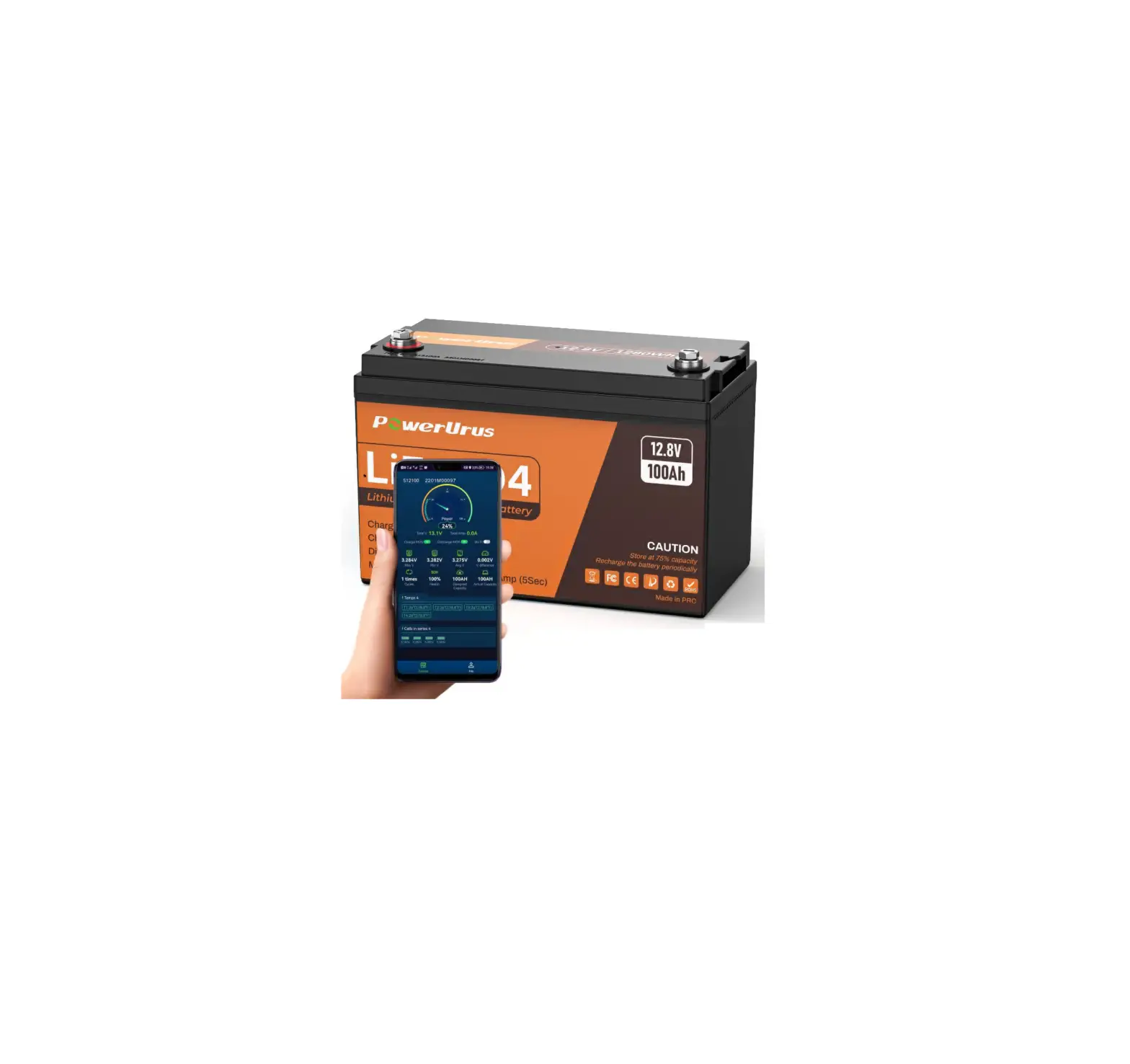
Powerurus B0b6b421b9 12v 100ah Lifepo4 Lithium Battery With Smart App User Guide

Powerurus B0b6b421b9 12v 100ah Lifepo4 Lithium Battery With Smart App User Guide

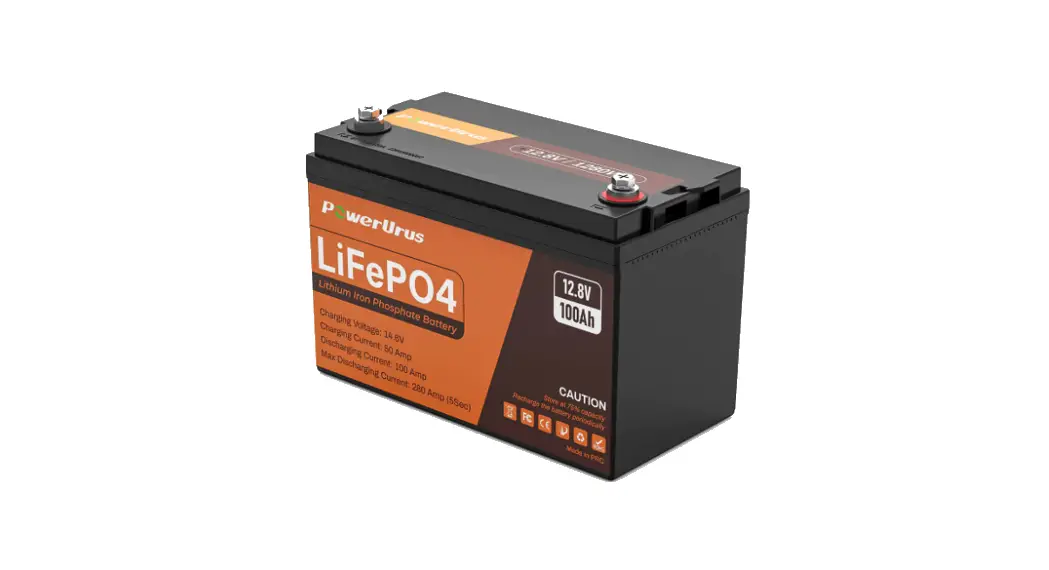
PowerUrus B0B6B421B9 12V 100Ah LiFePO4 Lithium Battery with Smart APP
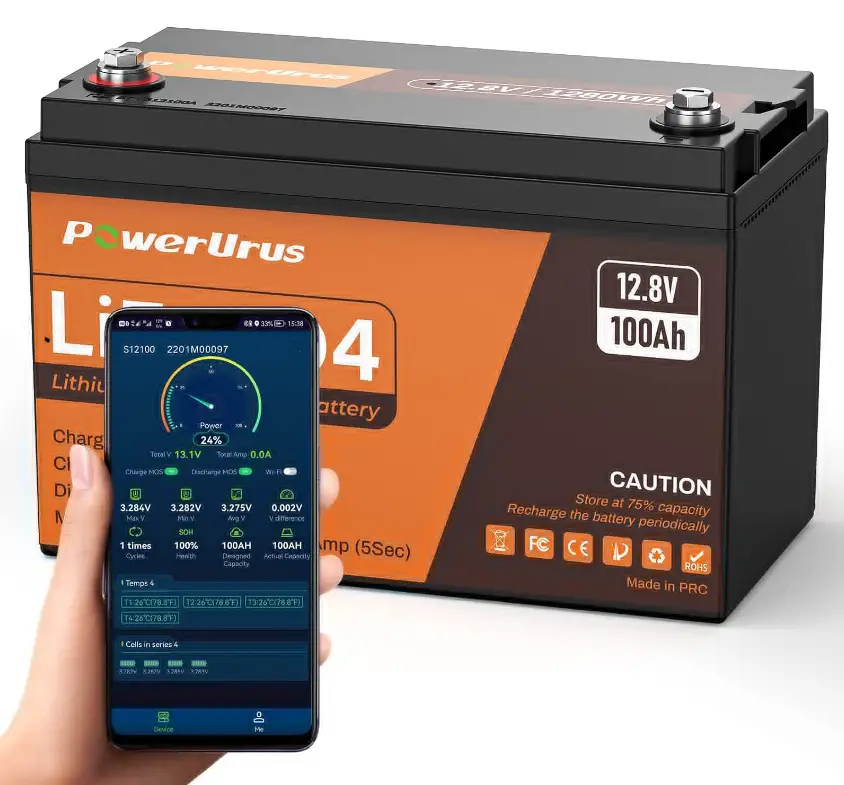
PowerUrus B0B6B421B9 12V 100Ah LiFePO4 Lithium Battery with Smart APP

How to Connect APP

Step 1

Andriod Phone:

Search ”RoyPow Fish” on Google Play to dowload APP or scan QR codes:

Apple Phine:

Search ”RoyPow Fish” on Apple Store to dowload APP or scan QR codes:

Step  2

Find battery code on the upper of product:
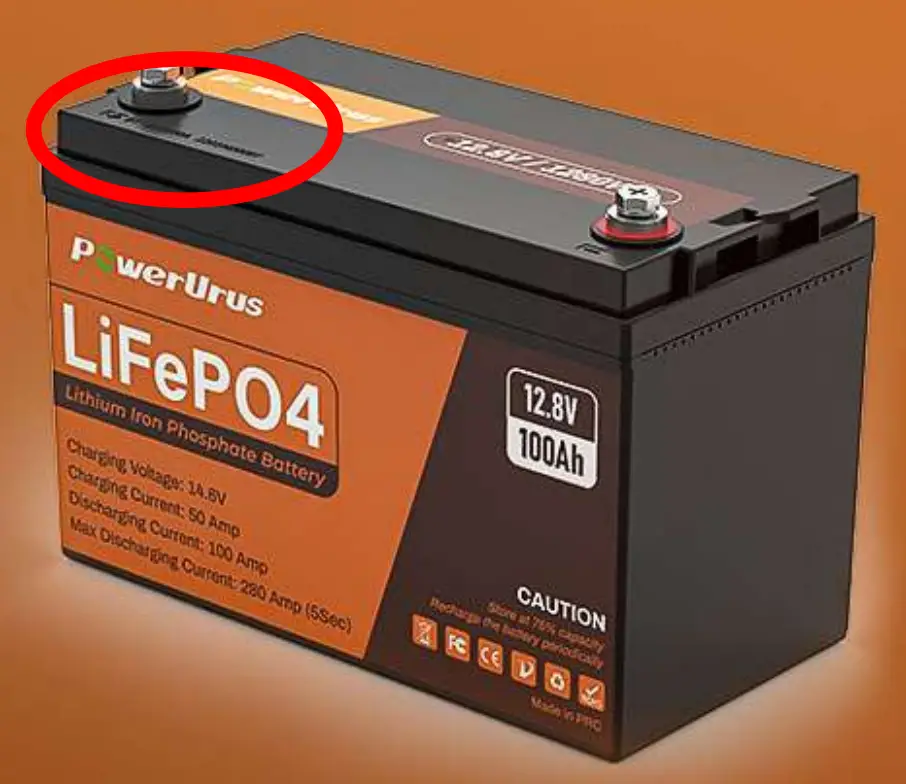
Battery

Step 3

Find corresponding battery code on APP, succesfully connected!
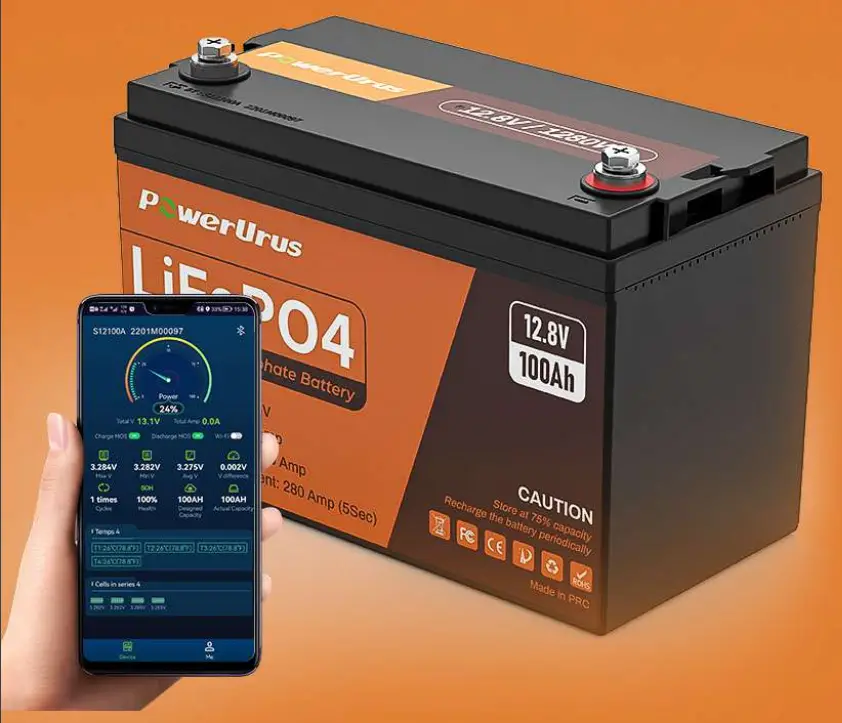
PowerUrus B0B6B421B9 12V 100Ah LiFePO4 Lithium Battery with Smart APP

Any question, welocme to contact us on Amazon.
Documents / Resouces

Download manual
Here you can download full pdf version of manual, it may contain additional safety instructions, warranty information, FCC rules, etc.


Related Manuals