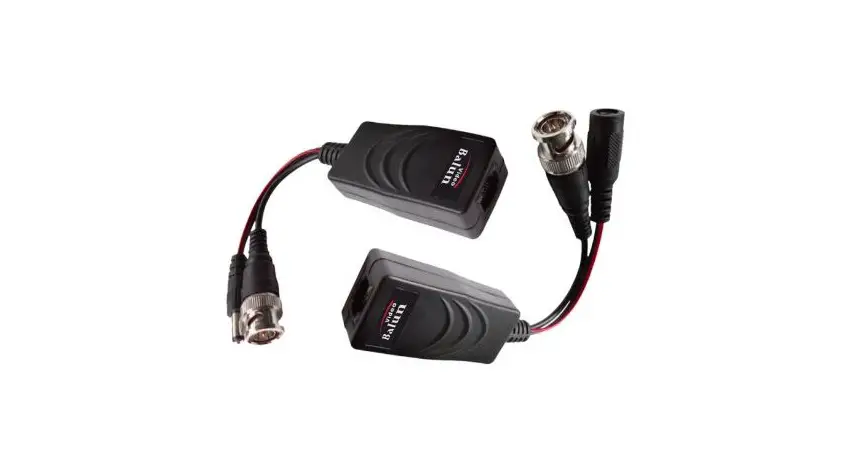

dahua PFM802 Pair of Passive Transceivers
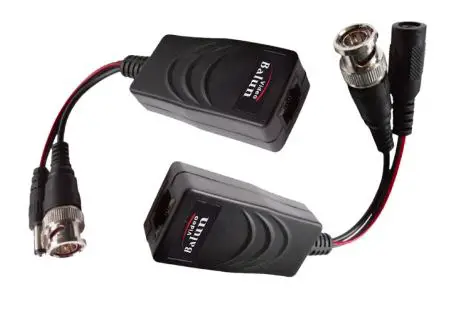
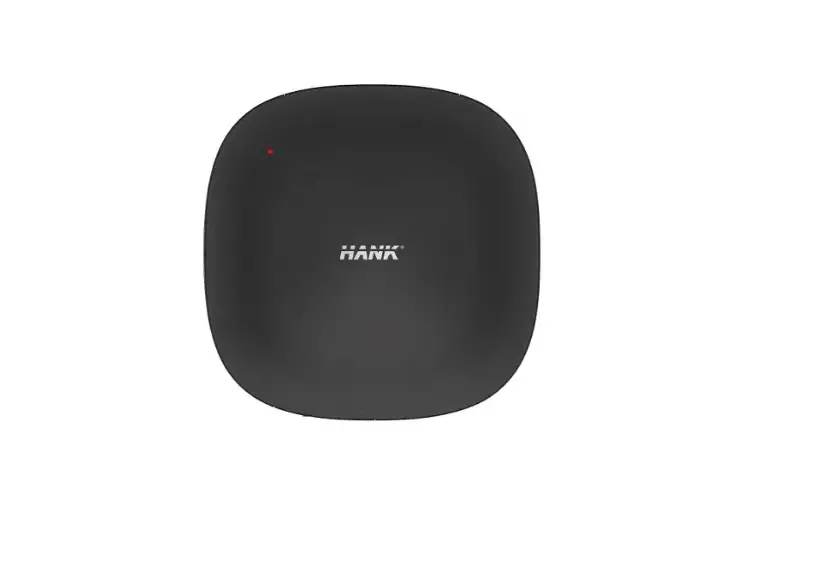
Product Information – Pair of Passive Transceivers (PFM802)
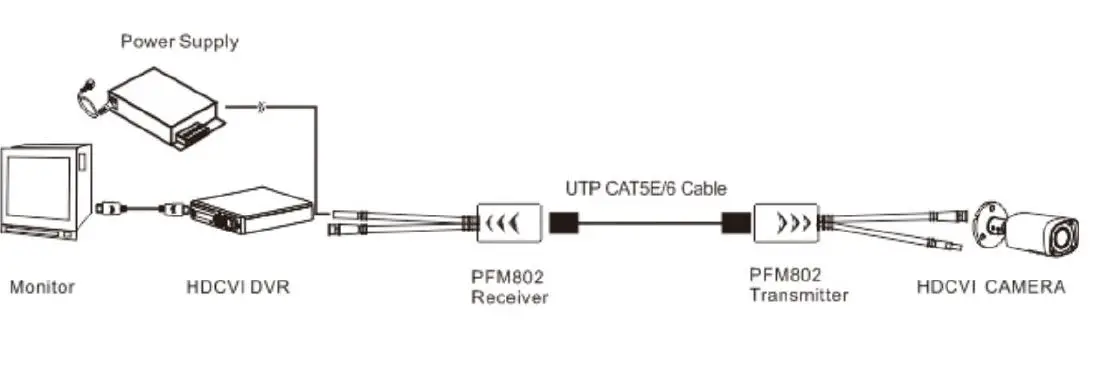
The Pair of Passive Transceivers (PFM802) is a versatile product designed for real-time transmission of HDCVI, TVI, AHD, and CVBS signals over a single network cable, specifically UTP CAT5E/6. It enables seamless transmission without any delays, making it suitable for various applications.
Product Usage Instructions
- Step 1: Connect the HDCVI, TVI, AHD, or CVBS signal source to the corresponding input port on the PFM802 transceiver.
- Step 2: Use a UTP CAT5E/6 cable to connect the output port of the PFM802 transceiver to the input port of the receiving device (e.g., monitor or DVR).
- Step 3: Ensure that the connection is secure and properly inserted into both the transceiver and the receiving device.
- Step 4: Power on the transceiver and the receiving device.
- Step 5: Verify that the video signal is successfully transmitted by checking the display on the receiving device.
Please note that this product is a passive transceiver and does not require any external power source. It solely relies on the power supplied by the connected devices.
dahua PFM802 Pair of Passive Transceivers
Supported format:
HDCVI/TVI/AHD/CVBS 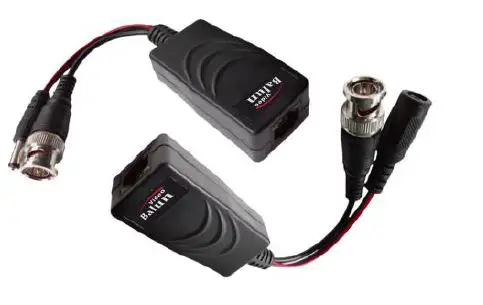
Transmission effect: use a single network cable (UTP CAT5E/6) real-time transmission, without delay.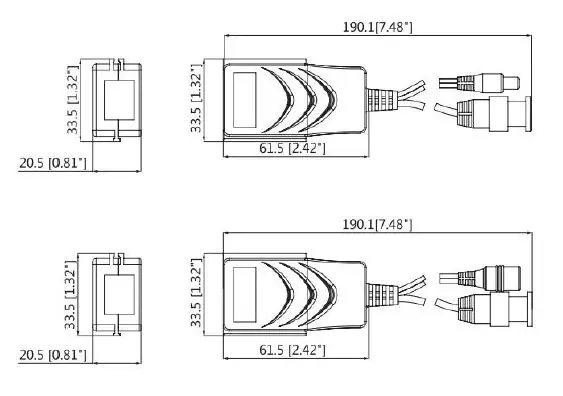
 Free Online Translator - Preserves your document's layout (PDF, Word, Excel, PowerPoint, OpenOffice, text)