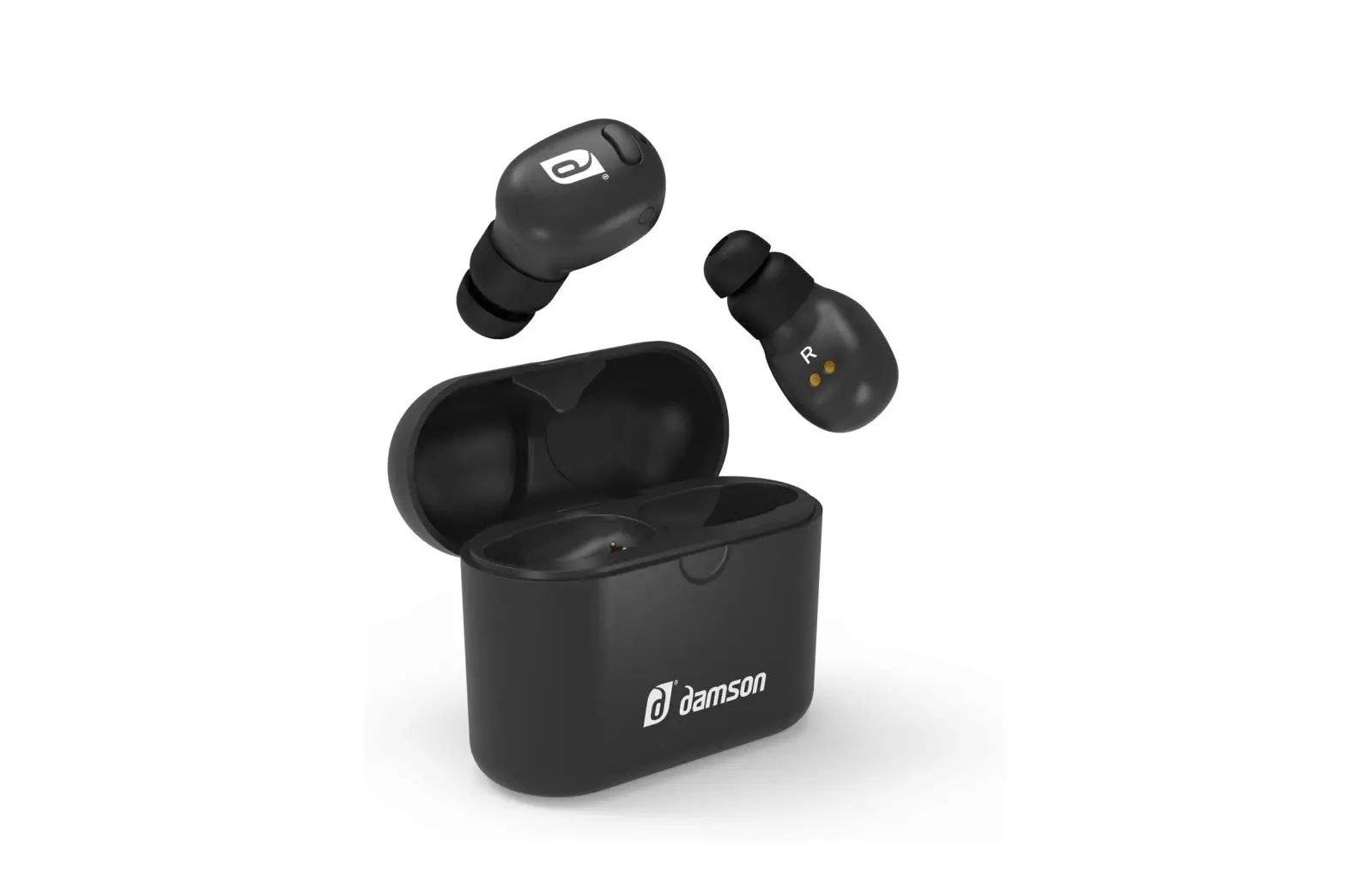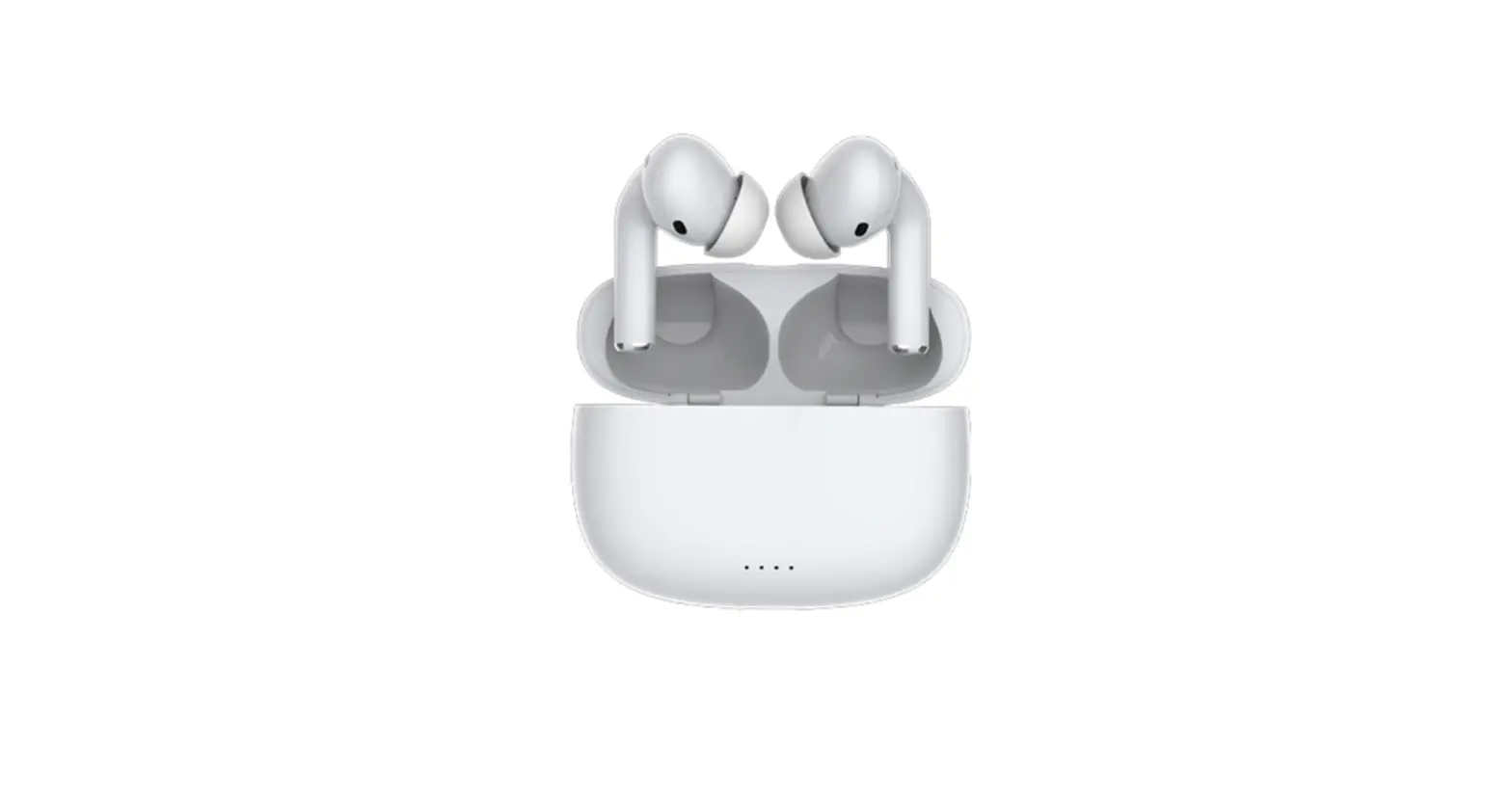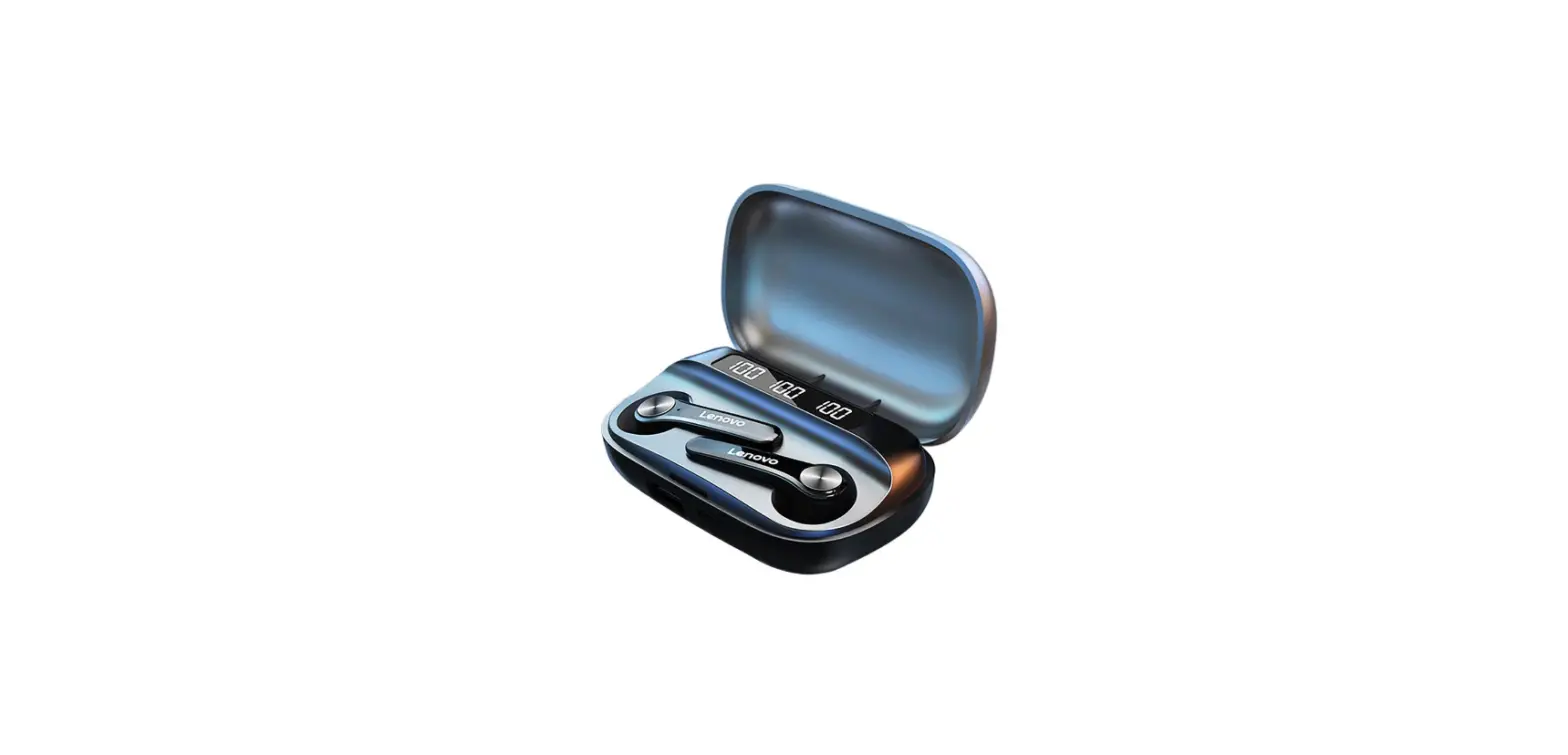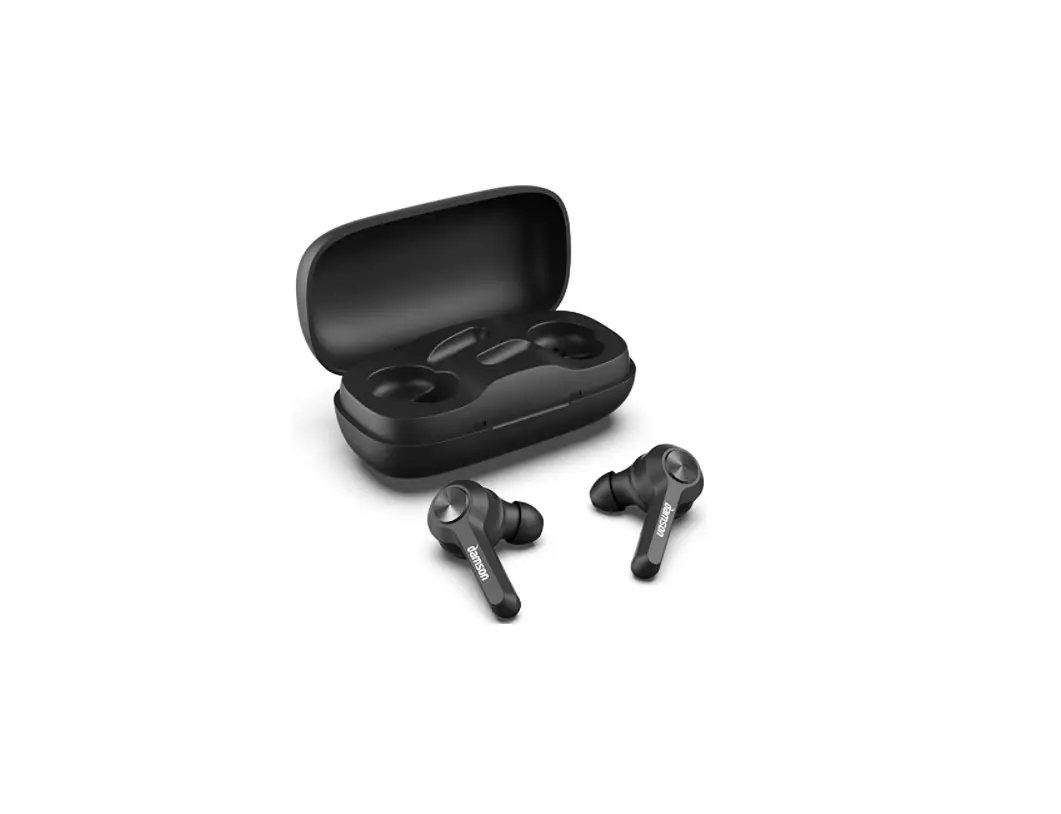
damson HearPods True Wireless Stereo Earbuds with Charging Case User Guide

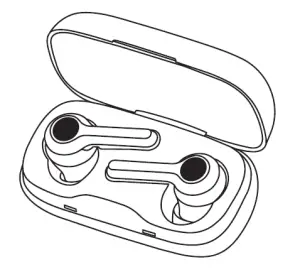
Quick User Guide Damson Hear Pods
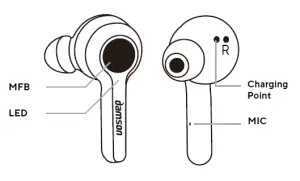
| FUNCTIONS | DESCRIPTION | LED INDICATOR | VOICE PROMPTS |
|
Power On | Press and hold MFB button for 3 seconds, left and right buds will pair automatically | Blue light on for 1s | Power on |
|
Power Off | Press and hold MFB button for 5 seconds; or Put back in case and charge | Blue light on for 1s | Power off |
| Pairing mode | Pairing Mode will begin auto- matically if no device is in range or connected previously. | Blue light pulsing | Pairing |
| To force HearPods into pairing, when powered offpress and hold MFB for 5 seconds |
| Connection success | Light off | Connected | |
| Delete previously paired devices (reset) | In TWS paring mode, press MFB 3 times to clear all previously connected devices. This will not disconnect the earbuds from each other. | Blue light on for 1s | Double beep |
|
TWS pairing mode | 1. In first time pairing, press any one of the buds, the two buds will pair
2 . After first time pairing, two buds will connect automatically when taken out from case
3 . A reset will not disconnect th earbuds from each other. |
Blue light pulsing
e | Power on pairing |
|
TWS | Parent bud: Blue light Child bud: Light off |
Connected | |
| HearPods connected to device successfully | Light off | Connected | |
| HearPods disconnected from device | Parent bud: Blue light Child bud: Light off | Disconnected/ pairing | |
| Single bud disconnected from device | Blue light pulsing | Disconnected, pairing |
| Automatic connection | After restart, HearPods will con- nect to any device in range that they have connected to before. If nothing is in range they will enter pairing mode. | Connected or Pairing | |
|
Device out of range | The HearPods will acrively search for the device for 3 minutes. If successfully back in range within 3 mins then the de- vice will reconnect automatical- ly. If it isn’t, then the HearPods will enter pairing mode for 5 minutes until automatically powering off. | Blue light will flash every 8 seconds when searching for the device. In pairing mode only the parent HearPod will pulse blue. | |
| Automatic Power off | If no device connected after 5 minutes. |
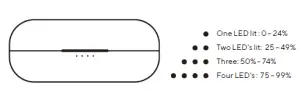
BATTERY
| Low power alert | Blue light blink twice ev- ery 5 seconds | Please charge | |
| Battery run out of power and turn off | Blue light stays on for 1s | Power off | |
| Battery display in IOS 14 | Swipe into control centre on iPhone or iPad. |