
Installation, Operating and Servicing Instructions
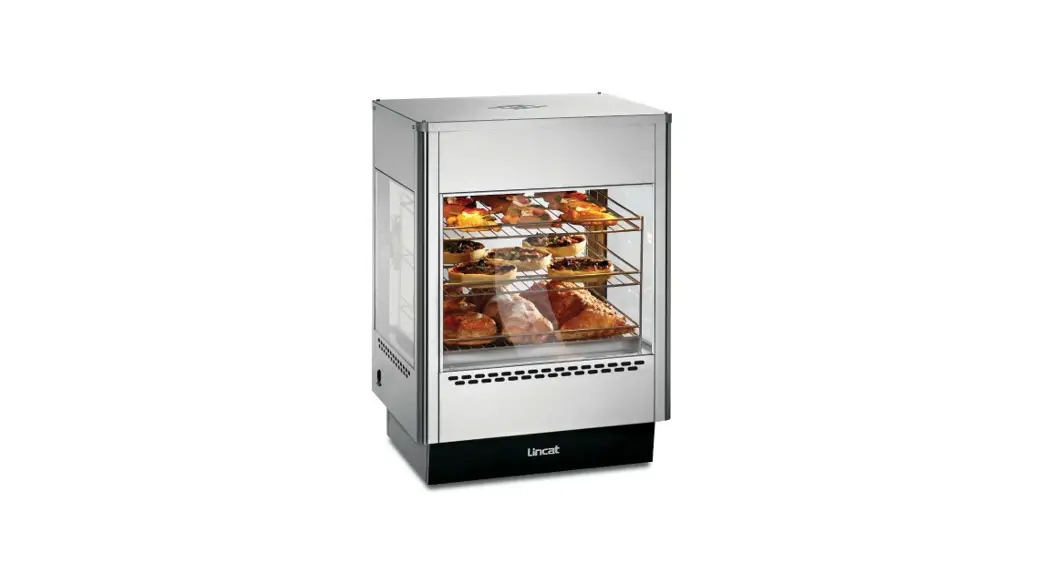
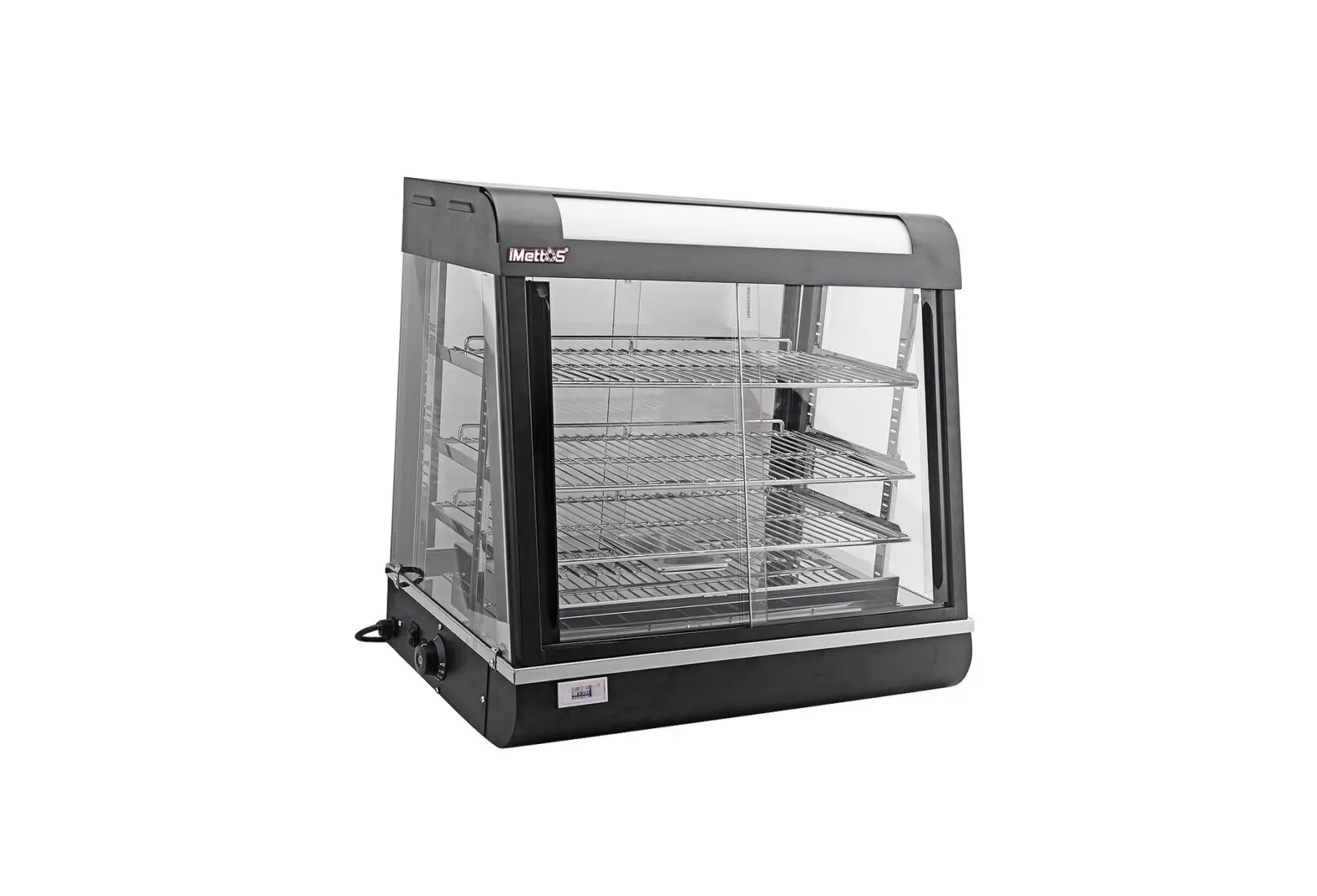
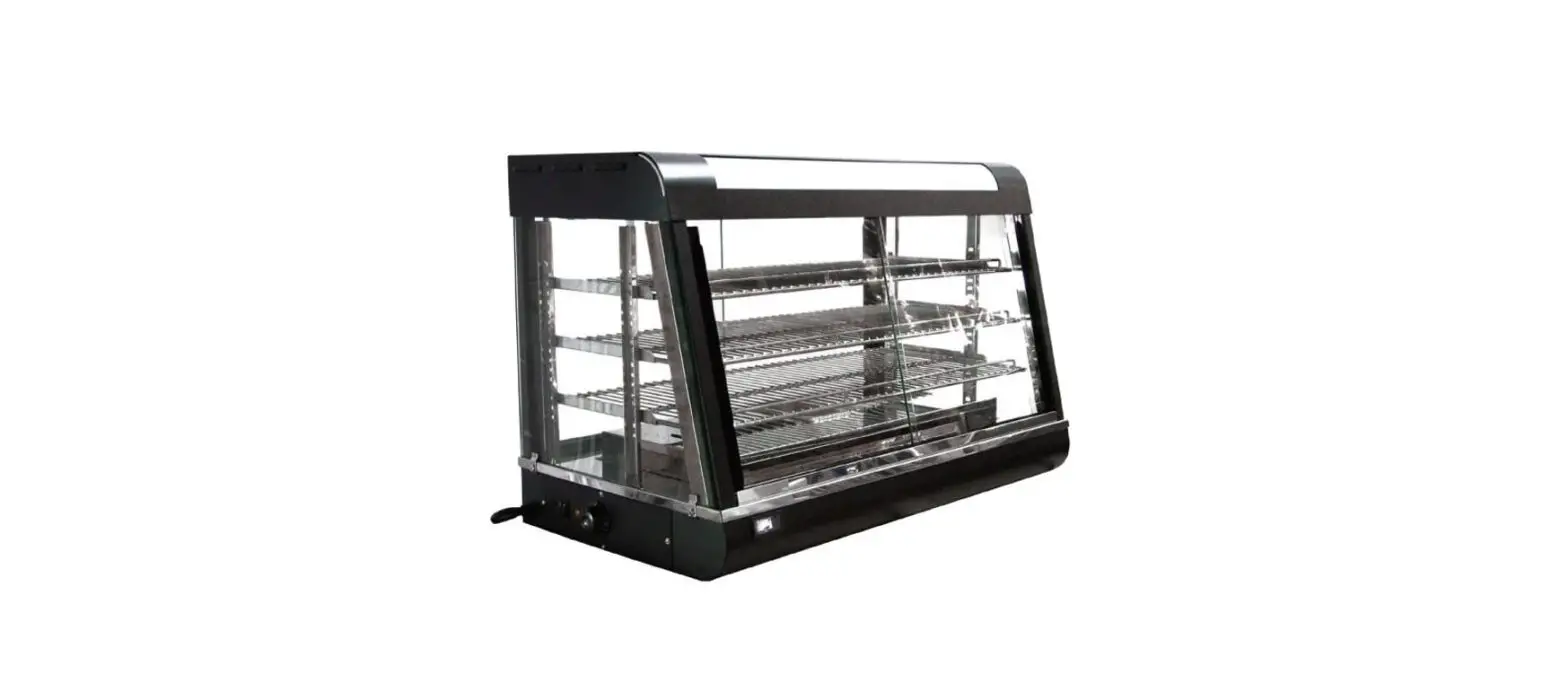
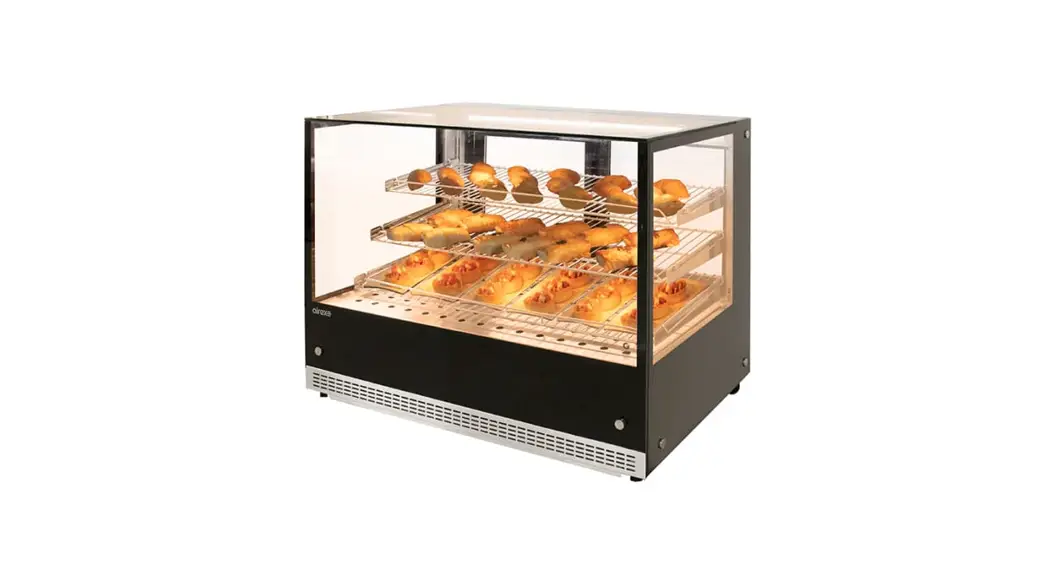
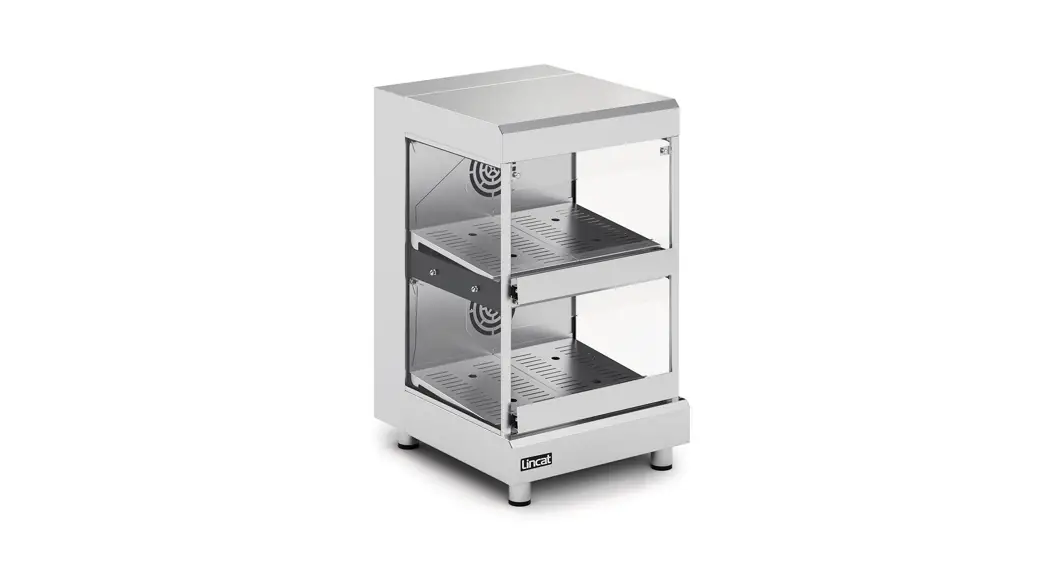
Hot Air Display
HAD50, HAD50/DO, HAD50/MID
Please make a note of your product details for future use:
Date Purchased:_________________________
Model Number:__________________________
Serial Number:__________________________
Dealer:_________________________________
IMPORTANT INFORMATION
 Read these instructions carefully before using this product, paying particular attention to all sections that carry warning symbols, caution symbols, and notices. Ensure that these are understood at all times.
 WARNING!
This symbol is used whenever there is a risk of personal injury. CAUTION!
This symbol is used whenever there is a risk of damaging your Lincat product.
 NOTE:
NOTE:
This symbol is used to provide additional information, hints tips.
KEEP THIS MANUAL FOR FUTURE REFERENCE
WARNINGS AND PRECAUTIONS
This appliance must be Installed, Commissioned, and Serviced by a qualified person in accordance with national and local regulations in force in the country of installation.
If the supply cord is damaged, it must be replaced by the manufacturer, its service agent, or a similarly qualified person.
Ensure that the plug/socket is accessible at all times.
Strip plastic coating and clean the appliance before use.
During operation, parts may become hot – avoid accidental contact
Disconnect this appliance before servicing, maintenance or cleaning.
In use, these appliances have hot interior panels. It is important that provision is provided for the placing and removal of food products when using the appliance.
TECHNICAL DATA
| Height (mm) | Width (mm) | Depth (mm) | Weight (kg) |
| 845 | 500 | 585 | 49.1 |
CHECKLIST OF ENCLOSURES
| Warranty card |
| Instructions manual |
| 4 x Shelves |
| 2 x POS strips |
INSTALLATION AND COMMISSIONING
 This appliance must be earthed.
An equipotential bonding terminal is provided to allow cross bonding with other equipment.
If replacing the plug connect the terminals as follows:
Green and Yellow wire Earth E
Blue wire Neutral N
Brown wire Live L
Supply cords shall be oil-resistant, sheathed flexible cable not lighter than ordinary polychloroprene or equivalent elastomer sheathed cord (code 60245 IEC 57)
Install this appliance on a level surface ensuring all vents are unobstructed. Any partitions, walls or furniture must be of non-combustible material. See Fig 1. below for minimum clearance distances also allowing 20 mm at the rear.
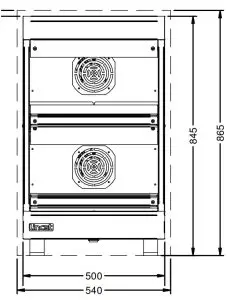
Fig 1.
Power Ratings
| kW | Amps |
| 2.2 | 9.6 |
OPERATING INSTRUCTIONS
This unit is designed to hold pre-heated foods at the correct temperature.
Do not use to bring products to temperature.
Only qualified or trained personnel should use this appliance.
Operating efficiency relies on the circulation of warm air passing through and around the shelves. Ensure circulation is not compromised either by overloading or the use of aluminum foil.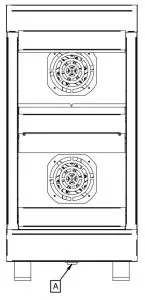 Fig 2.
Connect the appliance to an electrical supply and turn the unit on (A). Allow approximately 30 minutes for the temperature to stabilize before loading with pre-heated product.
The operating temperature of this unit has been factory pre-set to:
HAD50, HAD50/MID 75°C
HAD50/DO 68° C
Adjustment to the operating temperature is possible between the pre-set parameters of 65 – 80° C
ACCESSING AND SETTING THE CONTROLLER PARAMETERS.
Connect the unit to the electrical supply and turn the unit on using the ON/OFF switch “A”. You now have 30 seconds to adjust the temperature before the controller goes to “Lock” mode.
To adjust the temperature during this period, press the SET key, the controller will display the current set temperature and a green OUT1” symbol will flash in the top left-hand corner of the control.
Press the UP or DOWN arrow keys to set the new temperature and press the SET key again to store the new setting.
The controller will now display the current cabinet temperature.
CLEANING
Do not use a water jet or steam cleaner, and do not immerse this appliance.
Clean all panels with warm water and mild detergent, do not use abrasive materials. Dry with a soft cloth.
The shelves may be removed for cleaning and can be washed through a dishwasher. Ensure that they are dry before loading back into the unit.
SERVICING, MAINTENANCE, AND COMPONENT REPLACEMENT
To replace a light bulb in the display case, disconnect the appliance. Lever off the light cover and remove the bulb by grasping it between finger and thumb and pulling it from the holder. Reverse the procedure to fit a new bulb being careful not to touch the bulb directly as fingerprints on the surface can reduce the lifespan of the bulb. Use a paper towel or something similar.
All other servicing, maintenance, and component replacement on this appliance should be carried out by one of our recommended service engineers.
FAULT FINDING
Please refer to the Service Help Desk number on the final page of this manual.
SPARE PARTS LIST
| Part Number | Description |
| BU263 | G9 40 watt Bulb |
| EC10 | Electronic Controller |
| EL170 | 750-watt Element |
| EL214 | 250-watt Element |
| EL344 | 1000 watt Element |
| FA142 | Centrifugal Fan |
| FT03 | Thermocouple Gland |
| GL722 | Glass Sides |
| GL723 | Small Glass Deflector |
| GL724 | Large Glass Deflector |
| LA10 | Light Unit |
| LE85 | Adjustable Leg |
| PL202 | Mains cable |
| POS02 | Point of sale strip |
| SW34 | Switch |
| TC47 | Thermocouple |
| TH206 | Safety Cut-out Stat |
| TSO4 | Thumbscrew |
SERVICE INFORMATION
For help with the installation, maintenance, and use of your Lincat equipment, please contact our service department:
 UK: 01522 875520
For non-UK customers, please contact your local Lincat dealer
All service work, other than routine cleaning should be carried out by one of our authorized service agents. We cannot accept responsibility for work carried out by other persons.
To ensure your service inquiry is handled as efficiently as possible, please tell us:
| • Brief details of the problem • Product code • Type number • Serial number |  | All available on the serial plate |
Lincat reserve the right to carry out any work under warranty, given reasonable access to the appliance, during normal working hours, Monday to Friday, 08:30 to 17:00.
GUARANTEE
This unit carries a comprehensive UK mainland 2-year warranty. The guarantee is in addition to and does not diminish your statutory or legal rights.
The guarantee does not cover:
• Accidental damage, misuse or use not in accordance with the manufacturer’s instructions
• Consumable items (such as filters, glass, bulbs, slot toaster elements, and door seals.)
• Damage due to incorrect installation, modification, unauthorized service work, or damage due to scale, food debris build-up, etc.
The manufacturer disclaims any liability for incidental, or consequential damages. Attendance is based on reasonable access to the appliance to allow the authorized technician to carry out the warranty work.
Service calls to equipment under warranty will be carried out in accordance with the conditions of sale. Unless otherwise specified, a maximum of 15 minutes of administrative time, not spent directly carrying out servicing work, is provided for within the warranty. Any requirement for staff attending the call to spend greater time than 15 minutes due to administrative requirements, such as on health and safety risk assessments, will be chargeable at the prevailing rate.