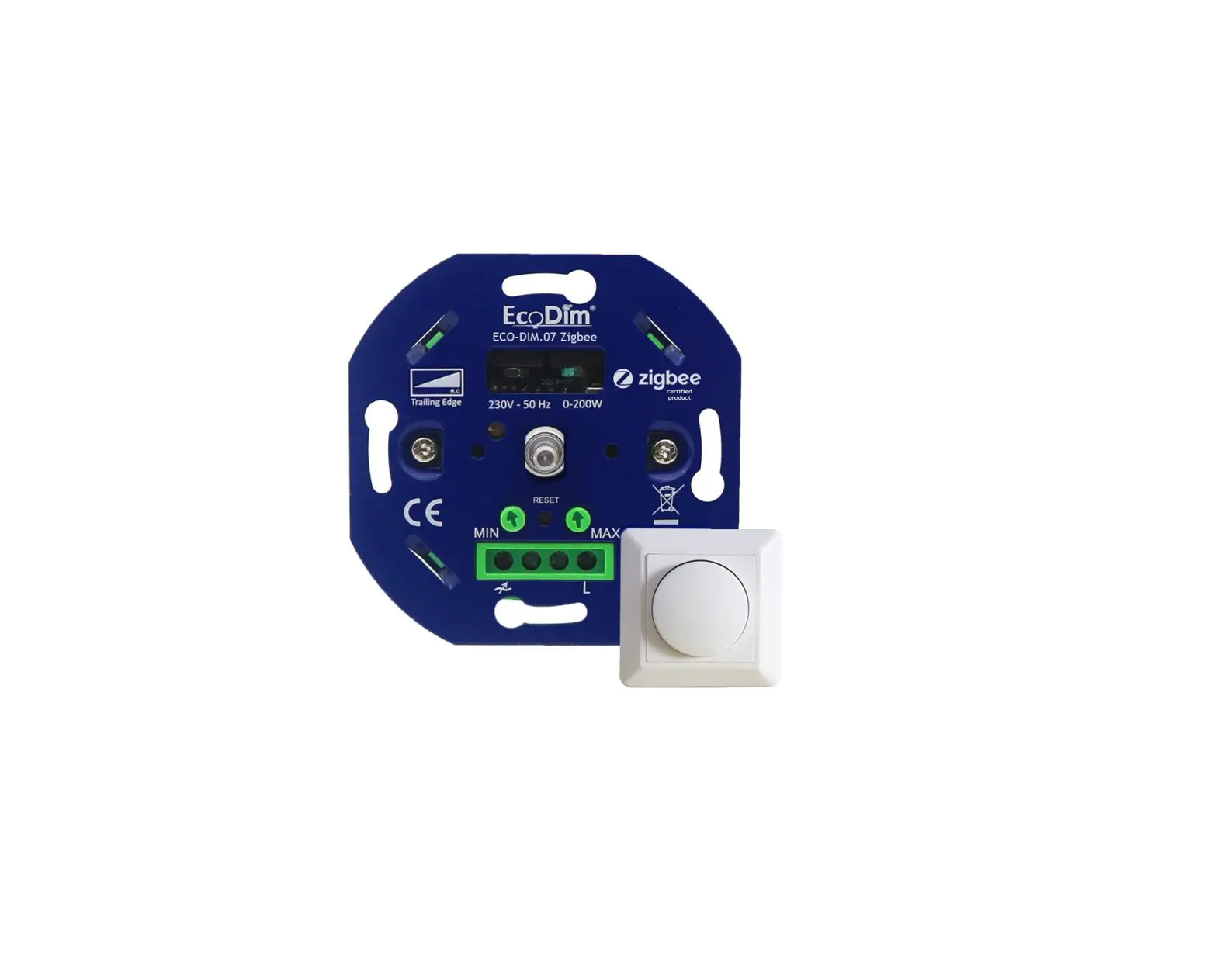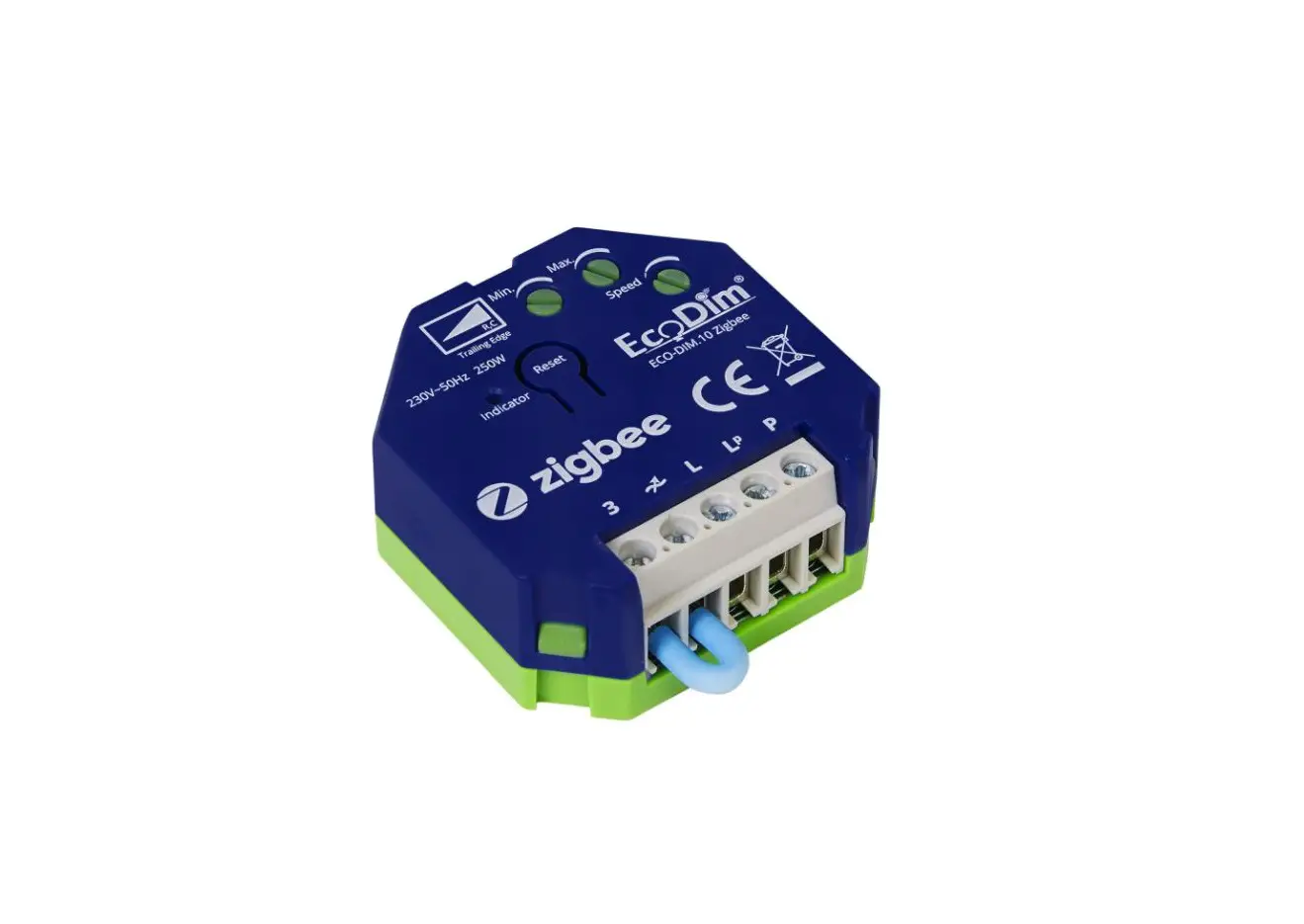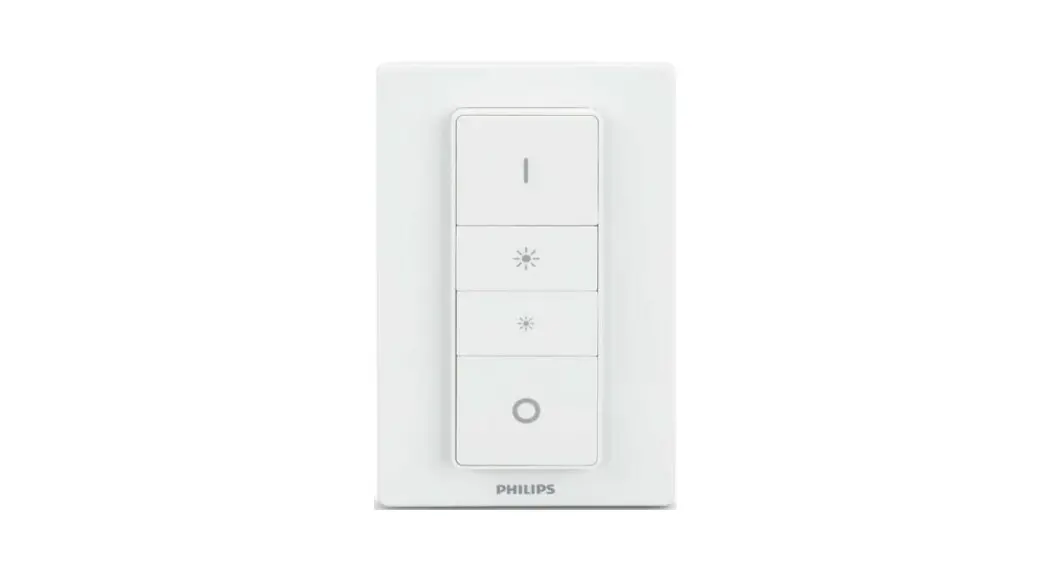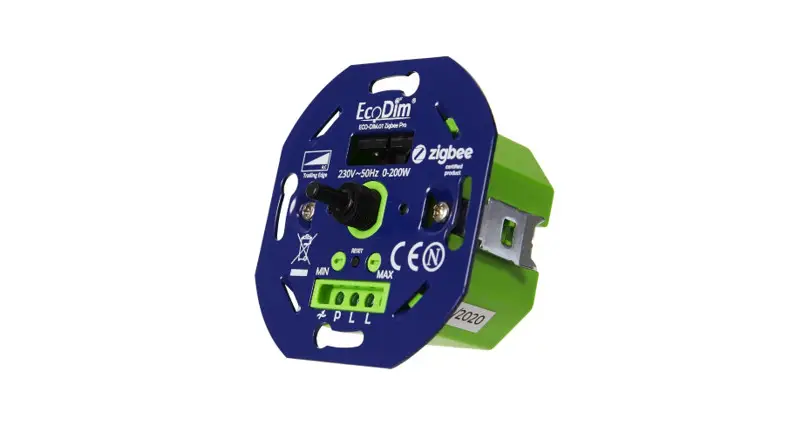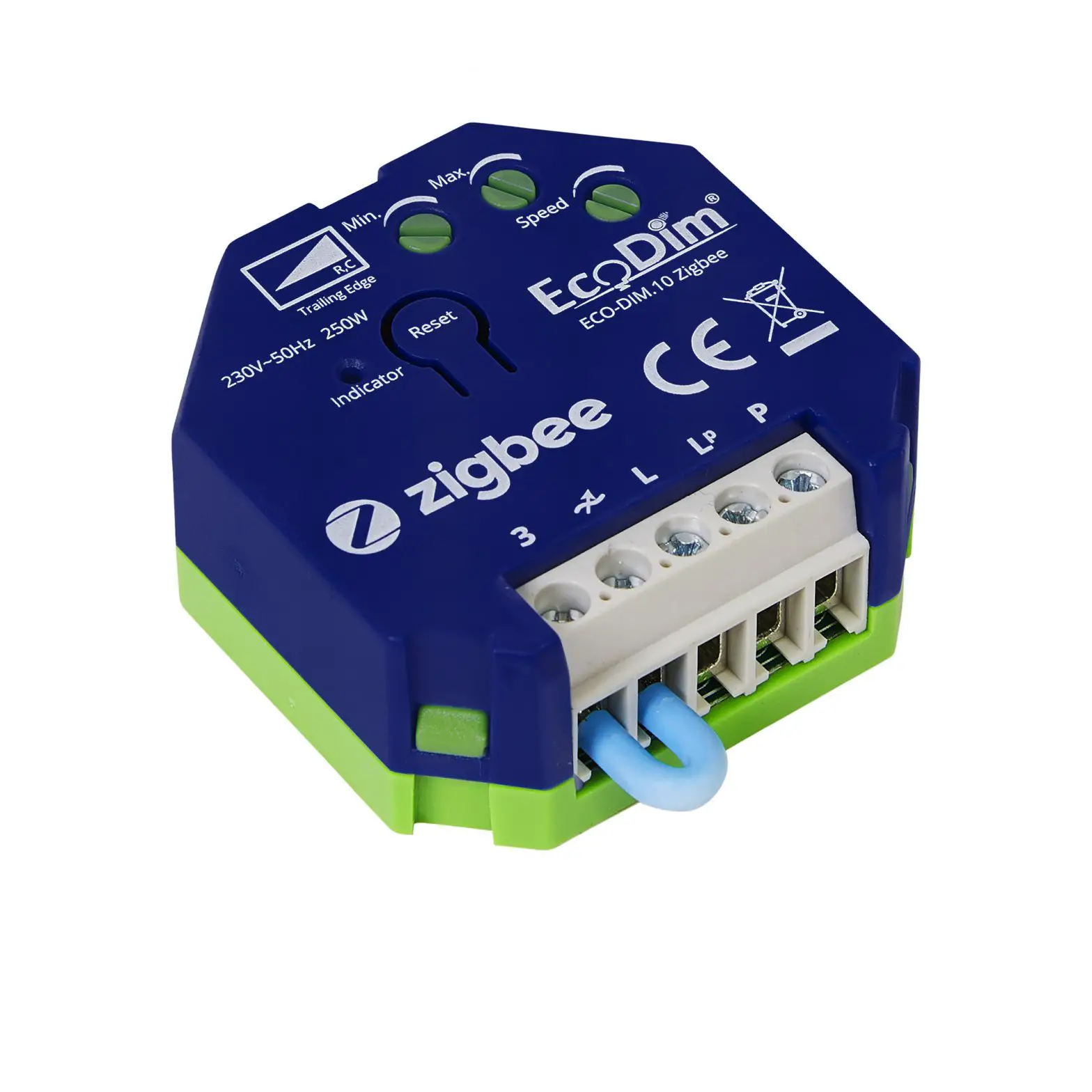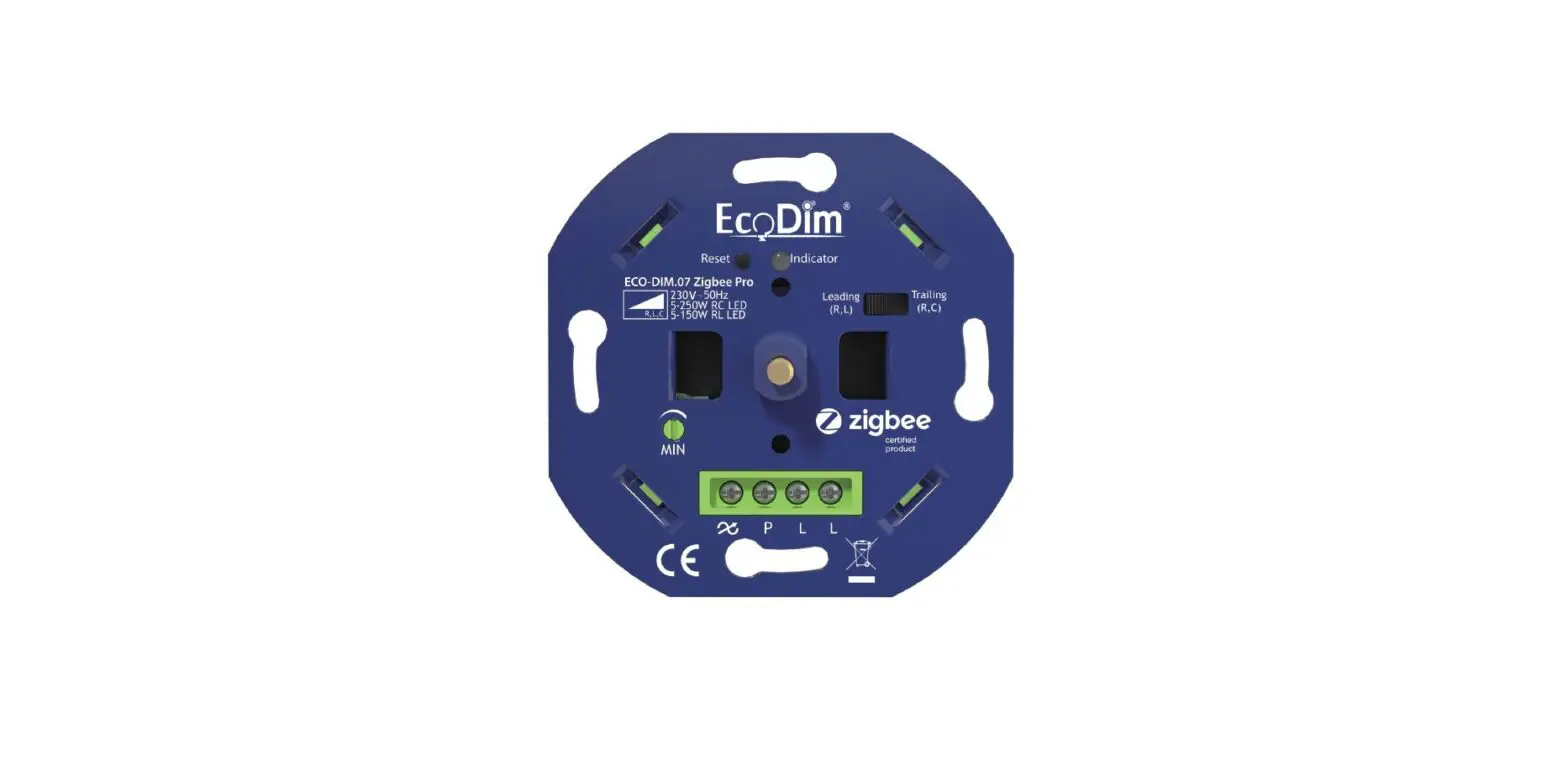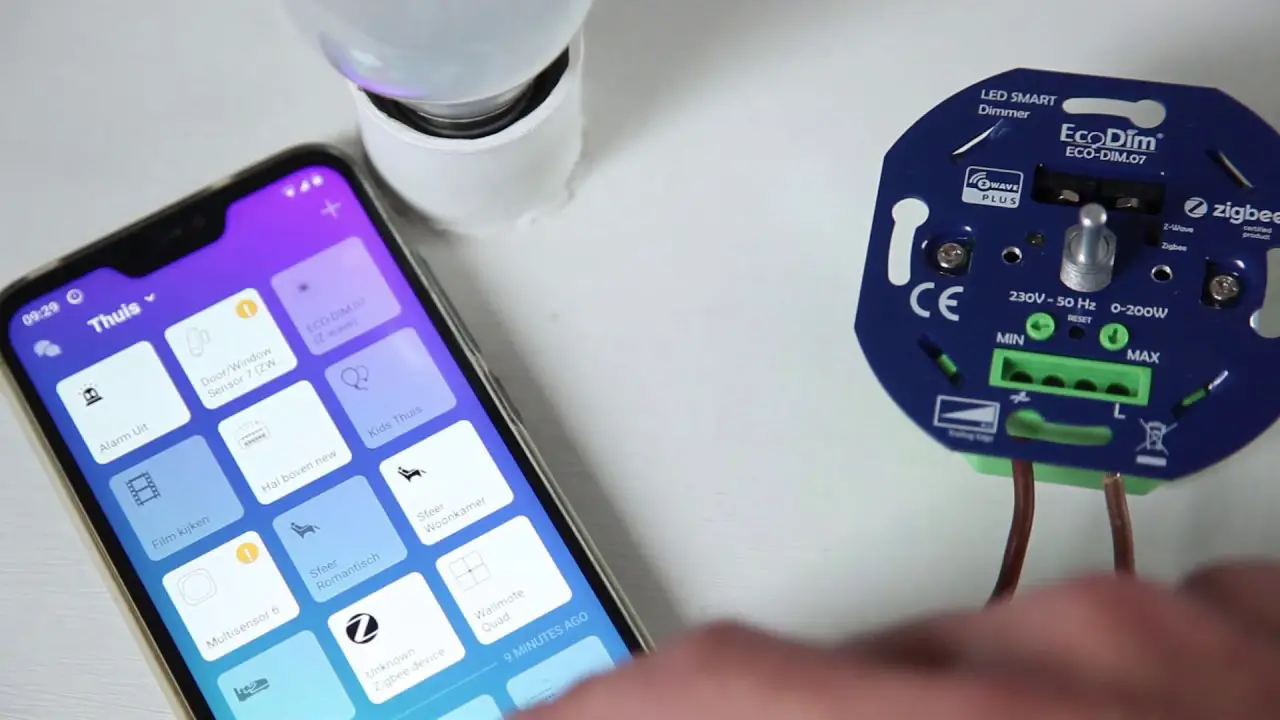

Eco-Dim 10 Zigbee Dimmer in to the Philips HUE Instruction Manual

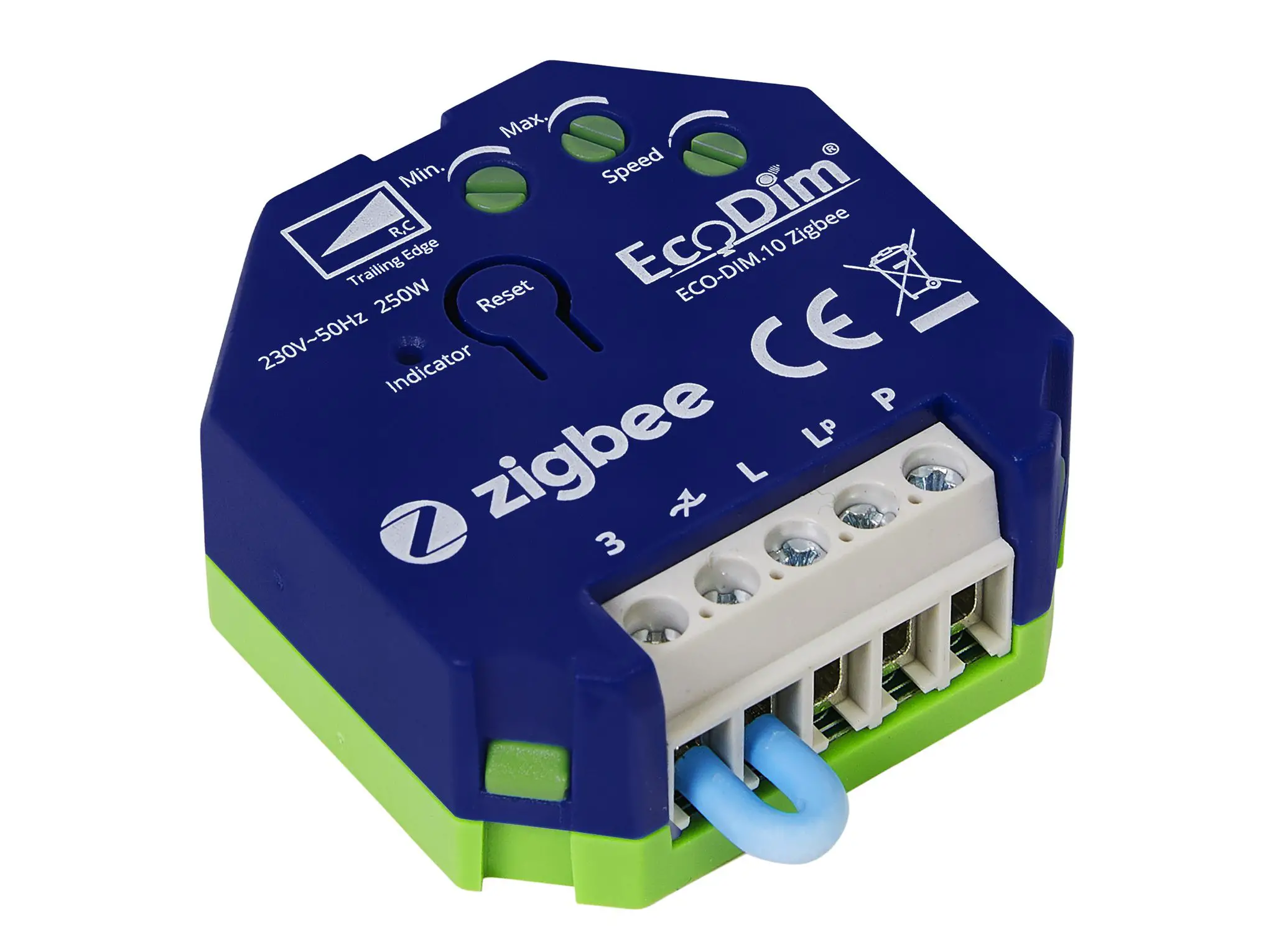
How to include the ECO-DIM.10 Zigbee dimmer in to the Philips HUE network
- Make sure the Philips HUE HUB is installed in the right way.
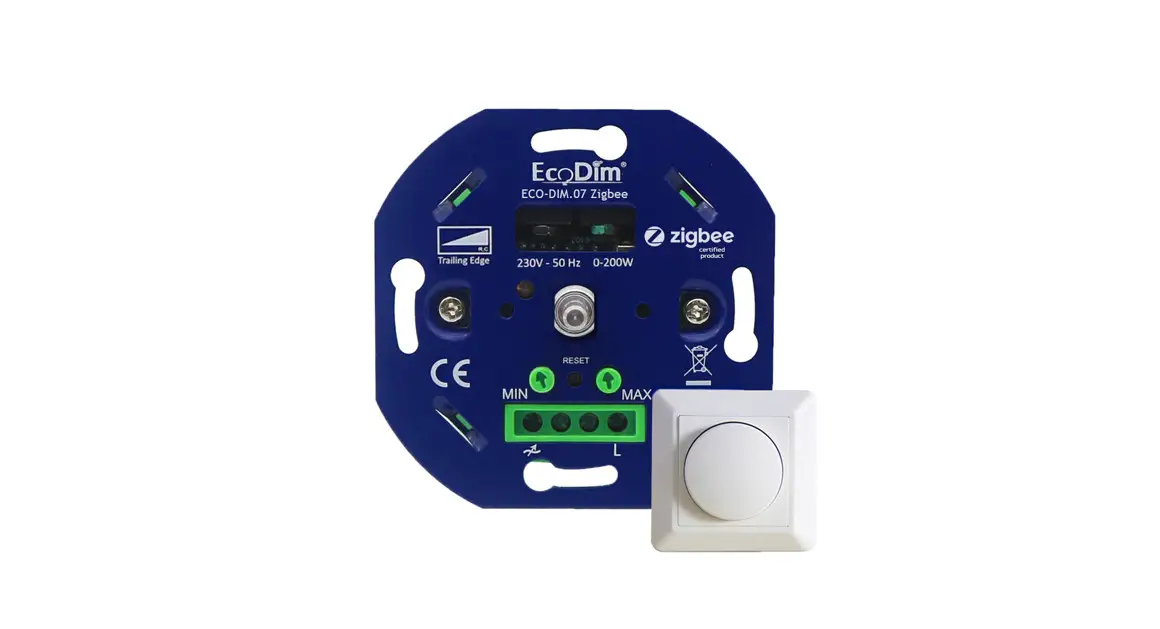
- Make sure that the EcoDim led dimmer is installed as mentioned in the manual of the dimmer
(manual can be found inside the box) - Switch on the dimmer by pressing the knob. (Lights must be on)
- In case the Philips HUE app is not installed, please download and install it via the Google Play Store or the Apple App Store.
- Complete the steps to create a Philips HUE account. If there is an exisiting account you can skip to step 6.
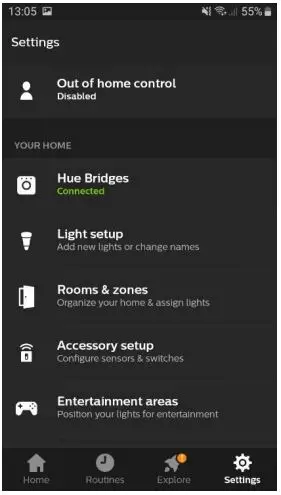
- Start the Philips HUE app and click on the “settings” button below.
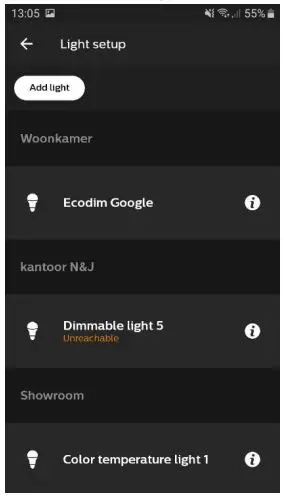
- Select: “Light setup”.

- Select: “Add light”.

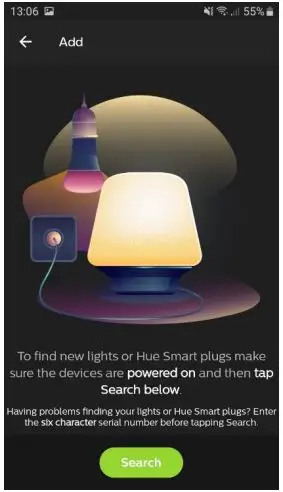
- Click on the “Search” button, the Philips HUE will start searching for new devices. Make sure the pairing mode on the ECO-DIM.10 led dimmer is active. This can be activated by pushing the reset button on the dimmer twice.

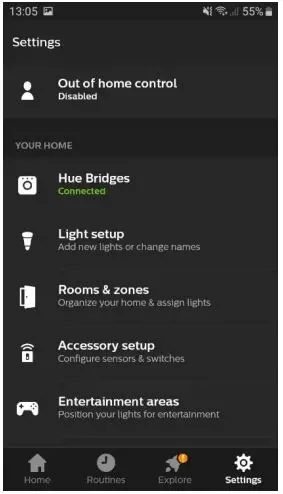
In case the app cannot find the device, push and hold the reset button on the ECO-DIM.10 led dimmer for 10 seconds. The led indicator will stay in red. Then repeat the steps as mentioned above. - To add the ECO-DIM.10 device to a room, select: “Rooms & Zones” in the settings menu.

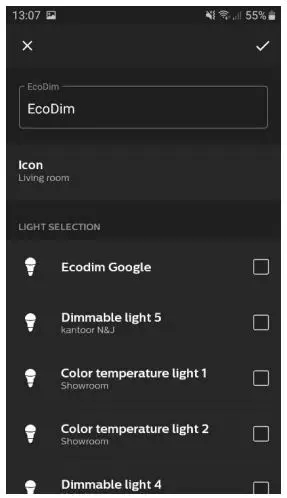
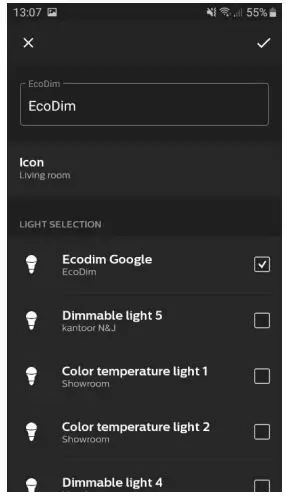
- As an example we will add the device to the room: “EcoDim”.

- Mark the checkbox below Dimmable light 1 and complete the step by selecting the check mark in the right top corner.

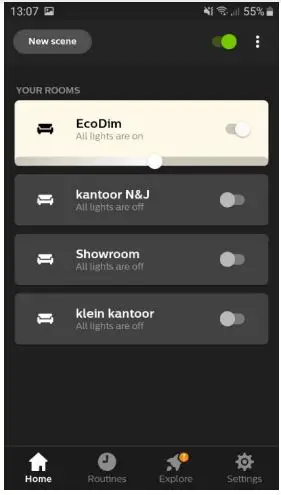
- The device is added to the Philips HUE network. You can now rename the device and operate it via the Philips HUE app.