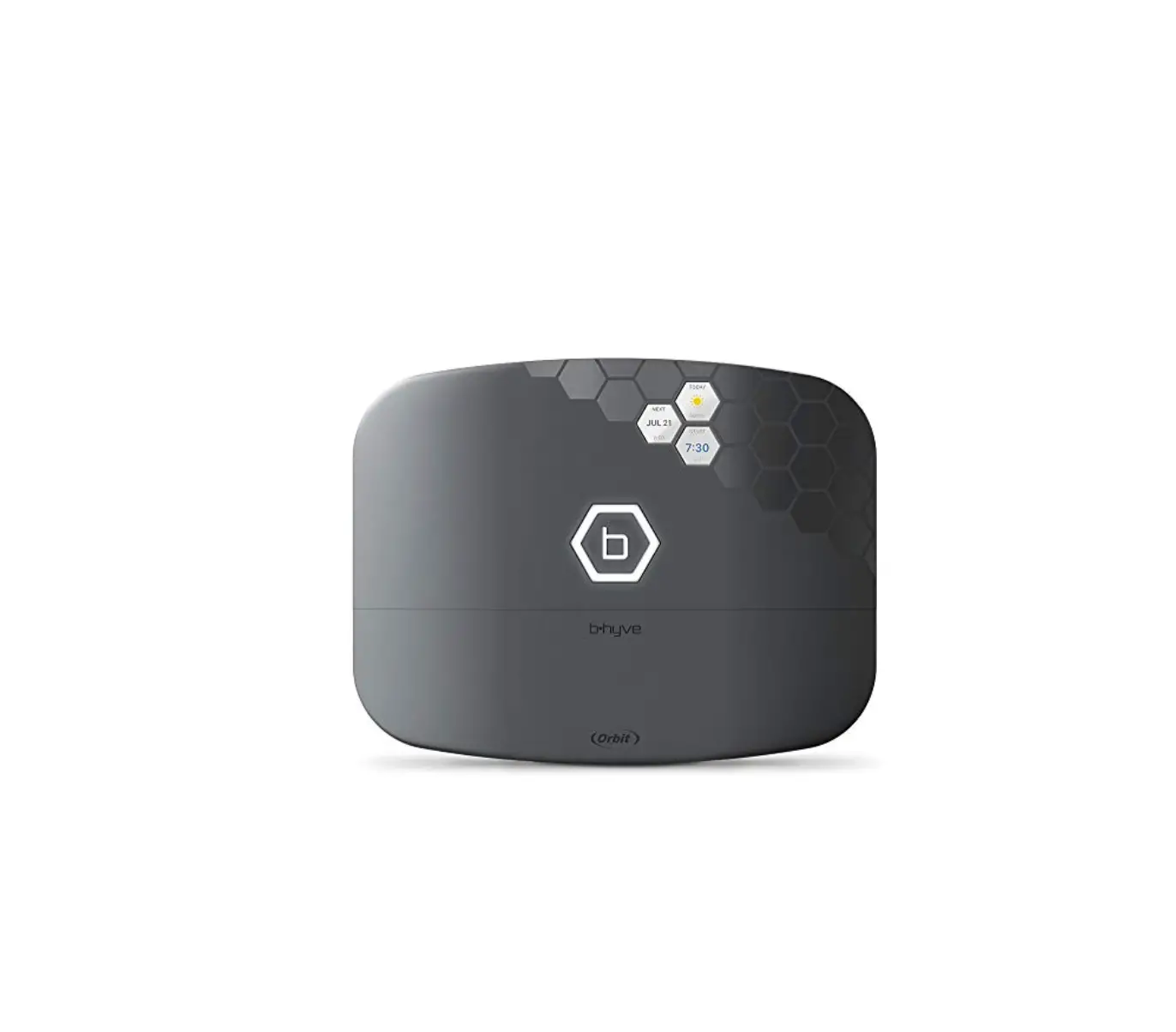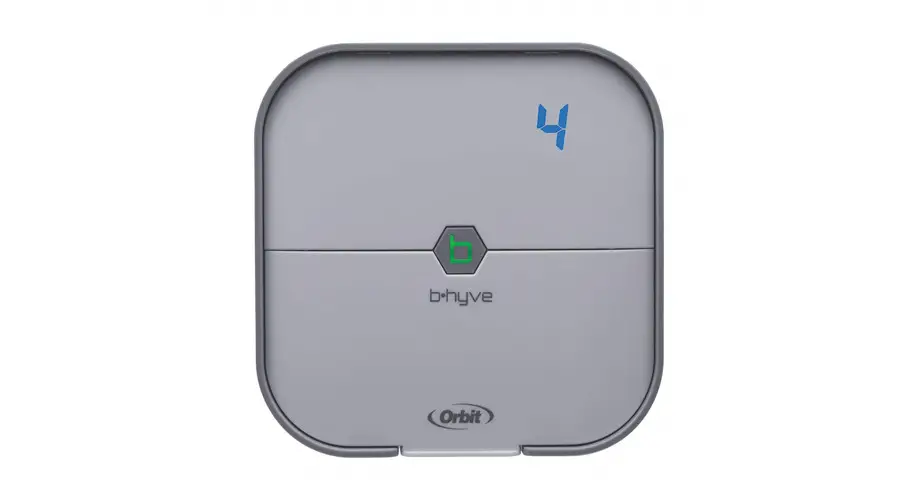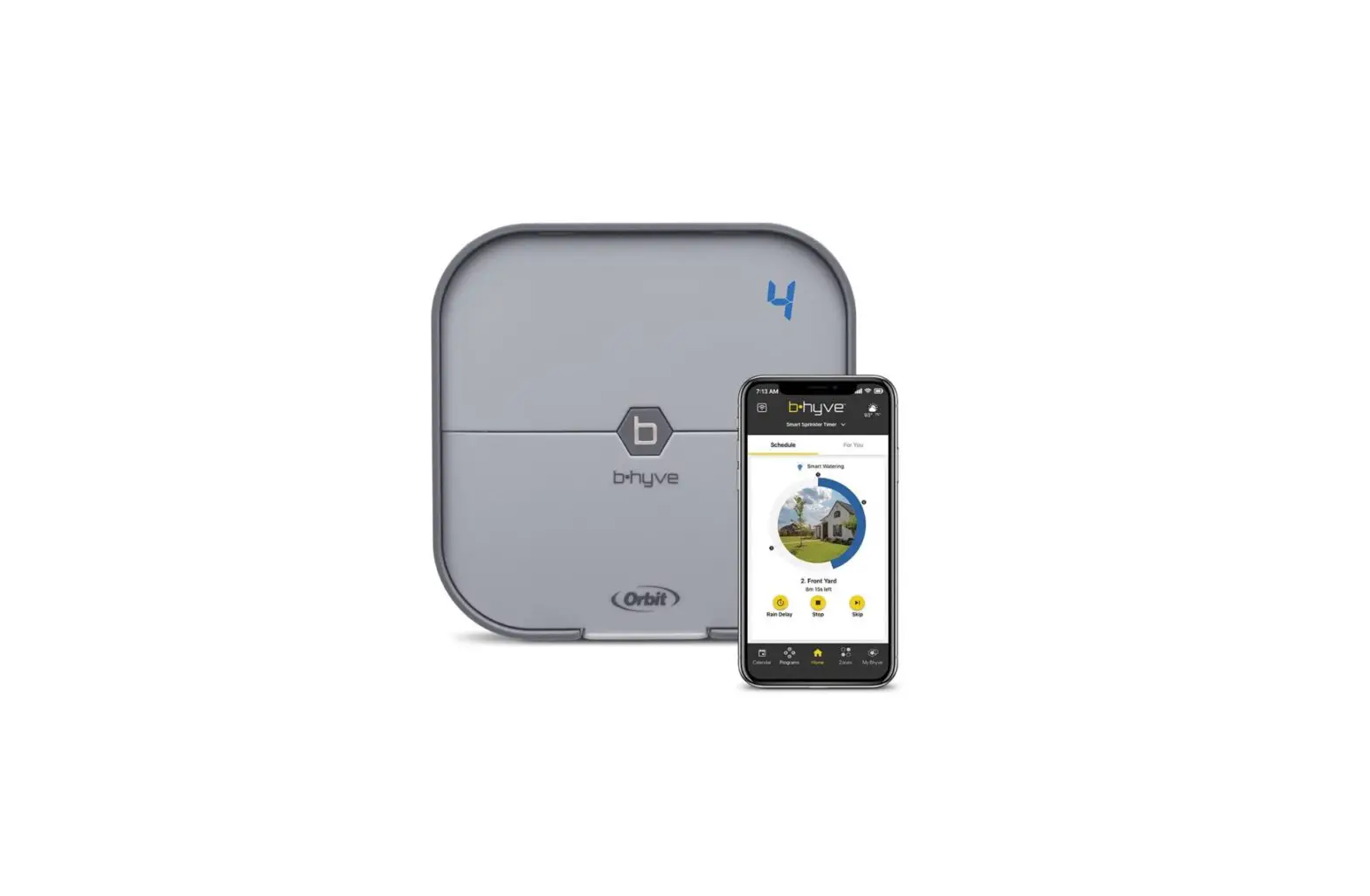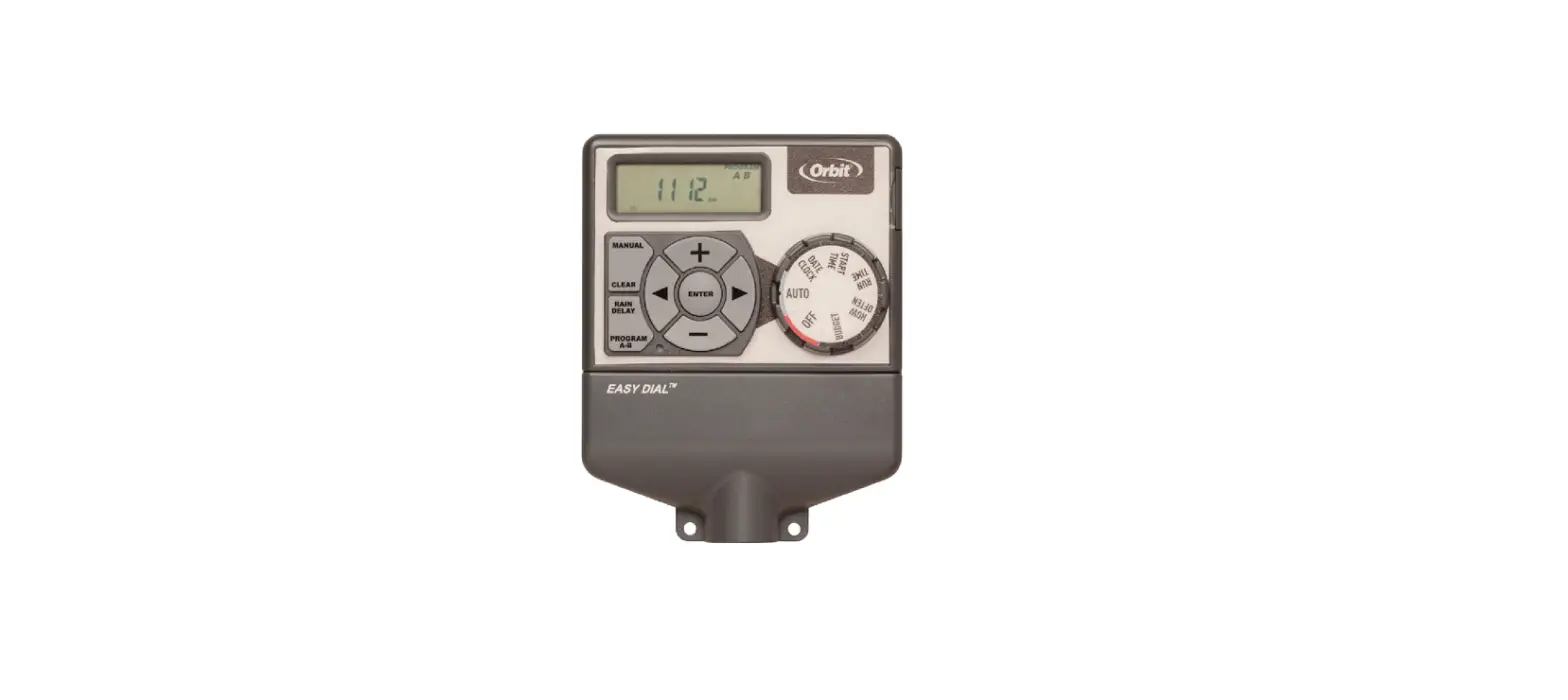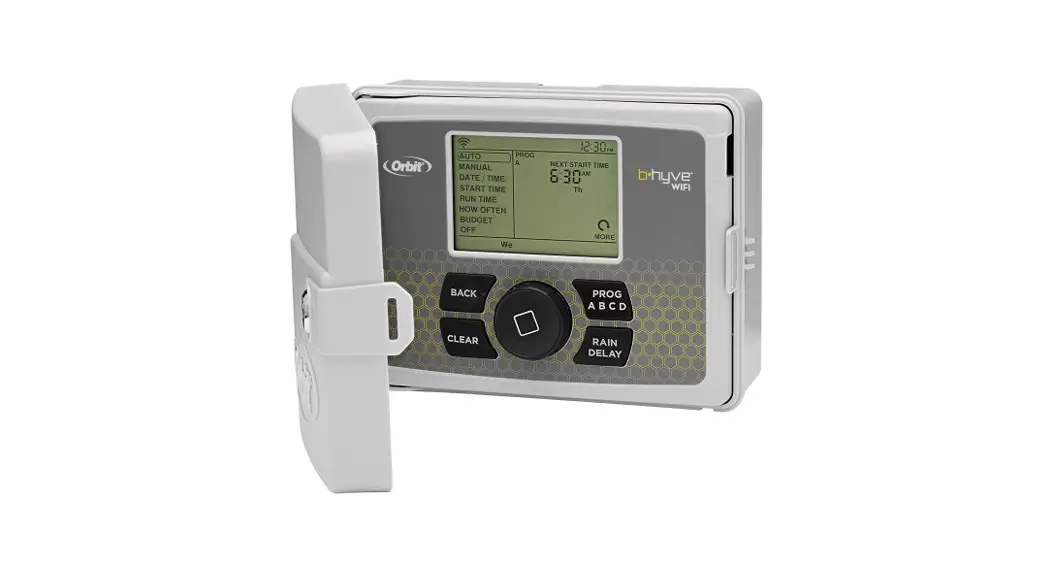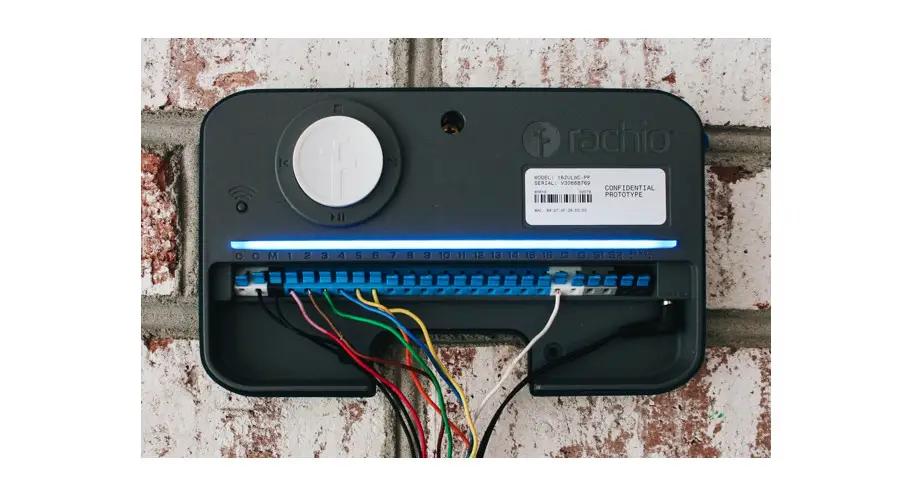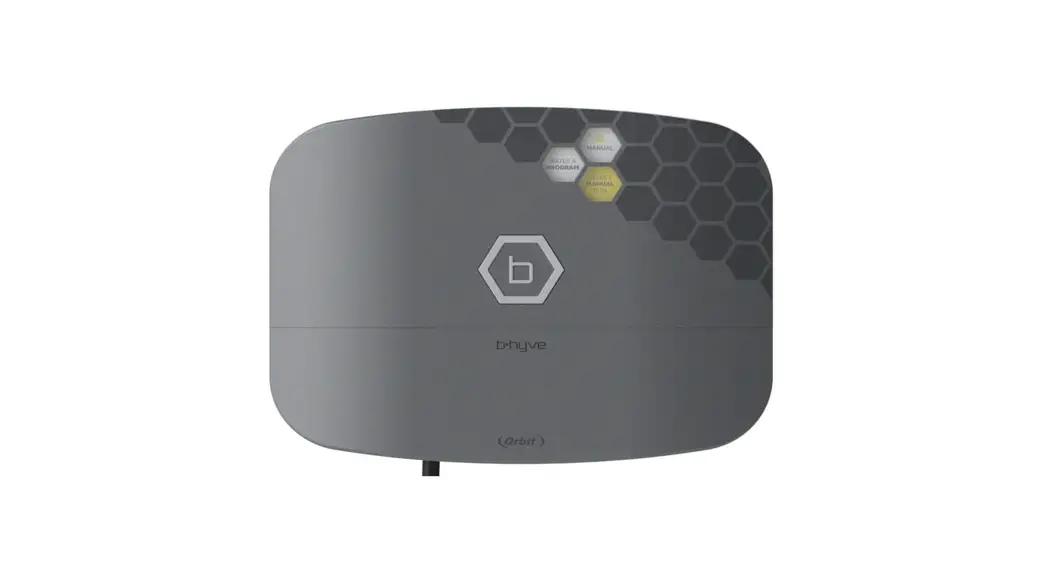

 B-HYVE XR
SMART INDOOR/OUTDOOR
SPRINKLER TIMER
User’s Guide
CONTENTS IN THE BOX
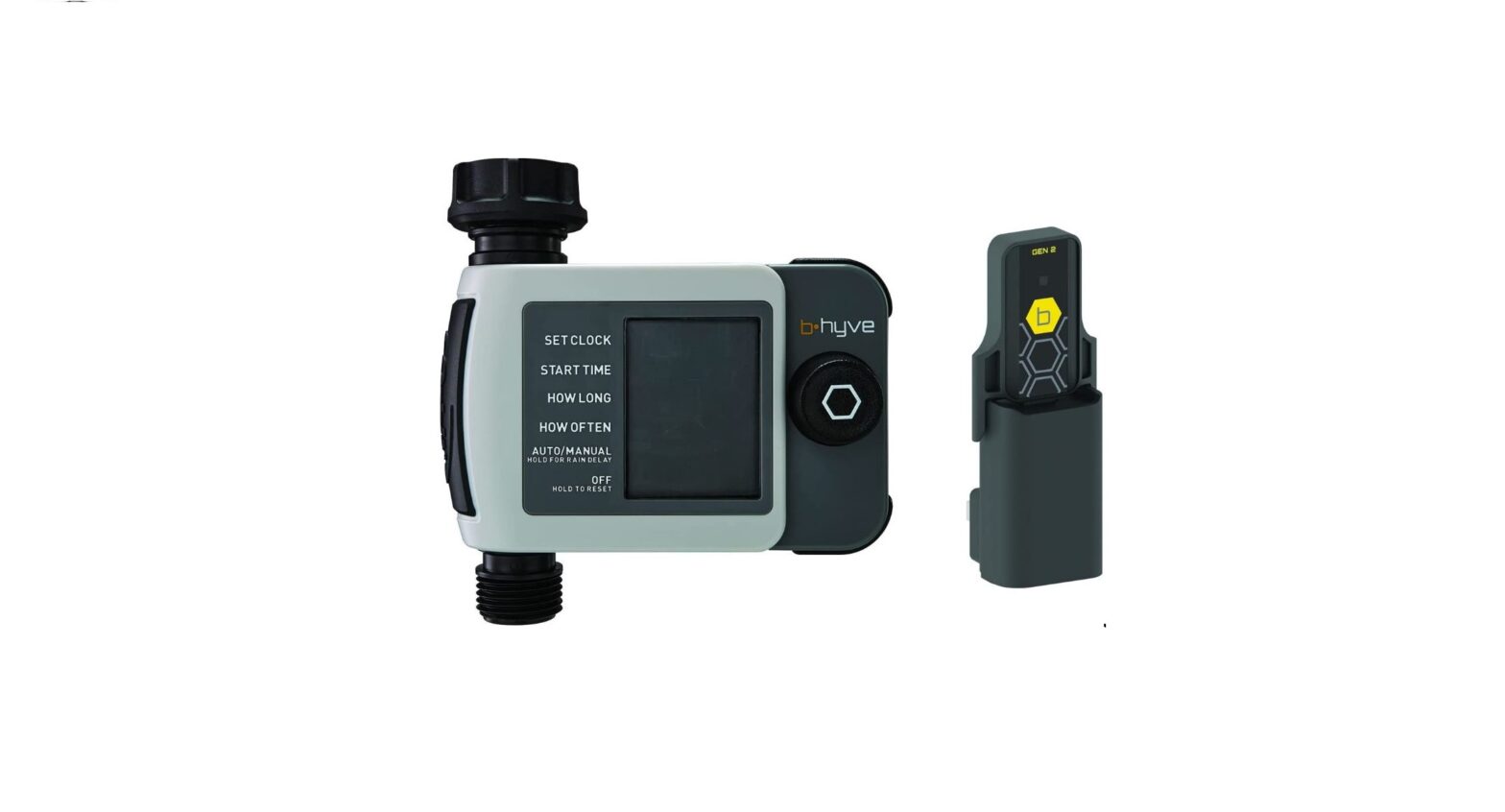
| B-hyve XR Smart Sprinkler Timer |  |
| Mounting Screws and Anchors | |
| Quick Start Guide | |
TIMER INSTALLATION
Select a location
Choose a location near power and away from direct sunlight, if possible. This location should also have a good Wi-Fi signal. You can check this using a smartphone. (Find a location that has a minimum of two bars)
 | indoor or outdoor |
 | minimum signal |
 Note: If replacing a timer, it is helpful to take a photo of the wires before you remove them from the old timer.
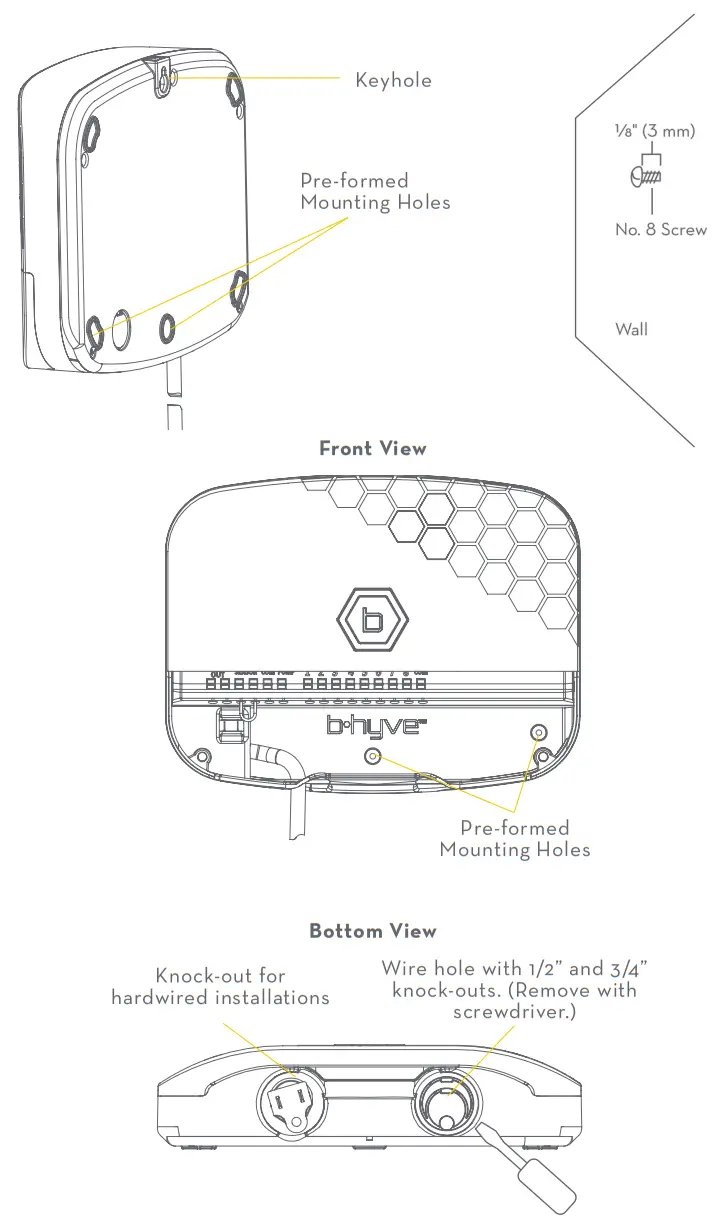
Mount the timer
Install a screw (included) into the wall. Use the expanding anchors (included) for plaster, masonry, or drywall installations. Hang the timer on the installed screw using the keyhole slot. Level the timer and drive the second screw through one of the performed mounting holes to secure the timer.
CONNECT VALVE WIRES
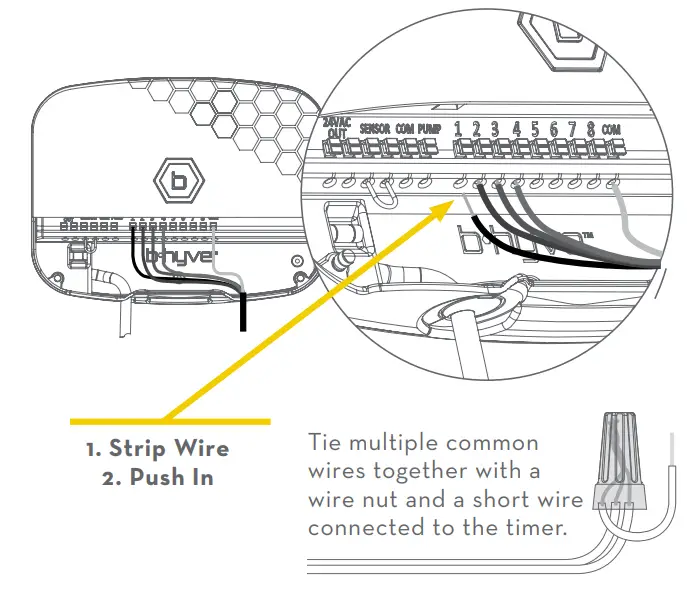
Prepare wire
Strip 1/2” (13 mm) of insulation from each wire.
Connect wires
Push in one wire from each valve to a “Common” (COM) wire and the other wires to a numbered terminal (only one wire per terminal).
Note: We recommend you consult an electrician for hardwired installations.
CONNECTING TO WI-FI
Plug in your Orbit® B-hyve® timer
Once your B-have timer is plugged into the power source, it will automatically look to pair with your smart device. They  will begin to blink blue. This indicates that your timer is ready to pair with your smart device. Ensure that your smart device has Bluetooth® turned on.
Connect to your Orbit® B-hyve® timer
Open your B-have app, create an account or log in, and follow the step-by-step process to add and set up your device. The B-have app will connect to your device and you will, then, be guided to connect to your home Wi-Fi network.
Connect to your Wi-Fi network
Select your network from the list and enter the password for the network to connect your timer to your Wi-Fi signal. When connected, they will illuminate solid white indicating a successful pairing.
Note: If you do not see your network name in the list, tap the refresh button in the app. If your network name still does not appear, tap “Advanced” in the app and enter your network name and password. The B-have App and the display windows on the timer will assist you through the timer pairing and set-up process.
Note: For optimum timer performance, connect the Wi-Fi to recieve the latest timer updates.
PROGRAMMING AND OPERATION
Programming the timer
The app has help screens and videos to assist you with Wi-Fi connections, programming, smart watering, and other general questions you may have.
Note: Your programmed schedules are stored both in the app and on the timer.
Watering will continue if Wi-Fi connection is lost.
Manual operation
All programming and full functionality of the timer is available in the B-have app. If you have the need, there are some basic operations you can perform directly at your timer.
| FUNCTION | BUTTON PRESS |
| Manual Watering – WATER ALL ZONES | Hold until the display shows MANUAL and flashes WATER ALL ZONES. To WATER ALL ZONES for a default of 10 min. each’, wait without pressing a button until WATER ALL ZONES stops flashing and watering will begin. |
| Manual Watering – WATER A PROGRAM | Hold until the display shows MANUAL and flashes WATER ALL ZONES. Quickly pressed again and WATER A PROGRAM appears. Wait until WATER A PROGRAM stops flashing and press to select the desired program to run. Once the program letter stops flashing, watering will begin. |
| Manual Watering – WATER A ZONE | Hold until the display shows MANUAL and flashes WATER ALL ZONES. Quickly pressed two more times and WATER A ZONE appears. Wait until WATER A ZONE stops flashing and quickly press into select the desired zone to run. When the zone stops flashing the run time will begin to flash. Quickly press to set the desired run time. Once RUN TIME stops flashing, watering will begin. |
| Skip Zone | Quickly press into skip the currently running zone. |
| Cancel All Watering | Hold ® between 2-5 sec. |
| Rain Delay | Set in the app; blinks yellow and the display shows DELAY. |
| Digital Lock-Out | Enable/disable in-app. |
| Lights Off Mode | Enable/disable in-app. |
| On/Off | Hold for to seconds. |
| Hard Reset | Quickly press times. |
*Default watering time for “WATER ALL ZONES” can be customized in the B-have App settings.
THE B-HYVE APP
Install the B-hyve® app on your smart device
You will need a smart device to connect the timer to Wi-Fi.
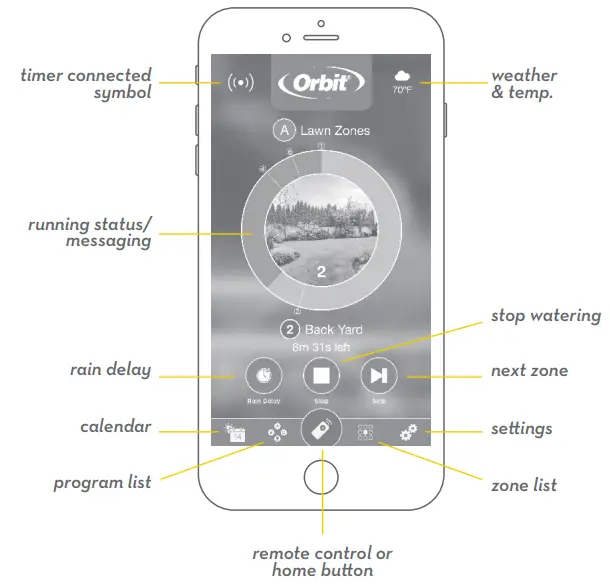
Note: The app will guide you through the initial setup of your sprinkler timer. In addition, there are help icons throughout the app with more information and useful tips.
FCC & IC Statement
This device complies with Part 15 of the FCC Rules and Industry Canada license-exempt RSS standards. Operation is subject to the following two conditions: (1) This device may not cause harmful interference, and (2) this device must accept any interference received, including interference that may cause undesired operation. FCC Warning: Any changes or modifications not expressly approved by the party responsible for compliance could void the user’s authority to operate this equipment.
Note: This equipment has been tested and found to comply with the limits for a Class B digital device, pursuant to Part 15 of the FCC Rules. These limits are designed to provide reasonable protection against harmful interference in a residential installation. This equipment generates, uses, and can radiate radio frequency energy and, if not installed and used in accordance with the instructions, may cause harmful interference to radio communications. However, there is no guarantee that interference will not occur in a particular installation. If this equipment does cause harmful interference to radio or television
reception, which can be determined by turning the equipment off and on, the user is encouraged to try to correct the interference by one of the following measures:
- Reorient or relocate the receiving antenna.
- Increase the separation between the equipment and the receiver.
- Connect the equipment to an outlet on a circuit different from that to which the receiver is connected.
- Consult the dealer or an experienced radio/TV technician for help This device meets the FCC and IC requirements for RF exposure in public or controlled environments. The end user is advised to maintain a distance of 20 cm from the controller and any personnel to ensure compliance with RF exposure regulations.
This Class B digital apparatus complies with Canadian ICES-003
SPECIFICATIONS
Rated input:
Australia—240V AC 50/60Hz 0.15A
Europe—230VAC 50/60Hz 0.15A
USA—120V AC 60Hz 0.2A
Max load:
AUS & EU—24V AC 1 Amp 50/60 Cycle
USA—24VAC 1 Amp 60Hz
Temperature Operating Range:
Operating: 32–158° F (0–70° C)
Storage & transport: -4–176° F (-20–80° C)
Humidity Operating Range:
Operating: 0–80% | Storage & transport: 0–90%
Altitude:
6,500′ (2,000 meters)
IP65 Rating
Installation Class II
Over Voltage Category II
Battery Specifications:
Timer includes a non-replaceable CR2032 Lithium battery.
This timer works with any standard 24V irrigation solenoid.
The internal fuse is non-replaceable.
Need Help?
If the app and the website don’t have what you’re looking for, please go to our website before returning this sprinkler timer to the store.
or visit us at: mybhyve.com
 call us 1-801-299-5555
 email us [email protected]
 text us 801-905-8260
 Smart Watering, Sprinkler & Drip Systems | Orbit Irrigation – OrbitOnline