Simple set up using the CYNC App
Cync App
 | STEP 1 Screw in and power on your Cync reveal® smart lights. |
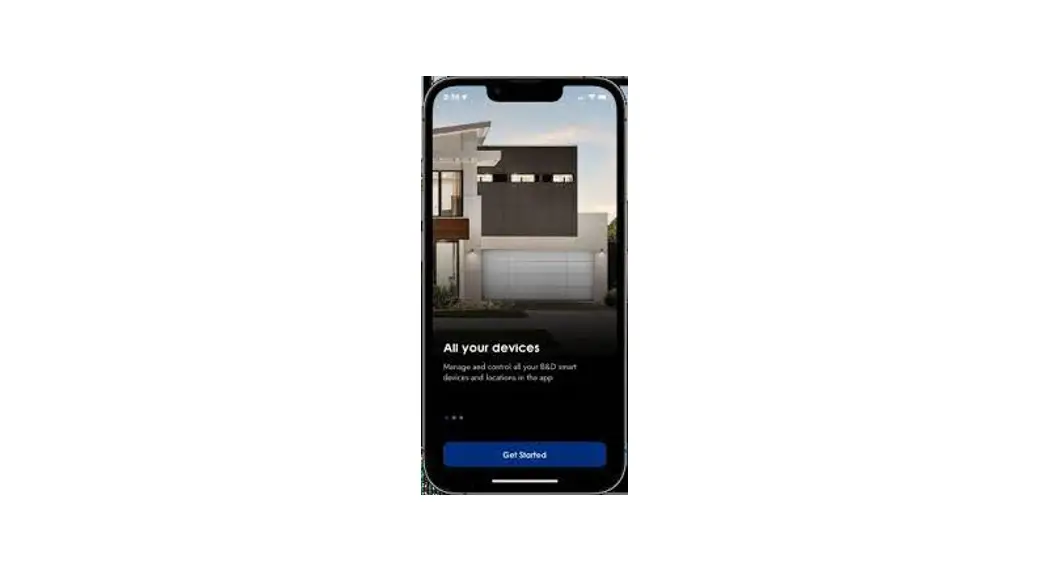
 | STEP 2 Download the Cync App, powered by Savant, on your smartphone. |
 | STEP 3 Add your devices to the Cync App. |
 | STEP 4 (OPTIONAL) Easily connect your smart lights to your Amazon Alexa- or Hey Google-enabled device in the Cync App. |
Fill your room with the pure, clean light of reveal® using the CYNC App
 | STEP 1 Complete setup on the opposite side of the card. |
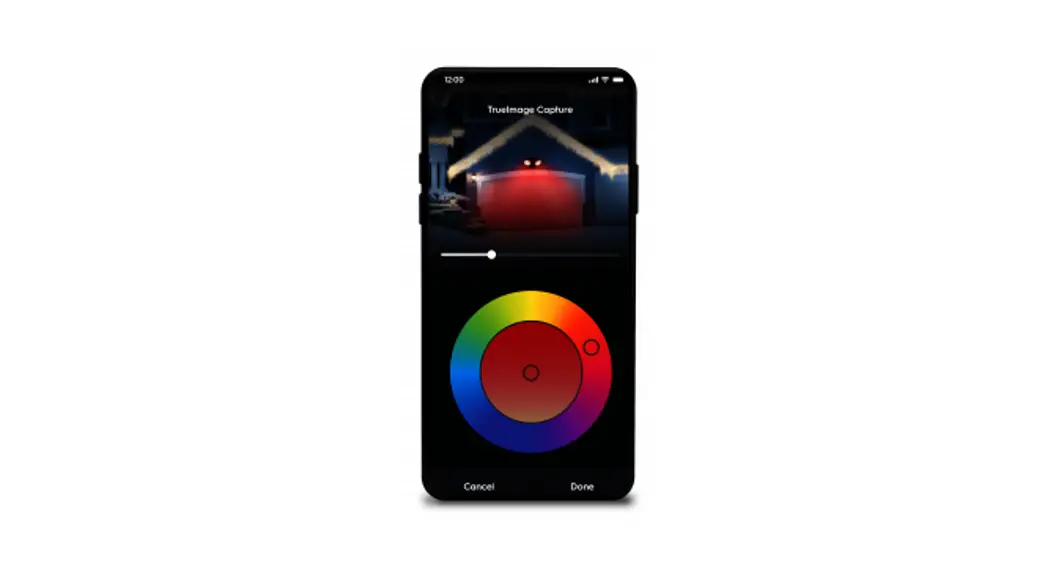
 | STEP 2 Find the Room, Group or individual reveal® light and navigate to the color control menu. |
 | STEP 3 Click on the reveal® icon  to enable reveal®. to enable reveal®. |
For set up help,
visit cyncsupportgelighting.com
or call 1-844-302-2943 GE and C by GE ore trademarks of General Electric Company.
Used under trademark license. Amazon. Alexa, and dl related logos are trademarks of Amozon.com„ Inc.
or its affiliates. Grape and other related marks and logos are trademarks of Google LLC.