 Remote App
User Guide Turn Your Phone Into A Smart Remote
  USB Type-C
 Rechargeable
FCC Warning
§ 15.21 Information to user.
Any Changes or modifications not expressly approved by the party responsible for compliance could void the user’s authority to operate the equipment.
§ 15.105 Information to the user.
Note: This equipment has been tested and found to comply with the limits for a Class B digital device, pursuant to part 15 of the FCC Rules.
These limits are designed to provide reasonable protection against harmful interference in a residential installation. This equipment generates uses and can radiate radio frequency energy and, if not installed and used in accordance with the instructions, may cause interference to radio communications. However, there is no guarantee that interference will not occur in a particular installation. If this equipment does cause harmful interference to radio or television reception, which can be determined by turning the equipment off and on, the user is encouraged to try to correct the interference by one or more of the following measures:
- Reorient or relocate the receiving antenna.
- Increase the separation between the equipment and receiver.
- Connect the equipment into an outlet on a circuit different from that to which the receiver is connected.
- Consult the dealer or an experienced radio/TV technician for help.
15. RF exposure statement * RF warning for Portable device: The device has been evaluated to meet general RF exposure requirement. The device can be used in portable exposure conditions without restriction
16. label statement § 15.19 Labelling requirements. This device complies with part 15 of the FCC Rules. Operation is subject to the following two conditions:
- This device may not cause harmful interference, and
- this device must accept any interference received, including interference that may cause undesired operation.
Activate PUCK
Press and hold the  symbol for 2 seconds until the indicator LED flashed green briefly. PUCKpro is powered on.
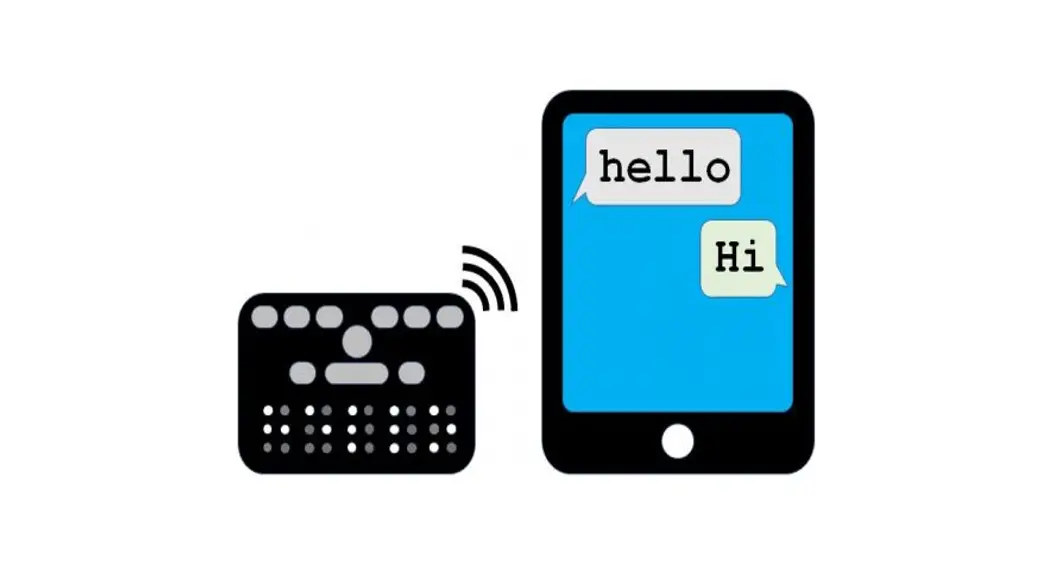
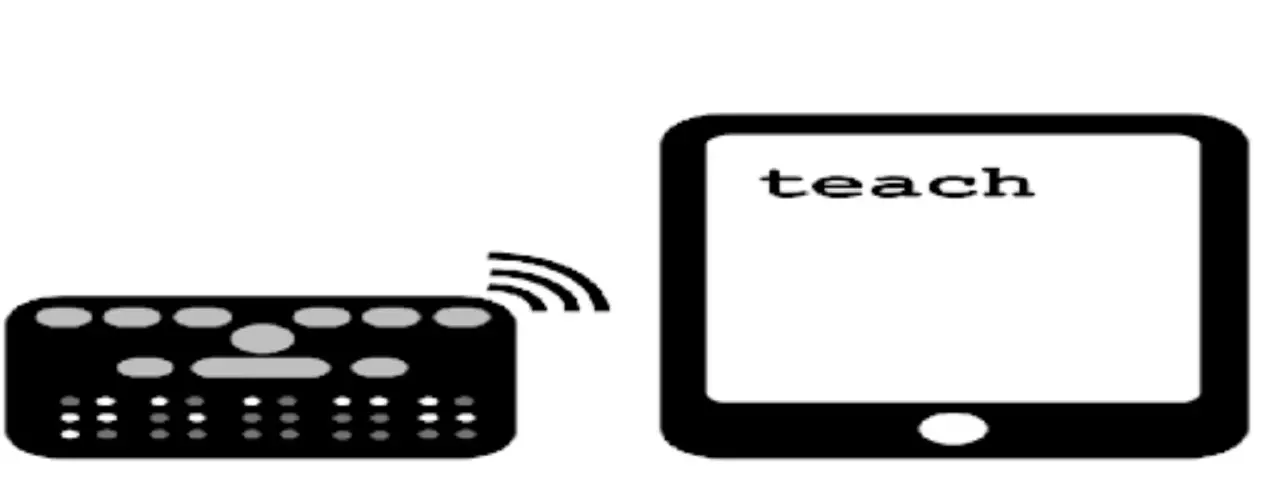
Download PUCK App
Search for the free”PUCK Remote App” in the App Store or Google Play Store.
For detailed setup instructions, tech specs and more, please scan the QR Code below or visit getpuck.com/help
SCAN HERE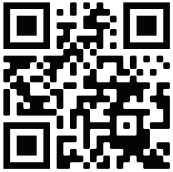 FOR HELP
http://getpuck.com/help
PLEASE LEAVE USA REVIEW!
Trademark Attribution Statement
USB Type-C. is a registered trademark of USB Implementors Forum
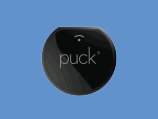 | Step 1: Get PUCKpro |
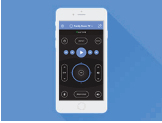 | Step 2: Download PUCK Remote App |
 | Step 3: Toss remotes |
getpuck.com
By SmashToast, Inc.
Designed in the USA
Manufactured in South Korea
FCC ID: TX4RD15A
FCC ID:TX4RD58A