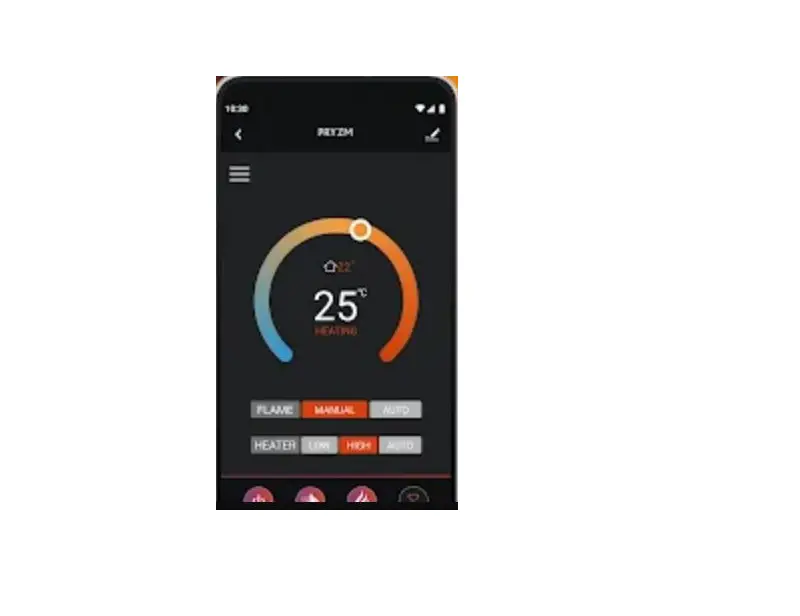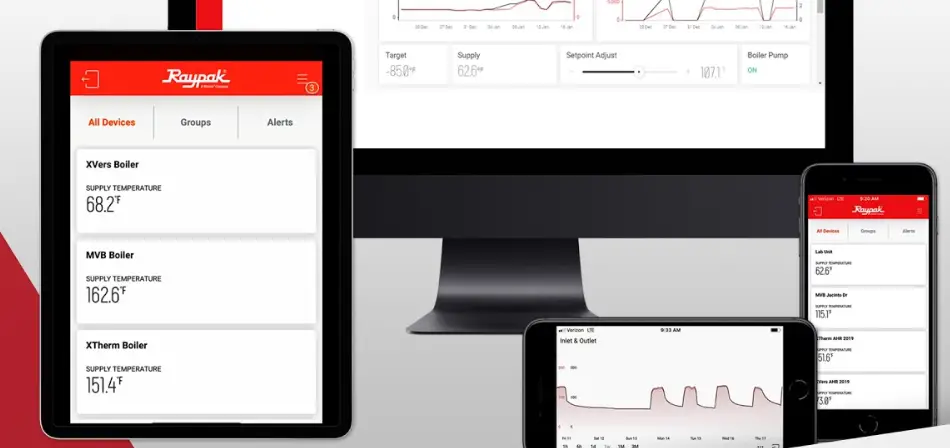

Apps Raymote App
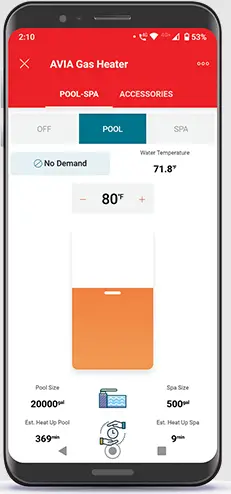
QUICK START GUIDE
- Sign-Up with the Raymote App

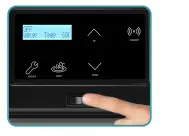
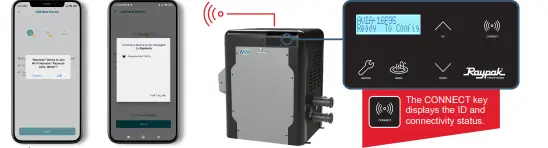
- Turn on the AVIA Heater

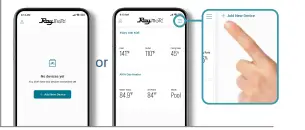
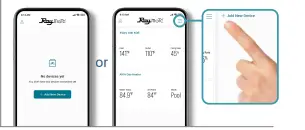
- On your phone,
- Stand close to the AVIA heater to connect to the Raymote app

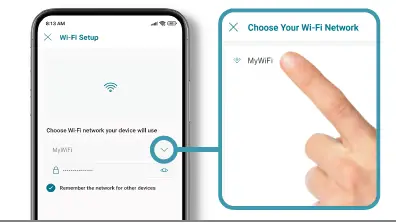
- Select your Wi-Fi network

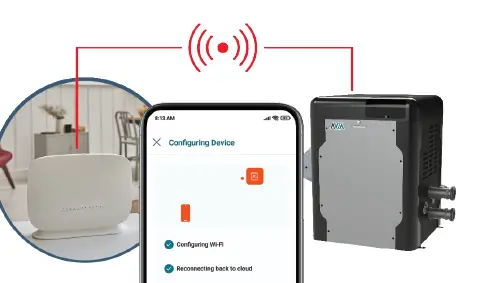
- The AVIA is connecting

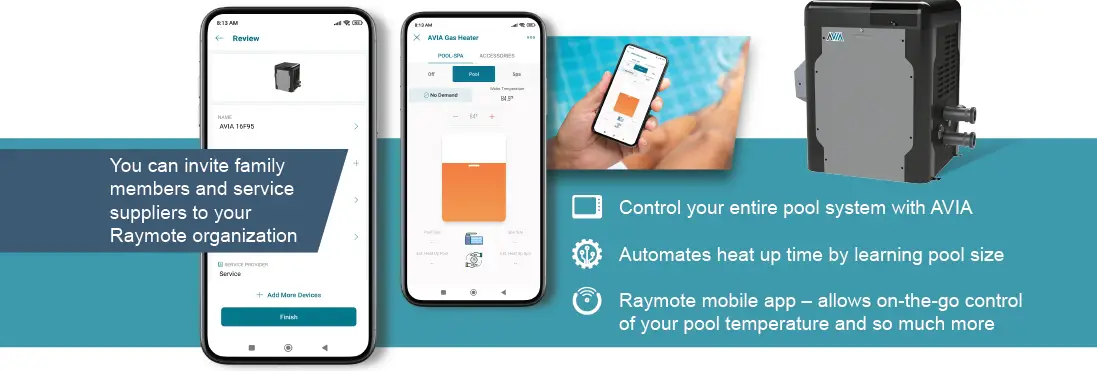
- Name your heater to complete the setup and enjoy Raymote control

 Raypak Pool & Spa, Residential and Commercial Hydronic Products –Raypak –Â