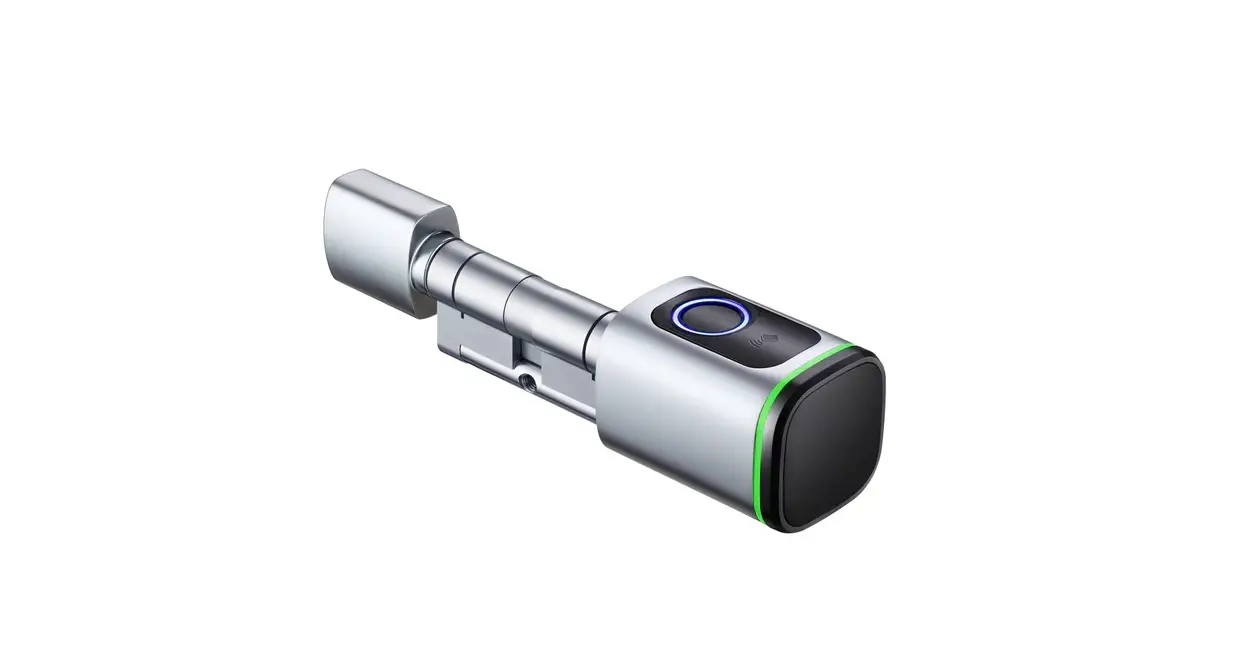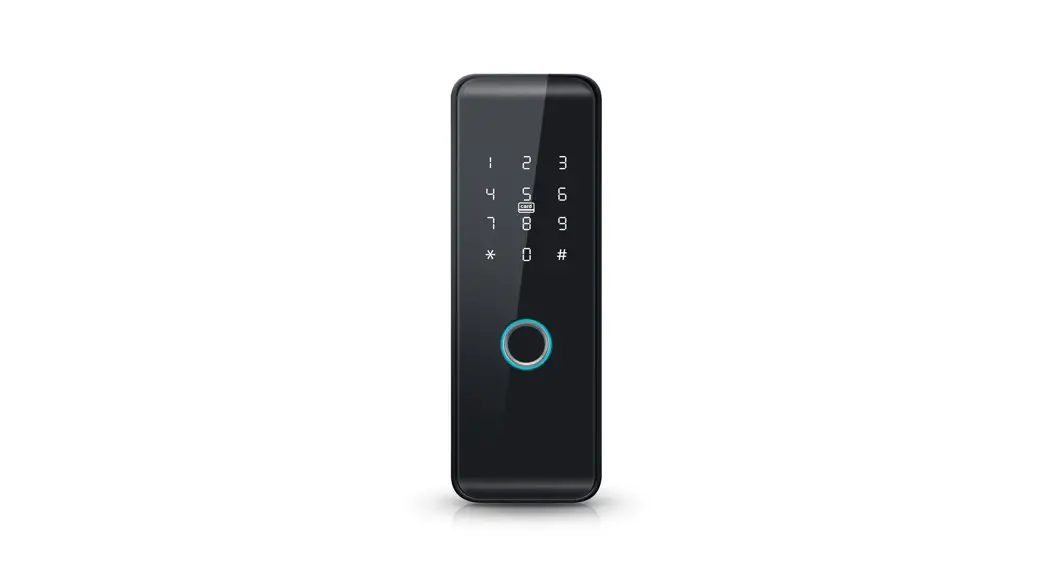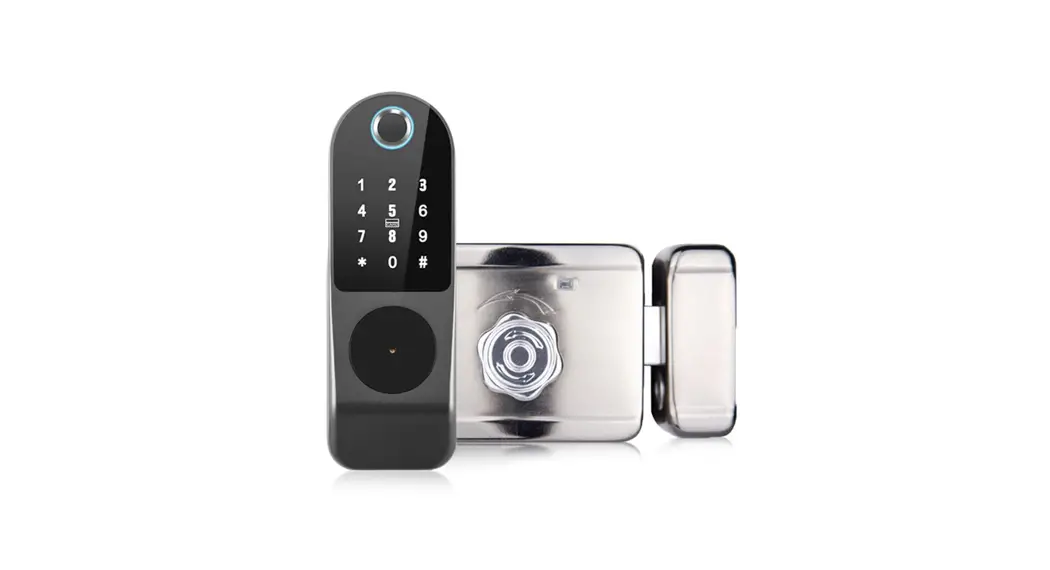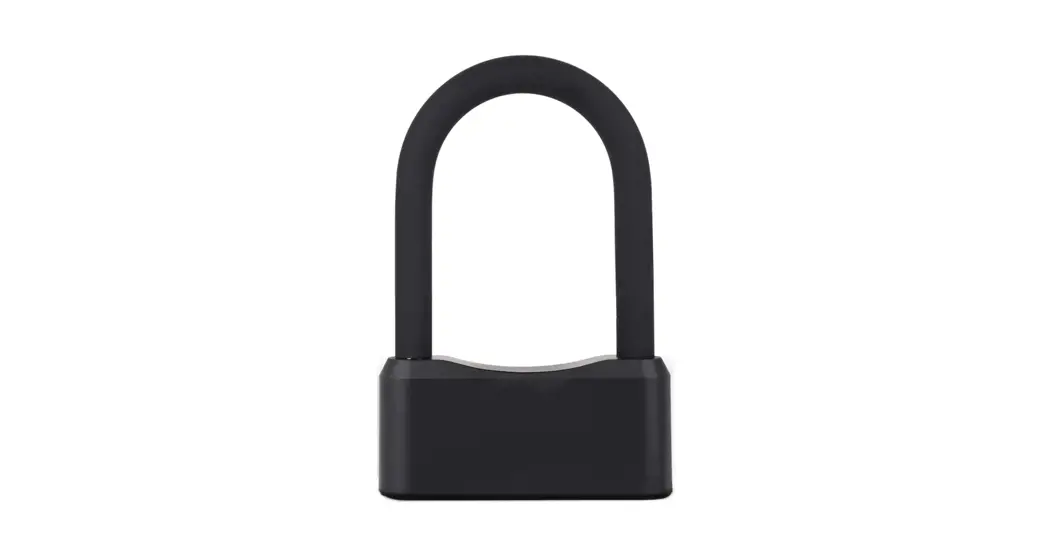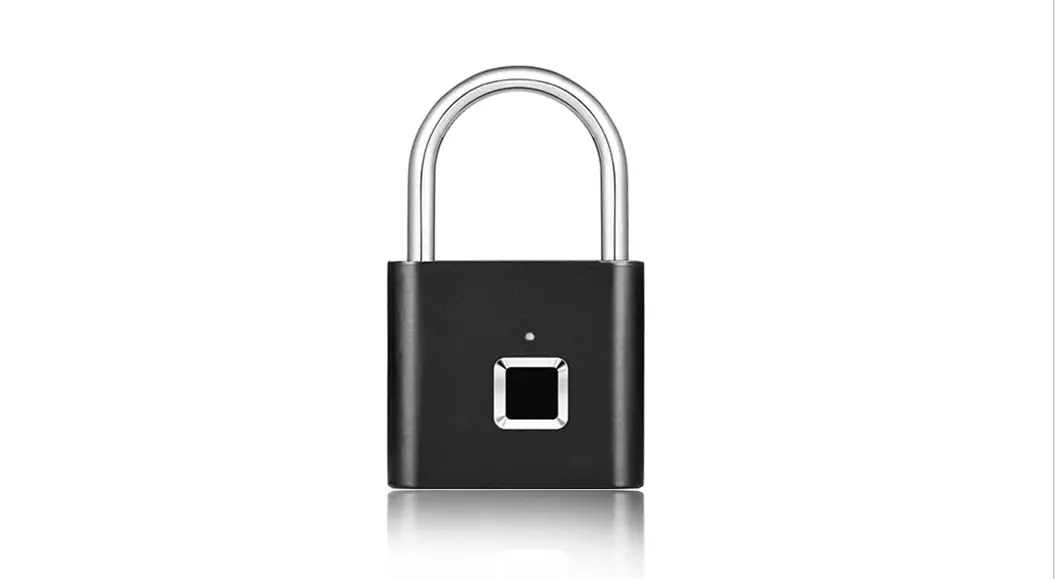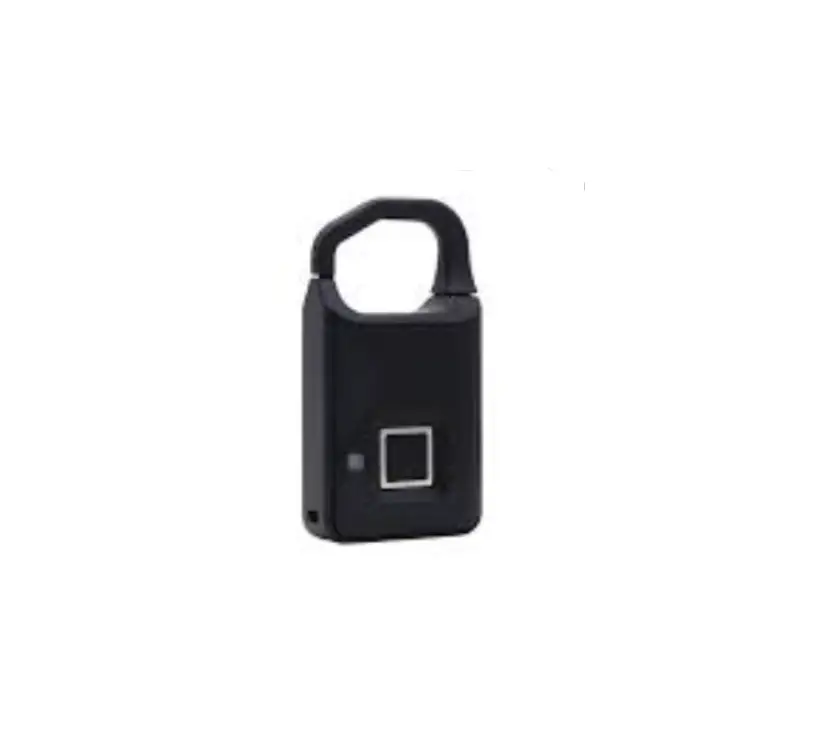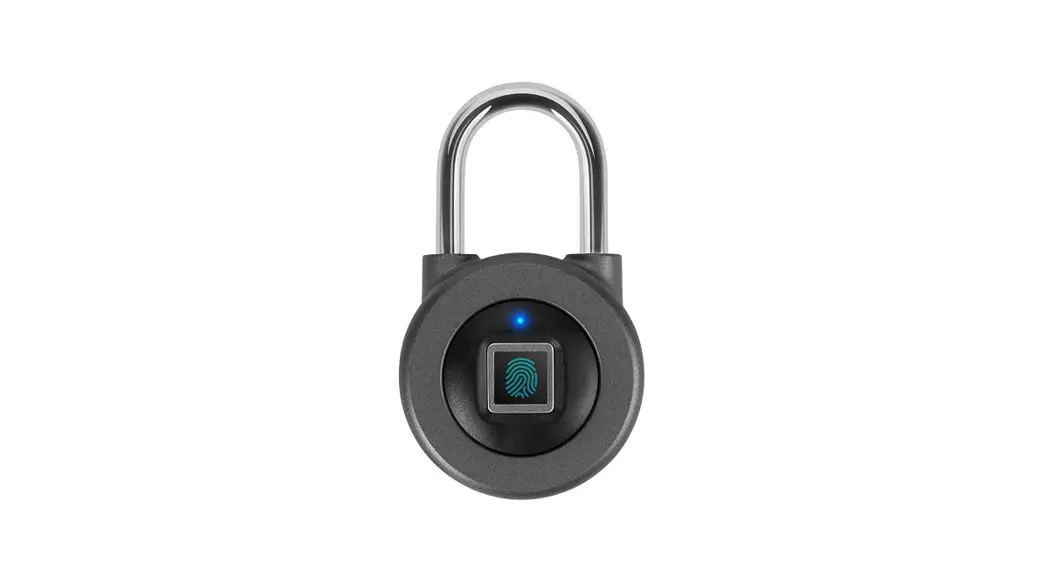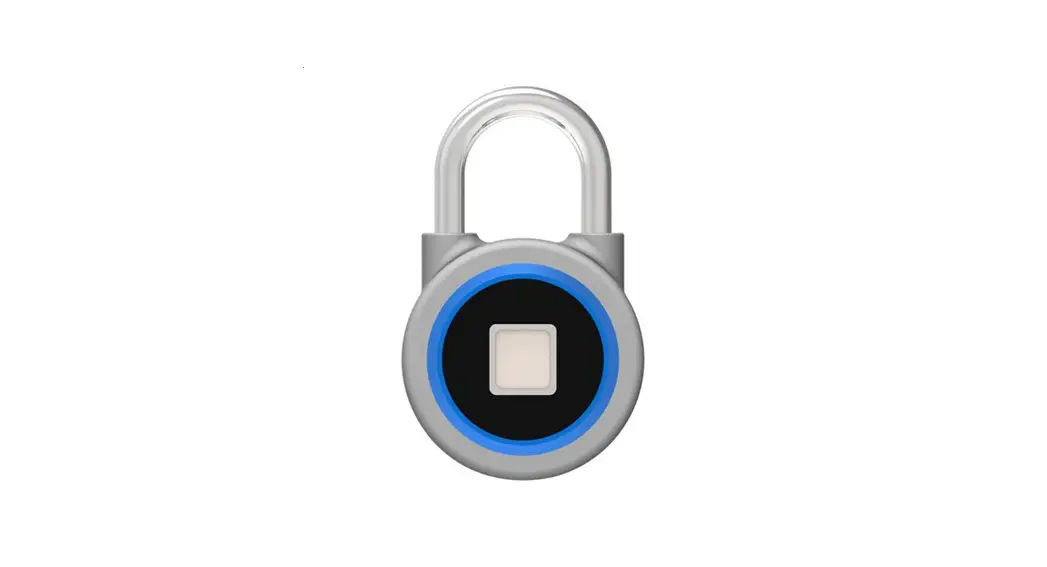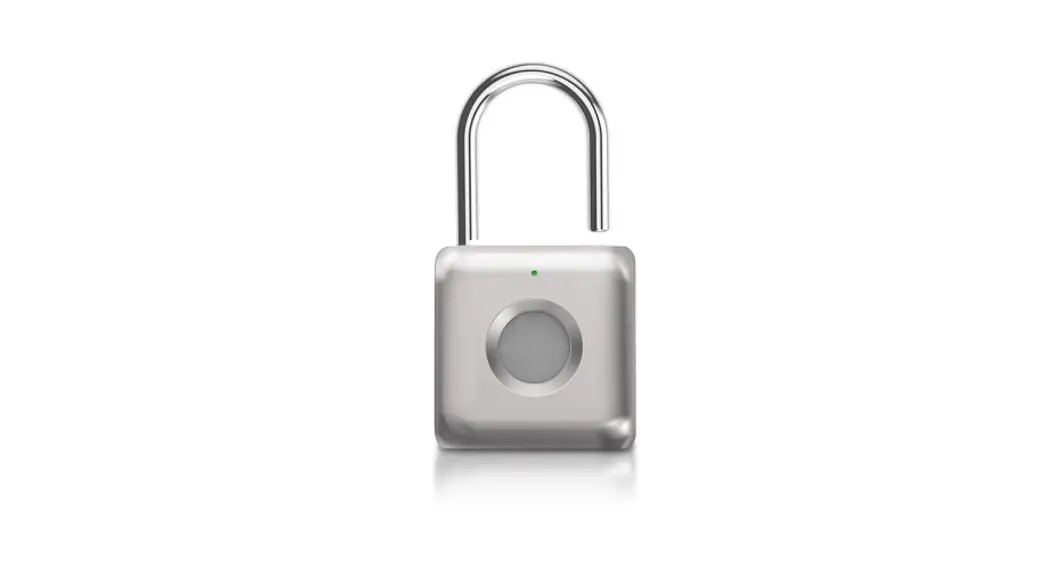

tuya L3 Bluetooth Fingerprint Padlock
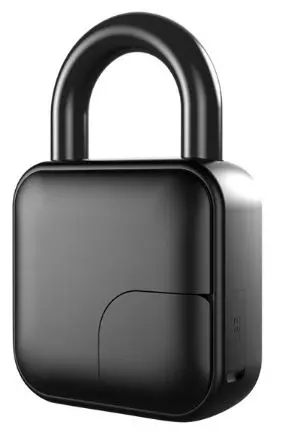
Bluetooth Fingerprint padlock
Introduction
Recharging with USB
(Please recharge it before using)
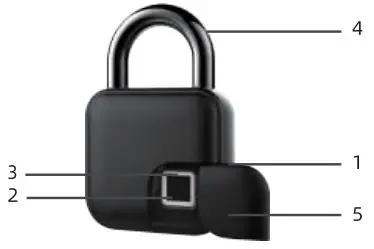
Button or parts
- USB Port
- Fingerprint Sensor
- LED Light
- Shackle
- Dust Cover
Indicator
There are 3 different color indicators, different color, different working conditions, more details as the following9
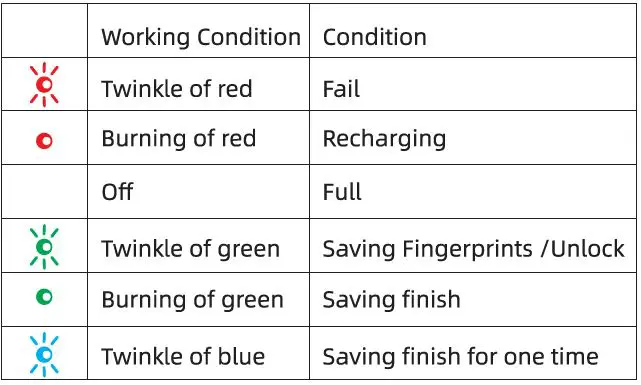
Notice:
The red indicator will twinkle for 5s in low-power if you touch the fingerprint reader.
Operation
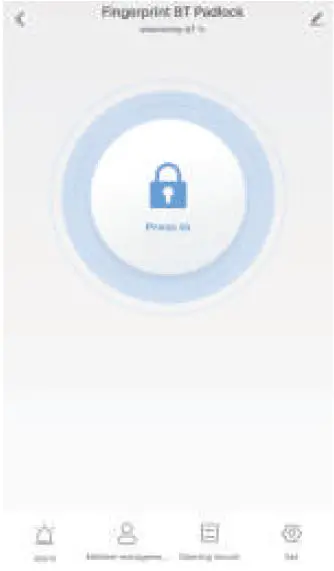
APP supports ioS&Android. The connection is Bluetooth between smartphone and fingerprint lock.The user can unlock,add more fingerprints,delete,rename or read the history of lock in APP.
Download App
Scan QR to download it.
Match
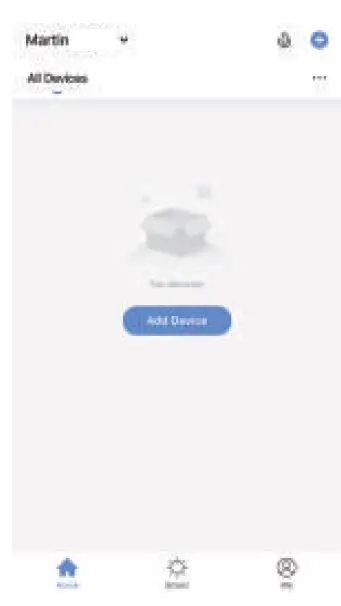
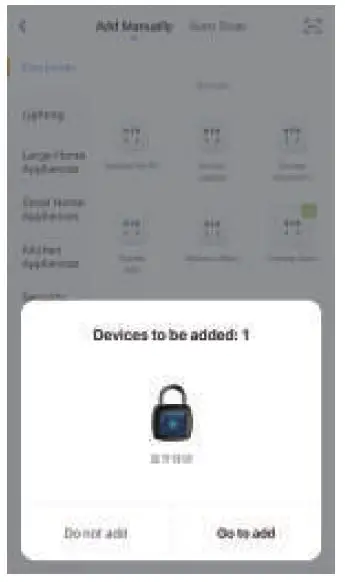
- Open the APP and click the following

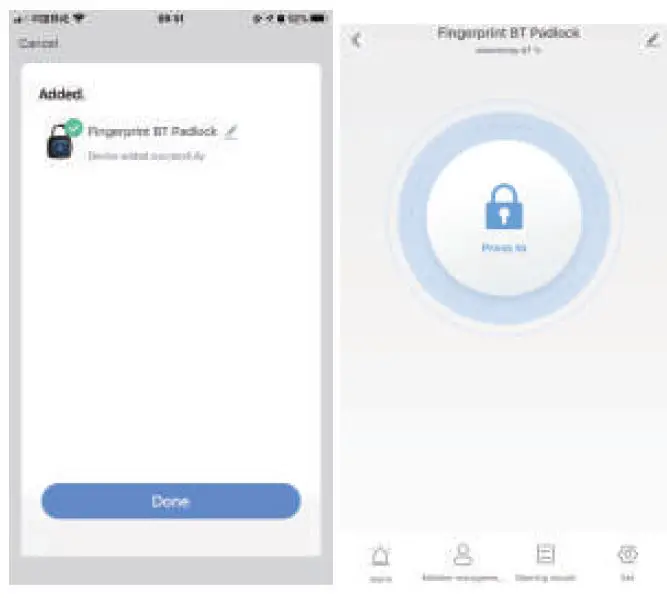
- Press the fingerprint reader to call back the device.Press the button,Add new device.

- Choose
 4. ICONS
 4. ICONS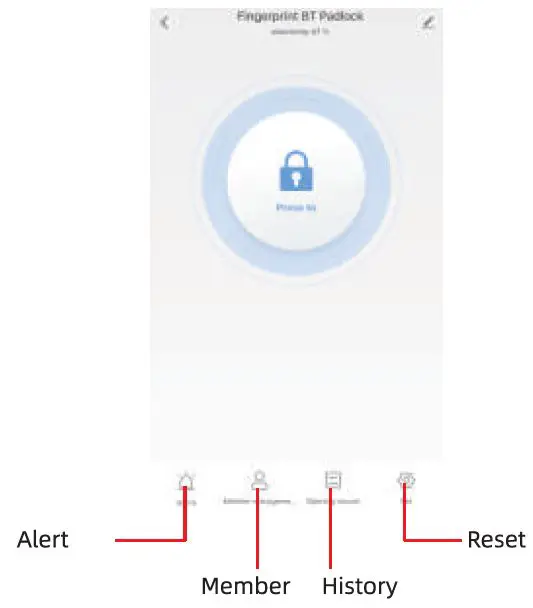
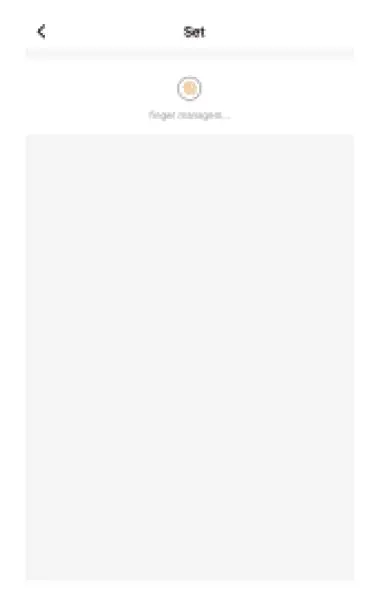
Fingerprint reader
- Press the button,reset

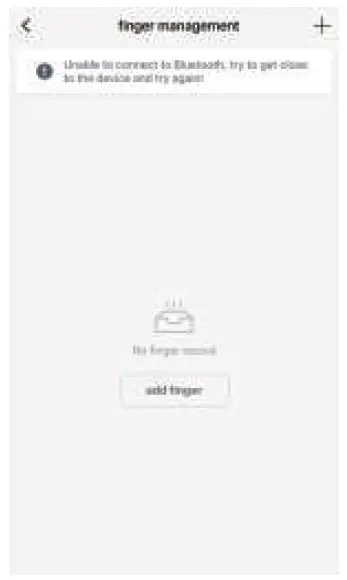
- Press the button,Add

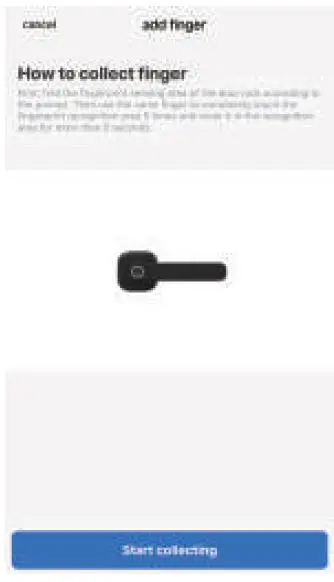
- Press the regester.choose the retested ones

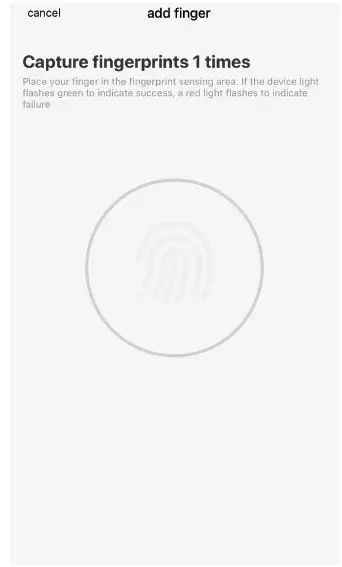
- Start to read fingerprints,Fives for one finger

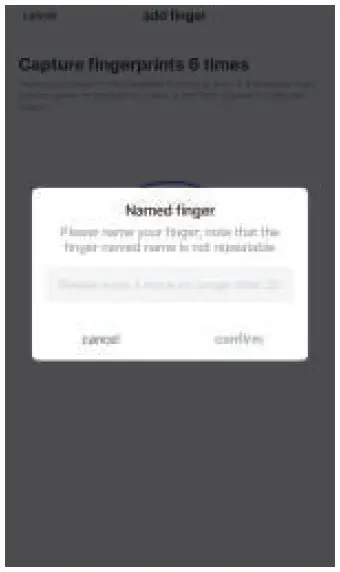
- Name the fingers and save it.

Delete
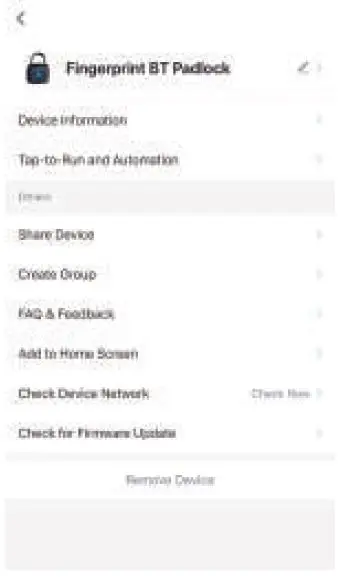
- Press the upright corner

- Choose” Detele device”

- Choose” Release the connection”
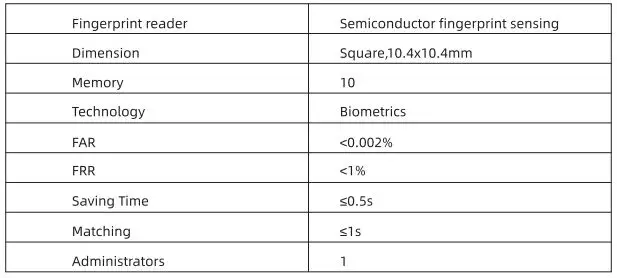
Specifications