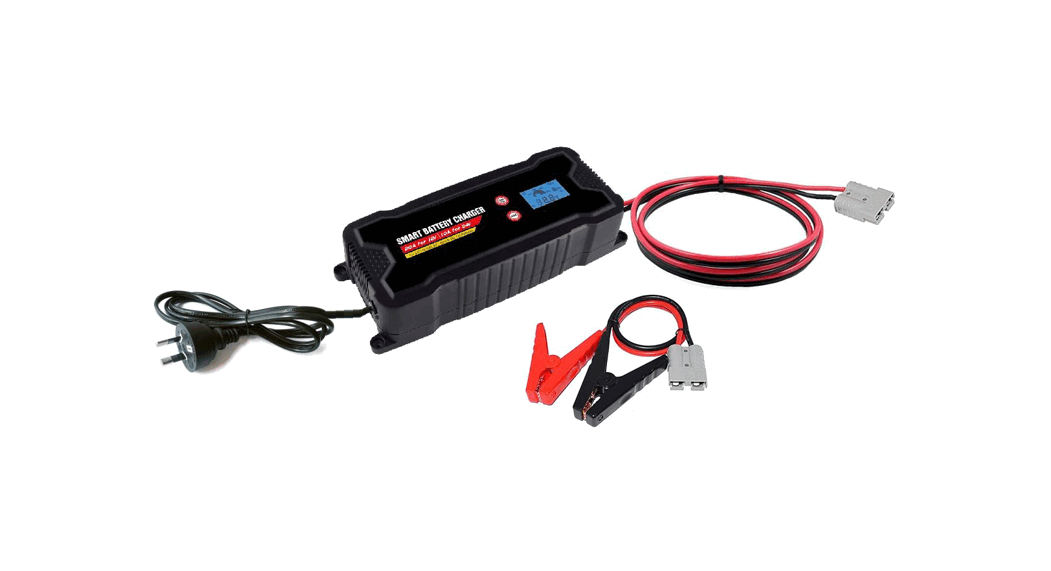

BCSMART20 8-Stage Automatic Battery
Charger Instruction Manual
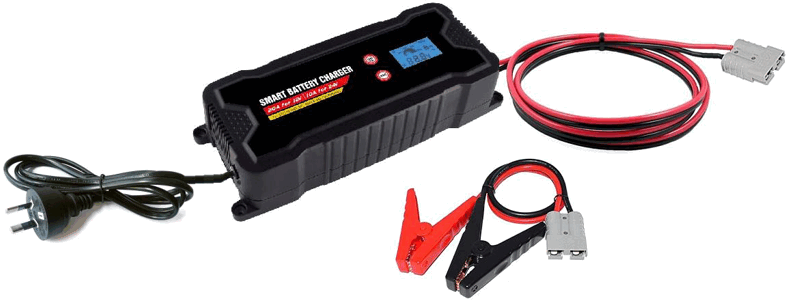
 WARNING
Risk of chemical burns!
- Batteries contain acid, which could damage the eyes and skin.
Charging batteries further generate gasses and vapors hazardous to the health. - Avoid any contact with caustic battery acid, immediately thoroughly flush skin and any objects which have come into contact with acid. If eyes have come into contact with battery acid flush eyes with running water for at least 5 minutes. Contact your physician.
- Use safely googles and acid-proof safety gloves. Protective clothing, e.g. with an apron.
- Never tip the battery, as the acid may leak.
- Always ensure adequate ventilation.
- Do not inhale emerging gasses and vapors.
 Explosion and fire hazard!
- Gaseous hydrogen (detonating gas) may form when charging the battery. Contact with open fire (flame, embers, sparks) may result in explosions.
- Never charge the battery close to an open fire or in places where sparks may occur.
- Always ensure sufficient ventilation.
- Be sure the power supply voltage matches the input voltage specified on the device (220-240V AC) to prevent damage to the device.
- Only connect and disconnect the battery connecting cables when the charger is disconnected from the mains.
- Do not cover the device while charging, as it may be damaged from extreme heating. Immediately stop using the device if you notice smoke or an unusual odor.
- Do not use the device in rooms where explosive or flammable substances are stored (e.g. petrol or solvents).
 Risk of Electrical Shock!
- Charges may interfere with the operation of active electronic implants, e.g. pacemakers
- Avoid pouring or dripping water or other liquids over it. If water penetrates electrical devices, the risk of electric shock increases.
- Ensure that all plugs and cables are free of moisture. Never connect the device to the mains with wet or moist hands.
- Never touch both connections at once when the device is in use.
- Unplug from mains before connecting or disconnecting the charging cable with the battery, or when the device is no longer being used.
- Remove all the device cables from the battery before attempting to drive your vehicle.
- Always unplug the device with the plug. The cable may be damaged.
- Do not use the device if damaged. Damage to the power cable, the device, or the charging cable increases the risk of electrical shock.
- Do not attempt to disassemble or repair the device. Immediately have a defective device or damaged power cable repaired or replaced by a specialty shop.
- Risk of short circuits! Do not allow the two connectors from the charging cable to touch if the power plug is plugged into the power outlet. Be sure not to connect the connectors or the battery poles through conductive objects (e.g. tools).
- Never use the cable to carry or pull the device.
 Risk of Injury!
- Never attempt to charge non-rechargeable, damaged, or frozen batteries.
- Do not use this device to charge dry cell batteries. These could burst, resulting in personal injury and property damage.
- Please read and follow the operating manual and all safety instructions for the batteries to be charged and the vehicle before using this device.
Risk of damage!
Never place the device over or near the battery to be charged. Gasses from the battery could damage the unit. Place the device as far from the battery as the connecting cable will allow.
Never operate the device if it has been dropped or damaged in any other way. For inspection and repair, take it to a qualified electrician.
Safety Functions
The charger features the following safety features to prevent damage to the charger and the battery or the vehicle:
- Short circuit protection
- Reversed polarity protection
- Overheating Protection
- Excess current
- Overcharge protection
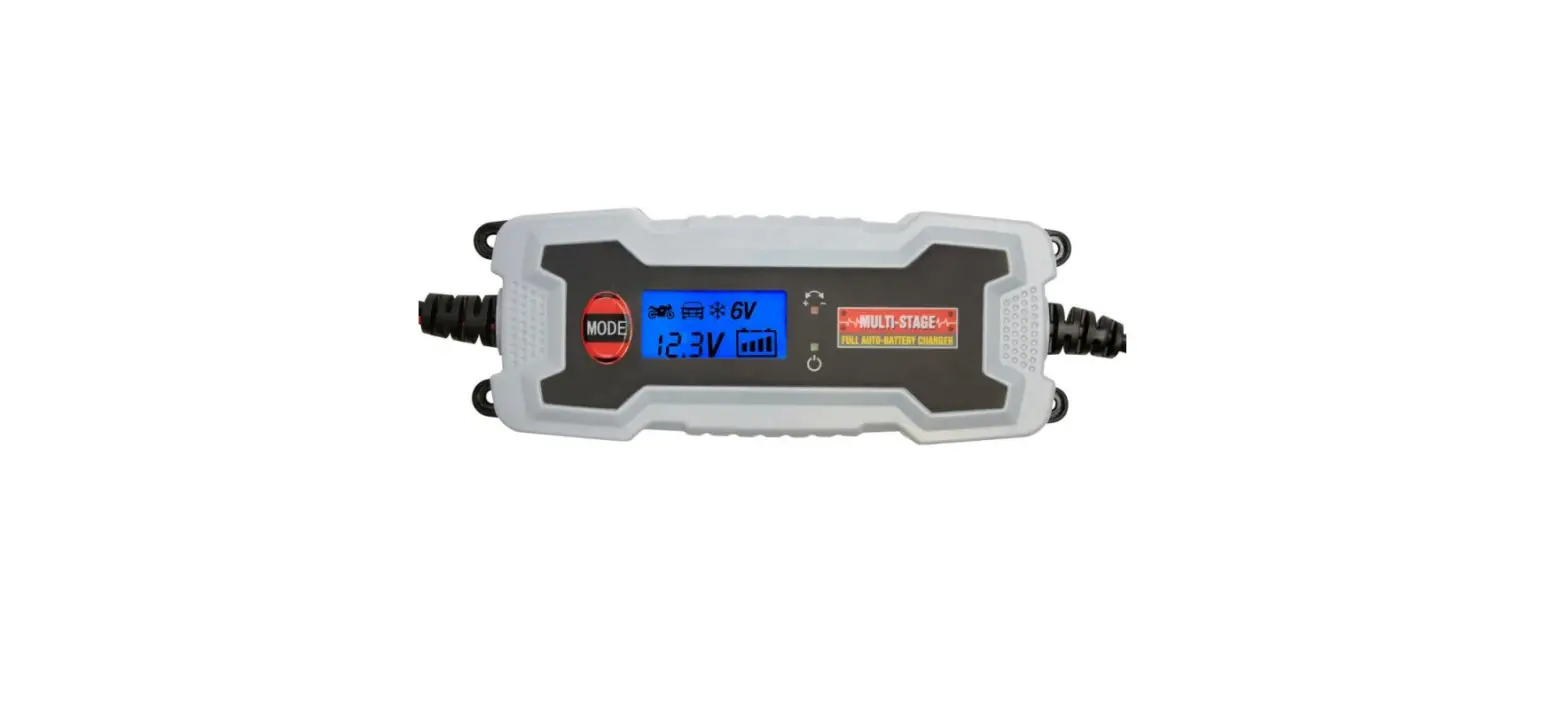
LCD Display
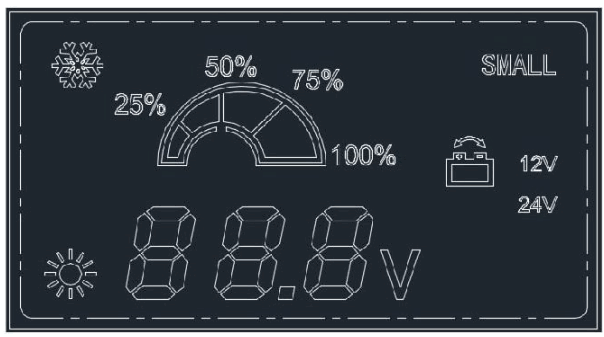
| SELECT | LCD Display | Status |
 MODE1 MODE1 |  | Charging at Normal temperature |
| MODE2 |  | Charging in Low temperature |
| MODES |  | Charging in Silent mode |
| MODE4 |  | Charging in Low temperature and Silent mode |
Operation
Before use
- Before connecting the charger, the operating instructions must be observed. Furthermore, the instructions of the vehicle manufacturer regarding a permanently connected car battery must be observed. Secure the car, switch off the ignition. Clean the battery poles. Take care that while doing so, your eyes do not come into contact with the dirt.
- Ensure sufficient ventilation.
Connecting
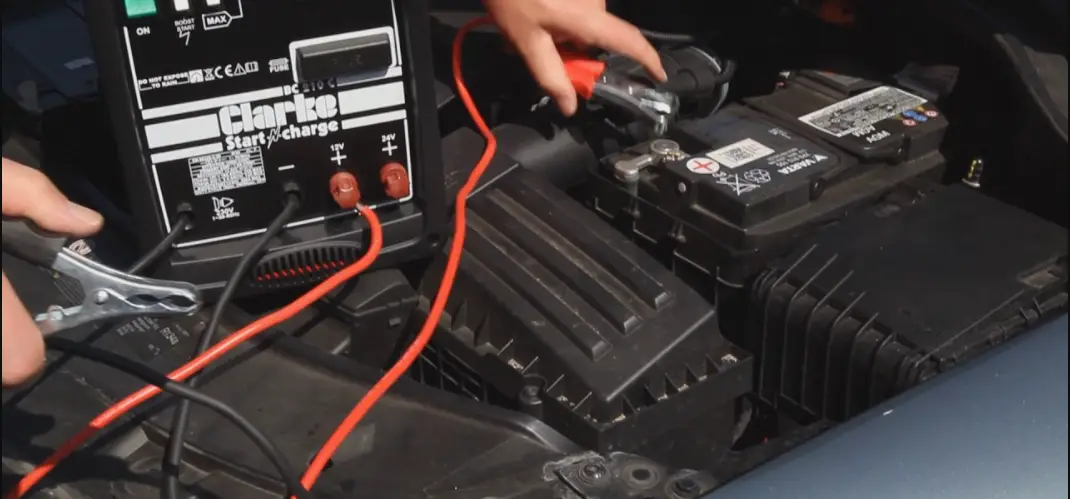
- Connect the “+” pole clamp (red) of the charger to the “+” pole of the battery.
- Connect the “-” pole clamp (black) of the charger to the “-” pole of the battery.
- Connect the main cable with AC 230V VDE plug of the charger to the main socket.
Before starting charging, please press the button to select the model you want.
Then press the button  . The charger to start to work.
If you want to stop charging, please press the Button .
The battery voltage display shows the current battery voltage after connecting.
If the connecting is “Reverse” or “Short Circuit”, “Err” will be displayed on the screen.
The charger can automatically recognize and choose 12V or 24V after connecting.
LCD display can automatically show the percent of voltage.
Disconnecting
Disconnect the appliance from the main supply.
Remove the “-” pole clamp (black) from the “-” pole of the battery
Remove the “+” pole clamp (red) from the “+” pole of the battery.
Specifications:
| Charging type | 8-Stage Automatic |
| Input voltage | 220-240V AC/50Hz |
| Input power | 350W |
| Output voltage | 12V DC and 24V DC |
| Max output current | Max 20A for 12V and Max 10A for 24V |
| Minimum Start voltage | 4.2V |
| Back Drain | 0mA |
| Current fuse rating | UL 250V/10A(PCBA) |
| Efficiency | 85% |
| Thermal Protect | .80°C±5°C), the charging currents drops to 2A, and 570°C±5°C recover normal currents |
| Battery types | Lead-Acid, Wet, MF, AGM Calcium, Gel |
| Cooling fan | Automatic temperature controlled |
| Ambient temperature | -20°C to -,40°C |
| Overvoltage protection | Please see details below |
| Battery range | 12V 50-400Ah, 24V 25-200Ah |
| DC charge cable Length | DC cable to Anderson connector 1.5M / Clamp cable with Anderson connector 0.3M |
 Normal (12V Mode) – When the battery voltage is more than 14.3V±0.3V, the charger stops working
 Low temperature (12V Mode) – When the battery voltage is more than 14.7V±0.3V, the charger stops working Normal (24V Mode) – When the battery voltage is more than 28.6V±0.3V, the charger stops working Low temperature (24V Mode) – When the battery voltage more than 29.4V±0.3V, the charger stops working
8-STAGE AUTOMATIC CHARGING
This is a fully automatic battery charger featuring 8 charging stages
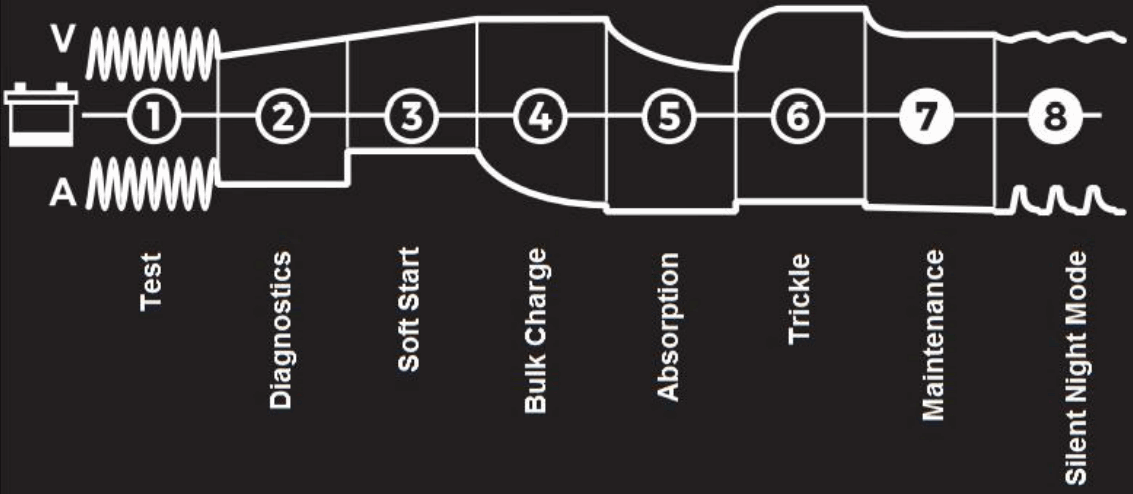
Stage 1 &2 Test and Diagnostics
Checks the battery’s initial condition, including voltage, state-of-charge, and health, to make sure battery connections are good & battery is in a stable condition
Stage 3 Soft Start
Starts the charging process gently to ensure an even flow across each cell before increasing the charging rate
Stage 4 Bulk Charge
Allows the full voltage/current output of the charger required by the battery (depending on the chemistry mode selected)
Stage 5 Absorption
Automatically reduces the current output whilst maintaining the required voltage.
Stage 6 Trickle
The battery is fully charged and ready to use, in this step, the battery charger will only deliver enough current to keep the battery full. If the battery tells the charger that more current is needed, the battery charger will switch to Maintenance.
Stage 7 Maintenance
Continuously monitors the battery to determine when a maintenance charge should be initiated. If the battery voltage falls below its target threshold, the charger will restart the Maintenance cycle until the voltage reaches its optimal state and then discontinues the charge cycle.
Stage 8 Silent Night Mode
The Silent Night Mode is used to provide quiet operation by reducing the charge current to 2A and disabling the internal cooling fan.

For any inquiries, issues,s or comments concerning our products, please send us an email to the address below and we will respond as soon as possible.
Feel free to contact us at 1300 881 773, send us an email at [email protected] or chat with us.
www.elinz.com.au / [email protected] / 1300 881 773